English
 Architect: Land of Exiles features a wide range of progression systems, including gear enhancement, home building, and item crafting. Dungeons and open-world gathering also require a fair amount of repeated playtime. Many players choose to develop multiple characters across different classes to compare their damage output and survivability, but switching accounts and repeating the same gathering or dungeon runs manually can take up a lot of time and effort. Running multiple accounts at once on mobile can also be difficult due to device limitations, while frequently switching between logins may lead to login issues. Using a PC emulator together with a remote-control tool can take care of these repetitive tasks, leaving you more time to focus on story exploration, dungeon challenges, and other content that requires active play.
If you're looking for a stable and convenient streaming tool, OSLink is worth considering. It allows you to remotely control your PC from your phone and can also work with an emulator to run multiple instances. This lets you check the status of several accounts and monitor their AFK progress and rewards from your phone, without having to stay in front of your PC.

1. PC Setup
Installing the Tools and Downloading the Game
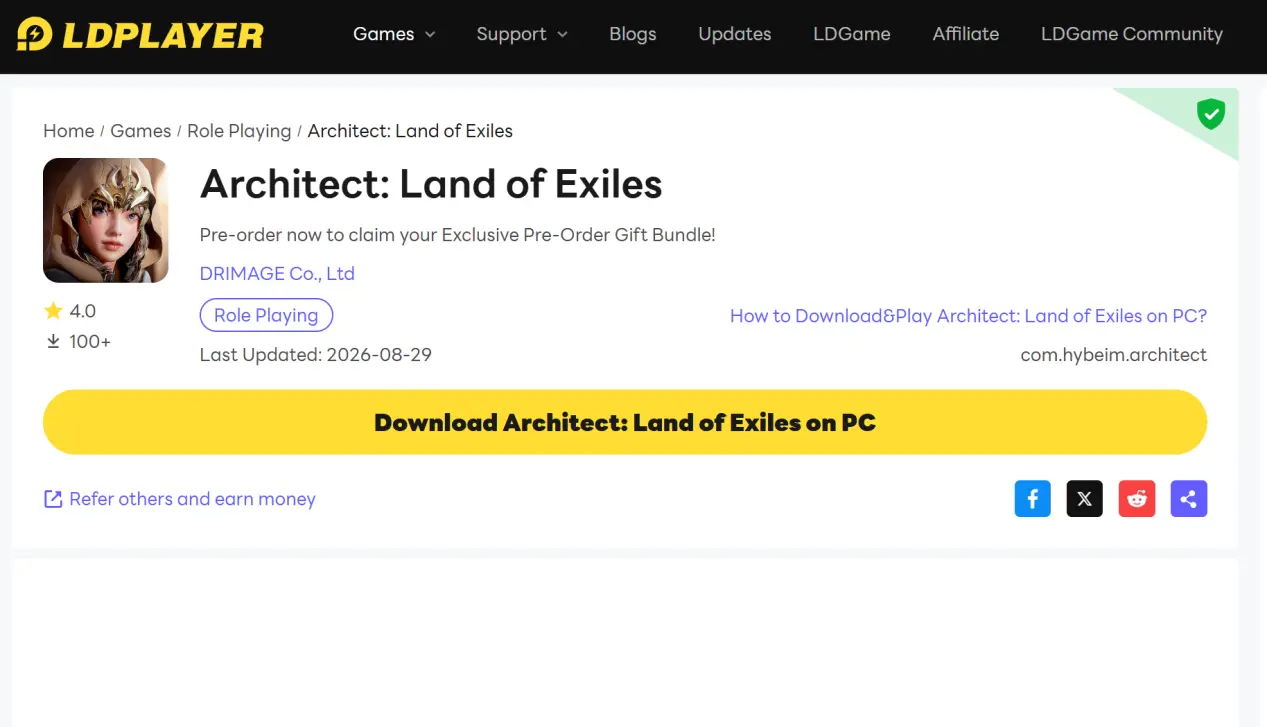
Search for “LDPLAYER” in your browser, then make sure you visit the official LDPLAYER website to download the appropriate PC installer.

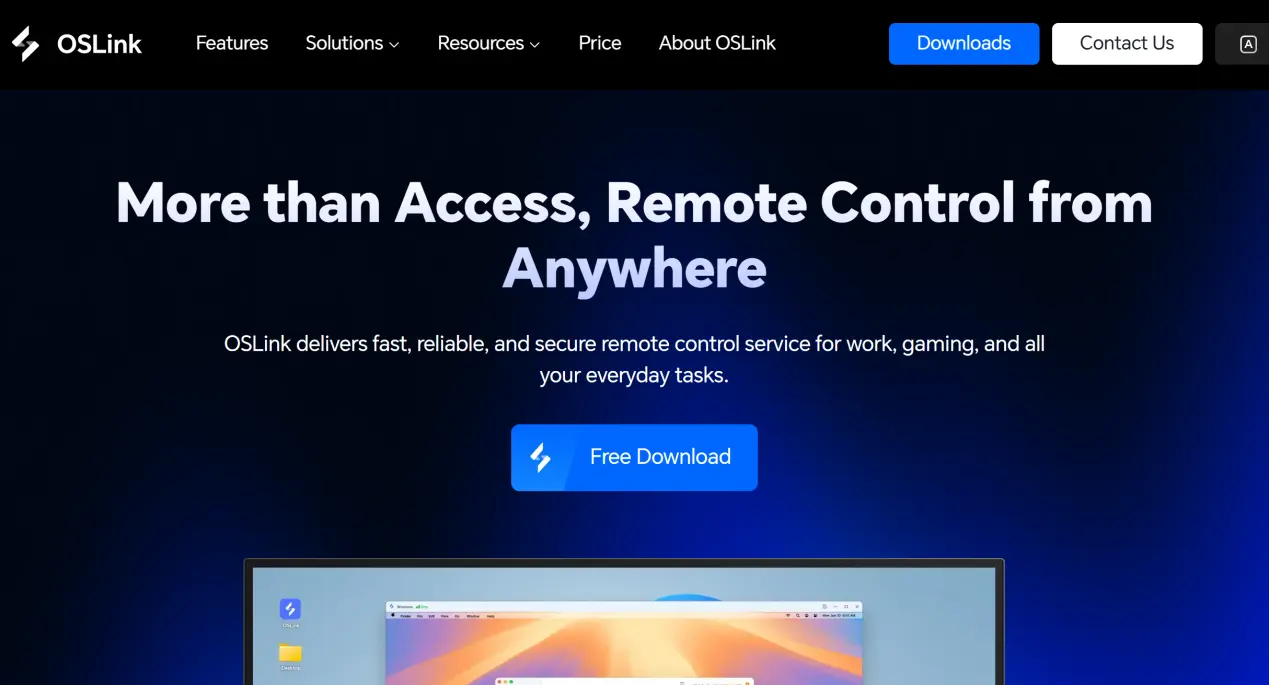
Next, download the OSLink desktop client from the official OSLink website, then register and sign in.
Open LDPLAYER and search for Architect: Land of Exiles in its built-in game library to install it. Wait for all game resources to finish unpacking, then launch the game and make sure basic functions such as login, dungeon entry, and gathering work properly before moving on to the multi-instance setup.
2. Mobile Setup
Installing the Mobile Client
Android users can search for OSLink in their app store and install it.
iOS users can download the corresponding client from the App Store.
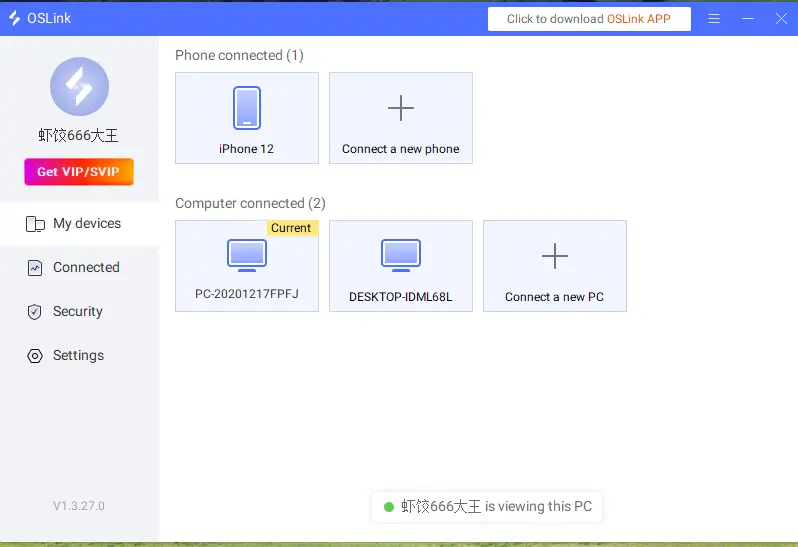
Note: Your phone and PC must be signed in to the same OSLink account. The system will automatically detect the PC that is currently online, so there is no need to pair the devices manually.
3. Connect Your PC and Phone to Run the Game
First, launch LDPLAYER on your PC and open Architect: Land of Exiles. Make sure the OSLink desktop client continues running in the background.
Open OSLink on your phone and select the PC running the emulator from the device list to establish a connection. Once connected, the emulator's game screen will be streamed to your phone.
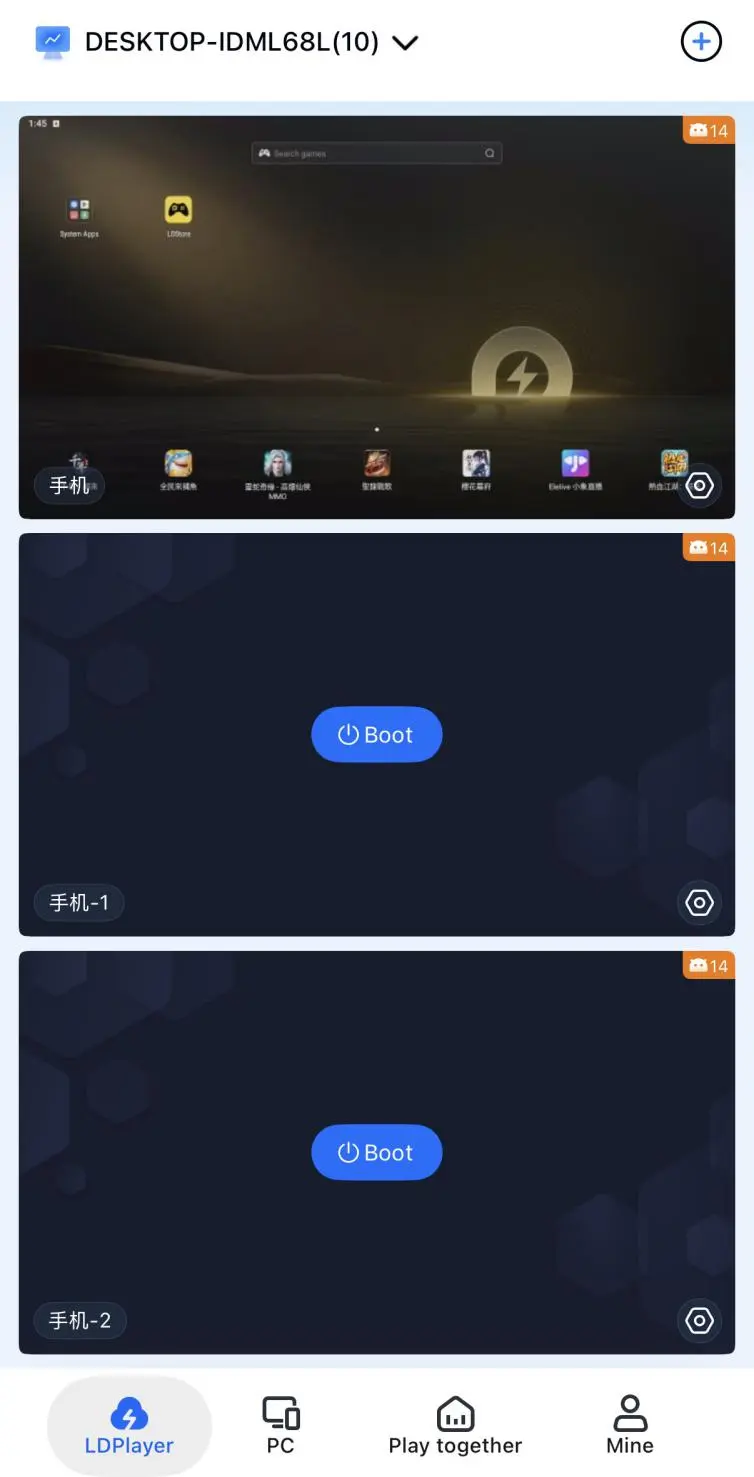
During streaming, you can adjust the screen scaling to suit your phone display. Touch controls on your phone are synchronized with the PC emulator, and you can switch between different emulator windows to remotely check and control multiple accounts.
4. Using OSLink Multi-Instance AFK Farming
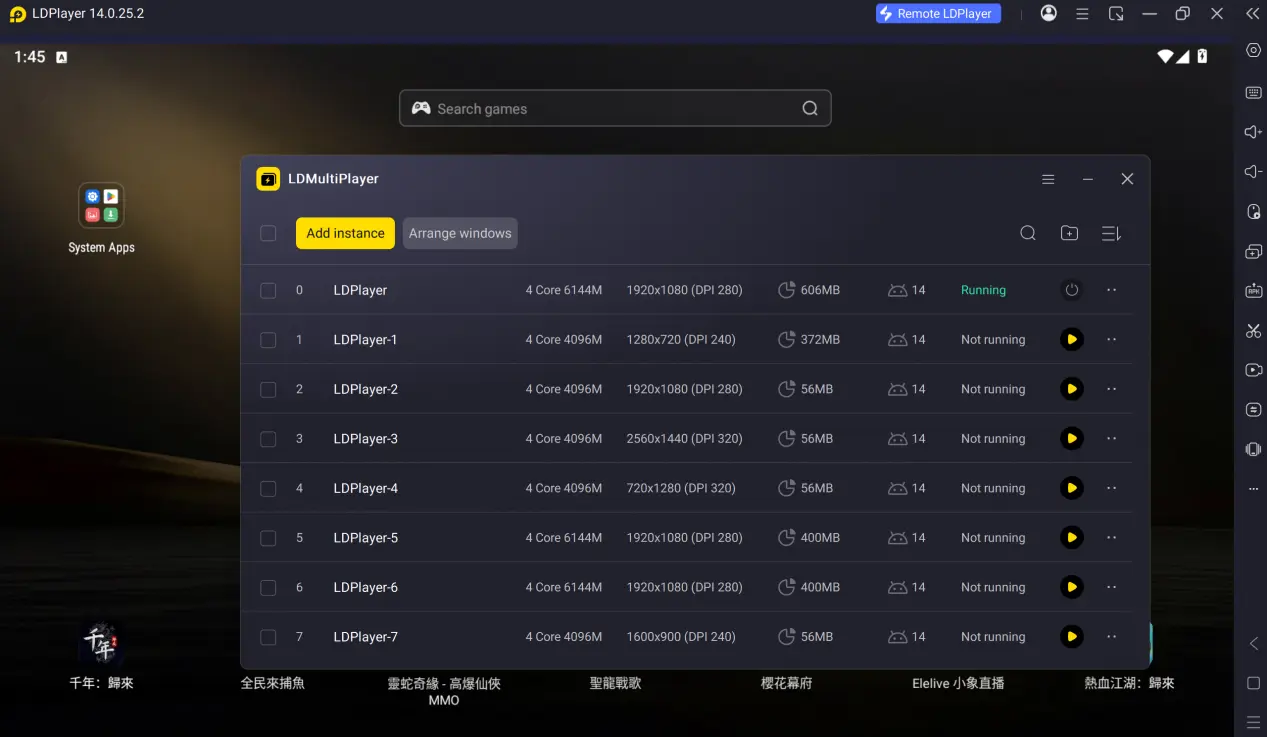
Step 1: In LDPLAYER, click the “Multi-Instance” feature to create multiple emulator instances. Sign in to a different game account on each instance, then enter a dungeon or open-world area where progression materials can be farmed.
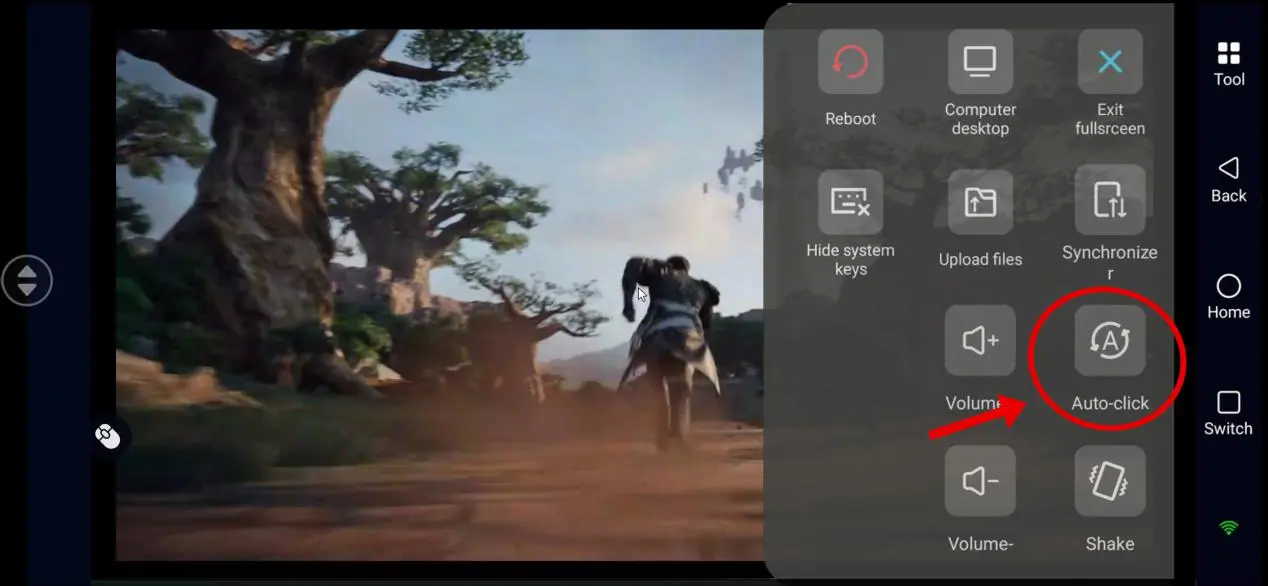
Step 2: After connecting your phone to the PC through OSLink, enter the emulator window currently being streamed remotely. Once you've confirmed that the controls are mapped correctly, open the Auto Clicker feature from the toolbar on the right.
Step 3: With Auto Clicker enabled, you can record an entire material-farming routine, including entering the dungeon, fighting, collecting rewards, and starting the next run.
Step 4: Save the script after recording, then adjust the number of loops and delay time to match the game's resource-loading pace. Start the script to repeat the farming process automatically, while monitoring its progress from your phone whenever needed.
5. Frequently Asked Questions
Q: What's the Architect: Land of Exiles release time?
A: Architect: Land of Exiles release date is September 16, 2026, with pre-downloads available from September 14.
Q: What PC hardware does Architect: Land of Exiles require?
A: Running multiple instances for AFK farming can use a significant amount of CPU and memory. For 3–4 instances running at the same time, at least 16 GB of RAM is recommended, along with a mainstream desktop CPU from recent years.
Q: Can iOS devices run multiple instances locally?
A: iOS does not natively support app cloning, so multiple instances cannot be run directly on the device. You can instead use OSLink to remotely manage multiple accounts running on PC emulators.
Conclusion
For players who want to get the most out of Architect: Land of Exiles, combining a remote streaming tool with emulator multi-instance support and AFK automation can greatly reduce the amount of repetitive grinding. The emulator and OSLink setup introduced in this guide allows you to run multiple accounts on a PC while monitoring and managing them remotely from your phone, overcoming the limitations of running multiple accounts directly on mobile devices. Using AFK automation wisely can free up your hands and give you more time to focus on the open-world content at the heart of the game.
 Download