English
 In Ragnarok Origin Classic, farming is one of the most effective ways to level up. Whether you're a newcomer racing through early levels or a veteran focusing on long-term progression, choosing the right maps and jobs can dramatically impact your farming efficiency. This guide will walk you through the best farming tips, best AFK spots for Level 1-100, and multi-account farming strategies, helping you maximize EXP gain while minimizing effort and time.
Table of Contents
Efficient Farming Tips
1. Prioritize Team Play
Leveling in a party significantly boosts EXP gains. The more players in your group, the higher the bonus. If you don’t have teammates available, you can build your own party using OSLink’s multi-account sync feature, letting you control multiple characters at once for maximum farming efficiency.
2. Best Professions for Farming
Mage and Archer stand out in farming scenarios thanks to their strong ranged attacks and area-of-effect damage. Both professions offer stable, high-efficiency farming with minimal micromanagement, making them the top choices for leveling.
3. Know Your Enemy Types
Understanding the elemental or monster type of each map allows you to pre-set your skills efficiently. For example, a Mage can configure elemental spells in advance to match enemies, avoiding wasted attacks and improving overall EXP gain.
4. Set Up Auto-Potions
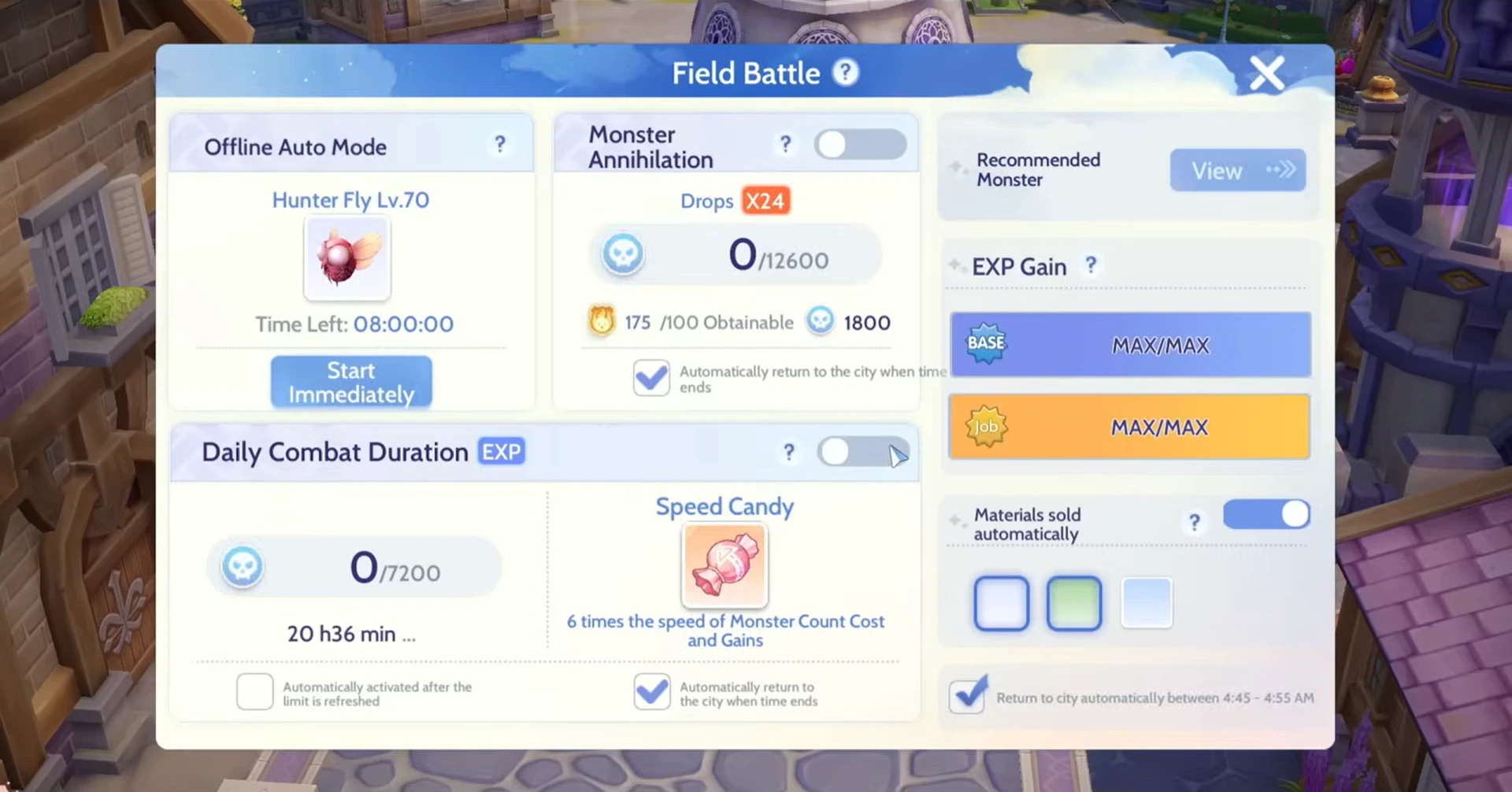
Configure your character to automatically use HP potions when health drops below 50–60% and SP potions below 40%. This ensures your character survives longer while farming.
5. Enable Auto-Loot
Prioritize high-value drops such as purple-tier equipment and essential crafting materials. Auto-loot prevents missing out on valuable items while farming.
Best Farming Spots for Leveling
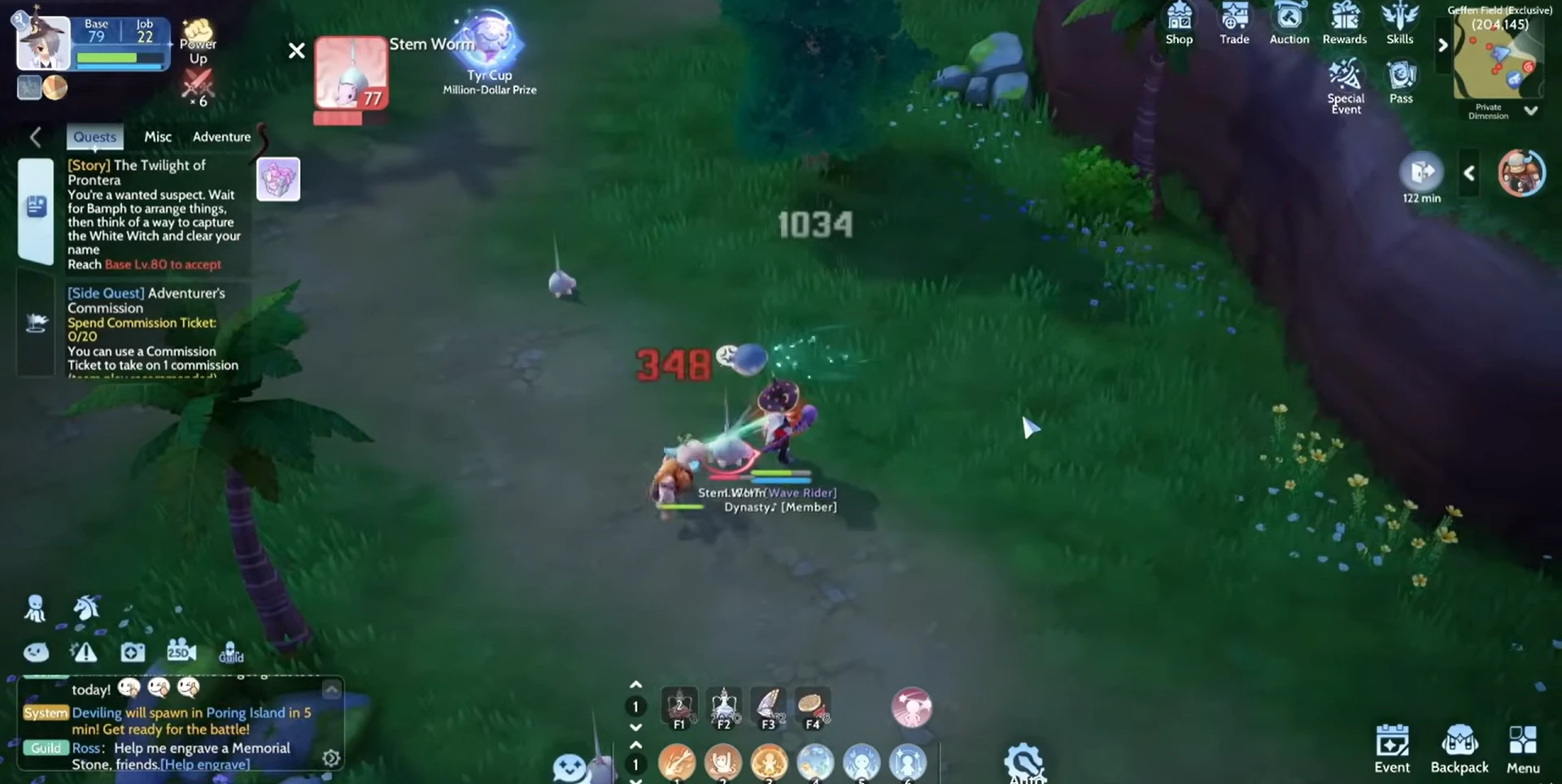
Ragnarok Origin Classic continues the Ragnarok Origin leveling style. Choosing the right maps and monsters can greatly improve leveling efficiency. Below is a guide for the best 1–100 farming places to help you avoid detours and ensure steady growth.
|
Level |
Map |
Monsters |
|
1–20 |
Main Story Quest |
Mushrooms |
|
20–30 |
Sewer 2F |
White Rats, Bats |
|
20–30 |
Goblin Forest |
Goblins |
|
30–40 |
Sunken Ship |
Hydra |
|
41–60 |
Larva Canyon |
Argiope |
|
61–80 |
Geffen Dungeon 2F |
Nightmare |
|
80–100 |
Glastheim Patch |
Dark Frame |
Multi-Account Farming Guide
To take farming efficiency to the next level, a single account is rarely enough. By using OSLink, you can run multiple accounts simultaneously, creating your own party and remotely controlling each character. This allows you to maximize monster kills, resource gathering, and experience gain without constantly monitoring the game.
Software Download
On PC: Download and install OSLink and LDPlayer from their official websites.
On Mobile: Install OSLink from the App Store or Google Play (or download the APK from the official site if needed). Logging in with the same account as your PC will automatically connect them.
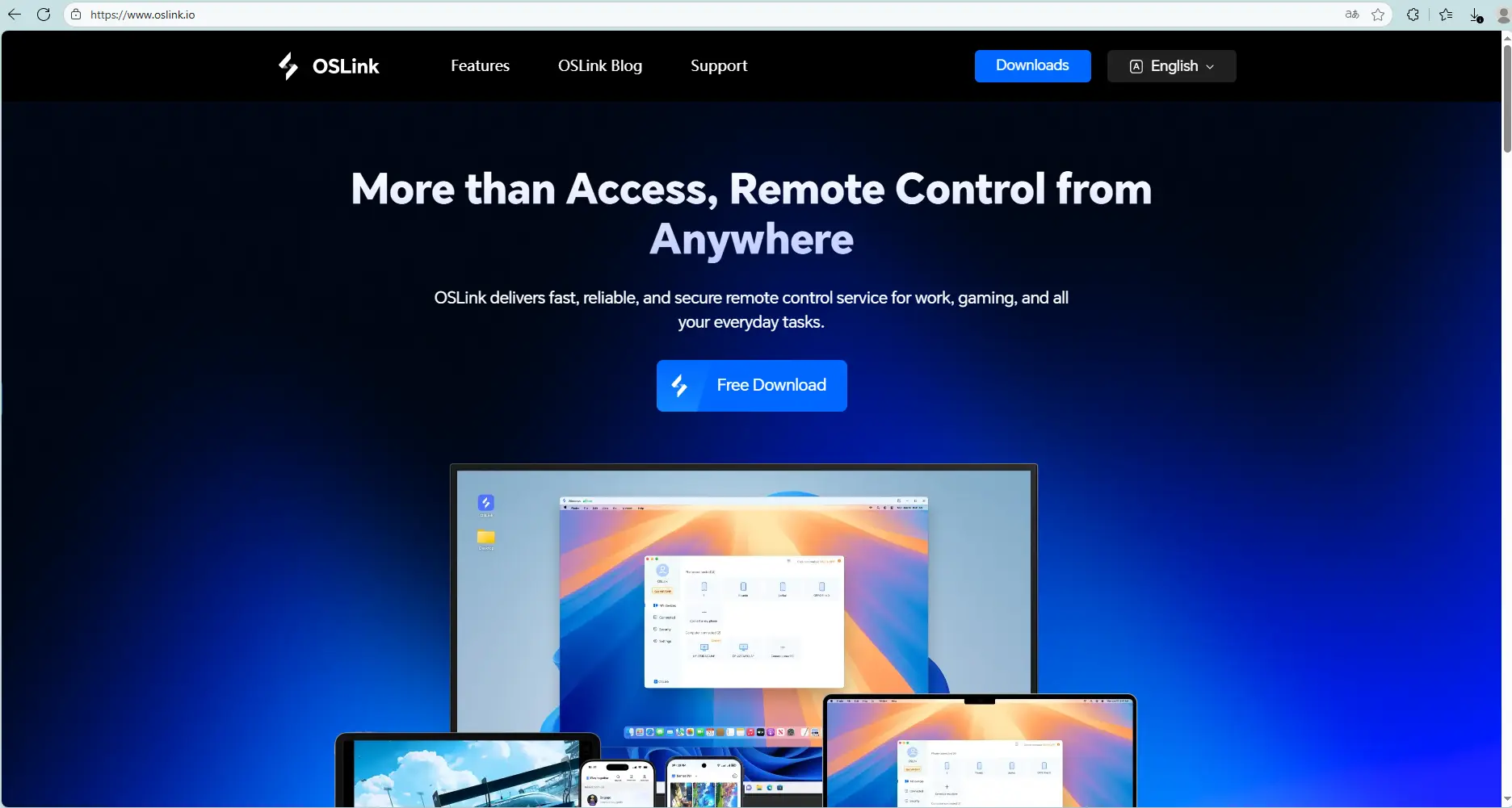
Operating steps
Launch the LDPlayer, open its app store (or Play Store), search Ragnarok Origin Classic, and install the game.
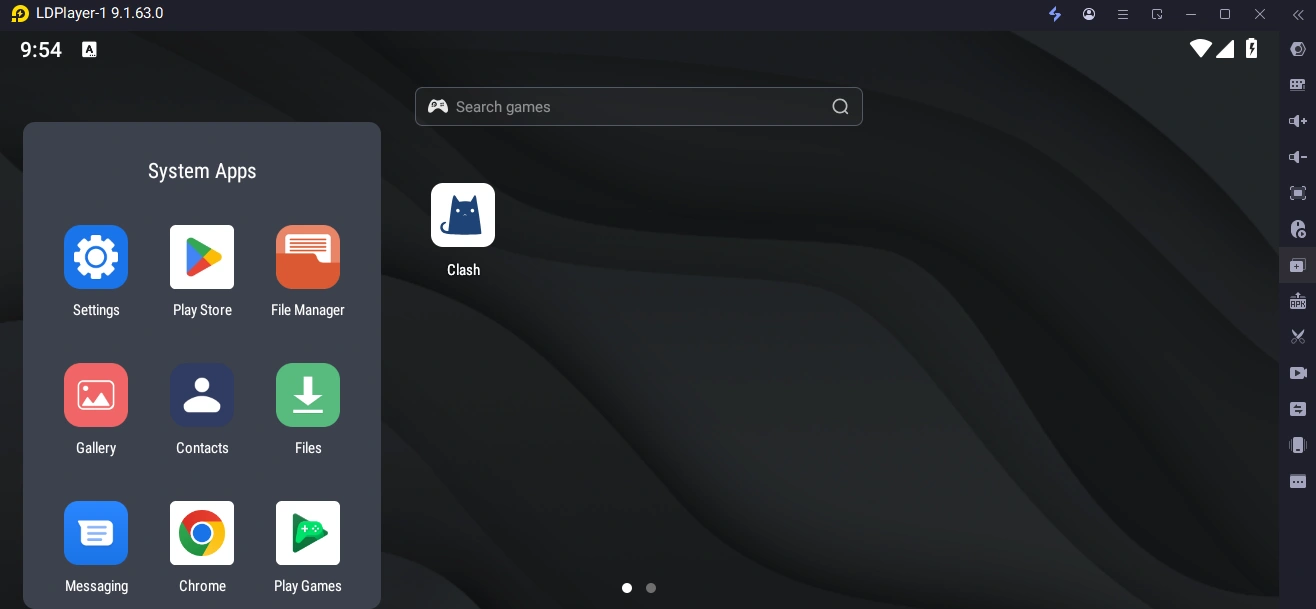
In your LDPlayer, create multiple instances (Add Instance → Clone Instance).
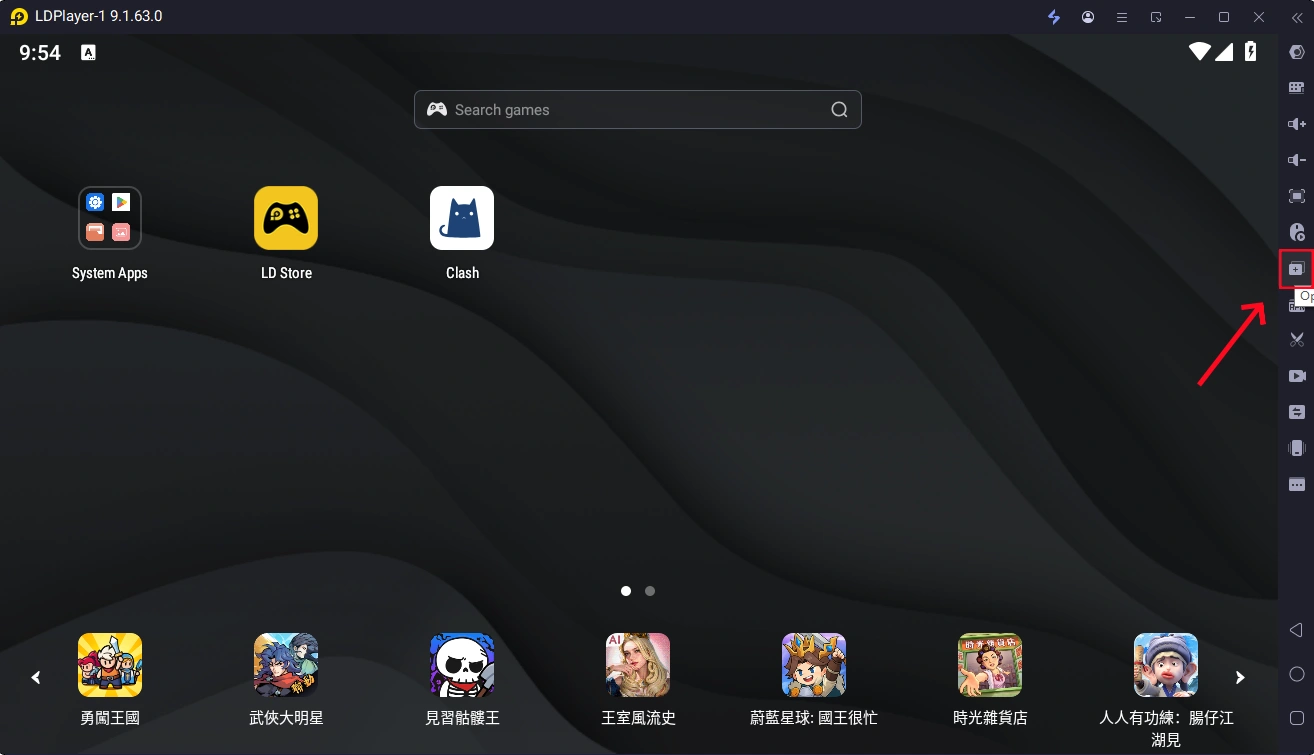
Launch Ragnarok Origin Classic in the LDPlayer, then connect to that PC from your phone using the OSLink app.
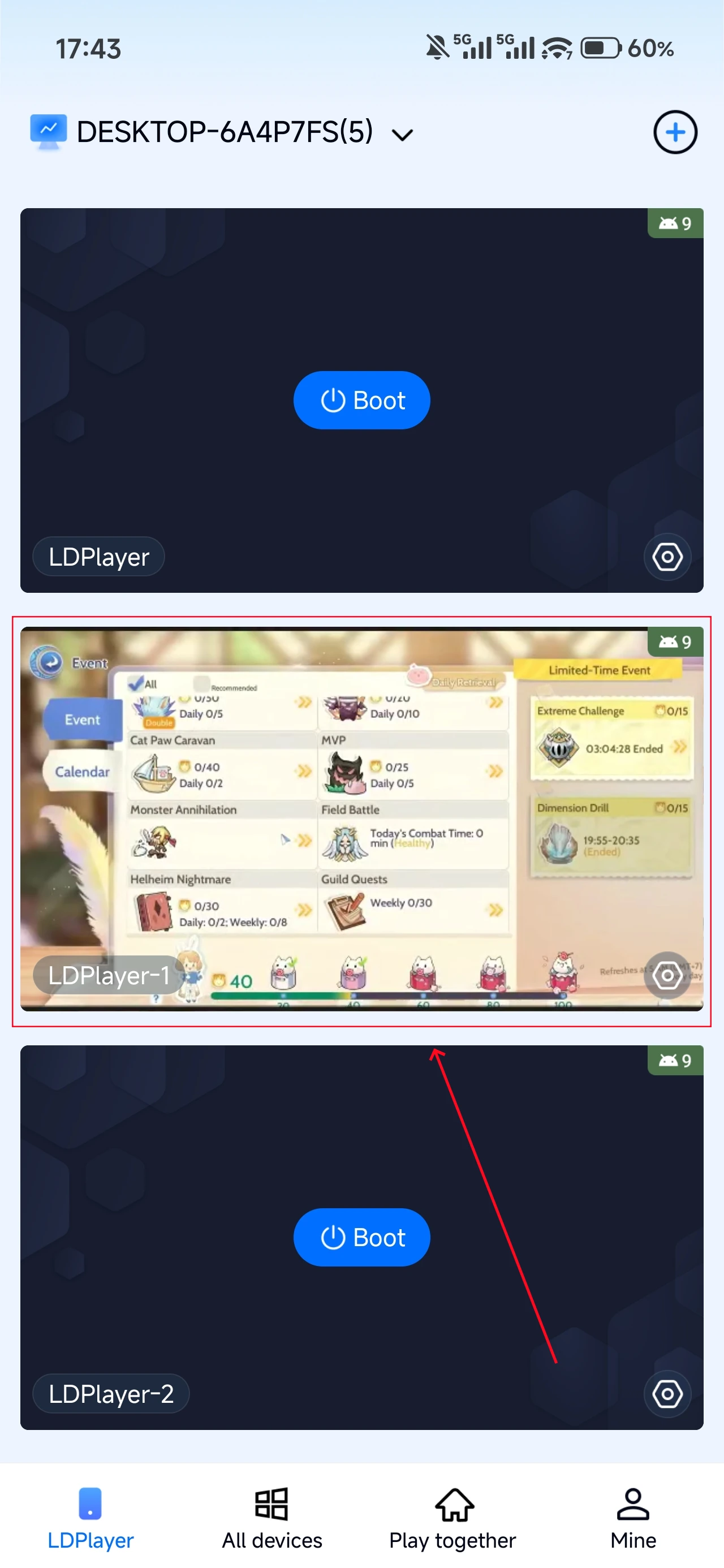
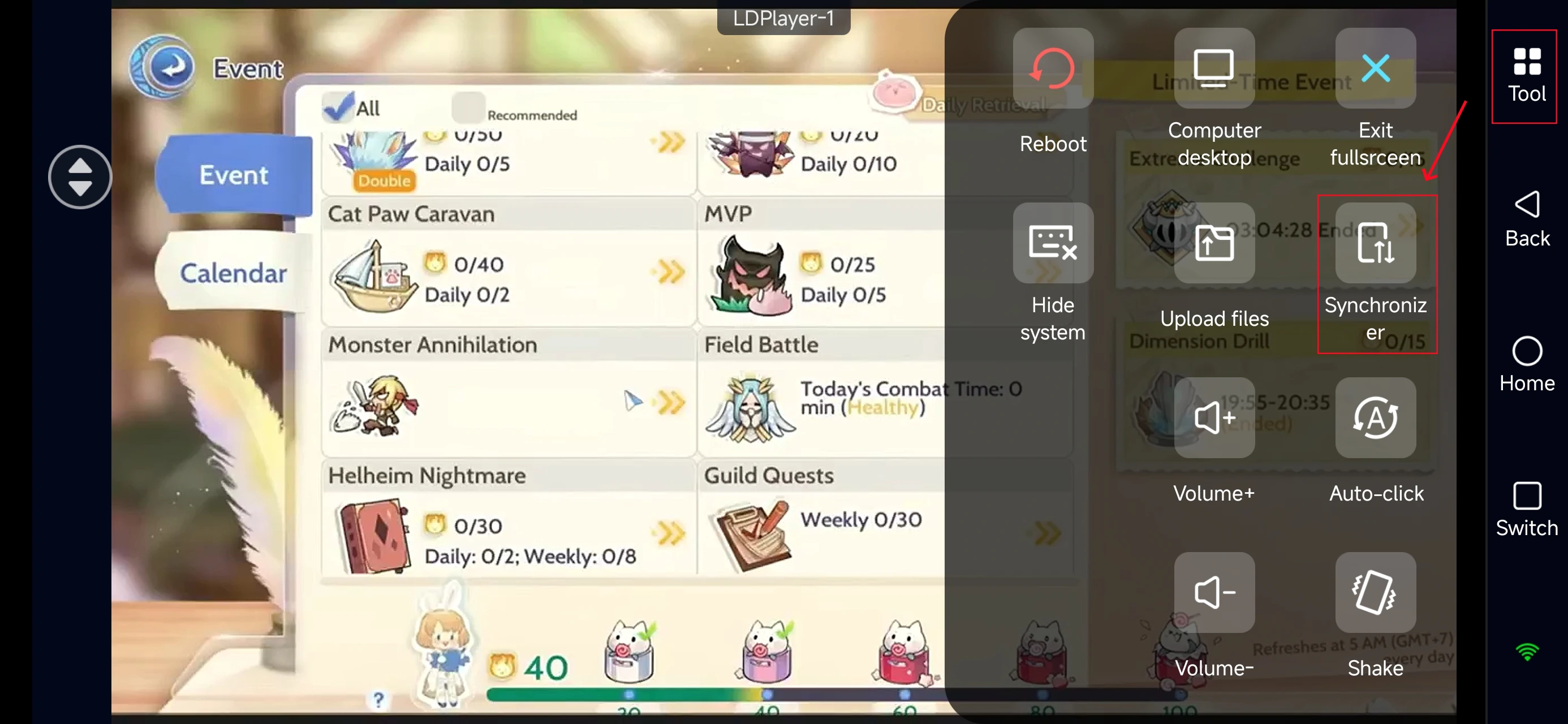
In Mobile OSLink, open the Tools panel on the right, and select Synchronizer.
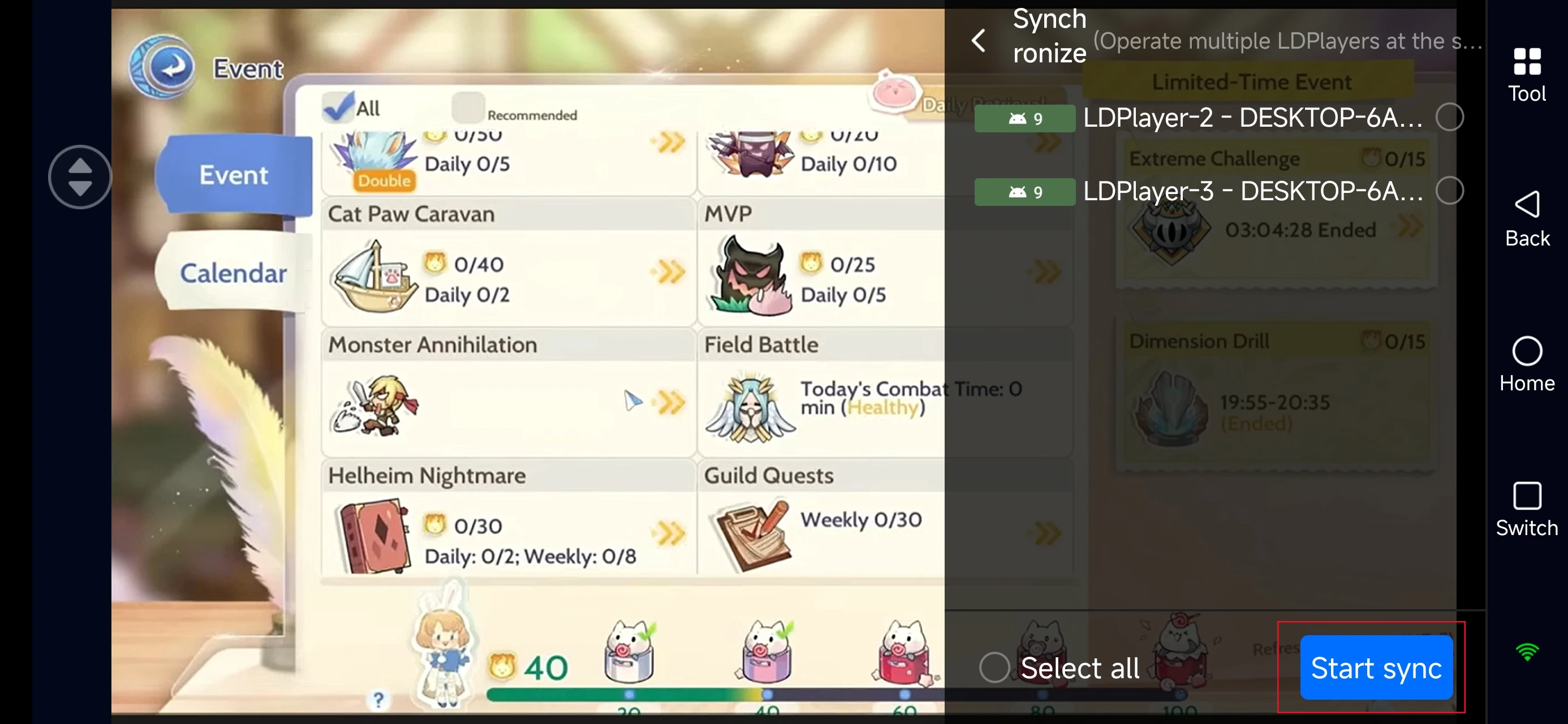
Check all emulator instances you want to synchronize, and start sync.
Once synchronized, your team will farm together efficiently, boosting both EXP gain and resource collection.
Conclusion
This guide covers everything you need to optimize farming in Ragnarok Origin Classic. By selecting the right jobs, maps, and auto-settings, you can significantly increase your experience gains and resource accumulation. Whether you're new to the game or returning to the grind, these strategies help you farm efficiently and stay ahead of other players. Set up your farming system today and watch your characters grow effortlessly!
 Download