English
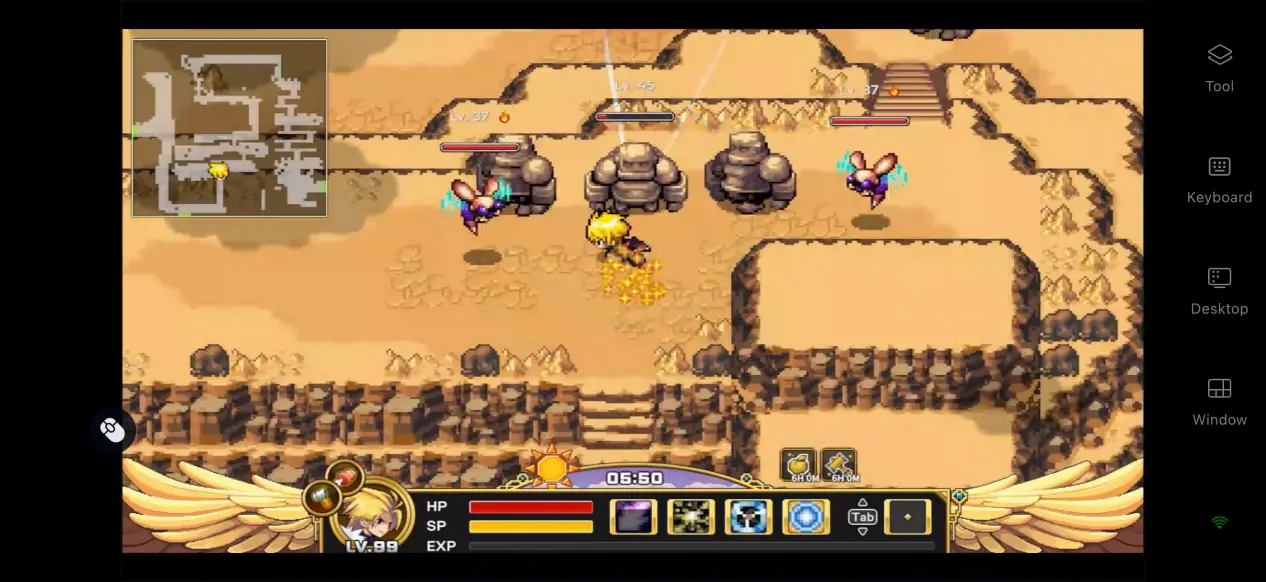
 As a classic pixel action RPG, Zenonia 1 holds a special place in the memories of many longtime players. After the remastered PC version arrived on Steam, it retained the original class system, morality choices, day-and-night cycle, and other core gameplay features, while bringing back the original story and combat experience in full. However, the official release is currently limited to PC. If you want to continue your Zenonia adventure on your phone, follow the remote play setup below to learn how to get the game, set up the software on both devices, launch the game, and fine-tune your experience for a lightweight way to play.
OSLink lets you access and play Zenonia 1 directly from your PC on your phone. The entire setup process is quick and straightforward, with no complicated steps involved. For situations that require continuous inputs, such as grinding mobs and chaining skills, the streaming connection helps reduce input response delays and keeps controls responsive, giving you a smooth experience that's close to playing on PC.
1. How to Play Zenonia1
Where to Download the Game
The PC version of Zenonia 1 is mainly available through the Steam store. Open the Steam client, search for the full game title in the store, and purchase the game. Once the purchase is complete, you can download the game files from your Steam Library. The game supports cloud saves, so you can sign in with the same account and access your character progression even when switching between different PCs.
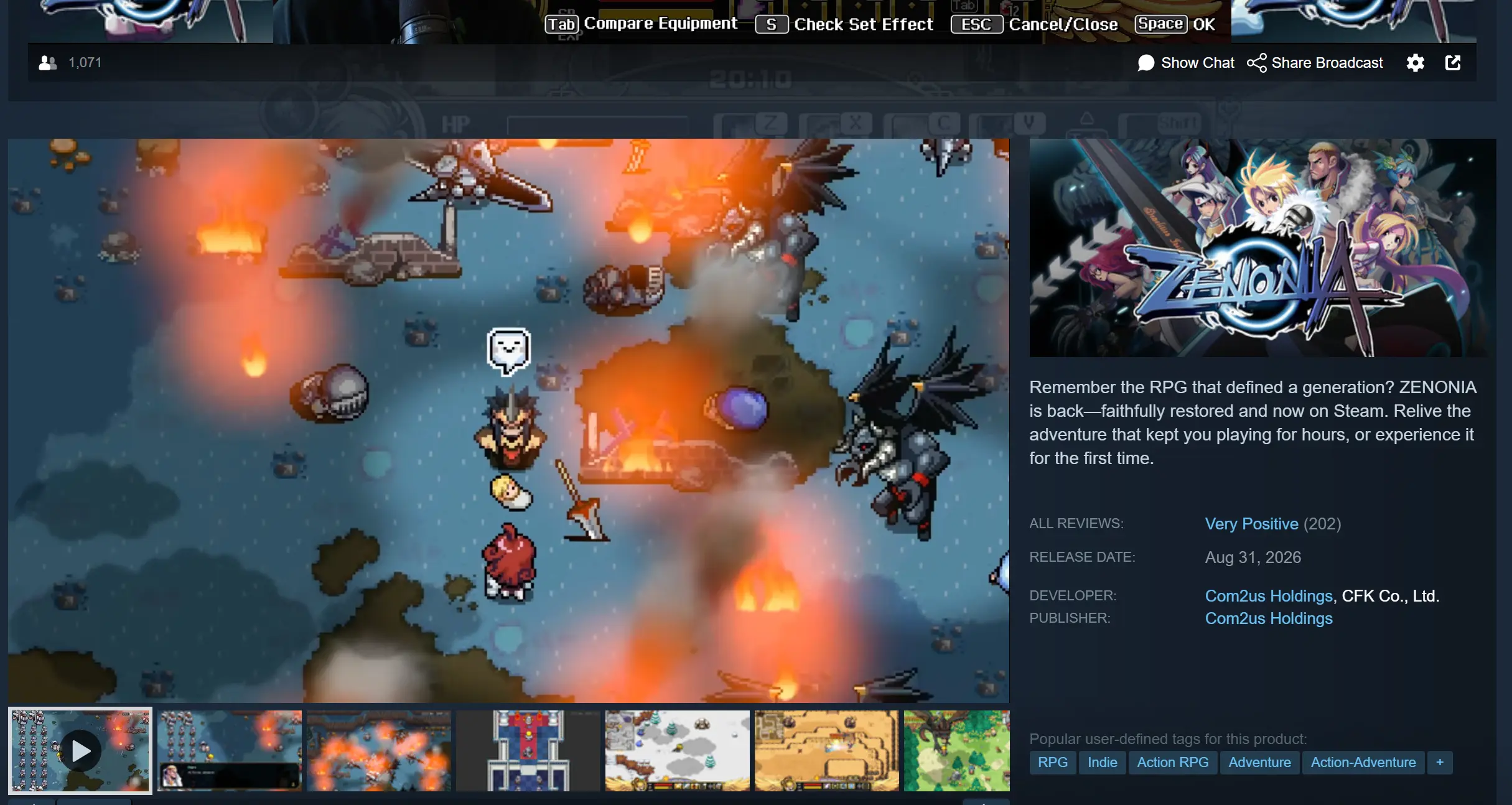
After the download is complete, it's recommended that you launch the game manually once to make sure it starts normally and reaches the main menu. Check that cutscenes and combat scenes don't cause crashes or display issues before moving on to the streaming setup.
2. How to Install OSLink on PC and Mobile
Installing on Windows PC
Open a browser and visit the official OSLink website to download the Windows installer. Once installation is complete, launch the software, create an account, and sign in. The program needs to stay running in the background, so it's recommended to open your PC's system settings and disable automatic sleep and network adapter sleep options. This helps prevent the network connection from being interrupted while the PC is idle, allowing your phone to connect whenever needed.
Installing and Setting Up on Mobile
Android users can search for OSLink on Google Play and install the app.
iOS users can open the App Store, search for OSLink, and download the corresponding client.
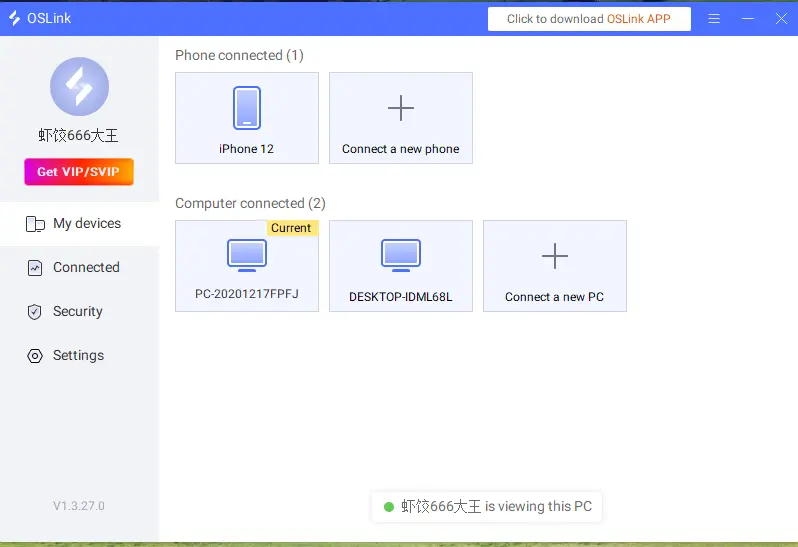
The account signed in on your phone must be the same one used on the PC. The software can automatically detect PCs on the same local network, and pairing can also be completed over the internet without requiring you to manually enter complicated device IDs.
3. How to Run Zenonia 1 on Your Phone with OSLink
Step 1: Launch OSLink on your PC and keep it running in the background. Open the Steam client and launch Zenonia1. Leave the game on the main menu and keep the game window running in the foreground. Do not minimize it to the background.
Step 2: Open the OSLink client on your phone. The device list will show online PCs linked to the same account. Tap the corresponding PC name to establish the streaming connection.
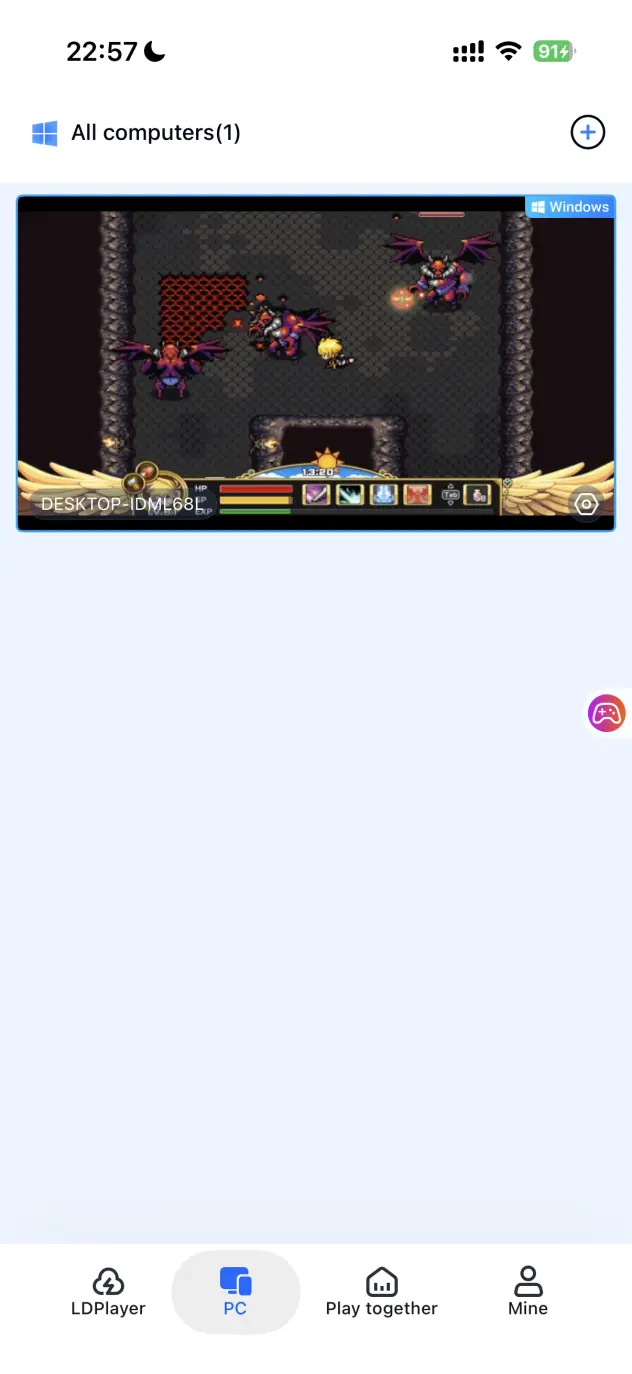
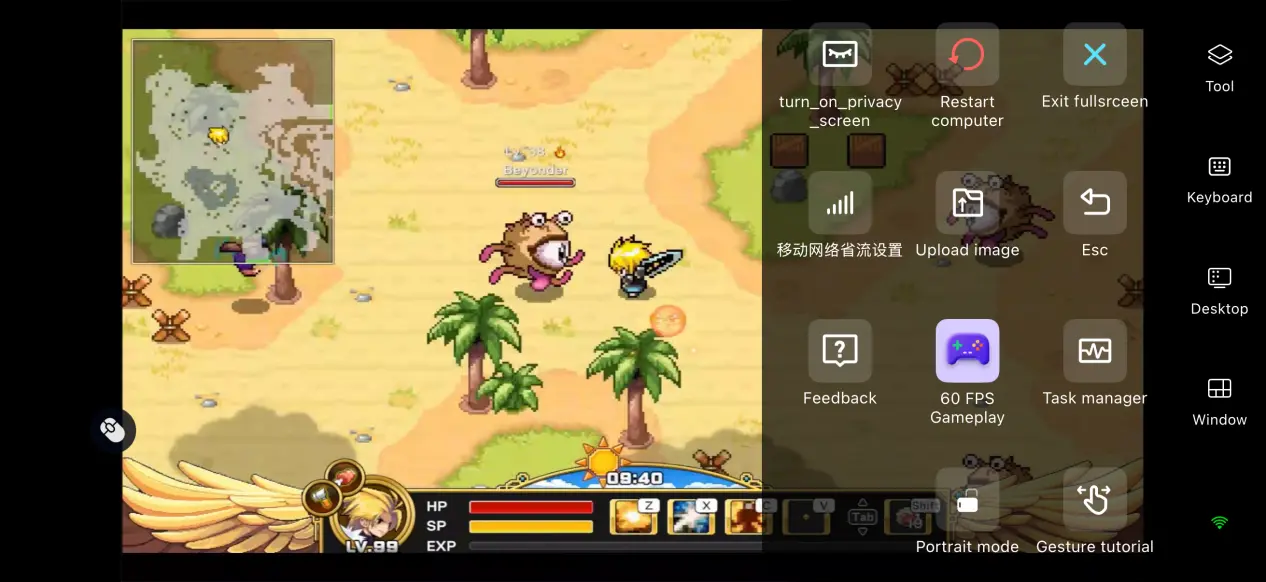
Step 3: Once the PC screen has been successfully loaded, open the sidebar toolbar and switch to the dedicated game mode to improve streaming frame rates and stability. After making the adjustments, you can play through the story, farm gear, and take on dungeons directly from your phone.
4. Benefits of Playing Zenonia 1 on Mobile
Jump Into the Game Anytime
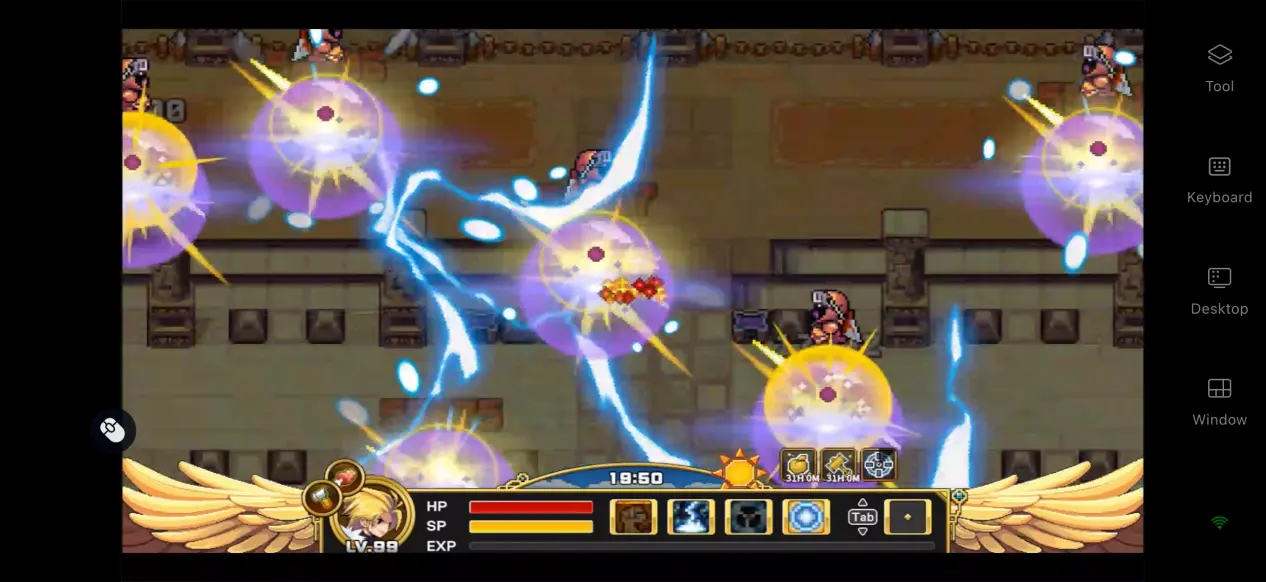
As long as your PC stays powered on and connected to the internet, you can connect to it from your phone over either Wi-Fi or mobile data. This lets you continue your character progression and farm materials and gear during your spare time, whether you're waiting somewhere or out and about, without being tied to your desk.
No Need to Use Up Your Phone's Storage
All game files and save data remain on your PC's hard drive. Your phone only receives the streamed game display and sends your inputs through OSLink, so you don't need to download the full game package. Even phones with modest hardware can still handle remote play.
5. How to Optimize Your OSLink Gaming Experience
Dedicated PC Game Streaming Mode
Enable 60 FPS PC Game Mode to optimize the encoding process. This helps reduce ghosting during battles with multiple enemies on screen or rapid scene changes, while shortening input response times for smoother skill casts, movement, and dodging.
Custom Control Layouts
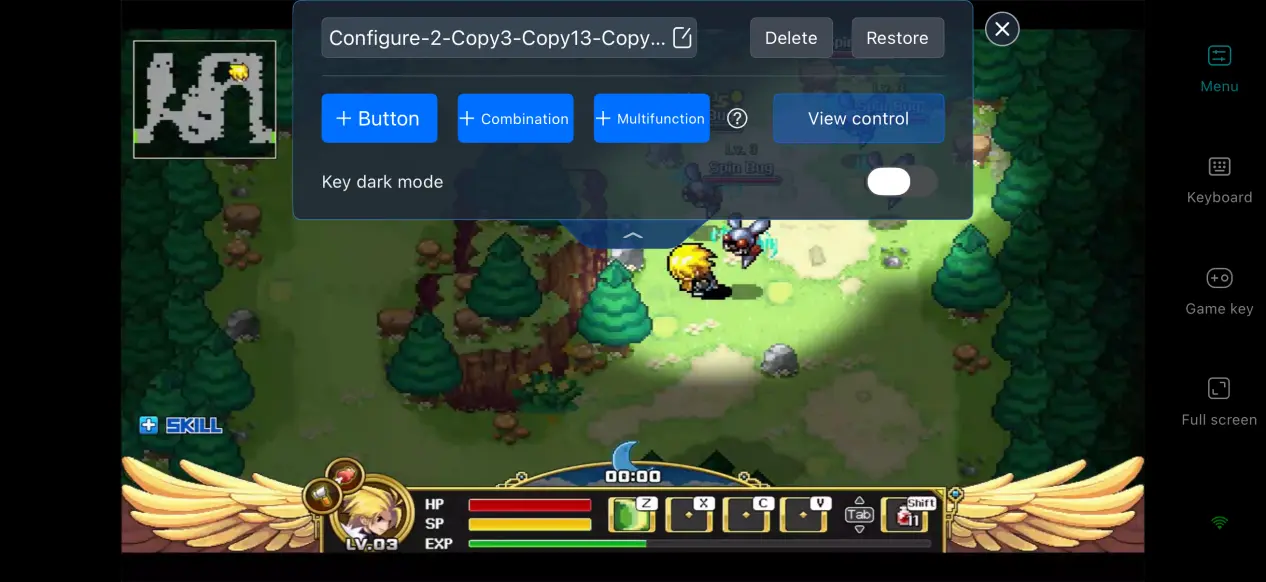
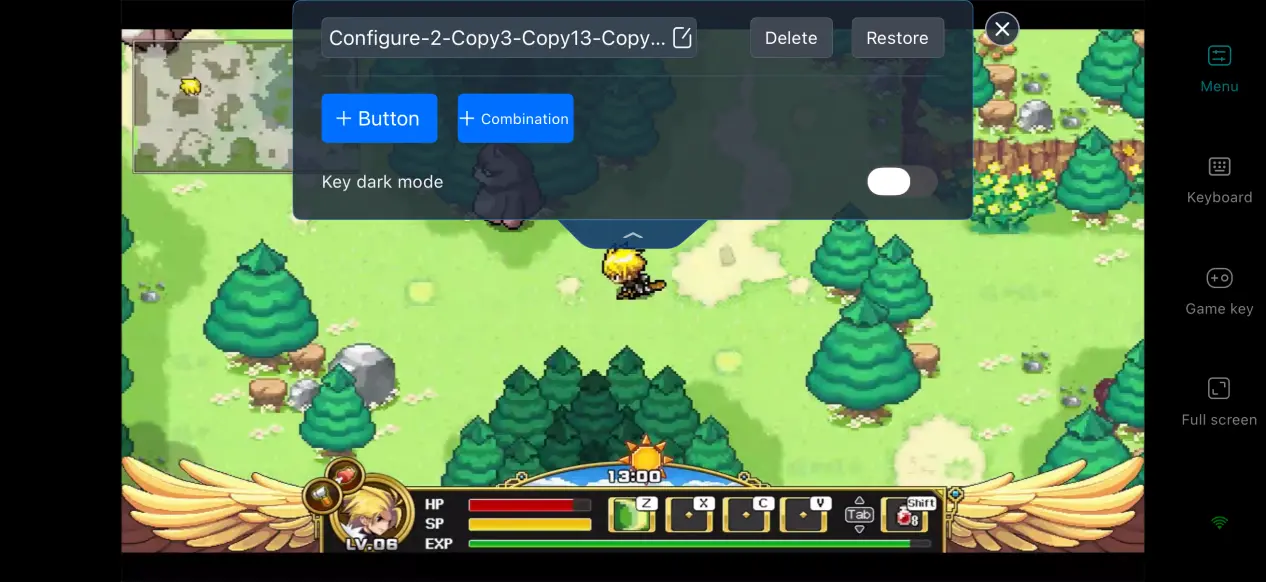
OSLink lets you freely add or remove virtual touch buttons and adjust their size, transparency, and position individually. You can place frequently used controls, such as skills, item switching, and opening the inventory, within easy reach. Multiple control layouts can also be saved, making it easy to switch between exploration and combat setups.
Complete Streaming History
During streaming, the software displays connection notifications and keeps a record of previously connected devices. You don't need to search for the PC again every time. Simply tap OSLink on your phone to quickly reconnect and cut down on repeated pairing steps.
Support for Multiple Peripherals
The software works with a variety of Bluetooth controllers, keyboards, mice, and other peripherals. Once a controller is connected, the system automatically adjusts the input mapping, helping reduce control errors caused by touchscreen input and making longer play sessions more comfortable.
6. Frequently Asked Questions About Zenonia1
Q: When was Zenonia 1 released?
A: The remastered PC version was officially released on August 31, 2026, on Steam. There is currently no native Android or iOS version.
Q: What PC specs are required for Zenonia1?
A: Minimum requirements: Windows 10 64-bit, an i3-6100 processor, 8 GB of RAM, and a GTX 1060 graphics card. Recommended requirements: Windows 10 64-bit, an i5-12400 processor, 16 GB of RAM, and a GTX 1660 graphics card. An SSD is recommended for storing the game files.
Q: Can I play the game directly on iOS or Android?
A: The official release does not include a native iOS or Android installation package. You can stream Zenonia 1 remotely through OSLink.
Conclusion
Zenonia 1 is a pixel action RPG that brings back memories for many players, but the official release does not include a native mobile version. For anyone looking to revisit this classic adventure on a phone, OSLink provides a practical remote streaming solution. The PC handles all of the game's rendering and processing, while the phone works as the display and control device. This means you can keep the full game and its original visual quality without being tied to your PC, while using spare moments to continue developing your character and exploring the map. With this setup, the classic adventure can be picked up whenever and wherever you want.
 Download