English
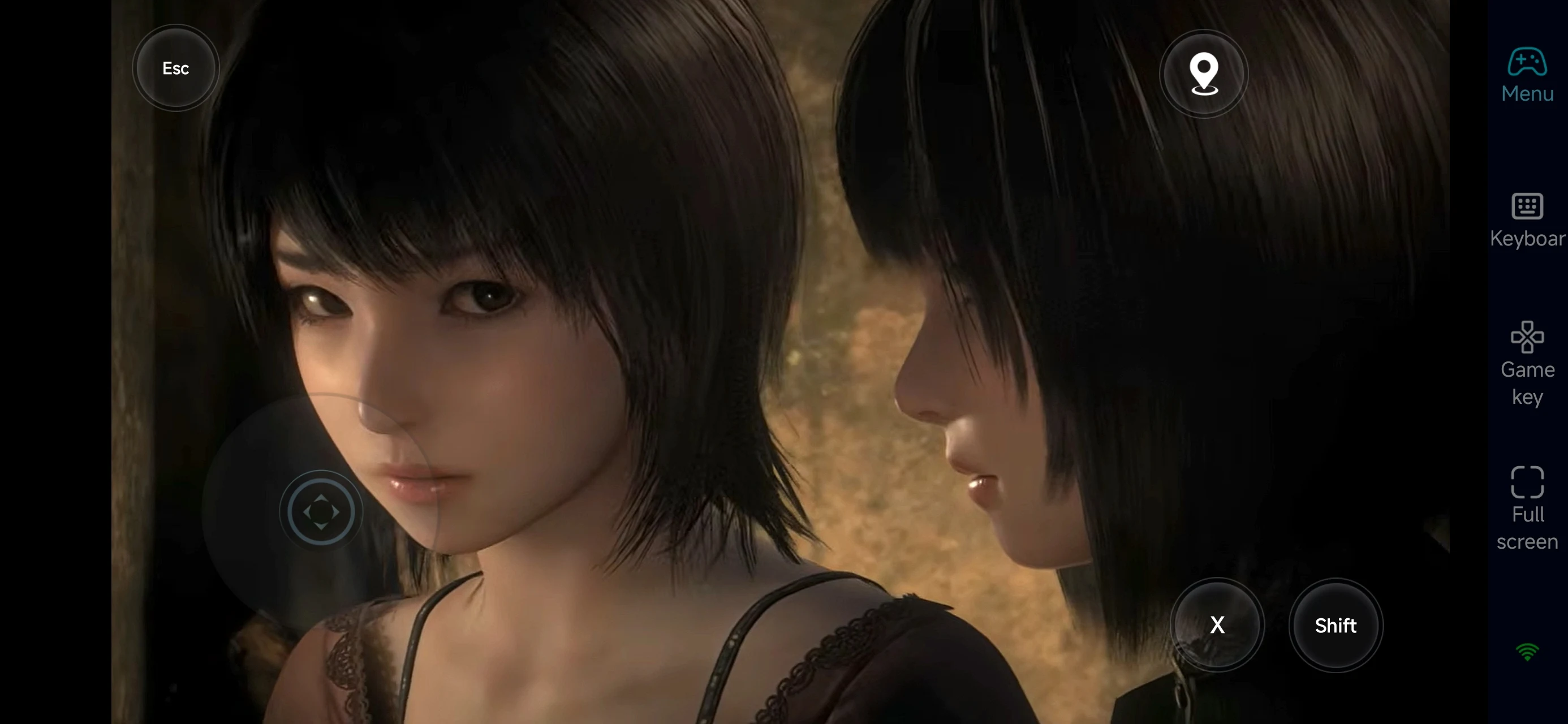
 The masterpiece of Japanese horror is back! FATAL FRAME II: Crimson Butterfly REMAKE officially launched on March 12, 2026, bringing the haunting journey of twin sisters Mio and Mayu to life in stunning 4K.
Want to experience the chilling atmosphere of the Lost Village from the comfort of your bed, or farm Spirit Points for your Camera Obscura during your commute? With OSLink Remote Desktop, you are no longer tied to your desk. Your smartphone is now your ultimate ghost-hunting tool.
Table of Contents
Quick Setup Tutorial for Playing FATAL FRAME II: Crimson Butterfly REMAKE on Mobile
Step 1: Download OSLink and Connect Devices
PC Side:
Visit the OSLink official website to download the software and complete the installation.

Mobile Side:
Download the OSLink App from the App Store or Google Play; the official website also offers APK downloads.
Log in with the same account as on the PC side to automatically connect.

Step 2: Control Optimization
1. Launch the Game
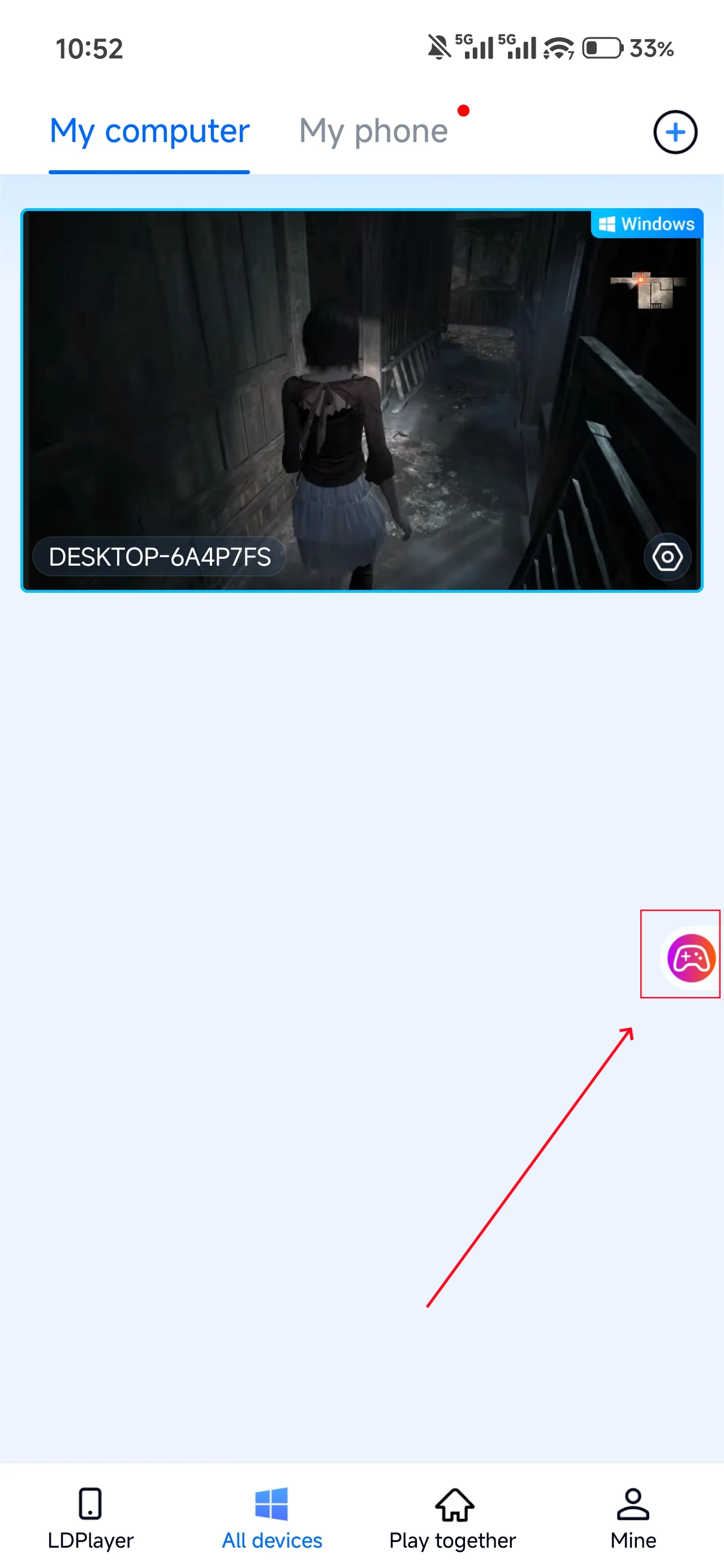
Open FATAL FRAME II: Crimson Butterfly REMAKE on your PC, and the mobile side can connect directly; if FATAL FRAME II: Crimson Butterfly REMAKE hasn't been launched on the PC yet, click the game icon on the mobile side for quick startup.
2. Control Mode
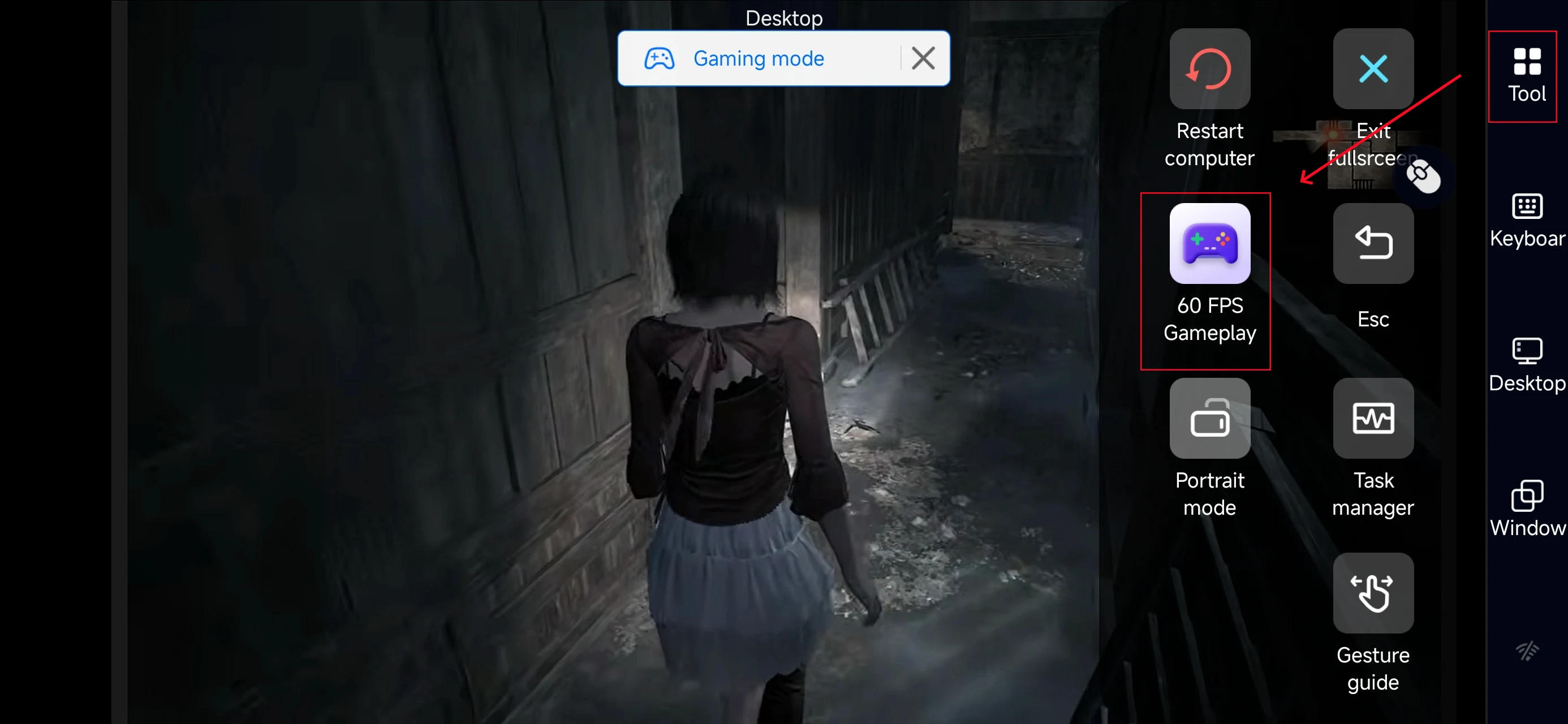
Click the toolbar on the right side of the mobile app, enter "60 FPS Gameplay," and choose key mode or link a controller based on your gaming preferences.
3. Customize key bindings
Since the game relies on precise timing and positioning, we recommend prioritizing these keys:
-
Movement & Camera Rotation
-
View Mode / Shutter Button
-
Consumables (Herbal Medicine) & Evade
-
Map & File Menu
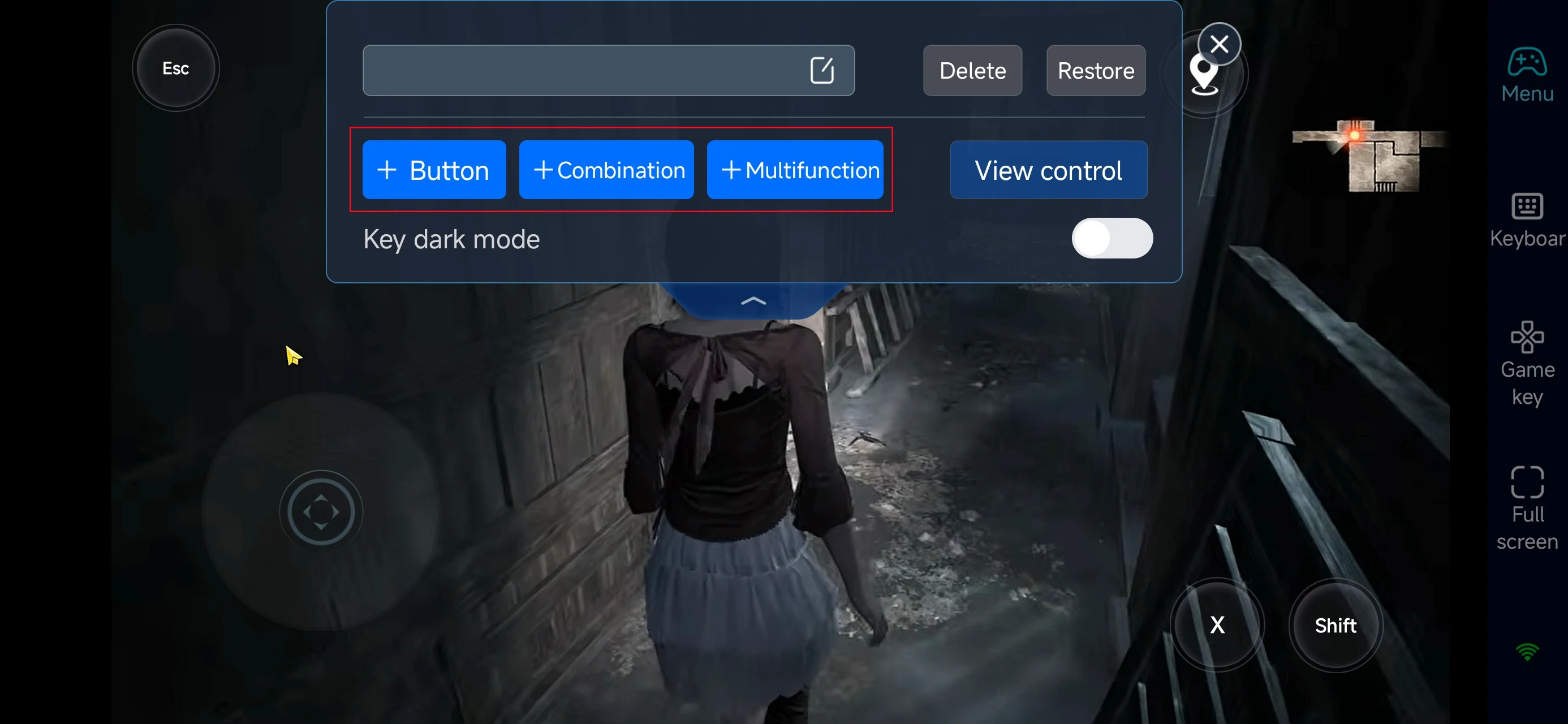
4.Connect external devices
Beyond customizable buttons, OSLink supports a variety of external devices such as Bluetooth controllers and mobile gamepads clipped to your phone. This compatibility frees you from touchscreen limitations and offers a wider range of control options.
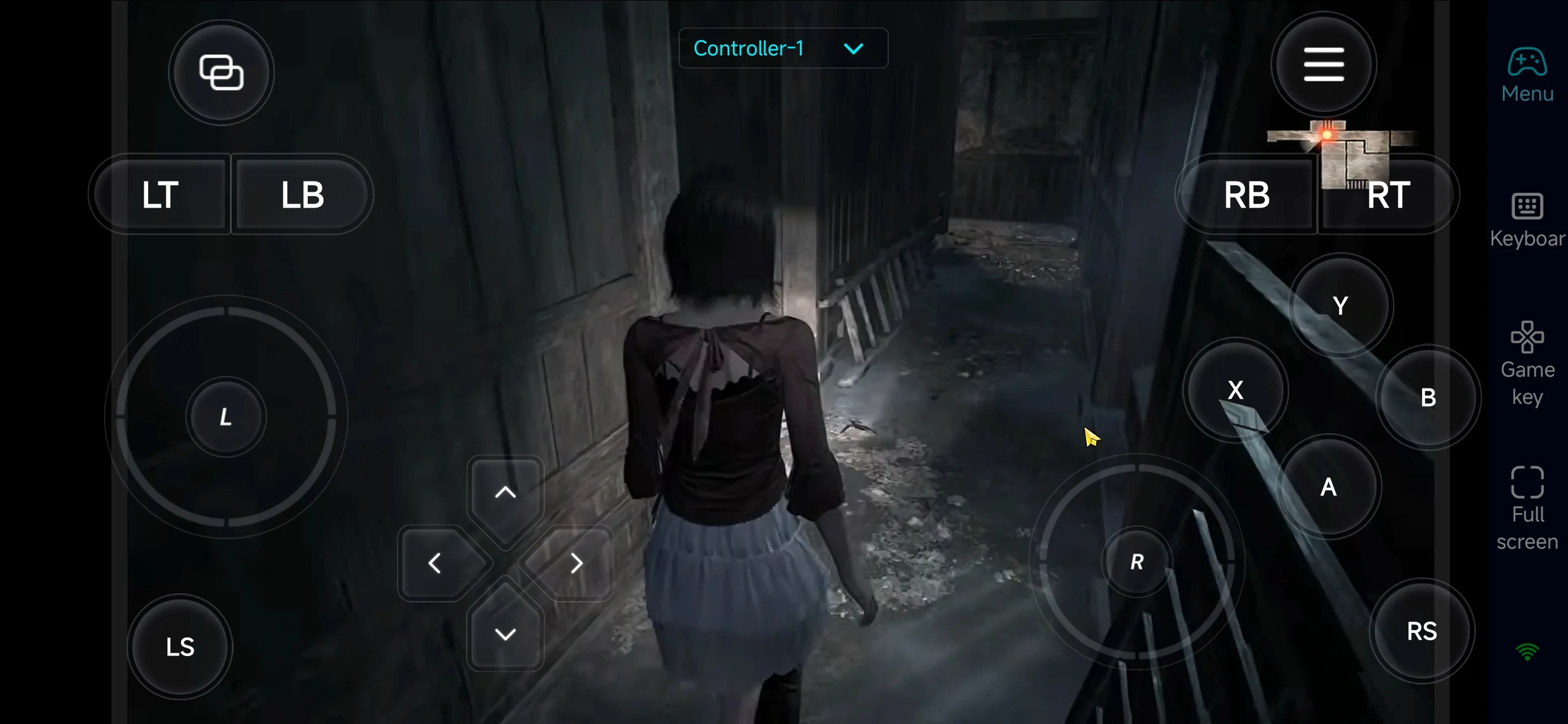
Step 3: Start Your Exorcism Journey
Once configured, your phone or tablet becomes a portable portal to the Lost Village. You can:
-
Explore & Solve Puzzles: Read through gathered files and notes while on the move to progress the mystery.
-
Farm Spirit Points: Spend your spare time exorcising minor spirits to upgrade your Camera’s Power and Sensitivity.
-
Progress the Story: No need to sit at a desk; enjoy the cinematic horror from your sofa.
Why Choose OSLink for FATAL FRAME II: Crimson Butterfly REMAKE?
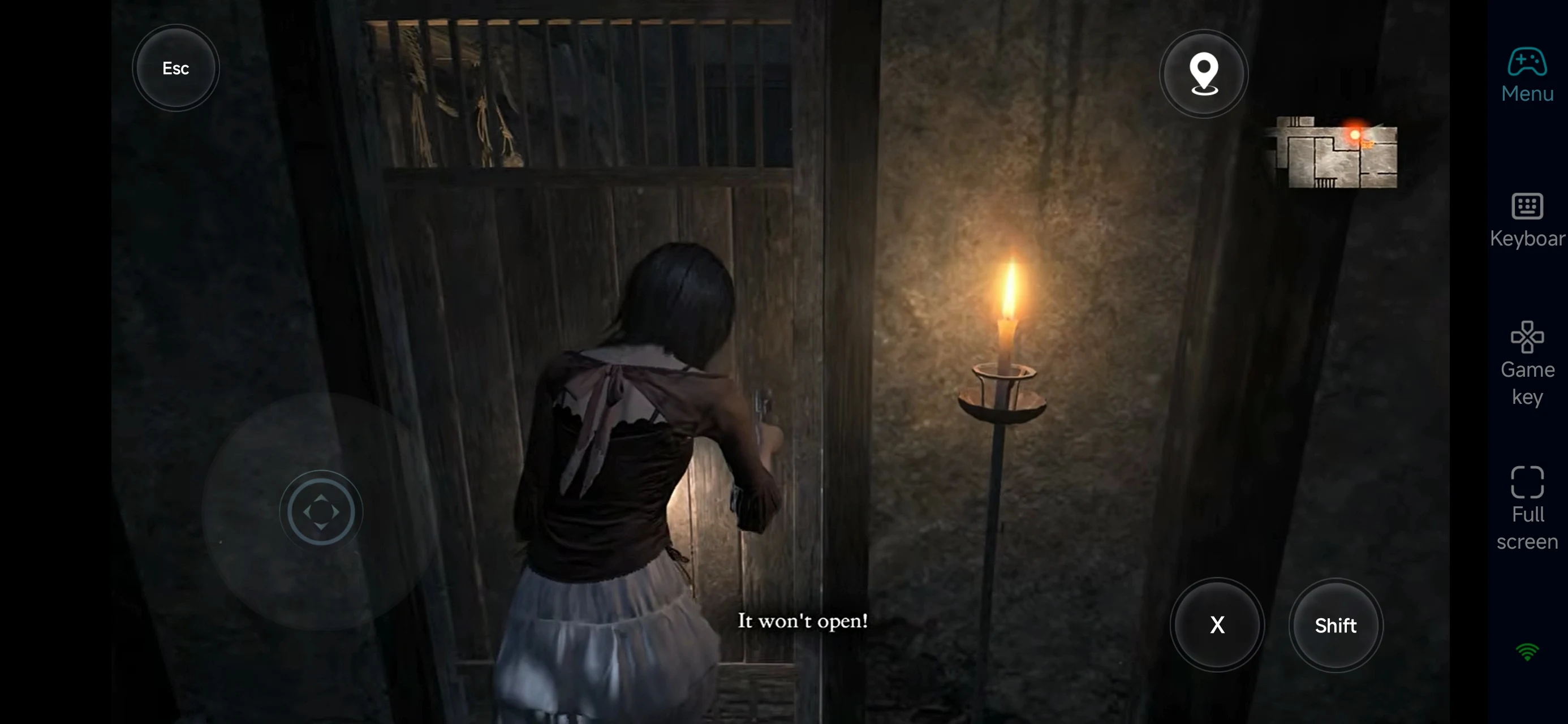
1. Zero Boundaries, Maximum Freedom
Don't let your hardware limit you. Whether you’re in the living room or outdoors, you can continue exploring the secrets of the twins' fate.
2. Precision Controls for Fatal Frames
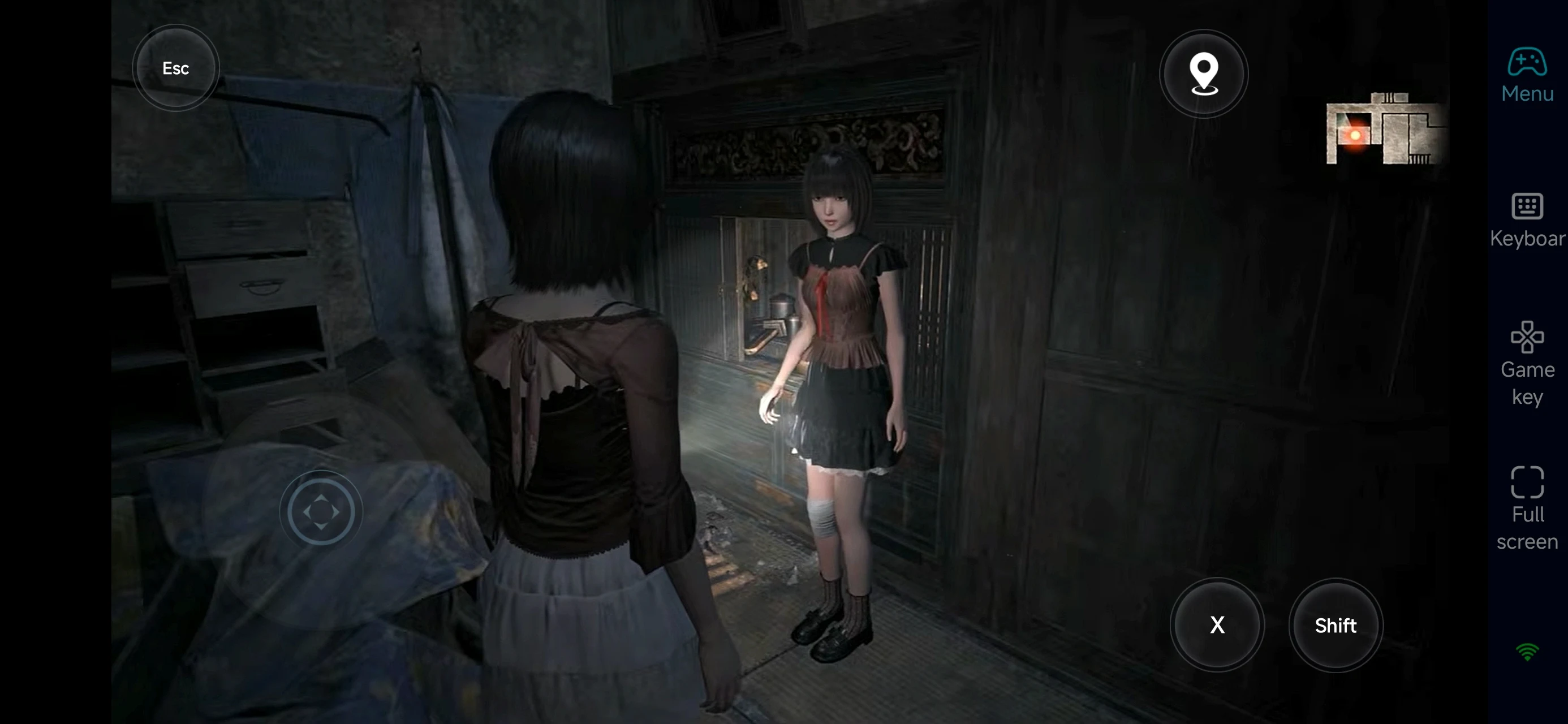
With custom virtual layouts, performing the perfect Fatal Frame shot is seamless. React instantly to ghost attacks with high-speed streaming.
3. Turn Spare Time into Progression
Upgrading the Camera Obscura requires a lot of points. Use your break time for quick encounters or inventory management so you’re ready for the big boss fights when you’re back at your PC.
FAQ
Q: What is the release date of FATAL FRAME II: Crimson Butterfly REMAKE?
A: The game was officially released on March 12, 2026, for PC and major consoles.
Q: What are the minimum PC requirements?
-
OS: Windows 11, 64-bit
-
CPU: Intel Core i5-8400 / AMD Ryzen 5 3400G
-
RAM: 16 GB
-
GPU: NVIDIA GeForce RTX 1050 Ti 4GB / AMD Radeon R9 380X 4GB
-
DirectX: Version 12
-
Storage: 30 GB available space
For smoother performance, higher specs are recommended.
Q: Can I play FATAL FRAME II: Crimson Butterfly REMAKE on Android?
A: There’s no official Android version. However, you can use OSLink to remotely play the PC version on your phone.
Q: Is FATAL FRAME II: Crimson Butterfly REMAKE available on iPhone or iPad?
A: There’s no native iOS version, but you can stream the PC version to your iPhone or iPad using OSLink.
Q: Is the FATAL FRAME series available on mobile?
A: There is no native mobile version for the main series. While titles like FATAL FRAME: Mask of the Lunar Eclipse and FATAL FRAME: Maiden of Black Water are popular on PC and consoles, they haven't been ported to Android or iOS. However, you can use OSLink to remote play any title in the franchise from your PC to your phone.
Conclusion
OSLink turns your mobile device into an extension of your gaming rig. Whether you're capturing haunting spirits, upgrading your gear, or following the tragic narrative, you can stay immersed in the world of the Crimson Butterfly anytime, anywhere.
 Download