English
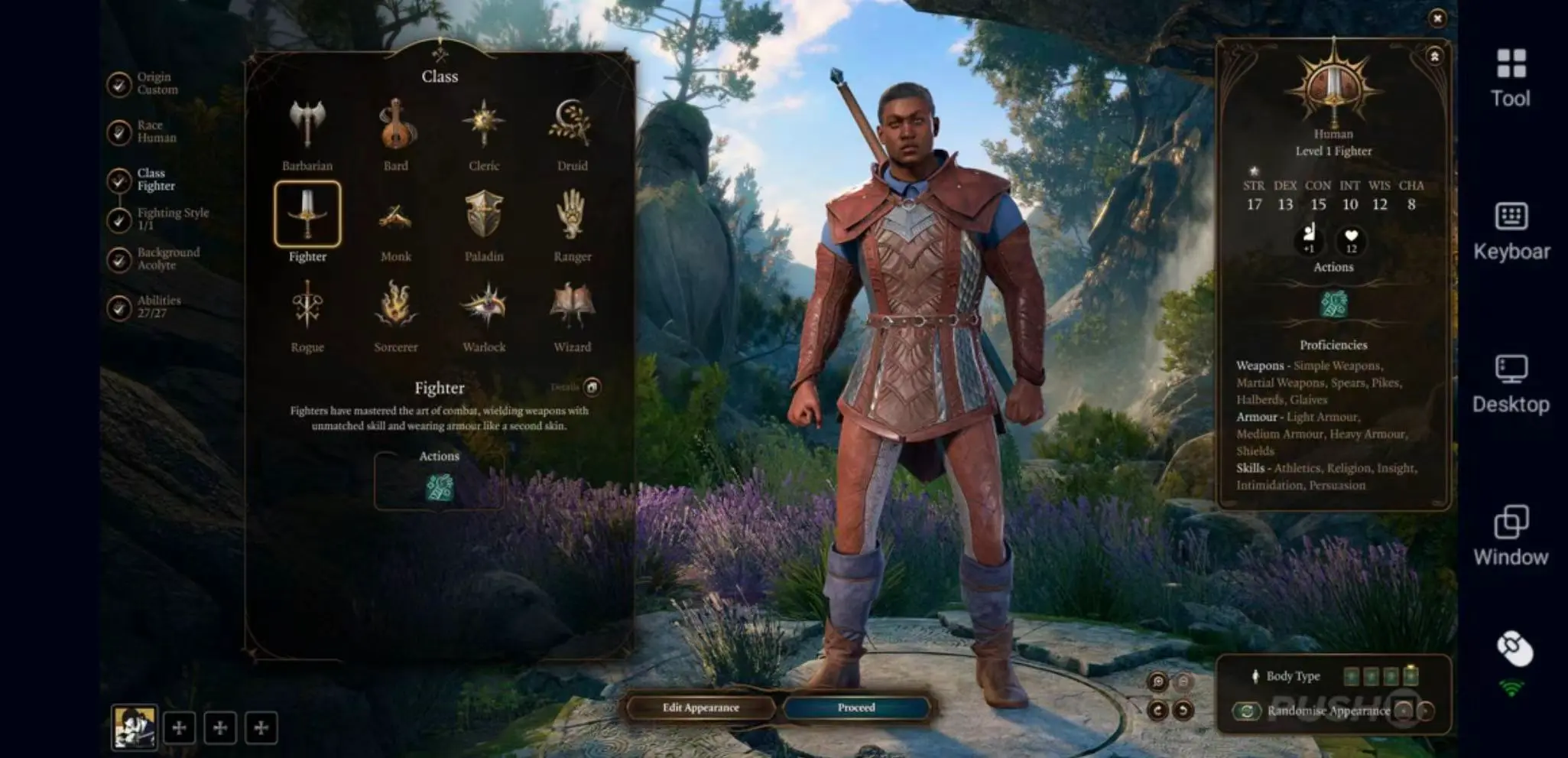
 Baldur’s Gate 3 is a next-generation RPG based on the rules of Dungeons & Dragons 5th Edition, developed by Larian Studios, the creators of Divinity: Original Sin 2. Players embark on an epic adventure across the Forgotten Realms filled with freedom, consequences, and player choice. From the Underdark to the streets of Baldur’s Gate, every decision can affect the story, companion relationships, and even the fate of the world itself. You can create characters from different races and classes, build your own party, fight alongside companions like Shadowheart, Astarion, Gale, and Lae’zel, or experience the darker narrative path of The Dark Urge.
Table of Content
The game features an enormous amount of player freedom, branching storylines, and deep character build systems, which often leads players to spend dozens or even hundreds of hours on their adventures. However, real-life schedules can make it difficult to stay at your PC for long gaming sessions. With OSLink remote streaming, your phone or tablet can instantly become a portable way to keep adventuring. Whether you’re organizing inventory during your commute, progressing a side quest during your lunch break, or relaxing in camp before bed, you can continue your journey anytime.
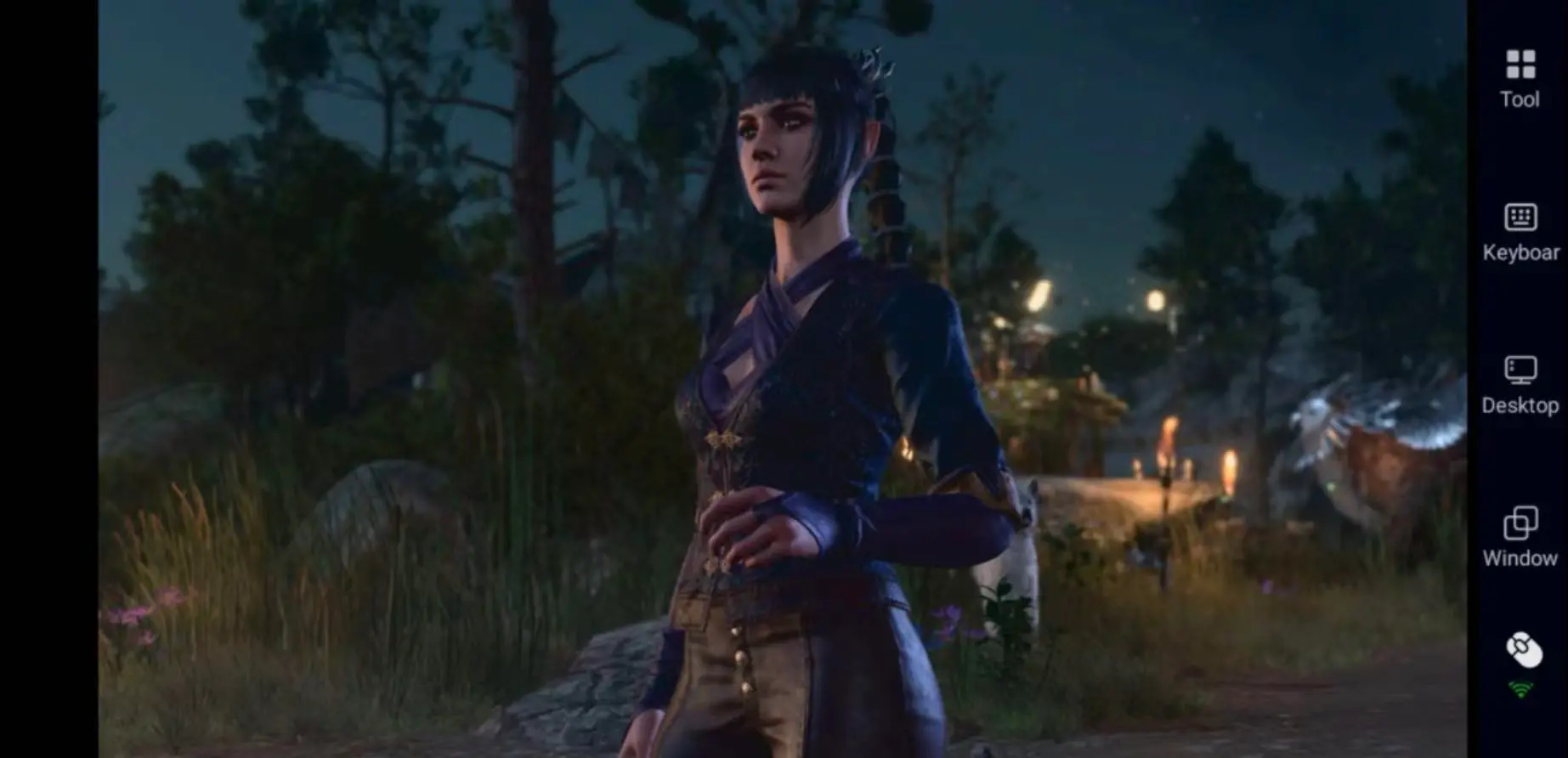
How to Play Baldur’s Gate 3 Remotely on Mobile
Install OSLink and Connect Your Devices
First, download and install the OSLink desktop client on your PC from the official website (https://www.oslink.io). After signing in, keep your computer online and connected to the internet.
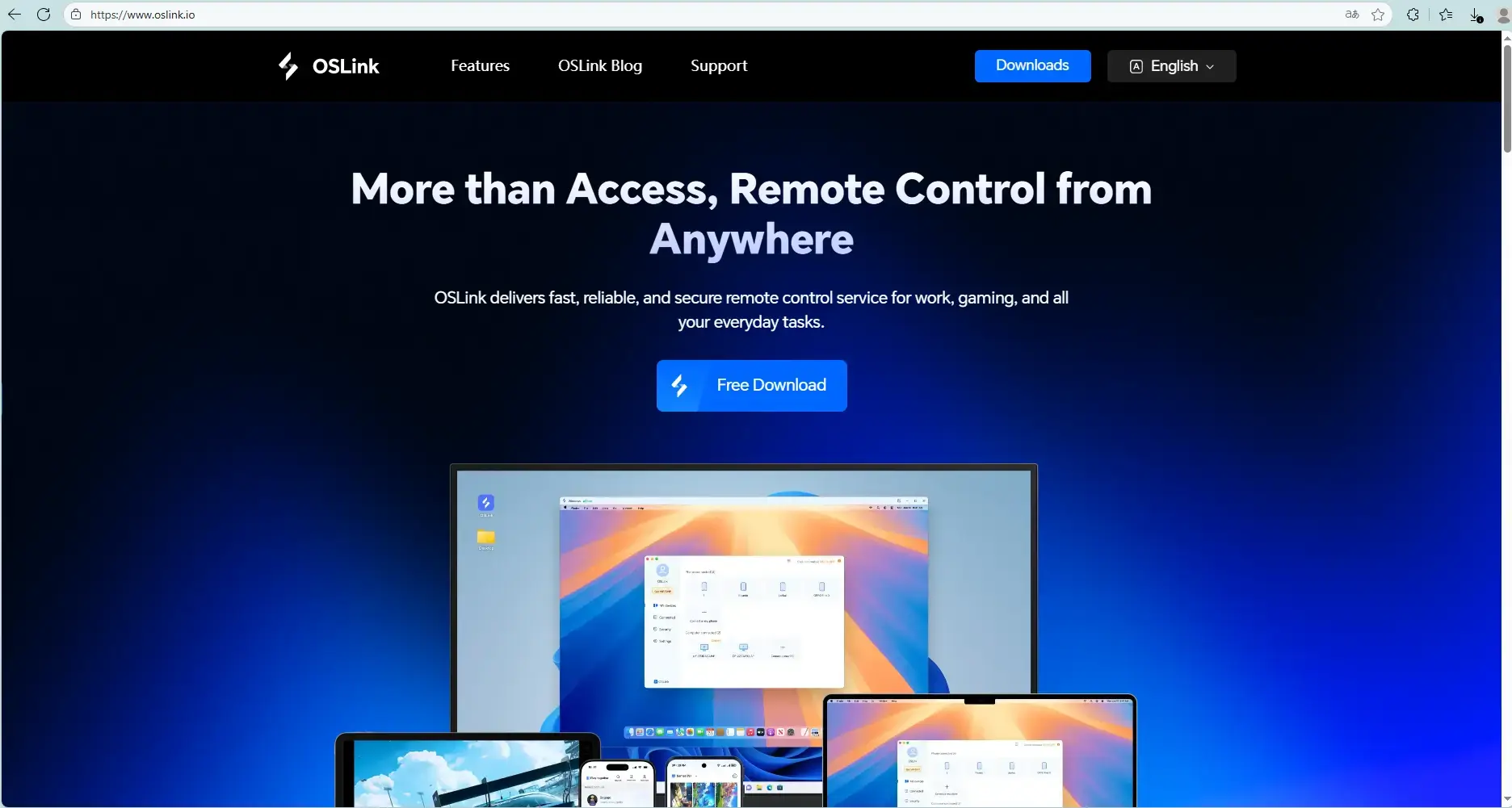
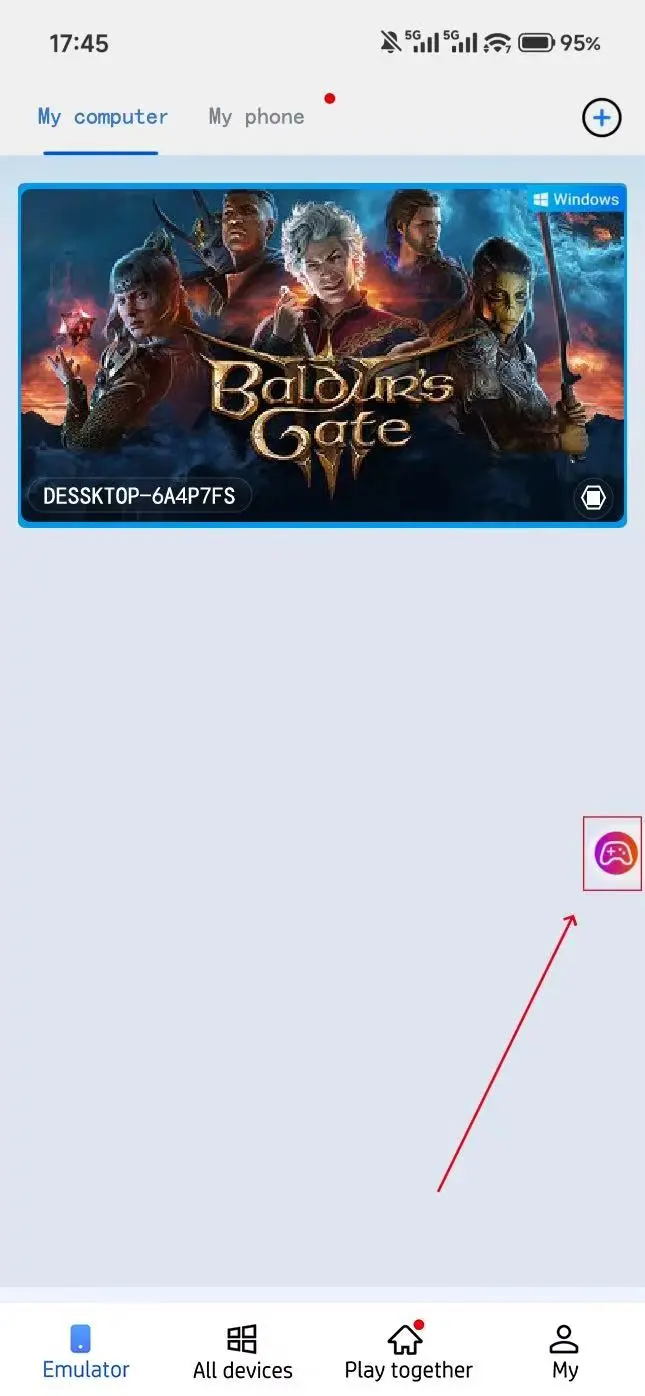
Next, install the OSLink mobile app on your phone or tablet and sign in with the same account. The system will automatically pair your devices, allowing you to remotely access your PC desktop from your mobile device.
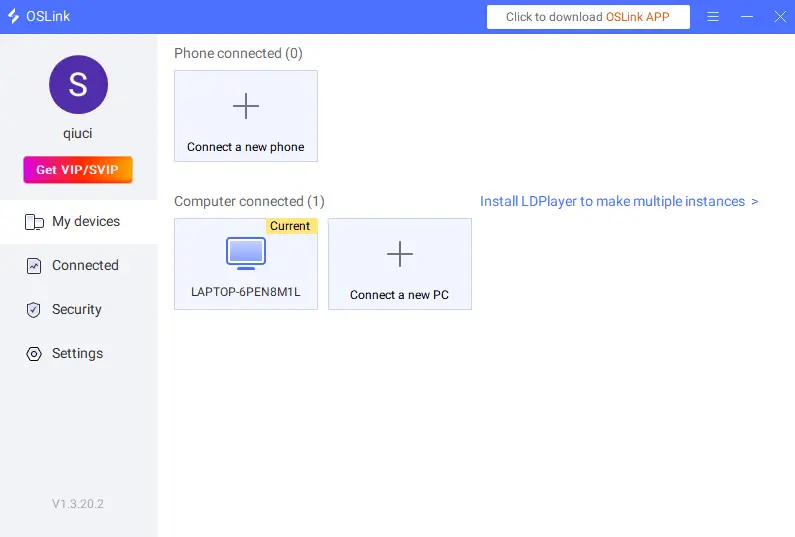
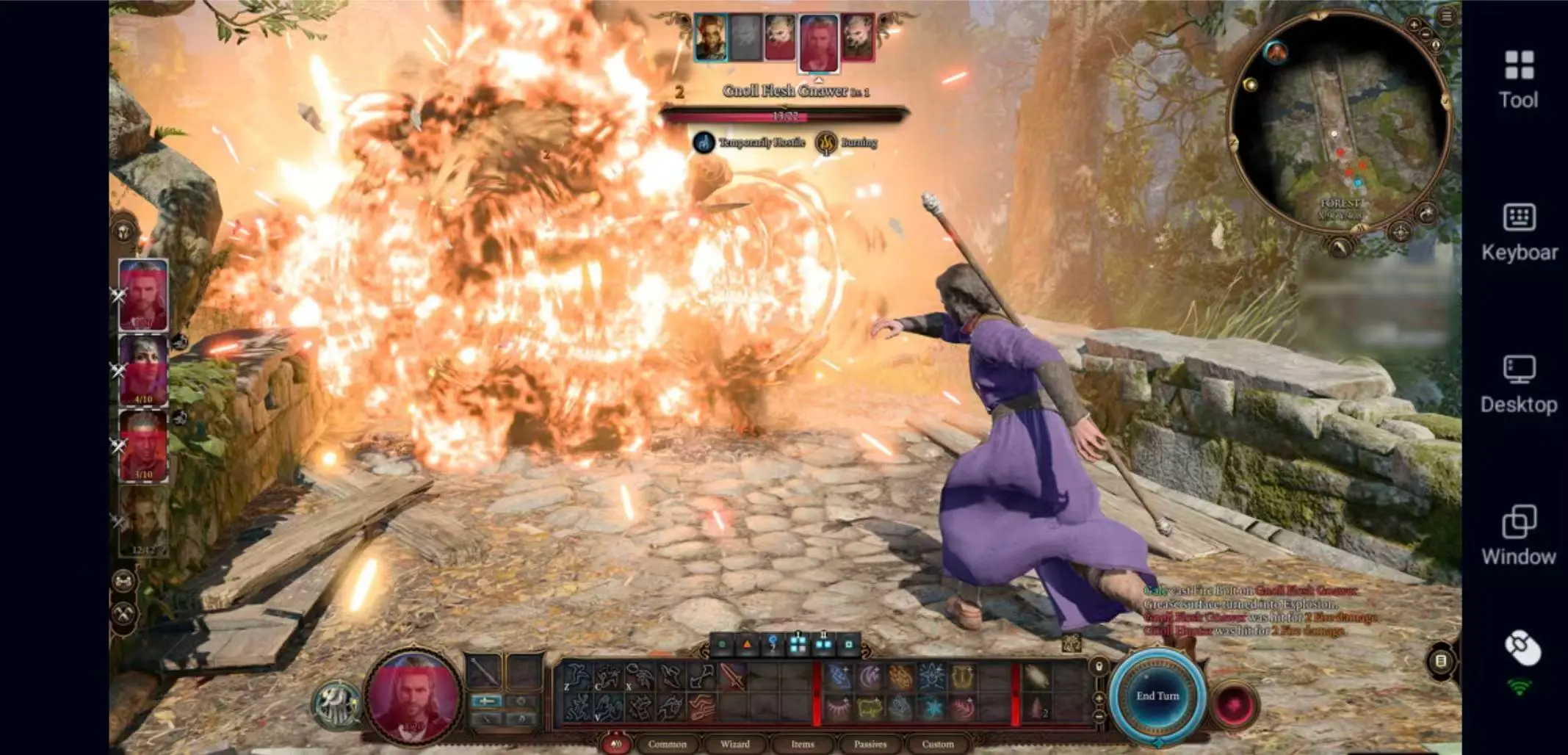
Once connected, simply launch Baldur’s Gate 3 from your PC and begin playing remotely. Since Baldur’s Gate 3 is a turn-based RPG rather than a fast-paced FPS, it is far less sensitive to latency, making it especially suitable for remote streaming on mobile devices.
Recommended Controls and Key Mapping
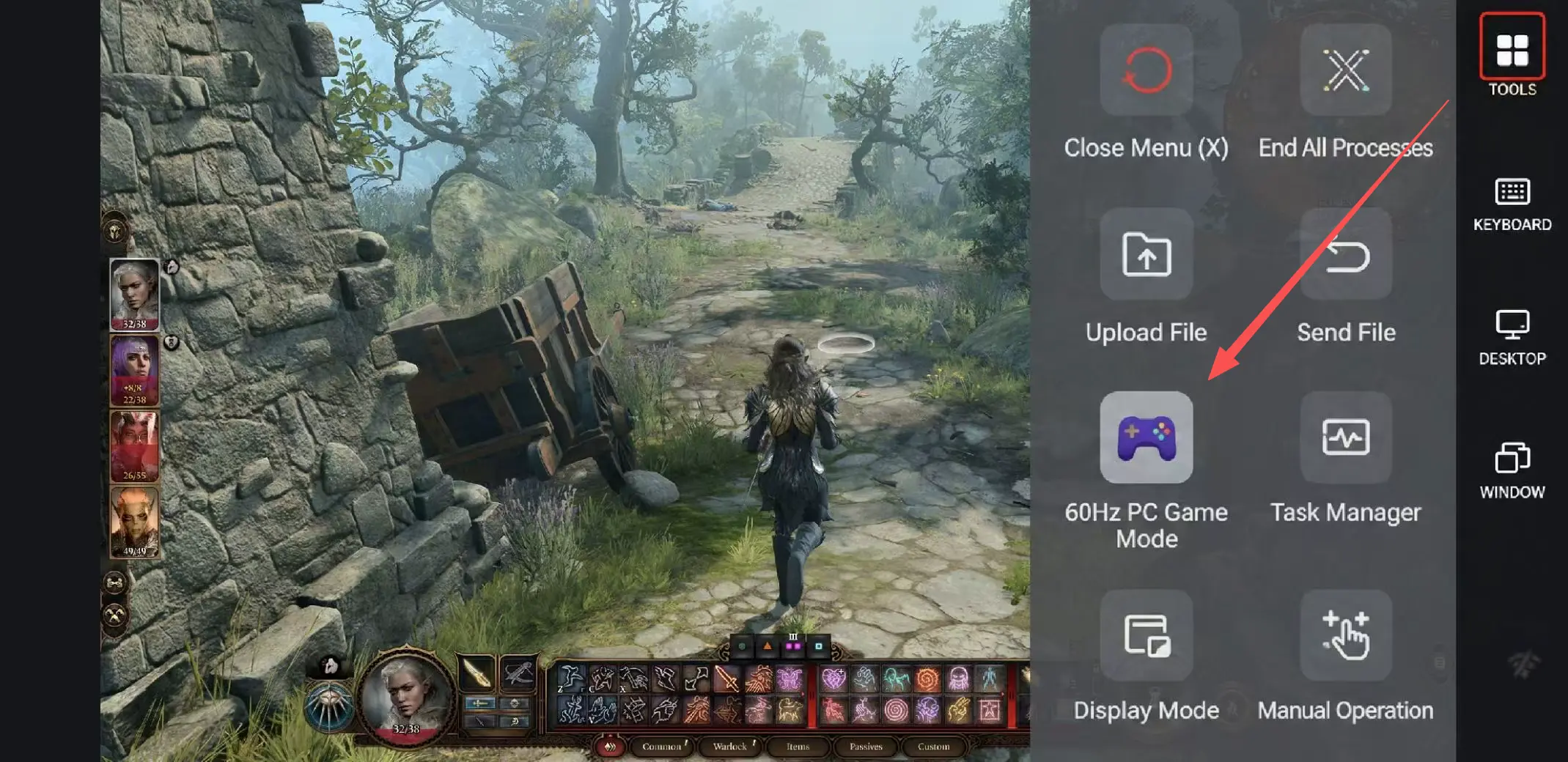
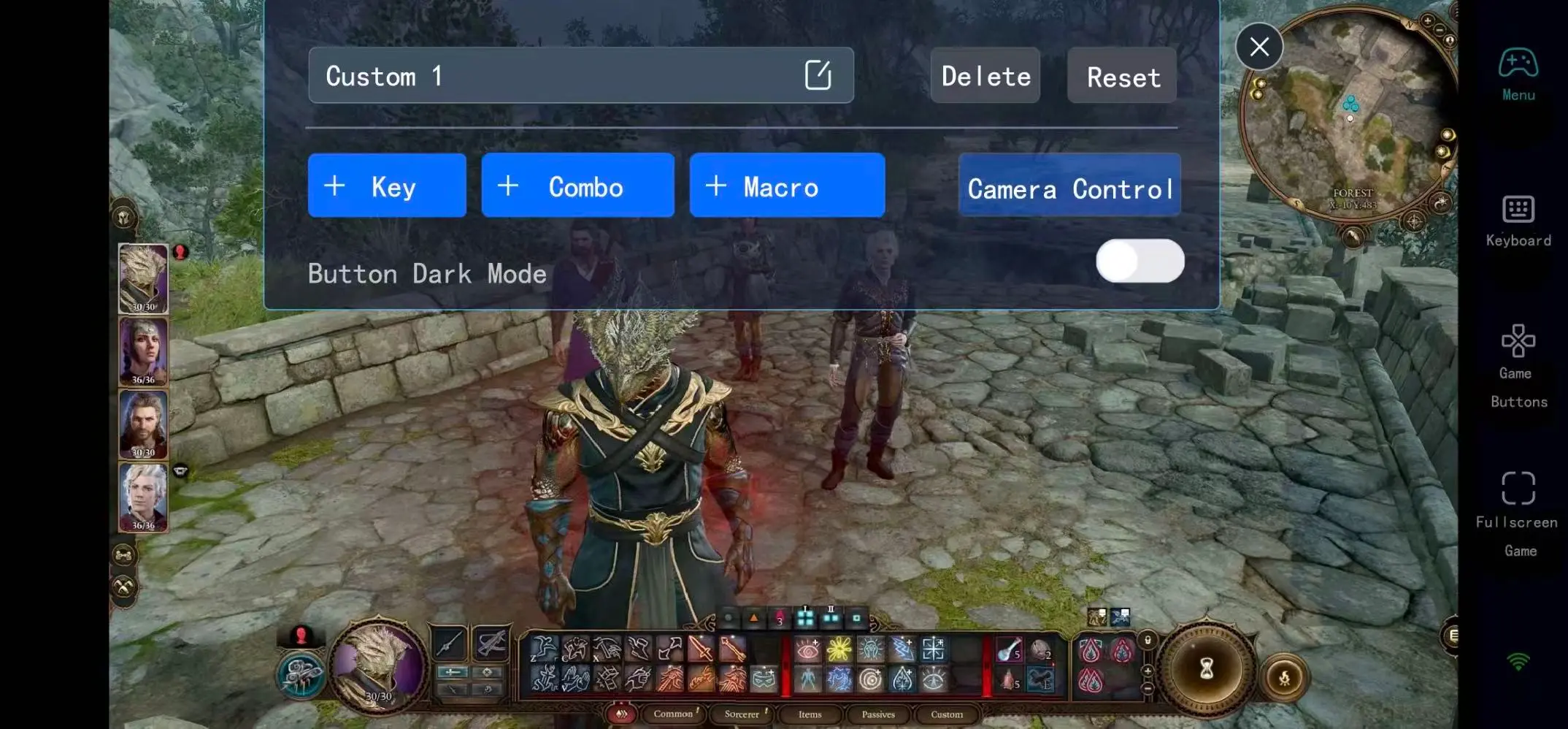
Open the toolbar on the right side of the mobile app to enable “60 FPS PC Gaming” mode. OSLink supports virtual touch controls, custom key mapping, and Bluetooth controllers, allowing you to tailor the controls to your own playstyle even in a complex RPG like Baldur’s Gate 3.
Recommended Key Layout
|
Function |
Suggested Keys |
Purpose |
|
Basic Controls |
WASD, Left Mouse Button, ESC |
Movement and menu navigation |
|
Combat Controls |
Skill Bar, End Turn, Jump |
Core turn-based combat functions |
|
Exploration |
ALT Highlight, Map, Sneak |
Essential for looting and exploration |
|
Quick Access |
F5 Quick Save, Camp Button |
Avoid missing important choices |
During exploration, players frequently switch between Sneak, Jump, the Map, and Inventory menus. Setting up shortcuts in advance can make exploration much smoother, especially when searching the Underdark for loot or exploring Baldur’s Gate itself.
Why Baldur’s Gate 3 Works So Well for Remote Play
The biggest difference between Baldur’s Gate 3 and most action games is its slower, more tactical pace. Much of the gameplay involves planning strategies, reviewing equipment, managing spells, or progressing companion storylines. This strategy-focused and narrative-heavy structure makes the game surprisingly comfortable to play through remote streaming.
For many players, the majority of their time in Baldur’s Gate 3 isn’t spent on boss fights, but on:
1. Experimenting with builds
2.Managing inventory
3.Preparing spells
4. Watching companion story scenes
5. Exploring hidden side quests
Most of these activities are perfect for shorter gaming sessions. During a commute, you can reorganize your inventory, adjust Astarion’s equipment, or even theorycraft your next Honour Mode build. Then, once you’re back home, you can switch to a larger screen for major battles and story moments.
Important Tips for New Baldur’s Gate 3 Players
The Druid Grove in Act 1 is extremely important, containing numerous merchants, side quests, and companion story events. Many new players rush into clearing the Goblin Camp too early, which can permanently remove certain NPCs and quests. It’s usually recommended to complete most Grove-related content before advancing the main story.
In addition, the Underdark is one of the most rewarding areas to fully explore in Act 1. It contains valuable equipment, large amounts of experience, hidden lore, and unique encounters. Many first-time players miss major content here by progressing too quickly through the story.
Finally, get used to saving frequently. Many decisions in Baldur’s Gate 3 are irreversible, including romance paths, faction relationships, companion survival, and quest outcomes. Sometimes a single dialogue choice can dramatically change later events.
FAQ
Q: Can I play Baldur’s Gate 3 directly on mobile?
A: There is currently no official Android or iOS version of Baldur’s Gate 3. However, with OSLink remote streaming, you can play the PC version directly on your phone or tablet.
Q: Does Baldur’s Gate 3 lag during remote play?
A: Baldur’s Gate 3 is a turn-based RPG, so it is far less sensitive to latency than competitive FPS games. With a stable internet connection, most exploration, dialogue, and combat sequences run smoothly.
Q: Does Baldur’s Gate 3 require a powerful PC?
A: Baldur’s Gate 3 can become quite demanding, especially in Act 3 within the city of Baldur’s Gate. An SSD and a mid-to-high-end graphics card are recommended for smoother performance.
Conclusion
One of the biggest strengths of Baldur’s Gate 3 is how easily it pulls players back in for “just one more thing.” You may only intend to organize your inventory, but end up spending another half hour experimenting with builds. You might plan to rest at camp, only to become completely absorbed in companion storylines again.
With OSLink remote streaming, you no longer need to stay tied to your desk. Whether you’re managing your party during a commute, browsing vendors during lunch, or progressing a side quest before bed, you can continue your Forgotten Realms adventure anytime, anywhere.
 Download