English
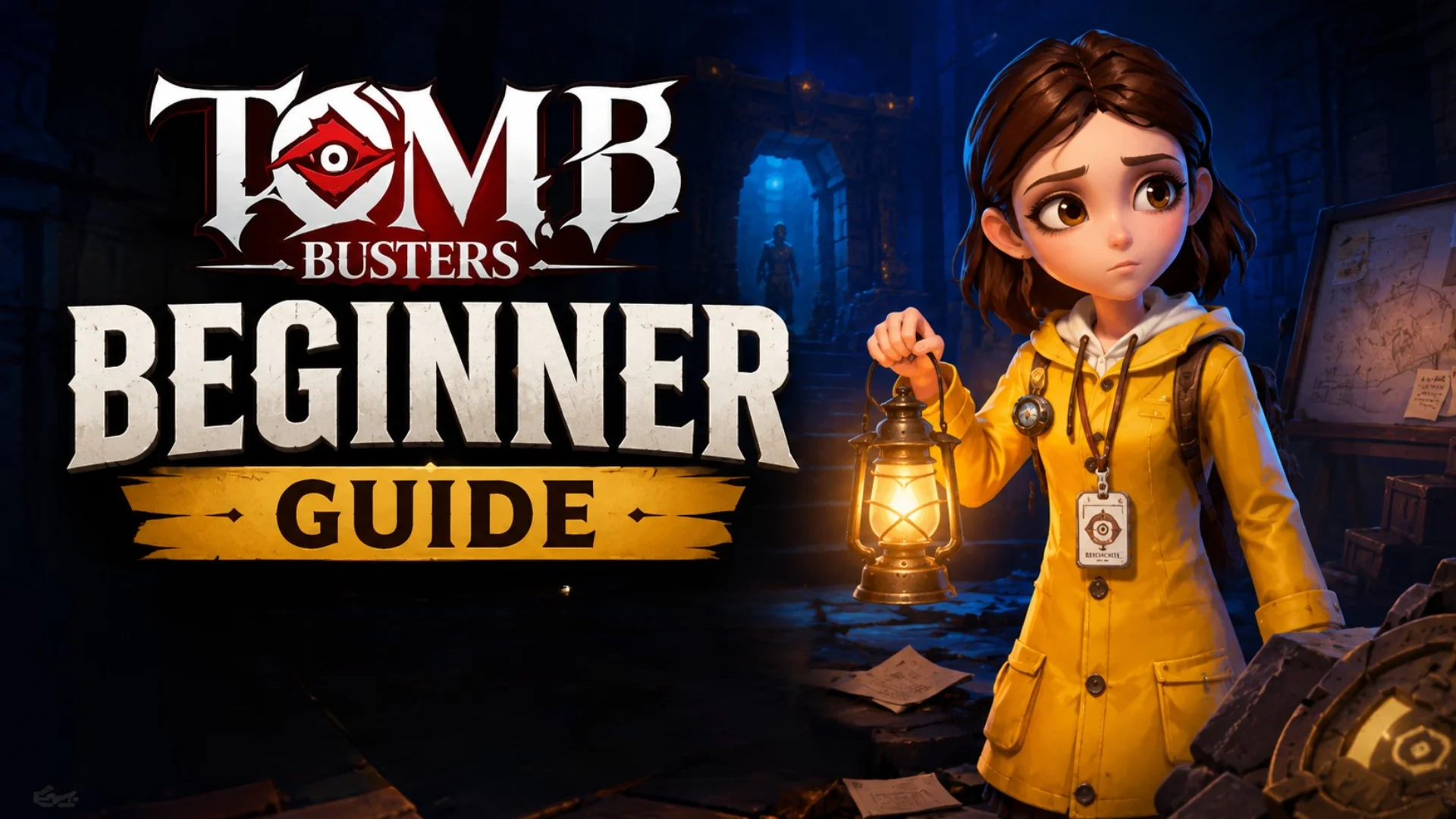
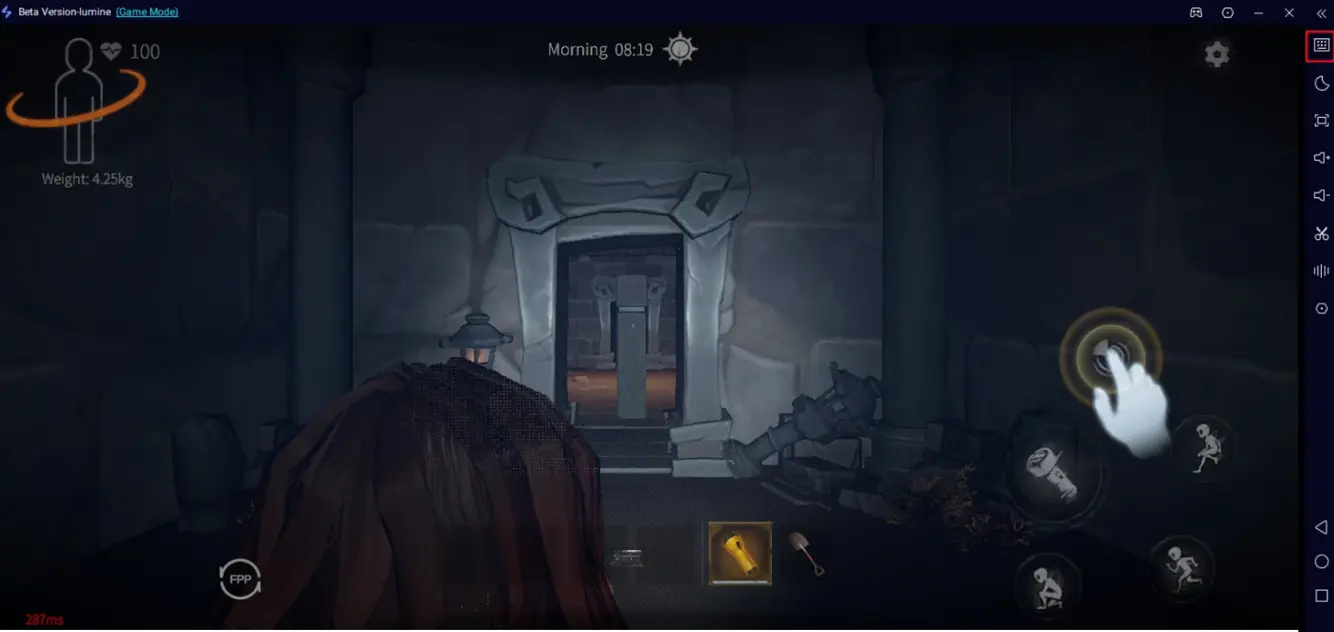
 Playing Tomb Busters on phones has limits. Fast reaction and accurate moves matter a lot in multiplayer horror adventures. When exploring ancient ruins with teammates, ghosts may pop out suddenly. Small phone screens make it easy to miss enemy moves. Touch controls also slow down your response.
With OSLink, mirror your phone screen to PC. Use keyboard, mouse or game controller to play. You get wider vision, smoother controls and quicker reactions. Never miss thrilling moments again.
How to Play Tomb Busters on PC
1. Install the game on your phone
Search Tomb Busters on Google Play or TapTap. If unavailable in your region, download APK from trusted sources.
2. Install OSLink on PC and phone
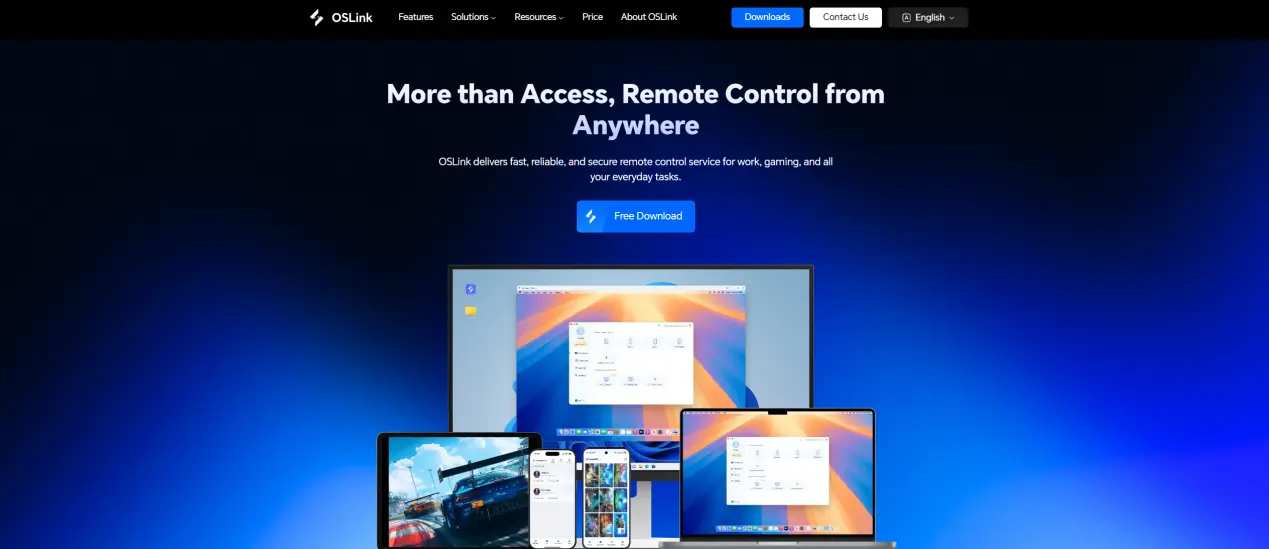
Download PC and mobile versions from official OSLink website (https://www.oslink.io).
3.Connect phone to PC
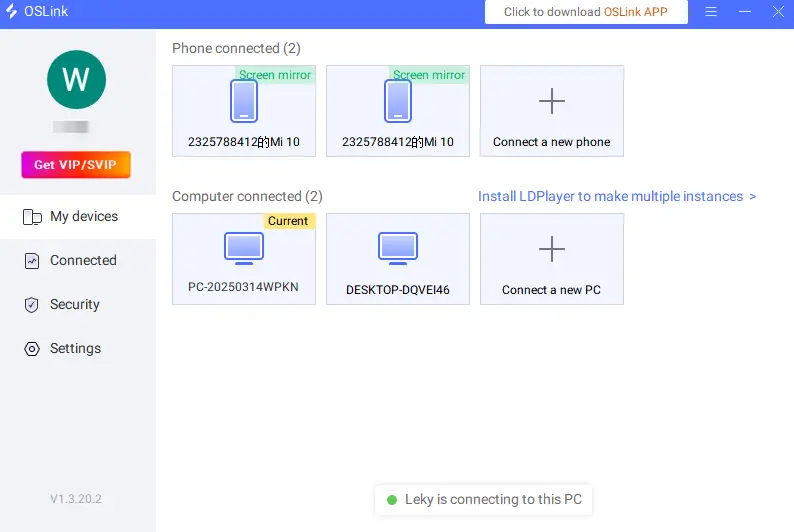
Launch OSLink on both devices and log in with the same email. Link your phone to the PC via USB cable. Select your device in the OSLink PC client.
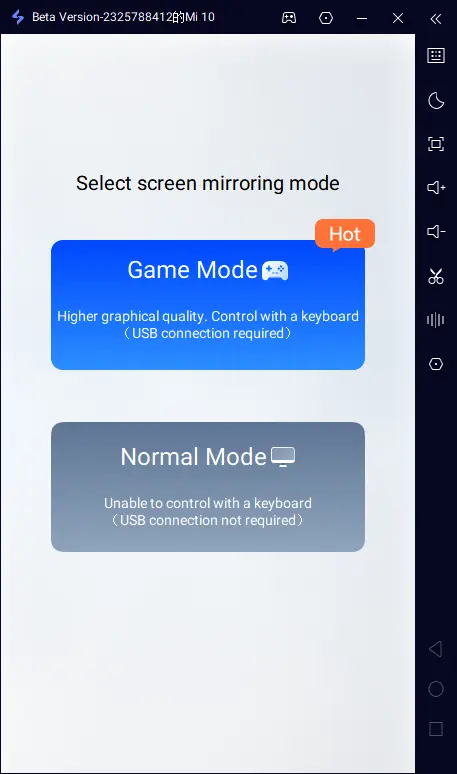
4.Turn on Game Mode for the best performance
Select Game Mode when prompted (USB required). Tap start mirroring on your phone.
5.Enable Developer Options and USB Debugging
Open OSLink and activate developer mode. Go to phone Settings - About Phone. Tap the build number 7 times to unlock developer mode. Enter your device password if needed. Find and turn on USB Debugging.
6.Start screen mirroring
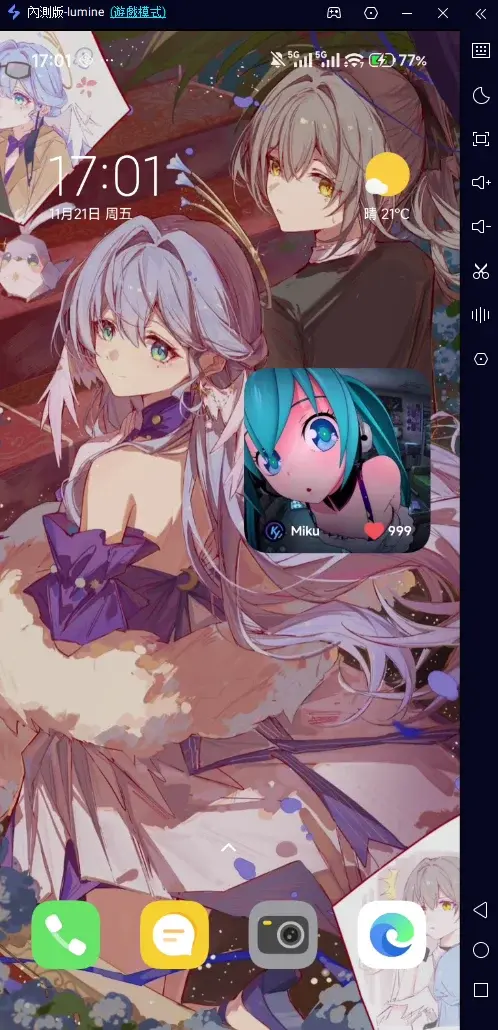
Go back to OSLink and confirm. Your phone screen will show up on your computer.
Keyboard & Mouse Setup for Tomb Busters
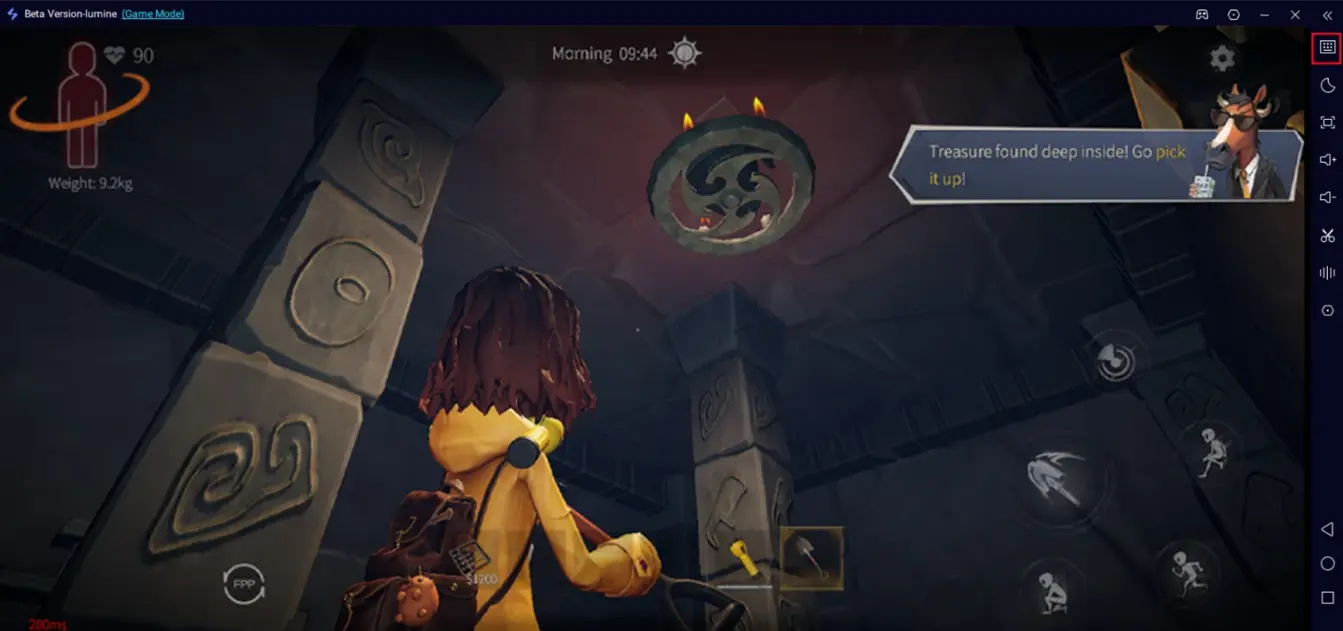
Click the keyboard icon on OSLink’s side toolbar.
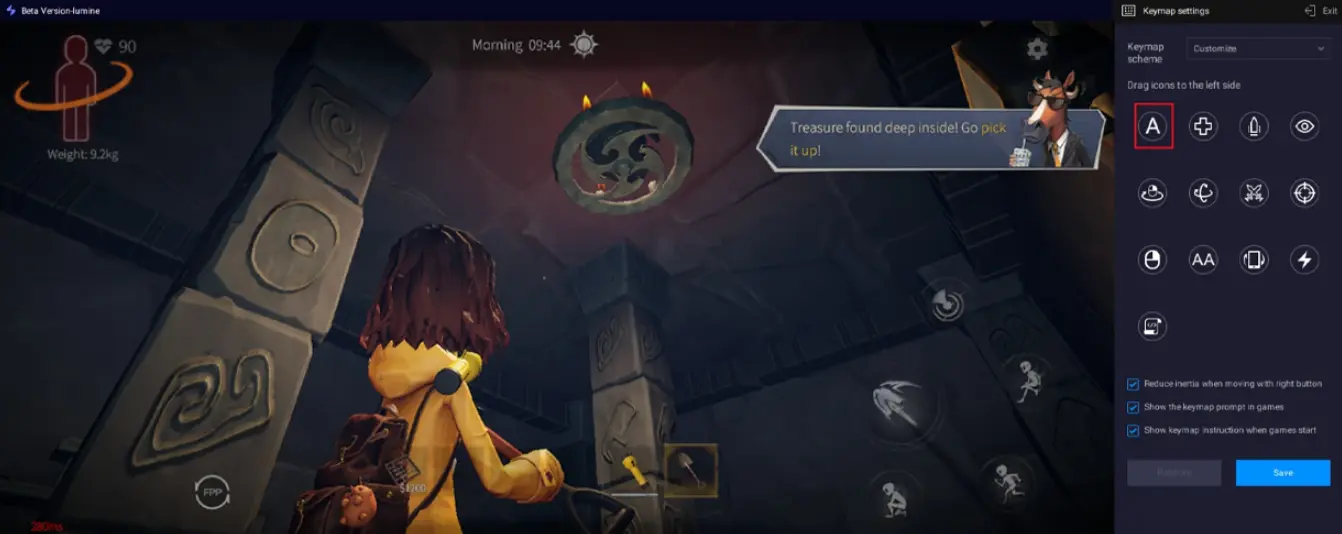
Open the key-mapping editor. Drag and align the virtual buttons to match the in-game controls. Add new buttons from the panel if needed.
If you prefer, OSLink also supports external controllers, letting you play Tomb Busters with a gamepad. Also don't forget to adjust your FPS and resolution depending on your device.
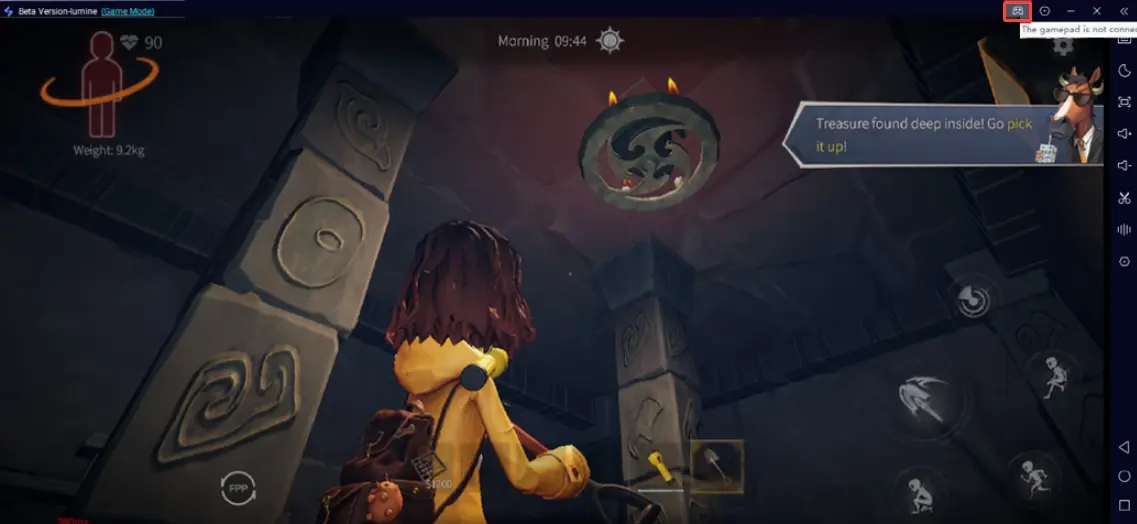
Useful Tips
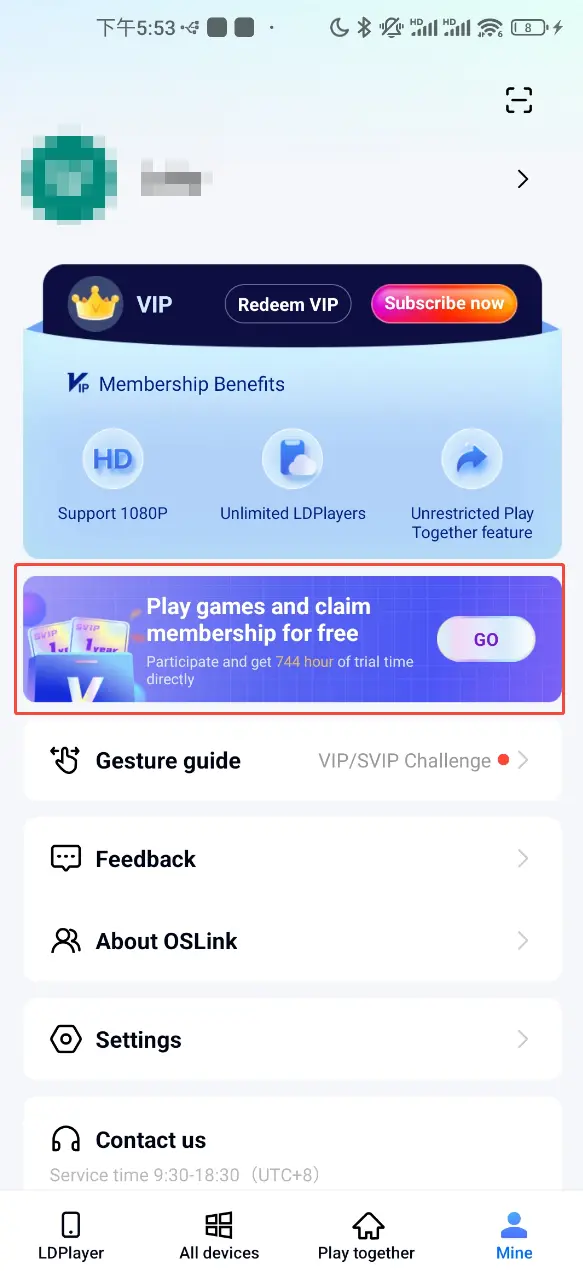
Use high-quality USB 3.0 cables. Avoid cheap charging-only wires to cut input lag. Watch ads or finish simple tasks in OSLink mobile page to get free usage time.
Common Questions
Question: What is the release date of Tomb Busters?
Answer: This game launches on May 21, 2026 and mainly supports mobile platforms.
Question: What is the minimum system requirement?
Answer: To ensure stable performance, your mobile device should meet the following requirements:
Storage space: The game installation file requires approximately 1GB of space. It is recommended to reserve additional space for updates and caching purposes.
RAM: It is recommended to have at least 4GB RAM for a smooth gaming experience.
Android: Android 8.0 or higher, equipped with a Snapdragon-660 level or above processor
iOS: Requires iOS 12.0 or higher, corresponding to iPhone 8 and above models
For a smoother gaming experience, it is strongly recommended to use higher-end devices.
Question: Can I play Tomb Busters on PC?
Answer: There is currently no official PC version. But you can use OSLink to mirror your phone to your computer for a larger screen and better controls.
Conclusion
OSLink brings you a brand new way to play Tomb Busters. Larger display, flexible controls and stable performance improve your adventure and battle experience a lot. Complete the setup in just a few minutes to level up your gaming fun. Whether you clear tough dungeons with friends or explore hidden secrets alone, you will get a much more immersive experience.
 Download