English
 Devil May Cry 5 is a classic action adventure game by Capcom. As the official sequel, players control Nero, Dante, V and other unique characters to fight demons in ruined cities. It features gorgeous combo systems, various weapons and skills. Players can experience classic Bloody Palace mode, collect souls to boost power and enjoy exciting demon hunting.
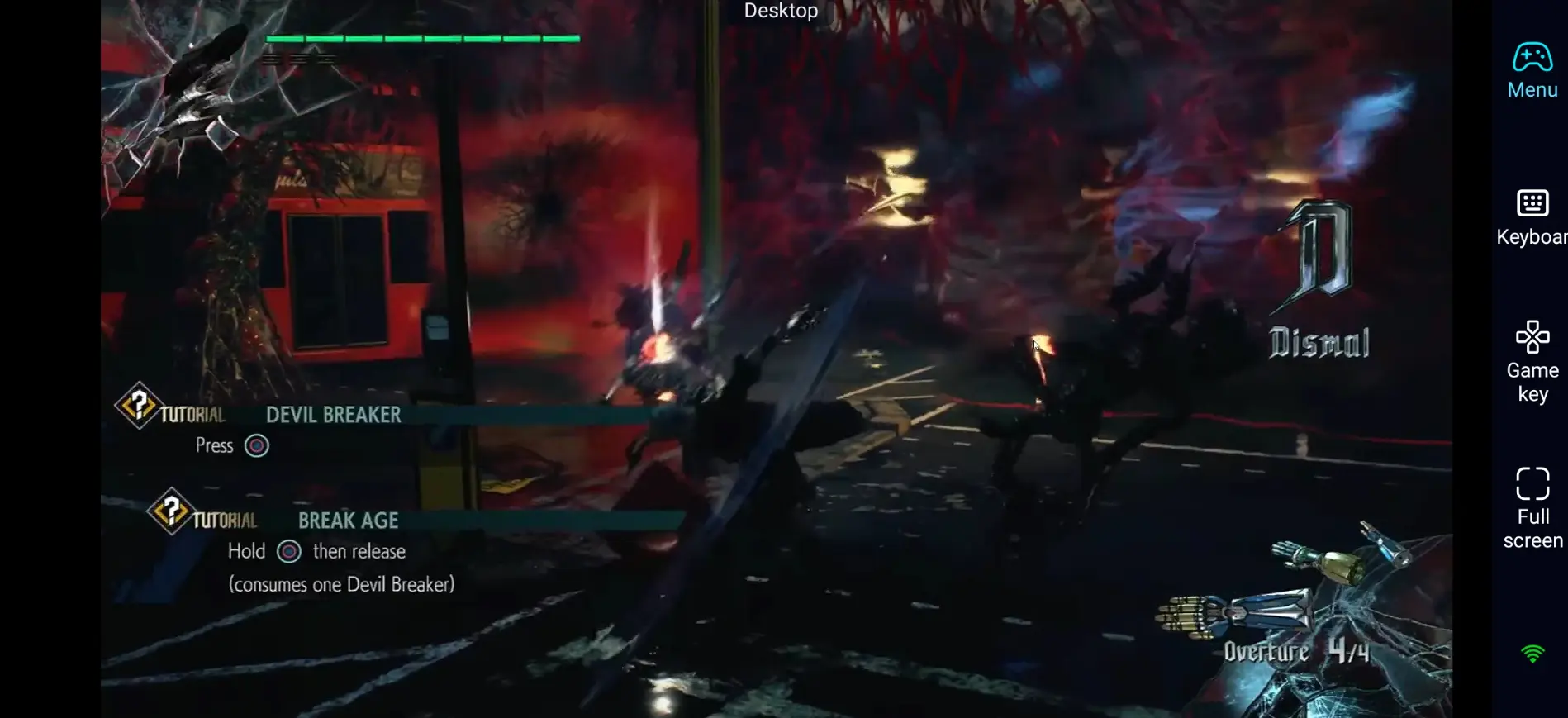
No official mobile version? Want to play anytime and practice combos easily? Use OSLink remote control. You can launch high-quality PC games on your phone and start your demon hunt right away.
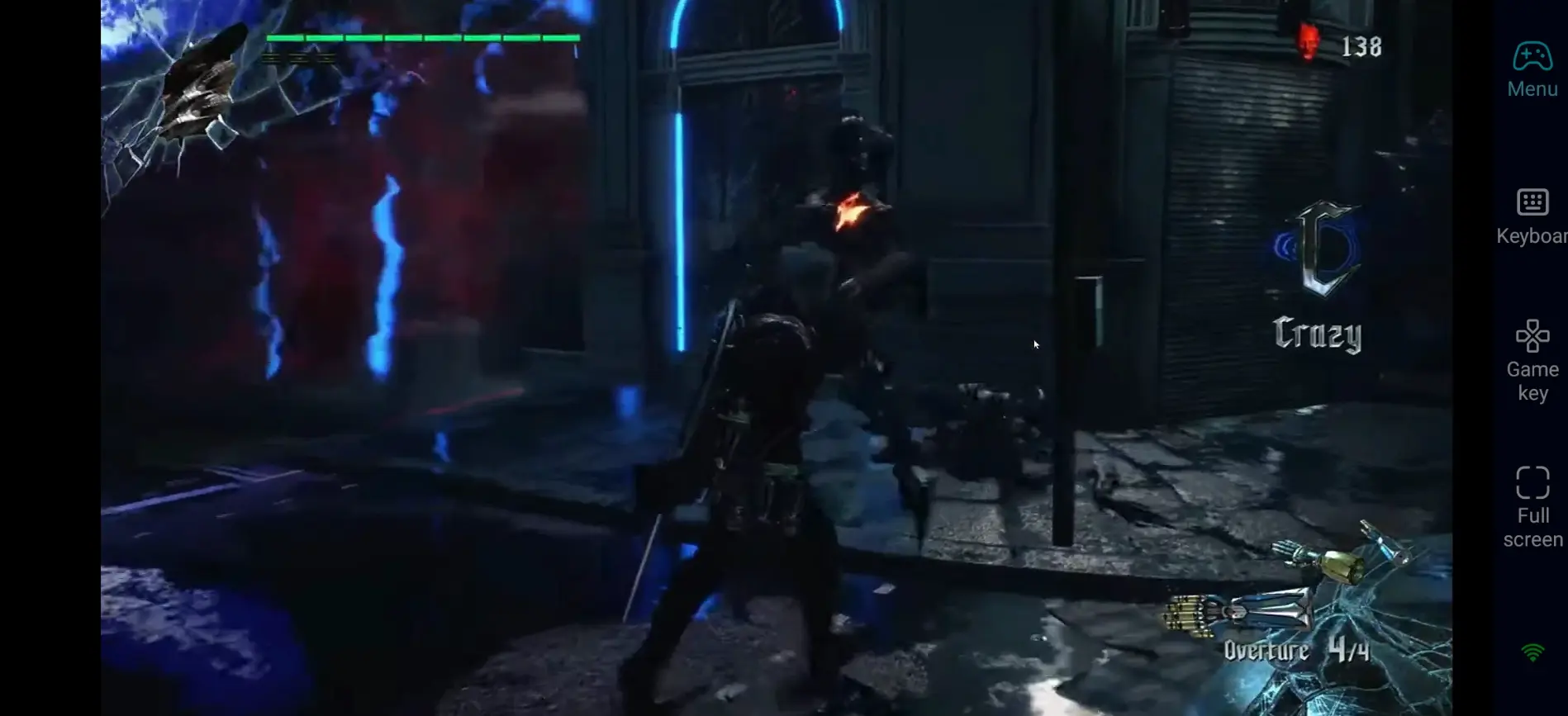
Quick Setup Guide to Play DMC5 on Phone
Step 1: Download OSLink & Connect Devices
1.On PC
Go to official site(https://www.oslink.io)to get the latest version. Install and log in your account.
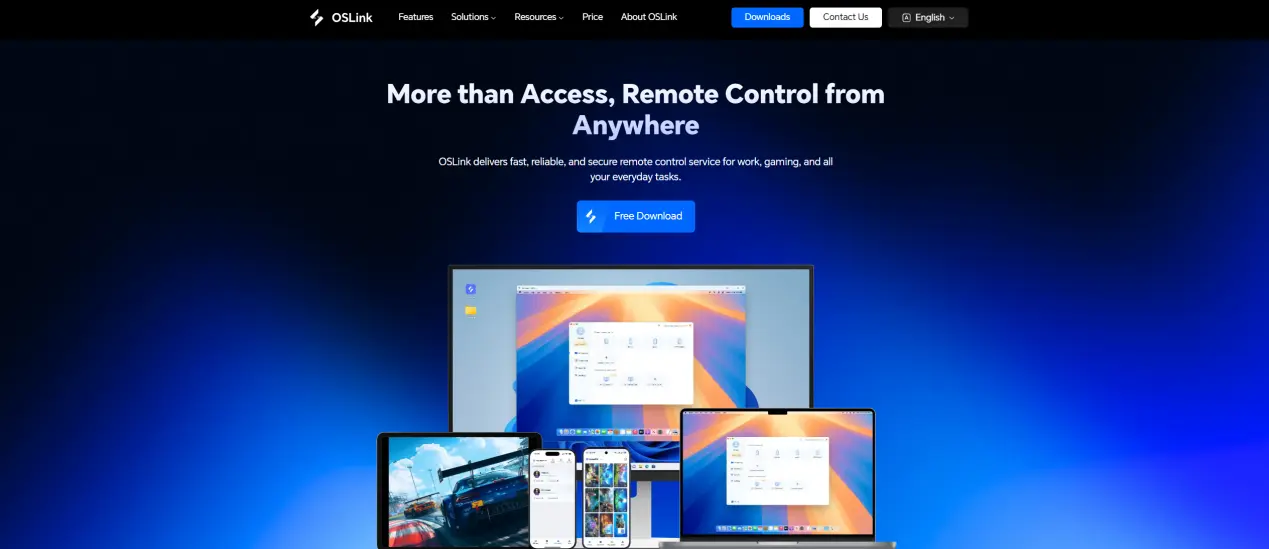
2.On Mobile
Search and install OSLink on App Store or Google Play. Android users can also download APK from official website. Log in the same account as PC to connect automatically.
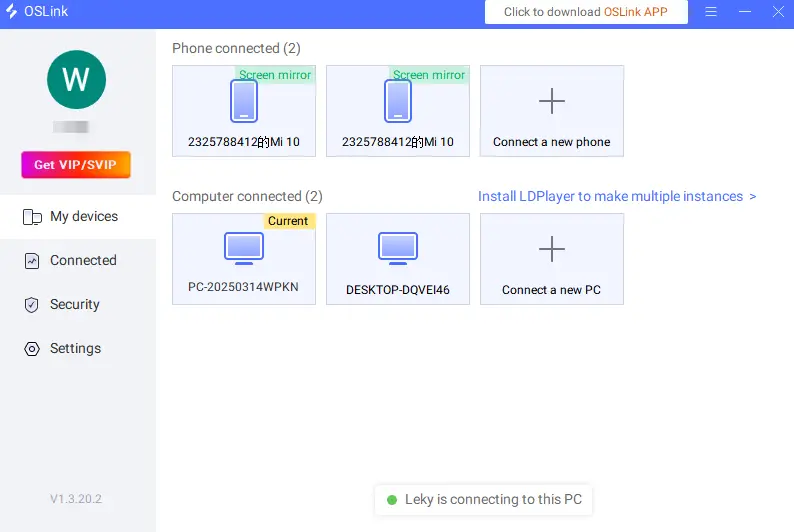
Step 2: Optimize Game Controls
1.Launch Devil May Cry 5 on your PC and connect via mobile OSLink.
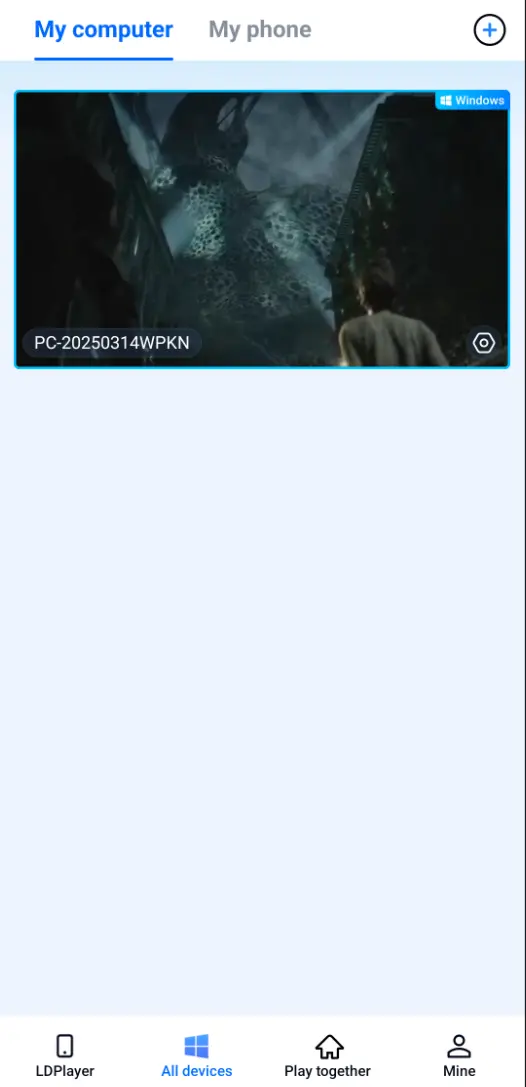
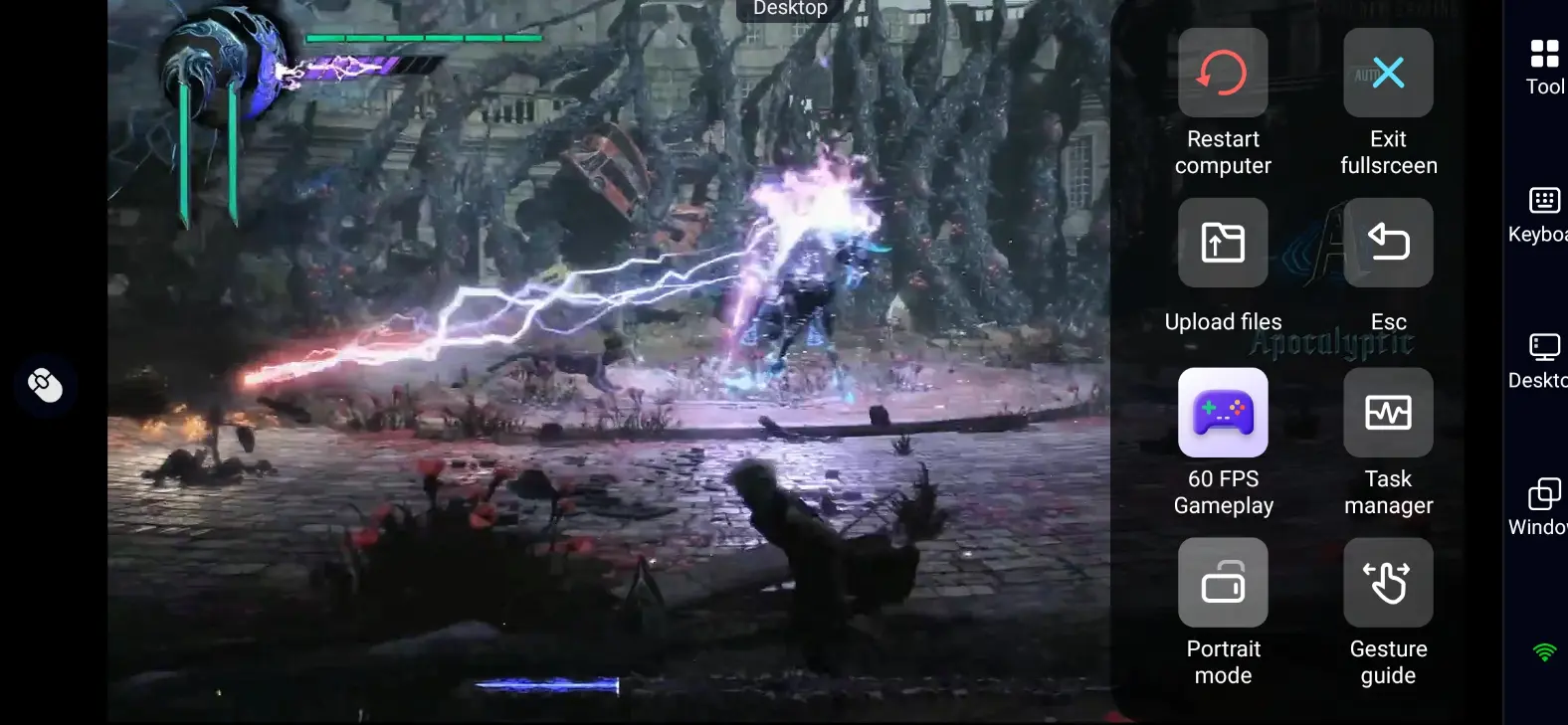
2.Open 60FPS Gameplay mode on mobile sidebar. Choose touch layout or virtual controller as you like.
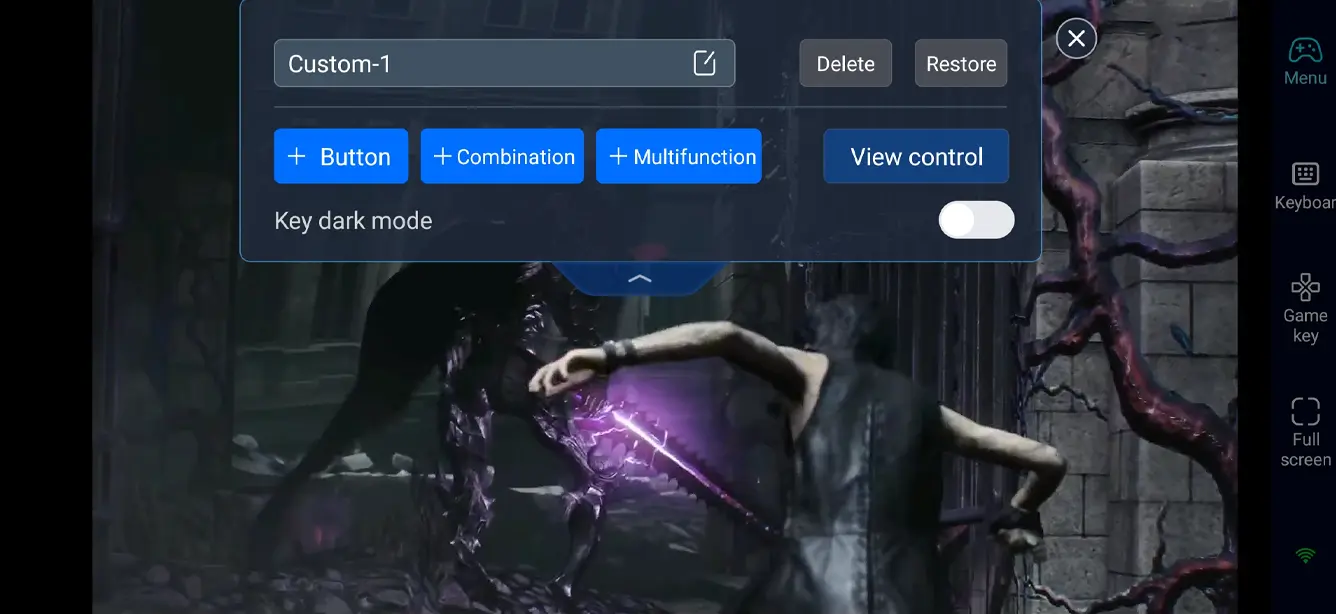
3.Custom key bindings
Adjust controls for character movement, diving view, item switch, resource gathering, base building shortcuts, vehicle operation and team interaction.
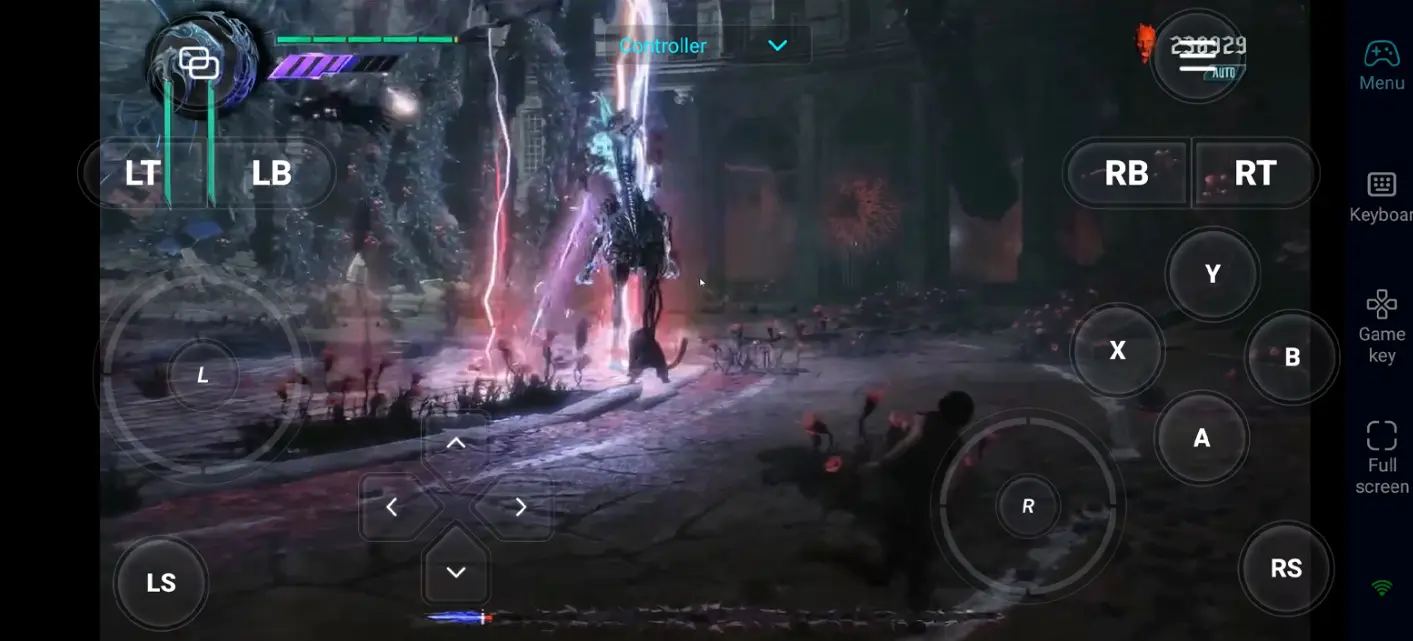
4.Connect external devices
OSLink supports Bluetooth game controllers. Replace touch controls for smoother gaming experience.
Step 3: Play Anywhere
After setup, your phone or tablet becomes a portable game device. You can do these anytime:
- Clear more Bloody Palace floors and get better ranks
- Practice combos with different characters to improve skills
- Farm red or blue souls to unlock skills and upgrade characters
- Challenge difficult modes like DMD to break your own limits
Why Choose OSLink for Devil May Cry 5
1.No location limits
Play on sofa at home or during commutes. Enjoy hot-blooded demon hunting whenever you want.

2.Original high game quality
There is no official mobile DMC5. OSLink uses PC performance to deliver original top-level graphics. Keep 4K resolution, ray tracing and full special effects without quality drop.
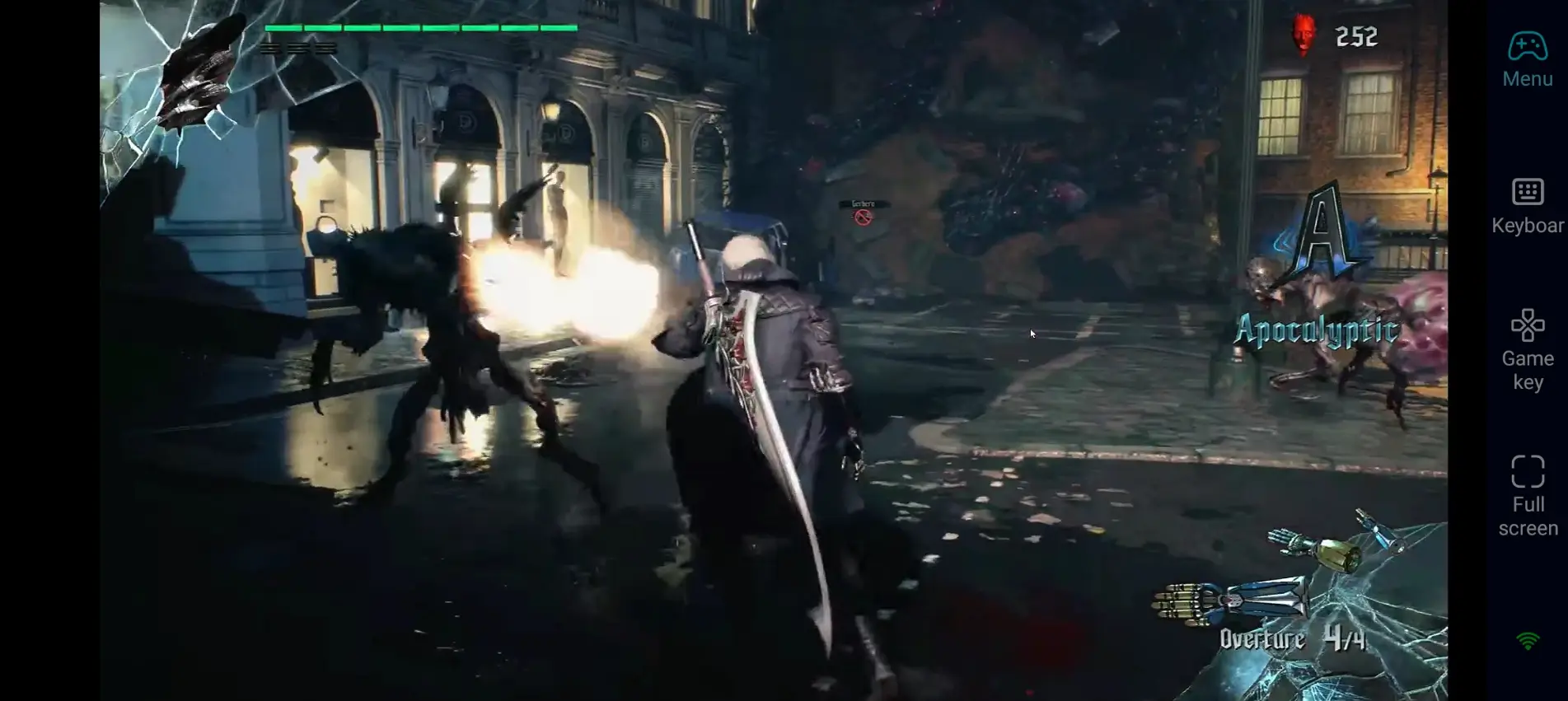
3.Smooth operation for perfect combos
Custom keys and 60fps support make high-speed actions easy on mobile. Release stylish moves and devil skills accurately without lag.
FAQ
Q: When was Devil May Cry 5 released?
A: It launched worldwide on March 8, 2019. Special edition with extra content was released later. It is available on PC, PS4, PS5, Xbox and Switch.
Q: What are the PC system requirements for Devil May Cry 5?
A: Minimum specs:
System: Windows 7 64-bit or above
CPU: Intel i5-4460 / AMD FX-6300
RAM: 8GB
GPU: NVIDIA GTX 760 / AMD R7 260X
Storage: 35GB free space
Q: Can I play Devil May Cry 5 on Android phones?
A: No official Android version. But you can use OSLink to remotely run the game. Enjoy PC-level graphics without worrying about mobile phone performance.
Q: Can I play Devil May Cry 5 on iOS devices?
A: No official iOS version. But with OSLink, you can play Devil May Cry 5 on iPhone and iPad. Games run on PC so your phone will not overheat or drain power fast.
Conclusion
Turn your phone or tablet into a portable Devil May Cry 5 gaming device with OSLink. Practice combos, clear Bloody Palace, farm resources and finish game stories freely. Break all time and device limits for your demon hunting journey.
 Download