English
 The Sinking City 2 is a third-person adventure game that blends horror, investigation, and survival elements. You play as a detective searching for unspeakable truths in the flooded city of Arkham. The game features a deeply oppressive atmosphere, requiring extensive exploration, clue analysis, and dialogue choices. However, since the game is only available on PC, you are normally tethered to your desk. The OSLink remote tool solves this problem. As long as your PC stays on, you can remotely connect to your PC from your mobile device and take control of your investigation anytime, anywhere.
Want to immerse yourself in the oppressive Lovecraftian atmosphere of The Sinking City 2 without being glued to your computer desk? OSLink offers the perfect remote streaming solution. With custom virtual keys, you can easily explore scenes and make dialogue choices on your phone, making cross-platform investigation incredibly smooth.
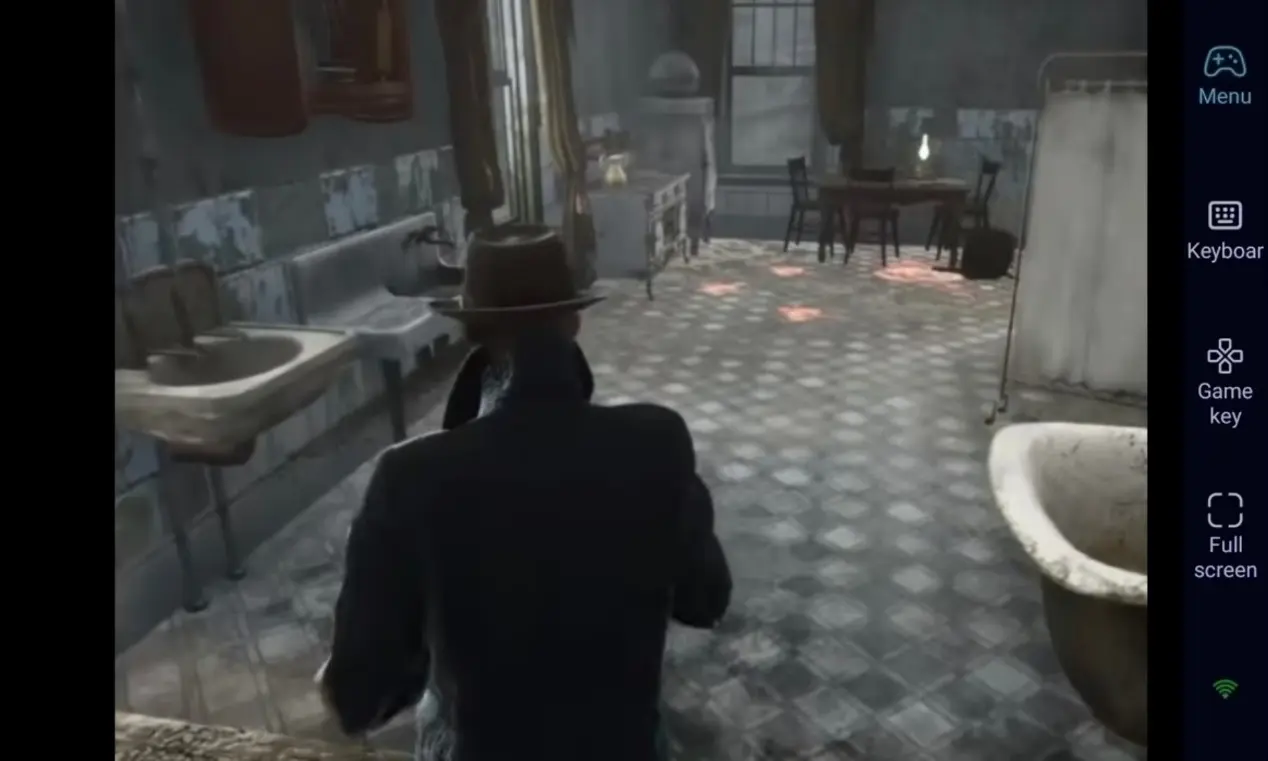
Step 1: Download OSLink & Pair Devices
1. PC Client
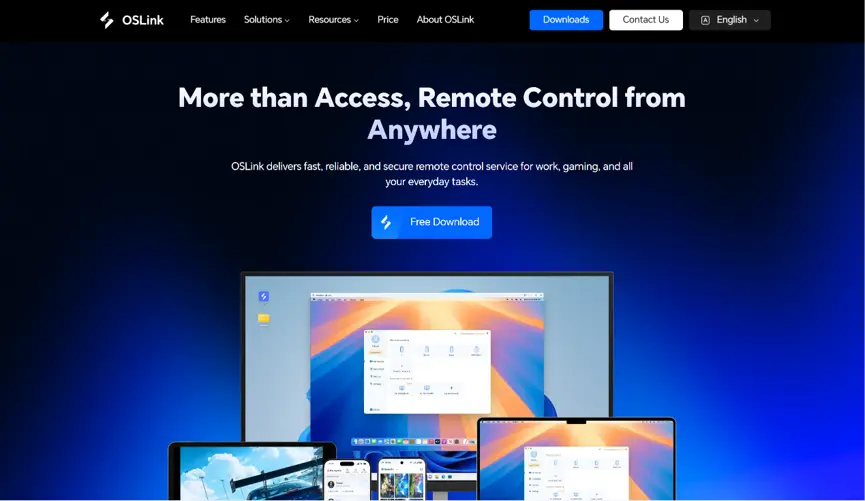
Head to the official OSLink website to download and install the desktop client. We recommend a wired ethernet connection or high-speed Wi-Fi to minimize input lag.
2. Mobile Client
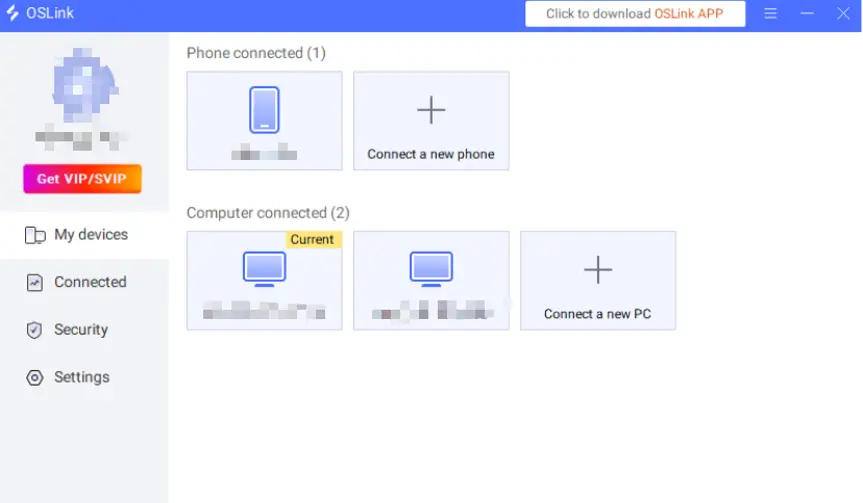
Download the OSLink app from the Apple App Store or Google Play Store; the official website also offers the standalone APK file. Log into the exact same account used on your PC, and your devices will automatically pair.
Step 2: Optimize Controls & Keybinds
1. Launch the Game
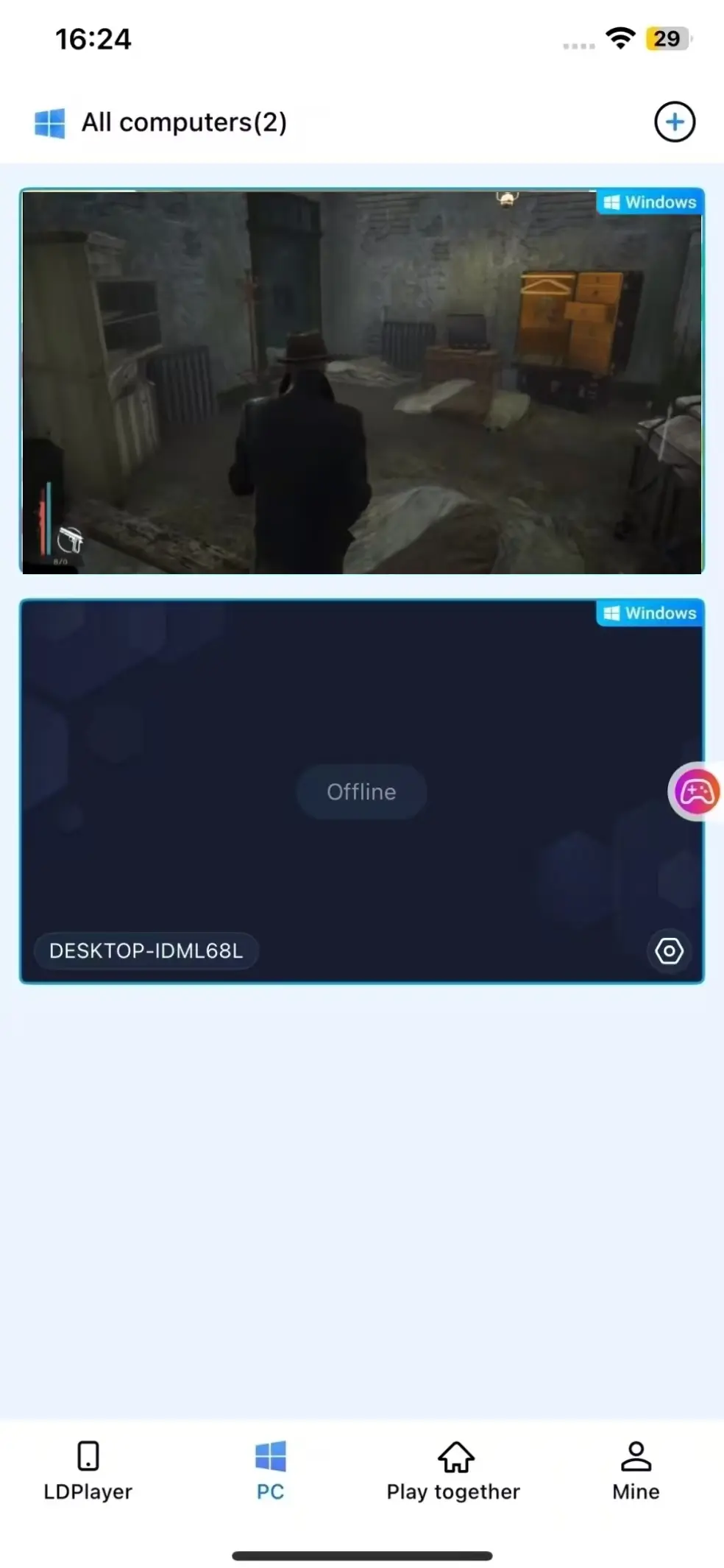
You can launch The Sinking City 2 on your PC beforehand. If you haven't, you can use the game shortcut button within the OSLink mobile interface to launch the game on remotely with a single tap.
2. Enable 60 FPS PC Gaming Mode
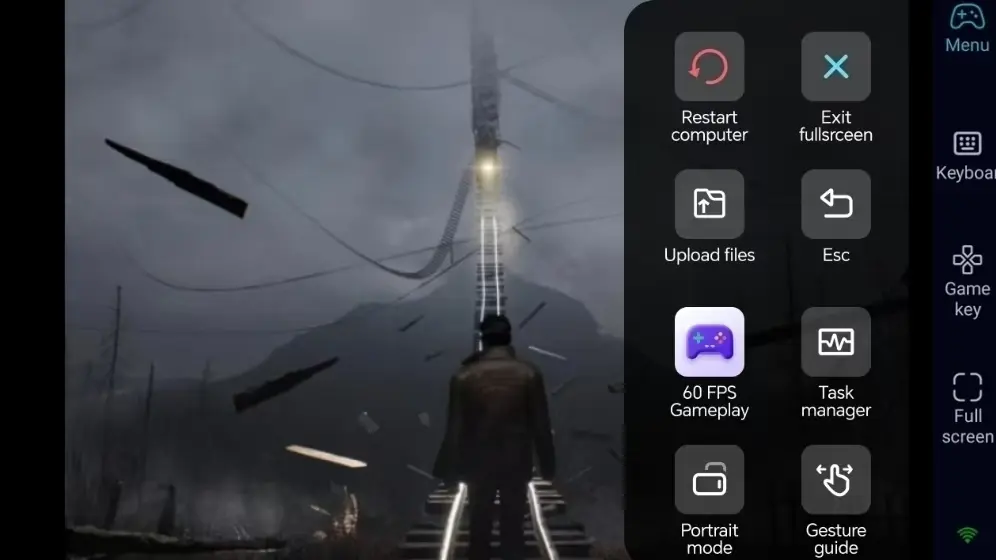
Once your PC screen is successfully streaming to your phone, tap the tool menu on the right side and enable "60 FPS PC Gaming" mode. This ensures that high-quality scenes and character details are displayed smoothly and clearly on your phone screen.
3. Customize Keys for Investigation & Exploration
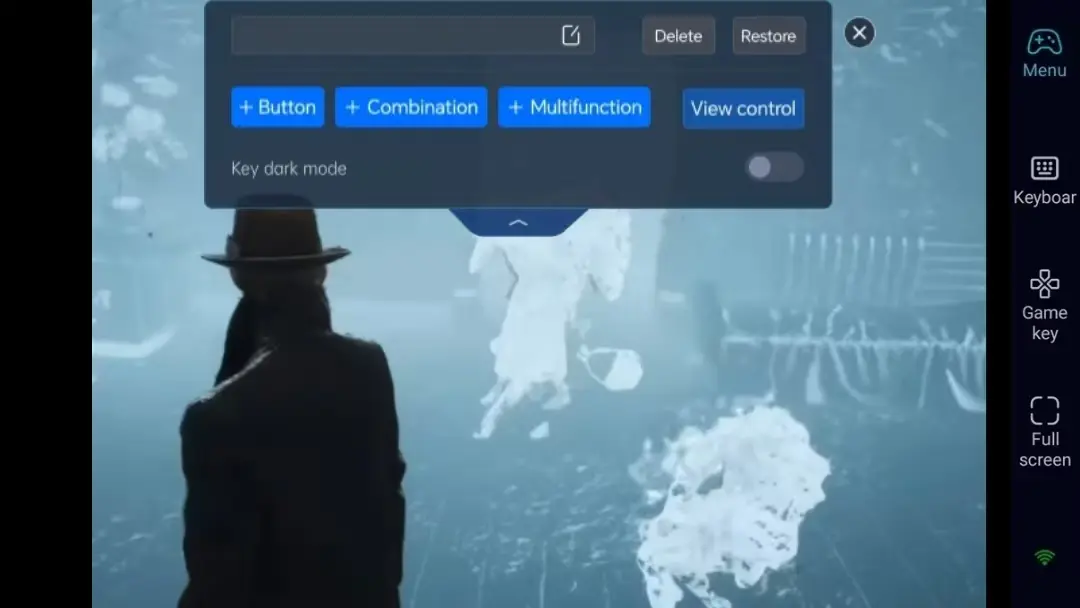
For exploration and investigation, adjust the key positions for camera movement, interaction, and menu navigation. Freely adjust the size and opacity of the buttons to ensure they don't obscure vital clues in the environment.
4. External Controller Support
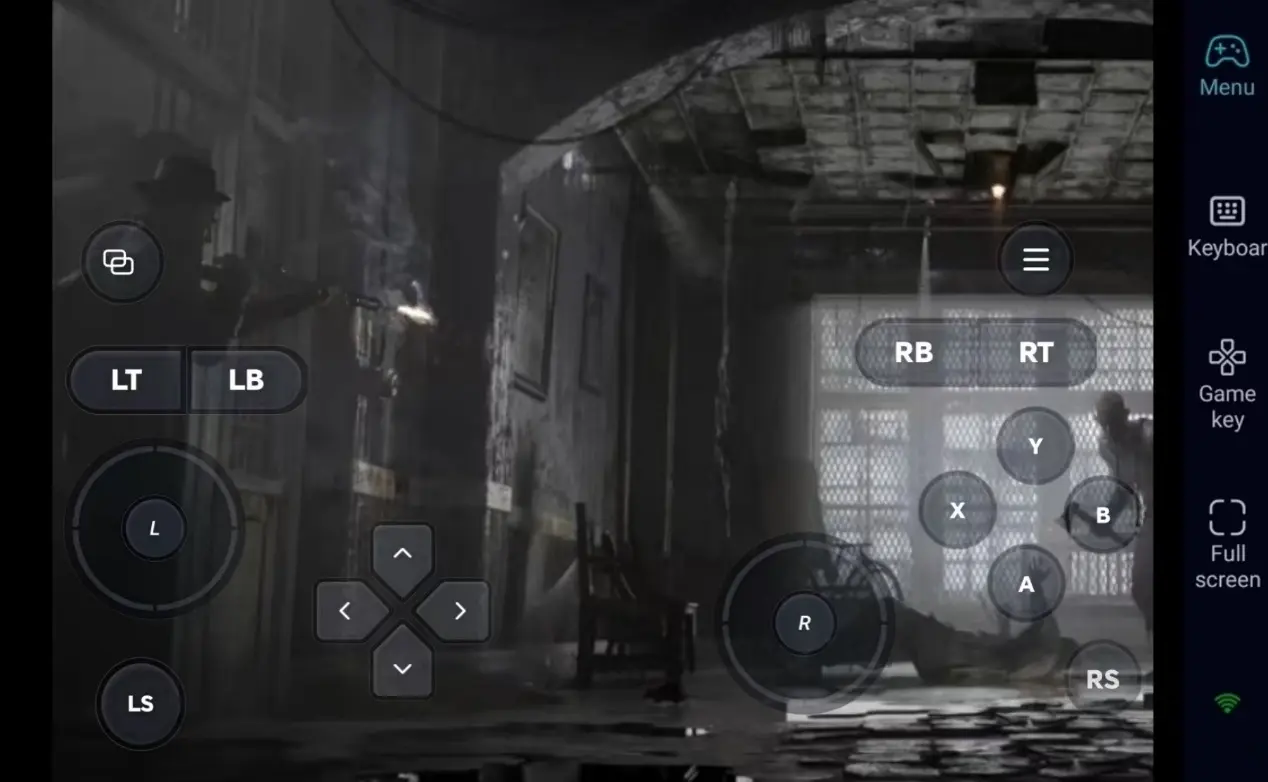
OSLink supports Bluetooth game controllers. Connecting a controller greatly provides a more PC-like control experience, making it ideal for immersive, long investigation sessions.
Step 3: Start Your Investigation and Uncover the Truth Anytime
Once the setup is complete, your phone or tablet becomes a perfect remote terminal. As long as your PC stays awake, you can connect via OSLink at any moment. Use spare moments to search for clues, compare evidence, or advance the main storyline.
Why Choose OSLink for The Sinking City 2?
1. No Location Limits–Investigate Anytime
When you're out and about, explore and make dialogue choices via your phone. Once you get home, seamlessly switch back to your computer screen. With a local network, latency is extremely low, providing responsive controls of an adventure/investigation game.
2. 60 FPS Streaming–Preserve the Lovecraftian Atmosphere
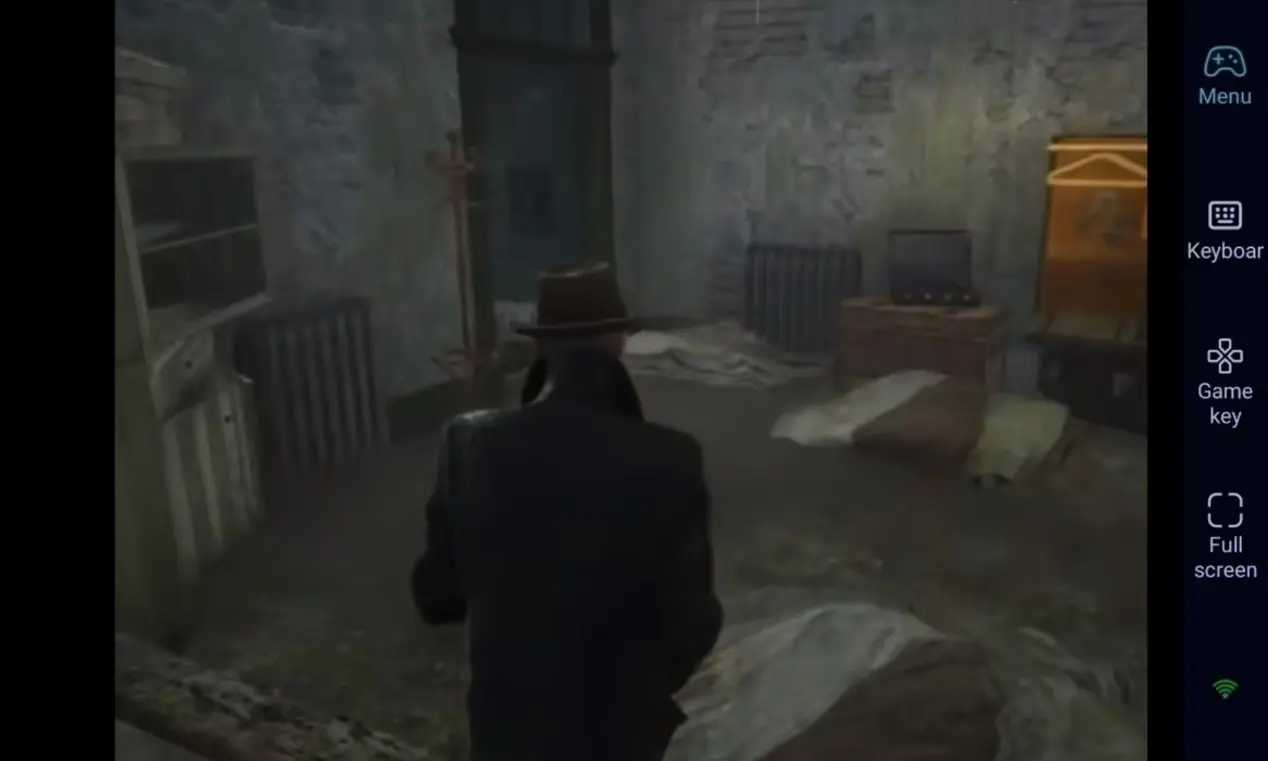
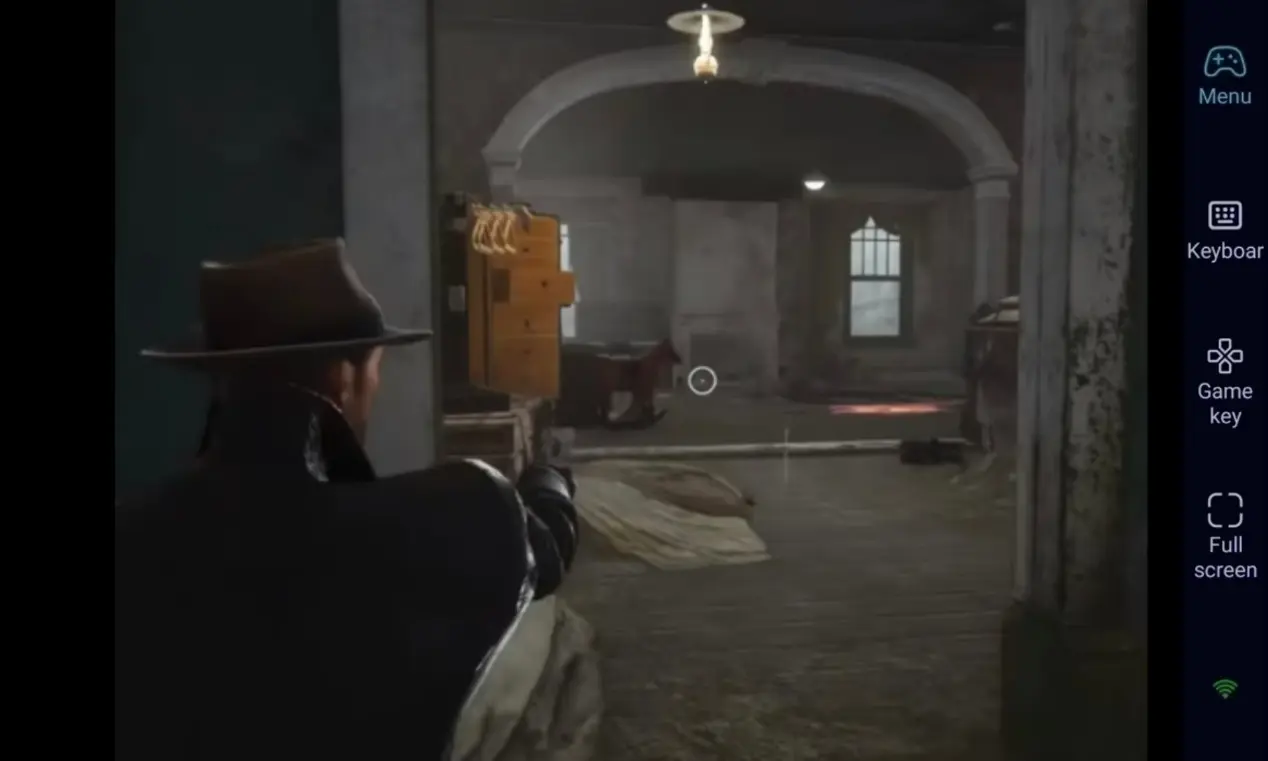
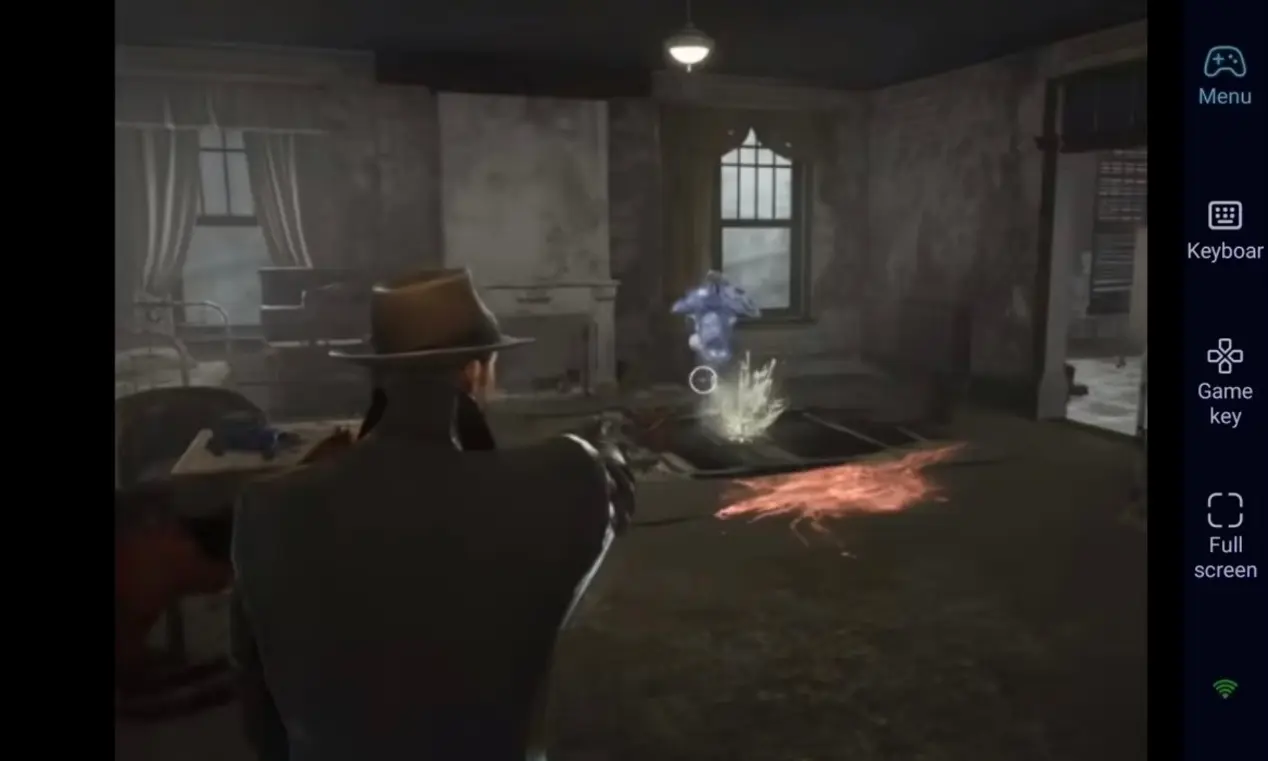
Stable 60 FPS streaming faithfully reproduces the deeply oppressive fantasy scenes and environmental details of The Sinking City 2. Custom virtual keys make interactions smoother, fully immersing you in the horror puzzle-solving experience.
3. Seamless Progression–Saves Stored Locally
All game save data is stored locally on your PC. Whether you are playing remotely via your phone or directly on your computer, your progress remains unchanged because the same PC saves are used. You can revisit old scenes or start new side quests at any time.
FAQ–Frequently Asked Questions
Q1: What's the release date of The Sinking City 2 ?
A1: The Lovecraftian investigative adventure The Sinking City 2 was officially released on Steam on August 18. It is a PC-exclusive title with no official mobile version.
Q2: Can I play The Sinking City 2 directly on my iOS or Android phone?
A2: No. This game is a pure PC title and does not have a native iOS or Android mobile version. However, using OSLink's remote streaming function, you can connect your phone to your PC remotely and play the game anytime, anywhere.
Q3: Will there be lag or delay during remote operation?
A3: Under a stable Wi-Fi network, OSLink supports 60 FPS streaming with extremely low latency. Daily exploration, puzzle-solving, and dialogue interactions will not be affected at all.
Conclusion
Whether you are sorting through clues on a long commute or exploring this twisted city during a lunch break, OSLink helps you play without being tied to your desk. As long as your PC stays on, your phone can instantly transform into your tool for exploring this terrifying abyss.
 Download