English
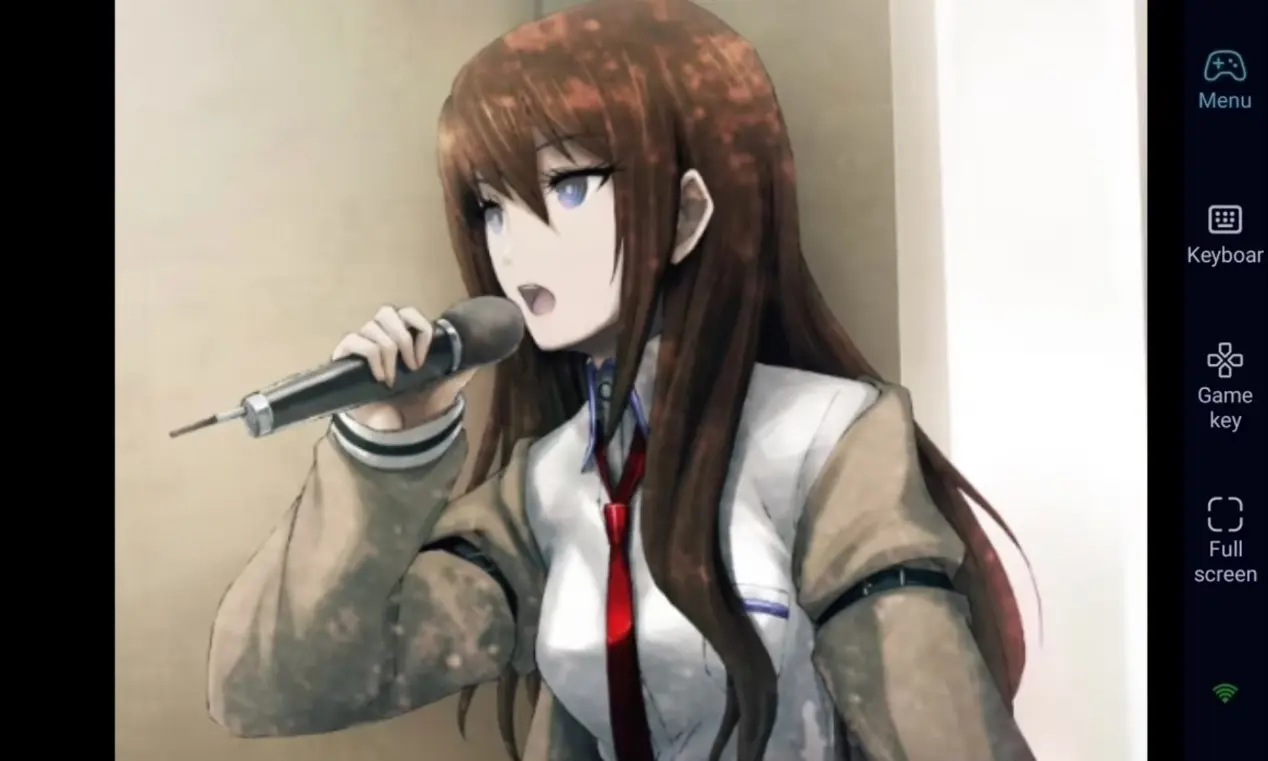
 Want to immerse yourself in the mind-bending sci-fi world of STEINS;GATE RE:BOOT anytime, anywhere? Whether you're revisiting a classic or exploring a brand-new branch of the story, With OSLink, you can connect your PC via your smartphone, letting you cross dimensions and uncover the truth behind the worldlines at your own pace.
As a visual novel (AVG), STEINS;GATE RE:BOOT is centered around intricate storytelling, high-density dialogue, and critical branching choices. Players need to carefully read and make decisions at key moments to progress. However, the game is a PC title, which normally ties you to your desk. OSLink helps overcome this limitation. As long as your PC stays on, you can use your mobile phone to remotely control the game, allowing you to continue your sci-fi journey whether you're commuting, waiting in line, or relaxing away from your computer.
Step 1: Download OSLink & Pair Devices 1. PC Client
1. PC Client
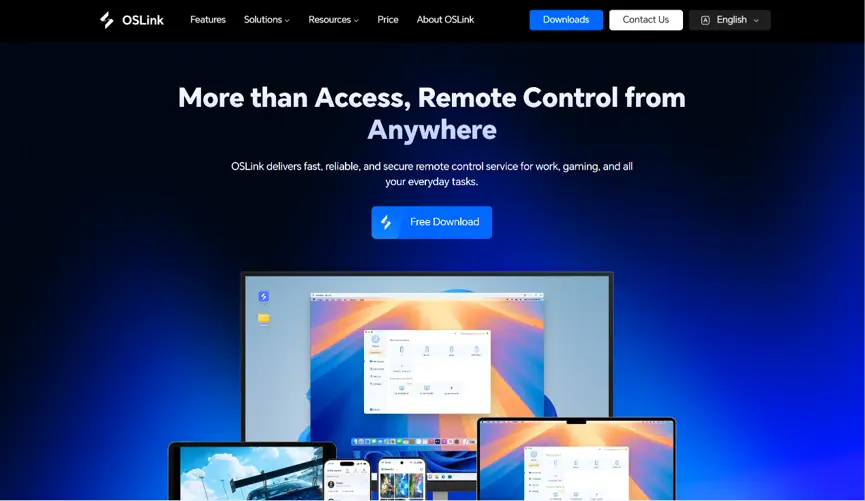
Head to the official OSLink website to download and install the desktop client. We recommend a wired ethernet connection or high-speed Wi-Fi to minimize input lag.
2. Mobile Client
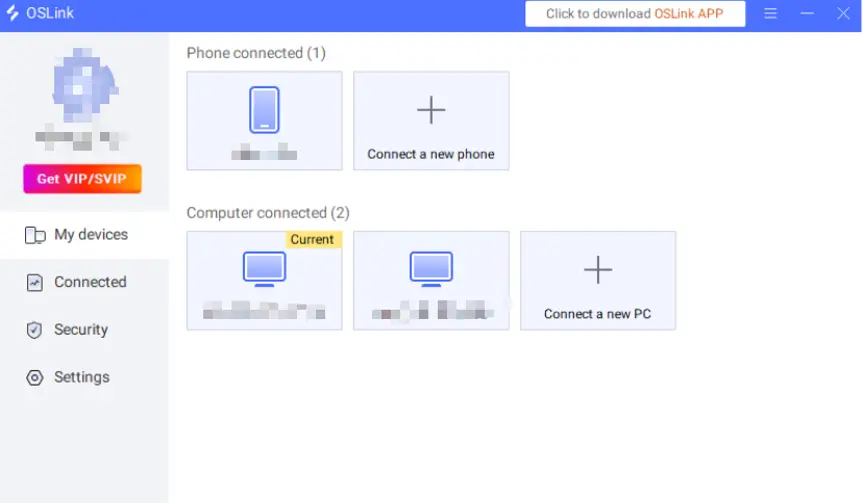
Download the OSLink app from the Apple App Store or Google Play Store; the official website also offers the standalone APK file. Log into the exact same account used on your PC, and your devices will automatically pair.
Step 2: Optimize Controls & Customize Keybinds
1.Launch the game
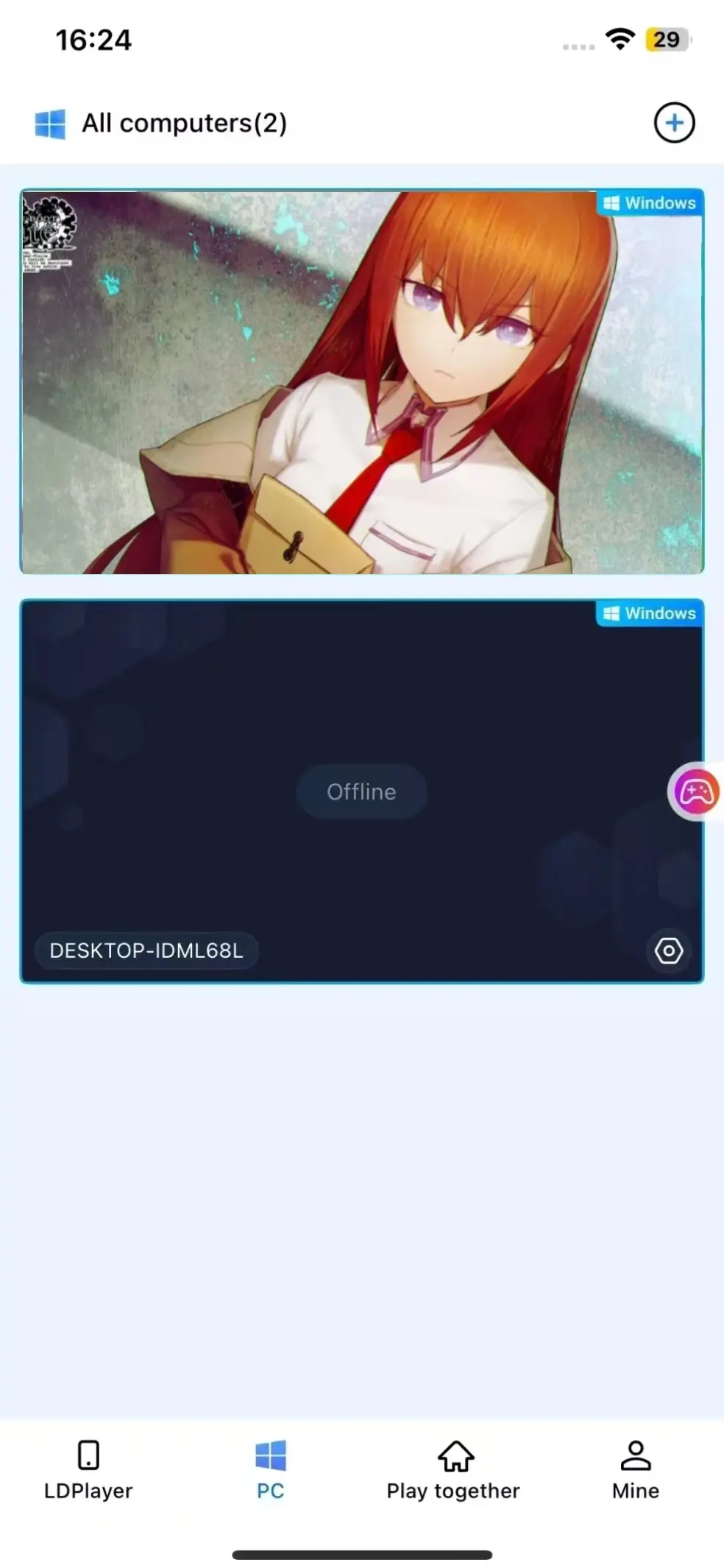
You can launch STEINS;GATE RE:BOOT on your PC beforehand. If you haven't, you can use the game shortcut button within the OSLink mobile interface to launch the game on remotely with a single tap.
2.Enable 60 FPS PC Gaming Mode
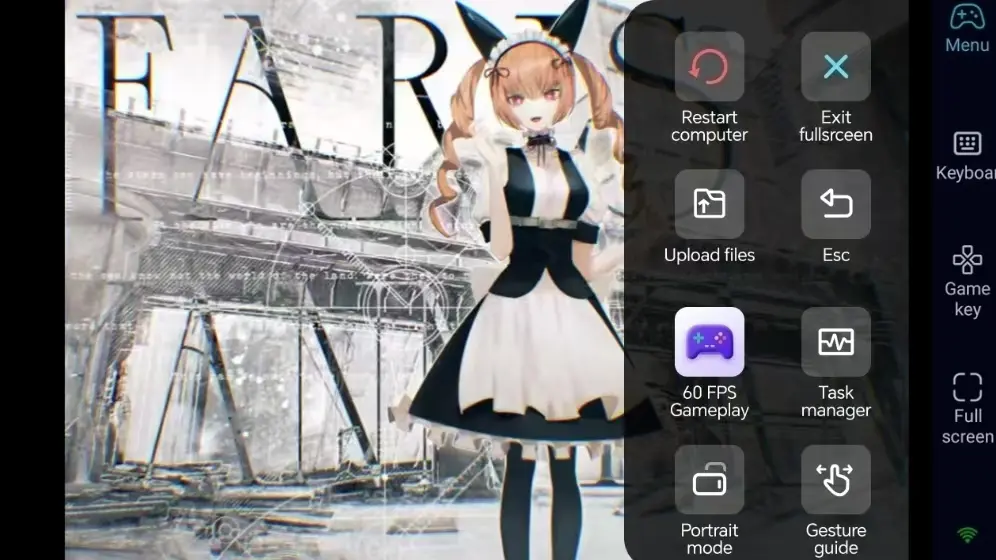
Once your PC screen appears on your phone to your phone, tap the tool menu on the right side of the screen and enable "60 FPS PC Gaming" mode. This ensures that the high-quality character art and backgrounds are displayed smoothly and clearly on your phone screen.
3.Customize Visual Novel Controls
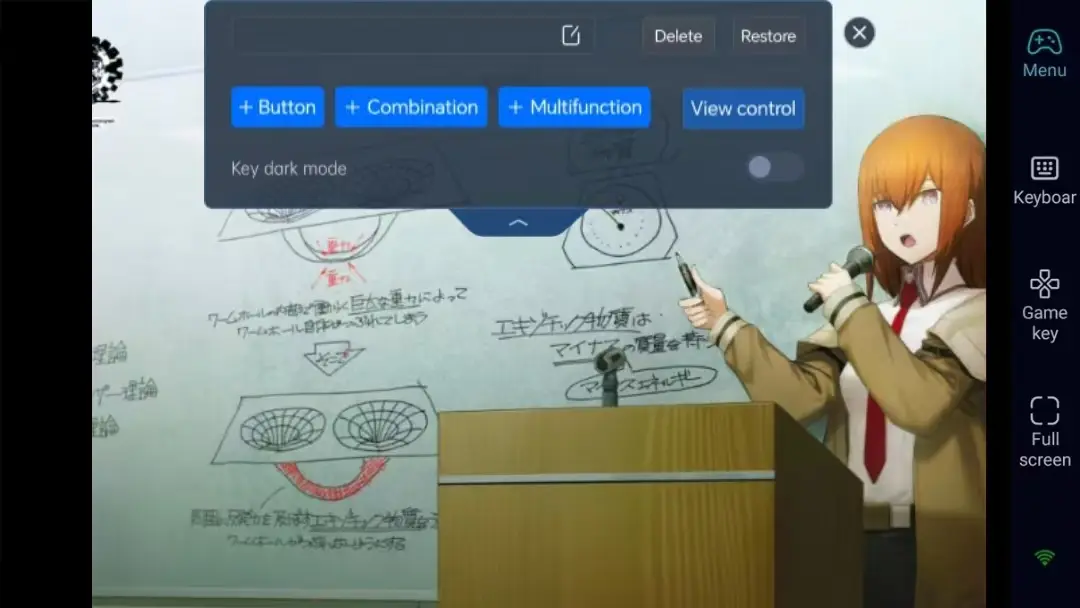
For visual novel gameplay, you can assign mouse clicks, dialogue skipping, system menus, and save/load functions to virtual buttons on your phone screen. Adjust the size and transparency of each button to keep the interface from obstructing the text.
4.External Controller Support
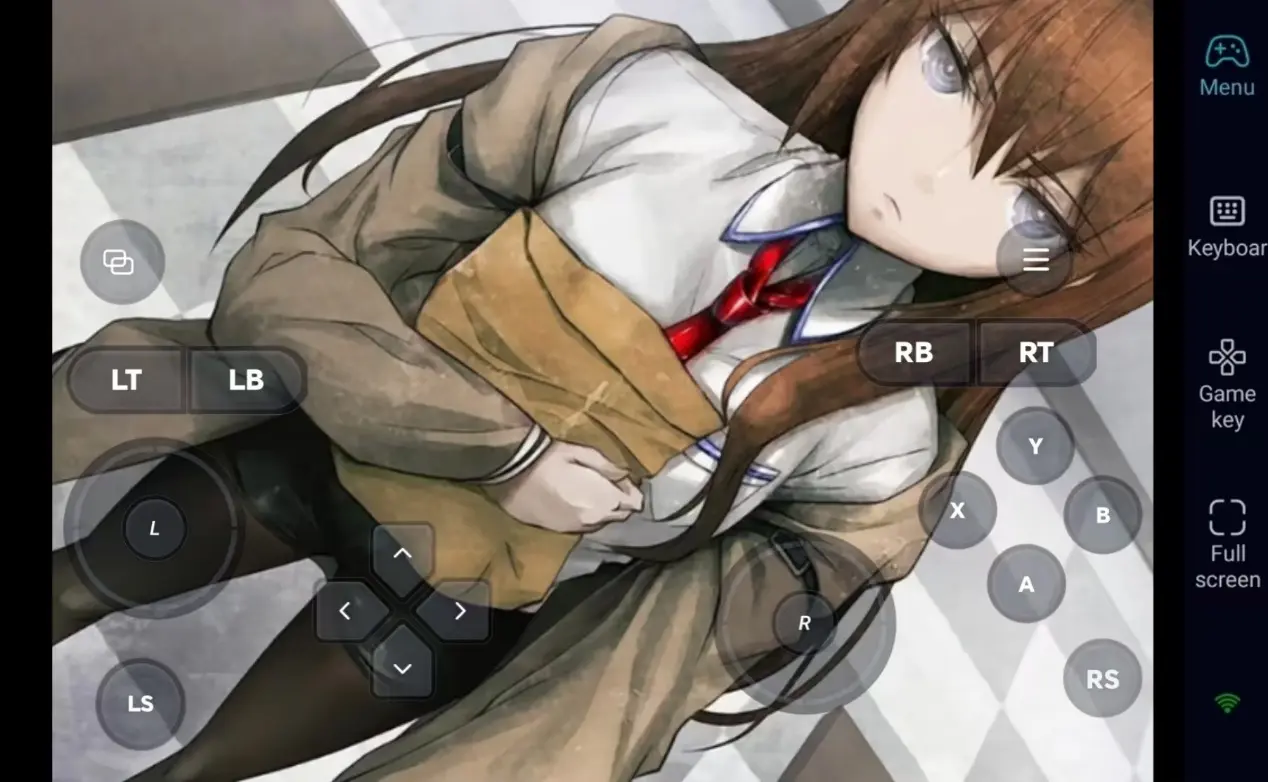
OSLink supports Bluetooth game controllers. While visual novels are primarily played with a mouse, connecting a controller allows for a much more comfortable, relaxed and comfortable reading experience during long narrative sessions.
Step 3: Cross the Worldline and Experience Fate Anytime
Once the setup is complete, your phone or tablet becomes a perfect remote terminal for STEINS;GATE RE:BOOT. As long as your PC stays awake, you can connect via OSLink at any moment. Use those small pockets of time to read through dialogue, make those critical choices, or even revisit different branches to unlock all the endings.
Why Choose OSLink for STEINS;GATE RE:BOOT?
1. No Location Limits–Explore the Story Anytime
When you're out and about, dive into the game and advance the story via your phone. Once you get home, seamlessly switch back to your computer screen. With a local network, the latency is exceptionally low, ensuring text advancement and menu navigation remain responsive for a premium reading experience.
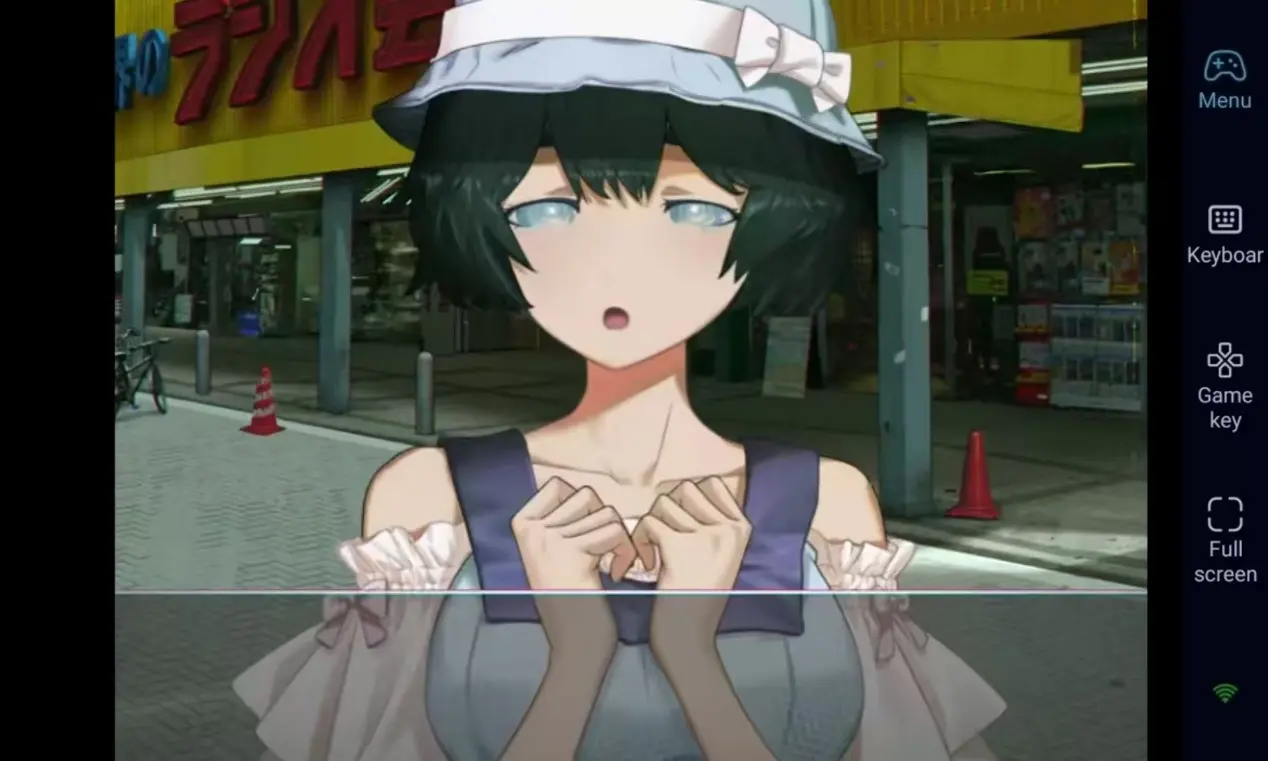
2. 60 FPS Streaming–Preserve the Artwork
Stable 60 FPS streaming faithfully replicates the original PC experience, presenting the stunning character illustrations and atmospheric backgrounds in full detail. Custom virtual keys make navigating the menus effortless, letting you fully appreciate the visual impact of this sci-fi masterpiece.
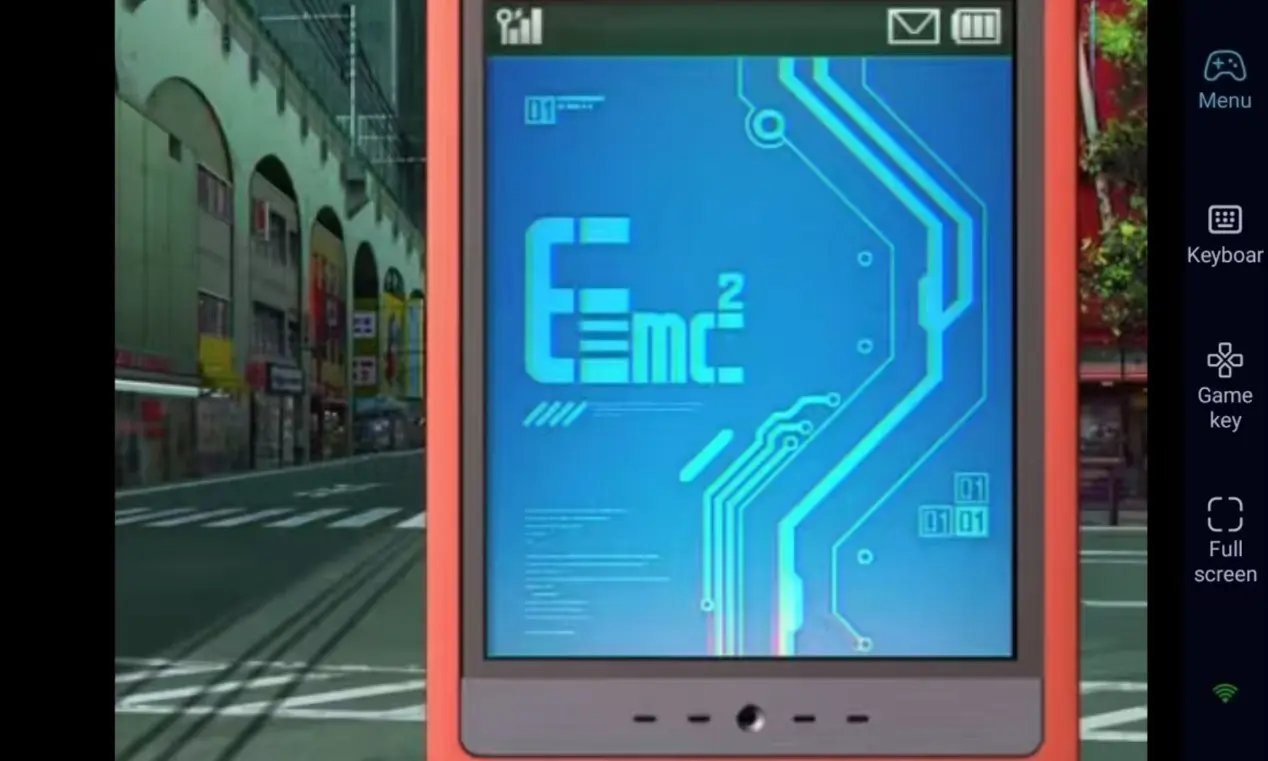
3. Seamless Progression–Saves Stored Locally
All game save data is stored locally on your PC. Whether you are playing remotely via your phone or directly on your computer, your progress remains unchanged because you are accessing the same PC saves. You can go back to a pivotal choice or try a new character route at any time.

FAQ–Frequently Asked Questions
Q1: When was STEINS;GATE RE:BOOT released?
A1: STEINS;GATE RE:BOOT was officially released on August 20, 2026, for PC via Steam. It is a PC-exclusive title with no native mobile version.
Q2: Is it awkward to play a visual novel remotely on a phone?
A2: Not at all. Because visual novels rely mainly on simple clicks and choices, OSLink allows you to assign left-click, skip, and menu functions to custom virtual buttons on your screen. Tapping to advance the text is incredibly intuitive and responsive. You can also connect a Bluetooth mouse or controller for enhanced comfort.
Q3: Can I play STEINS;GATE RE:BOOT directly on my iOS or Android phone?
A3: No. STEINS;GATE RE:BOOT is a native PC title and does not have a mobile app version. However, using OSLink's remote streaming function, both Android and iOS devices can connect to your PC and remotely control the game, allowing you to experience this cross-dimensional tale from the palm of your hand.
Conclusion
If you want to ensure you never have to pause your exploration of the STEINS;GATE universe just because you're away from your desk, OSLink is the perfect solution. Keep your PC running, connect to your PC from your phone via OSLink, and start your journey. Use those spare moments in your day to gradually pull the threads of fate and push the worldline forward.
 Download