English
 Want to keep up with your daily life in Heartopia even when you’re away from your PC? With OSLink’s remote streaming technology, your smartphone can instantly connect to the PC version of Heartopia, letting you enjoy the game wherever you are. Whether you’re commuting, taking a short break, or relaxing on the couch, you can continue fishing, harvesting crops, completing daily quests, or decorating your home without missing a beat.
This tutorial walks you through the full setup—from installation to control optimization—so you can enjoy smooth, low-latency Heartopia gameplay on mobile in any environment.
Quick Setup Tutorial for Playing Heartopia PC Version on Mobile
Step 1: Download OSLink and Connect Devices
PC Side:
Visit the OSLink official website to download the software and complete the installation.

Mobile Side:
Download the OSLink App from the App Store or Google Play; the official website also offers APK downloads.
Log in with the same account as on the PC side to automatically connect.

Step 2: Control Optimization
1. Launch the Game
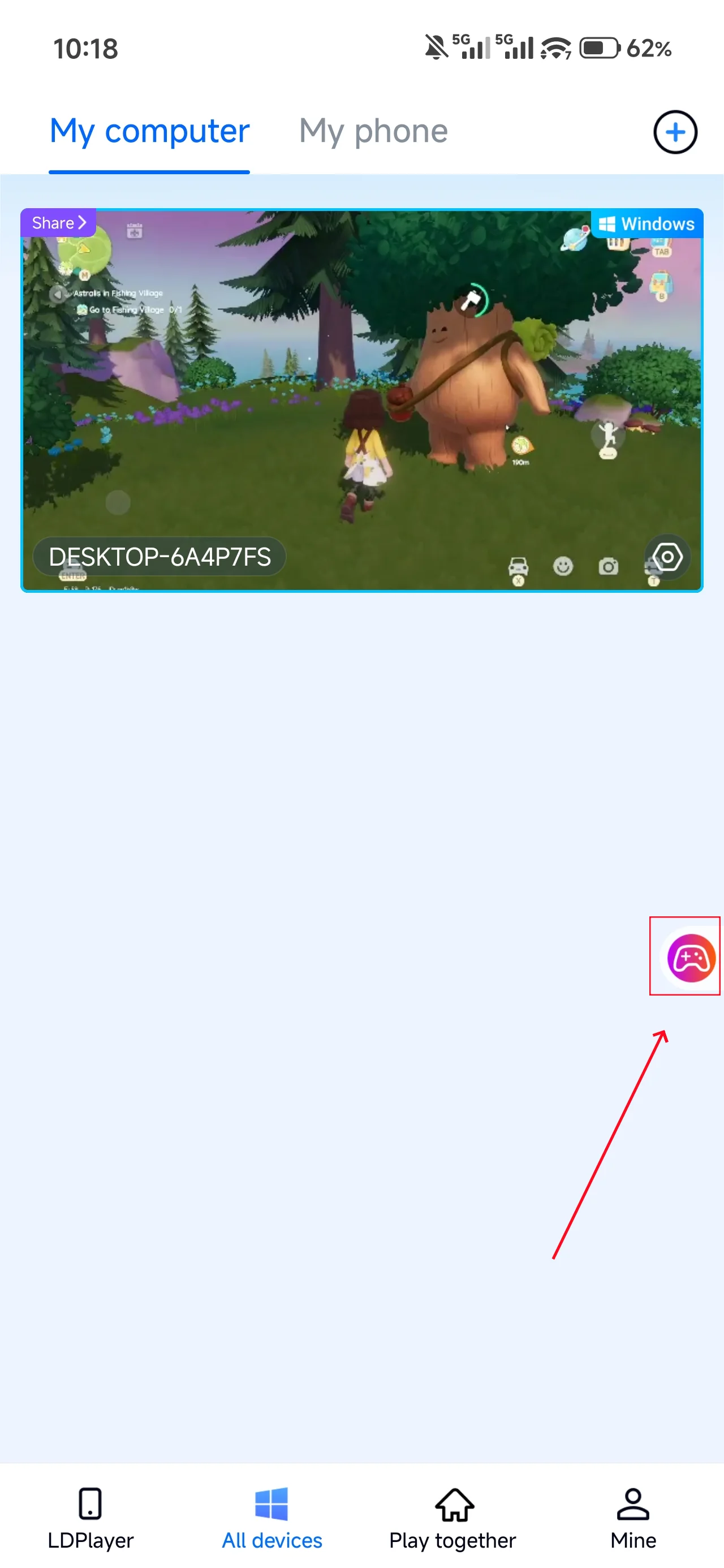
Open Heartopia on your PC, and the mobile side can connect directly; if Heartopia hasn't been launched on the PC yet, click the game icon on the mobile side for quick startup.
2. Control Mode
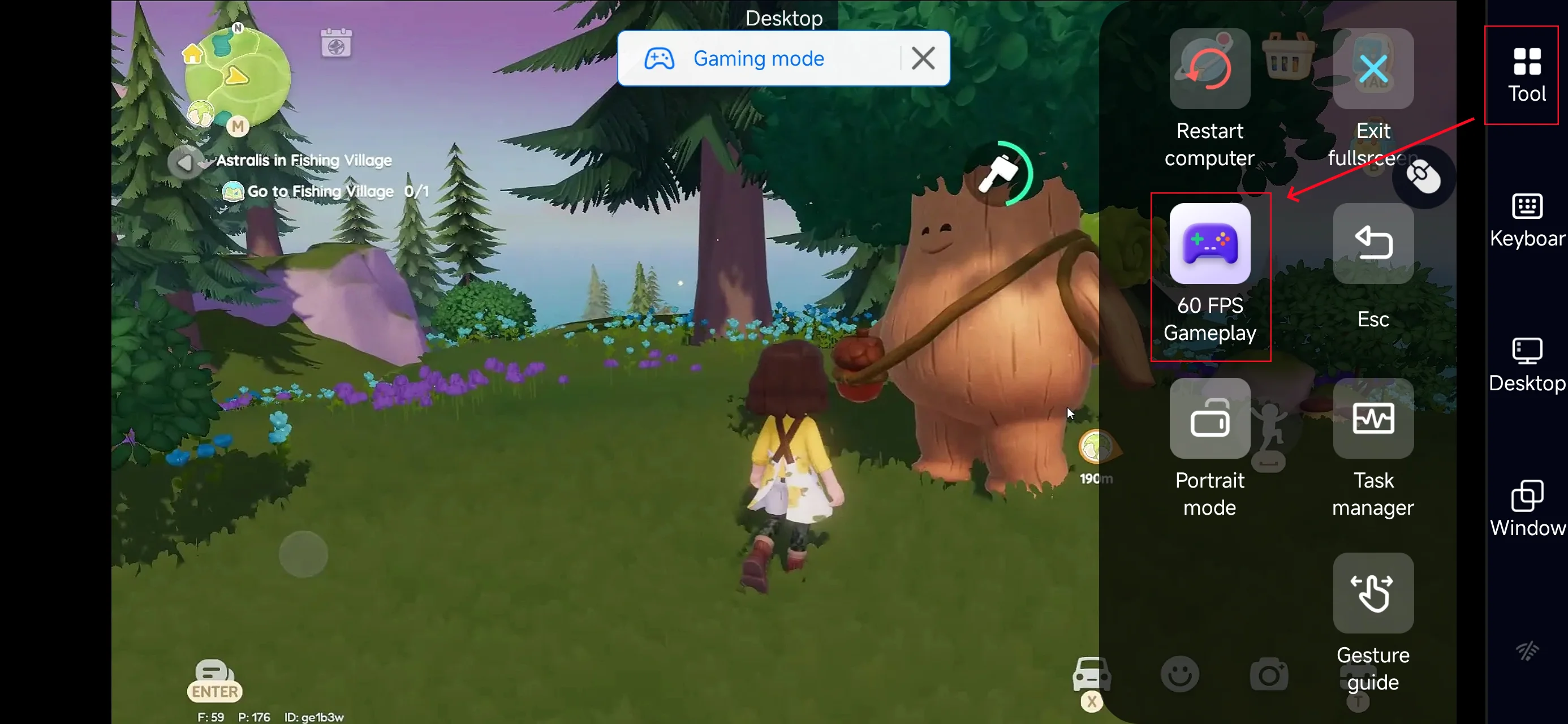
Click the toolbar on the right side of the mobile app, enter "60 FPS Gameplay," and choose key mode or link a controller based on your gaming preferences.
3. Key Selection
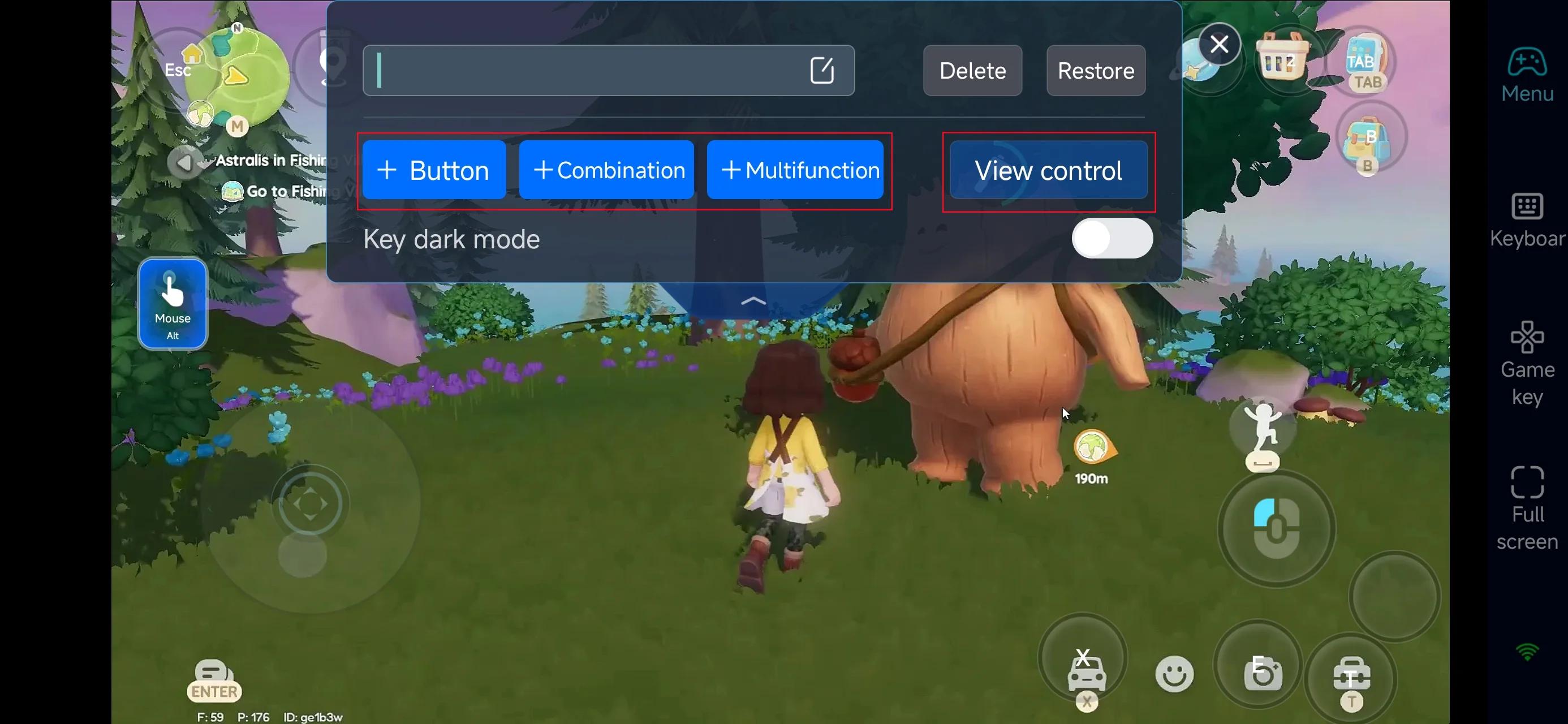
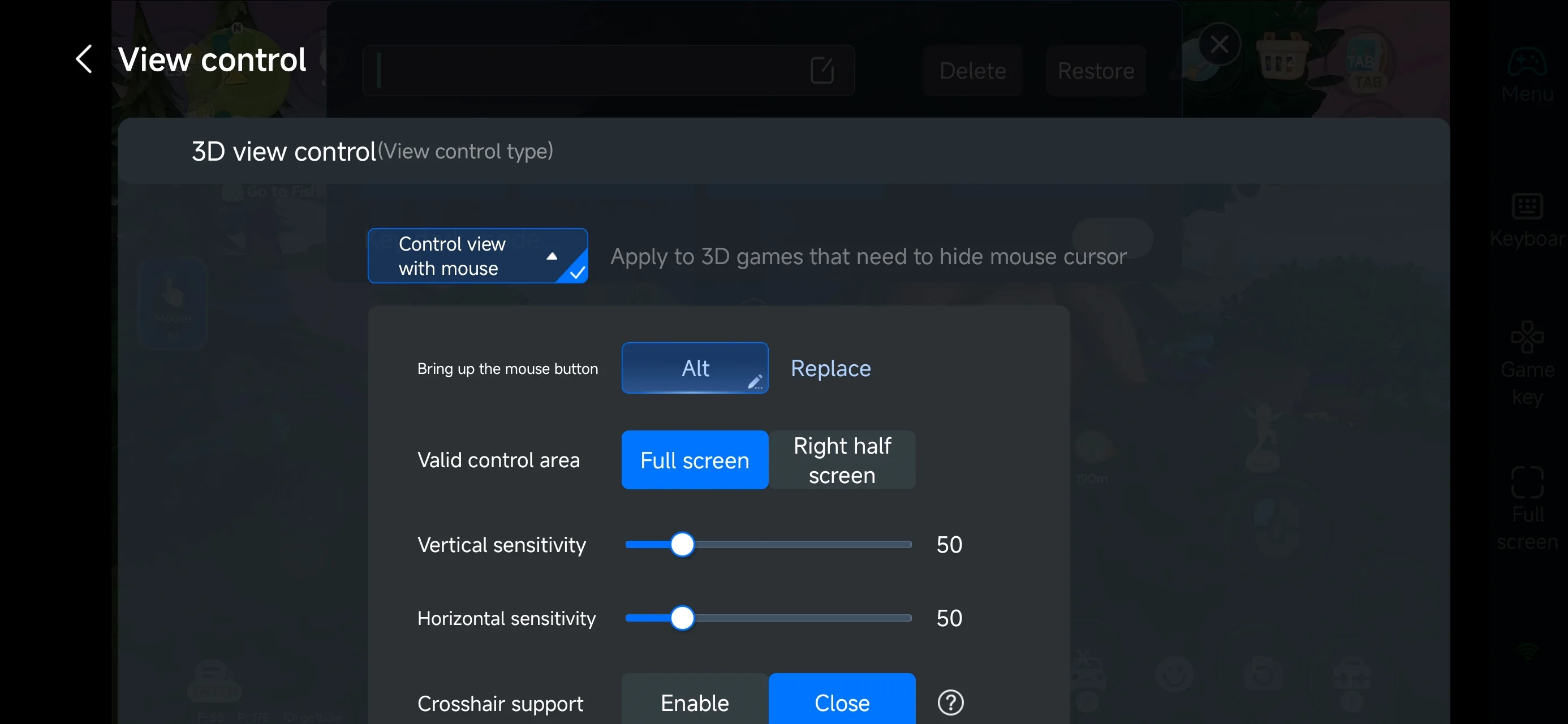
In PC game mode, open the “Game Keys” menu to adjust camera movement, zoom, and interaction buttons. You can fully customize the layout—add, resize, reposition, or remove keys, and adjust their transparency to suit your playstyle.
Since Heartopia focuses on relaxed, everyday interactions, you can create shortcut buttons for common actions such as fishing, watering and harvesting crops, switching tools, opening your inventory, or interacting with NPCs. This makes daily routines, quest completion, and home management far more comfortable on mobile.
4.Connect external devices
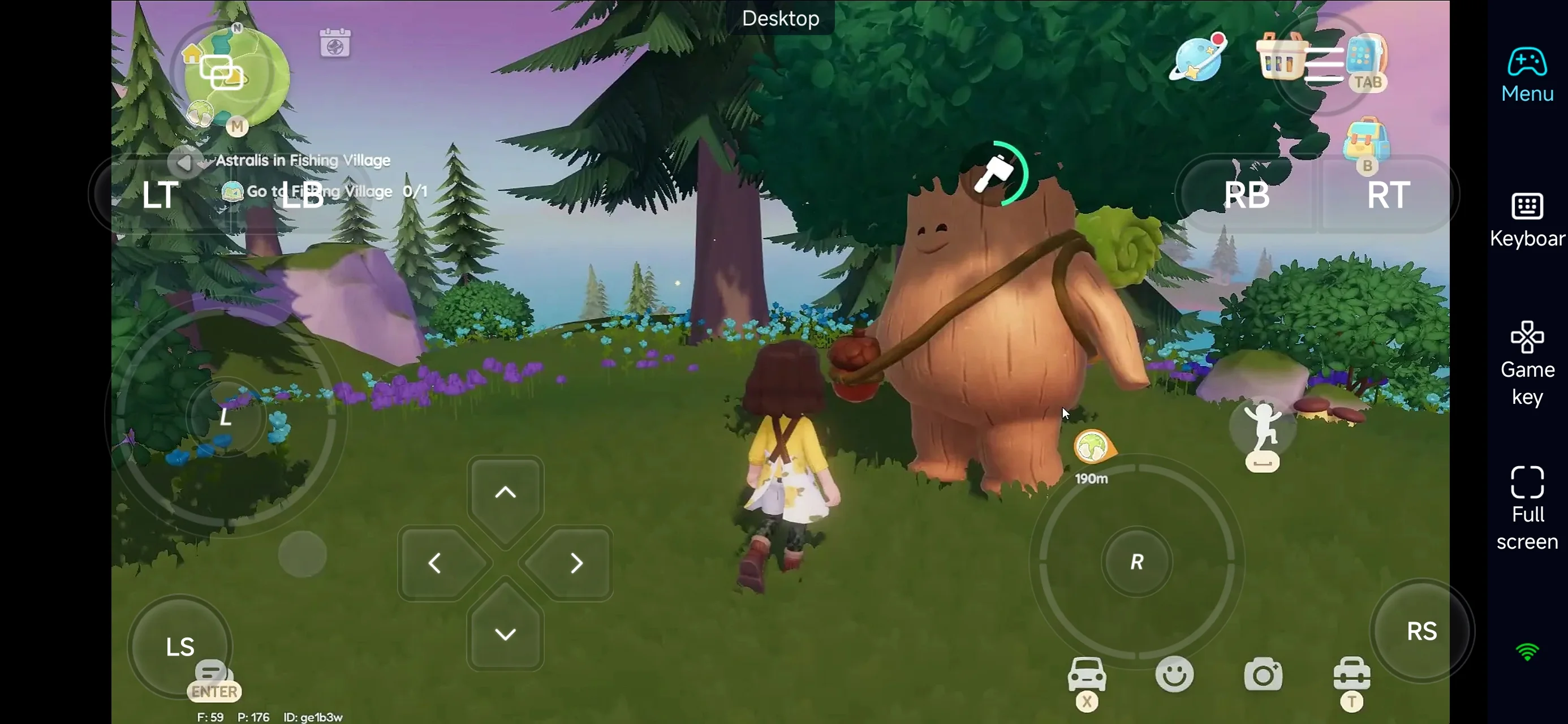
Beyond customizable buttons, OSLink supports a variety of external devices such as Bluetooth controllers and mobile gamepads clipped to your phone. This compatibility frees you from touchscreen limitations and offers a wider range of control options.
Step 3: Enjoy Heartopia Anytime, Anywhere
Once everything is set up, your phone becomes a portable gateway to Heartopia. No matter where you are, simply open OSLink to connect to your home PC and continue tending your garden, finishing quests, or organizing your house—without worrying about missing daily progress.
Why Play Heartopia on Mobile with OSLink?
1. Freedom from Location and Platform Limits
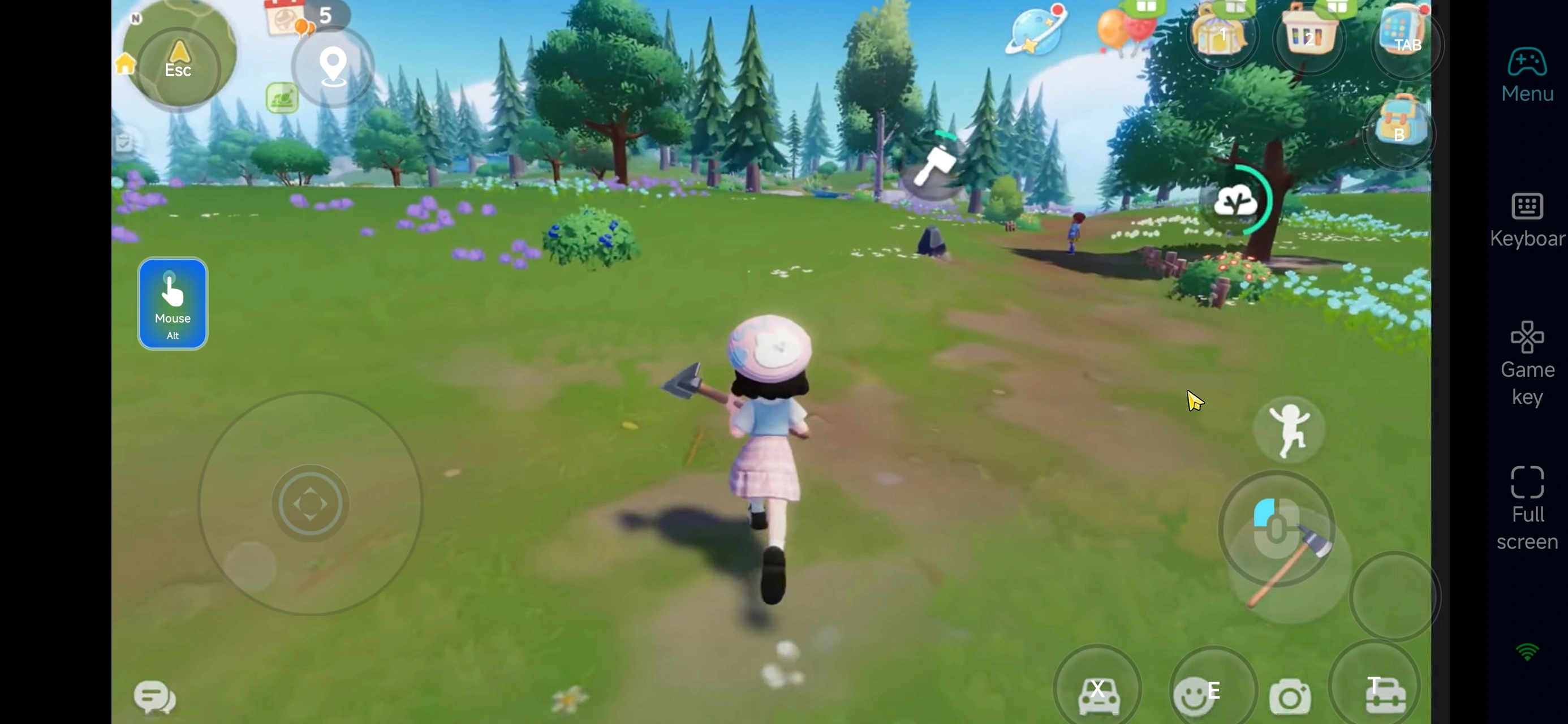
OSLink lets you truly play the PC version of Heartopia on your phone. Whether you’re traveling, commuting, or just away from your desk, you can check in on your town, complete daily quests, harvest crops, fish, or catch bugs anytime.
2. Fully Customizable Controls for Cozy Gameplay
Heartopia is all about smooth, stress-free interactions. With OSLink, you can tailor the control layout to match your habits, making everyday actions feel intuitive and effortless—even on a touchscreen.
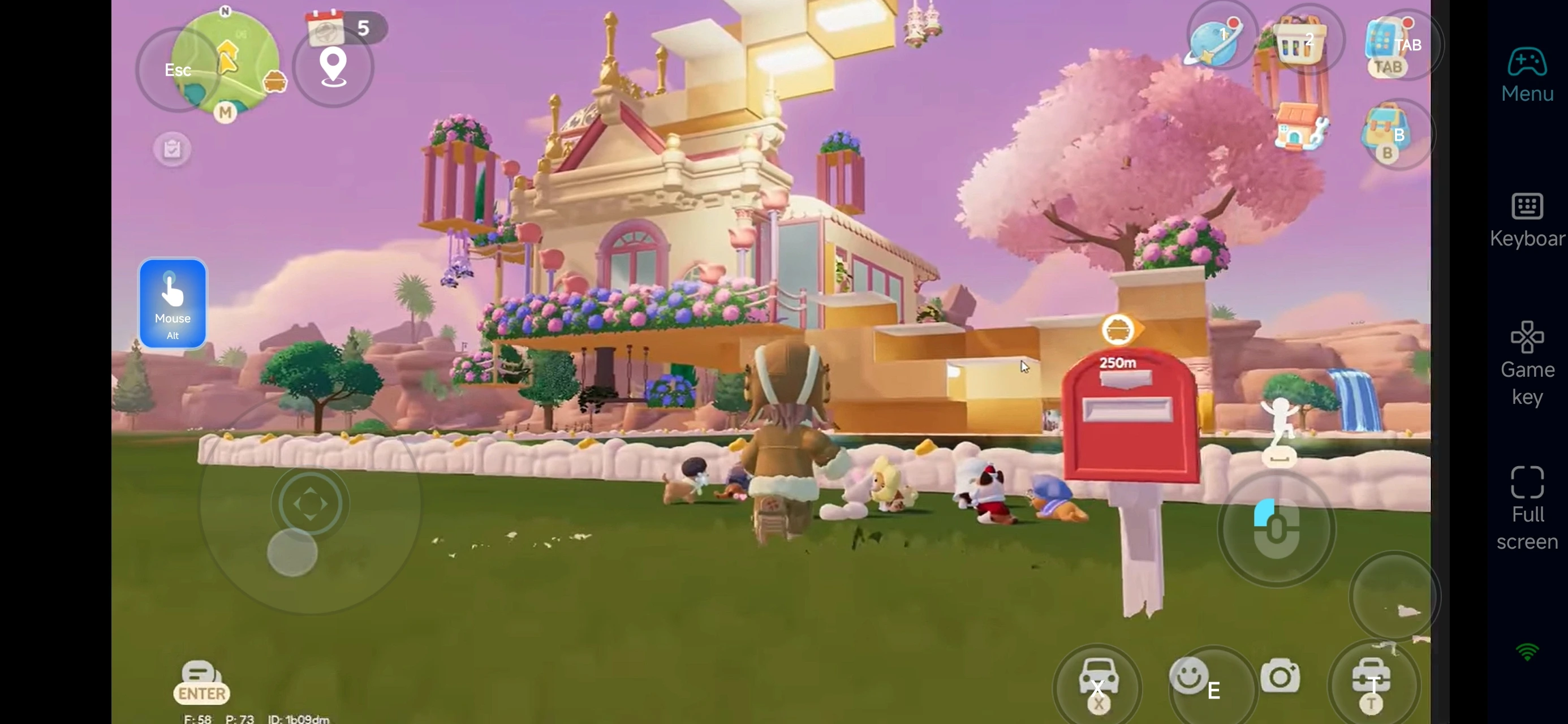
3. Save Mobile Storage Space
There’s no need to install the full Heartopia client on your phone. OSLink streams the game directly from your PC, helping you save valuable storage while still enjoying the complete PC experience.
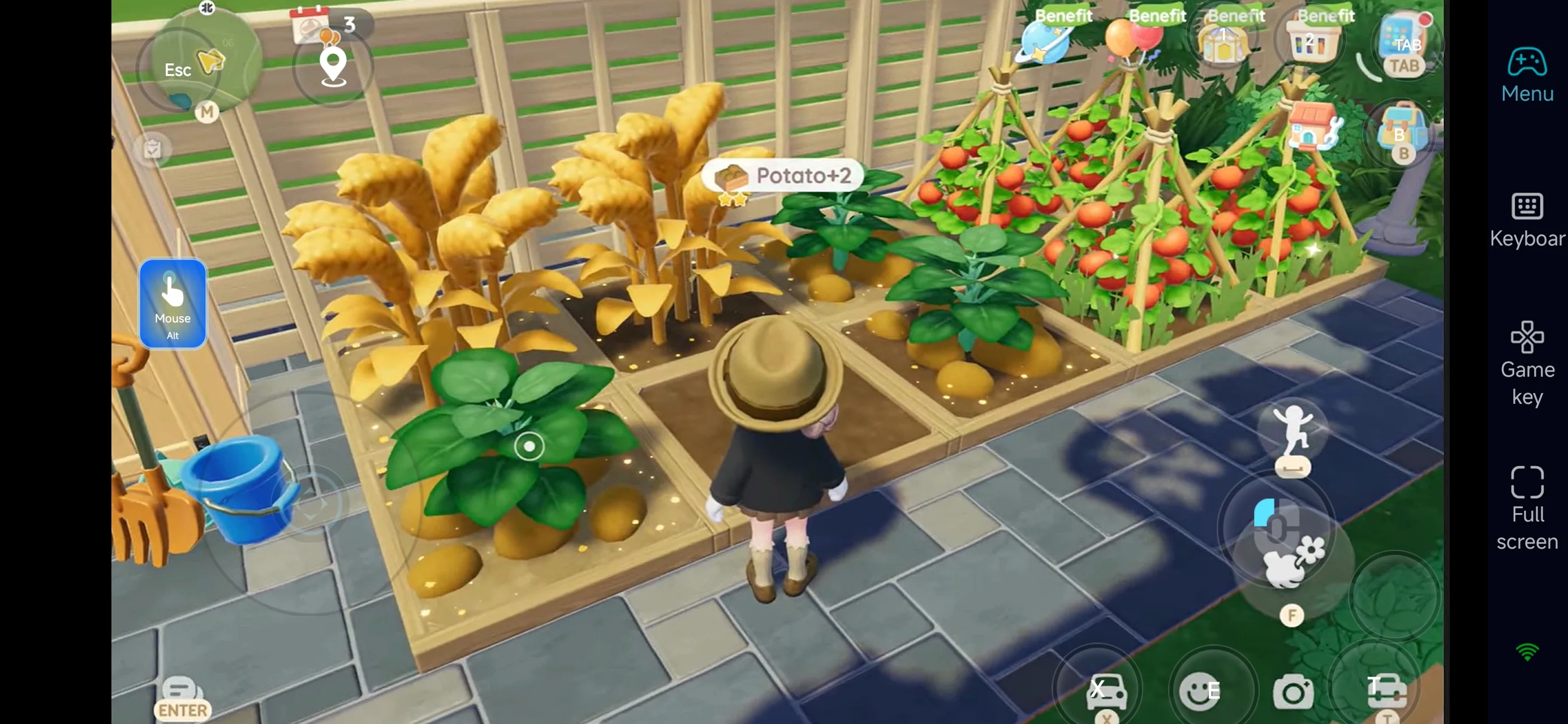
In short, OSLink isn’t just a remote tool—it’s your key to Heartopia whenever you want to return.
We hope this guide helps you break free from device and location limits, so you can keep building your home, developing hobbies, and enjoying the peaceful rhythm of Heartopia wherever life takes you.
 Download