English
 Grand Theft Auto V Enhanced brings upgraded visuals, improved performance, and the full Los Santos experience to PC. However, playing Story Mode or GTA Online normally keeps you tied to your computer. This guide shows how to stream the game to your phone, set up remote access, and adjust the controls for smoother mobile play.
OSLink lets you access Grand Theft Auto V Enhanced from your phone while the game continues running on your PC. Your computer handles the rendering and processing, while your phone displays the stream and sends your inputs. Sign in to OSLink with the same account on both devices, connect to your PC, and continue exploring Los Santos wherever you have a stable internet connection.
I. Where to Get Grand Theft Auto V Enhanced
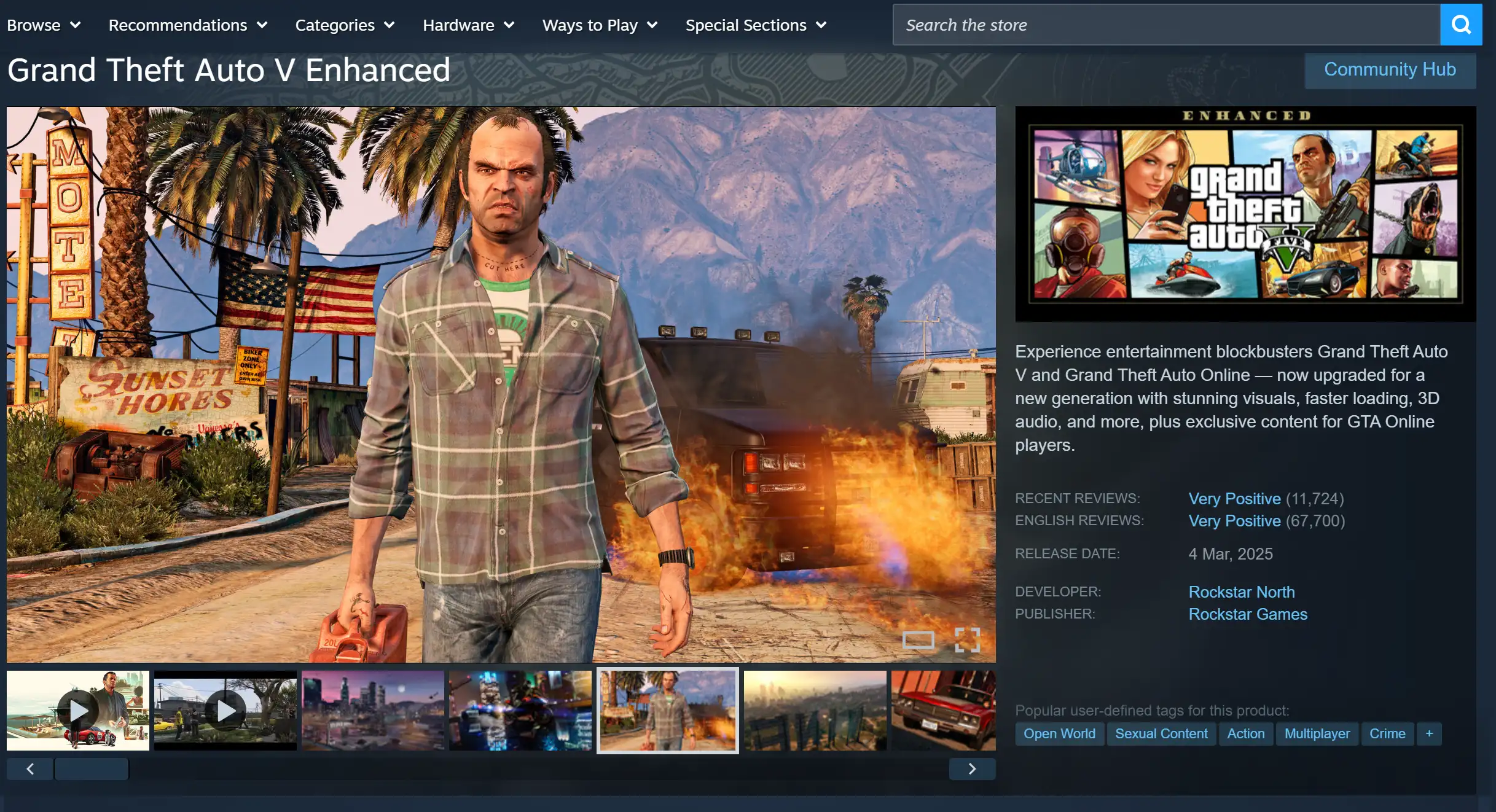
The game is currently available only through the official Windows version. Regardless of which platform you purchase it from, activation requires linking a Rockstar Games account, and your save data can be shared across supported platforms.
Rockstar Games Store
Purchase the game directly through the Rockstar Games Launcher. It comes with Rockstar's dedicated launcher and typically receives updates as soon as they become available.
Steam
Search for Grand Theft Auto V Enhanced on Steam, add it to your library, install the game, then link your Rockstar Games account before launching.
Epic Games Store
Search for the game on the Epic Games Store to purchase or claim it. The Epic client includes built-in Rockstar Games account login support, and GTA progress is shared across supported PC platforms.
II. Install OSLink on PC and Mobile
PC Installation
Visit the OSLink official website to download the desktop client. After installation, sign in to your account and keep the application running in the background. Your computer must remain powered on and connected to the internet in order to accept remote connections.
Mobile Installation
Android users can search for OSLink on Google Play, while iPhone users can download it directly from the App Store. After installation, sign in using the same account as your PC. The application will automatically detect your online computer, allowing you to connect without any complicated pairing process.
III. How to Stream Grand Theft Auto V Enhanced to Your Phone
Step 1
On your PC, open the game launcher where Grand Theft Auto V Enhanced is installed, launch the game, and leave it running at the main menu while keeping the game window active.
Step 2
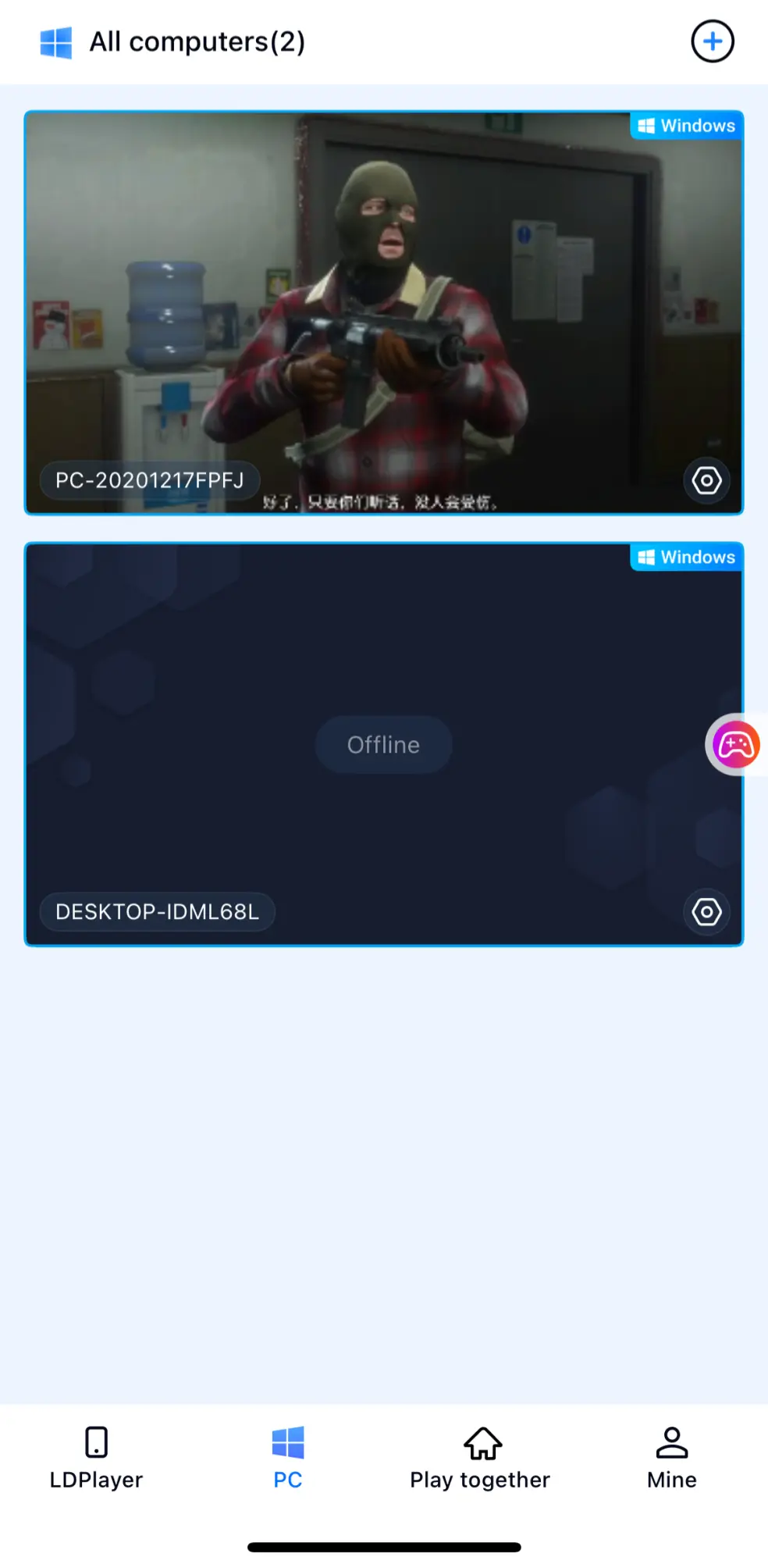
Open OSLink on your phone. The device list on the home screen will display your PC that's signed in with the same account. Once selected, your desktop will be streamed directly to your mobile device.
Step 3
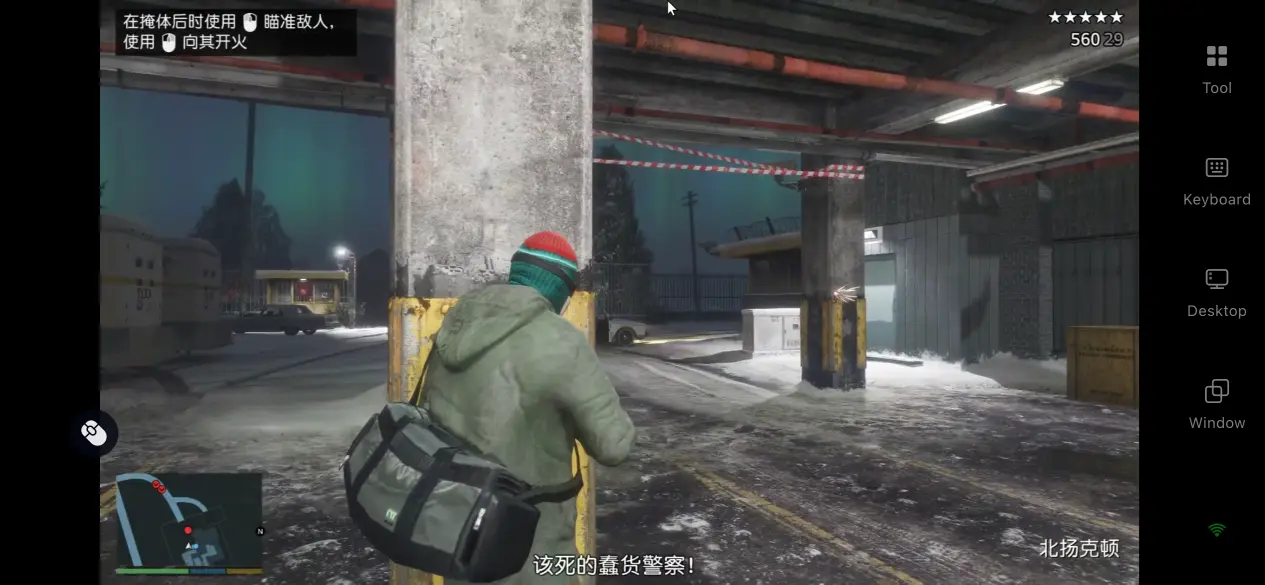
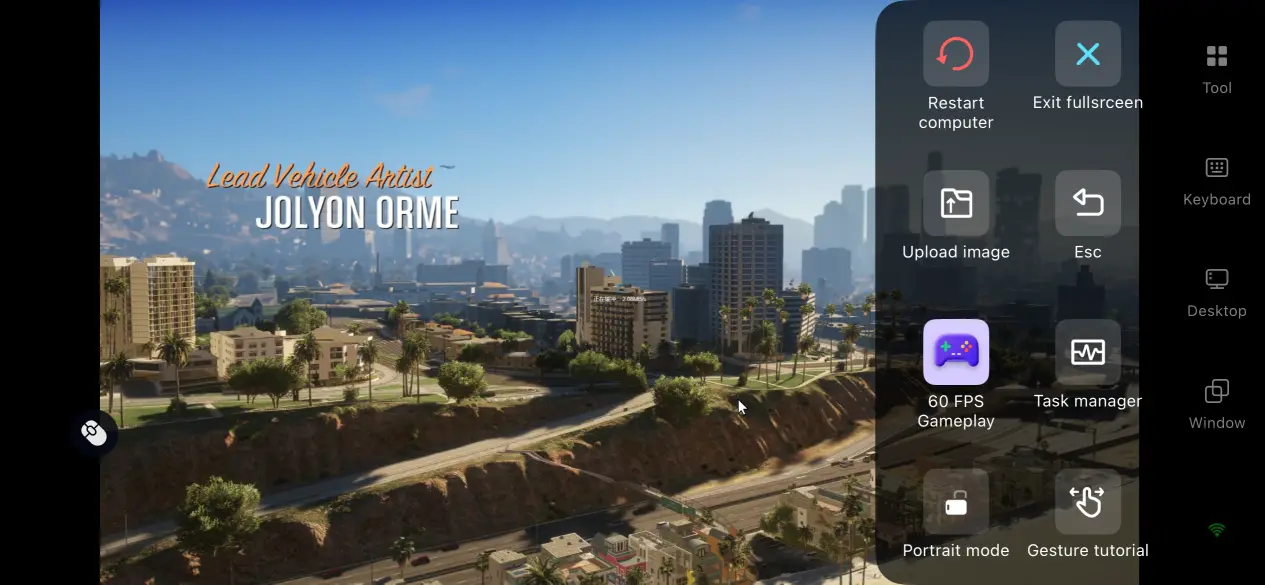
After the desktop appears, tap the streaming window to enter full-screen mode. If this is your first time using OSLink, you can enable 60 FPS Game Mode from the toolbar on the right. Customize the virtual button layout or connect an external controller based on your preferences, making driving, shooting, weapon switching, and other gameplay actions feel much more natural.
IV. Advantages of Playing Grand Theft Auto V Enhanced Remotely on Your Phone
Play Anywhere Without Being Tied to Your PC
As long as your computer stays powered on and connected to the internet, you can access it from virtually anywhere. Whether you're commuting, traveling for work, or simply waiting between appointments, just connect your phone to the network to jump back into Los Santos. Manage your online businesses, join heist missions with friends, or continue your progress without having to stay at your desk for hours.
No Full Game Installation on Your Phone
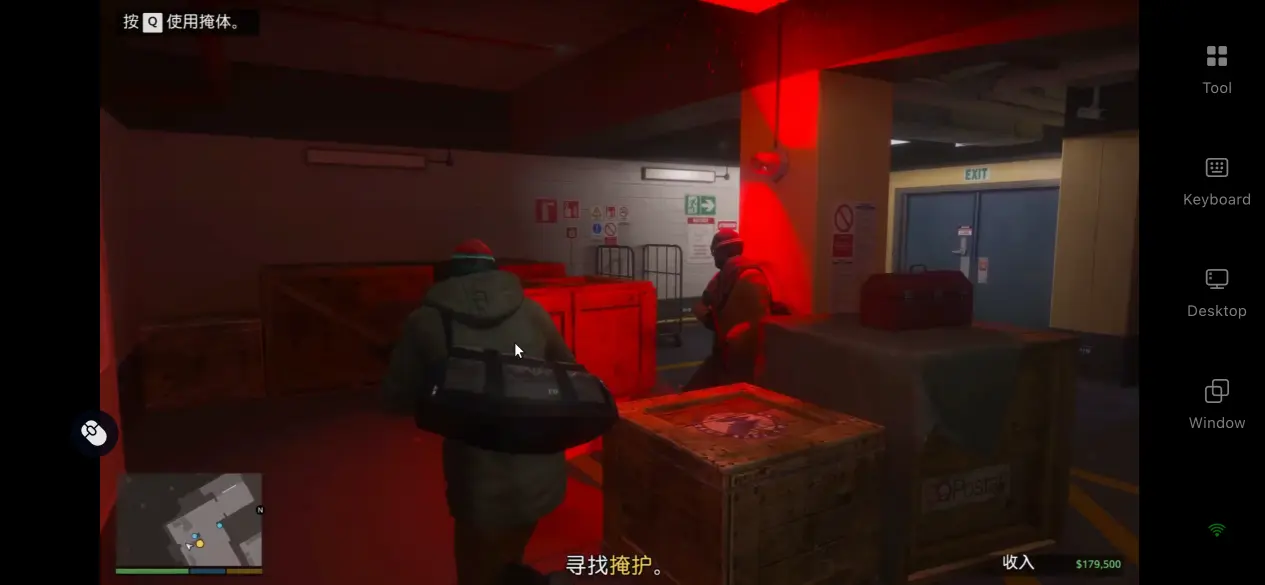
You do not need to install the full Grand Theft Auto V Enhanced game package on your phone. The game remains installed and runs on your PC, while the mobile device is used for streaming and controls.
Full Peripheral Support for a PC-Like Experience
OSLink supports Bluetooth and wired keyboards, mice, as well as game controllers connected directly to your phone. Once connected, controls are mapped automatically, allowing vehicle handling, aiming, shooting, and character movement to feel far more natural than touchscreen controls alone. The overall experience closely recreates the feel of playing on a desktop PC.
V. Recommended OSLink Settings for GTA V Enhanced
Built-In High Frame Rate, Low Latency Mode
OSLink uses an encoding algorithm optimized specifically for the fast-paced open-world environment of Grand Theft Auto V Enhanced. It significantly reduces motion blur while driving at high speeds or quickly rotating the camera, while also minimizing the delay between your inputs and what appears on screen. Whether you're weaving through downtown Los Santos or heading off-road into the mountains, gameplay remains smooth and responsive, matching the pace expected from a GTA open-world experience.
Share the Screen with Friend
OSLink's room-sharing feature can let invited users view or assist with the same PC session. This can be useful for watching gameplay, discussing routes, or helping with specific controls. However, each participant does not become a separate GTA Online player; joining the same online session as independent players still requires separate game accounts, devices, and game instances.
Fully Customizable Virtual Touch Controls
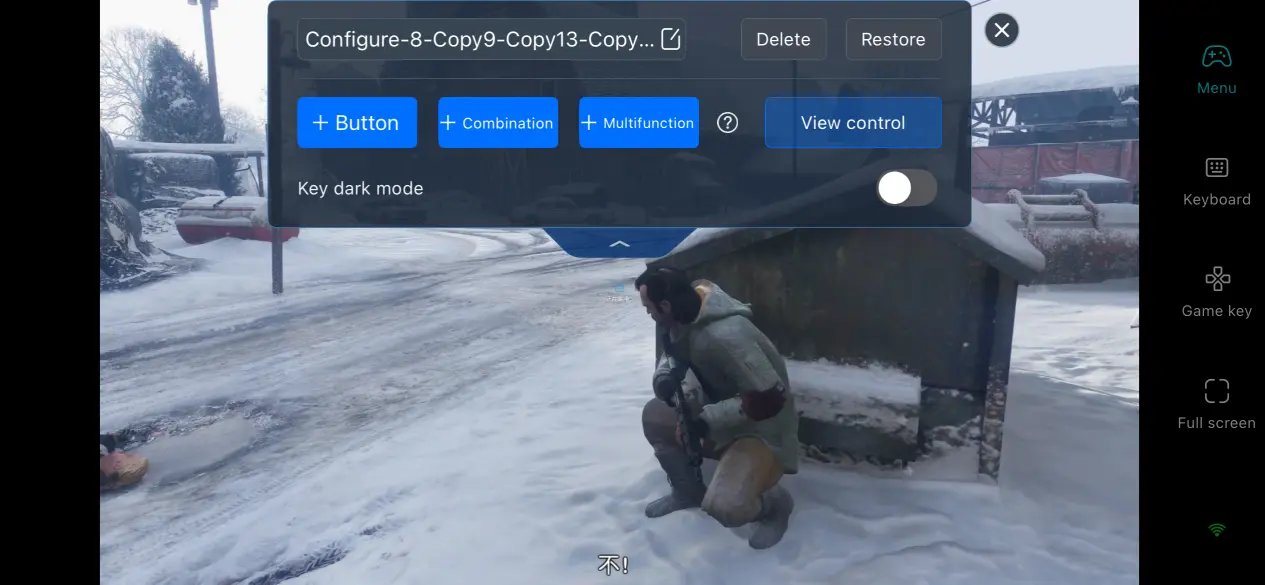
Players can freely customize the virtual control layout by adding or removing buttons for vehicle controls, weapon switching, throwable items, and other frequently used actions. Button size, transparency, and on-screen position can all be adjusted individually. Multiple control profiles can also be saved, allowing you to switch instantly between Story Mode and GTA Online while greatly reducing the time needed to adapt to mobile controls.
VI. FAQ
Q: What are the minimum PC hardware requirements for Grand Theft Auto V Enhanced?
A: The minimum requirements include Windows 10, an Intel Core i7-4770 or AMD FX-9590 processor, 8 GB of RAM, an NVIDIA GTX 1630 4 GB graphics card, and 105 GB of available SSD storage. For a smoother streaming experience, Windows 11, an AMD Ryzen 5 3600 or Intel Core i5-9600K, 16 GB dual-channel memory, and an NVIDIA RTX 3060 are recommended. Traditional hard drives may cause delayed texture loading and are therefore not recommended.
Q: Is there a Grand Theft Auto V Enhanced mobile version?
A: No. Grand Theft Auto V Enhanced is not officially available on Android or iPhone. If you want to play it on your phone, you can use OSLink to remotely stream the game from your PC and enjoy the full PC experience on your mobile device.
Q: Will remote play affect my save data?
A: No. Whether you play directly on your computer or connect remotely using your phone, you're accessing the exact same game environment. All save files remain stored on your PC, so your progress stays exactly the same.
Conclusion
Grand Theft Auto V Enhanced features a massive open world and a wealth of online content that rewards long-term exploration and progression. With OSLink remote streaming, all you need is a PC that stays online, and you can instantly return to your existing PC gaming environment from your phone. Whether you're traveling, commuting, or simply making use of short breaks throughout the day, you can continue your adventures across Los Santos anytime. If you're looking for a convenient way to enjoy the full PC experience without being tied to your desk, OSLink is an excellent choice for starting your next urban adventure.
 Download