English
 CONTROL Resonant is a supernatural action-shooter sequel developed by Remedy Entertainment. Players will step once more into the eerie, shifting Oldest House. Use telekinesis, supernatural abilities and firearms to fend off invasions from alternate dimensions, investigate the mysterious Resonance phenomenon, and uncover countless secrets hidden within the Bureau.
Want to progress the main story and tackle high-difficulty battles whenever you like, but are stuck tied to your desktop? With OSLink remote control, you can connect to your PC using only a mobile phone to run the high-fidelity PC version and launch supernatural investigation missions at any time!
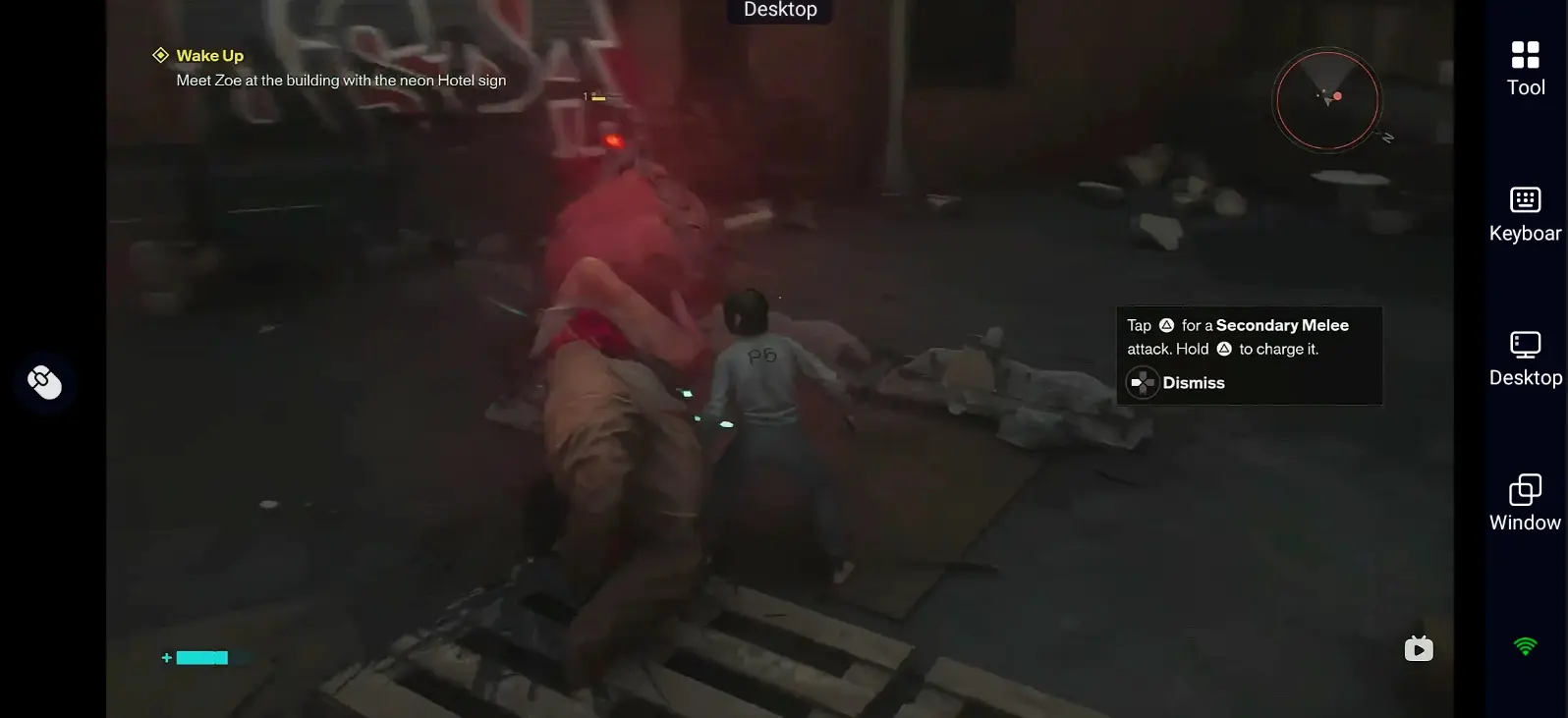
Quick Setup Guide for Playing CONTROL Resonant on Mobile
Step 1: Download OSLink and connect your devices
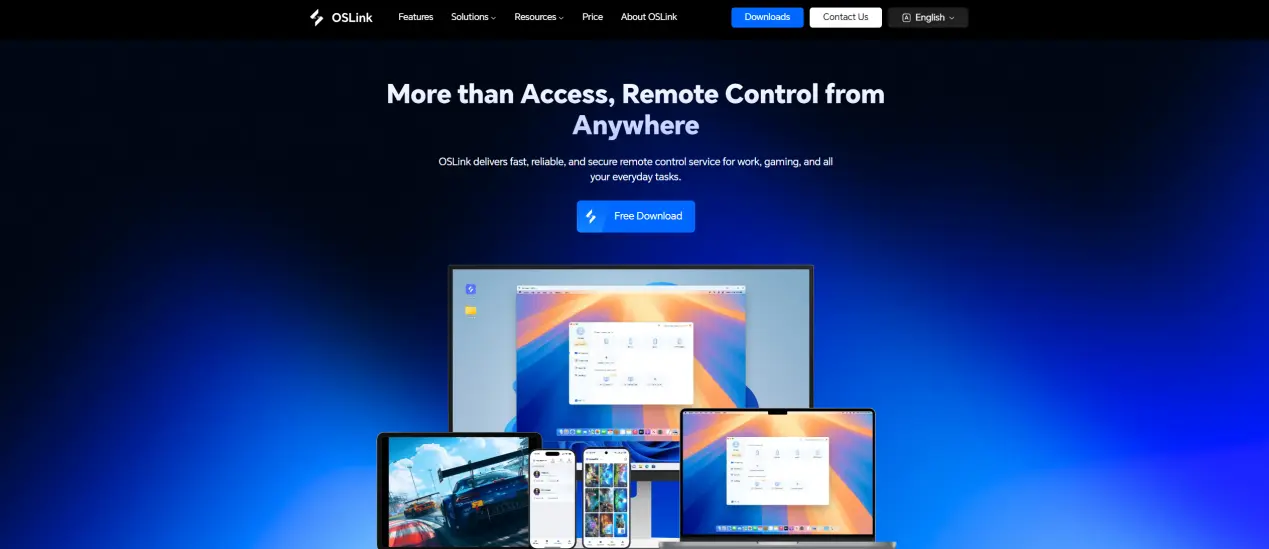
1.PC Side: Visit the official OSLink website (https://www.oslink.io/) to download and install the main program.
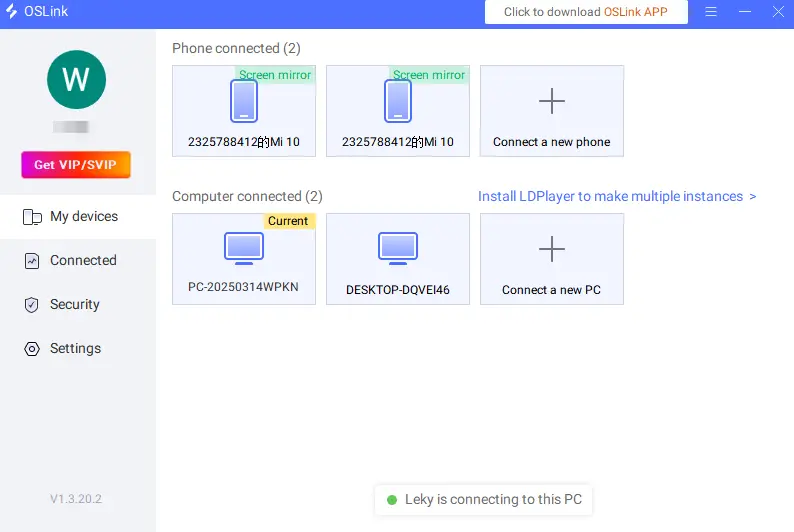
2.Mobile Side: Download the “OSLink” App from App Store or Google Play, or get the APK installer from the official website. Log in with the same account used on your PC, and your devices will automatically pair and connect.
Step 2: Optimize control settings
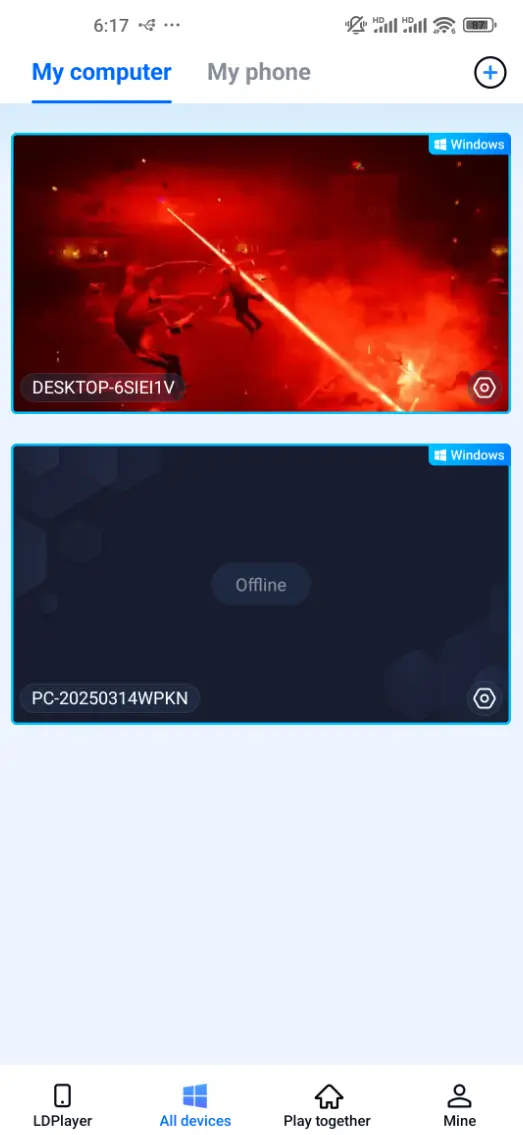
1.Launch the Game: Start CONTROL Resonant on your PC desktop. After connecting from your mobile device, the game screen will be streamed.
2.Control Mode: Tap the toolbar on the right side of your mobile screen and switch to the 60 FPS Gameplay mode. Choose touchscreen controls or set up a virtual controller based on your preference.
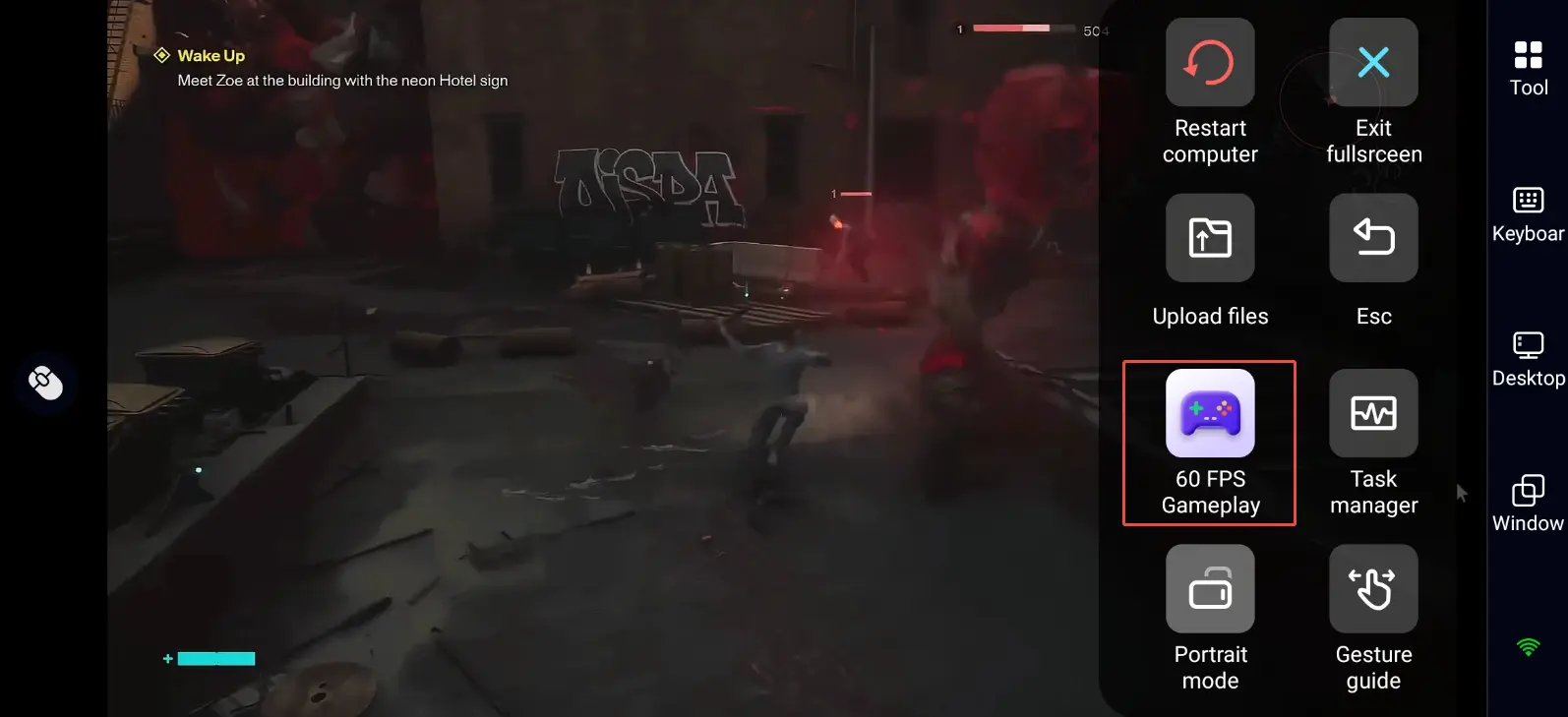
3.Key Mapping Settings
CONTROL Resonant blends action shooting, supernatural ability casting and environmental puzzle-solving. Priority adjustments are recommended for:
Character movement and camera view switching
Weapon switching, telekinetic throwing, barrier deployment
Dodge, sprint and melee attack buttons
Interaction & investigation, menu and map shortcut keys
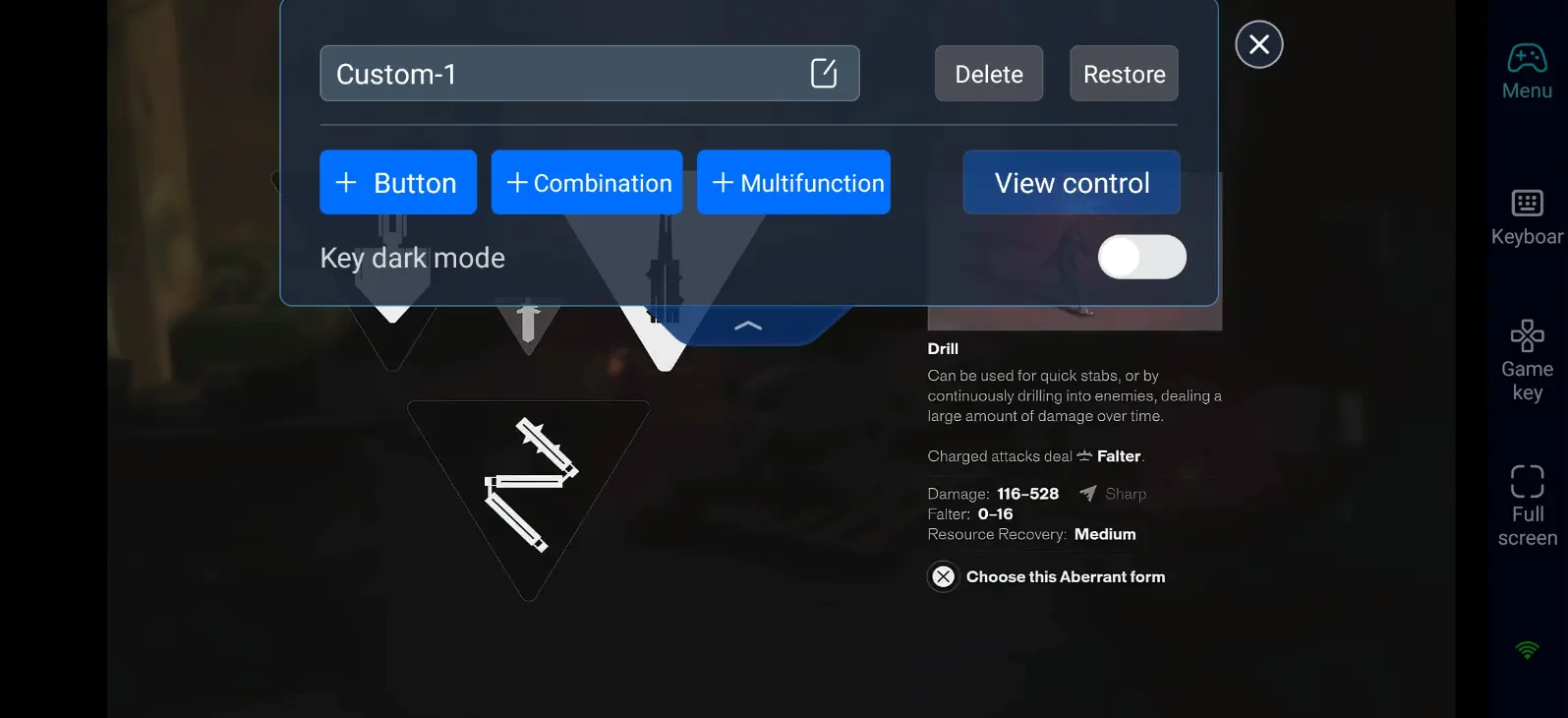
4.Connect External Peripherals
Besides custom touch controls, OSLink supports a wide range of Bluetooth gamepads and controllers. Connect peripherals to remove the limitations of touch operation. Shooting and casting supernatural powers become more precise, delivering a PC-like gameplay experience.
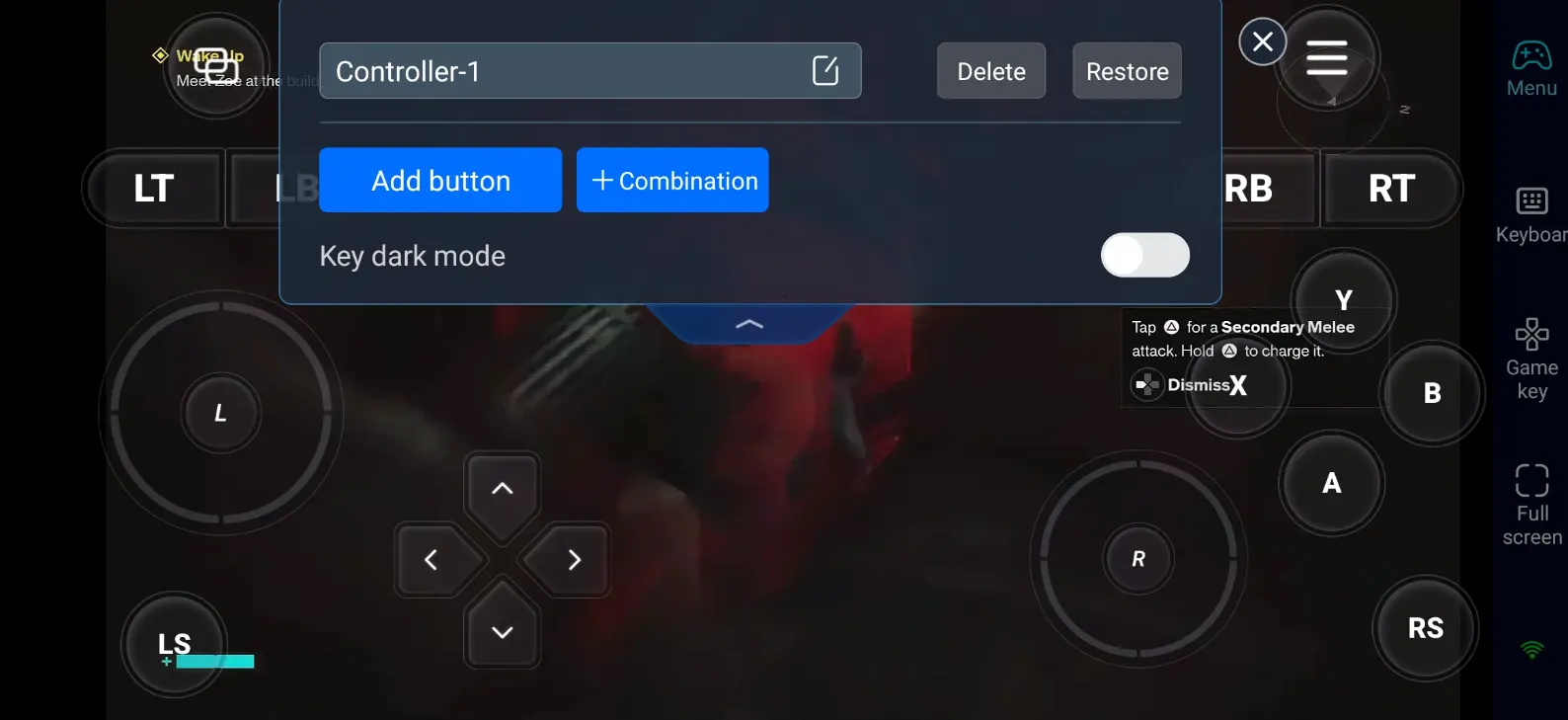
Step 3: Launch your supernatural investigations anytime
Once all settings are finished, your phone or tablet becomes a portable gaming terminal. With OSLink you can do the following at any time:
Story Progression: Complete side quests during short breaks and uncover secrets behind the Federal Bureau of Control.
Combat Challenges: Fight the Hiss and new Resonance anomalies to hone your combat skills.
World Exploration: Traverse the shifting Oldest House, collect documents and discover hidden areas.
Why Choose OSLink to Play CONTROL Resonant?
1.No location limits, enter the Oldest House whenever you want
No need to stay glued to your desk. Whether relaxing on the sofa or killing time while out, log in anytime to investigate supernatural incidents.
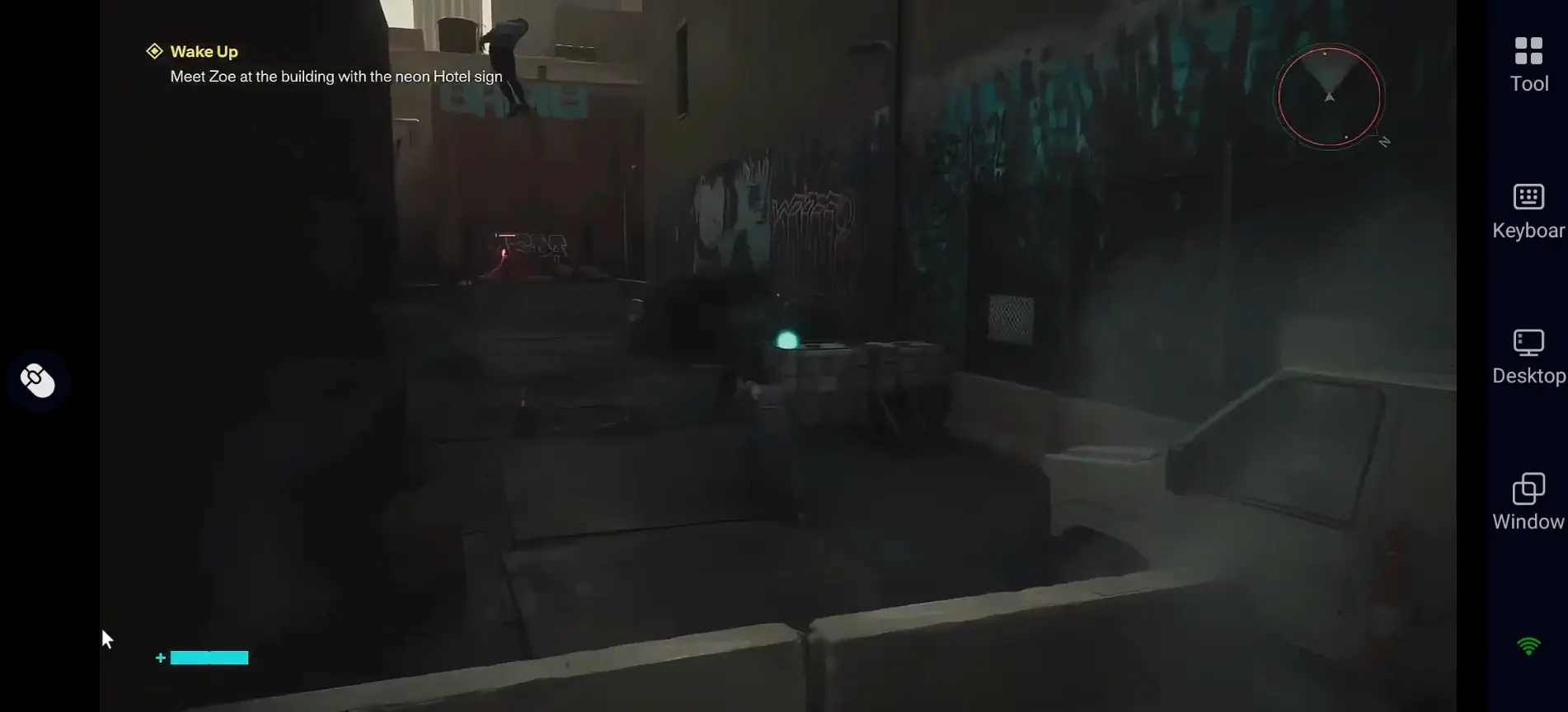
2.Full graphics retention
There is no native mobile build for CONTROL Resonant. OSLink leverages your PC hardware to preserve the original PC graphics quality fully, supporting ray tracing effects. The stream will not be compressed or downgraded, presenting eerie and spectacular visuals.
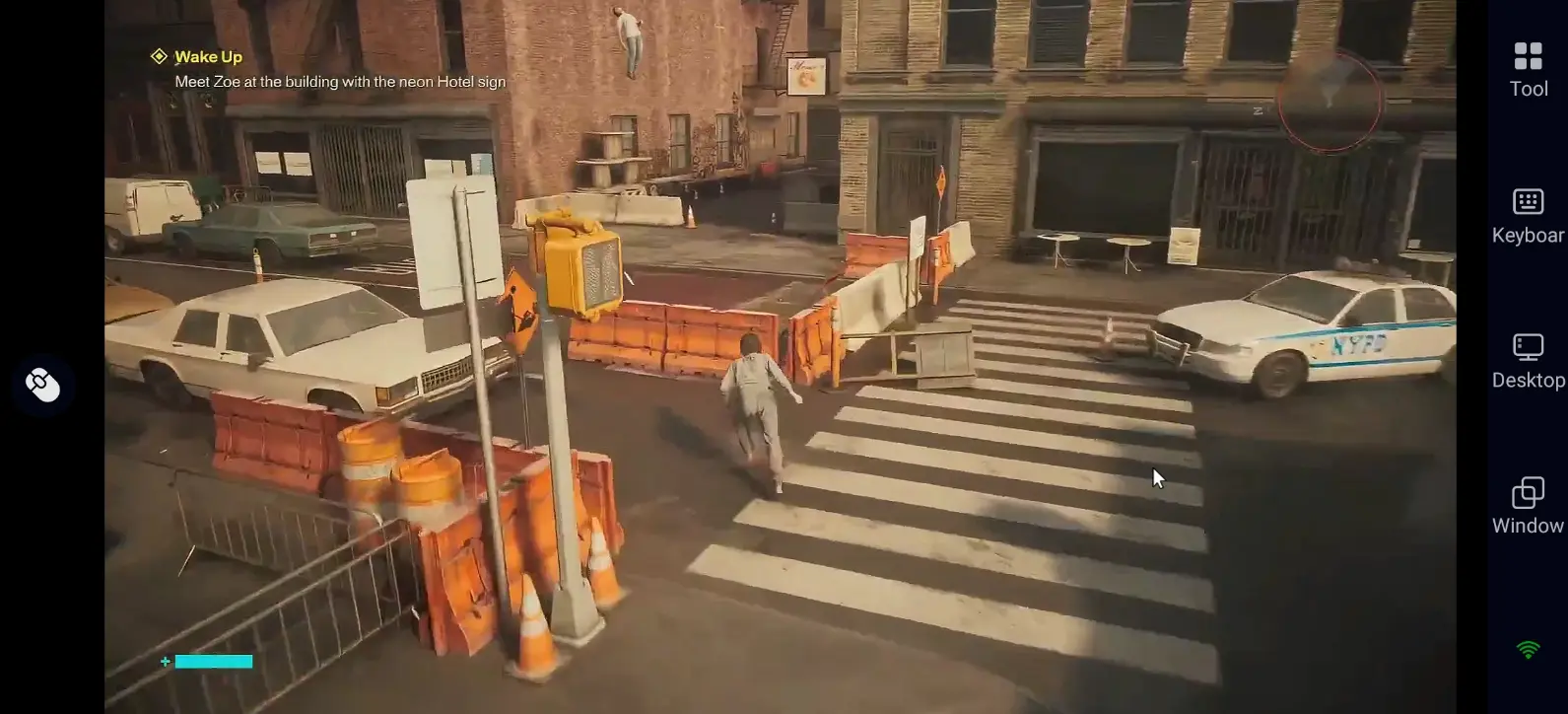
3.Smooth controls and responsive combat
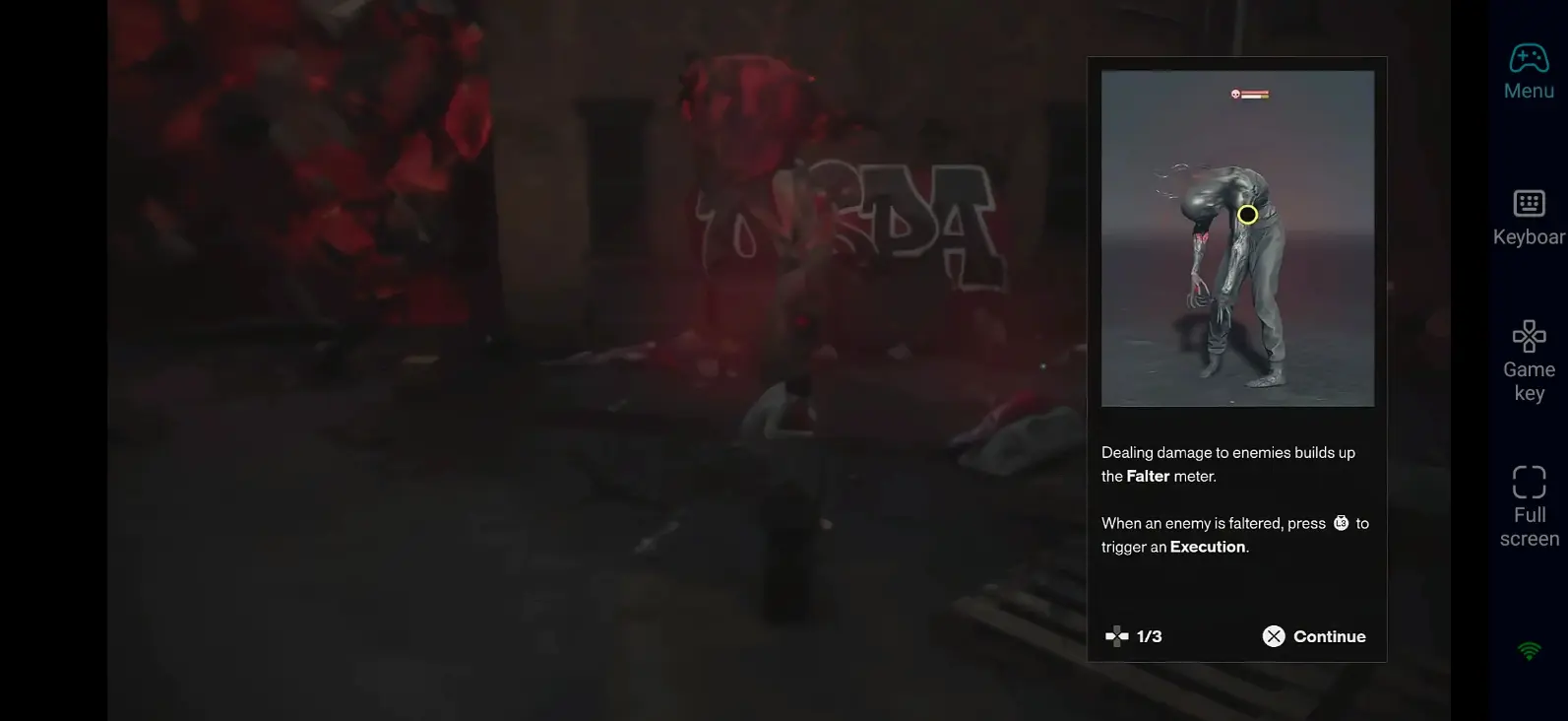
With custom key mapping paired with optimized 60 FPS streaming, you can smoothly execute shooting, telekinetic throws and dodge on mobile. Responses remain instantaneous even when facing swarms of enemies.
FAQ
Q: What's CONTROL Resonant release time?
A: CONTROL Resonant release date is September 24, 2026, launching on PC, PS5 and Xbox Series X|S. Physical disc releases are delayed to October 15, 2026.
Q: Does CONTROL Resonant demand high PC specifications?
A: Minimum system requirements are as follows:
•Operating System: Windows 10 / 11 64-bit
•CPU: Intel i5-8500 / AMD Ryzen 5 3500
•RAM: 16 GB
•GPU: GTX 1070 / RX 5600 XT / Intel Arc A580 (6GB VRAM)
•Storage: 120 GB available SSD space
Higher hardware specifications are recommended for stable high-quality gameplay.
Q: Can CONTROL Resonant be installed and played directly on Android phones?
A: No official native Android version is available. For mobile play, OSLink remote streaming from your PC is recommended to get full PC graphics and complete game content.
Q: Can CONTROL Resonant run natively on iOS devices?
A: There is no official native iOS build. Use OSLink to remotely control your PC, and you can experience the full game on iPhone and iPad. The game runs entirely on your computer, so you do not need to worry about overheating your mobile device.
Conclusion
With OSLink, smartphones and tablets can be transformed into mobile gaming devices for CONTROL Resonant. Whether advancing the main storyline, battling otherworldly enemies, or exploring the eerie Oldest House, you can break free from spatial constraints, allowing supernatural investigations to proceed unhindered by time or location!
 Download