English
 BanG Dream! Our Notes continues the series' core music and character progression gameplay. If you want to clear different charts more easily during the early game, having a strong starting lineup is essential. So, how can you make the most of the free gacha resources available at launch and pull the characters you want from the beginner pool featuring members from five bands?
This guide focuses on rerolling with multiple instances and AFK farming. It covers the beginner gacha rules and recommended characters, while also showing you how to connect your PC and phone for remote play. With this setup, you can efficiently build a strong starting lineup that is ready for early-game progression.
With OSLink, you can play BanG Dream! Our Notes without being tied to a single device. By combining the processing power of a PC emulator with the convenience of playing from your phone, you can sync data between both devices, run multiple instances, and leave them running in the background. This makes it easier to reroll for strong starting characters and get your account off to a smooth start.
1. Reroll Banner Overview
The launch banner features increased rates for members of MyGO!!!!! and Ave Mujica. It includes permanent SSR cards from MyGO!!!!!, Ave Mujica, Yumemita MewType, Ichika Dumb Rock!, and millsage. The SSR rates for members of MyGO!!!!! and Ave Mujica are increased, while limited-time or exclusive cards are not included, making this banner a good option for repeated account resets and rerolls.
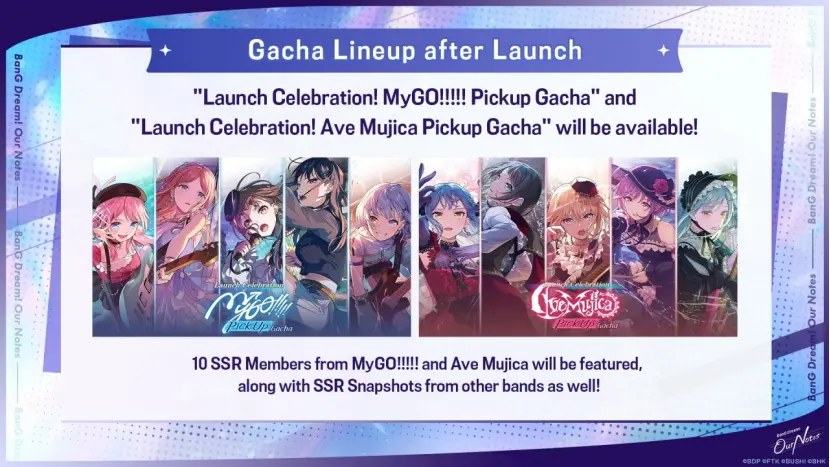
This banner is ideal for players who like MyGO!!!!! and Ave Mujica. If you want to reroll for cards from other bands, you can also pull from the permanent banner, where all cards have equal rates.
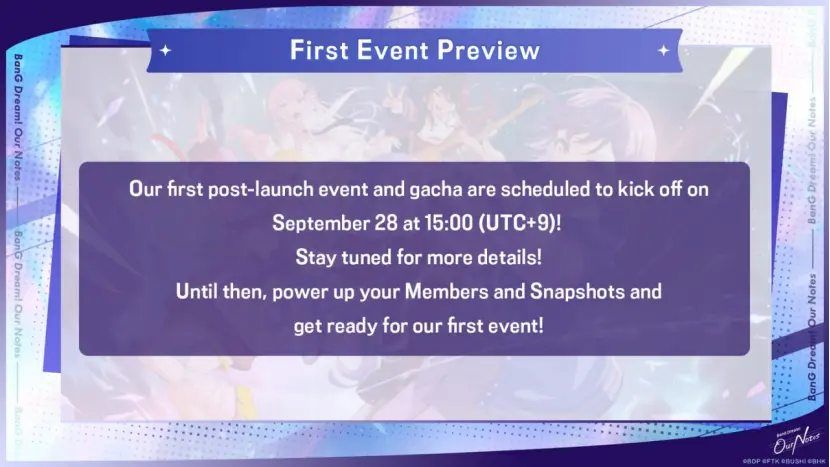
In addition, the first launch event and limited-time banner will open on September 28. Players who don't want to spend too many resources on the permanent UP banner can wait for the limited-time banner and reroll for its exclusive SSR cards instead.
2. Recommended Reroll Characters
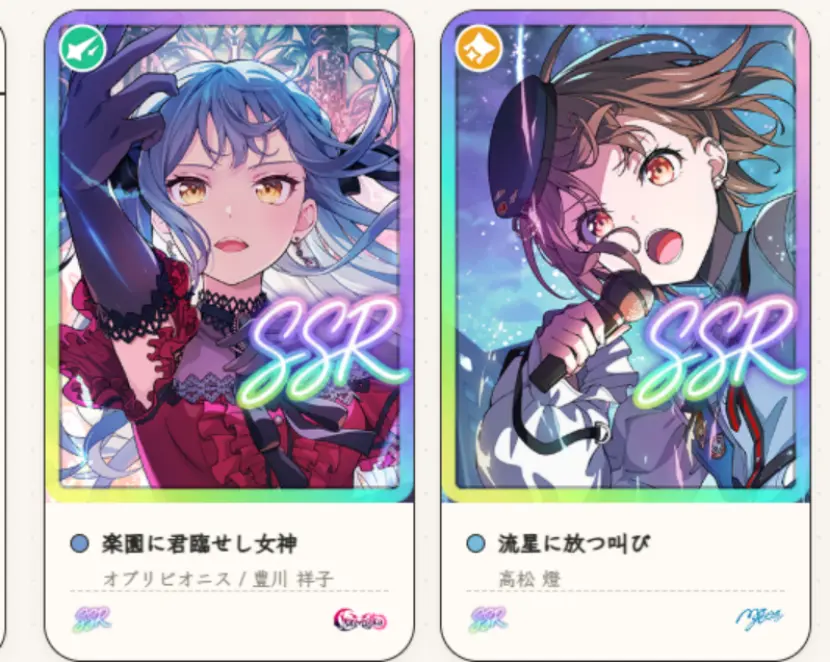
Sakiko Togawa|SSR "Goddess of Paradisus"|Band: Ave Mujica
This is a core score-support card and one of Ave Mujica's strongest SSR cards at launch. Its skill can greatly increase the overall score during key performance sections while also providing stat buffs to the entire band.
Tomori Takamatsu|SSR "Starward Cry"|Band: MyGO!!!!!
This is a launch SSR for MyGO!!!!! that specializes in burst scoring. Her skill provides a high score boost when activated during the Excite phase, making her especially effective on songs with long chart sections and multiple climax segments, with a very high scoring ceiling in individual songs.
3. Getting Everything Ready
Open your browser and visit the official LDPlayer website to download the installer for your PC. Once the installation is complete, you will see the LDPlayer and LDMultiplayer icons on your desktop.
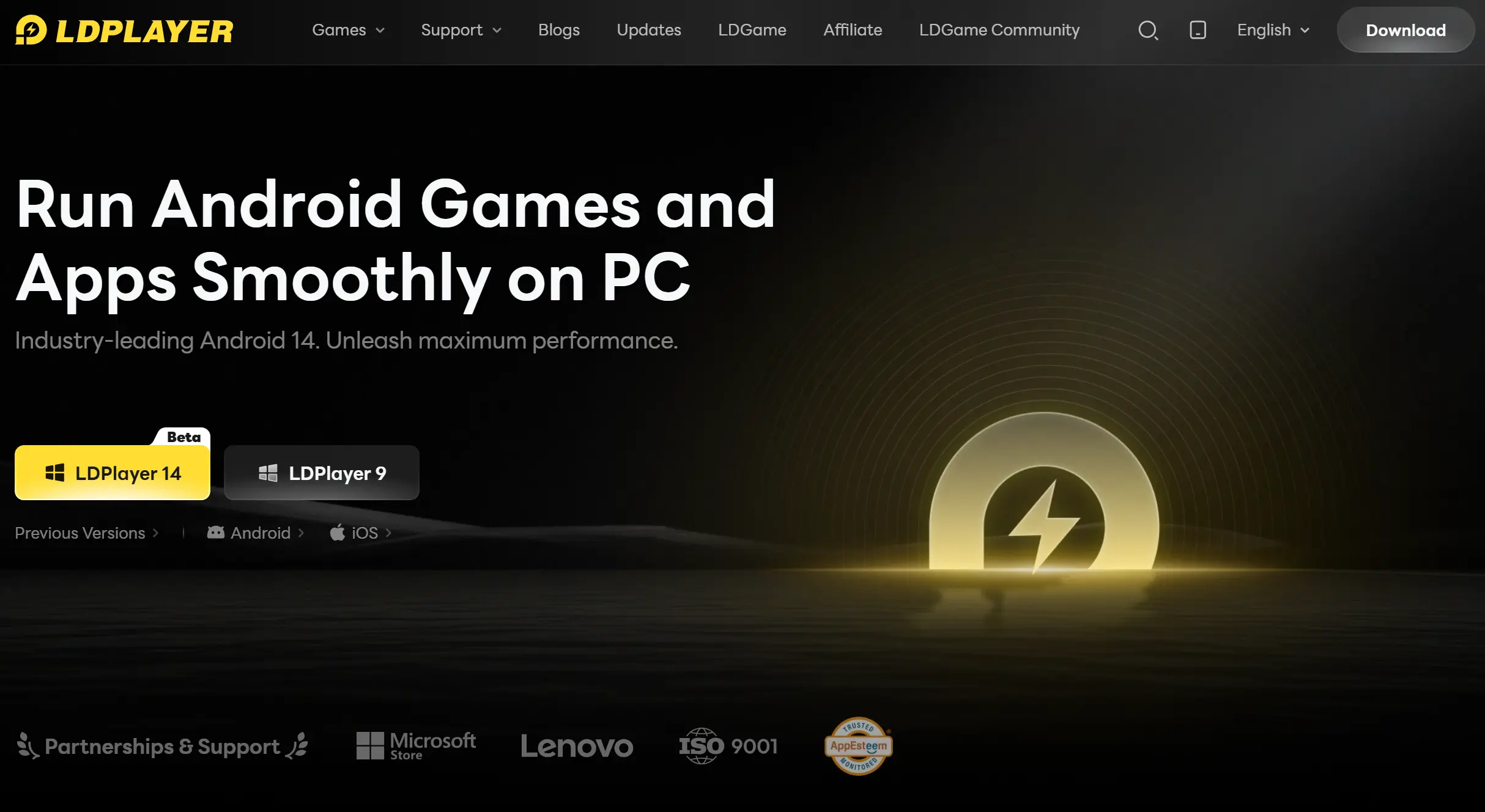
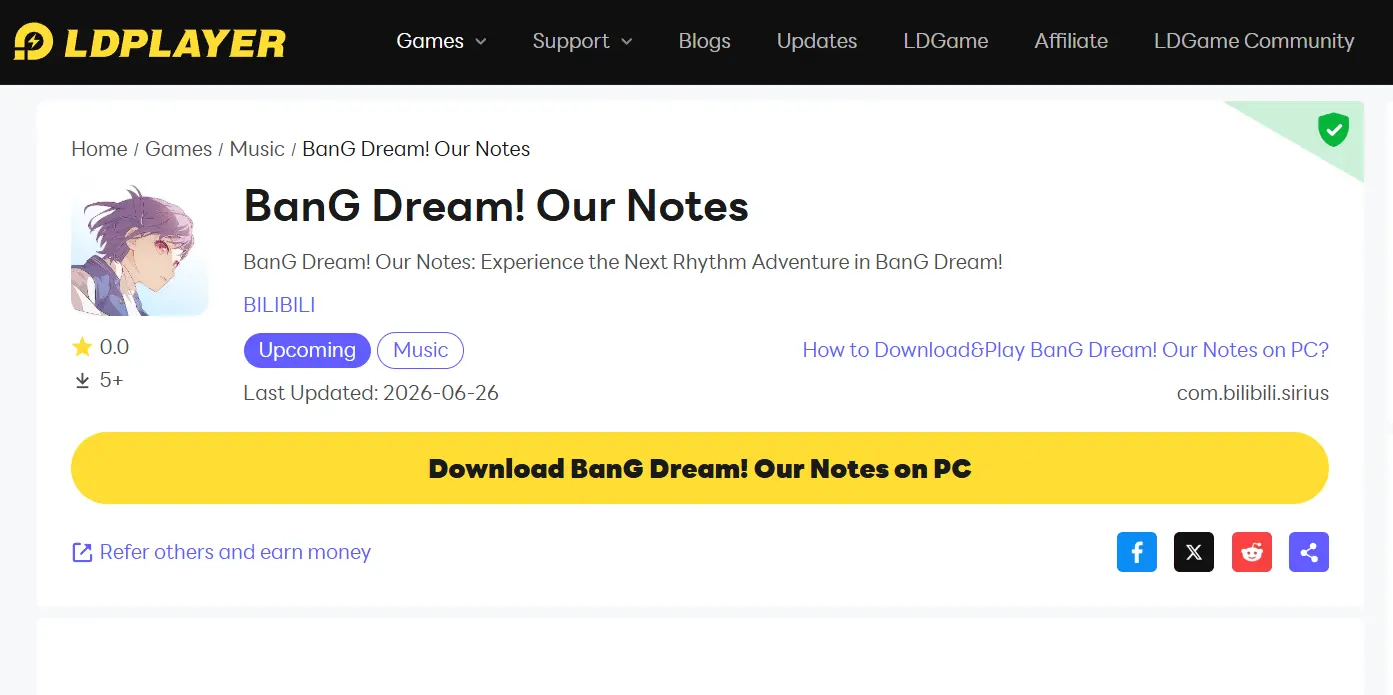
Launch LDPlayer and search for BanG Dream! Our Notes in its built-in game center to install the game.
Wait for all game resources to finish unpacking. Then enter the game and make sure basic functions such as logging in, playing songs, and viewing character information are working properly before moving on to the multi-instance setup.
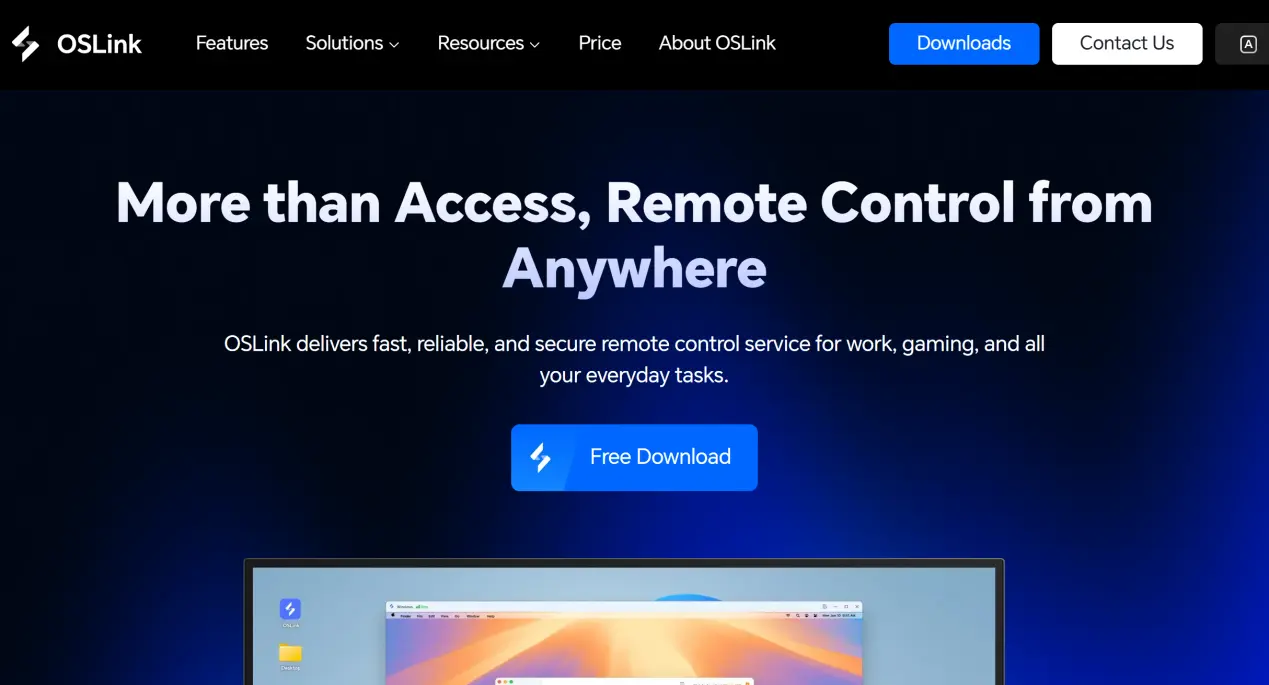
Next, use your browser to visit the official OSLink website and download the OSLink installer. Once the download is complete, register and log in to your account.
You will also need to install the OSLink mobile client. Android users can search for OSLink in their app store and install it directly. iOS users can open the App Store and download the corresponding client.
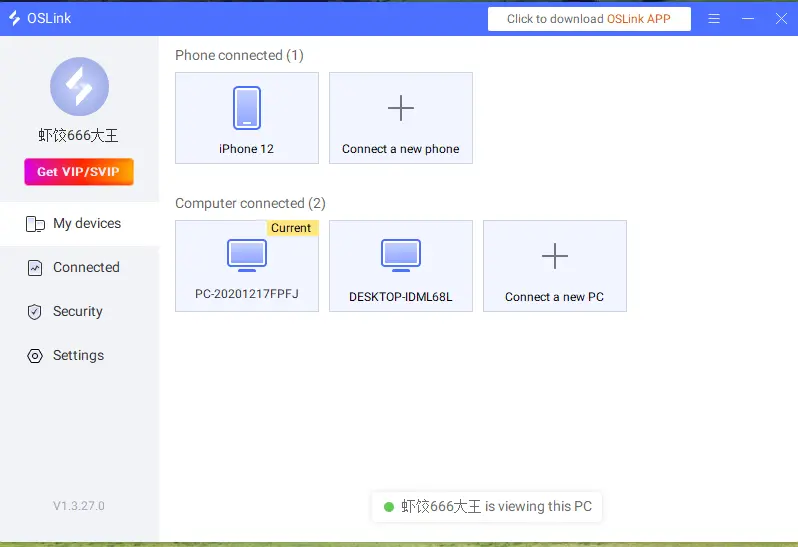
Note: Your phone and PC must be logged in to the same OSLink account. The system will automatically detect computers that are already online, so there is no need to pair the devices manually.
4. Game Streaming Setup
First, launch LDPlayer on your PC and open BanG Dream! Our Notes. Make sure the OSLink desktop client remains running in the background.
Open OSLink on your phone and select the computer currently running the emulator from the device list to establish a connection. Once connected, the emulator's game screen will be streamed to your phone.
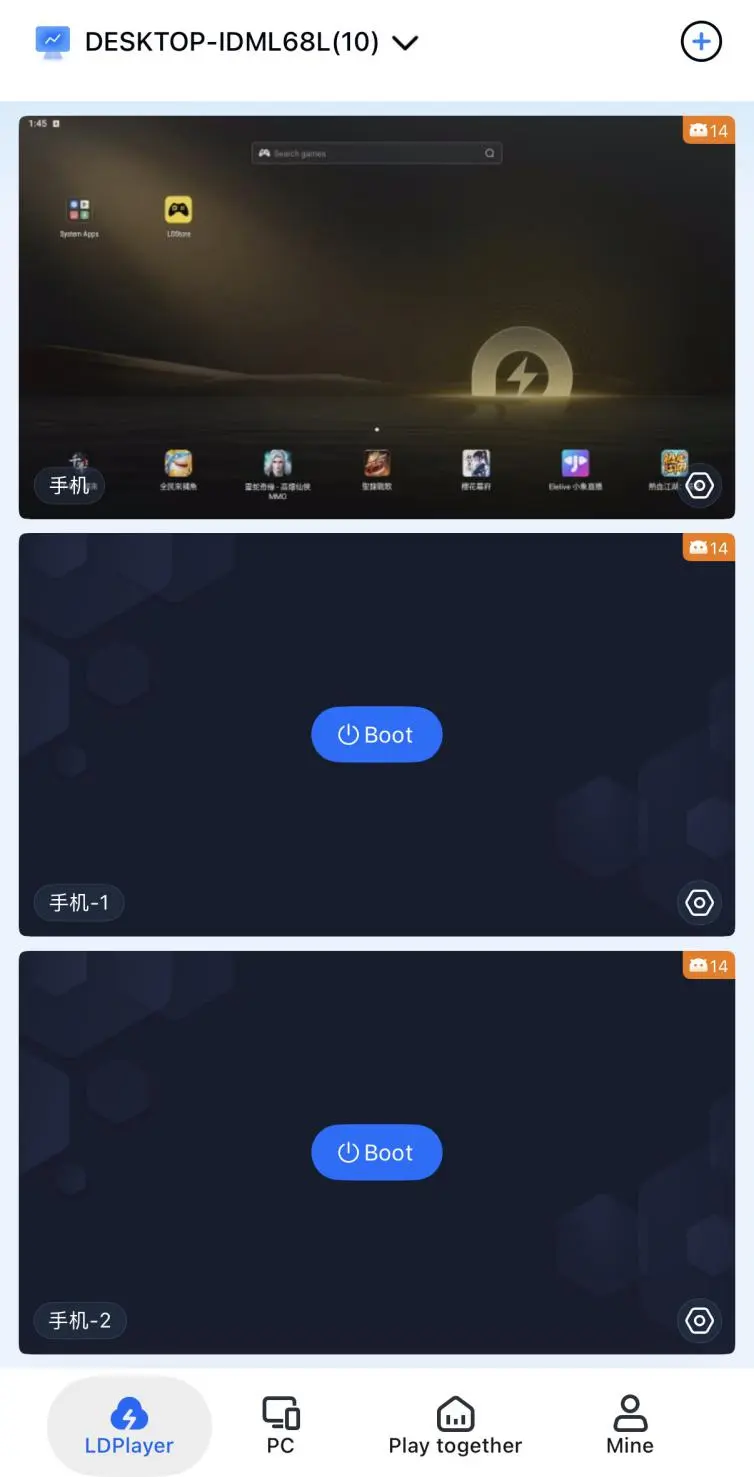
During streaming, you can adjust the display scaling to fit your phone screen. Touch controls on your phone will also be synced with the emulator on your PC. You can switch between different emulator windows as needed, allowing you to remotely check and manage multiple accounts.
5. OSLink Multi-Instance Rerolling & AFK Farming
Multi-Instance Rerolling
Open LDPlayer and click Multi-Instance on the toolbar on the right. LDMultiplayer will launch automatically, allowing you to create multiple emulator instances in separate windows. Log in to a different game account on each instance and complete the basic setup checks.
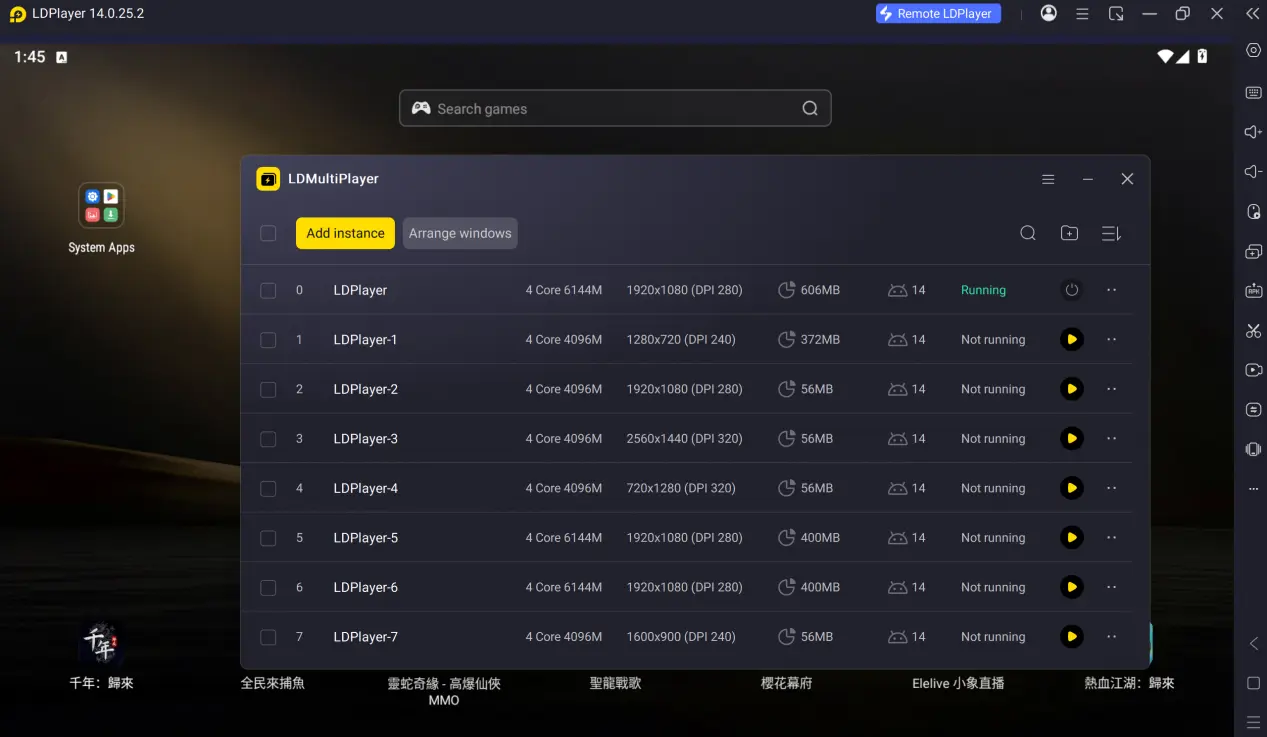
OSLink will detect all running emulator processes and connect multiple instances to the streaming system. Enter the emulator window currently being used for remote streaming, then open the Sync Operations feature from the toolbar on the right.
Perform the full sequence once: skip the beginner story, claim the beginner gacha rewards, enter the beginner gacha pool, and complete the pulls.
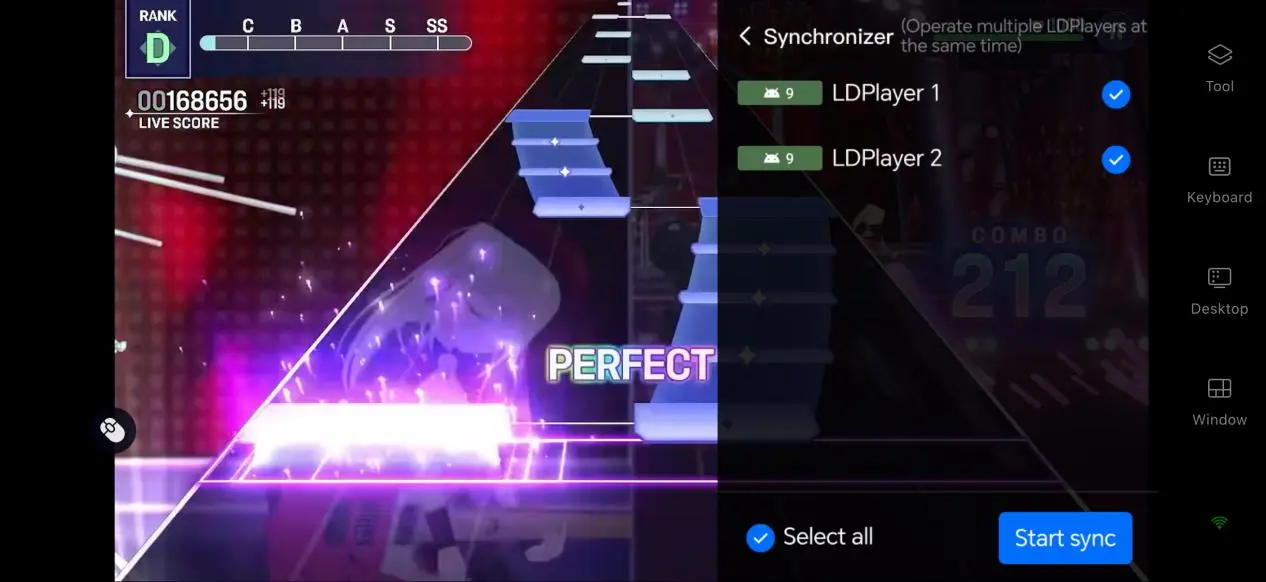
After recording the process, save the script and adjust the number of loops and the delay between actions. You can then leave the system running to automatically reroll accounts.
The program will handle the entire reroll process automatically. All you need to do is check the gacha results from time to time and keep the accounts that pull your target characters.
AFK Farming
Once you have a starting account you are happy with, you can continue using OSLink without switching tools to develop the characters you pulled or farm the items needed for early-game progression.
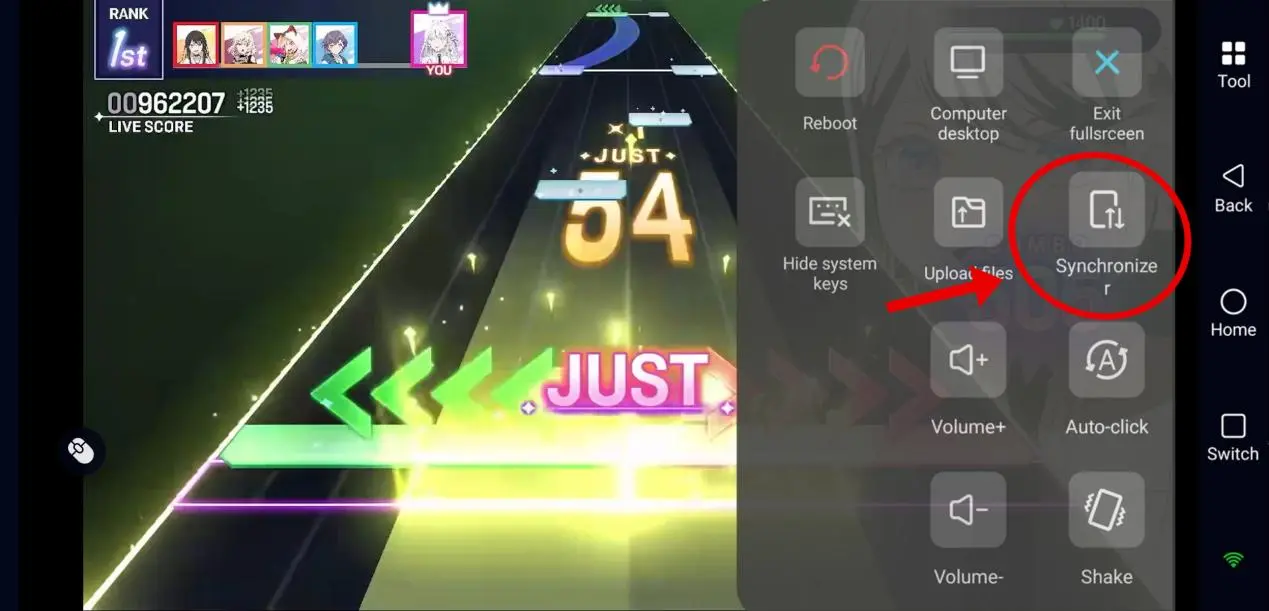
Click Auto Click on the toolbar on the right and record a standard farming routine. The script can then automatically handle daily song challenges, material dungeon sweeps, band EXP collection, and other progression tasks, helping you steadily gather the materials needed for character upgrades and skill breakthroughs.
6. Frequently Asked Questions
Q: When will BanG Dream! Our Notes officially launch?
A: The game is scheduled for a global launch on September 24, 2026. It is currently in the pre-launch promotion period.
Q: What PC hardware is needed for multi-instance rerolling and AFK farming?
A: Running the game on a single emulator instance only requires a basic home PC. The minimum setup is a 4-core CPU and 8 GB of RAM, which is enough for stable single-instance gameplay and rerolling.
If you want to run multiple emulator instances for batch rerolling while also leaving band progression tasks running in the background, you will need more powerful hardware. The recommended setup is an 8-core or better CPU with 16 GB of RAM. This can help prevent emulator stuttering, interrupted AFK scripts, and dropped streaming connections, greatly improving multi-instance rerolling efficiency.
If your PC has less than 16 GB of RAM, running three or more emulator instances at the same time is not recommended.
Q: Can iOS devices use OSLink for multi-instance rerolling and AFK farming?
A: Due to iOS system restrictions, iOS devices can only handle single-instance streaming and remote control, so they cannot be used to batch-reroll multiple accounts. If you want to run multiple instances for rerolling or AFK farming, you can use OSLink together with LDPlayer to complete the entire process.
Conclusion
By combining an emulator with OSLink remote control, you can remotely monitor multiple instances of BanG Dream! Our Notes running on your PC from your phone. Whether you are commuting or have a few minutes during work, you can remotely start AFK farming, manage multiple accounts, farm progression materials, and check your reroll progress from your phone.
 Download