English
EA SPORTS FC 27 brings football matches, club management, Ultimate Team, and The Grounds together in one PC game. It has been nominated for Best Sports / Racing at The Game Awards 2026.. Real-time play asks you to read the pitch, switch players, and time passes and shots, while team management gives you plenty to do between matches. Both are less convenient when you are away from your PC.
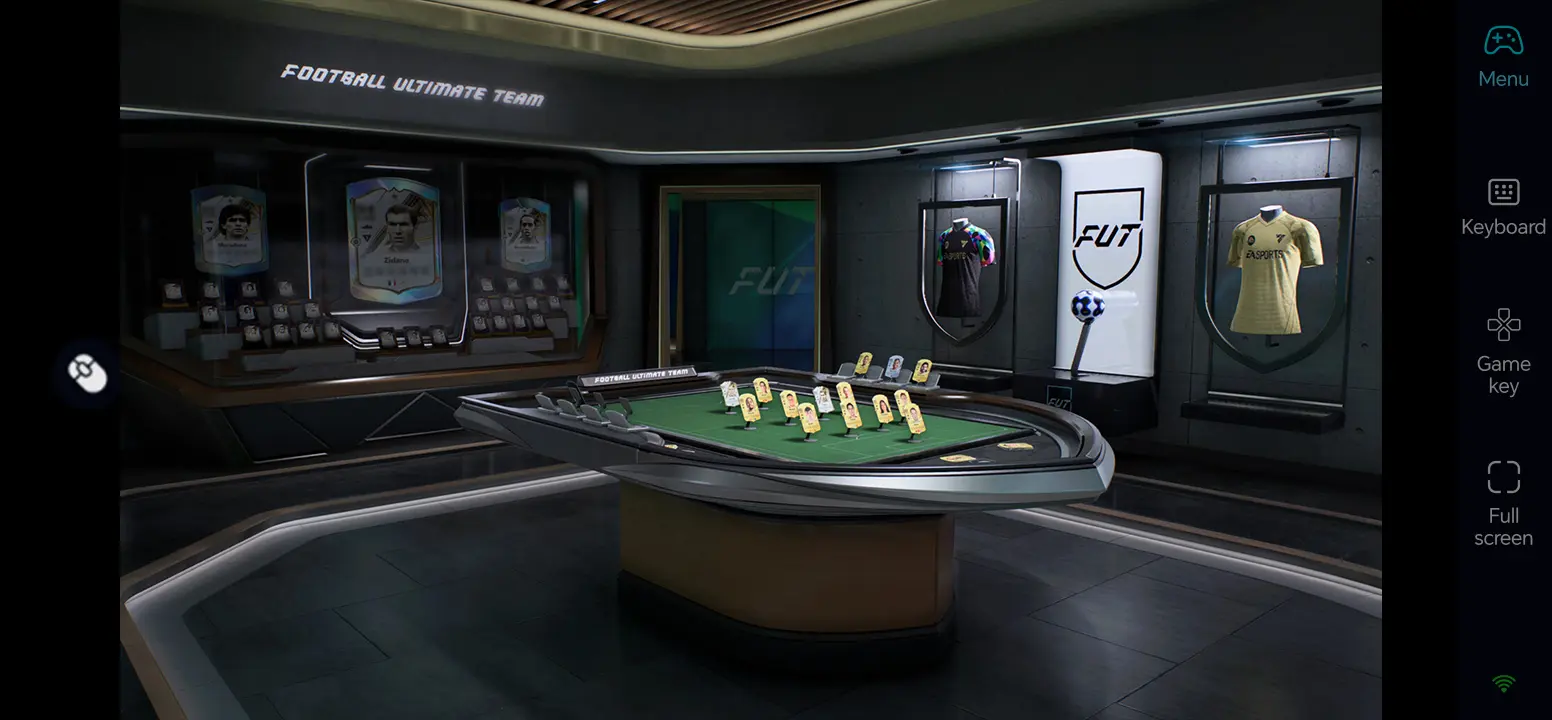
OSLink lets your Android phone or iPhone control EA SPORTS FC 27 running on your own Windows PC. This guide covers Steam and EA account setup, device pairing, PC gaming mode, match controls, and external input.
1. Download EA SPORTS FC 27 on PC
Install on Steam and Check EA Access
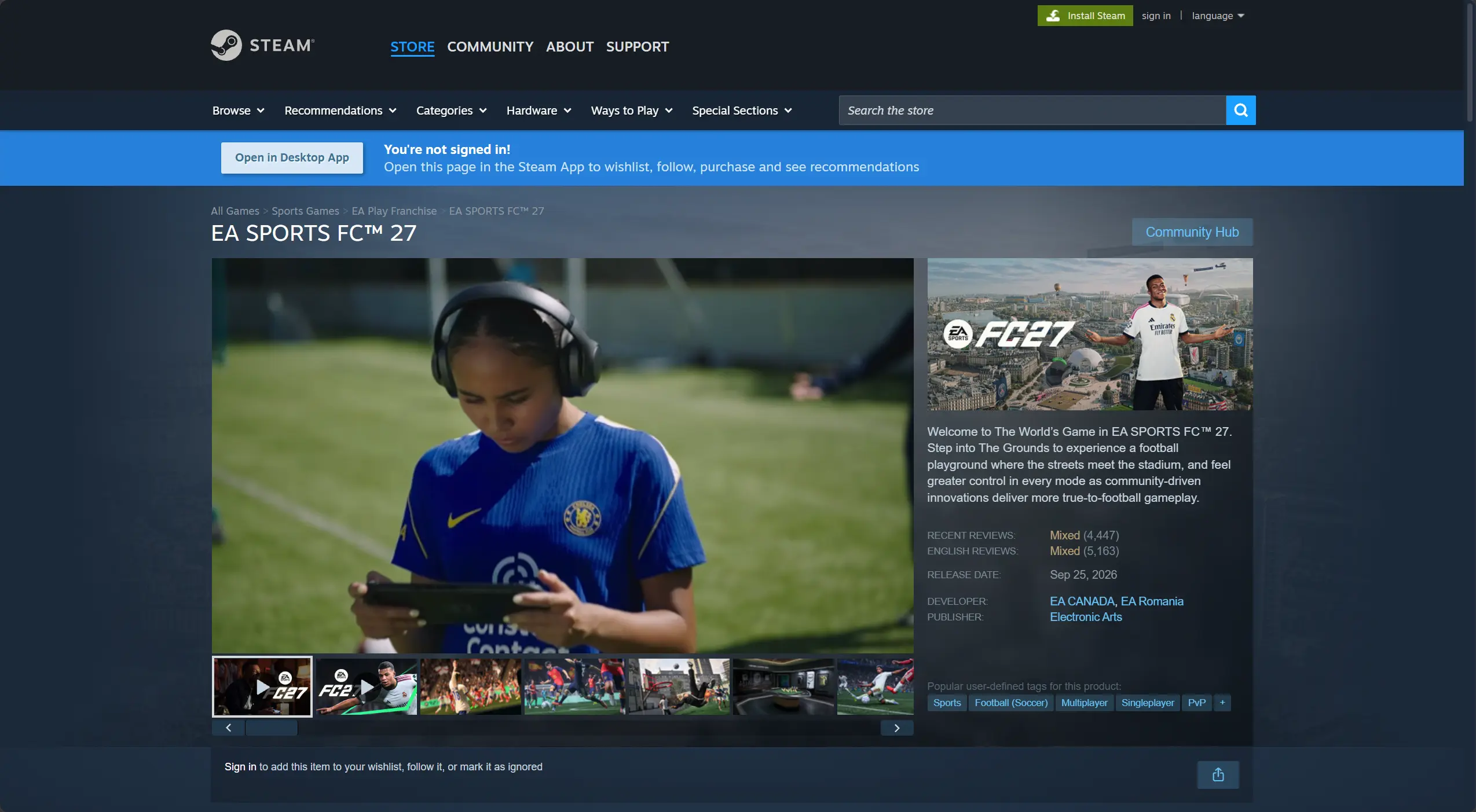
Find EA SPORTS FC 27 on Steam and choose the full game, demo, or eligible EA Play trial. The Steam release requires the EA app and linked EA and Steam accounts. Install the version you can access, then make sure you can log in, navigate squad menus, play a match, pass, shoot, and save your progress on the host PC.
When the game runs locally, use OSLink to bring its picture and controls to your phone.
2. Play EA SPORTS FC 27 Remotely on Mobile
Step 1: Install OSLink on Both Devices
Install OSLink on the Windows PC
Download the OSLink Windows client on the PC running EA SPORTS FC 27 and sign in. Keep the host powered on, the EA app available, and the network stable during remote play.
Install OSLink on Your Phone
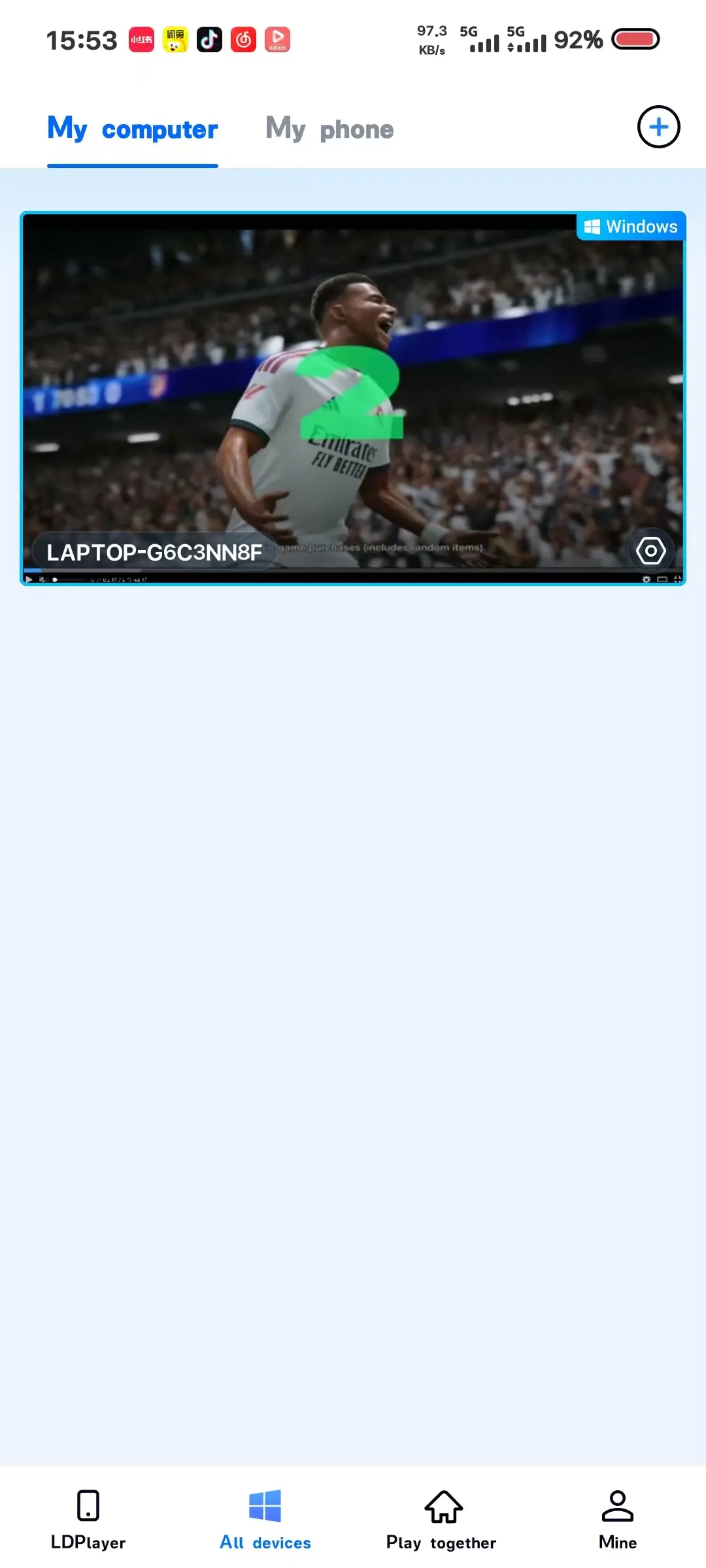
Install OSLink from Google Play on Android or the App Store on iPhone. Sign in with the same account and select the online host PC in the device list.
Step 2: Tune Match and Management Controls
1. Launch the Game on the Host PC
Start EA SPORTS FC 27 through Steam and the EA app on the Windows PC. Complete account verification and check that a match runs smoothly at your chosen graphics settings.
2. Pair Devices and Test Input
Open the remote desktop on your phone. Test menus and squad management, then try movement, player switching, passing, and shooting in an ordinary match. Keep the minimap and score visible.
3. Enable 60 FPS PC Gaming Mode
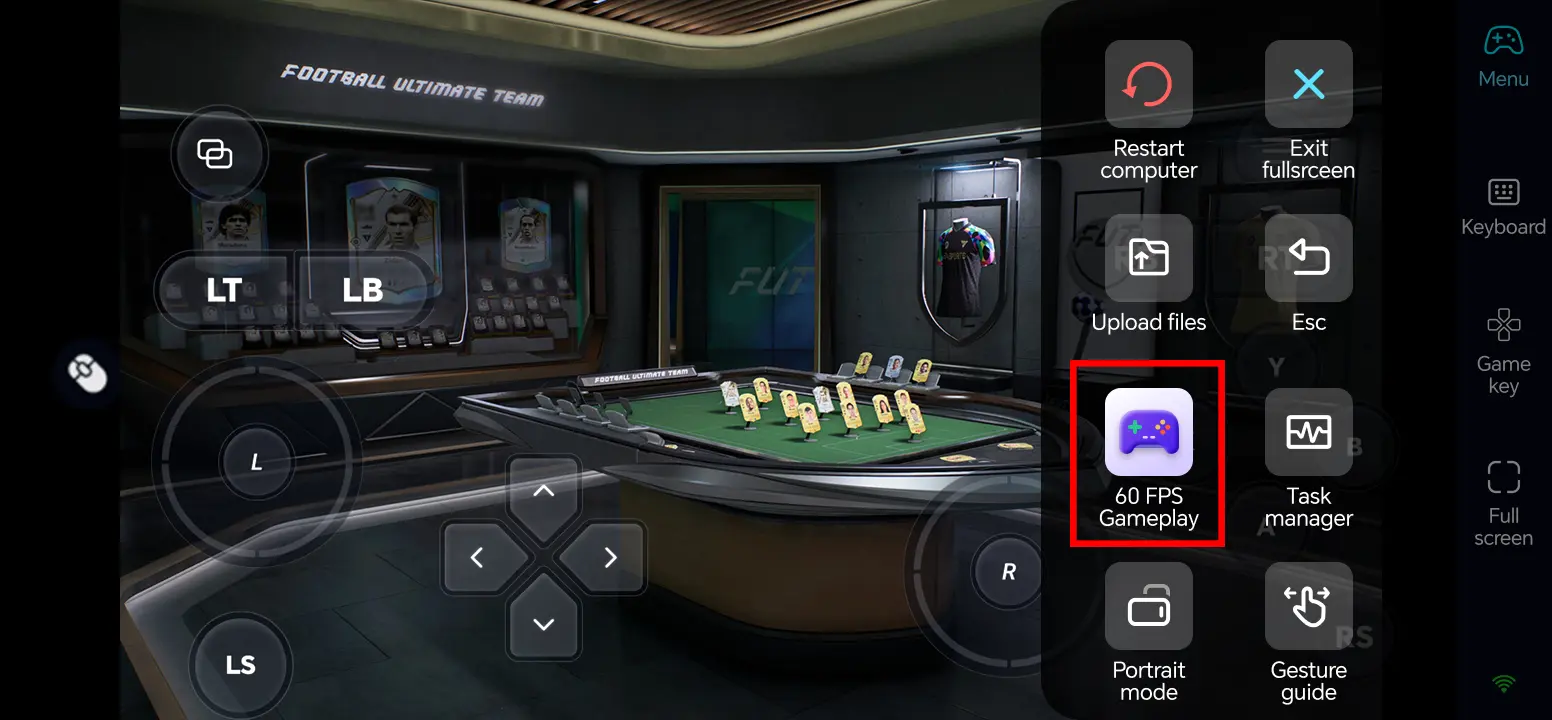
From the remote desktop toolbar, choose Tools > Play PC games at 60 frames. This mode does not guarantee a stable 60 FPS; actual performance depends on the PC, game settings, and network.
4. Customize Touch Controls
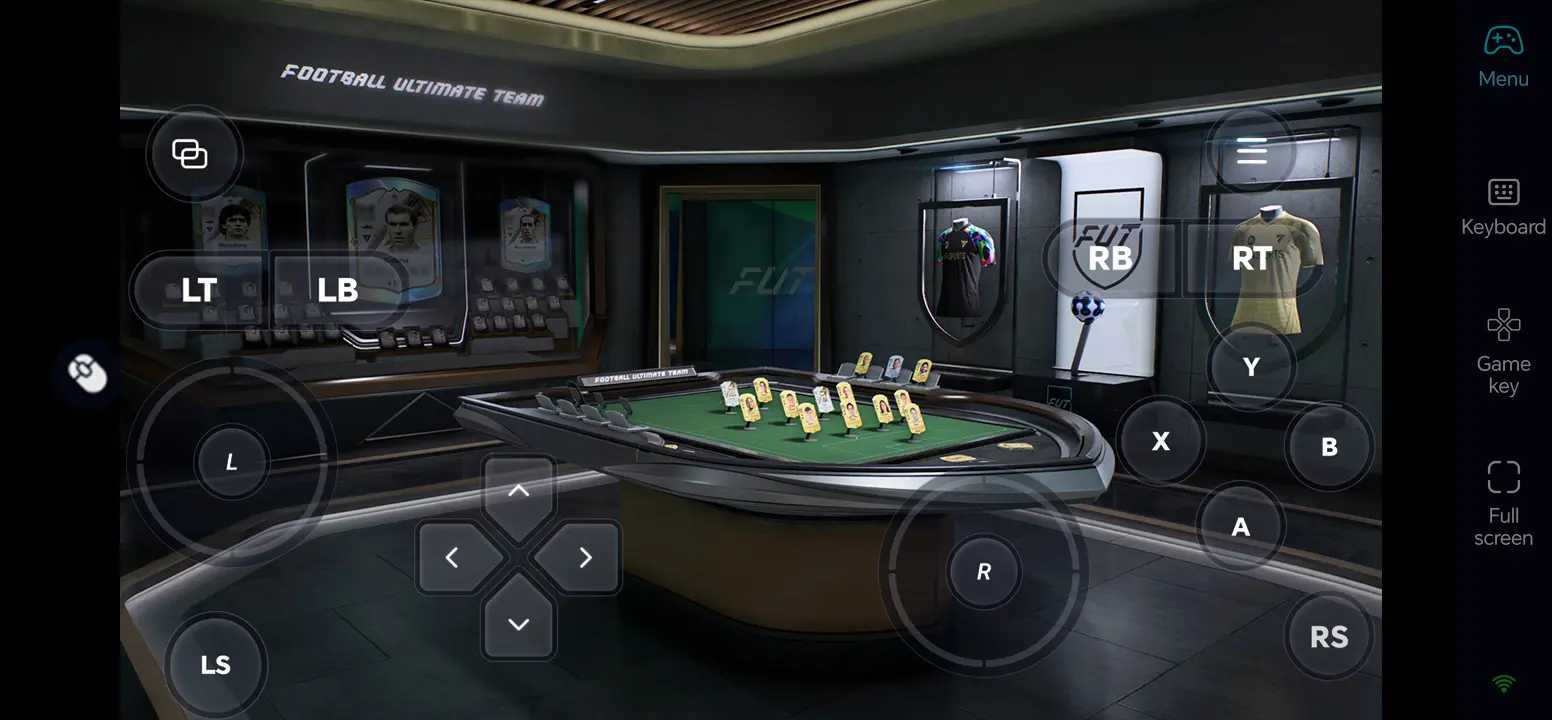
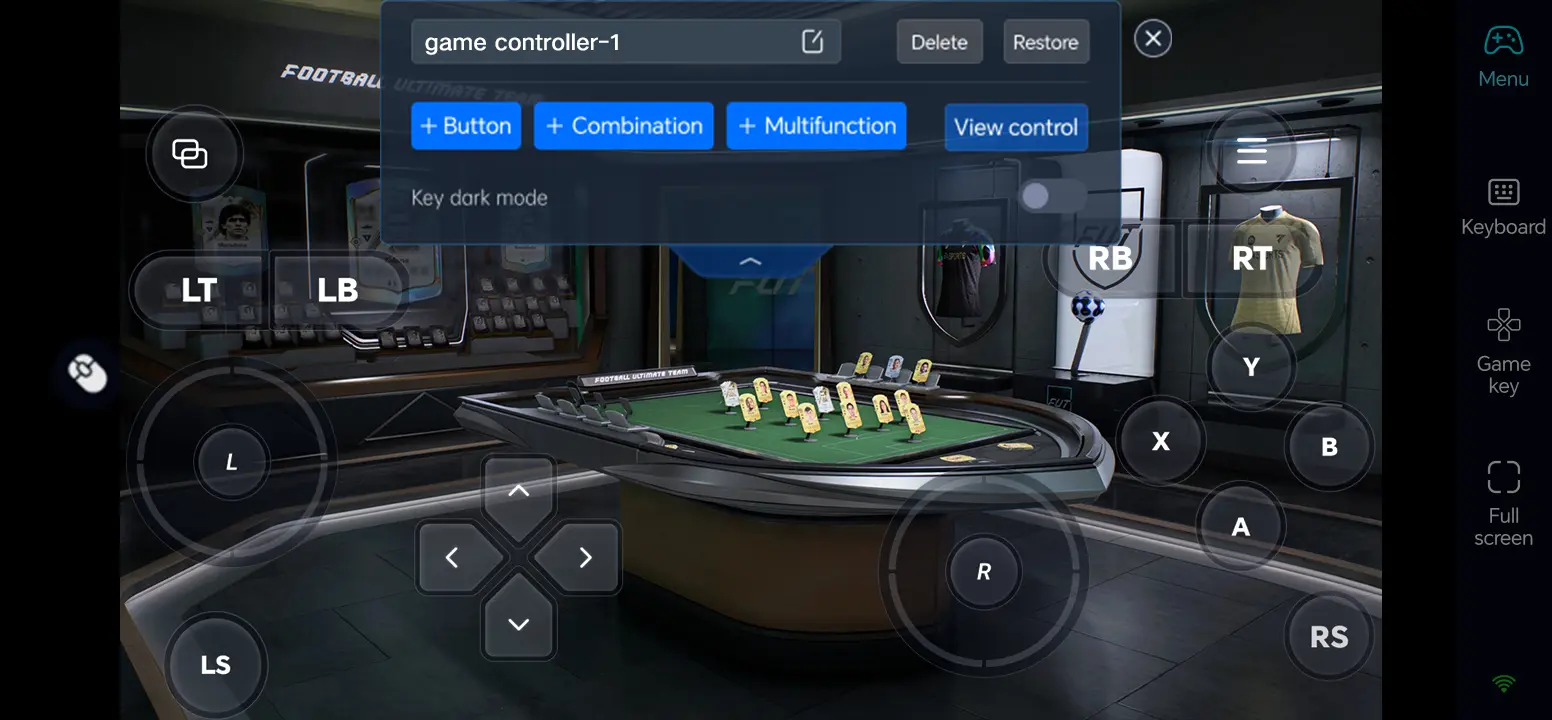
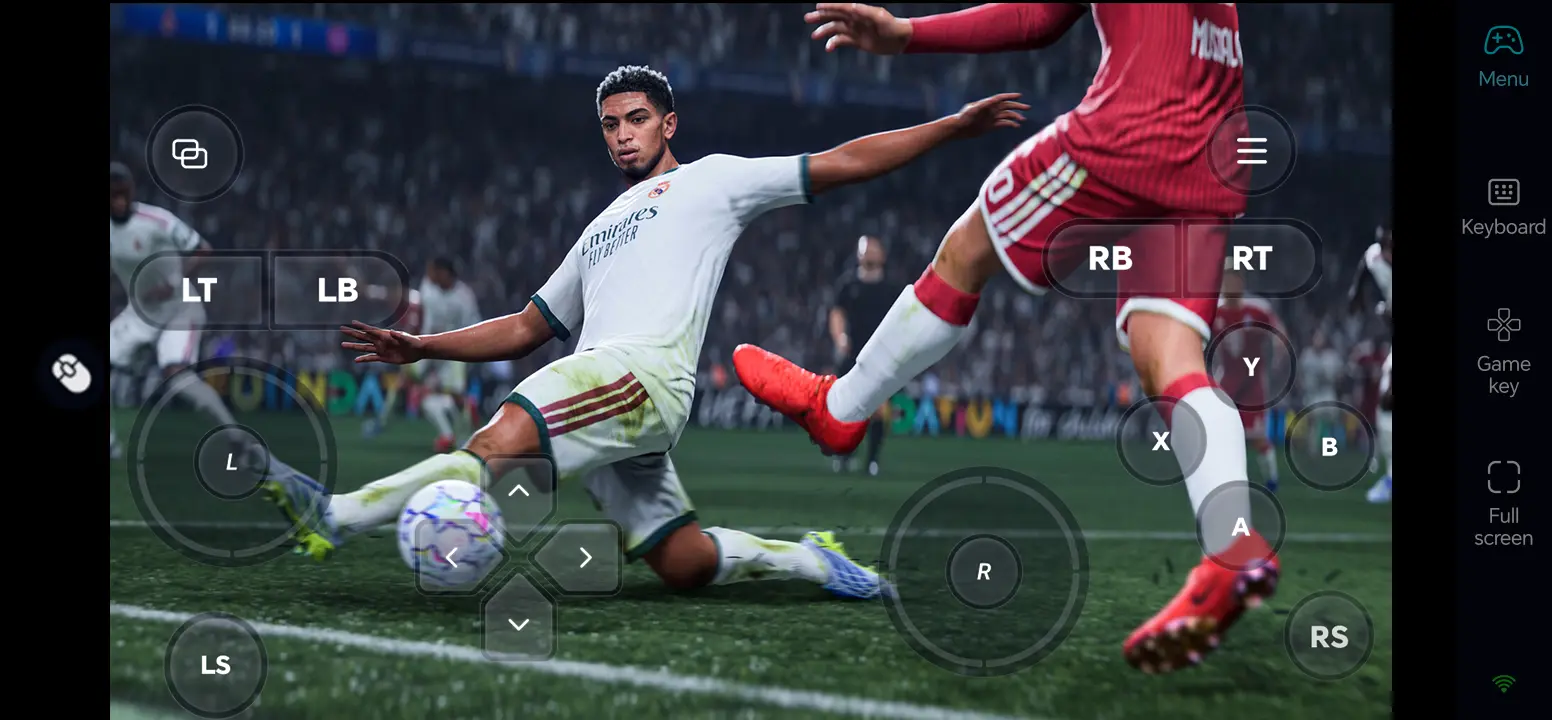
Open Game Button and tap the edit icon.. Assign separate buttons for movement, sprinting, player switching, passing, shooting, and defending.. Save the layout and try a low-pressure match to fix accidental taps.
5. Connect External Controls
Connect a compatible Bluetooth controller to your phone if you prefer physical match controls, then test passing, switching, and defending. A keyboard and mouse can help with squad menus. Check latency before competitive online play.
What You Can Do After Setup
Manage your club, adjust the squad and tactics, and handle Career Mode tasks before or after fixtures.
Practice or play ordinary matches in The Grounds and other available modes while away from your desk.
Check responsiveness before Ultimate Team and online matches; high-stakes competitive play needs especially stable input.
3. Three OSLink Benefits for EA SPORTS FC 27
1. Handle club work between matches
Remote access helps you review lineups, tactics, and progress during short breaks.
2. Give match actions their own space
A tailored layout keeps movement, passing, shooting, and player switching distinct without hiding pitch information.
3. Use a controller for familiar input
A compatible Bluetooth controller provides a familiar control experience for movement, passing, and shooting. However, input responsiveness still depends on your host PC and network connection.
4. Frequently Asked Questions
Q1: What is the release date of EA SPORTS FC 27?
The release date of EA SPORTS FC 27 is September 24, 2026, according to Steam. Access to specific editions and trials depends on your account and store region.
Q2: Can I play EA SPORTS FC 27 directly on Android?
The Steam game is a Windows PC edition, not a native Android release. EA SPORTS FC Mobile is a separate product. To play this PC edition on Android, you can run it on your own Windows computer and connect through OSLink.
Q3: Can I play EA SPORTS FC 27 directly on iOS?
The Steam PC edition is not a native iOS app. EA SPORTS FC Mobile is separate. OSLink can show and control EA SPORTS FC 27 from an iPhone while the game runs on your own Windows PC.
Q4: What PC specifications does EA SPORTS FC 27 require?
Steam minimum: Windows 10 or 11 64-bit, Ryzen 5 1600 or Core i5-6600K, dual-channel 8 GB RAM, RX 570 or GTX 1050 Ti, DirectX 12, and 100 GB storage. Recommended: Ryzen 7 2700X or Core i7-6700, 12 GB RAM, RX 5600 XT or GTX 1660, and an SSD.
Conclusion
Install and test EA SPORTS FC 27 through Steam and the EA app, then connect your phone with OSLink. Tune PC gaming mode and match controls so you can manage your club and play away from your desk.
 Download