English
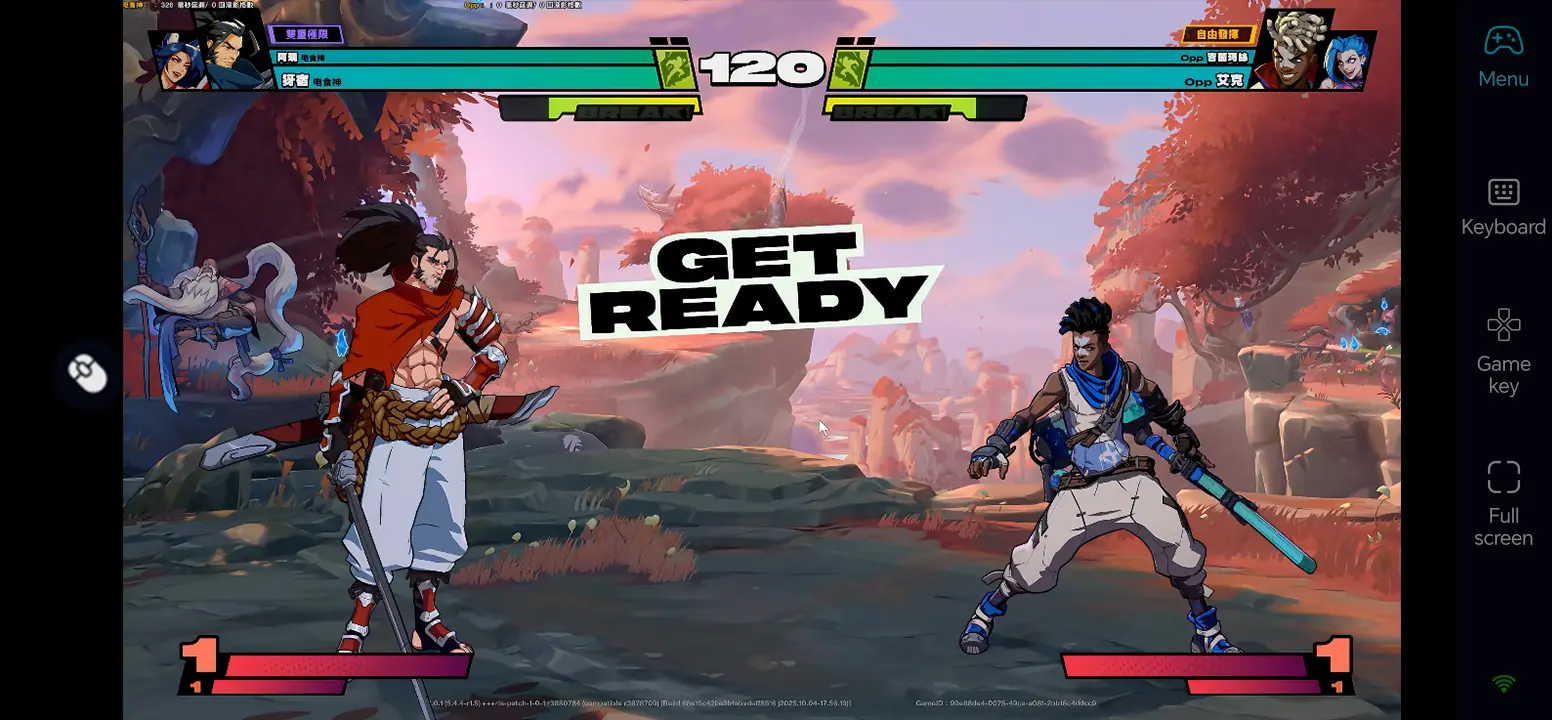
2XKO is Riot Games’ free-to-play 2v2 fighting game. Pick two champions, use assists and tags, and build combos with a teammate or on your own. The title was nominated for Best Fighting Game at The Game Awards 2026. Fighting games require precise timing, so it is important to test input responsiveness before entering competitive matches.
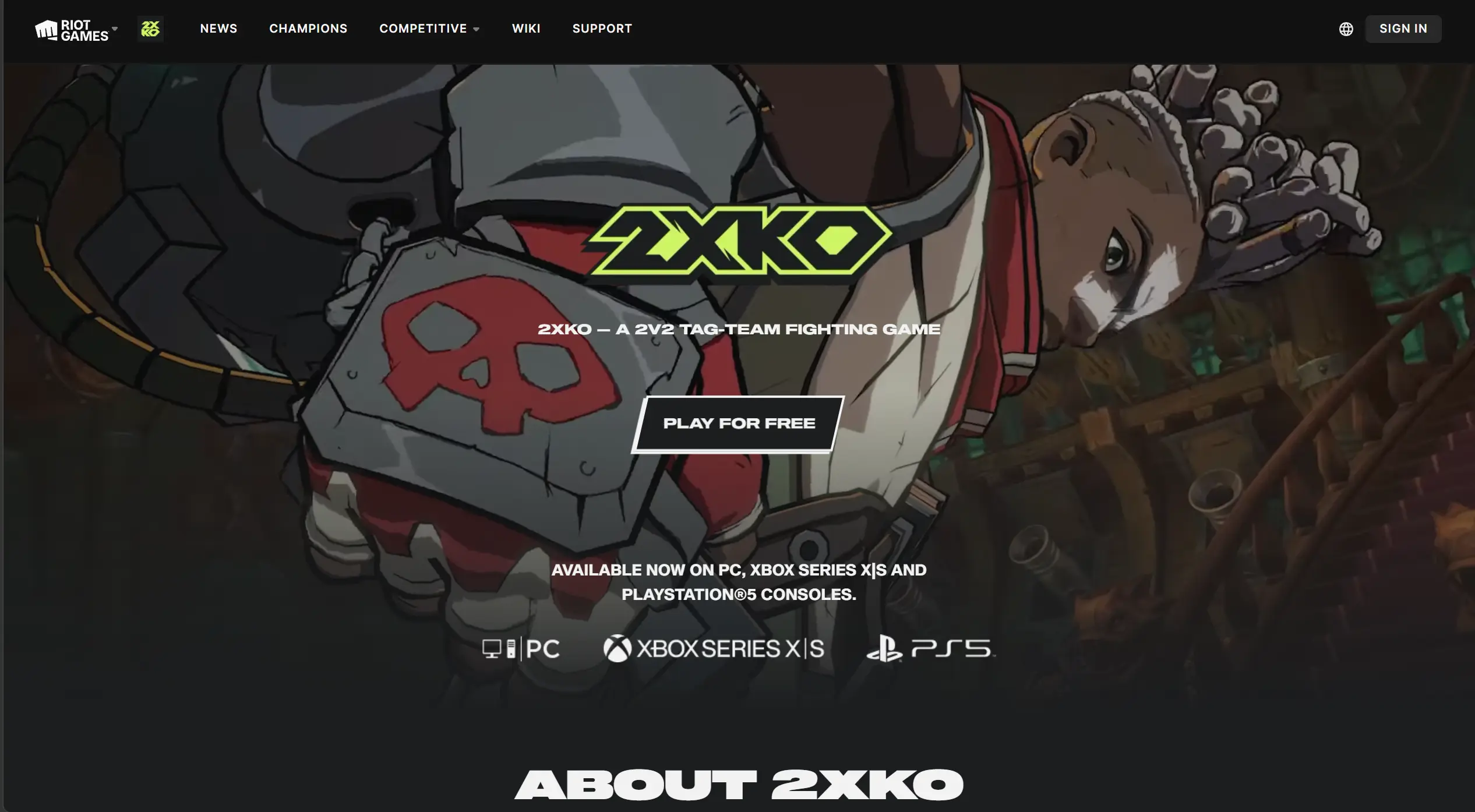
OSLink lets your phone view and control 2XKO running on your own Windows PC. This guide covers the official PC download, pairing, PC gaming mode, and a touch layout, starting with Training mode to assess responsiveness.
1. Download 2XKO on PC
Install from Riot and Test Locally
Visit the official 2XKO PC download page and select Download for Windows. Install the free client, sign in with your Riot account, and enter Training mode on your PC. Check directions, attacks, assists, tags, sound, and network access before setting up remote play.
When local practice runs well, connect your phone through OSLink and test Training mode before a multiplayer match.
2. Play 2XKO Remotely on Your Phone
Step 1: Install OSLink on Both Devices
Install OSLink on the Windows PC
Download the OSLink Windows client on the computer running 2XKO and sign in. Keep that host PC powered on, logged in, and connected to a stable network.
Install OSLink on Your Phone
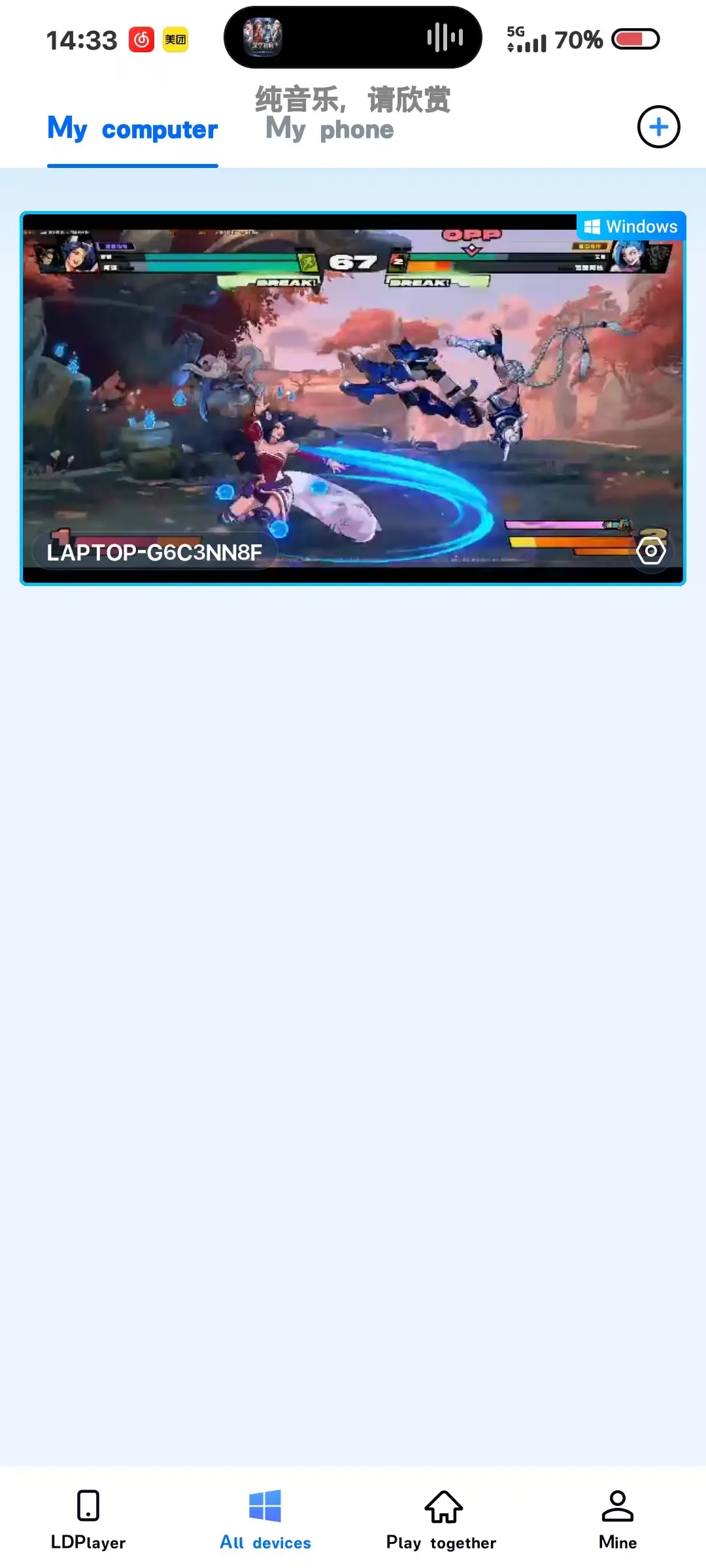
Install OSLink from Google Play on Android or the App Store on iPhone. Sign in with the same account and select your online host PC from the device list.
Step 2: Calibrate Input in Training Mode
1. Launch the Game on the Host PC
Start 2XKO on the Windows PC and enter Training mode. Check the game display, your local controller or keyboard, and the connection.
2. Pair Devices and Check Inputs
Open the OSLink remote desktop on your phone. Test directions, normal attacks, assists, tags, and defense in Training mode, where a missed input will not cost a match.
3. Enable 60 FPS PC Gaming Mode
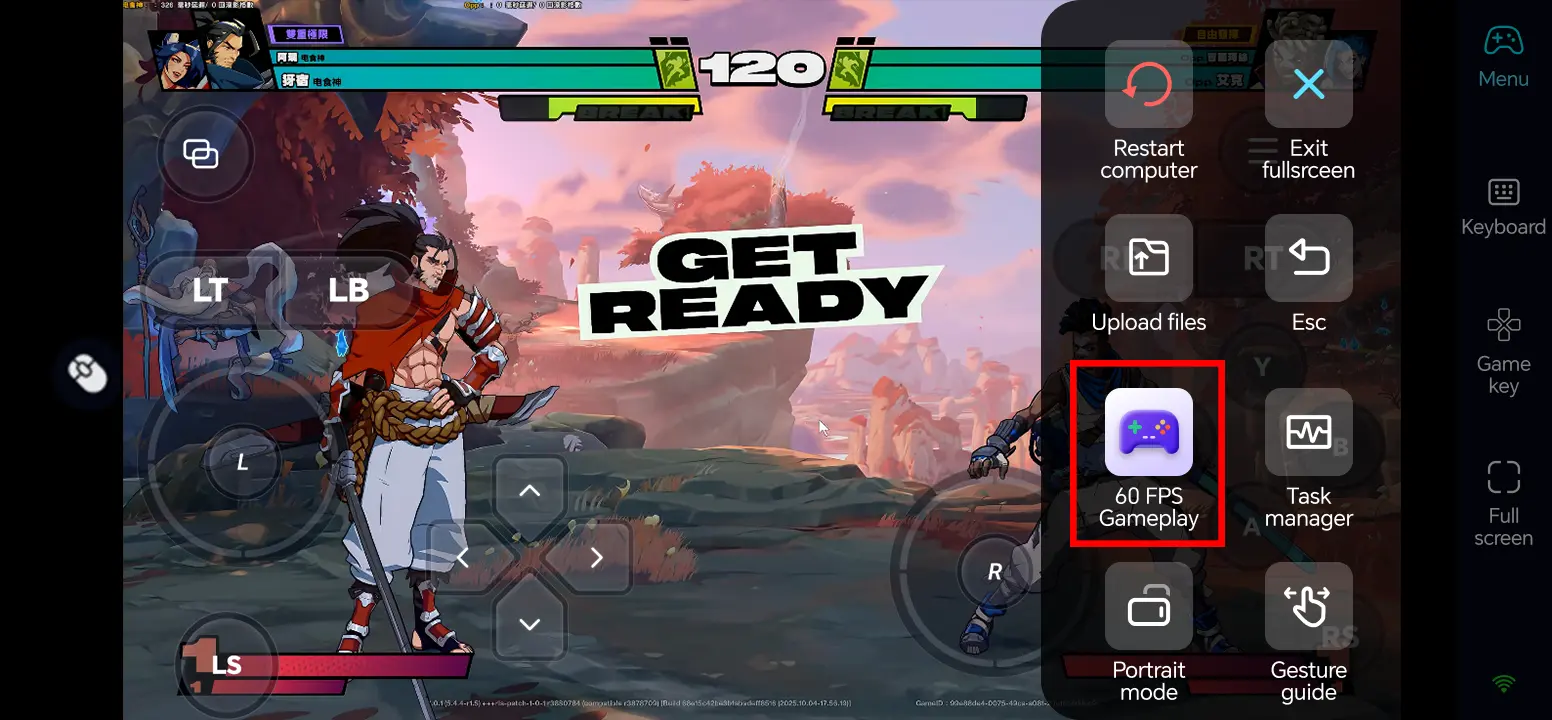
From the remote desktop toolbar, choose Tools > Play PC games at 60 frames. This does not guarantee zero latency or a stable 60 FPS; check real input response and picture quality.
4. Customize Touch Controls
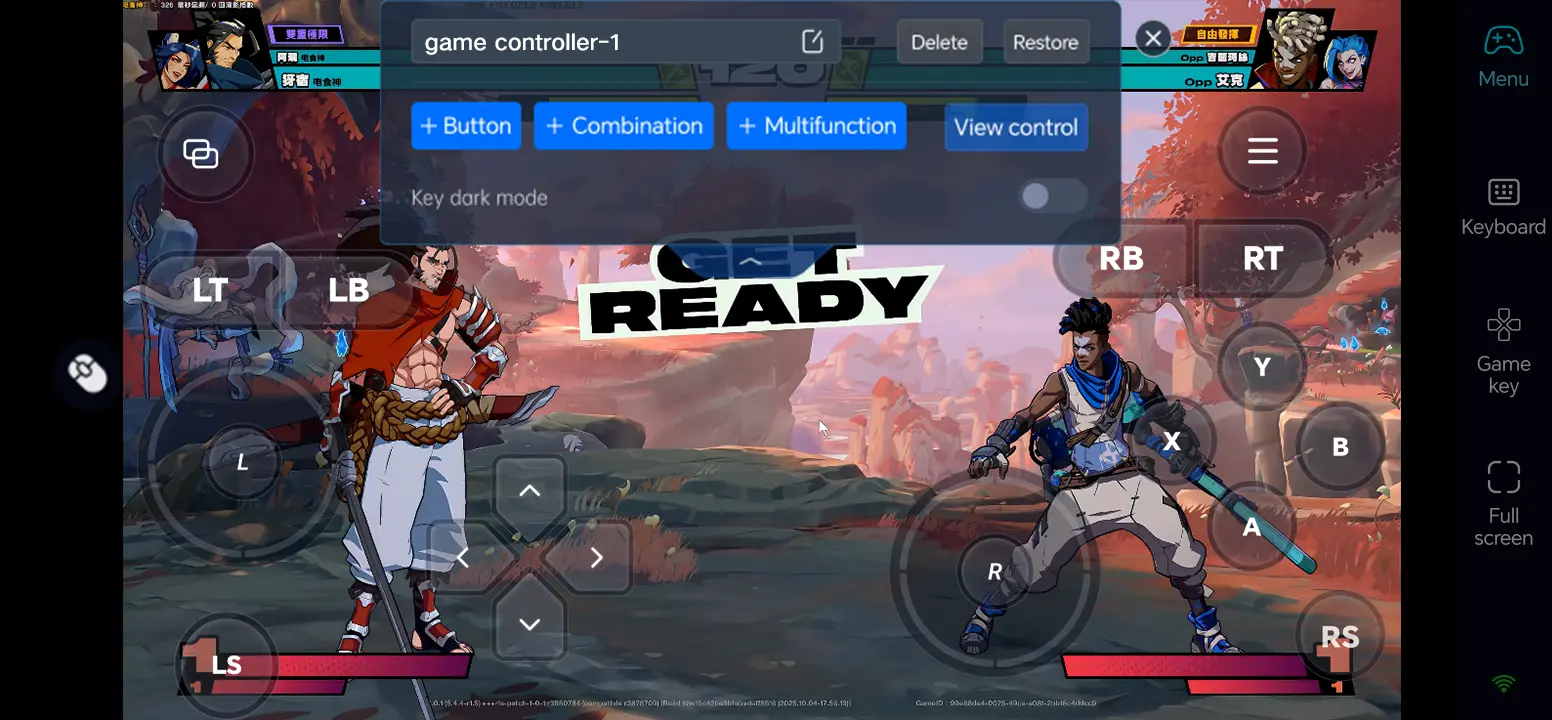
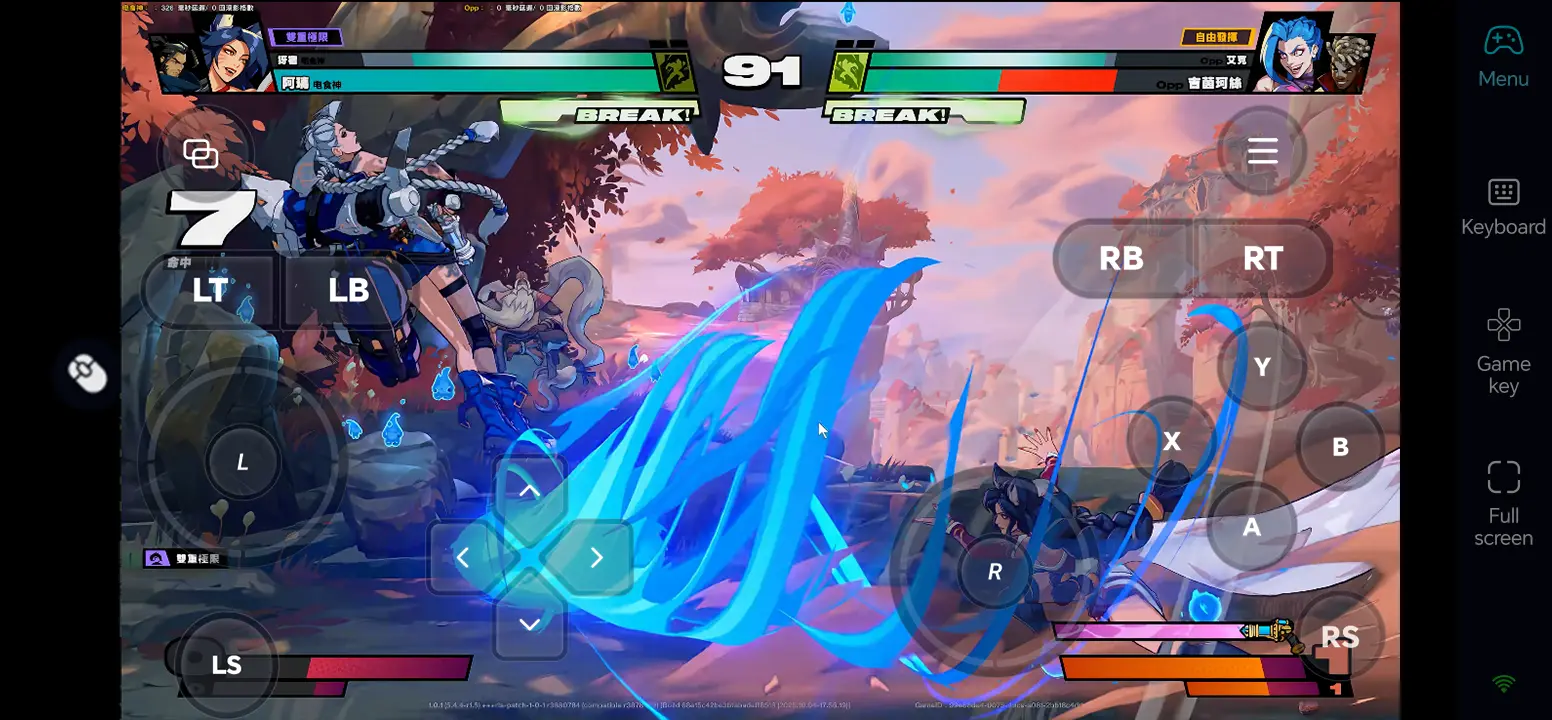
Open Game Button and tap the edit icon. Open Game Button and tap the edit icon. Assign separate buttons for directional inputs, normal attacks, special moves, assists, and tags without obstructing either fighter. Practice a short combo and adjust the layout as needed.
5. Connect External Controls
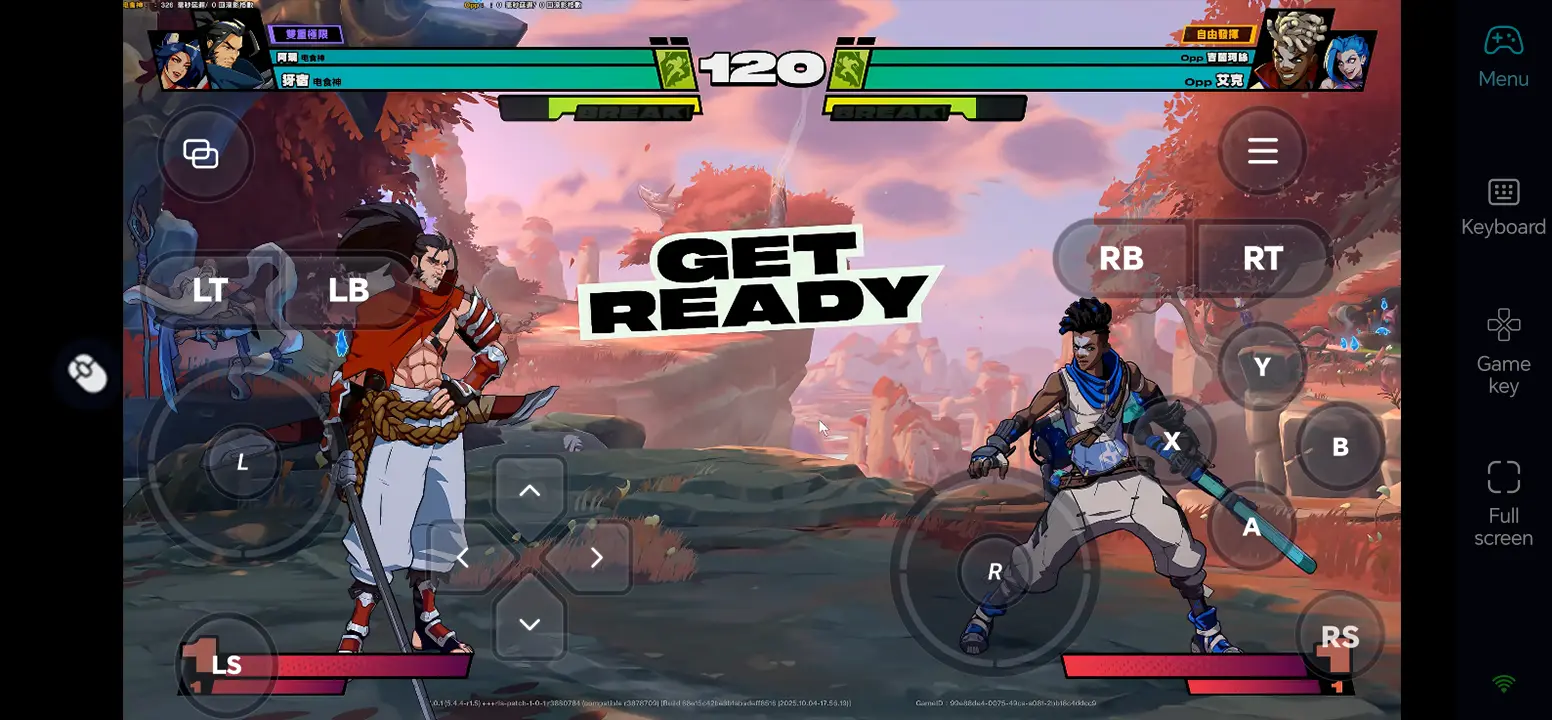
For more consistent physical inputs, connect a compatible Bluetooth controller or keyboard to your phone and test the mapping. Try a private match with a friend before entering a public lobby.
What You Can Do After Setup
Practice two-champion teams, normal attacks, assists, and tag timing in Training mode.
Challenge friends in Casual or Private lobbies if the connection feels responsive. Riot has disabled Ranked mode, so older Ranked guides are out of date.
Review champion and control settings remotely; return to local PC play when timing-sensitive matches expose noticeable delay.
3. Three OSLink Benefits for 2XKO
1. Practice basic combos away from your desk
Connect to your own PC from your phone and use Training mode to study champions and team setups.
2. Give each action a clear position
Keep directions, attacks, assists, and tags distinct so you can spot missed inputs and adjust your layout.
3. Choose physical controls if preferred
A compatible controller or keyboard provides a familiar control experience, but you should still check for input delay before entering a match.
4. Frequently Asked Questions
Q1: What is the release date of 2XKO?
The release date of 2XKO is January 20, 2026, for its official launch alongside consoles; the PC Early Access period began October 7, 2025. Console unlock time varied by region.
Q2: Can I play 2XKO directly on Android?
Riot offers PC, PlayStation 5, and Xbox Series X|S versions, but has not announced a native Android edition. You can run 2XKO on your own Windows PC and use OSLink to control that PC from Android.
Q3: Can I play 2XKO directly on iOS?
Riot has not announced a native iOS edition. OSLink can show and control 2XKO on an iPhone while the game runs on your own Windows PC; it does not install the game on iOS.
Q4: What PC specifications does 2XKO require?
Riot lists a minimum of Windows 10 64-bit, Ryzen 3 3300X or i3-12100, 8 GB RAM, and R9 380, GTX 960, or Arc A310 graphics. It recommends Windows 11, i5-11400 or Ryzen 5 5600X, and 16 GB RAM. Windows 11 also requires TPM 2.0 and UEFI Secure Boot.
Conclusion
Install 2XKO from Riot and test it locally, then connect your phone with OSLink. Set up the touch layout or a controller, assess delay in Training mode, and choose remote matches only when the connection feels reliable.
 Download