English
 Reverse: 1999 has won fans over with its distinctive retro-British art style and strategic card-based gameplay, but rerolling, clearing daily missions, and grinding resource stages are extremely time-consuming. This guide combines OSLink with LDPlayer to show you how to run multiple instances AFK on PC while monitoring everything remotely from your phone — so you can play hands-free and progress much more efficiently.
1. How to Use OSLink to Master Reverse: 1999?
1. Installing and Connecting OSLink
For PC: Head to the OSLink official site and the LDPlayer official site to download and install the OSLink remote tool and LDPlayer.
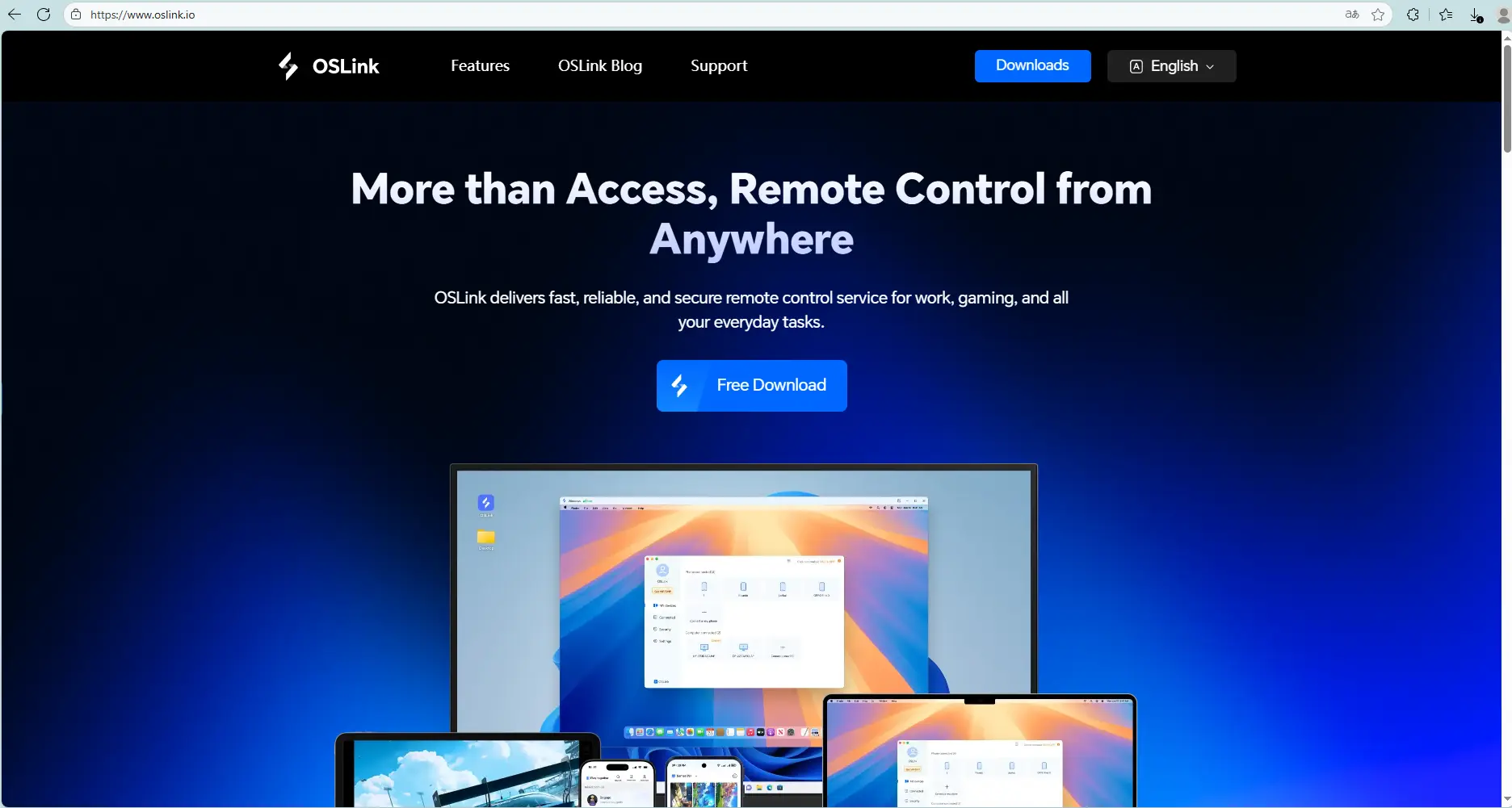
For Mobile: Search for OSLink on the App Store or Google Play, or download the APK from the OSLink official site.
2. Download the Game
Launch LDPlayer, open the LD Store, search for Reverse: 1999, and install it — then your adventure is ready to begin on the big screen.

Log into the same OSLink account on both phone and PC. Open the App and you' ll see your running emulator instances — tap any one to view its screen and control it remotely, so you can keep an eye on your AFK sessions even when you' re out.
2. Reverse: 1999 AFK in Practice
1. Multi-Instance Rerolling
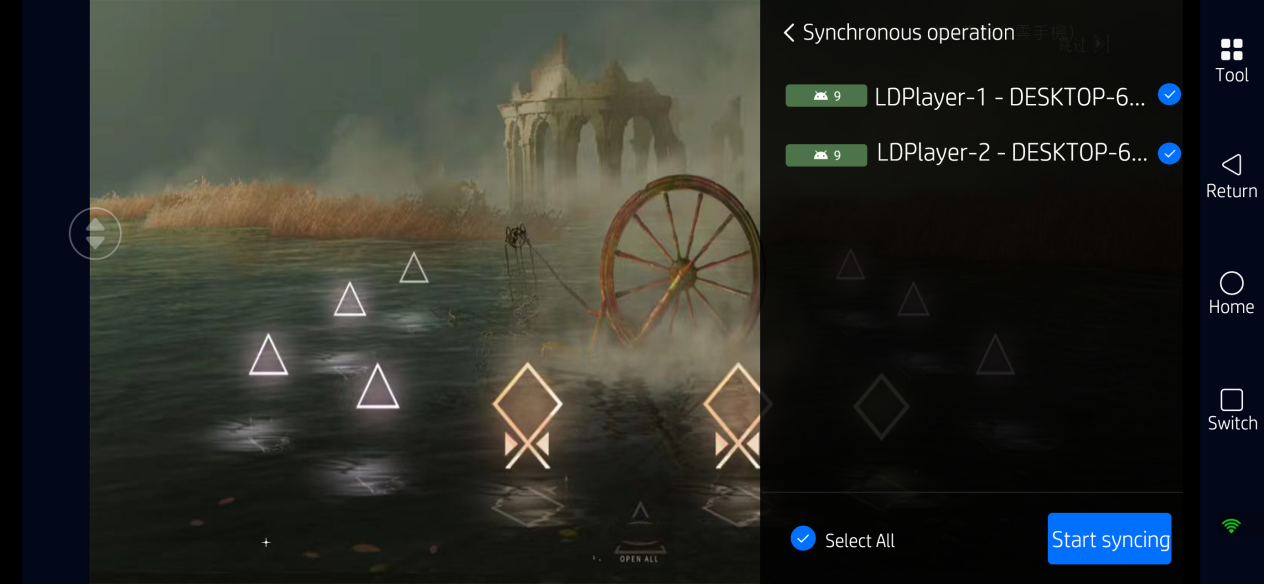
Reverse: 1999 guarantees a 6-star pull within 30 draws on the Beginner Banner, but rerolling by hand is painfully slow. OSLink' s “Sync Control” feature massively boosts efficiency: open 3–5 instances in LDPlayer → open the OSLink toolbar → tap “Synchronizer” → check all devices → start syncing.
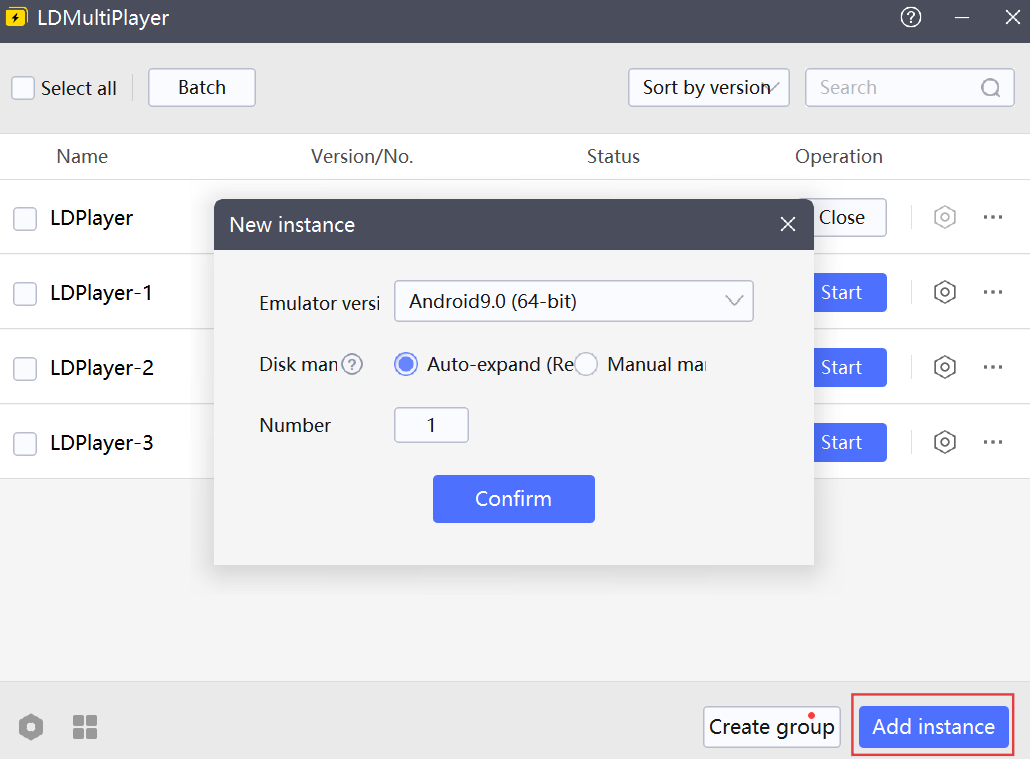
Result: tap “Skip Story” or “Pull” in one window and every other window mirrors the action instantly. Once you land an account you like, just turn off sync and keep that instance separate.
2. Auto-Farming Script for Materials
The game has “Action Replay” (sweep) built in, but you still need to tap through daily missions, reward claims, and more. Use OSLink' s “Auto-Click” feature to record a script:
Recording flow: in the OSLink toolbar, tap “Auto-Click” → “Start Recording” → tap through in order (Main Story / Resource Stage → Action Replay → Claim Rewards → Back).
Advanced tweaks: adjust the loop count and click interval in the script settings. Start the script before bed and wake up to a stockpile of Dust and Sharpodonty.
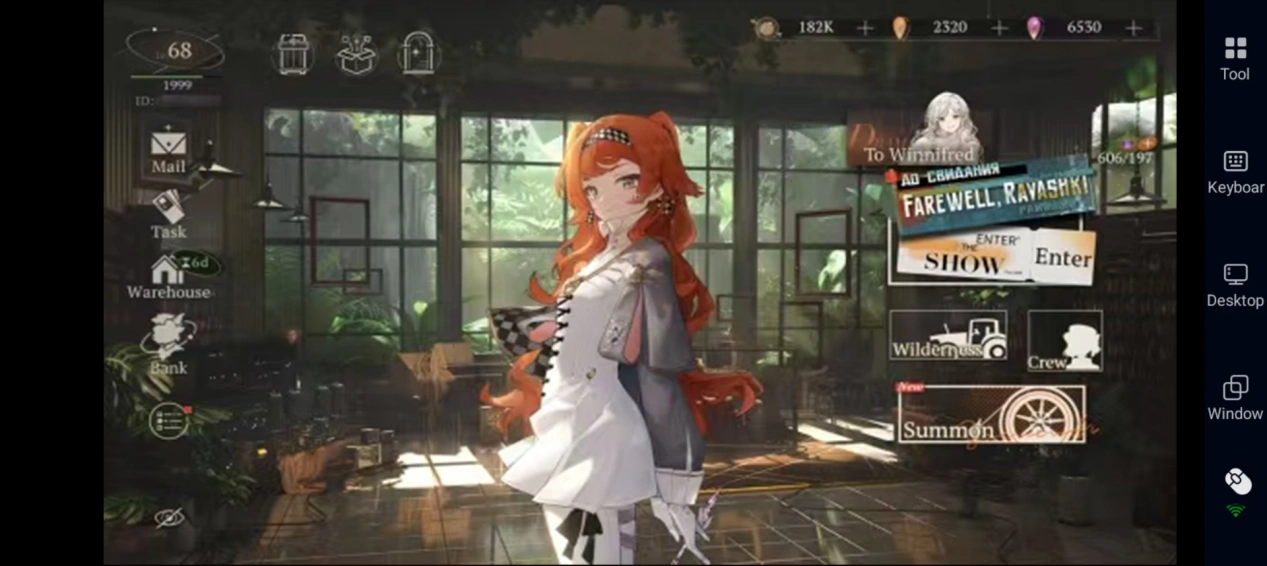
3. Advanced AFK Strategies: Custom Script Recording to Maximize Resources
With OSLink' s “Auto-Click” and “Sync Control” features, you can build highly efficient full-auto AFK scripts tailored to each of the different gameplay modes in Reverse: 1999.
Batch Farming Script
Best for: resource stages and Psychube farming stages.
Script logic: synchronize “enter stage → enable Action Replay → claim rewards → return to the main interface”.
Heads-up: first-clear rewards are fixed, and higher-tier stages drop better loot. Spend your daily stamina first on the highest tier you can currently challenge.
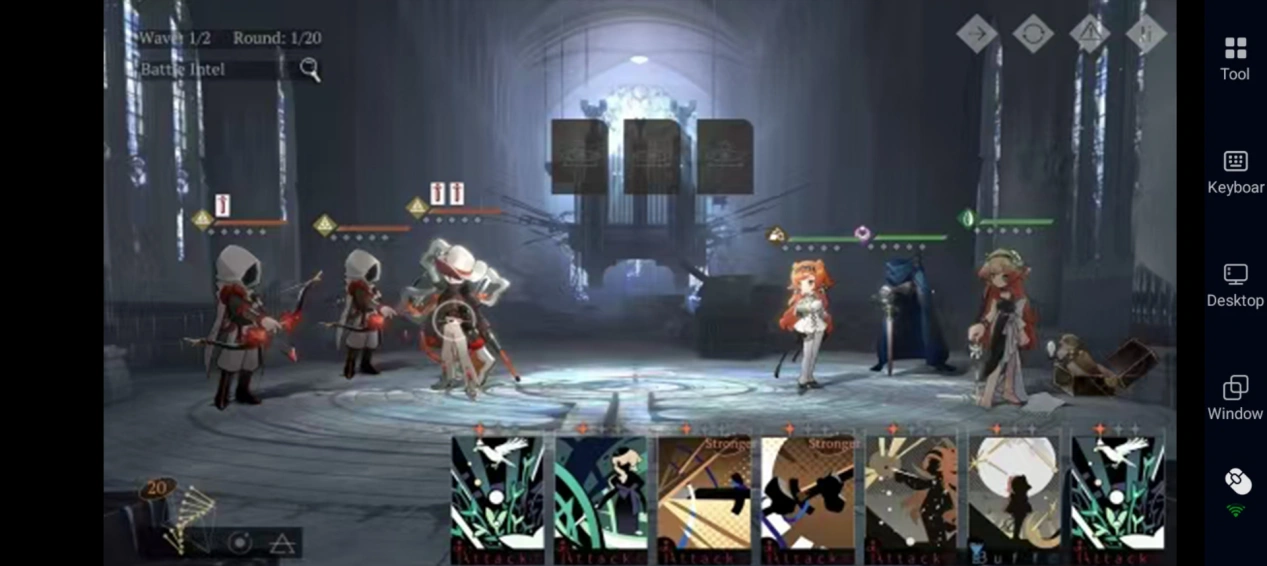
Main Story Progression Loop Script
Script flow: record the loop “challenge stage → collect rewards → claim mission XP → continue to the next stage”.
When to run it: fire it off remotely during your lunch break or overnight — wake up with multiple stages cleared and characters leveled up.
Heads-up: check your inventory remotely from time to time and break down low-tier Psychubes and surplus materials; if a stage' s recommended power is far above your team' s, prioritize leveling characters and Psychubes first so you don' t get stuck.
4. Closing Thoughts
Reverse: 1999' s deep progression demands huge amounts of resources, and doing it all by hand is a serious grind. Pair OSLink with LDPlayer and you not only get multi-instance AFK farming, but also the ability to monitor your progress from your phone anywhere, anytime.
Download OSLink now, let your Arcanists grow in the background, hand off the tedious grinding to automation, and save your energy for the remarkable stories of 1999 and the game' s toughest challenges!
 Download