English
 Monster Hunter Wilds is an action RPG centered around hunting massive creatures in a dynamic, living ecosystem. With its open environments and evolving weather systems, players track monsters, gather materials, and craft powerful gear to take on tougher hunts.
Want to farm materials or manage your gear without being stuck at your PC? With OSLink remote desktop, you can jump into the hunt anytime using just your phone.
Quick Setup Tutorial for Playing Monster Hunter Wilds on Mobile
Step 1: Download OSLink and Connect Devices
PC Side:
Visit the OSLink official website to download the software and complete the installation.

Mobile Side:
Download the OSLink App from the App Store or Google Play; the official website also offers APK downloads.
Log in with the same account as on the PC side to automatically connect.

Step 2: Control Optimization
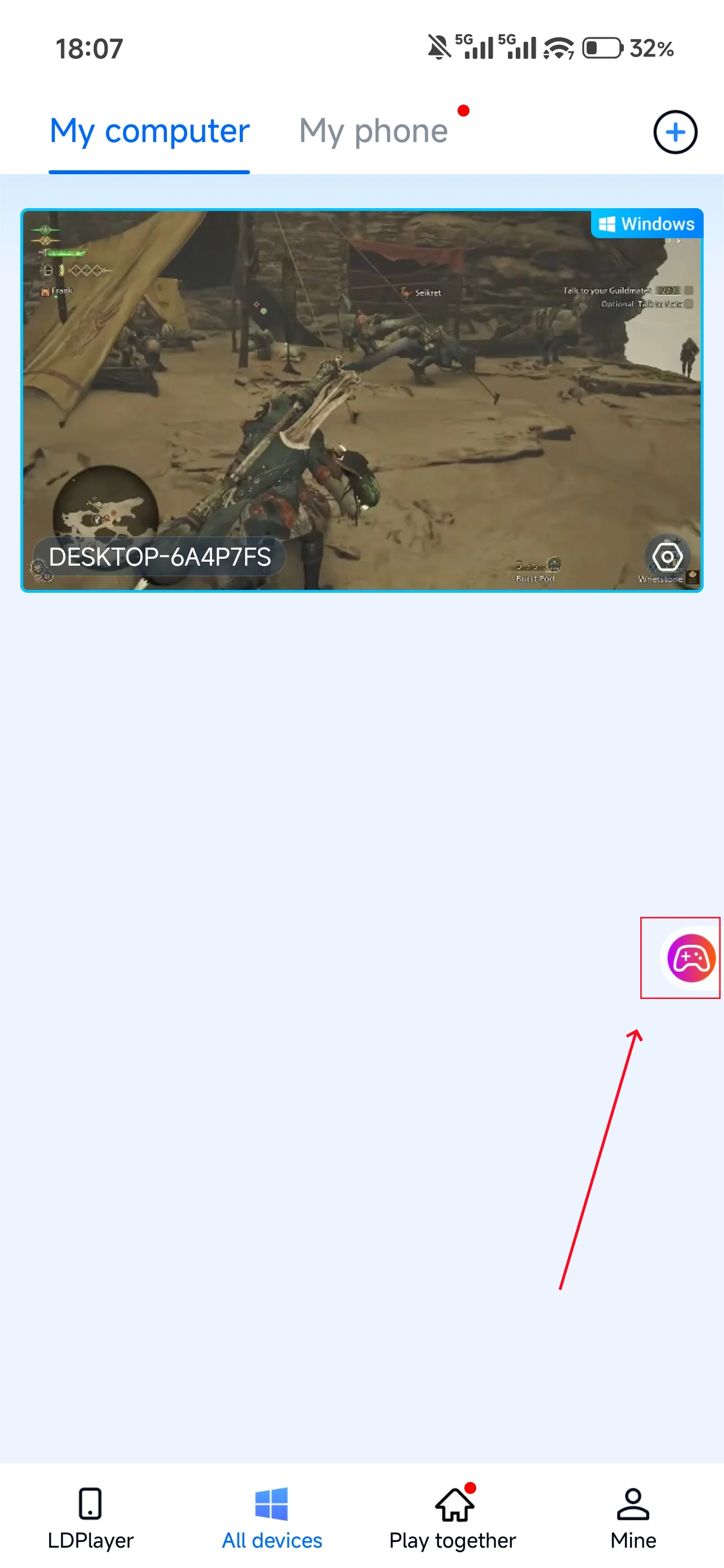
1. Launch the Game
Open Monster Hunter Wilds on your PC, and the mobile side can connect directly; if Monster Hunter Wilds hasn't been launched on the PC yet, click the game icon on the mobile side for quick startup.
2. Control Mode
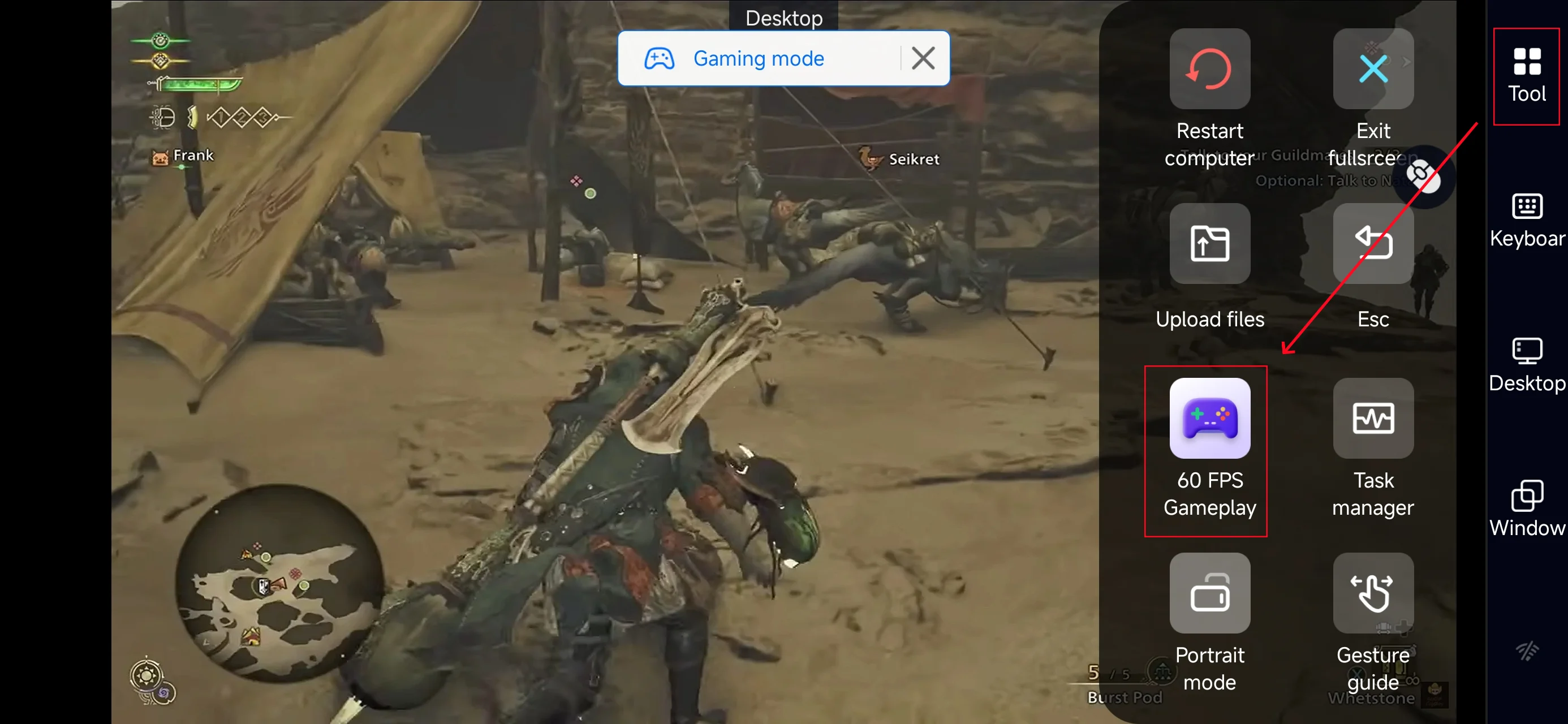
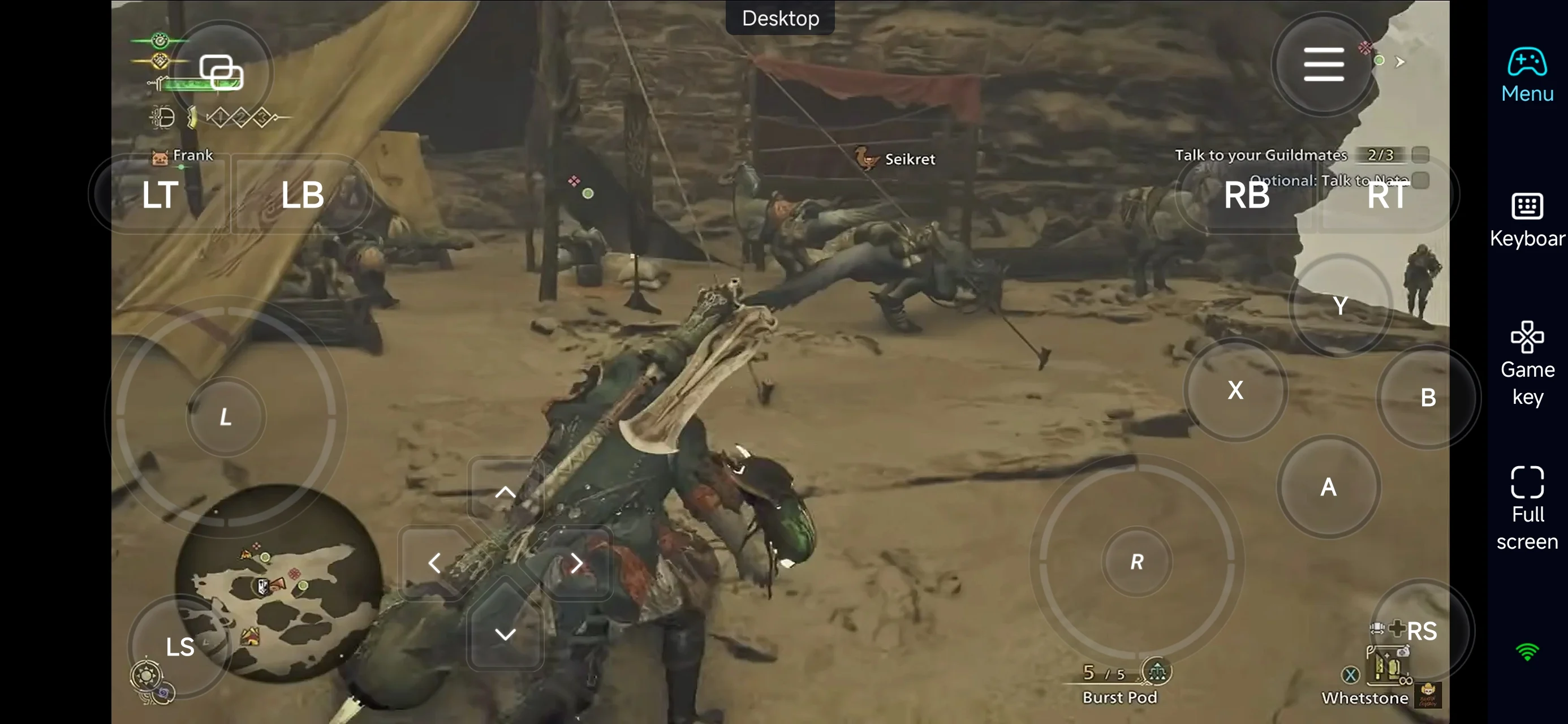
Click the toolbar on the right side of the mobile app, enter "60 FPS Gameplay," and choose key mode or link a controller based on your gaming preferences.
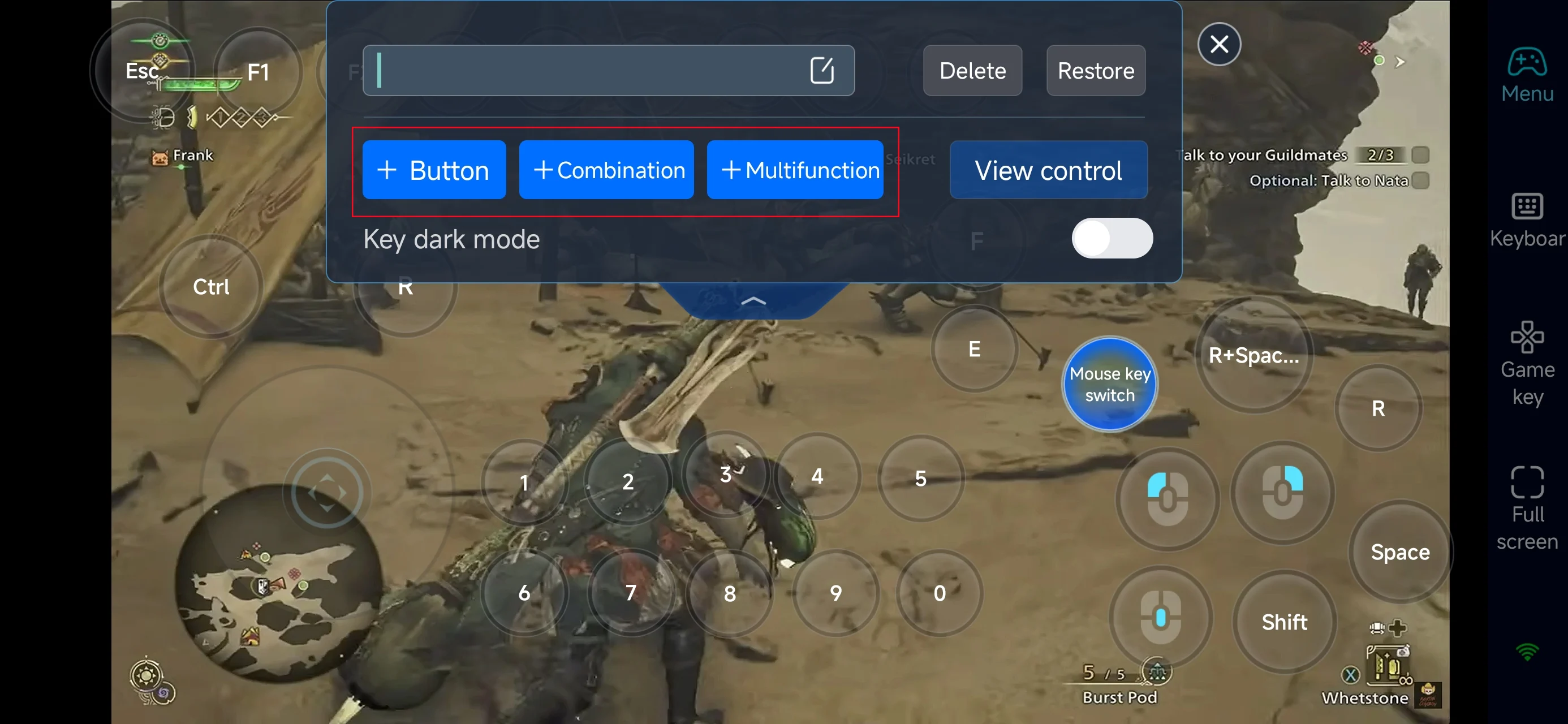
3. Customize key bindings
Since Monster Hunter Wilds is action-heavy, proper controls are essential. Prioritize:
-
Movement and camera control
-
Attack combos and special actions
-
Dodge / evade / guard
-
Item usage (healing, traps, etc.)
-
Target lock and switching
4.Connect external devices
Beyond customizable buttons, OSLink supports a variety of external devices such as Bluetooth controllers and mobile gamepads clipped to your phone. This compatibility frees you from touchscreen limitations and offers a wider range of control options.
Step 3: Hunt Anytime, Anywhere
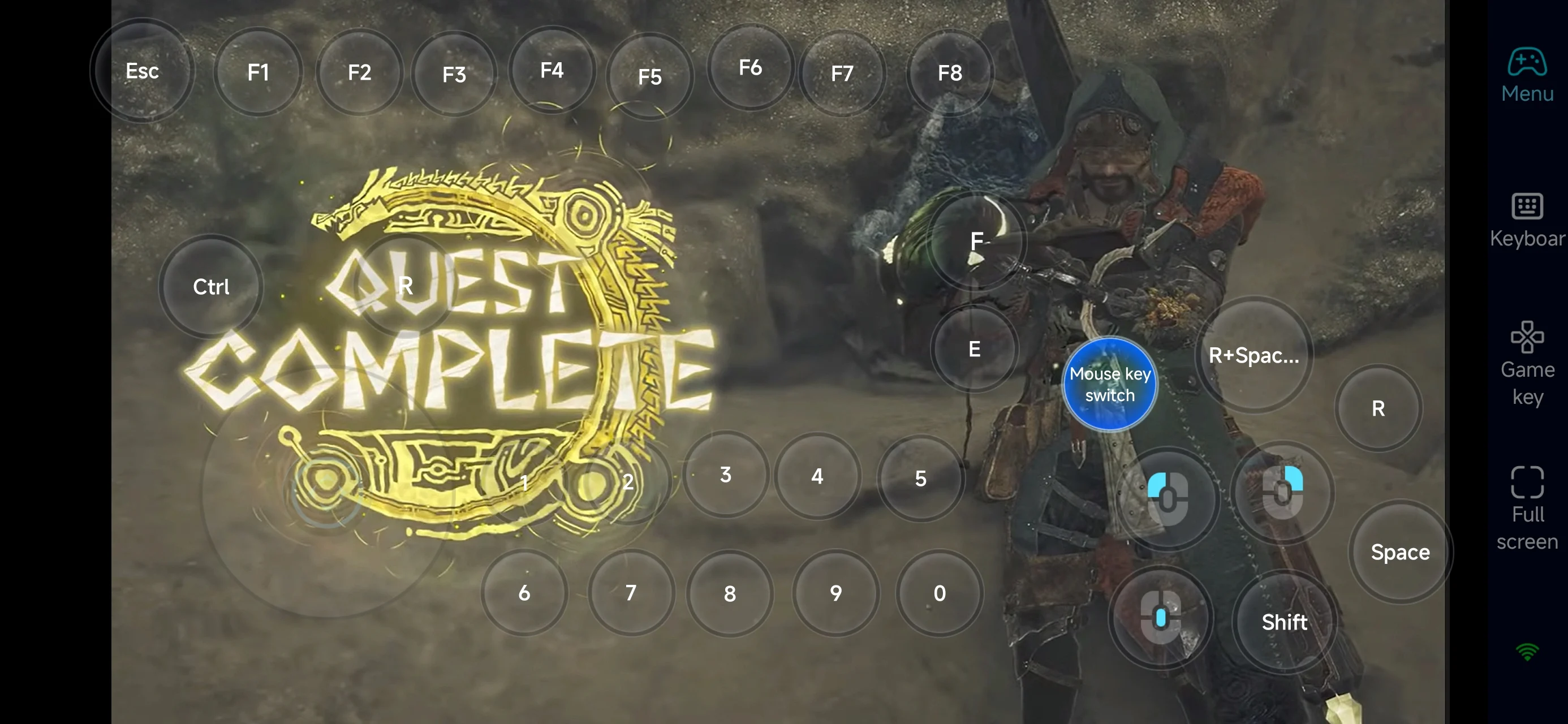
Once everything is set up, your phone becomes a portable hunting device. You can:
-
Farm materials during short sessions
-
Manage gear and builds on the go
-
Complete side quests without sitting at your desk
-
Practice weapon combos anytime
Why Use OSLink for Monster Hunter Wilds?
1. Play Without Location Limits
You’re no longer tied to your PC. Hunt from your couch, bed, or even while traveling.
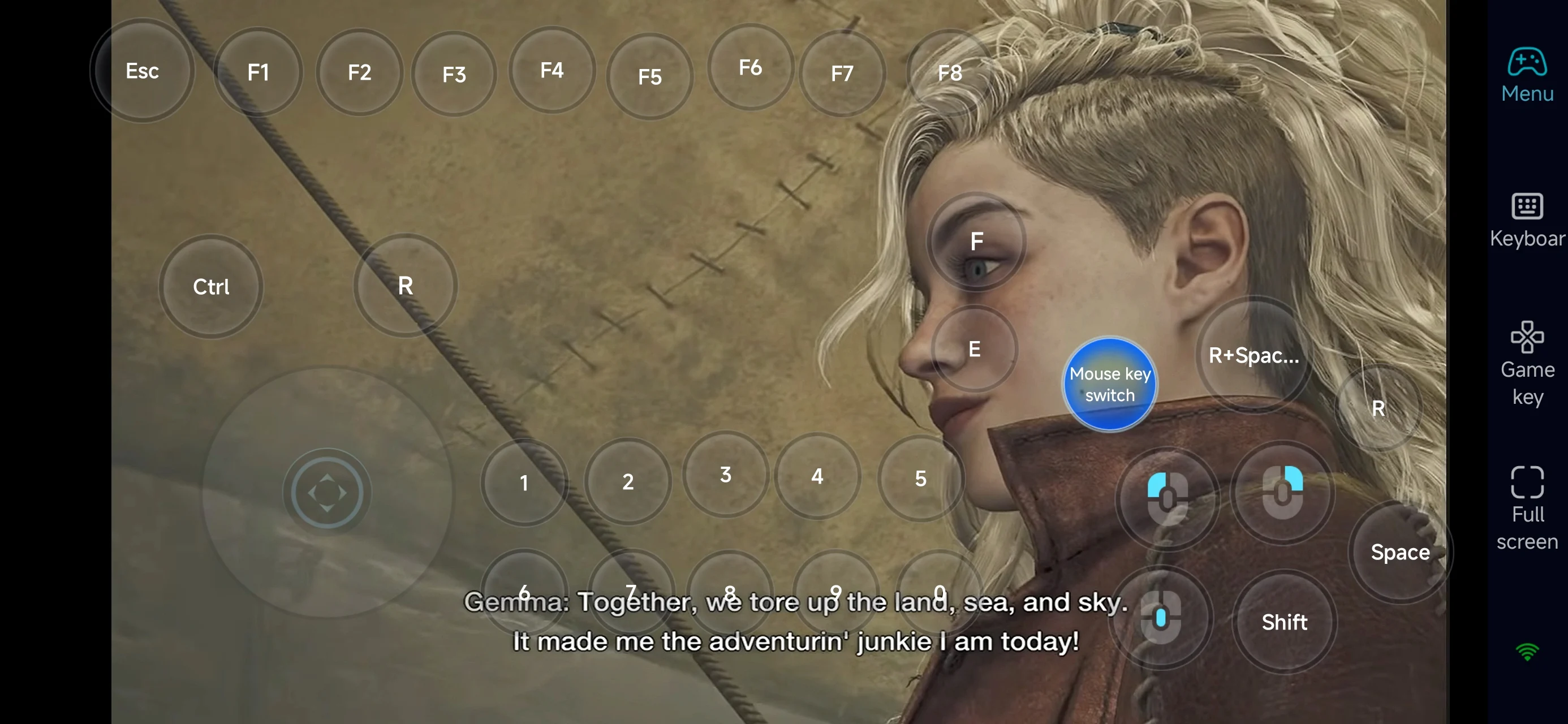
2. Smooth and Responsive Controls
With optimized layouts and controller support, combat stays fluid even on mobile.
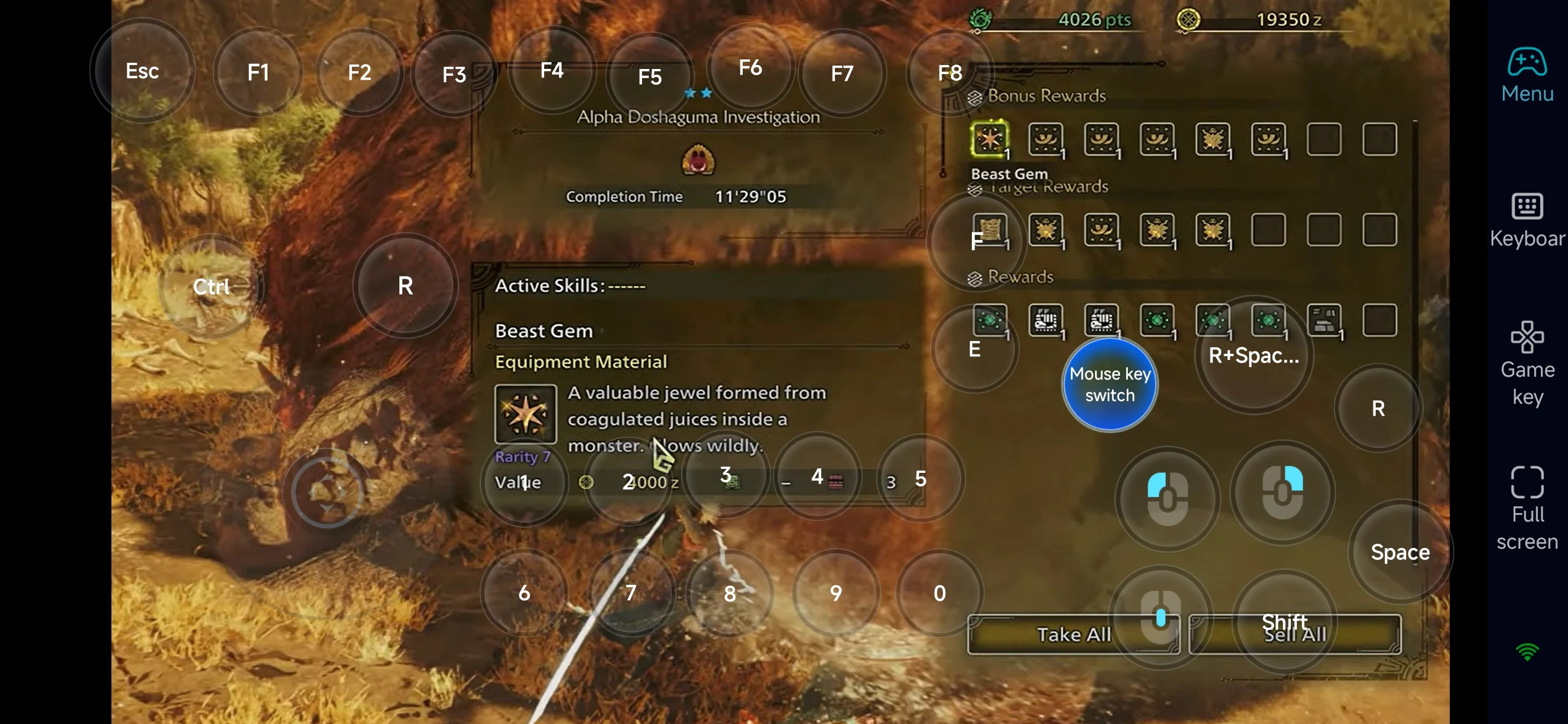
3. Make Use of Short Play Sessions
Grinding materials is a big part of Monster Hunter. OSLink lets you use spare time efficiently, so you can focus on tougher hunts when you're back on PC.
FAQ
Q: What is the release date of Monster Hunter Wilds?
A: The game was officially released on February 28, 2025, for PC and major consoles.
Q: What are the minimum PC requirements for Monster Hunter Wilds?
Here are the minimum system requirements:
-
OS: Windows 10 / Windows 11 (64-bit)
-
Processor: Intel Core i5-10400 / i3-12100 / AMD Ryzen 5 3600
-
Memory: 16 GB RAM
-
Graphics: NVIDIA GeForce GTX 1660 (6GB) / AMD Radeon RX 5500 XT (8GB)
-
DirectX: Version 12
-
Storage: 75 GB available space
-
Network: Broadband internet connection
For smoother performance, a higher-end setup is recommended.
Q: Can I play Monster Hunter Wilds on mobile?
A: There’s no official mobile version. However, you can play the PC version on your phone using OSLink remote access.
Q: Is Monster Hunter Wilds available on iPhone or iPad?
A: There’s no native iOS version, but you can stream the PC version to your iPhone or iPad using OSLink.
Conclusion
With OSLink, you can turn your phone into a portable gateway to Monster Hunter Wilds. Whether you're farming materials, tweaking your gear, or practicing combat, you’re no longer limited by location—hunt whenever you want, wherever you are.
 Download