English
 MONGIL: STAR DIVE is a brand-new action RPG that blends monster taming with flashy, high-impact combat. Launching globally on April 15, 2026, the game invites players into a vibrant open world filled with adventure, powerful creatures, and fast-paced battles.
Beyond its smooth combat system, players can form contracts with a wide variety of monsters and explore unknown regions together, creating a unique mix of action and collection gameplay.
Want to farm materials on the go or practice your monster combos during downtime—but worried about storage space or overheating on your phone? With OSLink remote control, you can stream the PC version directly to your mobile device. No need to install large game files—just use your phone to access the full high-quality experience anytime, anywhere.
Quick Setup Tutorial for Playing MONGIL: STAR DIVE on Mobile
Step 1: Download OSLink and Connect Devices
PC Side:
Visit the OSLink official website to download the software and complete the installation.

Mobile Side:
Download the OSLink App from the App Store or Google Play; the official website also offers APK downloads.
Log in with the same account as on the PC side to automatically connect.

Step 2: Control Optimization
1. Launch the Game
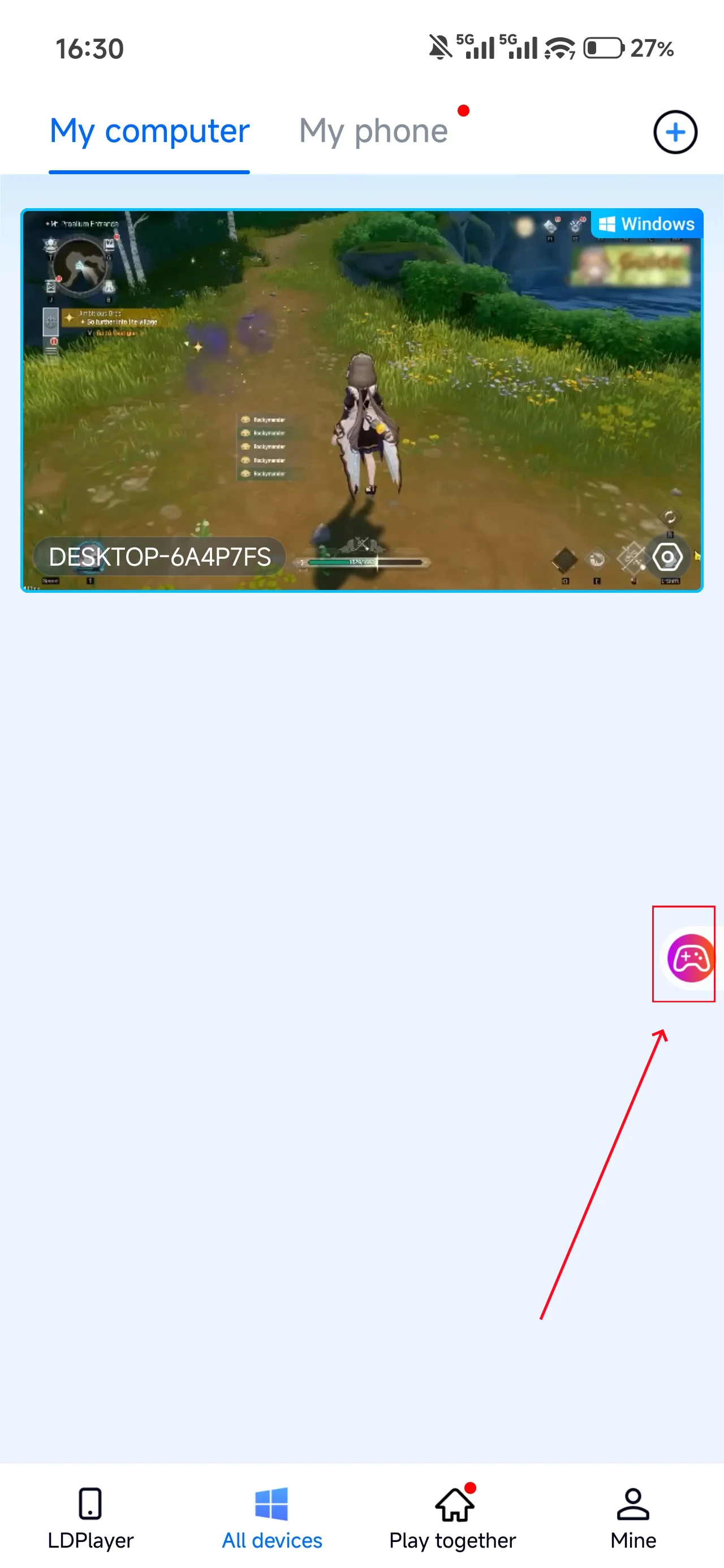
Open MONGIL: STAR DIVE on your PC, and the mobile side can connect directly; if MONGIL: STAR DIVE hasn't been launched on the PC yet, click the game icon on the mobile side for quick startup.
2. Control Mode
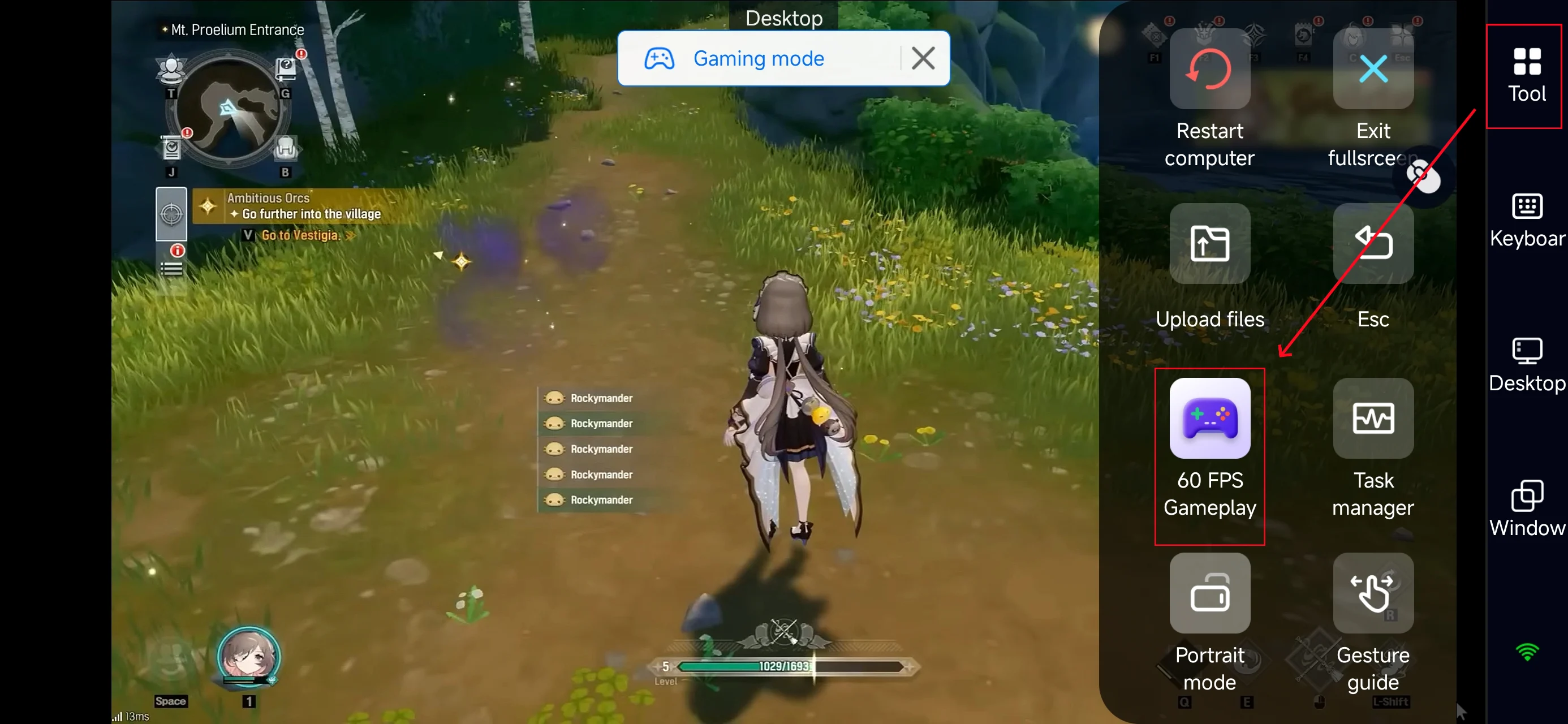
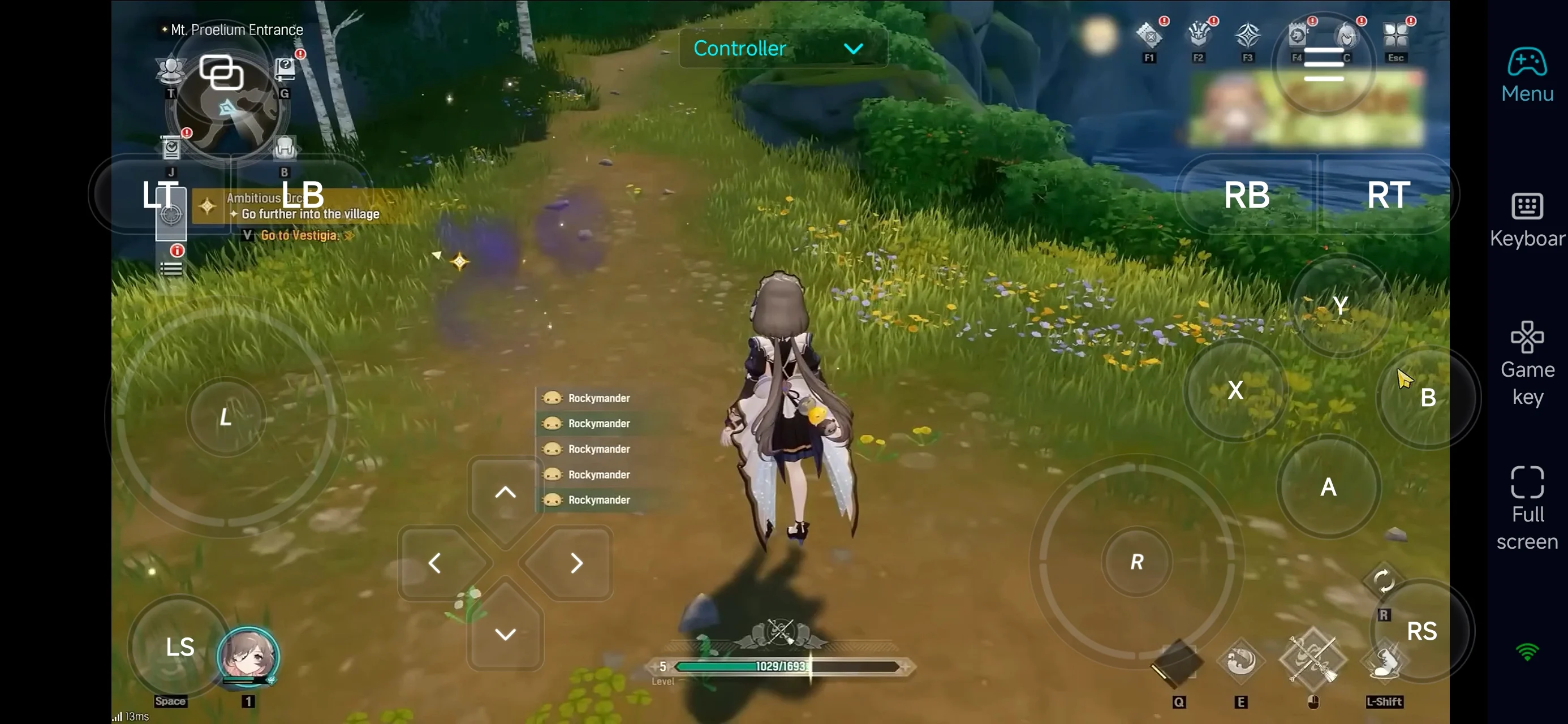
Click the toolbar on the right side of the mobile app, enter "60 FPS Gameplay," and choose key mode or link a controller based on your gaming preferences.
3. Customize key bindings
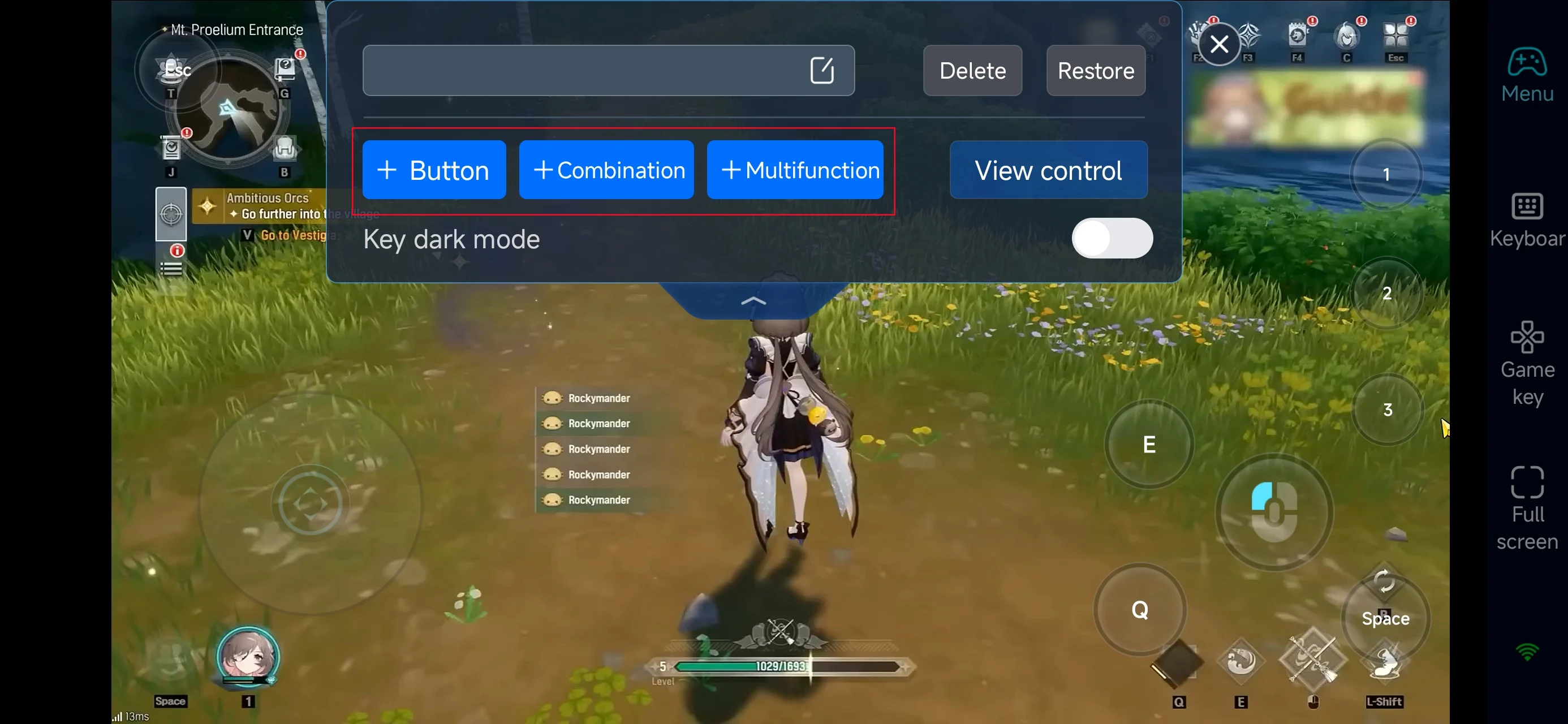
Since the game features skill combos and monster taming, prioritize:
-
Character movement & camera control
-
Skill combos / ultimate abilities
-
Dodge, dash, and defense actions
-
Item usage
4.Connect external devices
Beyond customizable buttons, OSLink supports a variety of external devices such as Bluetooth controllers and mobile gamepads clipped to your phone. This compatibility frees you from touchscreen limitations and offers a wider range of control options.
Step 3: Play Anytime, Anywhere
Once setup is complete, your phone or tablet becomes a portable gaming device. With OSLink, you can:
-
Daily Farming: Clear daily dungeons and collect upgrade materials
-
Monster Taming: Explore and capture rare monsters in the wild
-
Build Optimization: Adjust skills, gear, and loadouts on the go
Why Use OSLink for MONGIL: STAR DIVE ?
1. Play Anywhere, Anytime
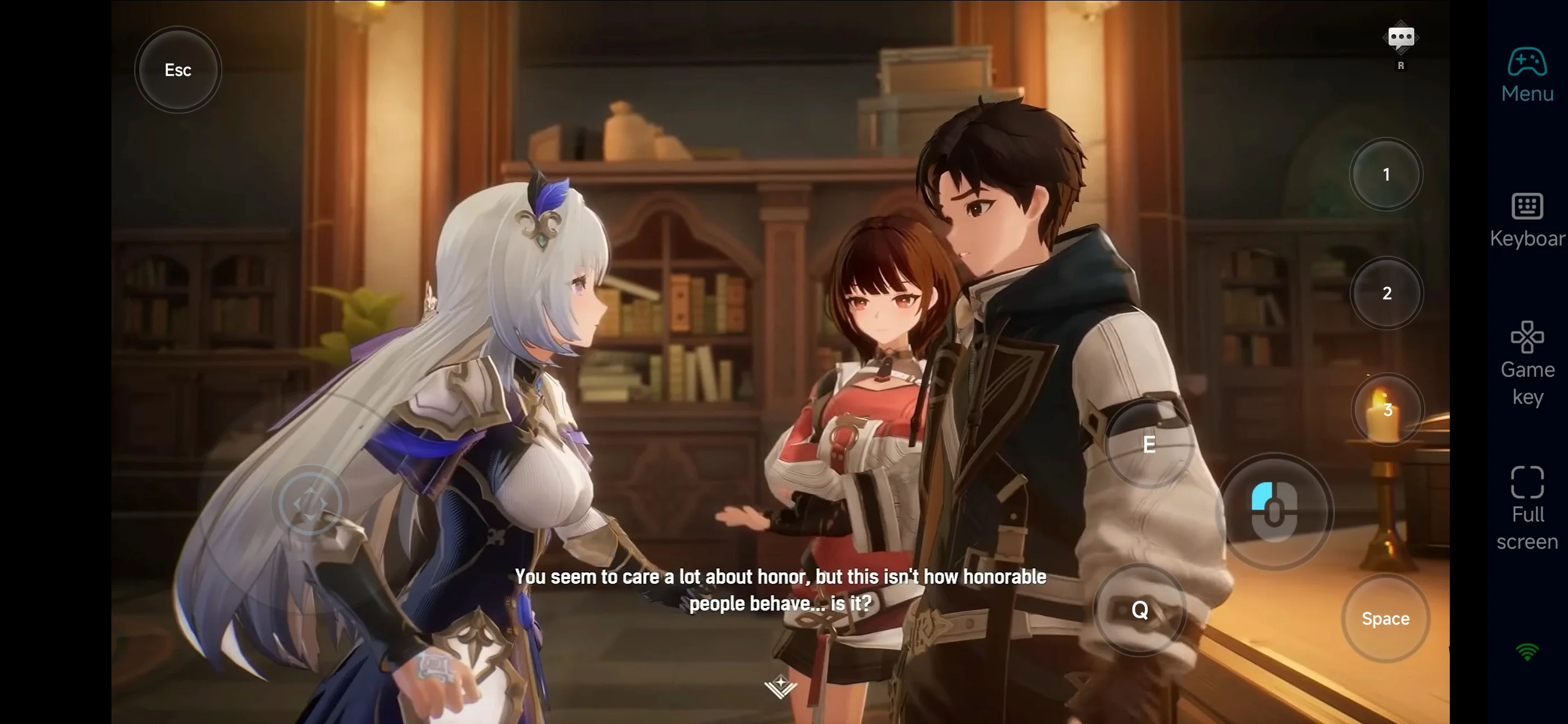
No need to stay at your desk. Whether you're at home or outside, you can jump into the game anytime.
2. Save Storage, Keep High Graphics
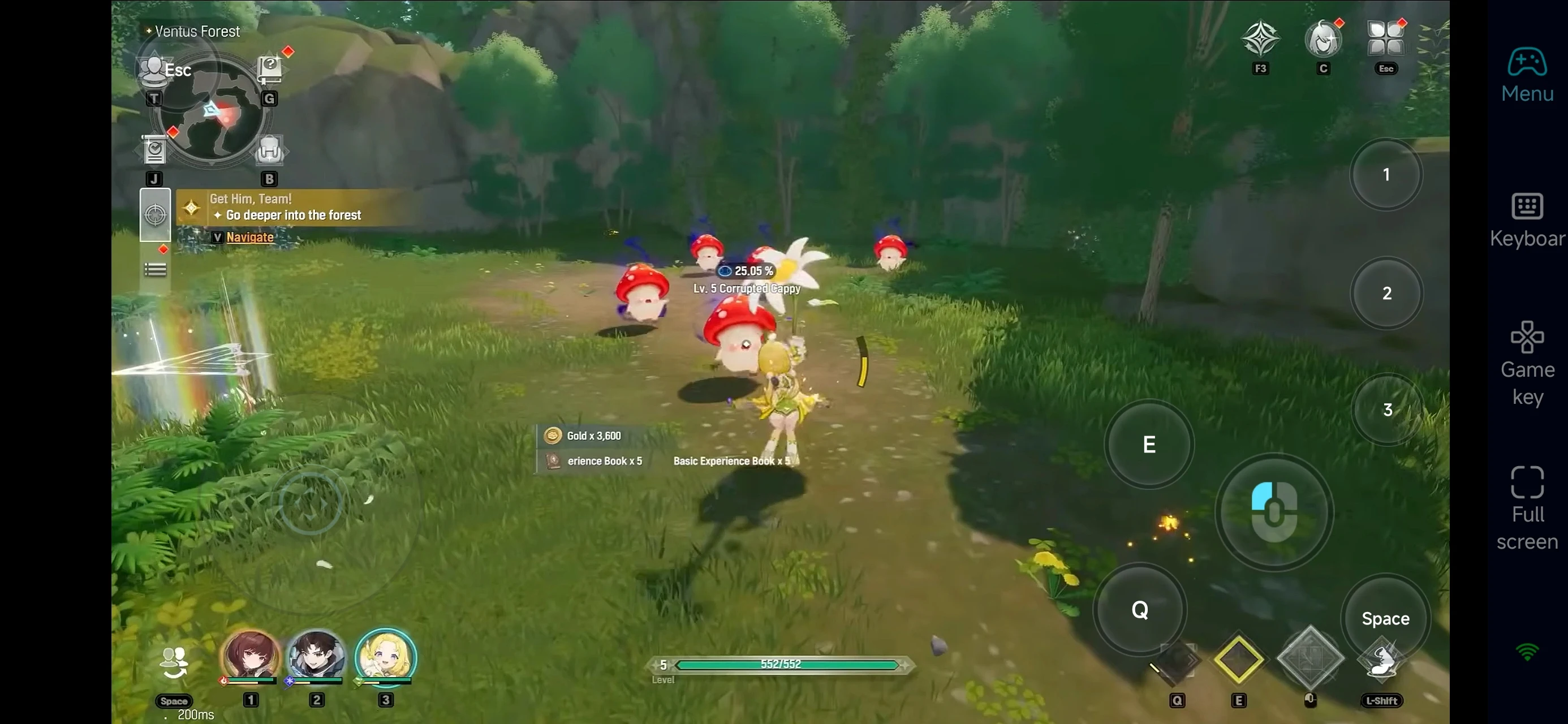
While MONGIL: STAR DIVE has mobile version, it can take up a large amount of storage and may cause your device to overheat.
With OSLink, you don’t need to download massive files—just stream directly from your PC.
3. Smooth Controls, Better Combat
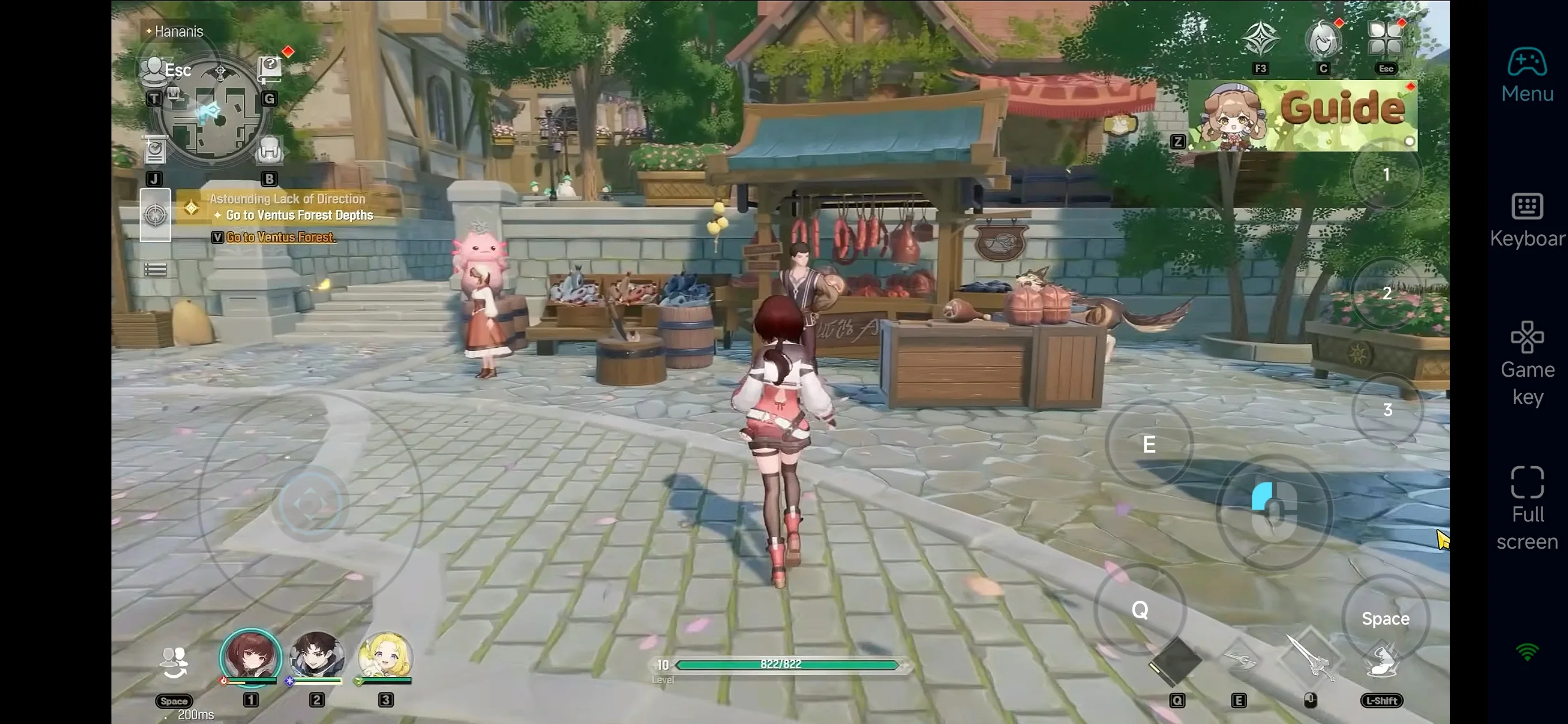
With customizable key bindings and 60 FPS optimization, you can execute complex combos smoothly even on mobile.
FAQ
Q: What is the release date of MONGIL: STAR DIVE ?
A: The game launches globally on April 15, 2026.
Q: What are the PC requirements?
A: Here are the minimum system requirements:
-
OS: Windows 10 (DX11 supported)
-
CPU: Intel Core i5 (7th Gen) / AMD Ryzen 5 2600
-
RAM: 8 GB
-
GPU: GTX 1060 / RX 580 / Intel Arc A380
-
Storage: 20 GB
For smoother performance, a higher-end setup is recommended.
Q: Can I play MONGIL: STAR DIVE on Android?
A: Yes, there is an official Android version. However, if you want better performance and less device strain, using OSLink to stream the PC version is highly recommended.
Q: Is MONGIL: STAR DIVE available on iPhone or iPad?
A: Yes, the game supports iPhone and iPad. For players who want the best visuals and precise controls, streaming the PC version via OSLink is a great alternative.
Conclusion
With OSLink, your phone or tablet becomes a portable gateway to MONGIL: STAR DIVE. Whether you're taming monsters, upgrading gear, or progressing through the story, you can break free from hardware limitations and enjoy the game anytime, anywhere.
Your adventure no longer has to be tied to a desk—dive in whenever you want.
 Download