English
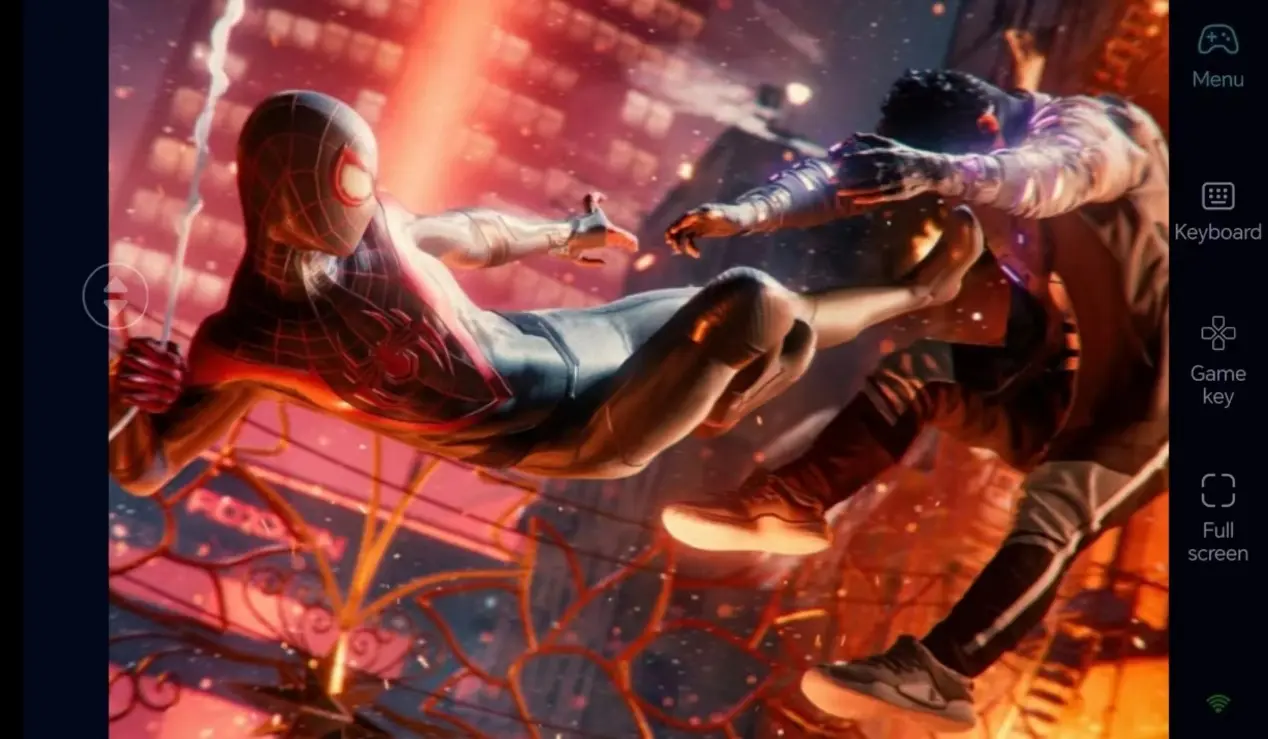
 Centered on unique stealth gameplay set in winter New York, the core mechanics of Marvel's Spider-Man: Miles Morales include electric webbing, energy blasts, and cloaked flanking takedowns. Hours of map exploration, suit collection, and timed challenges await players, yet the game is only published for PC. OSLink breaks location barriers: with your PC powered on, mobile remote connections let you return to snow-covered stealth exploration instantly.
Step 1: Download OSLink & Pair Devices
1. PC Client
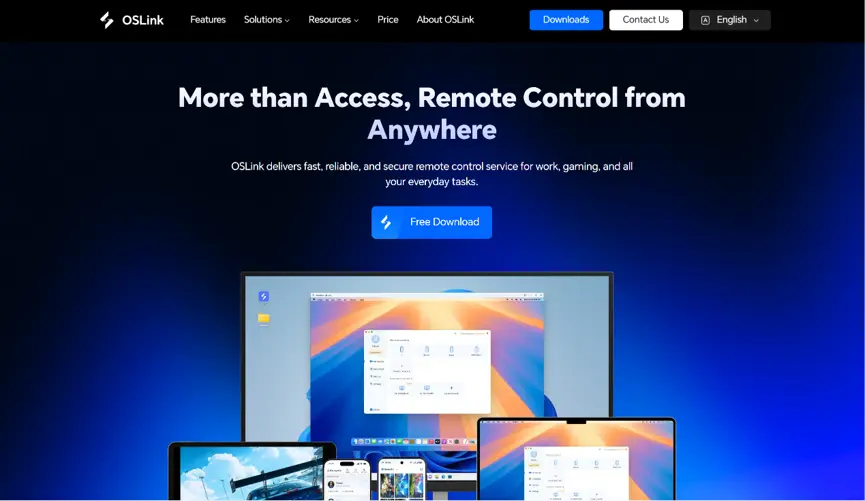
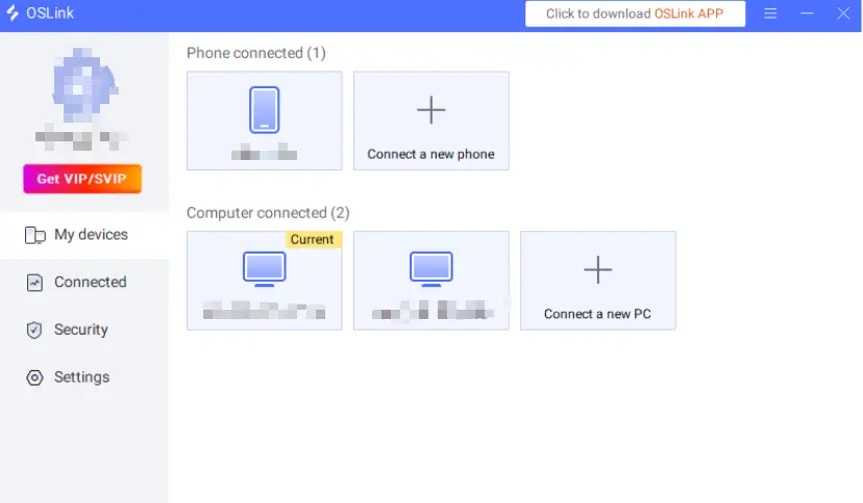
Download and install the PC client from the official OSLink website (https://www.oslink.io) and log into your account. Disabling automatic system sleep is recommended to prevent remote connection interruptions.
2. Mobile Client
Download the OSLink mobile client from the App Store or Google Play; installation packages are also available via the official website. Log in to the same account as your PC for automatic remote pairing.
Step 2: Optimize Control Settings
1. Launch the Game
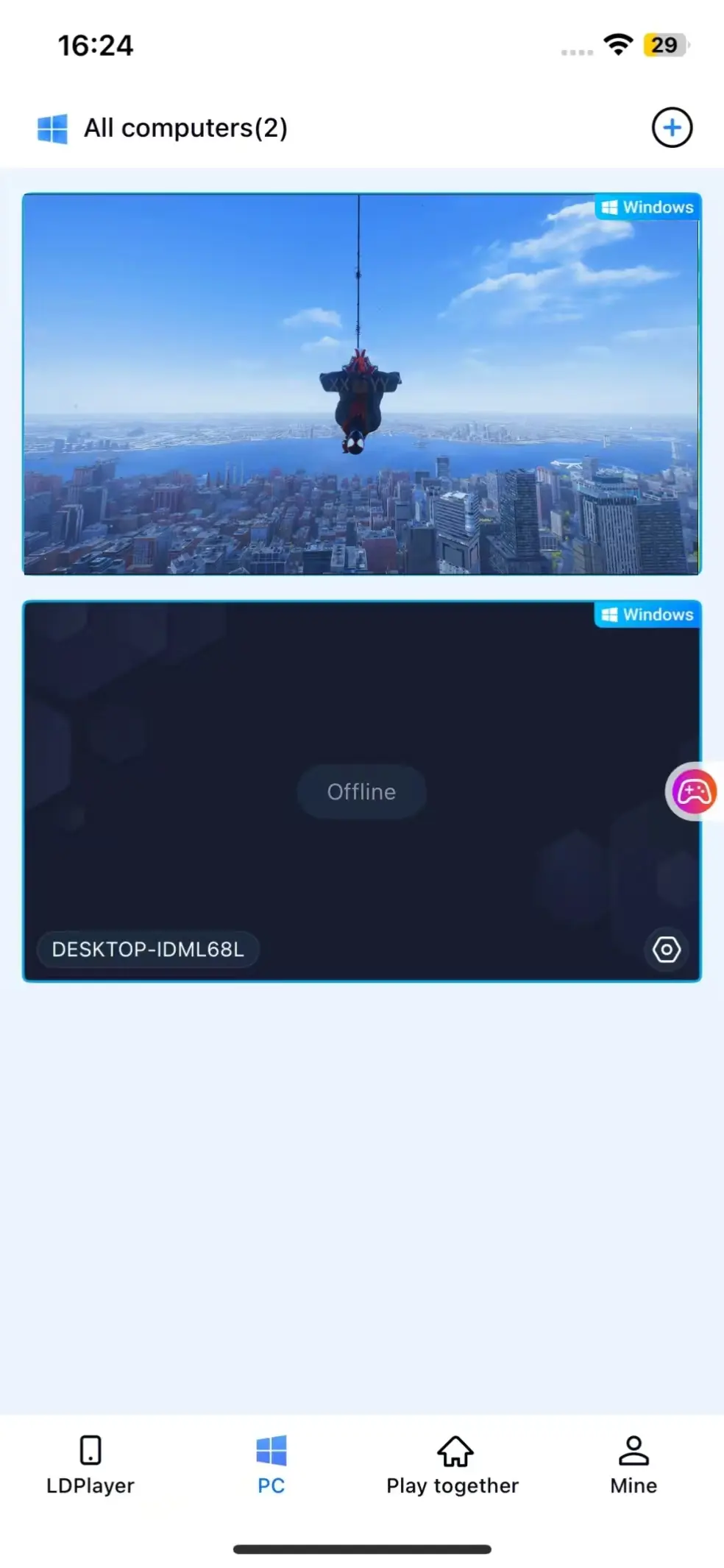
Boot Spider-Man: Miles Morales on your PC beforehand, or tap the game shortcut button within the mobile OSLink interface to launch the title remotely with one tap.
2. Activate 60fps PC Gaming Mode
Once screen streaming is connected, open the dedicated "60fps PC Gaming Mode" from the right sidebar. Virtual touch controls are available, or pair a Bluetooth gamepad to elevate stealth combat gameplay.
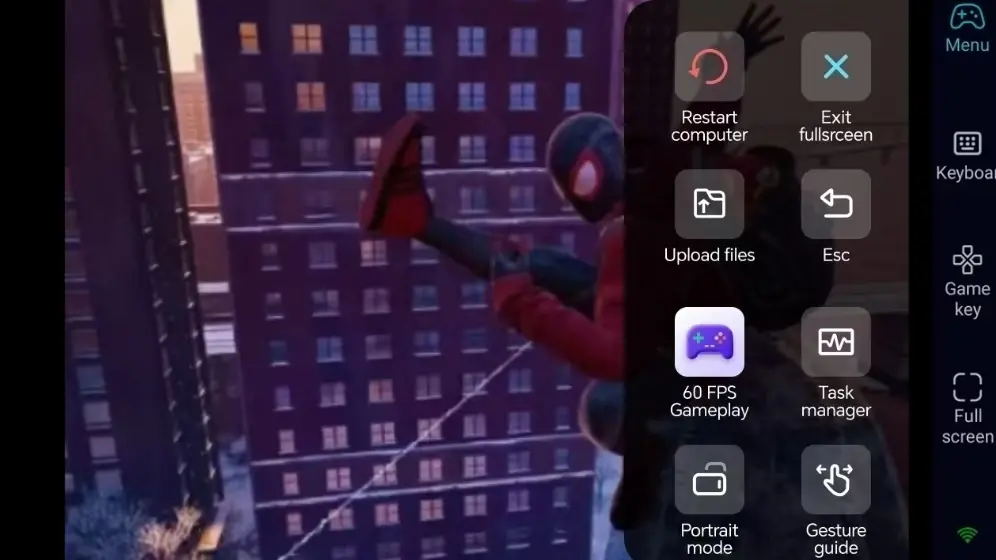
3. Customize Stealth-Focused Keybinds
Adjust button positioning for cloaking toggle, electric webbing, energy bursts, web swinging, and silent takedowns to fit stealth mechanics. Modify button size and transparency alongside 3D camera controls for fluid alleyway stealth navigation and fast aerial transitions across the snowy map.
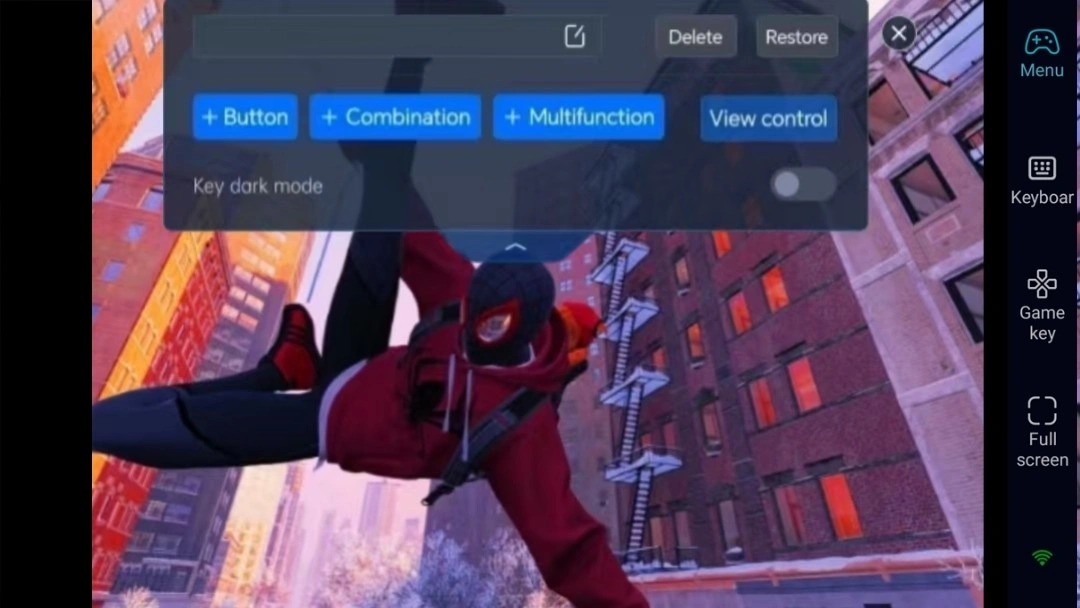
4. Pair External Gamepads
OSLink supports Bluetooth game controllers. Connecting a pad fully replicates the PC stealth and combat control scheme, ideal for extended map challenge completion and resource collection runs.
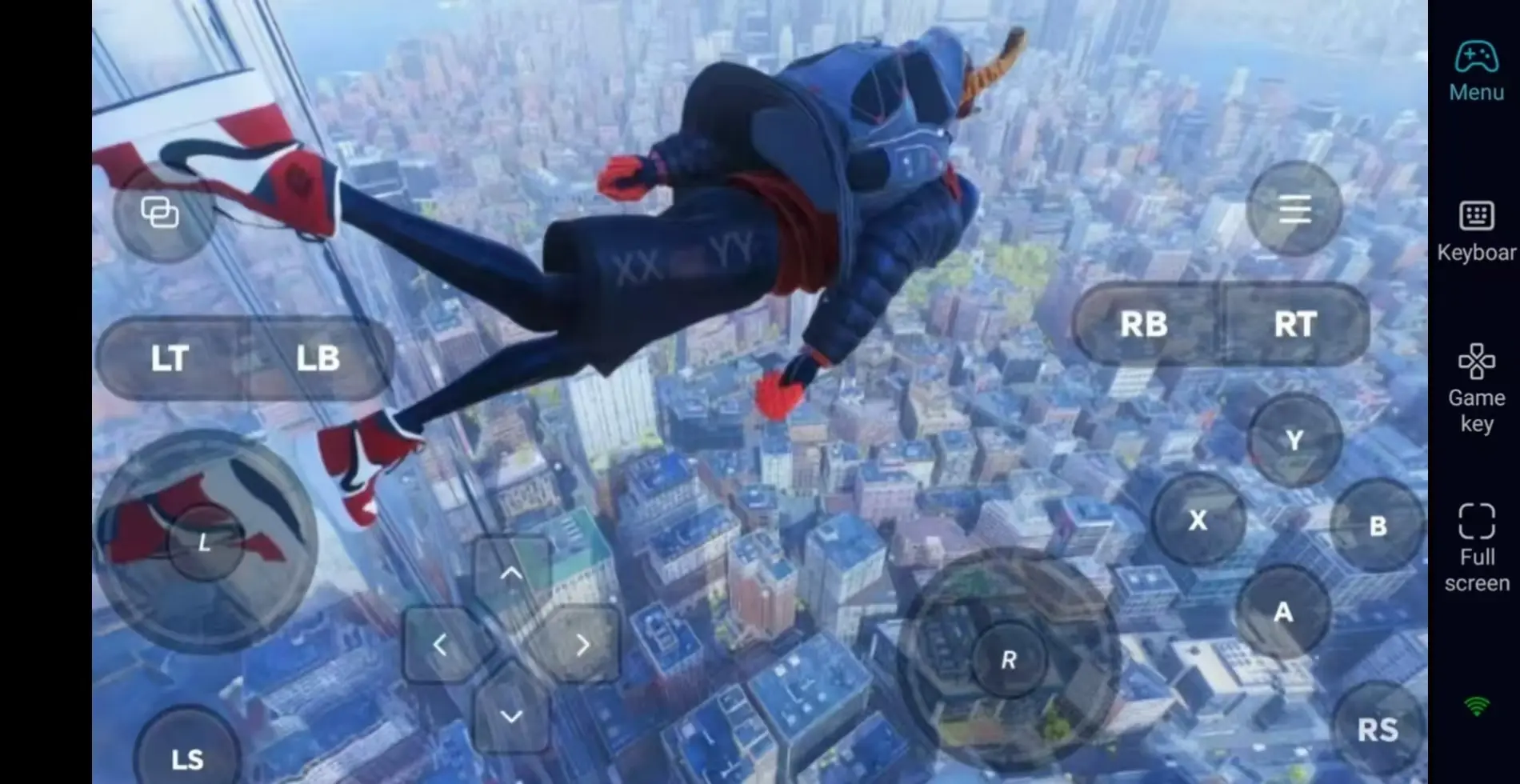
Step 3: Explore the Snowy City Anytime to Accumulate Adventure Progress
Once all parameters are configured, smartphones and tablets serve as remote controllers. With your PC powered on, connect via OSLink during spare time to clear enemy encounters via stealth and collect exclusive winter suits. Use idle moments to finish incomplete city challenge content.
Why Choose OSLink for Spider-Man: Miles Morales?
Break Location Limits – Explore Winter New York Anytime
Complete stealth challenges remotely during outings, then dive deeper into the main story seamlessly once home. Local network low-latency streaming accommodates the fluid fast reactions required for cloaked flanking and instant electric counterattacks.

Stable 60fps Streaming to Restore Winter Snow Visual Fidelity
60fps high-definition rendering fully captures snow-covered streets and neon lighting effects. Custom buttons deliver precise cloaking toggles and electric blast inputs for immersive stealth gameplay unique to Miles Moralesue to Miles Morales.
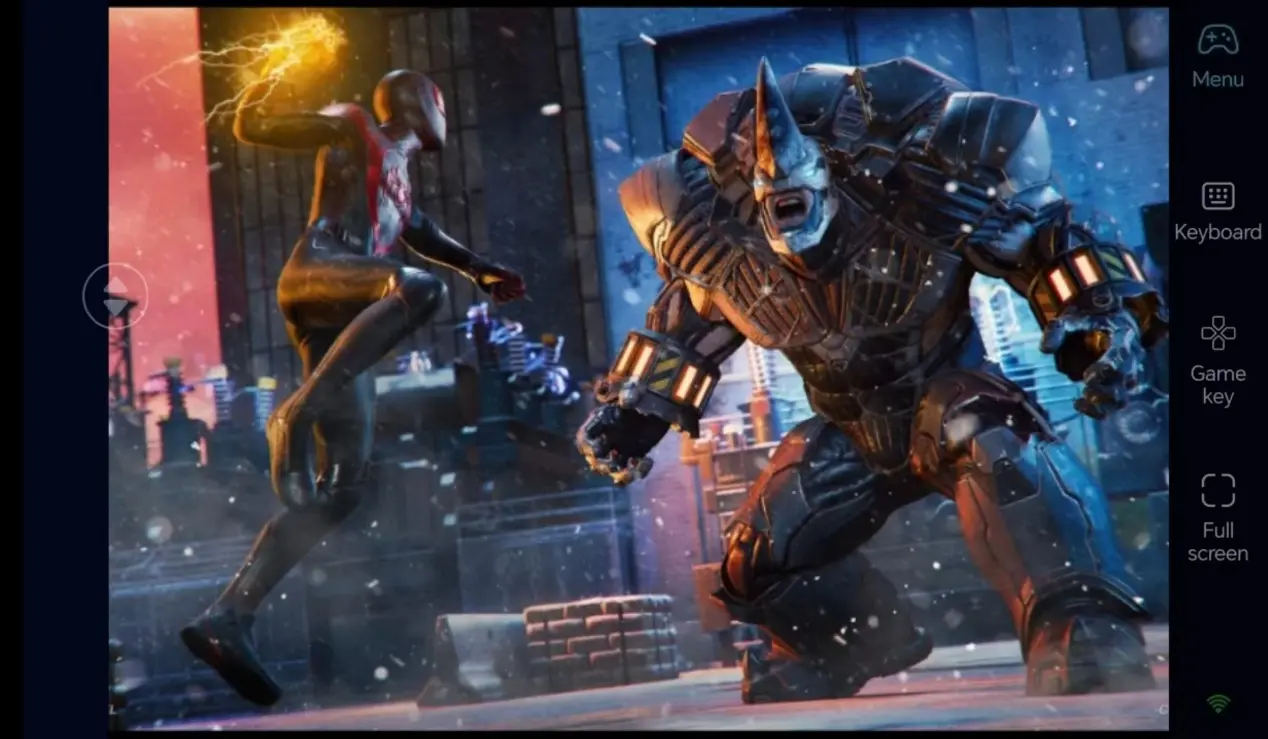
Local Save Storage for Unbroken Progress Sync
All game saves are stored locally on your PC, creating full data synchronization between mobile remote play and direct desktop sessions. Every limited-edition winter suit unlock and high-difficulty stealth challenge completion carries over seamlessly.
FAQ – Frequently Asked Questions
Q: Can both iOS and Android run this remote streaming solution normally?
A: Both operating systems offer complete OSLink remote streaming support. Pairing is simple, connections remain stable, and you can control your PC game from any mobile device at any time.
Q: Does remote connection gameplay risk lost save files or account bans?
A: OSLink does not modify game files or save data. OSLink functions purely as a remote screen casting tool that never alters game programs or internal data, guaranteeing safe save files and zero account penalties.
Q: Can I play Marvel’s Spider-Man: Miles Morales on iOS and Android?
A: There is no native mobile build for iOS or Android. However, you can use OSLink to remotely connect to your PC and play the game on both iOS and Android devices.
Summary
Don’t pause Miles’ winter adventure while away from home – OSLink remote streaming is an ideal solution. Keep your PC powered on, connect remotely via your phone to launch Marvel's Spider-Man: Miles Morales, complete stealth and collection tasks, and keep progressing through open-world challenges during spare time.
 Download