English
 Manually rerolling by repeating the tutorial on a single account wastes a significant amount of time. You can set up multi-instance environments with LDPlayer and pair it with OSLink’s remote sync function to run the tutorial and pulls across dozens of accounts at once. Later, you may also sync multiple accounts to farm intimacy materials and manage multiple accounts more efficiently.
1. Basic Game Introduction
Ikemen Sengoku: Romances Beyond Eternity is a popular otome IP title centered on bonding with samurai, unlocking storylines, and character progression. Pulling limited premium samurais at launch grants exclusive unique story arcs and amplified intimacy bonuses, making rerolling a standard tactic for new players.
Critical version note:
Traditional Chinese Package ID: ikemenroe
English Package ID: appli.android.sg2.en
Servers for these two editions are fully separated, with zero cross-version data transfer. Confirm your preferred language before rerolling.
2. Top Reroll Character Recommendations
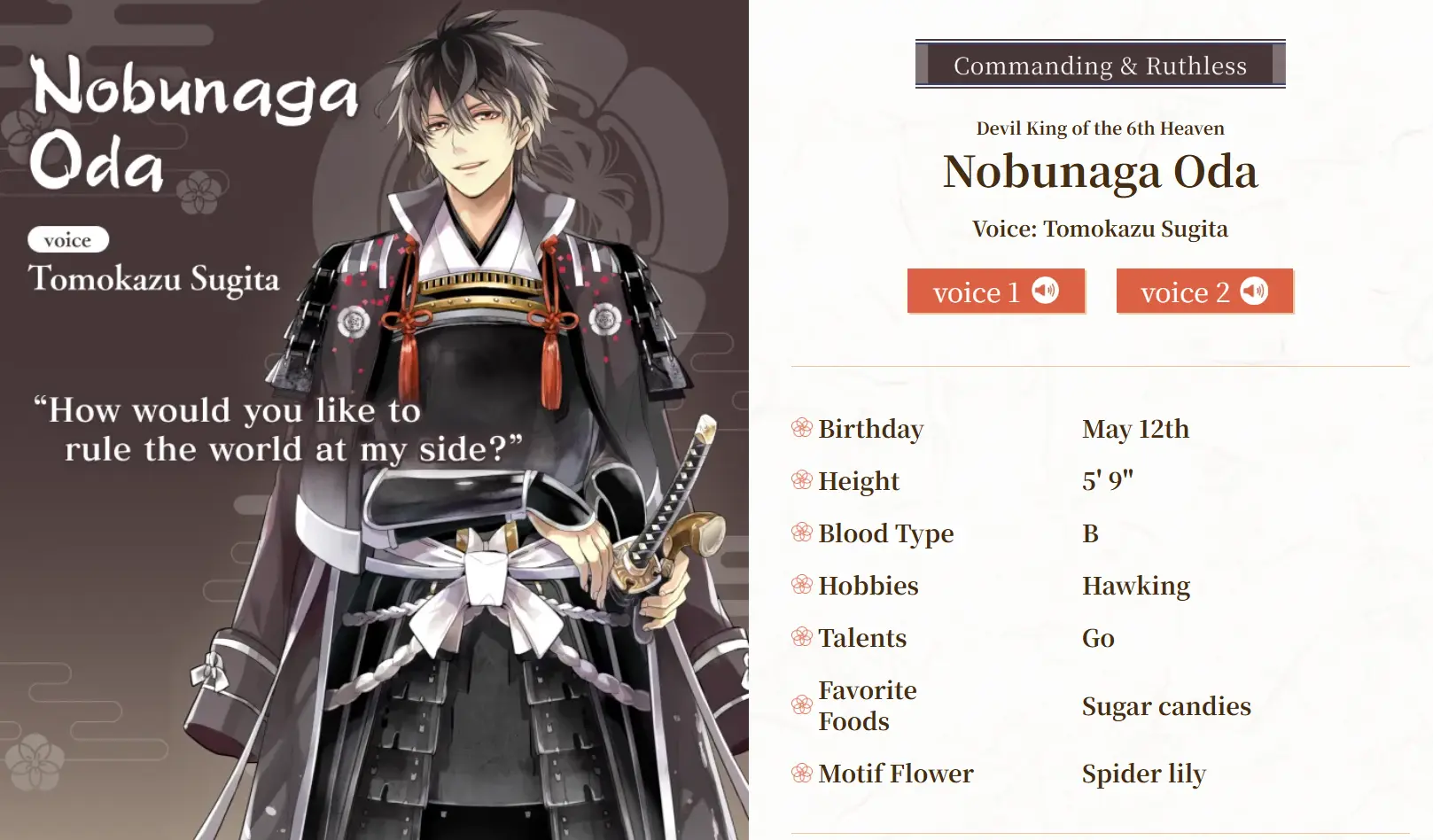
Nobunaga Oda
Maxed intimacy unlocks stat-wide bond buffs and drastically higher resource drops from date events. The top priority target for all reroll runs.
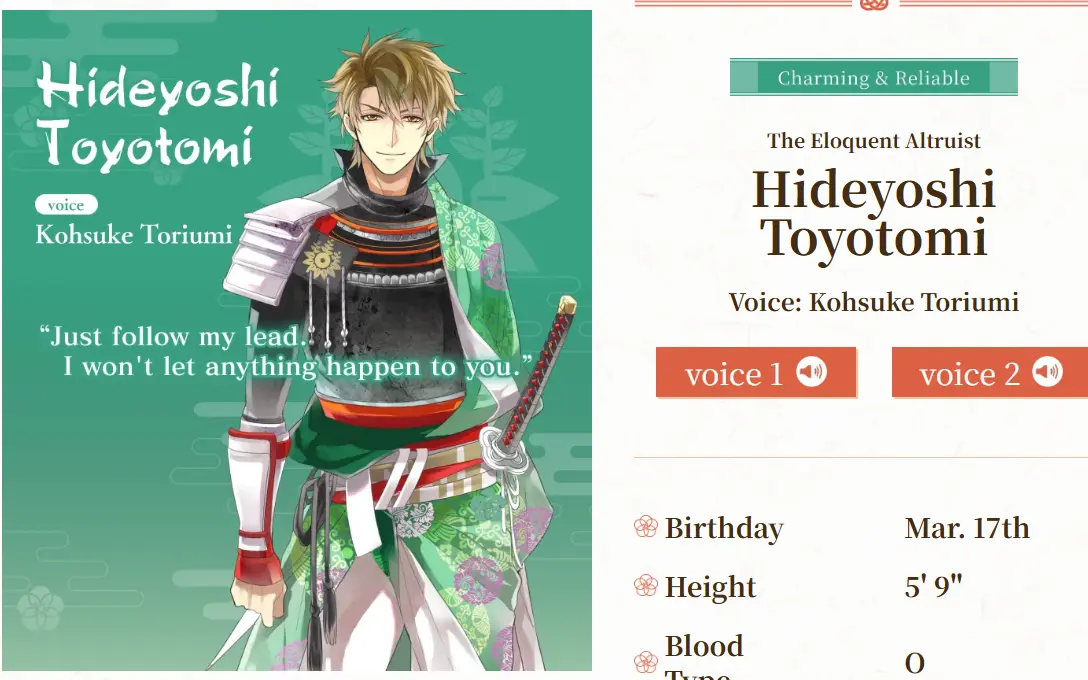
Hideyoshi Toyotomi
Well-rounded offensive and supportive kit, with rewarding lighthearted story routes. Early resource stage farming is seamless, so you can start your playthrough comfortably if you pull him.
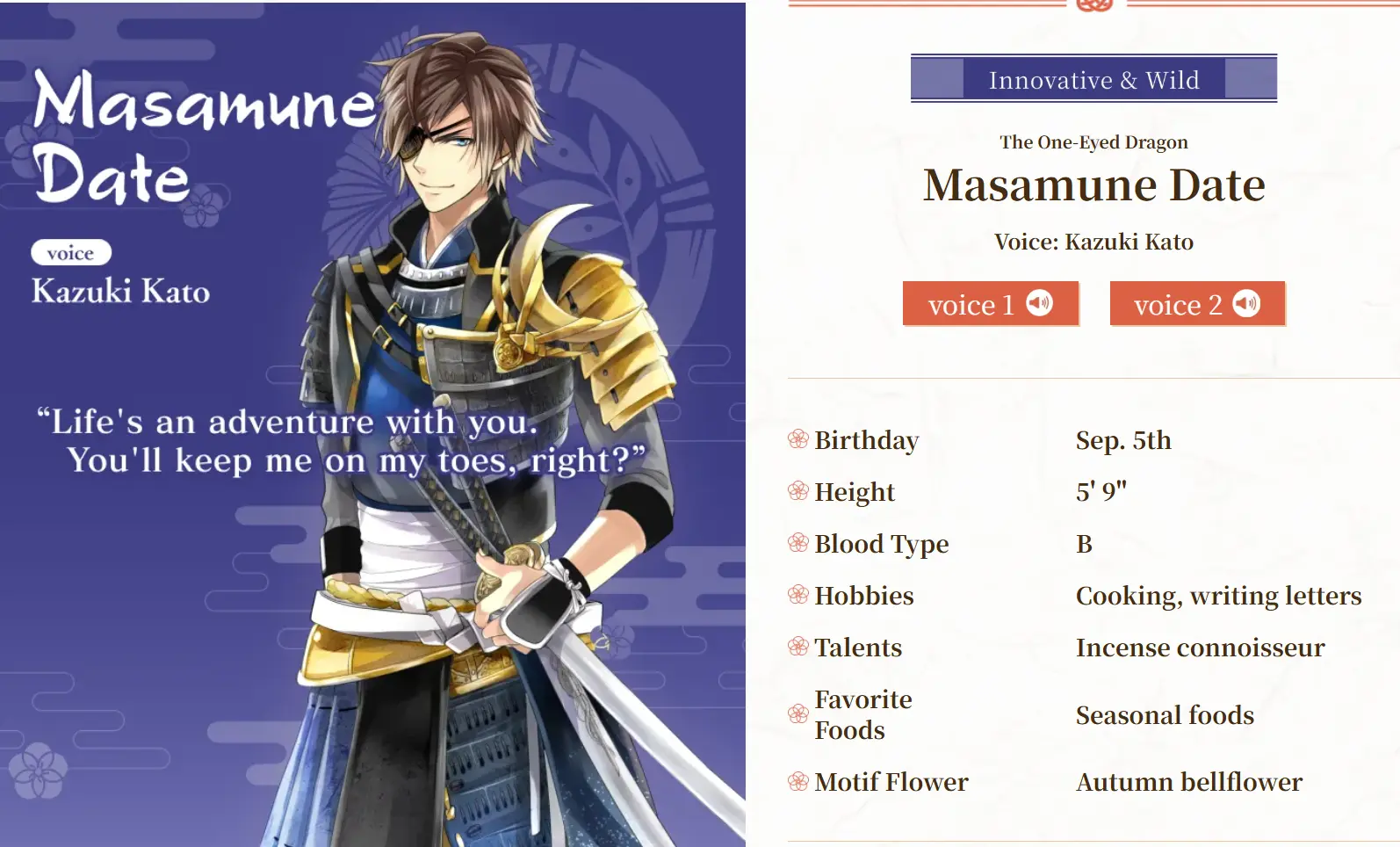
Masamune Date
Excellent for farming daily materials and fits nearly every team composition with great versatility.
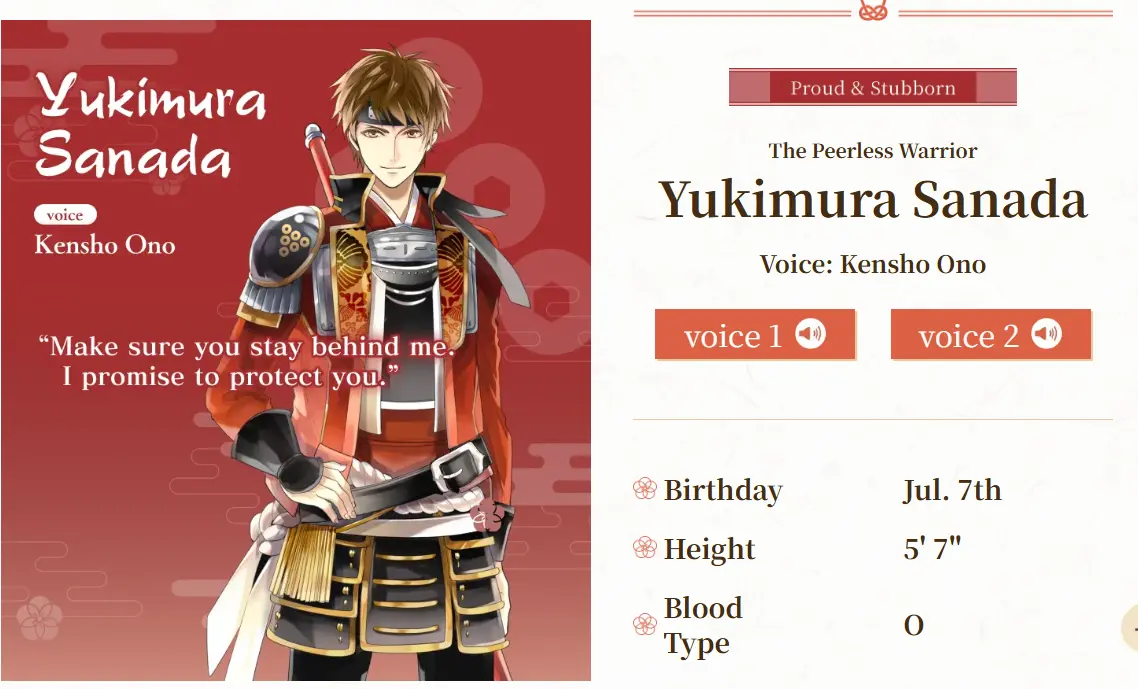
Yukimura Sanada
Ideal for players planning to raise multiple samurais long-term, a solid transitional starter.
3. Complete Reroll Step-by-Step Tutorial
Why Use Multi-Instance Sync for Rerolling?
Finishing the tutorial to unlock summoning takes a fair amount of time, and restarting one account repeatedly is inefficient. By combining LDPlayer multi-instance and OSLink remote sync, you can run dozens of game accounts simultaneously, sync tutorial progression, claim rewards, and execute summons in bulk to filter top-tier starters fast. Multi-account auto-farming for intimacy materials later is also one-click synced.
Step 1: Download & Install All Software
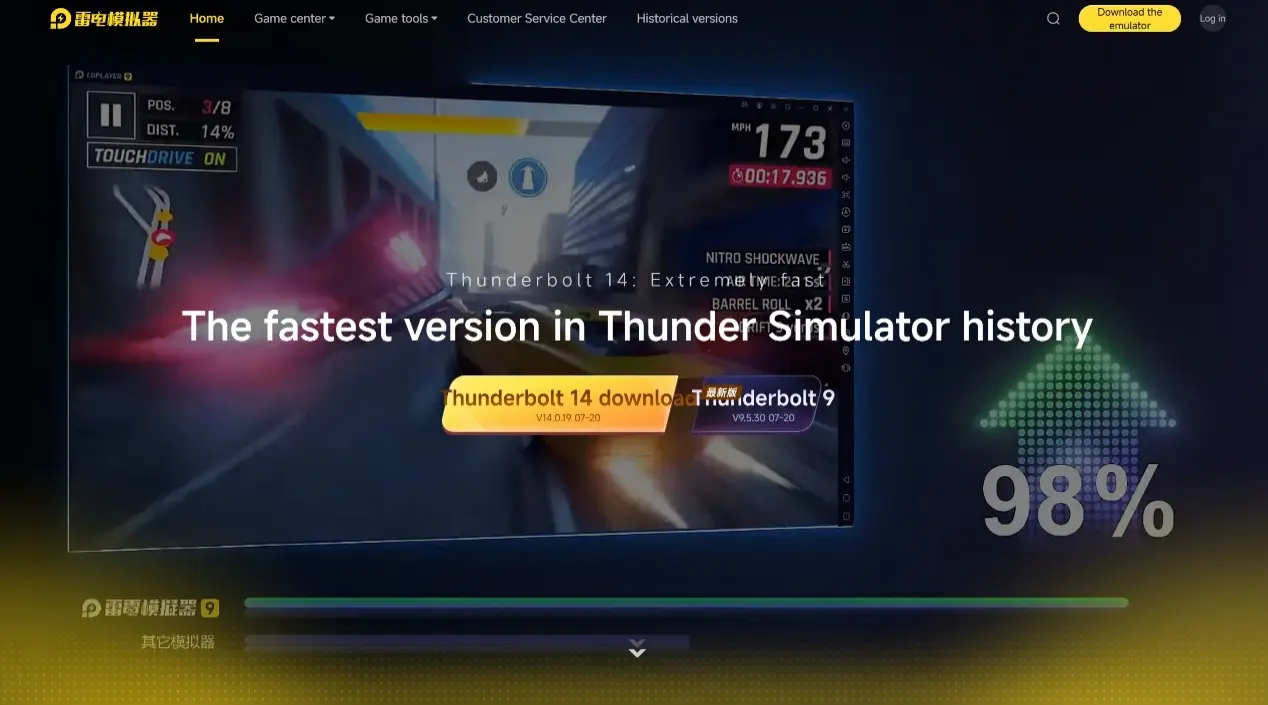
PC Side: Visit the official websites of OSLink and LDPlayer to download the remote control tool and emulator.
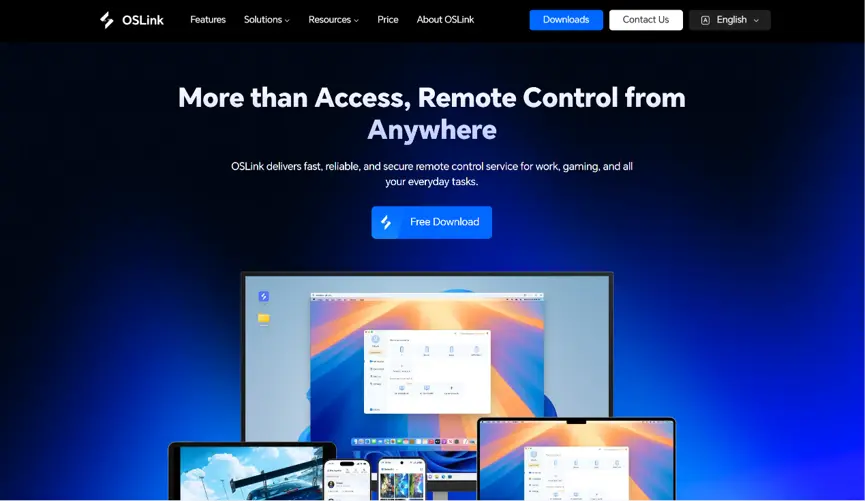
Mobile Side: Search “OSLink” on App Store or Google Play, or download the APK installer directly from OSLink’s official site.
Step 2: Install the Correct Game Build on Emulator
Open LDPlayer, launch Google Play, and install the game.
Step 3: Pair Devices via OSLink
Launch the game on every emulator instance, log into OSLink on your PC to bind all virtual devices. Scan the pairing QR code with the mobile OSLink app to establish remote access, so you can check pull results on your phone anytime.
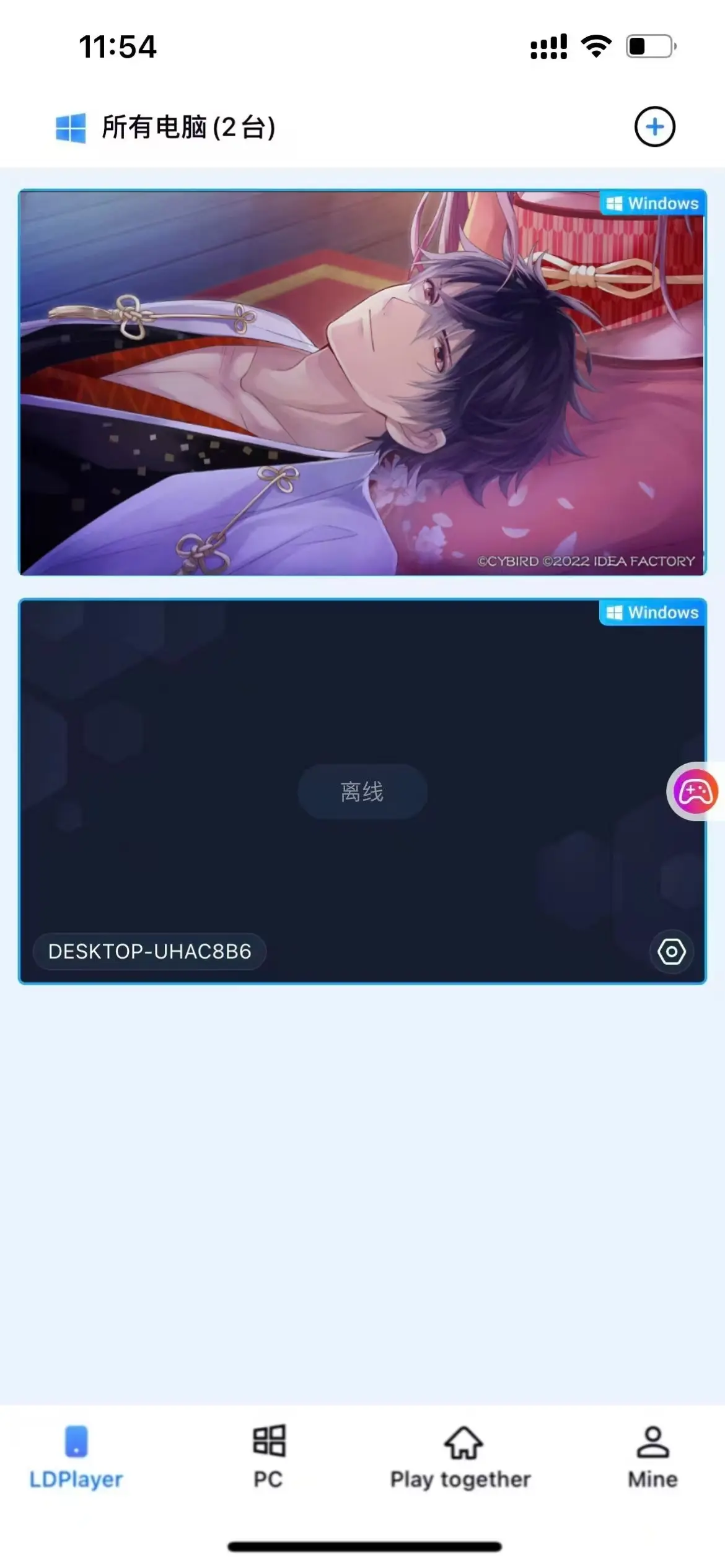
Step 4: Activate Synchronized Bulk Controls
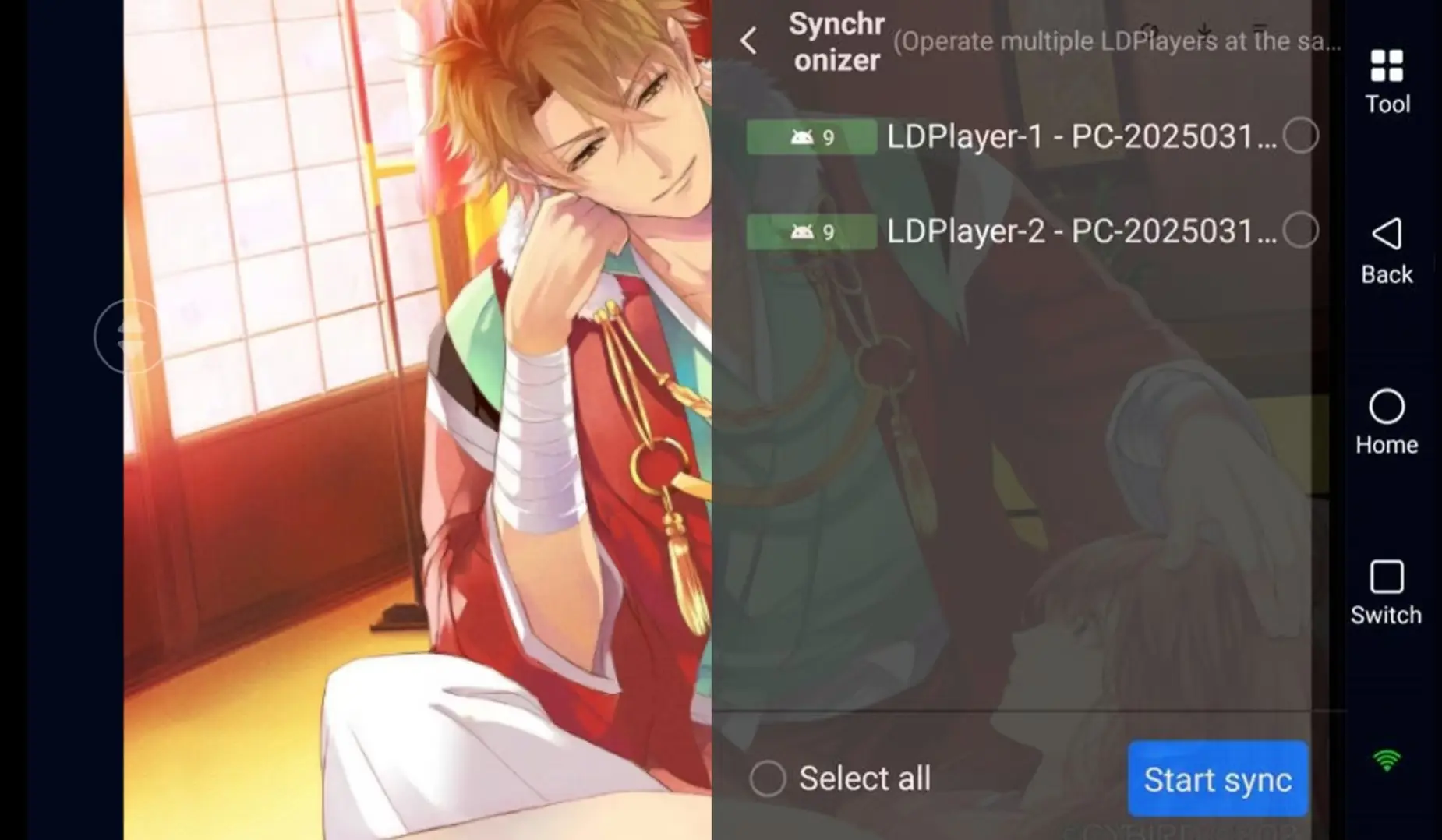
Enter the function page on OSLink and open the Sync Operation feature, select all emulator instances. Every click, reward claim, and summon action you perform on one window will replicate across all accounts, cutting redundant work drastically.
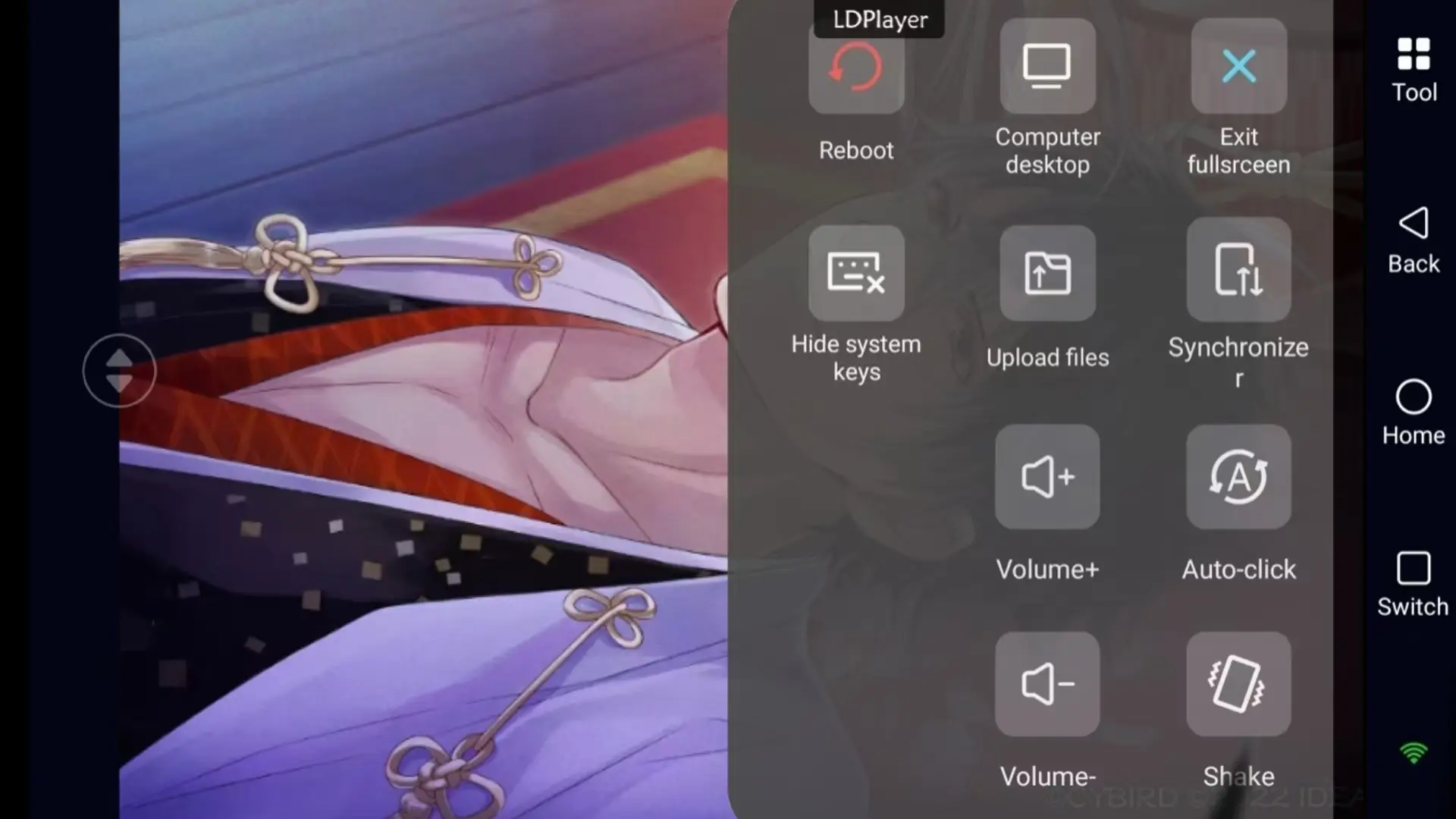
Step 5: Filter High-Quality Starter Accounts
Once all accounts finish the tutorial and their initial pulls, review each window’s results. Keep any account that pulled limited UP samurais like Oda Nobunaga, and reset the rest to repeat the reroll cycle until you get your perfect starter.
Conclusion
Ikemen Sengoku: Romances Beyond Eternity features transparent pity mechanics, and limited samurais vastly elevate your long-term otome experience. Compared to tedious single-account manual resets, pairing LDPlayer with OSLink synchronized multi-instance tools drastically cuts reroll time. You can easily farm top limited units such as Oda Nobunaga and make your Sengoku romance journey far smoother from day one.
 Download