English
 Developed by Falcom, KYOTOXANADU-theBloomingPhantom- has recently arrived on the Steam platform. Set in Kyoto where reality and the supernatural intertwine, the game combines school life elements with otherworld dungeon exploration. Its 2D side-scrolling combat, 3D city environments, detailed Japanese-style visuals, and long-form storyline have attracted many RPG fans.Despite being a large-scale PC title, the game can also be enjoyed smoothly on mobile devices through remote streaming. This guide covers the complete setup process, including game access, device installation, connection methods, experience optimization, and common questions. Even players with no previous experience can quickly complete the setup and begin their journey through Kyoto’s otherworld.
Want to run KYOTOXANADU-theBloomingPhantom- smoothly on your phone? OSLink is a lightweight remote streaming tool that works well with this Japanese-style ARPG. All rendering and processing are handled by the PC, while the mobile device only receives the game display and sends control inputs back.Simply log in with the same account on both your computer and phone to quickly establish a connection. There is no need to download the complete game files to your mobile device, saving storage space and providing a truly lightweight way to play.
1. How to Get the Official Version of KYOTOXANADU-theBloomingPhantom-
Download Platform
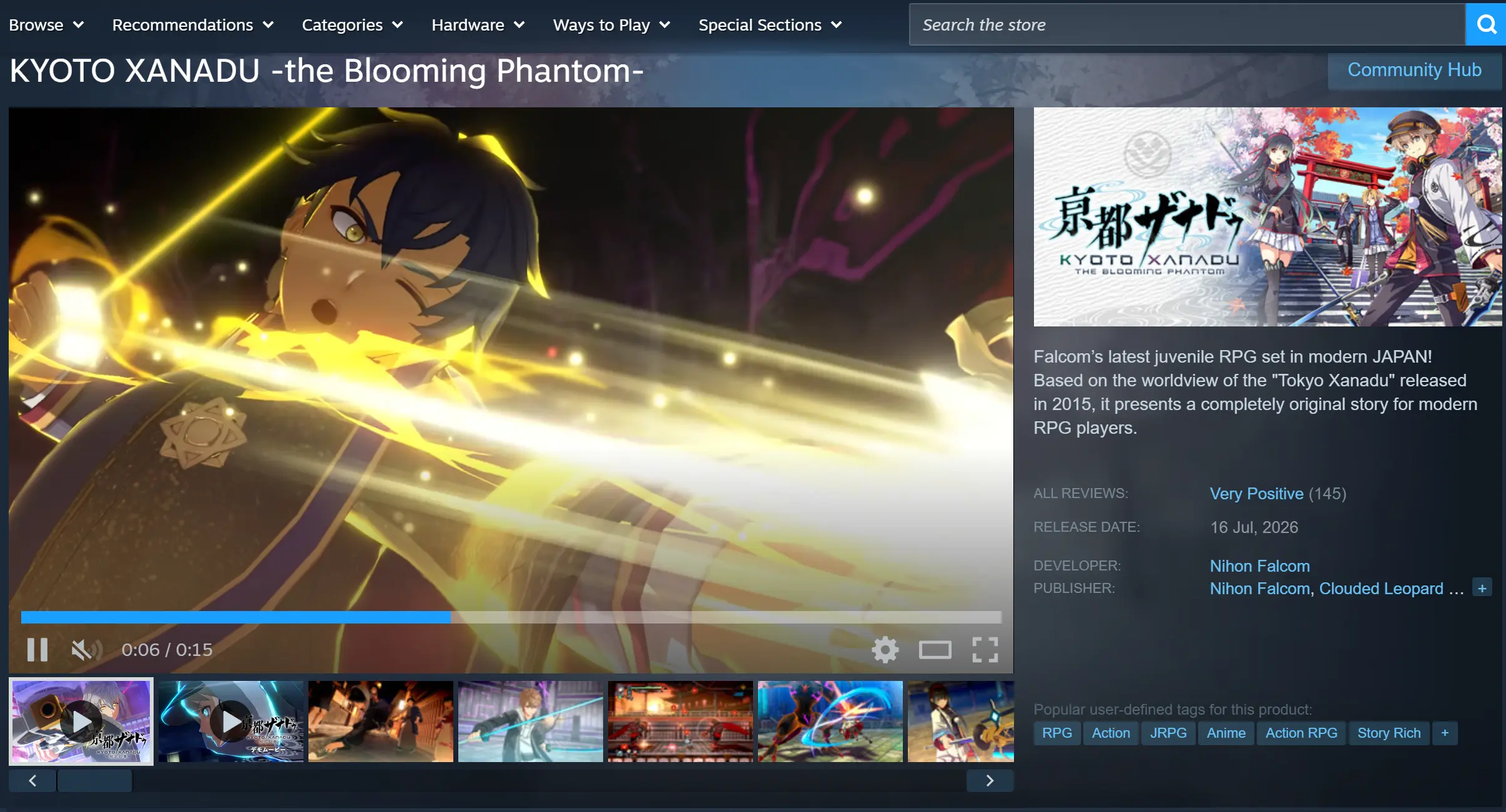
The PC version of the game is available exclusively on Steam. Open the Steam client, search for the full game title, complete the purchase, and add it to your library. After starting the download, Steam will automatically match the required system files.
Once installation is complete, the dedicated game launcher will be linked automatically. Save data and story progress are synchronized through cloud services, so reinstalling the game on another device does not require unlocking previously completed chapters again.
Installation Notes
The game requires around 68GB of storage space. Make sure enough SSD capacity is available before installation.
Using a mechanical hard drive may cause problems such as delayed texture loading, slower scene transitions, and longer loading times when entering otherworld areas.
The game only supports Windows 10 and Windows 11. Older Windows versions may not be able to launch the game properly.
2. OSLink Installation Guide for PC and Mobile Devices
Installing on Windows PC
Visit the official OSLink website and download the Windows client installer. After installation, launch the software and complete account registration and login.
Keep the program running in the background. The computer should remain powered on with a stable internet connection. Disable system sleep mode and automatic network disconnection features to ensure that mobile devices can connect whenever needed.
Installing on Mobile Devices
Android users can search for OSLink on Google Play to complete installation, while iOS users can download the corresponding client through the App Store.
After installation, log in with exactly the same account used on the PC. The software will automatically detect available computers within the local network. Even when connecting through an external network, it can automatically match the registered device without requiring manual device ID pairing.
3. How to Launch KYOTOXANADU-theBloomingPhantom- on Mobile via OSLink
Open the Steam client on your computer and launch KYOTOXANADU-theBloomingPhantom-. Stay on the main game screen and keep the program running in the foreground instead of minimizing it to the background.
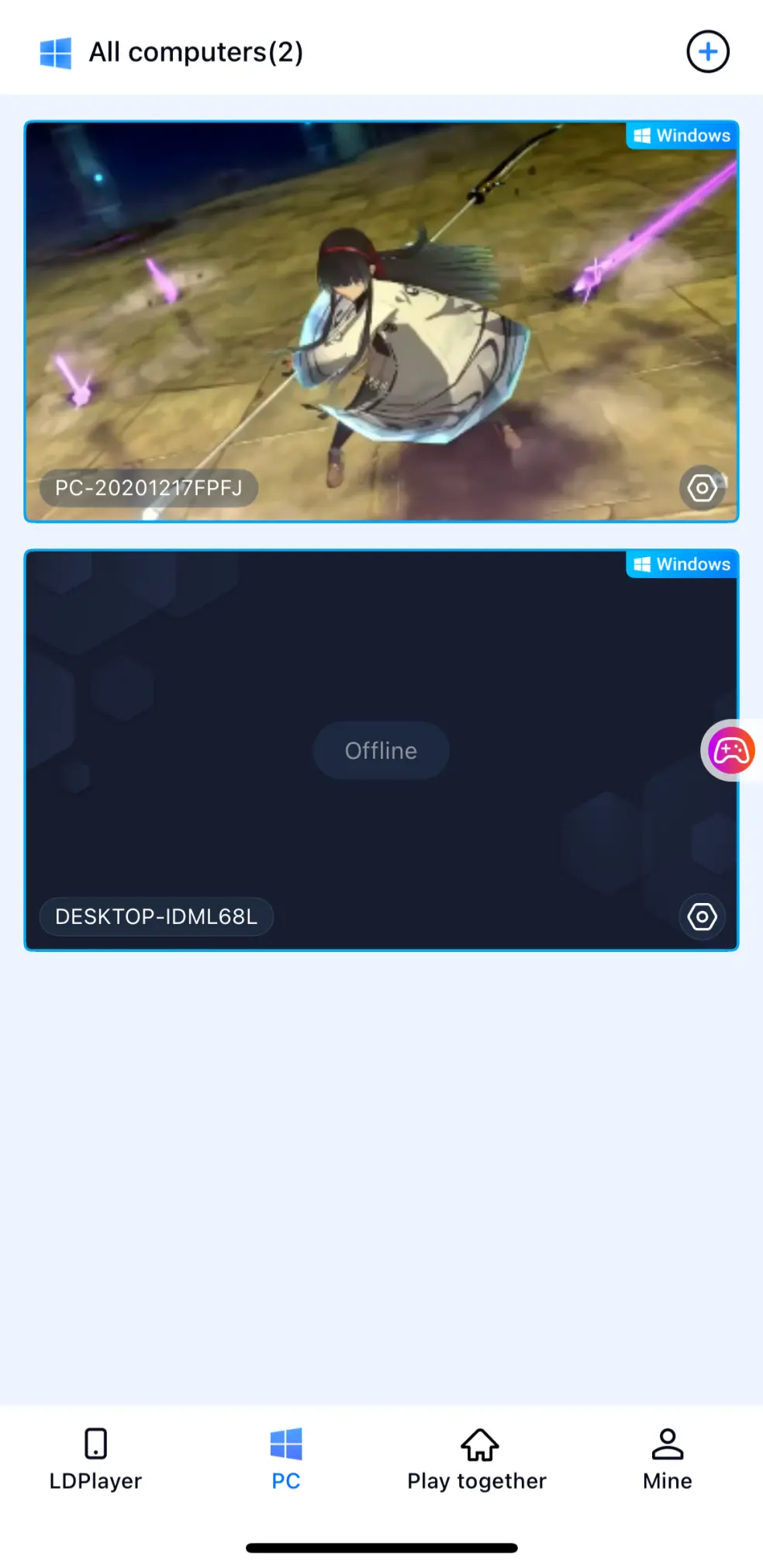
Next, open OSLink on your mobile device. The device list on the homepage will display computers logged into the same account. Select the corresponding PC to start screen streaming.
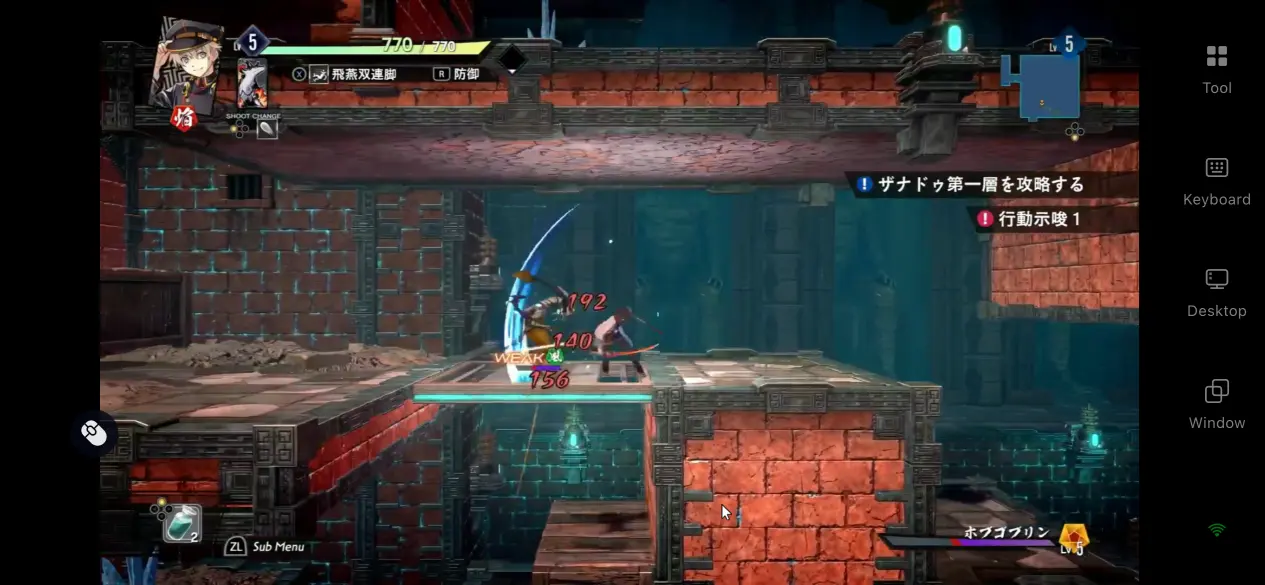
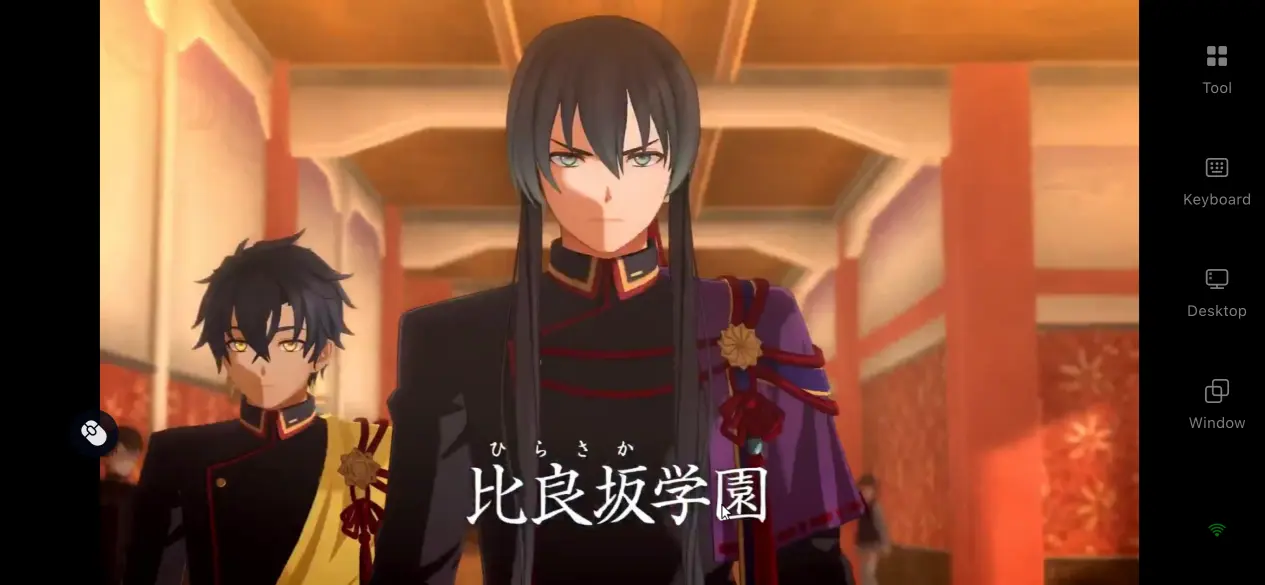
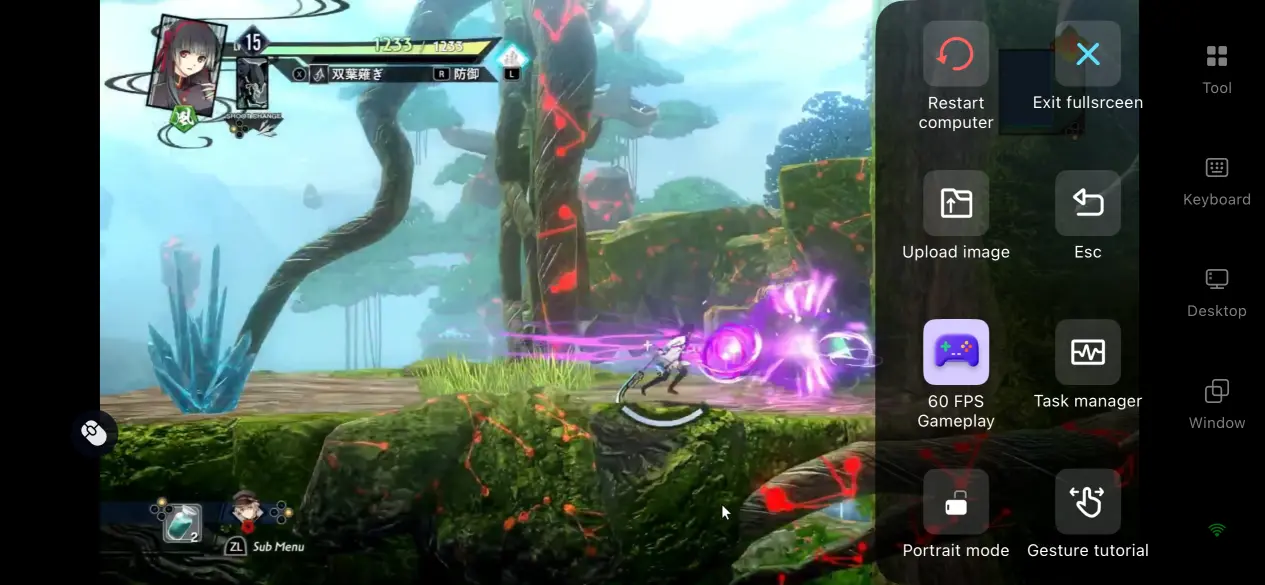
After entering the streaming interface, switch the toolbar on the right side to the dedicated 60 FPS game mode. Use the preset ARPG virtual control layout to enter full-screen mode and begin playing directly.
Players who are not comfortable with touchscreen controls can connect a Bluetooth controller, keyboard, or mouse. The software will automatically detect connected devices and adapt the control settings for combat and exploration.
Once the setup is complete, you can continue the story, explore otherworld dungeons, and challenge various enemies normally.
4. Main Advantages of Playing KYOTOXANADU-theBloomingPhantom- Remotely on Mobile
Remove Location Restrictions and Continue Your Adventure Anytime
As long as the PC remains powered on and connected to the internet, your phone can connect to the computer from almost anywhere.
Whether you are commuting, waiting outside, or temporarily staying away from home, you can continue progressing through the main story, clearing otherworld dungeons, and completing side quests without being limited to playing in front of your PC.
Zero Storage Usage on Mobile Devices
The game’s 68GB high-quality resources, story saves, and dungeon data remain stored on the computer’s hard drive. The mobile device only transfers the game image and control signals, meaning there is no need to delete photos or remove apps to free up storage space.Even older or lower-spec phones can maintain stable streaming performance without worrying about large installation files occupying memory.
Full Peripheral Support for a PC-Like Control Experience
The software supports Bluetooth and wired keyboards, mice, and game controllers.After connecting external devices, the software automatically matches the game’s control system. Actions such as dodging, combo attacks, item switching, and map navigation can be performed with accurate input feedback.This greatly reduces the stiffness of pure touchscreen controls and provides an experience closer to playing directly on a computer.
5. Detailed OSLink Optimization Features for Gaming Experience
60 FPS Low-Latency Game Mode
Optimized encoding algorithms are designed for the game’s large city areas and fast-paced otherworld battles. The mode reduces image trails caused by rapid camera movement or multiple enemies appearing on screen, while shortening the delay between input and visual feedback.
Combo-based combat and dungeon exploration can be performed with minimal noticeable delay, matching the action rhythm required by ARPG gameplay.
Custom Virtual Touch Control System
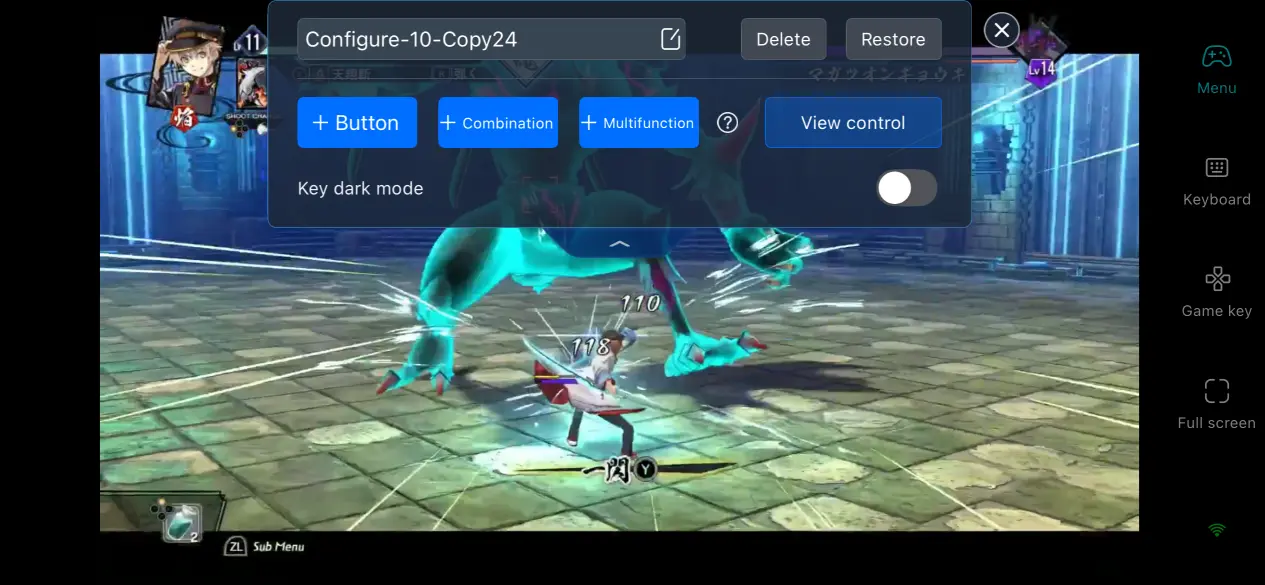
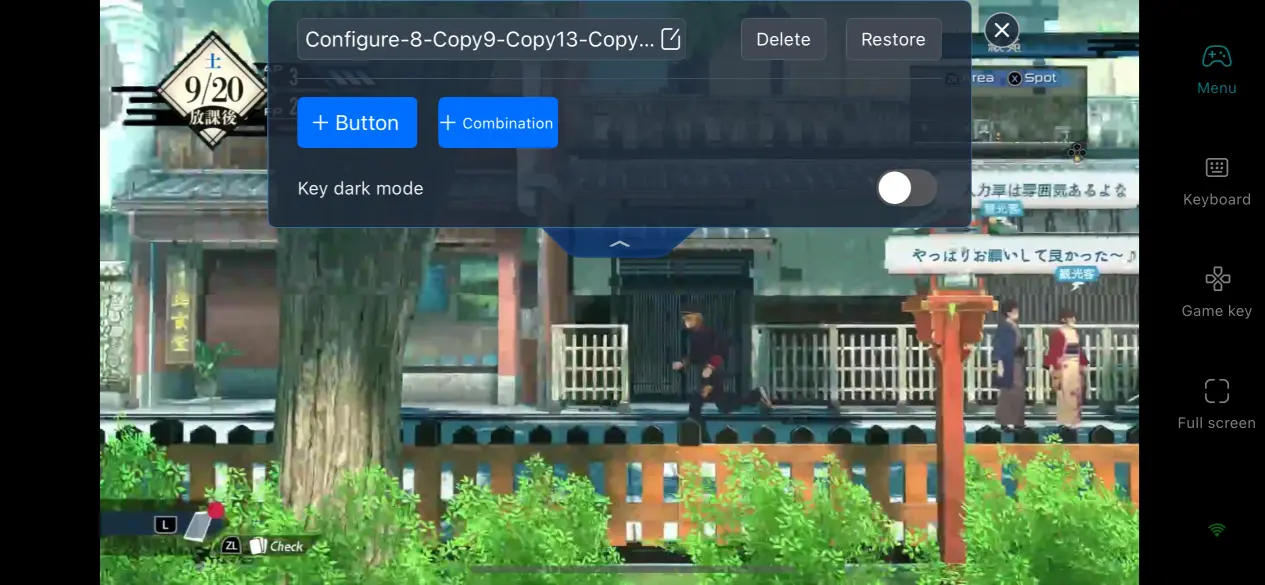
Players can freely add or remove control buttons for skills, dodging, maps, interactions, and other functions.Each button can be adjusted individually, including size, transparency, and position. Multiple control layouts can also be saved.For example, players can create separate layouts for dungeon exploration and boss battles, switching between them instantly to reduce the adjustment time required for mobile controls.
Adaptive Bitrate Adjustment
Players can manually adjust streaming bitrate settings.When the external network connection becomes unstable, lowering the bitrate can reduce image blur. Under stable local network conditions, higher bitrates preserve the detailed textures of the game’s Japanese-style environments.The software automatically detects network conditions and dynamically adjusts image quality to balance visual clarity and smooth performance.
6. Frequently Asked Questions About Remote Play
Q: When was KYOTOXANADU-theBloomingPhantom- released?
A: The simplified Chinese PC version officially launched on July 16, 2026. The game released both a Digital Standard Edition and a Limited Collector’s Edition.
The PC version is exclusive to Steam, while console versions are also available on PS5 and the Switch series.
Q: What are the PC hardware requirements for the game?
A: Minimum requirements:
Windows 10 system
Ryzen 5 1600 processor
8GB RAM
GTX 1050 4GB graphics card
70GB SSD storage space
Recommended configuration:
Windows 11 system
Ryzen 5 3600 processor
16GB dual-channel RAM
RTX 3050 graphics card
This configuration can provide stable high-quality gameplay. Mechanical hard drives may cause texture loading delays and are not recommended.
Q: Are OSLink accounts shared between iOS and Android devices?
A: OSLink accounts are available across all mobile platforms.
Using the same account, Android and iOS devices can connect to the same computer. Save files and game progress remain stored on the PC, so changing mobile devices will not cause any adventure records to be lost.
Conclusion
The appeal of KYOTOXANADU-theBloomingPhantom- comes from its combination of school life and otherworld dungeon adventures.
Players can improve their abilities through activity cards during class, gather information while exploring Kyoto streets after school, and enter underground dungeons to fight mysterious creatures. These experiences should not be limited by the location of a computer.By combining remote streaming with the practical steps in this guide, players can continue the story, collect materials, and build characters anytime, anywhere.
 Download