English
 Hood Warfare 2 is a gritty multiplayer first-person shooter set on the streets of Chicago. Join rival gangs and fight for territorial control across urban districts. It packs six distinct game modes, fully customizable firearms, chaotic PvP skirmishes, bot-supported matches and team-based turf wars. Built on Unreal Engine 5, the sequel delivers upgraded visuals, fluid gunplay and chaotic online gang combat.
If you want to keep playing Hood Warfare 2 without staying in front of your computer, OSLink can help. As long as the game is installed and running on your PC, you can connect from your phone and control the PC version remotely. That means you can check matches, adjust your setup, or jump into a round from another room or a more comfortable spot.
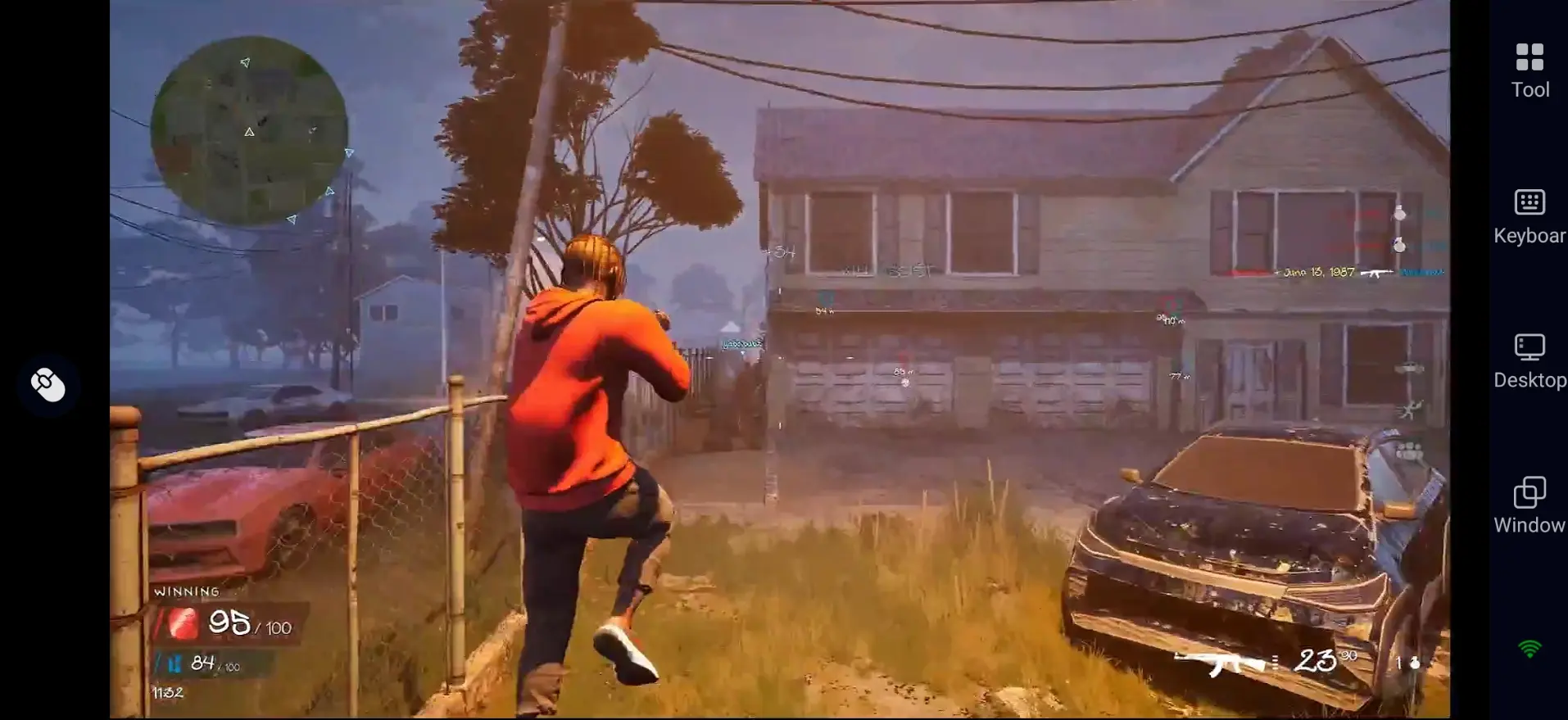
Quick Setup Guide for Playing Hood Warfare 2 on Mobile
Step 1: Install OSLink and Pair Your Devices
On PC:
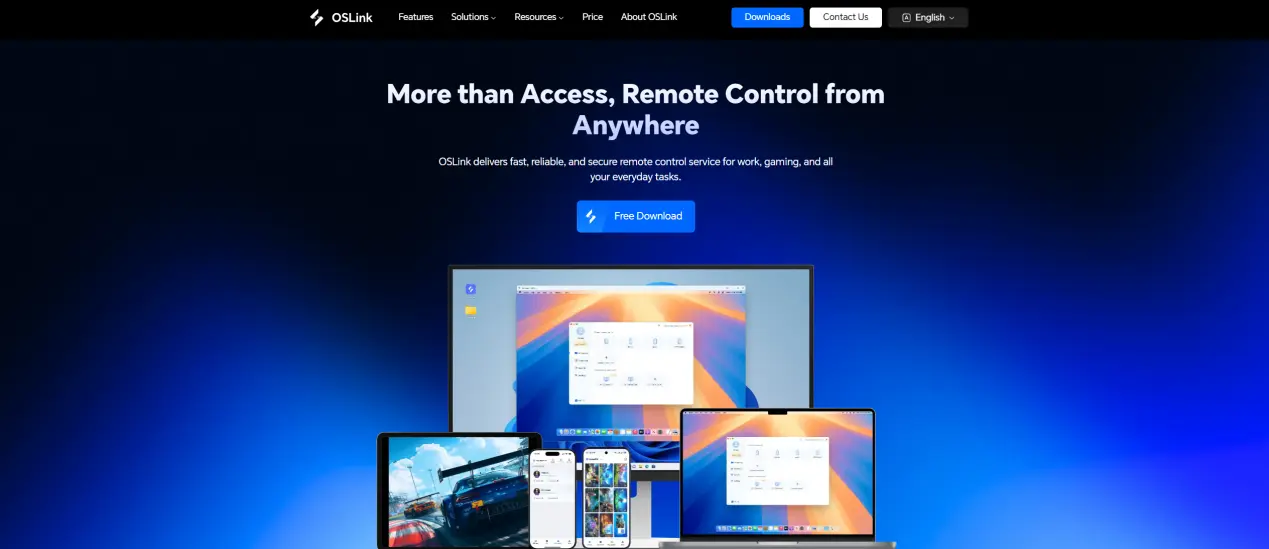
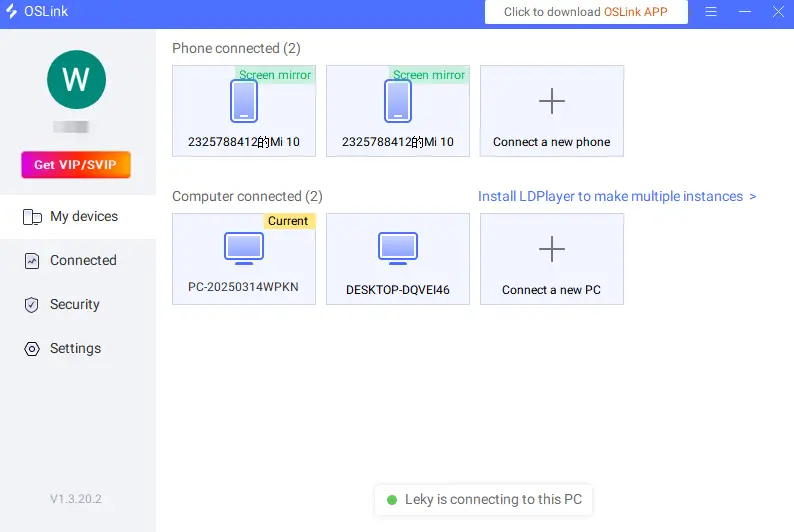
Visit the official OSLink website (https://www.oslink.io) and download the desktop client. Install it, sign in, and keep your computer online with a stable network connection.
On Mobile:
Download the OSLink app from the App Store or Google Play, or get the correct version from the official website.
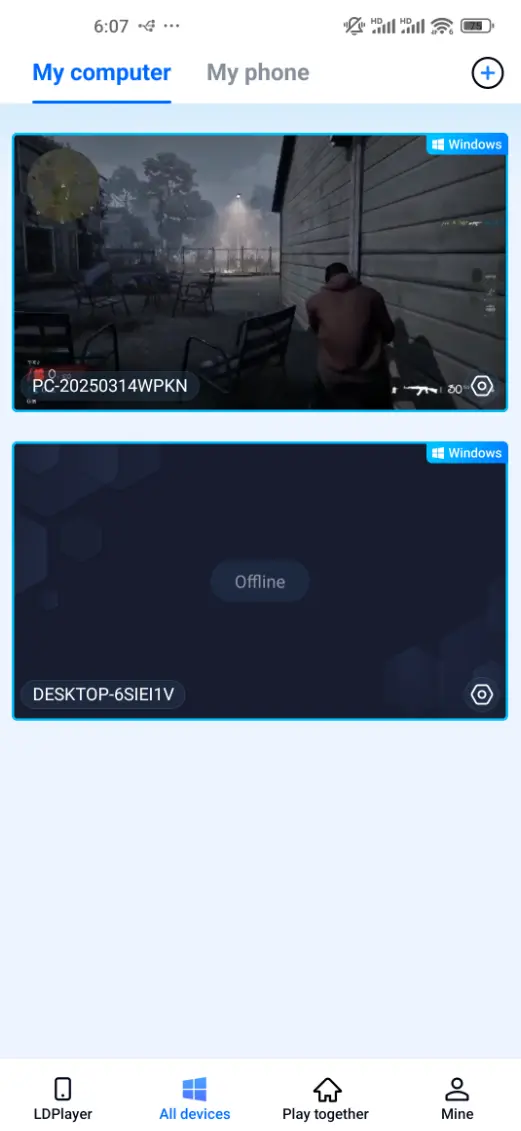
Sign in with the same account you used on PC. After pairing, your computer should appear in the mobile app so you can connect to it.
Step 2: Optimize Your Controls
1.Launch the Game:
Open Hood Warfare 2 on your PC. Wait until you reach the main menu, then connect to that computer from your phone or tablet to begin remote play.
2.Choose a Control Mode:
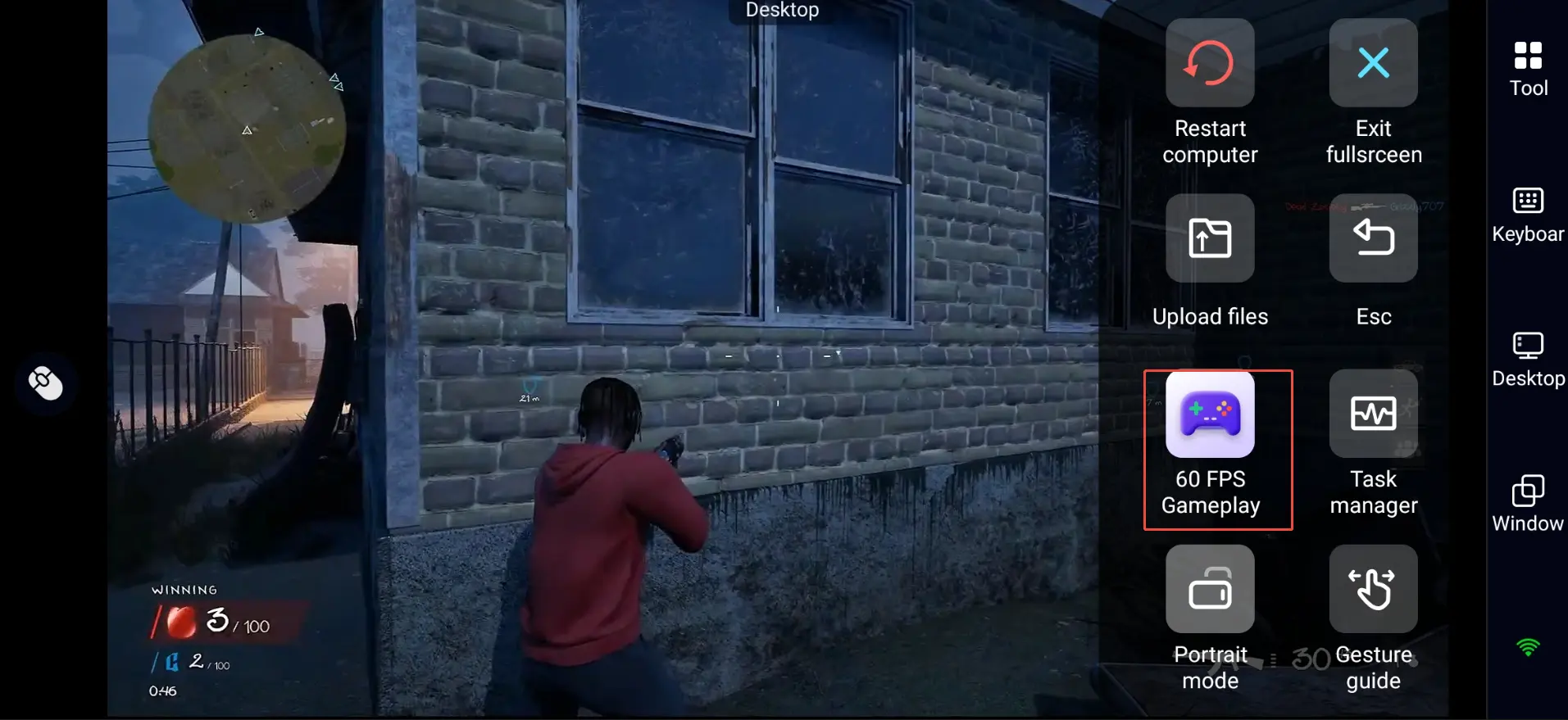
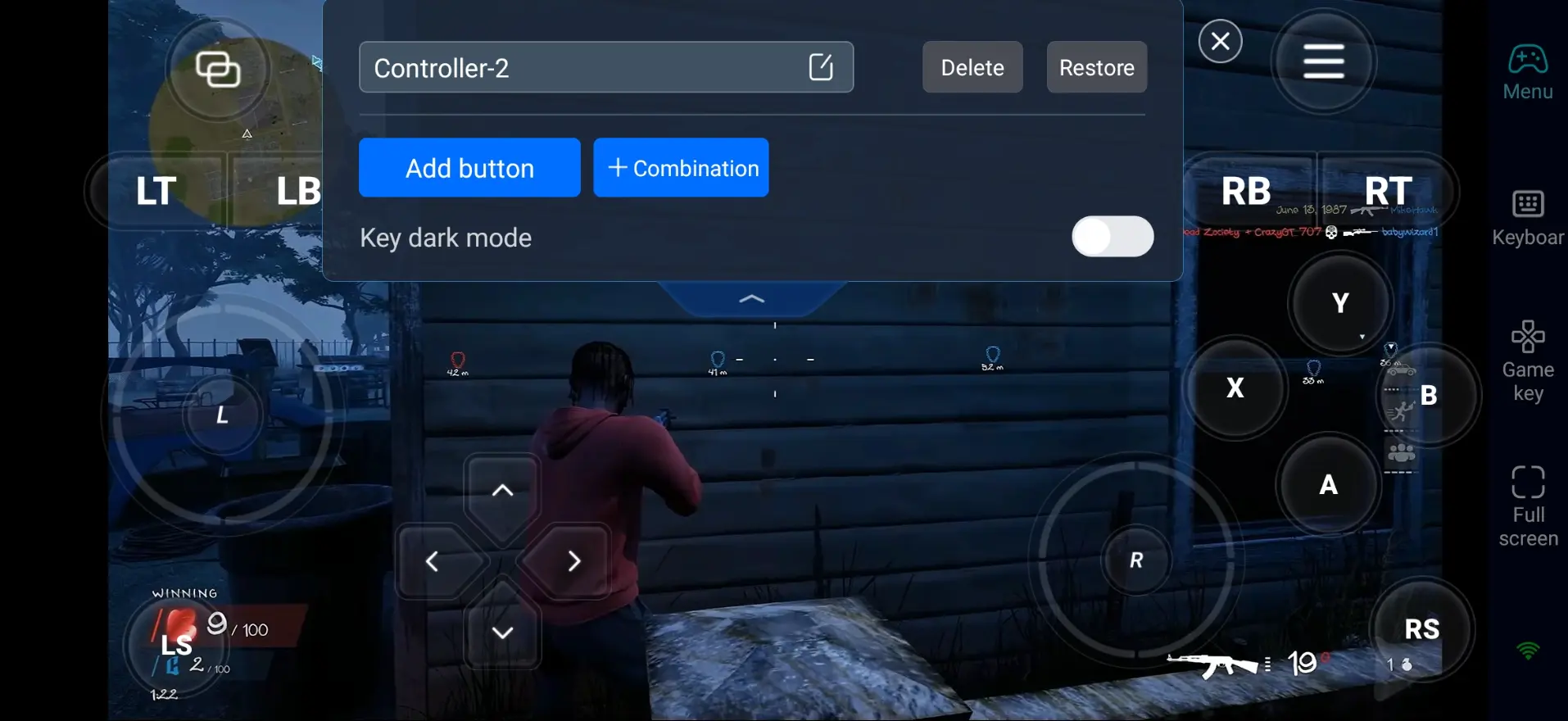
Open the in-session toolbar on your mobile screen, select “60 FPS Gameplay,” and choose either the button overlay or a virtual controller layout that fits your preferences.
3.Customize the Buttons:
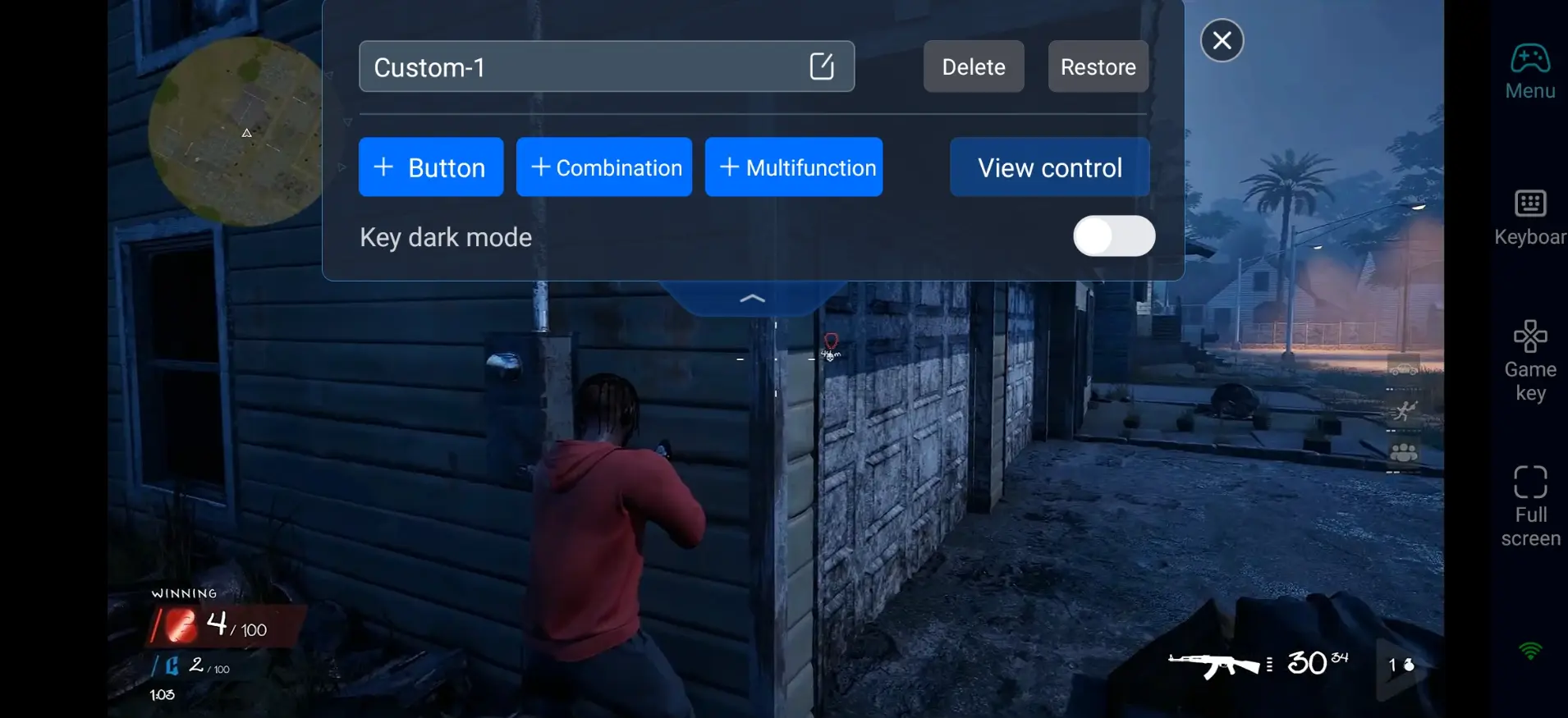
Because Hood Warfare 2 is a shooter, set up the most important actions first:
- Movement, camera control, and aiming
- Firing, aiming down sights, and reloading
- Weapon switching and grenade/equipment use
- Crouching, jumping, sprinting, and going prone
- Melee attacks and takedowns
- Using skills, perks, and tactical items
- Interacting, picking up items, and completing objectives
Keep the buttons you use most within easy reach of your thumbs. A clean layout can make touch controls feel faster and more accurate.
4.Use an External Controller:
If touch controls feel limited, connect a Bluetooth gamepad. For shooter players, a controller can make aiming, movement, and weapon handling feel more natural.
Step 3: Join Urban Gunfights Anytime
Once setup is complete, your phone or tablet can act like a portable screen for your PC. With OSLink, you can play Hood Warfare 2 whenever you cannot stay at your computer for a long time.
Quick Matches: Use short breaks to complete a match or practice aiming and movement.
Loadout Management: Review weapons, attachments, and gear between rounds, then adjust your setup for different maps or modes.
Progression: Claim rewards, check challenges, and plan your next unlocks without being tied to your desk.
Why Stream Hood Warfare 2 via OSLink?
1. Play Hood Warfare 2 on Mobile Anywhere
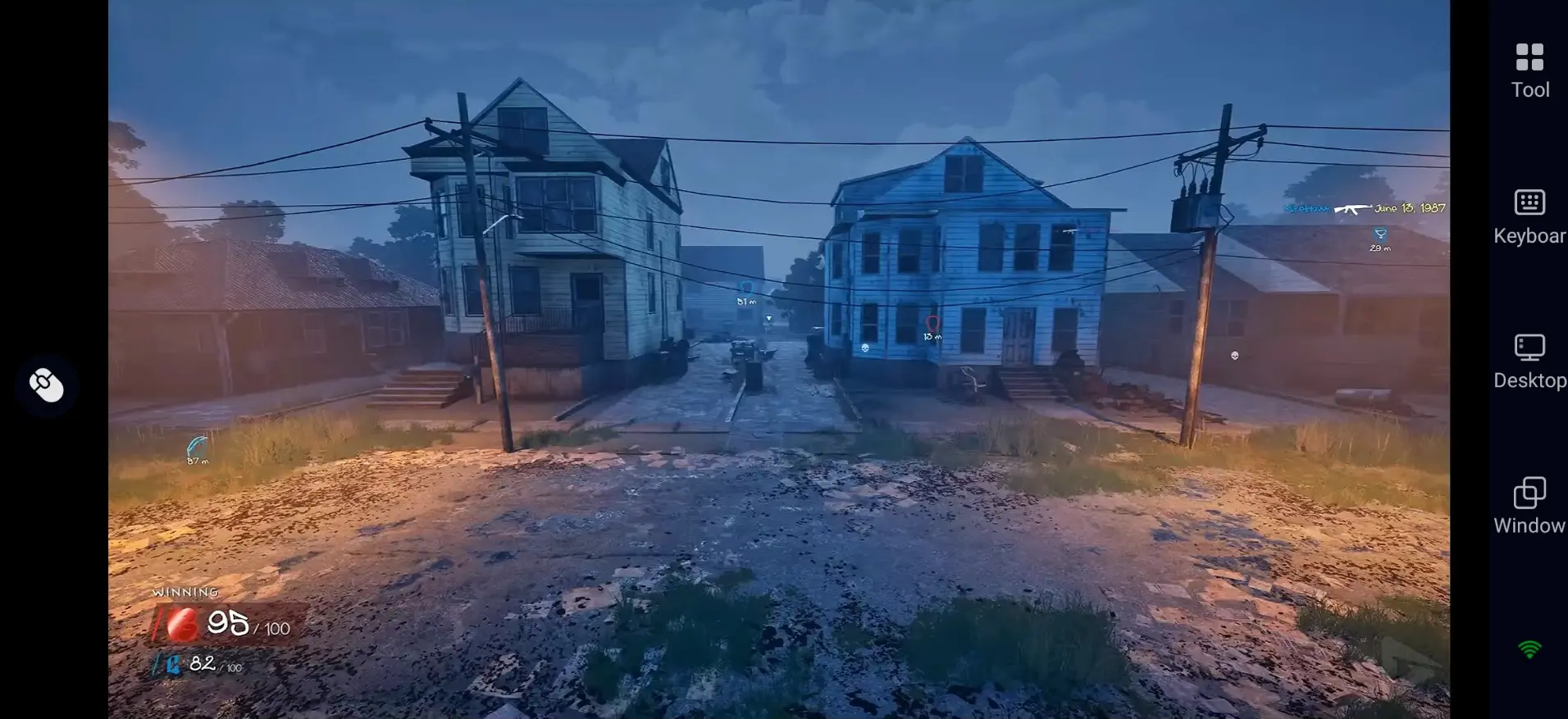
You do not need to sit by your PC all day. Keep your computer powered on and online, and you can join matches remotely from anywhere inside your home.
2. Preserve Original PC Visual Quality
There is no native mobile release for Hood Warfare 2 right now. OSLink pulls the full video feed straight from your gaming PC, so graphics stay sharp with no heavy compression. Enjoy Unreal Engine 5 visuals, detailed street environments and full in-game effects.
3. Adjustable Controls Built for Fast FPS Action
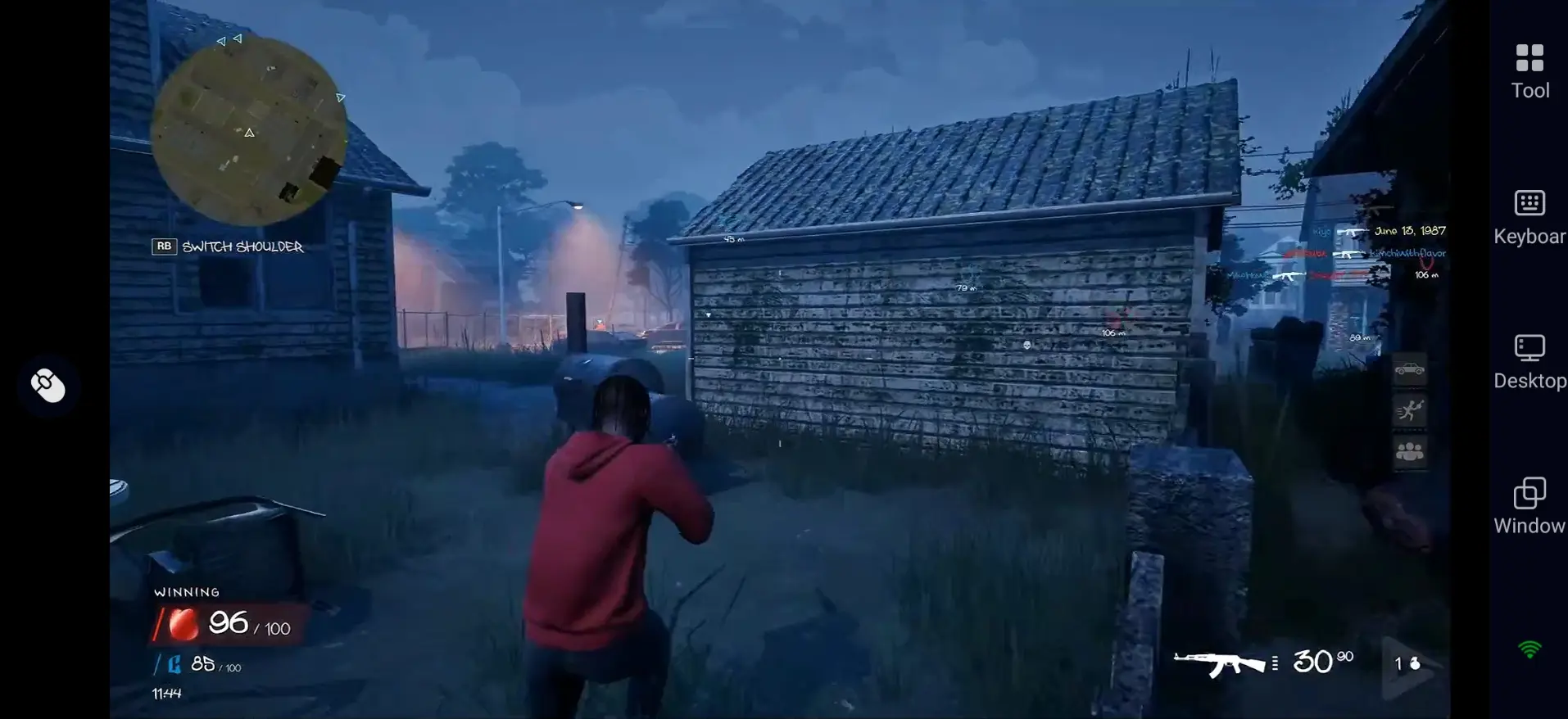
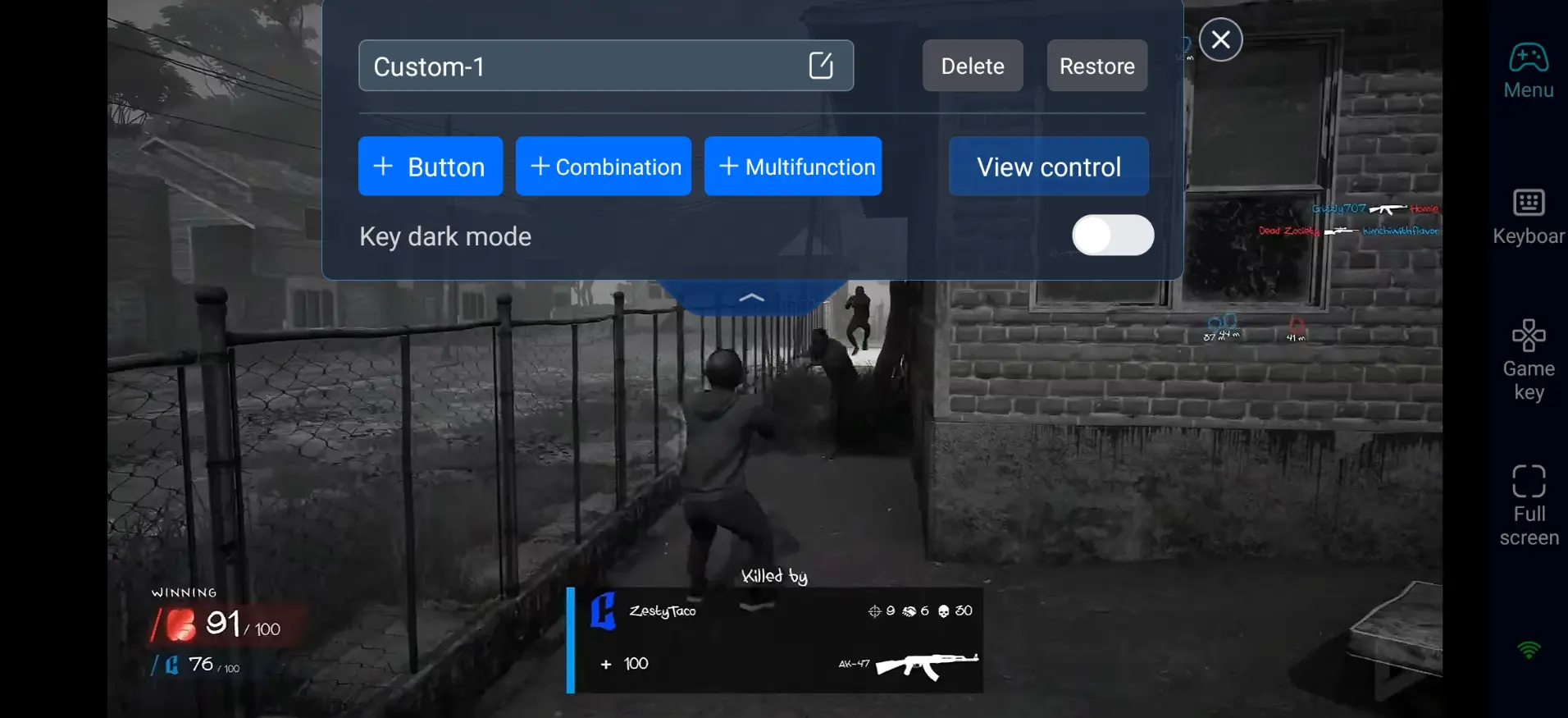
Hood Warfare 2 demands quick aiming, strafing and frequent weapon switching. OSLink lets you drag and resize touch buttons to fit your screen size and preference. Combined with 60 FPS streaming, your remote gameplay will feel smooth and responsive.
Frequently Asked Questions
Q: What is Hood Warfare 2 release time?
A: Hood Warfare 2 release date is October 9, 2026, and it is available on Steam for PC. It does not have native console or mobile versions for now.
Q: What PC specs do I need to run Hood Warfare 2?
A: Listed minimum requirements:
•OS: Windows 10 64-bit (version 1909)
•CPU: Intel Core i5-9600K / AMD Ryzen 5 3600
•RAM: 8GB
•GPU: NVIDIA GeForce GTX 1660 / AMD Radeon RX 5600 XT
•Storage: Roughly 35GB
Q: Can I play Hood Warfare 2 directly on Android?
A: There is no official native Android version of Hood Warfare 2. To experience the game on an Android phone, you can use OSLink to remotely stream the PC version to your device.
Q: Can I play Hood Warfare 2 directly on iOS?
A: Hood Warfare 2 does not offer an official native iOS build. iPhone and iPad users can stream the PC game through OSLink, using either touch overlay controls or a paired Bluetooth controller.
Conclusion
With OSLink, you can play Hood Warfare 2 remotely on your phone or tablet while the game runs on your PC. Whether you're joining quick matches, adjusting loadouts, or checking your progress, remote play gives you more flexibility without keeping you tied to your desk. For a better experience, customize your controls and consider using an external controller before jumping into a match.
 Download