English
 Want to continue your tactical operations in Arknights: Endfield on your PC but find yourself away from your desk? With OSLink remote control technology, you can turn your smartphone into a portable gaming terminal. Whether you’re commuting, on a break, or relaxing at home, seamlessly connect to your PC and carry on your mission in the post-apocalyptic world of Endfield! This guide will walk you through the setup process, ensuring you never miss a deployment, event, or key objective.
Quick Setup Tutorial for Playing Arknights: Endfield PC Version on Mobile
Step 1: Download OSLink and Connect Devices
PC Side:
Visit the OSLink official website to download the software and complete the installation.

Mobile Side:
Download the OSLink App from the App Store or Google Play; the official website also offers APK downloads.
Log in with the same account as on the PC side to automatically connect.

Step 2: Control Optimization
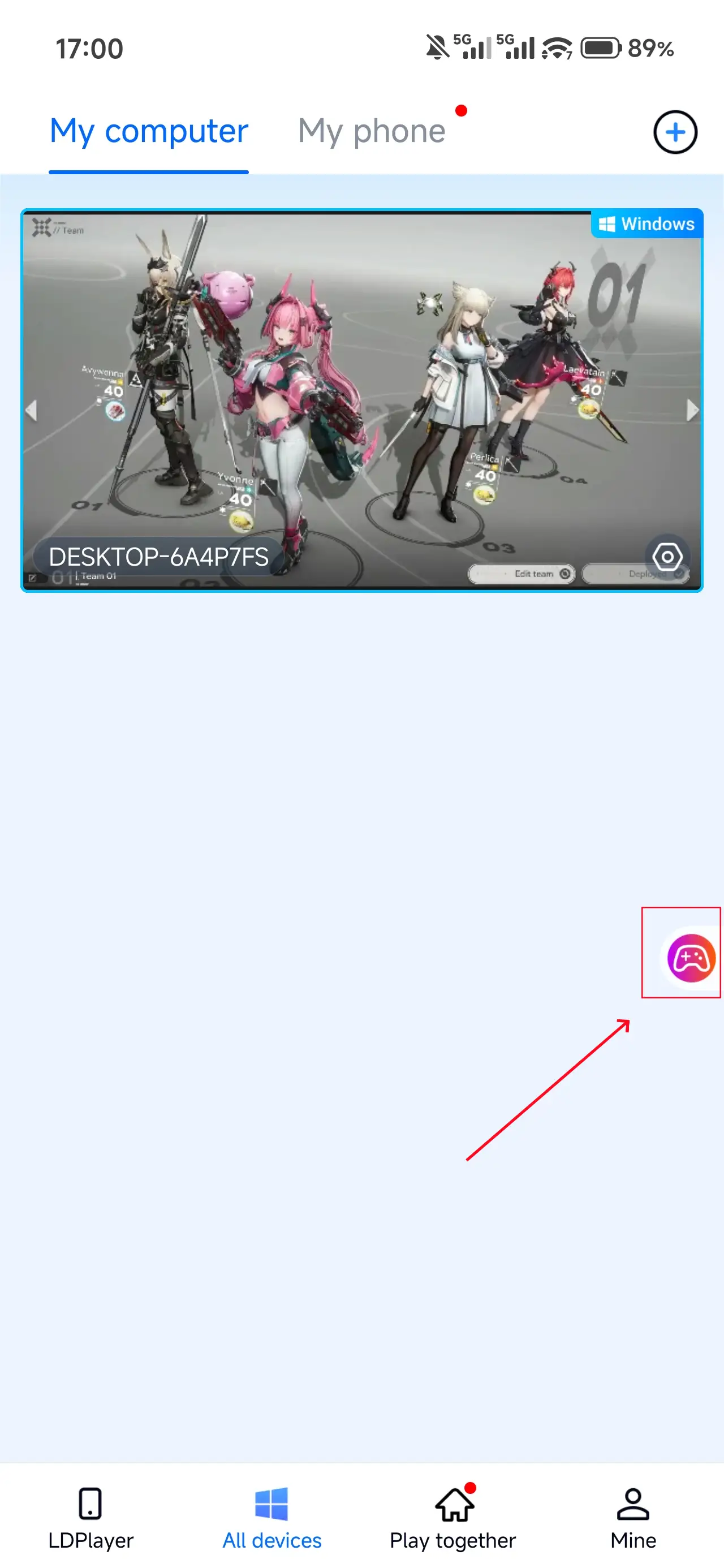
1. Launch the Game
Open Arknights: Endfield on your PC, and the mobile side can connect directly; if Arknights: Endfield hasn't been launched on the PC yet, click the game icon on the mobile side for quick startup.
2. Control Mode
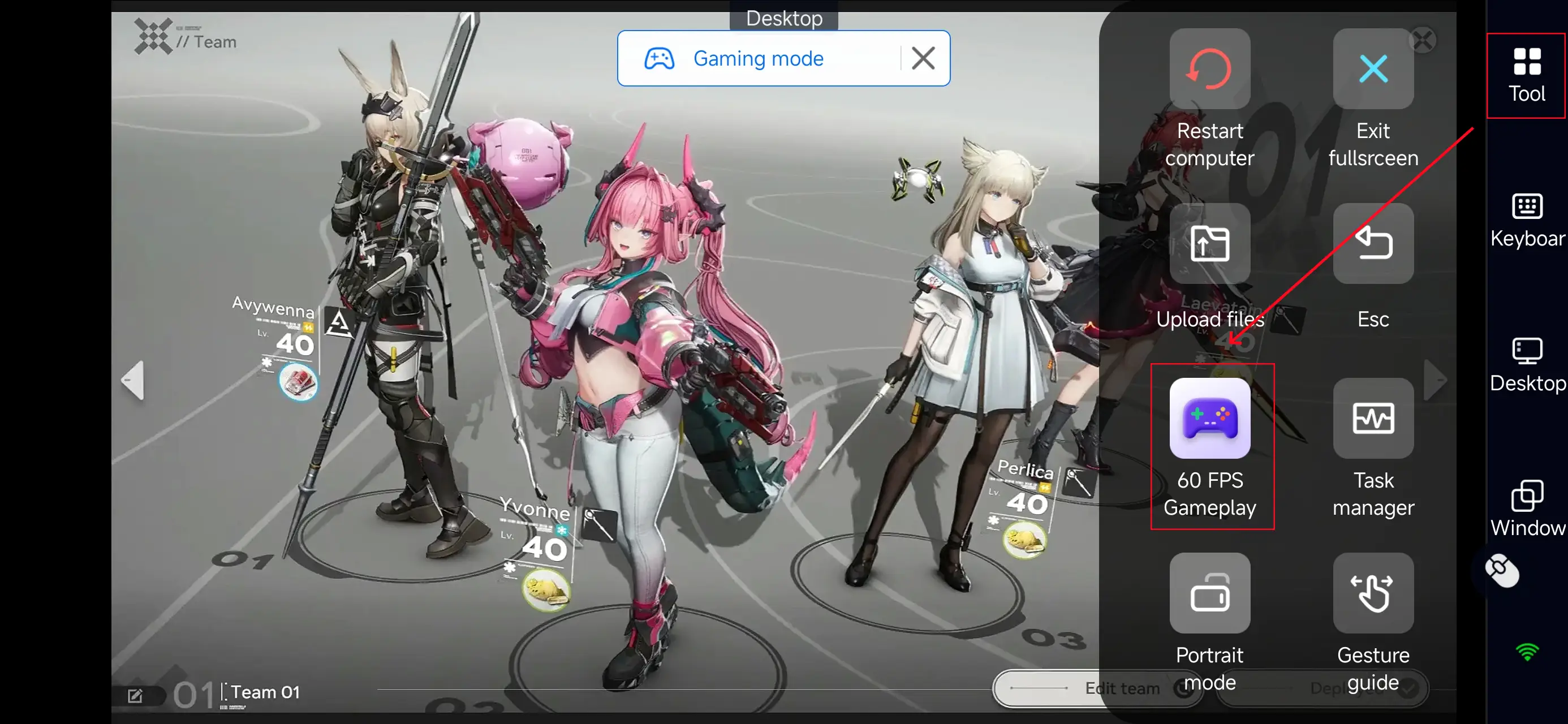
Click the toolbar on the right side of the mobile app, enter "60 FPS Gameplay," and choose key mode or link a controller based on your gaming preferences.
3. Key Selection
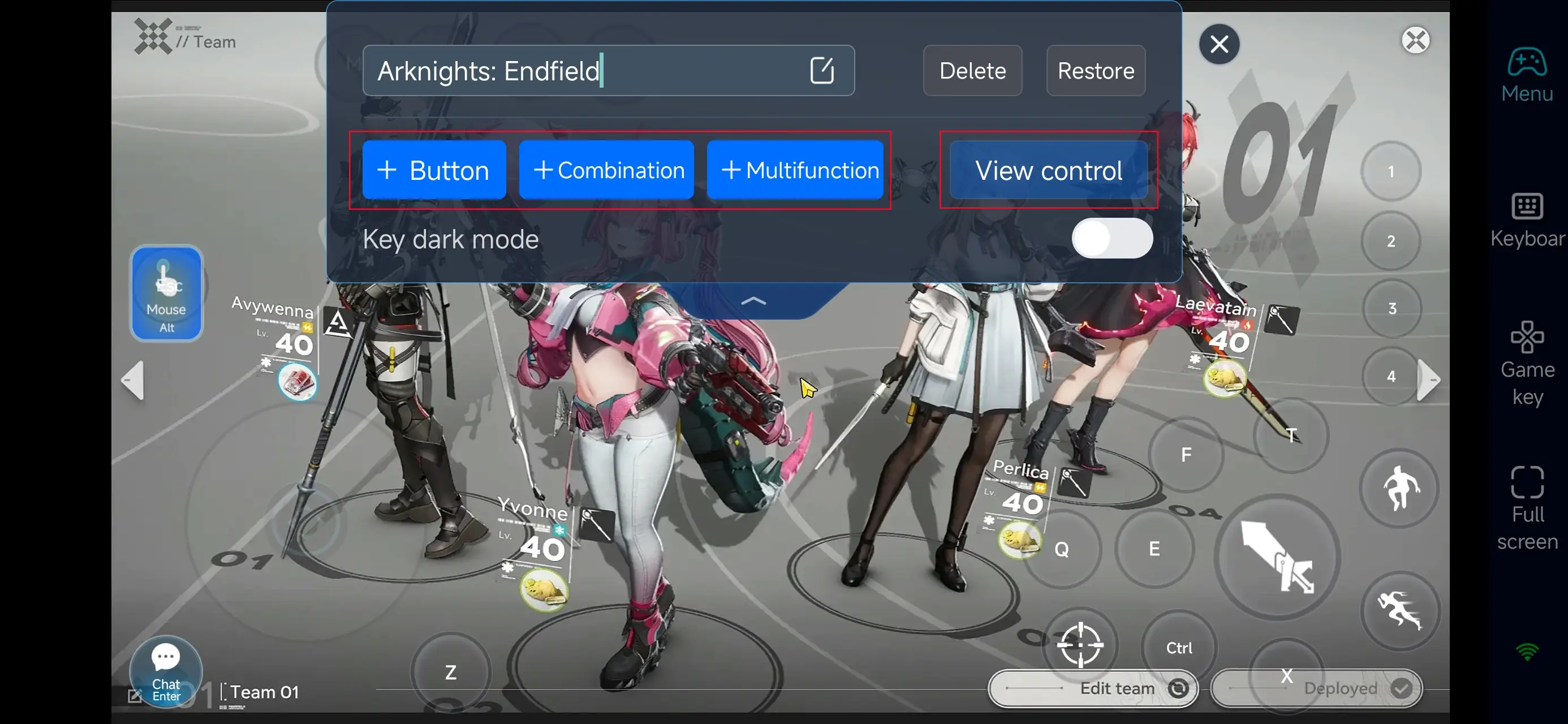
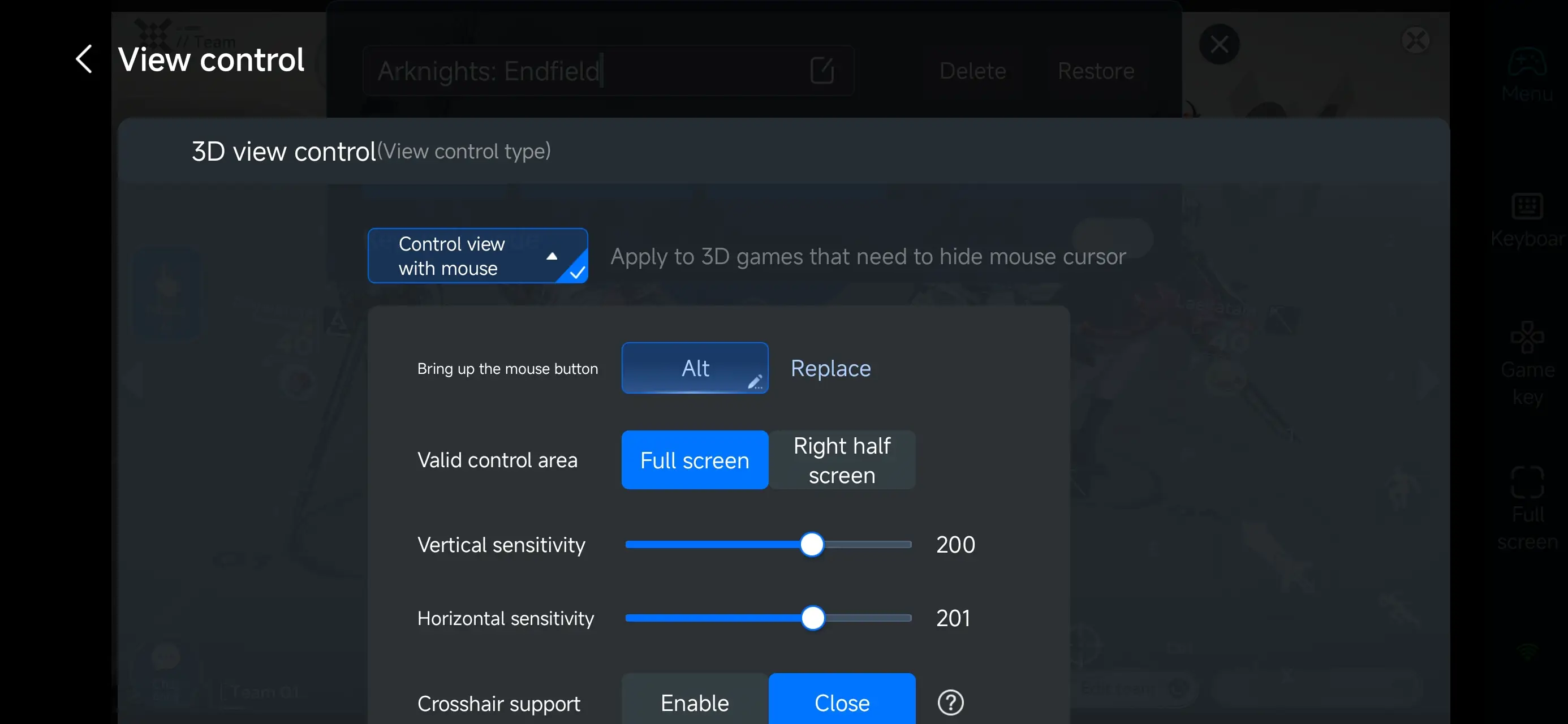
After entering PC game mode, pick pre-configured keys in the “Game Keys” section and adjust camera controls as needed. You can customize keys freely—add, modify, or delete them with adjustable size and transparency. Customize combos and shortcut actions to match Arknights: Endfield’s tactical combat flow.
Step 3: Play Anytime, Anywhere!
Once set up, your phone becomes a portable gateway to Arknights: Endfield. Wherever you are, just open OSLink, connect to your home PC, and continue your mission in Endfield’s devastated world!
Advantages of Using OSLink to Play Arknights: Endfield PC Version on Mobile
1. Break Free from Location Limits
Play the full PC experience on your phone. Perfect for managing base operations, deploying units, or taking part in events anytime, anywhere—even when away from your computer.
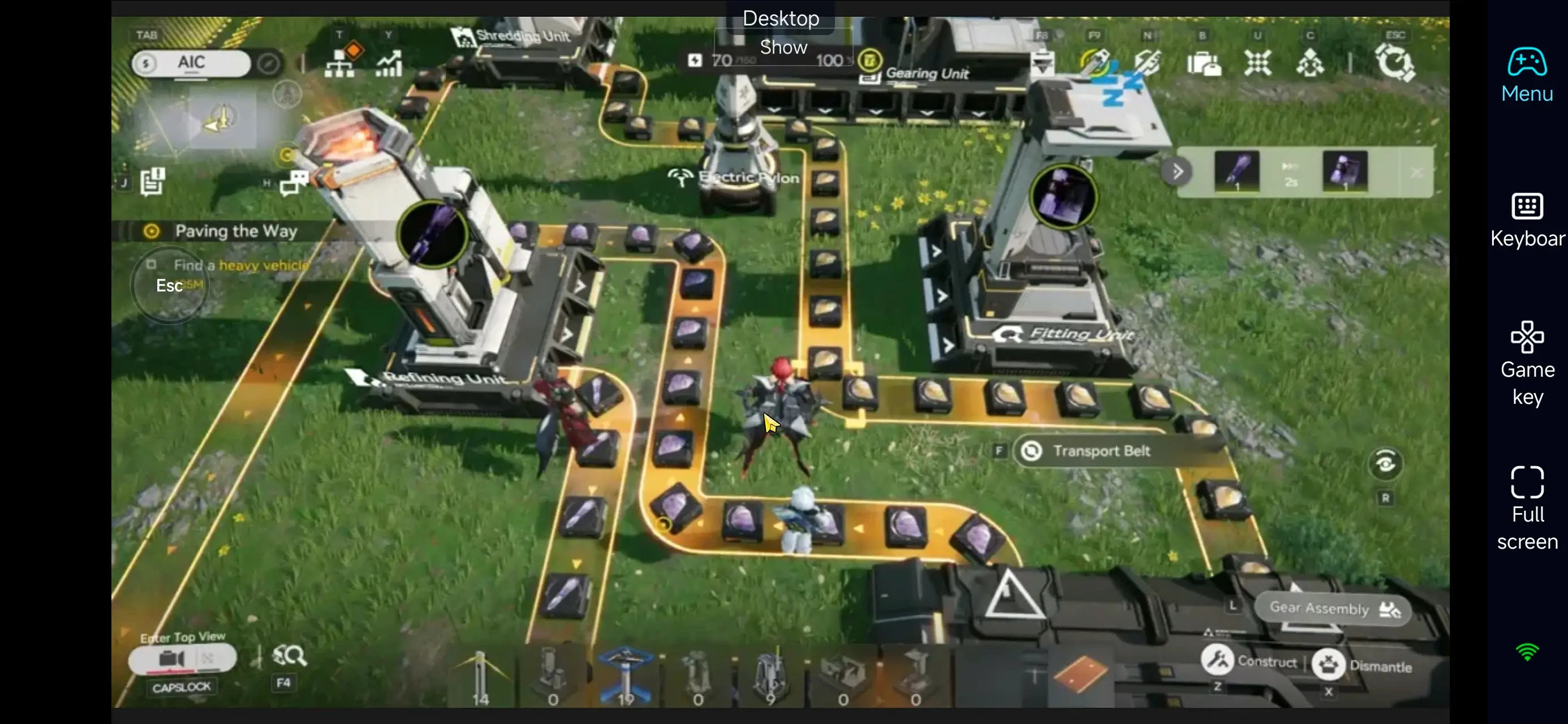
2. Smooth and Responsive Controls
Customizable touch controls perfectly fit Arknights: Endfield’s blend of real-time tactical deployment and action combat. The virtual joystick allows precise unit movement and quick skill activations.
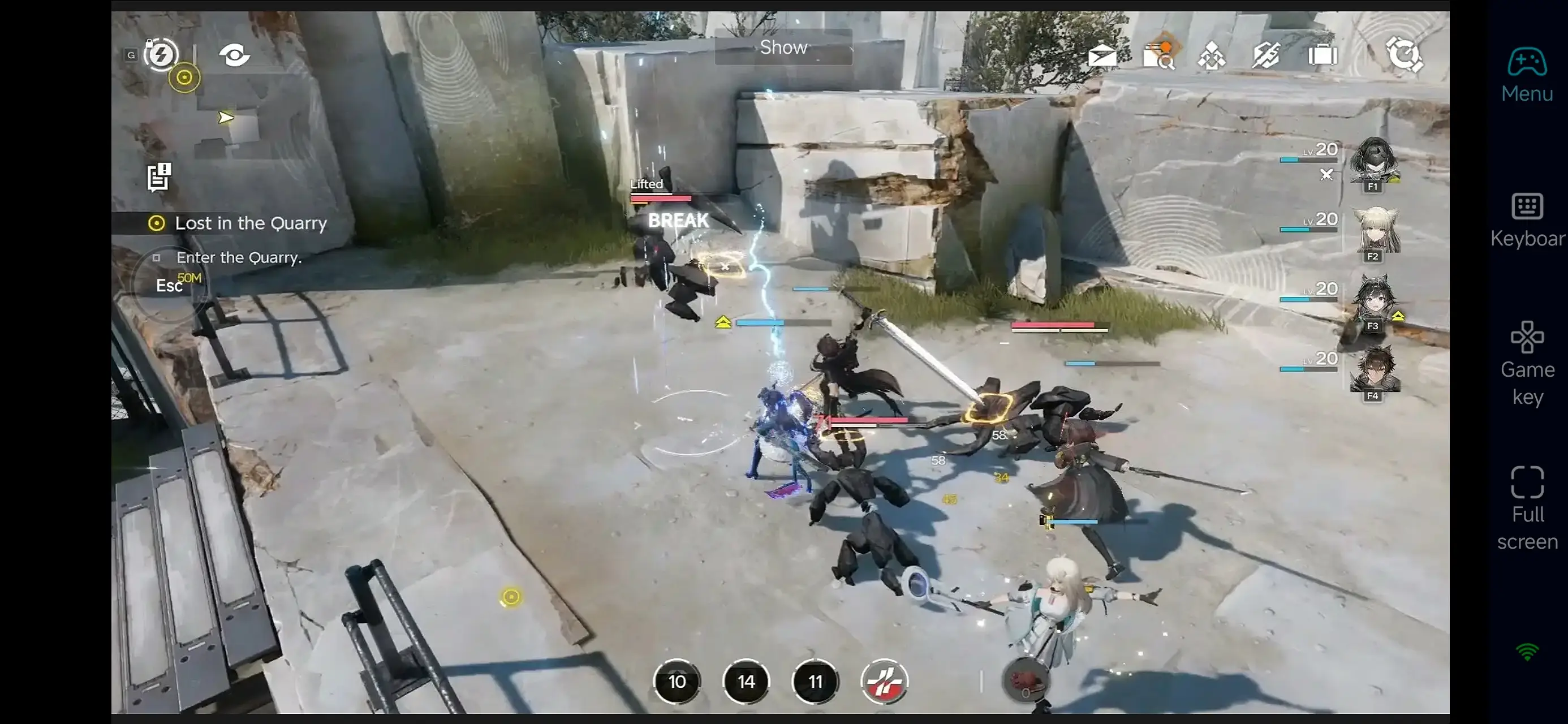
3 .Save Precious Storage Space
OSLink streams the game directly from your PC, so no need to install the large game client on your phone—saving you gigabytes of storage.
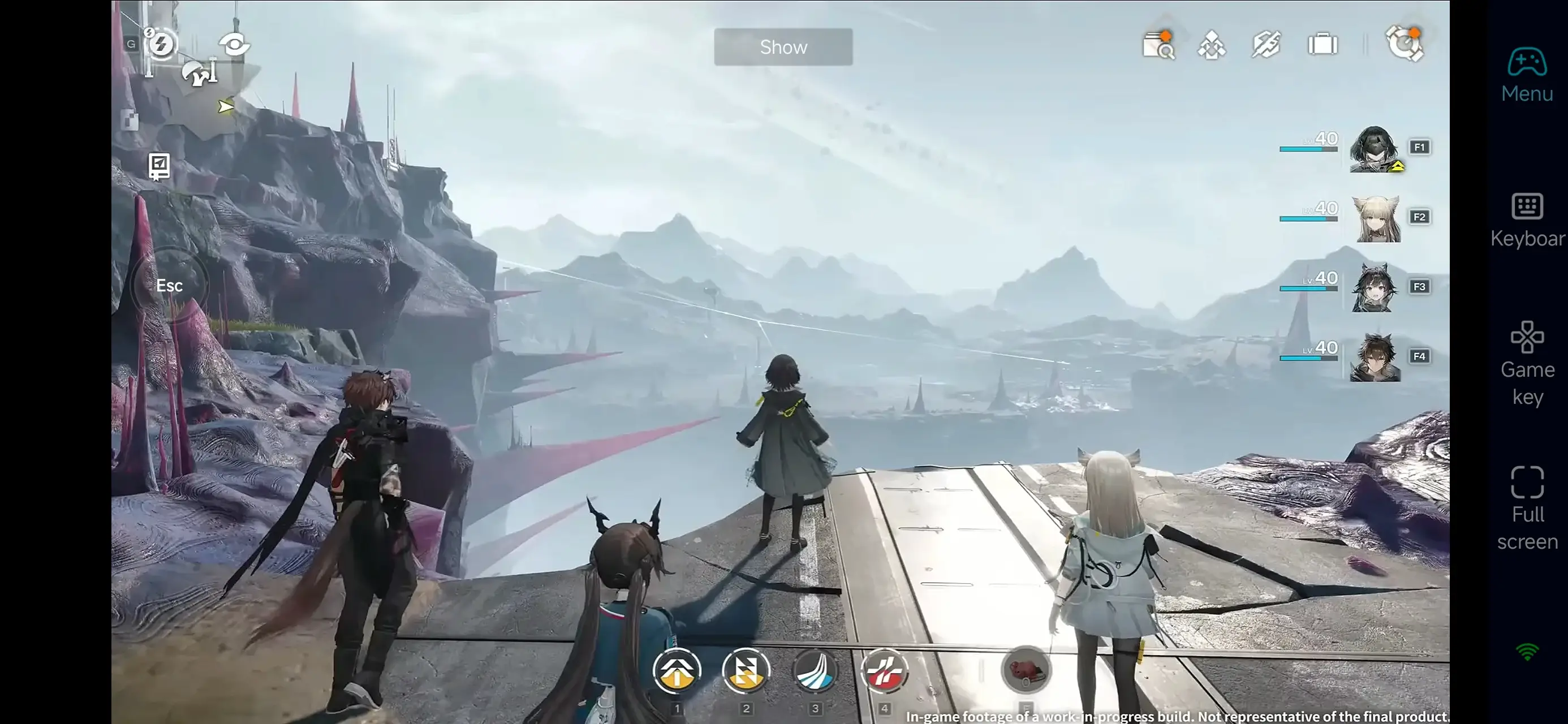
In short, OSLink is more than just a remote control tool—it’s your portable portal to the post-apocalyptic battlefield of Arknights: Endfield. We hope this guide helps you overcome physical barriers and enjoy the game’s depth anytime, anywhere. Good luck on your missions in Endfield!
 Download