English
 As a large-scale MMORPG built with Unreal Engine 5, AION 2 has attracted plenty of attention with its expansive floating environments, faction battles, and dungeon content. However, the game is currently available only on PC, leaving many players looking for a practical way to continue their progress away from their main computer. With a remote streaming tool, you can keep playing on the go. This guide walks you through everything from installing the game and setting up the streaming tool to pairing your devices and adjusting performance options.
If you're looking for a smooth and easy-to-use remote gaming solution, OSLink is worth considering. It can stream the full PC version of AION 2 to your mobile device without modifying the game itself, providing the responsive controls needed for an MMO. You can explore the world, use skills, and take part in dungeon activities directly from your phone.
1. How to Get the AION 2 Game Client
Before you can play through remote streaming, the game client must already be installed and running properly on your computer. AION 2 can be obtained through Steam or NCsoft's official Purple client. Open the platform you use, search for the full game title, complete the required account verification, and download the full client.
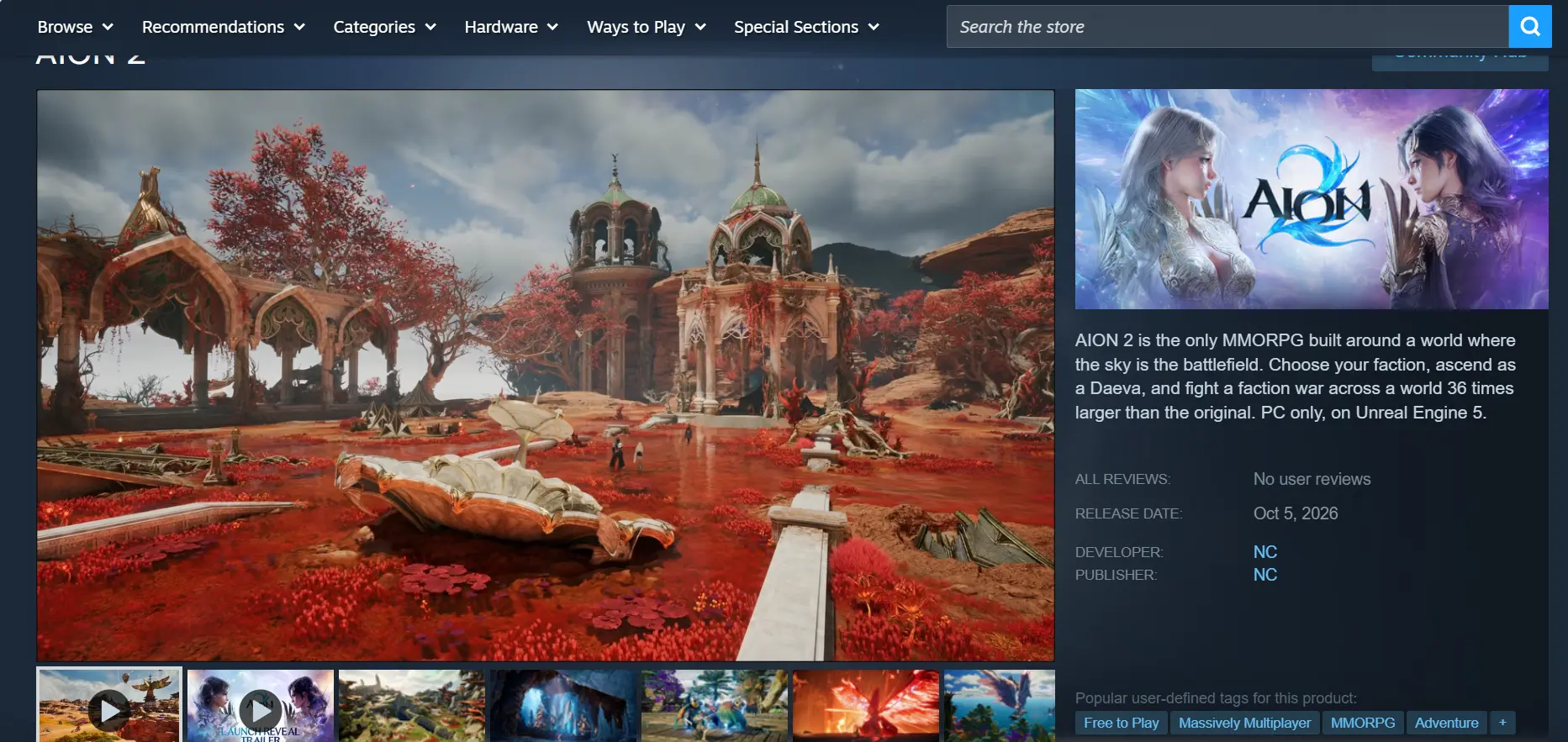
Once the download is complete, launch the game at least once and make sure there are no crashes, graphical glitches, or other issues. After confirming that everything works normally, you can move on to setting up remote streaming. This helps avoid unnecessary troubleshooting later.
2. Set Up OSLink on Your PC and Phone
PC Installation
Open the official OSLink website and download the Windows installer. Follow the installation wizard to complete the setup. After opening the software, sign up for an account or log in to your existing one. Keep OSLink running in the background and do not close the main program window.
Mobile Installation
Android users can download OSLink from Google Play or install the APK from the official website. iOS users can open the App Store and search for the corresponding OSLink app.
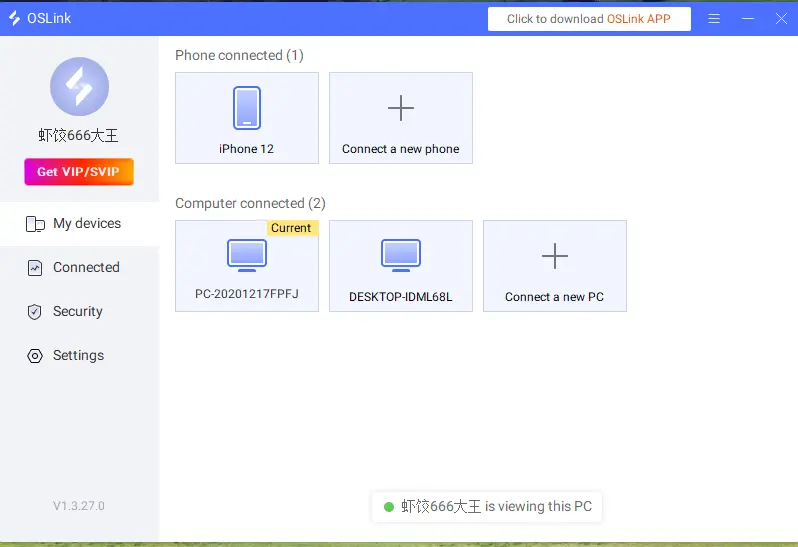
After installation, log in with the exact same account on both your computer and phone. As long as both devices are connected to an accessible network, they will automatically detect each other.
3. How to Launch AION 2 Through OSLink on Your Phone
Step 1
Open Steam or the Purple client on your PC and launch AION 2. Wait until you reach the game's main city screen. Keep the game window running in the foreground and do not minimize it.
Step 2
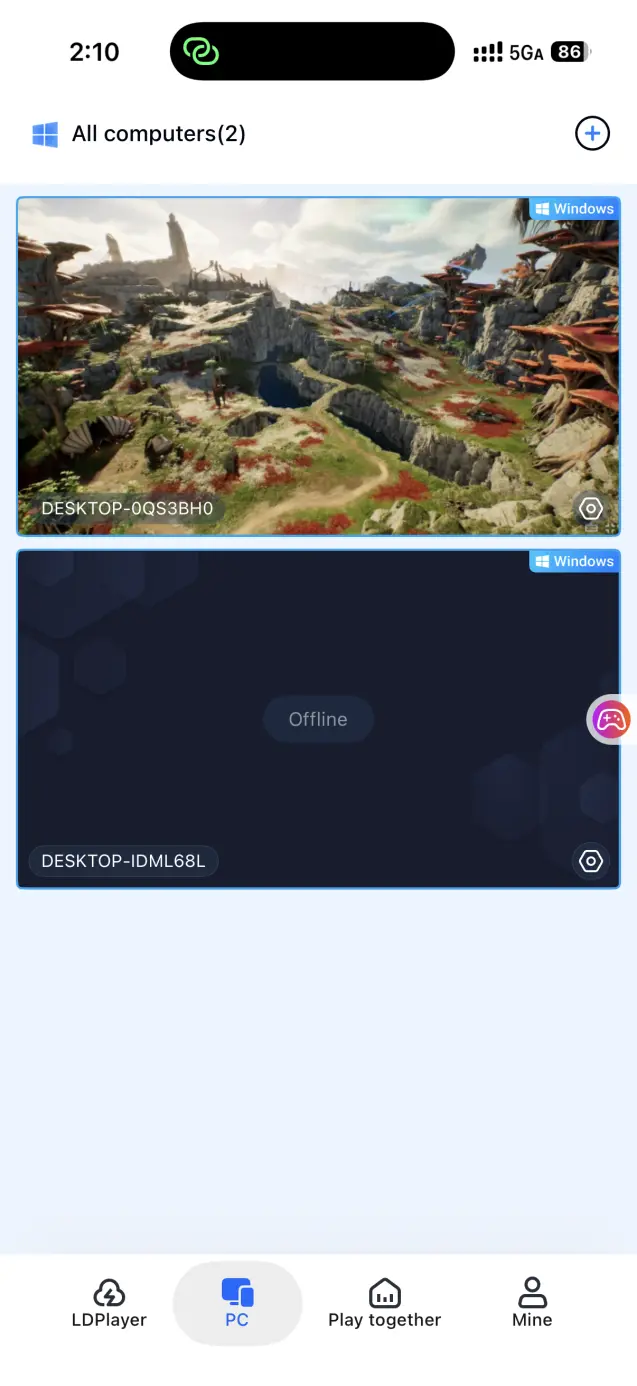
Open the OSLink app on your phone. The device list will show computers that are online under the same account. Tap the target computer to establish the streaming connection.
Step 3
Once the streaming connection is established, open the side toolbar and switch to the dedicated game mode. Load a virtual control layout designed for MMO games, then adjust the button positions to your preference. After confirming that movement, skills, and inventory shortcuts respond correctly, you can control your character from your phone and handle everything from exploration and aerial combat to dungeons and daily quests.
4. Benefits of Playing AION 2 on Mobile
Play Without Being Tied to One Location
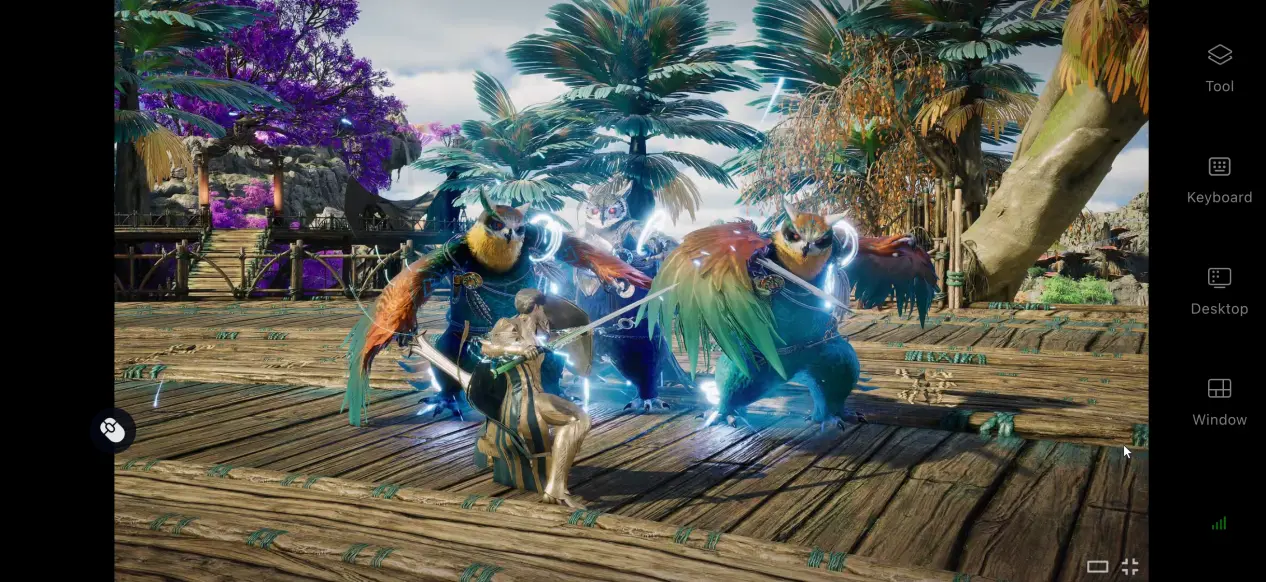
Whether you're commuting, taking a break at work, or traveling for business, you can connect to your home computer whenever your network allows it. Take care of daily quests, join guild activities, and keep making progress without having to stay at your desk.
No Need to Use Your Phone's Storage
The AION 2 client takes up a considerable amount of storage. When you use OSLink for streaming, all game processing takes place on your computer, while the game files remain stored on its hard drive. Even older phones or devices with limited free storage can be used to play without clearing space for the game.
Broad Peripheral Support
OSLink supports external Bluetooth game controllers. Once your phone is paired with a controller, its buttons can be mapped to PC inputs. During long dungeon runs or large-scale faction battles, a controller can provide more consistent handling than touchscreen controls.
5. OSLink Options for Improving Your AION 2 Experience
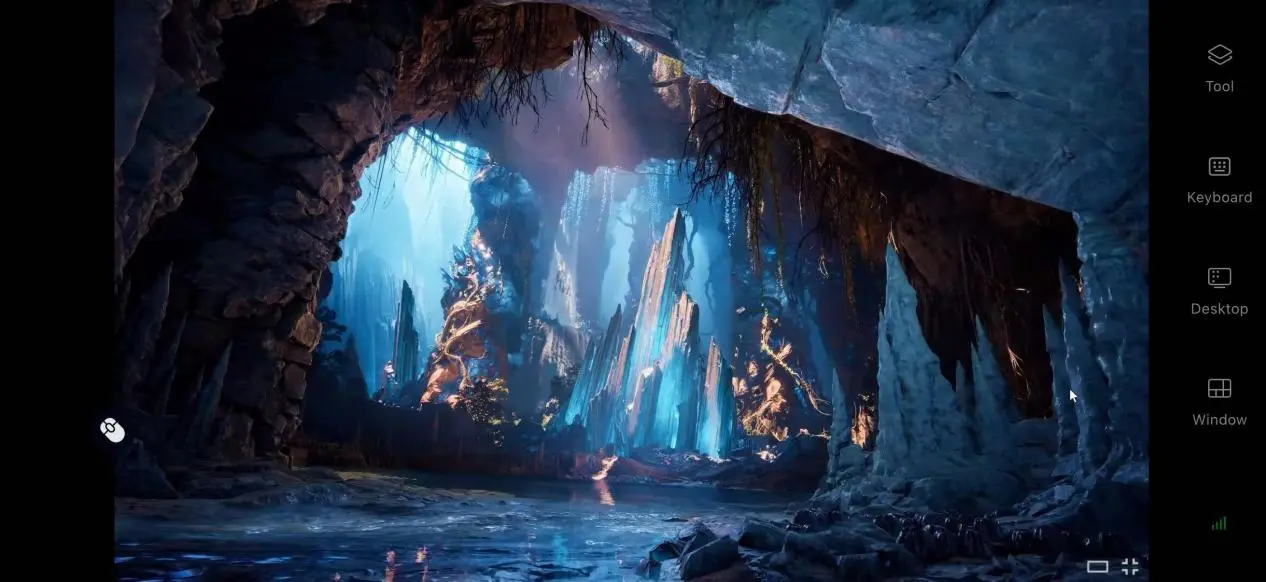
After connecting, you can use the toolbar on the right to adjust various options and make MMO controls more comfortable on a mobile device.
Customize Virtual Touch Controls
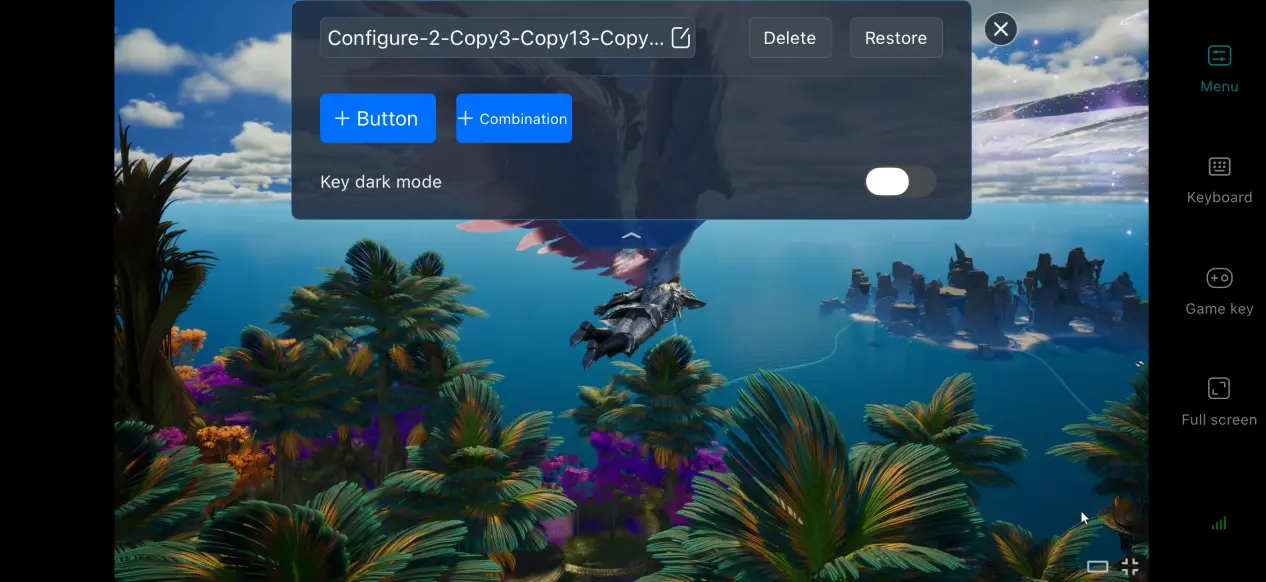
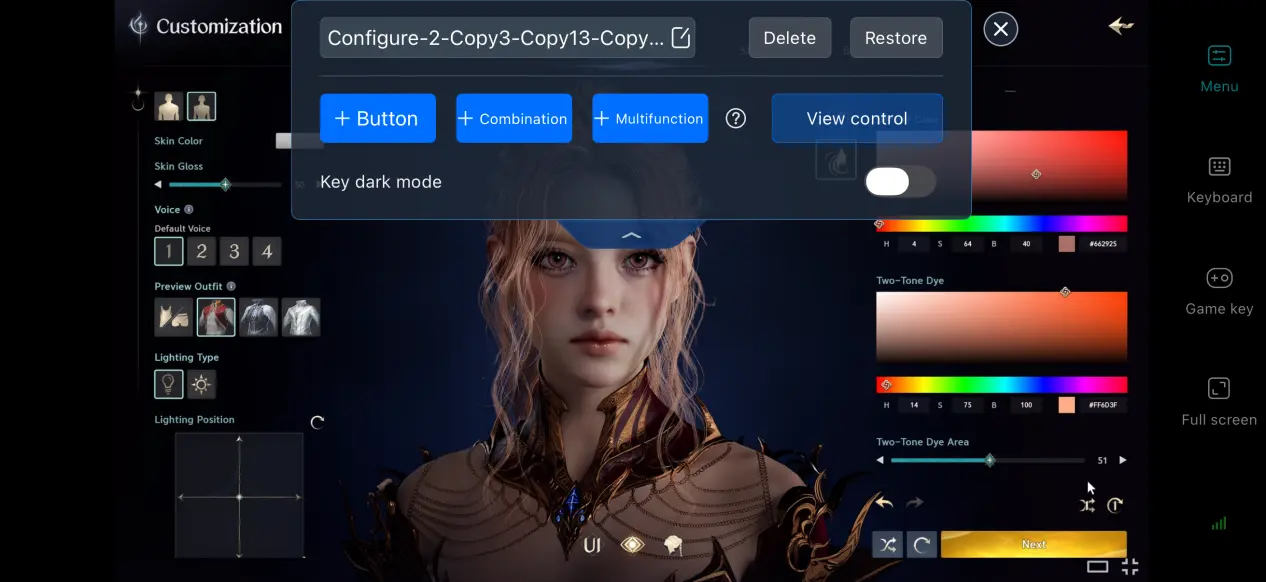
MMOs often require a large number of controls and skill buttons. In OSLink's built-in control editor, you can freely add or remove buttons and adjust their size and transparency. You can also assign a sequence of consecutive skills to a combination key, making multi-button actions easier to manage.
Streaming History
OSLink keeps a record of devices that have connected successfully in the past. The next time you use the app, you can select your computer directly from the history list instead of searching for and pairing with it again. You can also review connection logs. If an unfamiliar device attempts to access your account, you can freeze the connection to help keep your account secure.
Enable 60 FPS PC Game Mode
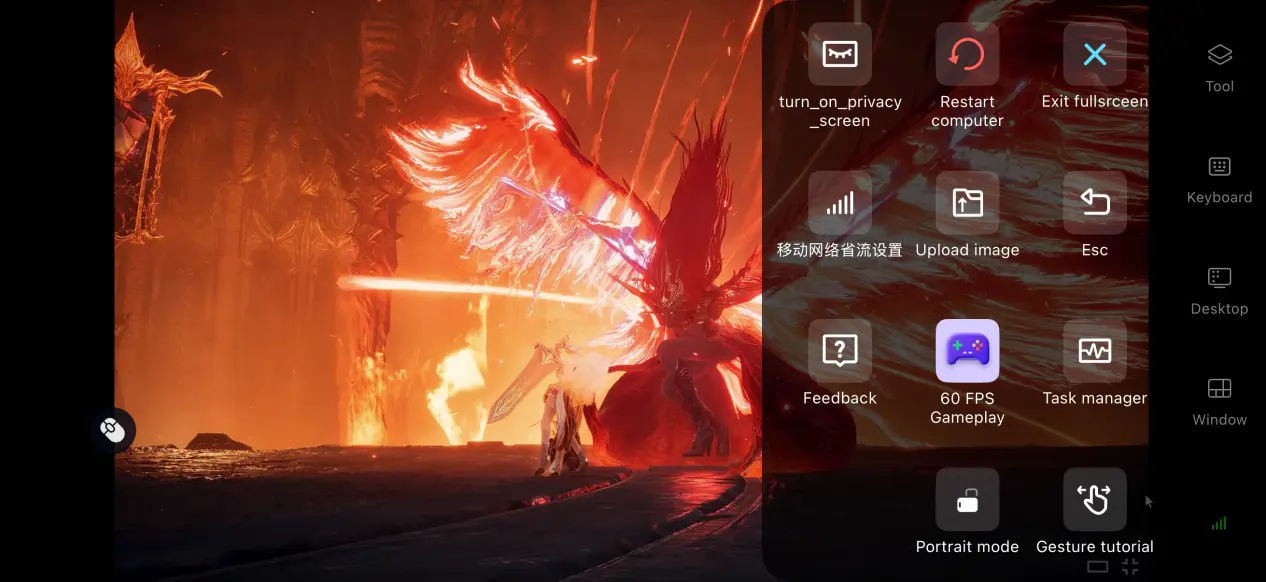
Enable the 60 FPS PC gaming option from the mobile toolbar to optimize streaming for 3D PC games. During large-scale faction battles and scenes with multiple group skills going off at once, this can reduce motion blur and make movement and skill inputs feel more responsive.
Optimize the Screen for Mobile Controls
The screen mapping feature lets you adjust the scale of the remote display and adapt the game's UI to your phone. This helps prevent chat windows, skill bars, and other interface elements from becoming too small on a compact screen, making them easier to read and use.
6. Frequently Asked Questions
Q: What is AION 2 realease time?
A: AION 2 global realease date is October 5, 2026, with Early Access opening on September 30.
Q: What PC hardware is required to run AION 2?
A: Minimum requirements: Windows 10/11 64-bit, 8 GB RAM, GTX 1050 Ti graphics card, Intel i5-10500 processor, and 100 GB of available SSD storage. Recommended requirements: Windows 10/11 64-bit, 16 GB RAM, RTX 2070 graphics card, Intel i7-11700 processor, and more than 100 GB of SSD storage.
Q: Can I install and play AION 2 directly on Android or iOS?
A: There is currently no official native Android or iOS client, so the game cannot be installed and run directly on a phone. Instead, you can use a remote streaming tool such as OSLink to connect to a computer that already has the game installed and play it remotely.
Conclusion
AION 2 is a large-scale PC MMORPG centered around aerial battlefields and faction conflicts. Although there is no official mobile version and the game cannot run directly on mobile devices, OSLink provides a practical remote streaming solution. With it, you can continue your adventure across Atreia without being tied to your PC, whether you're handling daily quests, joining guild dungeons, or taking part in faction battles.
 Download