English
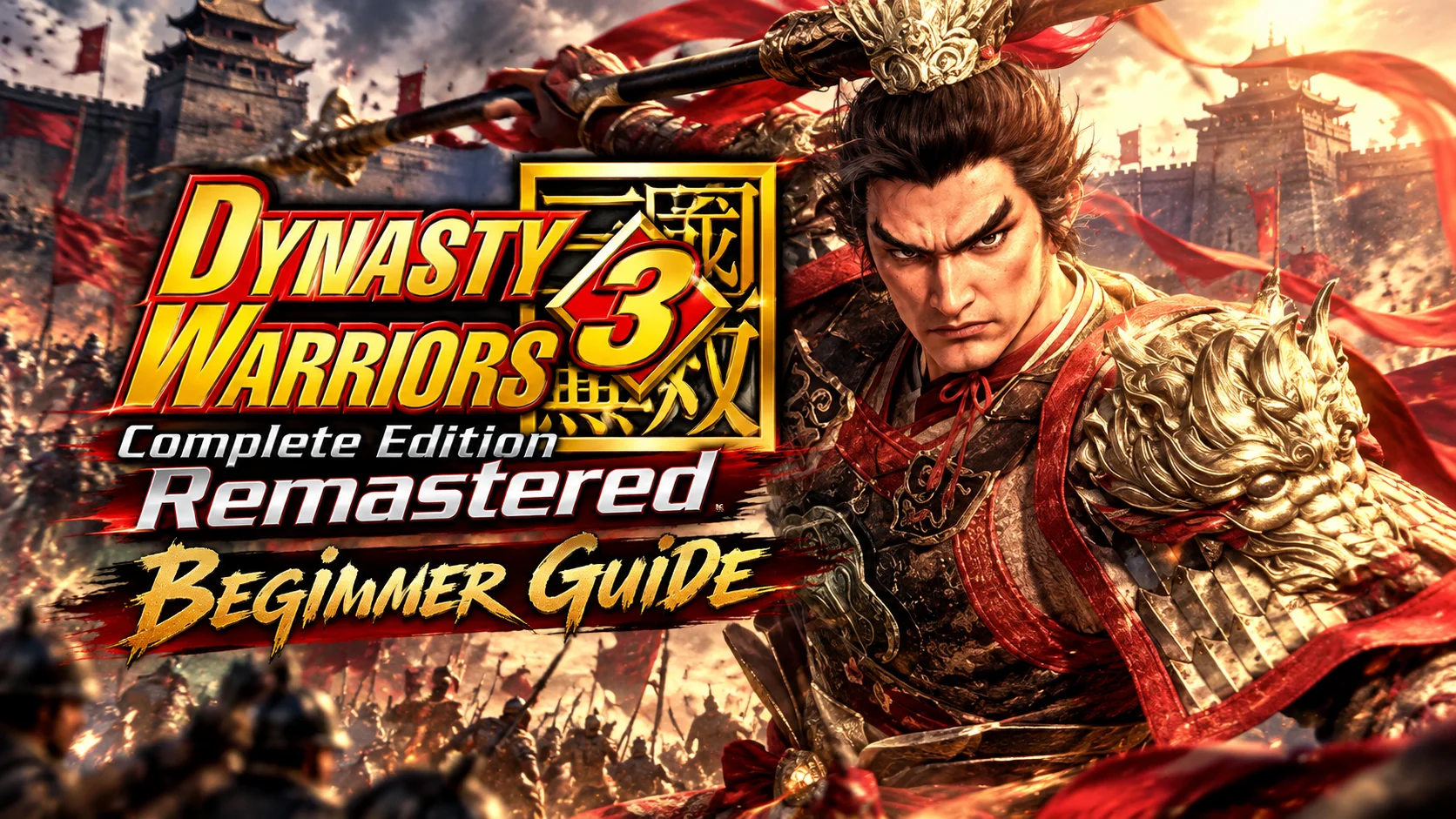
 Want to enjoy the satisfying hack-and-slash action of DYNASTY WARRIORS 3: Complete Edition Remastered on your phone? This guide walks you through a remote streaming setup that lets you break free from your usual gaming setup and enjoy intense battles with legendary warriors wherever you are.
DYNASTY WARRIORS 3: Complete Edition Remastered combines the original game with the Xtreme Legends content in a remastered package, bringing back the classic feel of the early DYNASTY WARRIORS games. It retains the character stories, weapon forging, and challenge modes from the original experience. However, KOEI TECMO has only released the game for consoles and PC via Steam, with no native mobile version available. For players who want to step away from their desks and continue clearing stages or farming powerful weapons during their commute or spare time, this guide covers everything from getting the game and setting up the software to the actual streaming process and gameplay optimization.
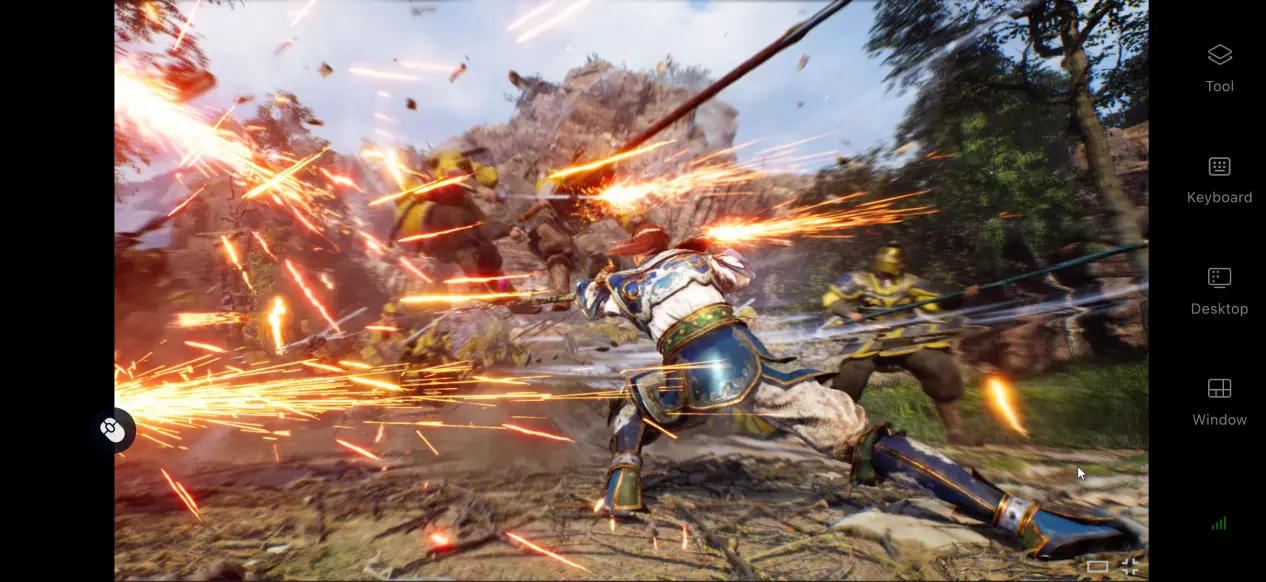
Want to enjoy the DYNASTY WARRIORS experience on your phone? OSLink streams games running on your PC directly to your mobile device. It also includes a dedicated control layout for action games, allowing you to customize frequently used commands such as normal attacks, charged attacks, Musou attacks, and dodge/counter moves. With low input latency, it can maintain smooth controls even during chaotic battles with large numbers of enemies on screen.
1. How to Get DYNASTY WARRIORS 3: Complete Edition Remastered
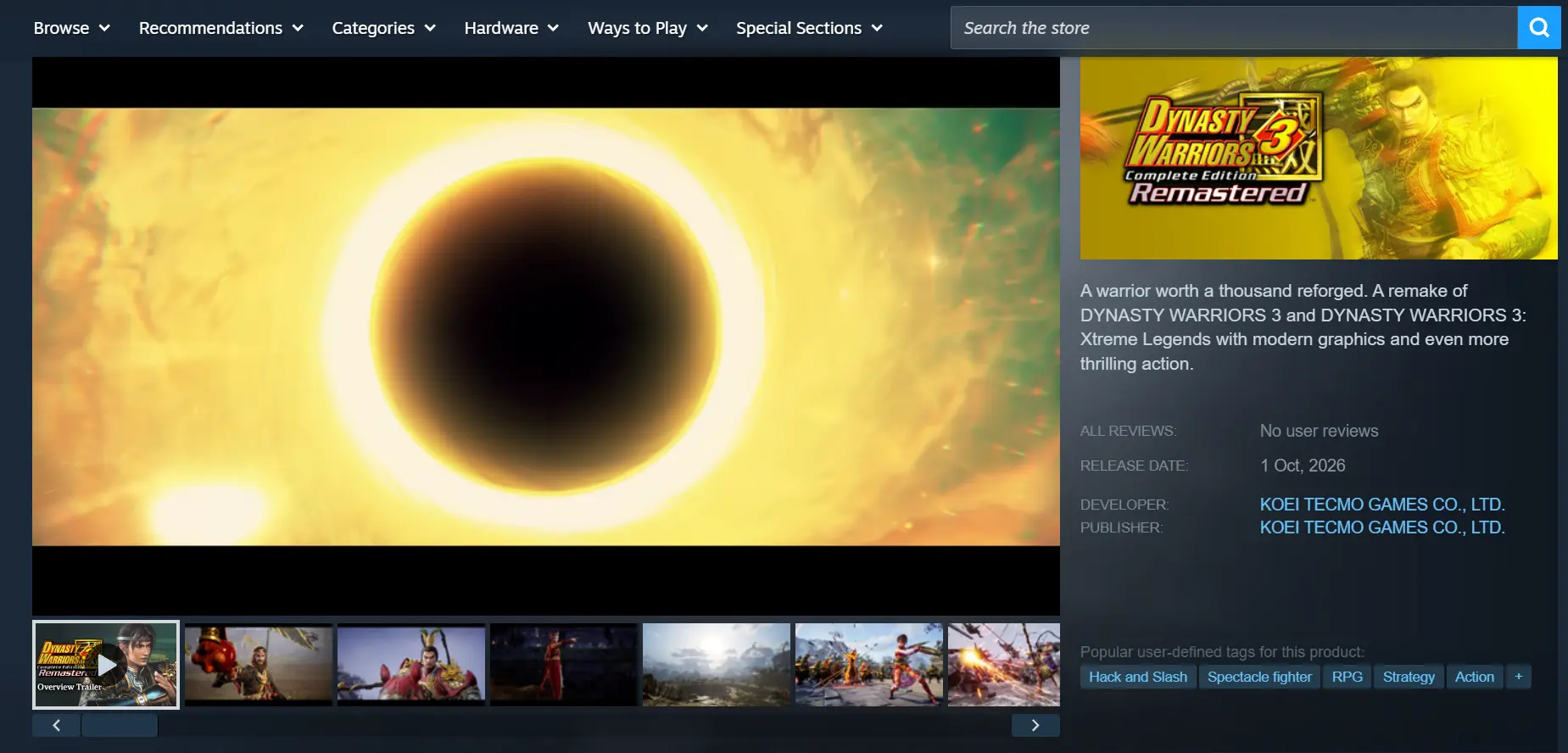
The PC version is available on Steam. Open the Steam client and search for the full game title in the store. After purchasing or pre-ordering the game, go to your game library and download and install it.
Once the download is complete, it is recommended that you launch the game at least once to make sure it runs properly on your PC. Check that stages load normally and that there are no crashes, freezes, or other issues during combat before moving on to the streaming setup.
2. How to Install OSLink on PC and Mobile
PC Setup
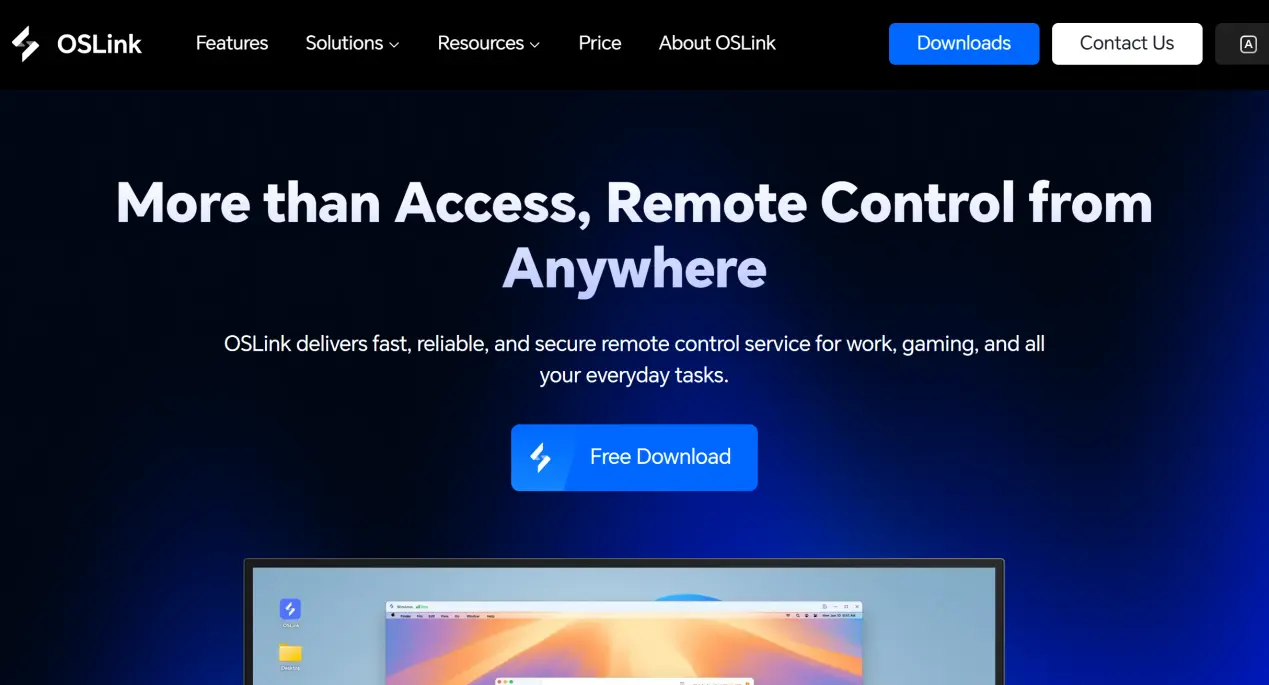
Open a browser and visit the official OSLink website. Download the Windows installer, complete the installation, then launch the software, create an account, and sign in.
OSLink needs to remain running in the background. It is recommended that you open your system power settings and disable automatic sleep and your network adapter's power-saving settings. This helps prevent the network connection from being interrupted while the computer is idle, allowing your phone to connect whenever needed.
Mobile Setup
Android users can search for OSLink in the official app store or visit the official website to download and manually install the app.
iOS users can open the App Store and search for the corresponding OSLink client to download it.
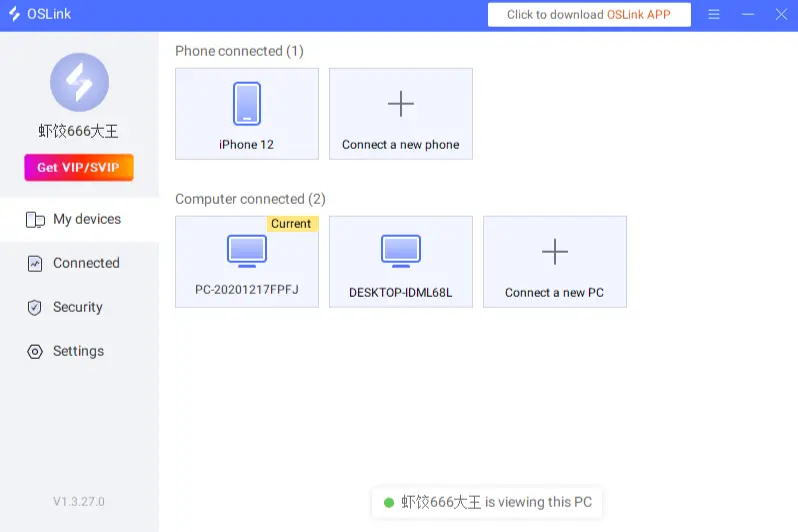
Note: The account signed in on your phone must be the same account used on your PC. OSLink automatically detects all online devices under the same account. Whether you are connected through a local network or the internet, the devices can pair automatically without requiring you to enter a device ID manually.
3. How to Run DYNASTY WARRIORS 3: Complete Edition Remastered on Mobile with OSLink
Step 1
Make sure OSLink is running in the background on your PC. Launch Steam and open DYNASTY WARRIORS 3: Complete Edition Remastered. Stay on the stage selection screen or battle preparation screen, and keep the game window active. Do not minimize it.
Step 2
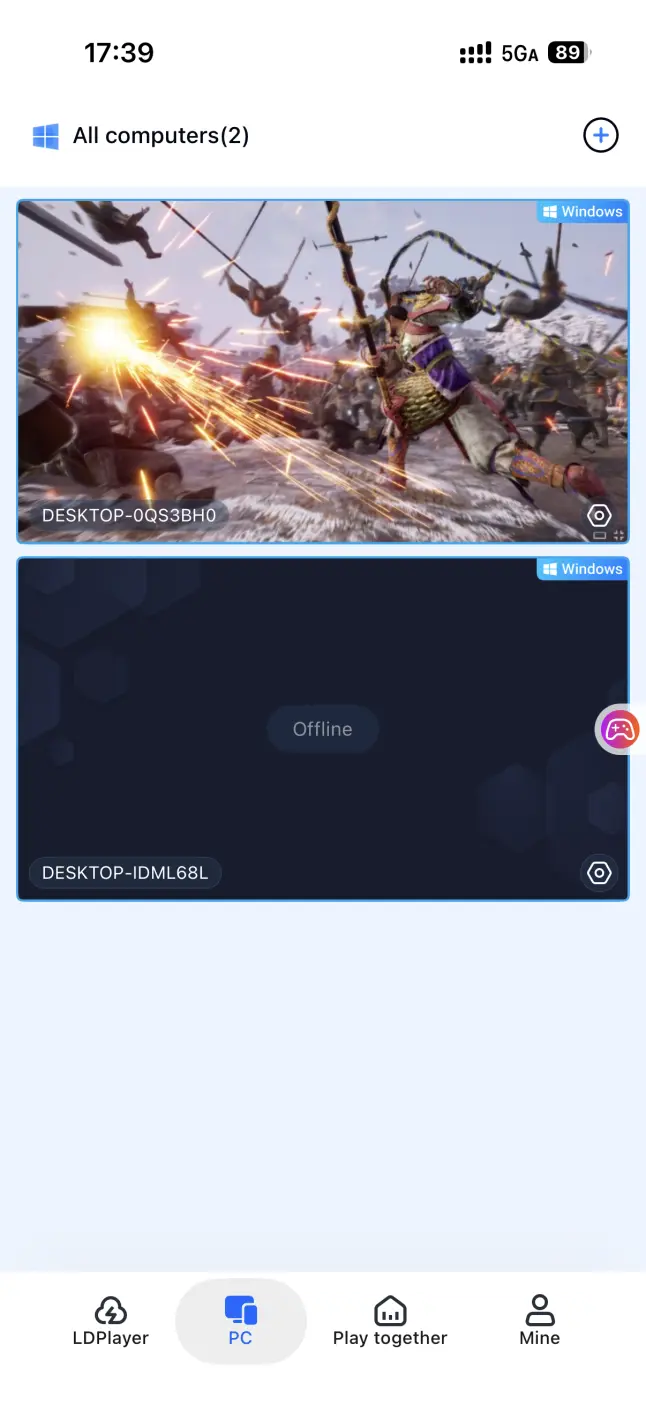
Open the OSLink client on your phone. The device list will show the PCs currently online under your account. Tap the target PC to establish the game streaming connection.
Step 3
Once the streaming connection is established, open the side toolbar and switch to the dedicated action-game mode. Load the preset virtual control layout for DYNASTY WARRIORS-style games. After making any necessary adjustments to the button positions, you can use your phone to move your warrior, perform normal attacks, unleash Musou attacks, switch bodyguards, and progress through different battle stages.
4. Benefits of Playing DYNASTY WARRIORS 3: Complete Edition Remastered on Mobile
Play Anytime, Anywhere
Console and PC games are often tied to a desk or fixed gaming setup. With OSLink streaming, however, your PC only needs to stay powered on and connected to the internet. Your phone can then connect through home Wi-Fi or a mobile network while you are out. Whether you are waiting somewhere or traveling a short distance, you can pick up your existing save, farm weapons, and clear side battles during small gaps in your day. This makes it easier to fit your gaming sessions into your everyday schedule.
Support for Multiple Types of Controllers
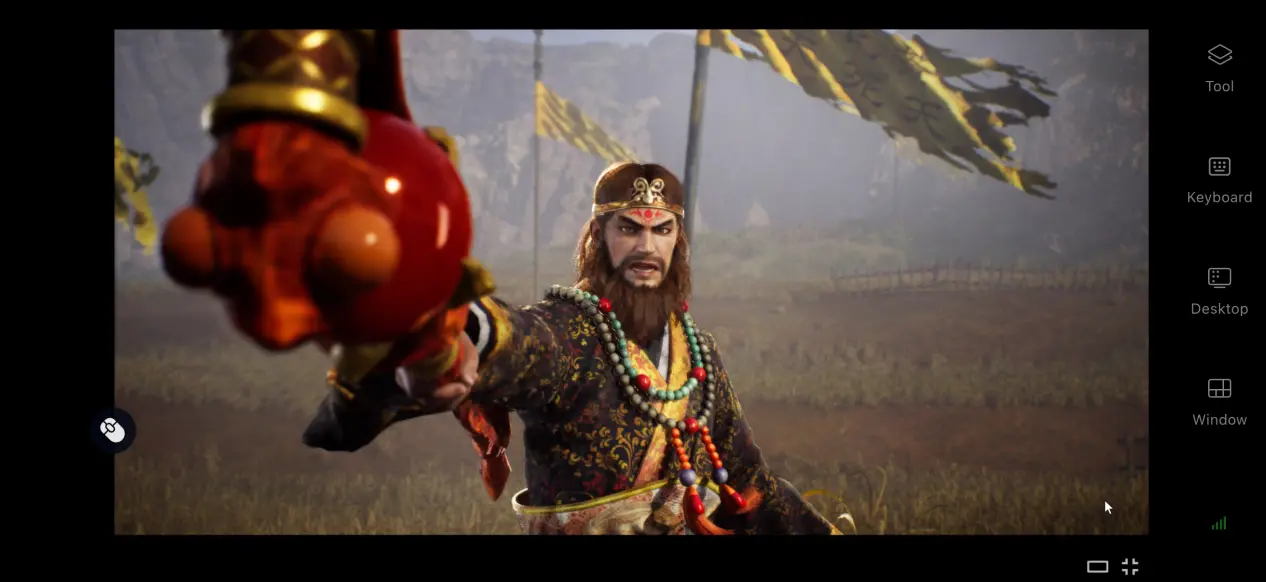
OSLink supports mainstream wired and Bluetooth game controllers. Once a controller is connected to your phone, OSLink can automatically adapt the control layout to the controller. Physical buttons make combat easier to control and reduce accidental inputs on the touchscreen, making long farming sessions and repeated attempts at difficult battles more comfortable.
No Need to Use Your Phone's Local Storage
All game assets, files, and save data remain stored on the PC. Your phone only receives the streamed video and sends control inputs back to the computer. Even older phones with limited storage or weaker hardware can still be used to play without having to clear space for a large game installation.
5. How to Optimize Your OSLink Gaming Experience
Enable the High-FPS Game Mode
Turn on the dedicated 60 FPS PC game mode. OSLink will adjust its video encoding process to help reduce motion blur during intense battles with large numbers of enemies and chains of attacks. It also shortens the response time for commands sent from your phone to the PC, making combos, dodges, and Musou attacks feel more responsive.
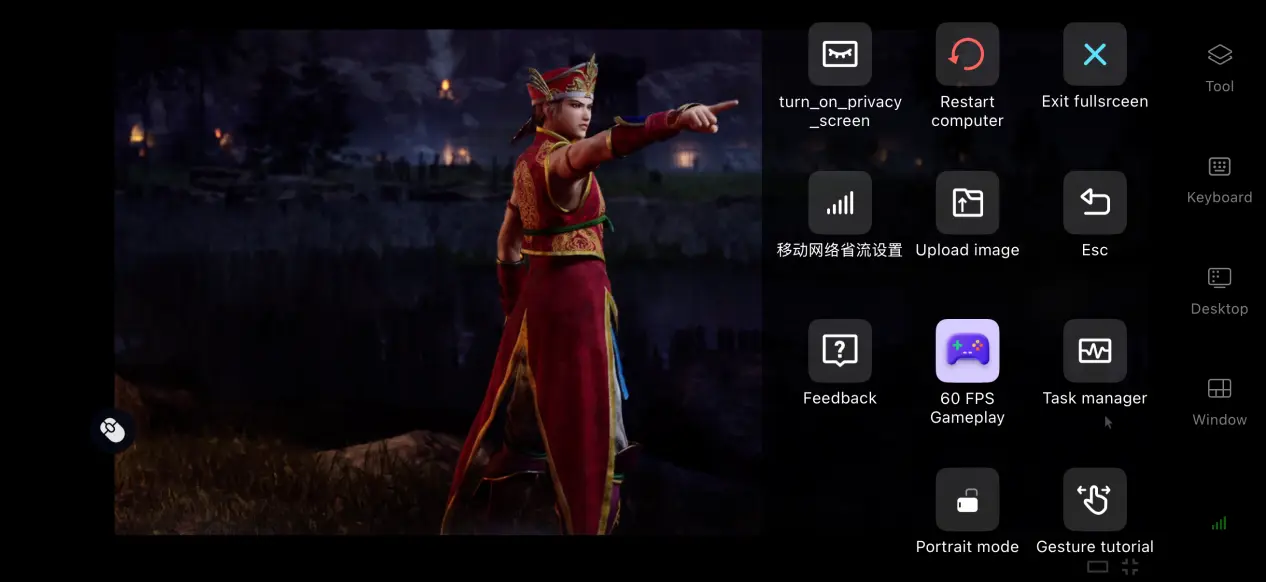
Streaming History
OSLink automatically keeps a record of previously established streaming sessions, so you do not have to search for your target PC every time. Simply select it from your history to reconnect quickly.
If an unfamiliar device attempts to access your PC, you can immediately disconnect the external connection to help protect your local game saves and account information.
Fully Customizable Controls
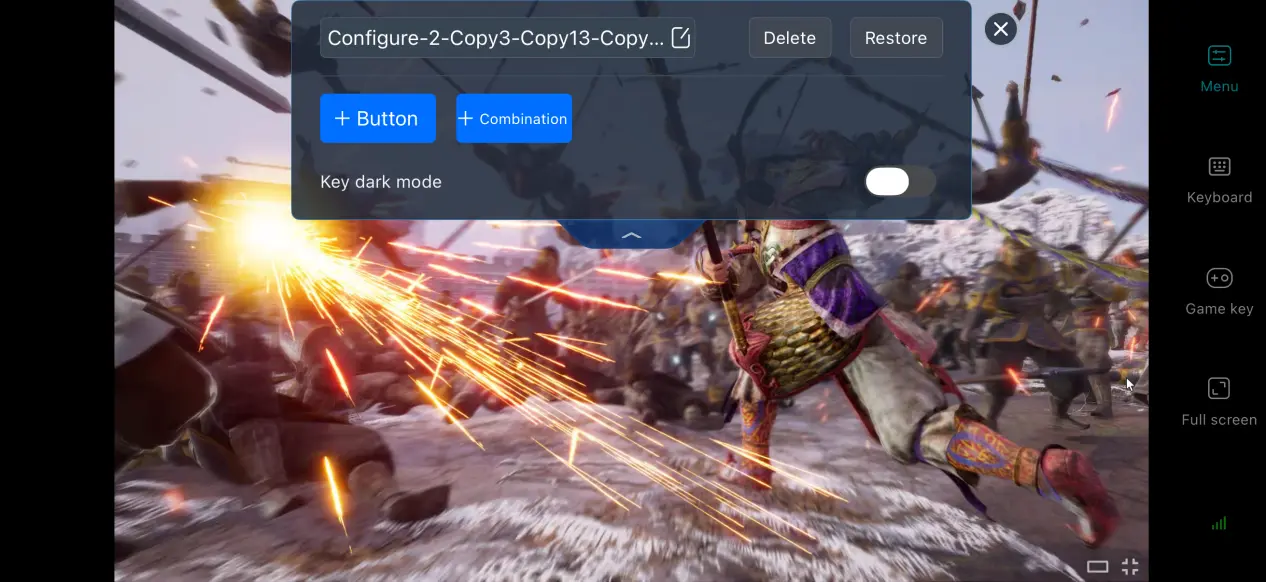
OSLink provides full control over virtual button settings. You can freely add or remove touchscreen buttons and customize their size, transparency, and position. For the frequently used actions in this game, you can place commands such as calling your horse, using Musou attacks, guarding, and dodging within easy reach of your thumbs. You can also save multiple control layouts and quickly switch between them when farming equipment or taking on difficult enemies.
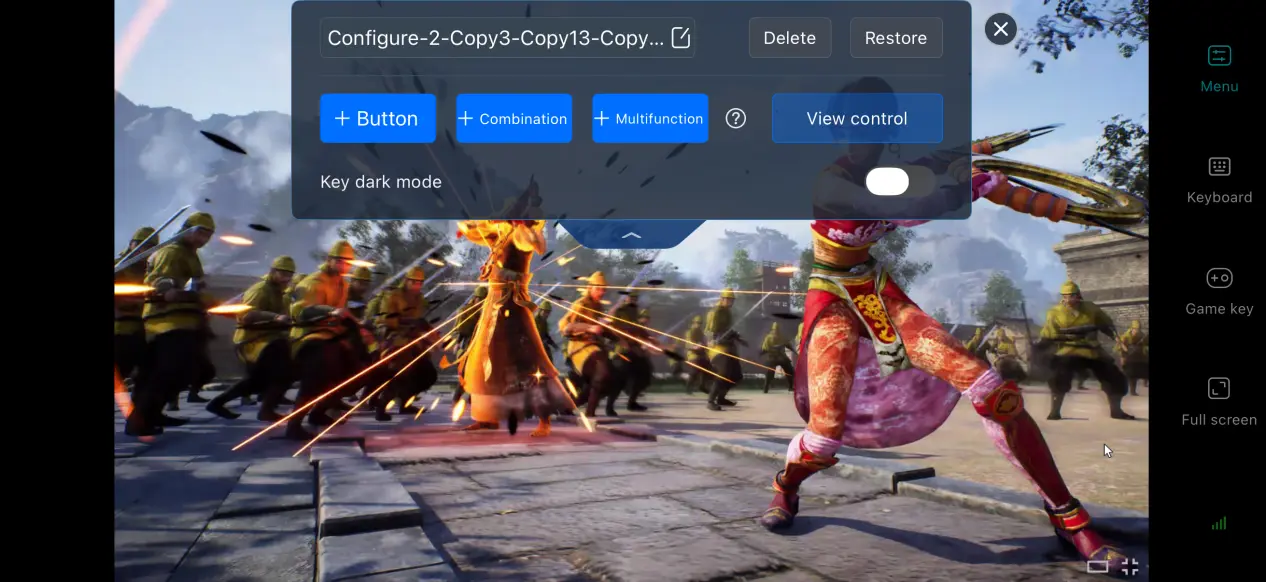
Mobile Screen Mapping
You can enable full-screen display on your phone with a single tap, hiding the system status bar and gesture controls so the game fills the entire screen. If the PC game's resolution does not match your phone's aspect ratio, you can choose automatic scaling in the settings or keep the original aspect ratio with black bars. This helps prevent characters and the user interface from appearing stretched or distorted.
6. Frequently Asked Questions
Q: What is DYNASTY WARRIORS 3: Complete Edition Remastered release time?
A: DYNASTY WARRIORS 3: Complete Edition Remastered release date is October 1, 2026. The PC version will be available on Steam, but there is no native mobile client.
Q: What are the PC system requirements for DYNASTY WARRIORS 3: Complete Edition Remastered?
A: Minimum requirements: 64-bit Windows 10, a basic quad-core processor, 16 GB of RAM, DirectX 12 support, and 60 GB of available storage. Recommended requirements: Windows 10/11, an i7-10700K or equivalent or better processor, 16 GB of RAM or more, and installation on an SSD to improve battle loading times.
Q: Can I play DYNASTY WARRIORS 3: Complete Edition Remastered on an iOS or Android device?
A: The game does not have a native iOS version. iOS devices can only play it through OSLink's remote streaming connection to a PC. The game itself cannot be downloaded and run directly on an iPhone.
Summary
Although DYNASTY WARRIORS 3: Complete Edition Remastered does not have a native mobile version, OSLink provides a practical remote streaming solution for players who want to step away from their PC and enjoy its classic one-versus-many combat during their spare time.
With this setup, the PC handles all game rendering and processing, while the phone serves as the display and control device. The game files themselves remain untouched throughout the process. With remote streaming, you are no longer tied to a fixed gaming setup and can continue your game from more places while enjoying the fast-paced combat that makes the classic DYNASTY WARRIORS experience so enjoyable.
 Download