English
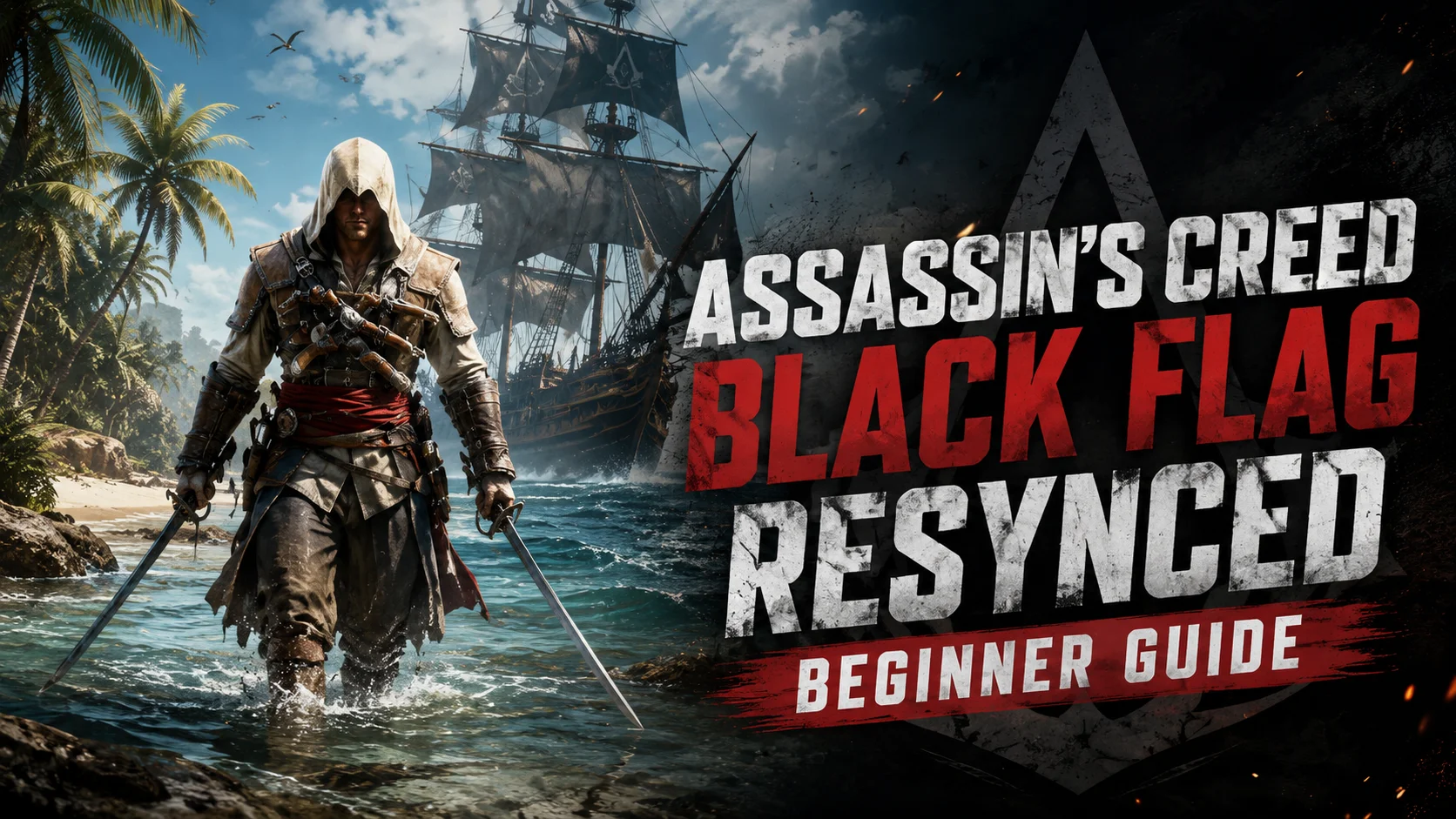
 The newly remastered Assassin’s Creed Black Flag Resynced boasts rebuilt lighting effects, expanded ocean exploration areas, and refined naval combat mechanics, making it one of the most popular open-world pirate games recently. However, Ubisoft only released official PC and console versions with no native mobile version, so players can’t pick up their saved progress while out and about. This guide breaks down a stable, easy-to-follow remote play solution, covering everything from installing the game on your PC and pairing devices for cross-platform streaming to tweaking visual and control settings. No advanced networking knowledge required—even new players can quickly set up a mobile play environment and dive back into Caribbean pirate adventures whenever they have free time.
1. PC Deployment Requirements for Assassin’s Creed Black Flag Resynced
Official Channels to Purchase and Download the Game
You can buy the PC version of Assassin’s Creed Black Flag Resynced via Ubisoft Store, Steam or Epic Games Store. After completing your purchase, download the game through the corresponding platform’s launcher. We recommend installing the game to a file path with only English characters to avoid abnormal crashes during launch.
Hardware Performance Standards
Minimum specs for steady 30 FPS gameplay at 1080p low graphics settings: CPU i7-8700K / R5 3600, GTX 1660 6GB graphics card, 16GB dual-channel memory. Recommended specs for smooth 60 FPS gameplay at 1080p medium-high graphics settings: RTX 3060 graphics card paired with 16GB of dual-channel memory. For 2K high graphics settings with ray tracing enabled, an RTX 3080 tier graphics card is required alongside at least 16GB memory. Windows 10 or Windows 11 64-bit operating system is a mandatory requirement.
2. Install and Pair OSLink on PC and Mobile Devices
PC-Side OSLink Installation Steps
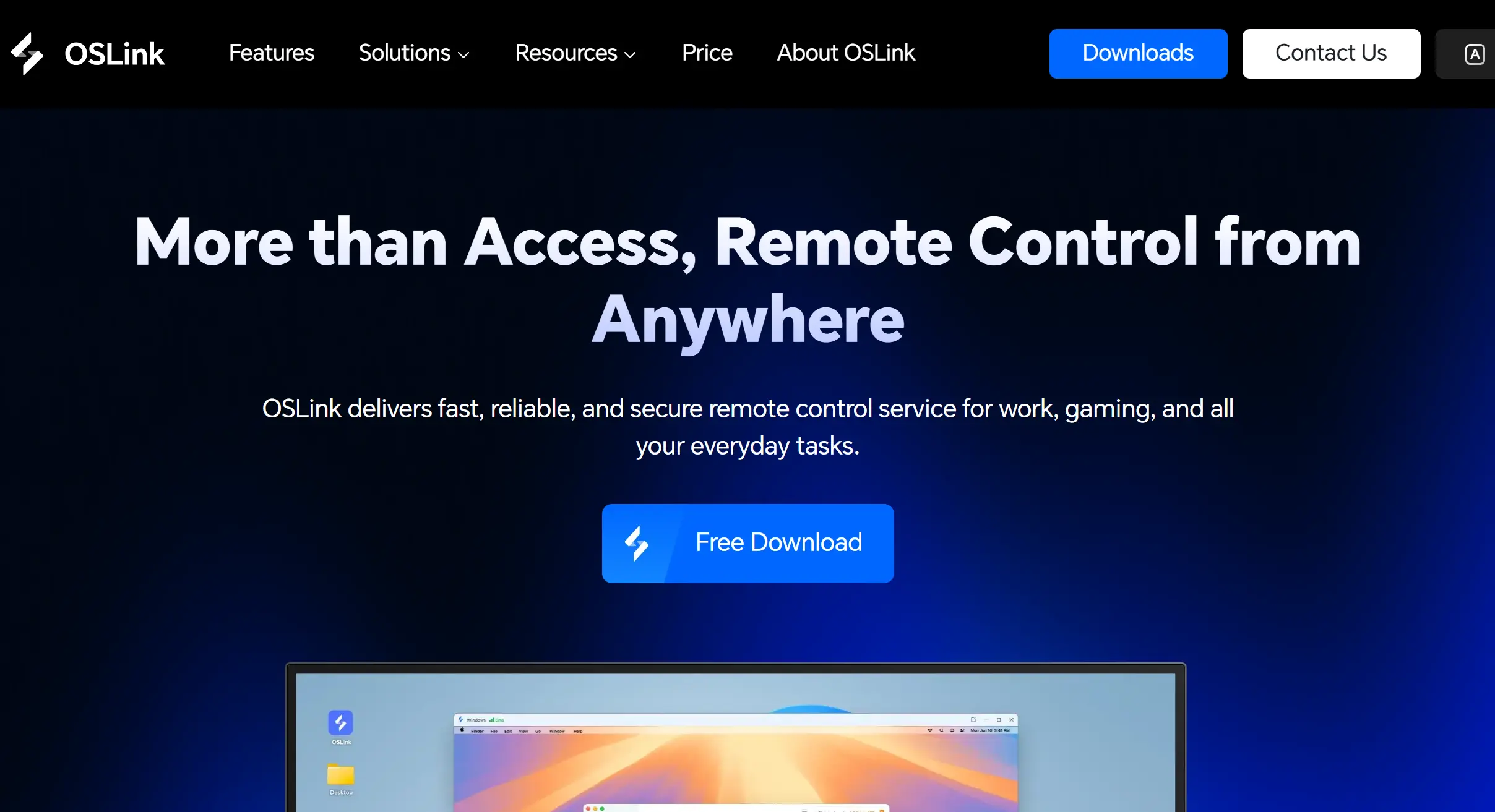
Open your web browser and search for OSLink’s official website, then head to the download page to get the Windows installation package matching your system. Follow the on-screen prompts to finish installation, and select a folder with an all-English name as your install directory. Once installation completes, launch the software, register and log into your account, then leave the program running in the background. Turn off your PC’s sleep mode and automatic screen shutdown features to prevent remote connection disconnections.
Mobile Side OSLink Installation Steps
Android users can search for OSLink on Google Play to finish installation. iOS users can search for the same name on the App Store and download it.
Cross-Device Account Binding
Log into OSLink on your mobile device using the exact same account you used on your PC. The software will automatically bind all devices logged into this single account, and your PC will show up in the device list synchronously without you manually entering device pairing codes.
3. Practical Steps to Launch the Game via OSLink on Mobile
First launch Assassin’s Creed Black Flag Resynced on your PC and wait until you reach the fully interactive main menu screen. Run the game in windowed mode and adjust its aspect ratio in advance to fit your mobile screen.
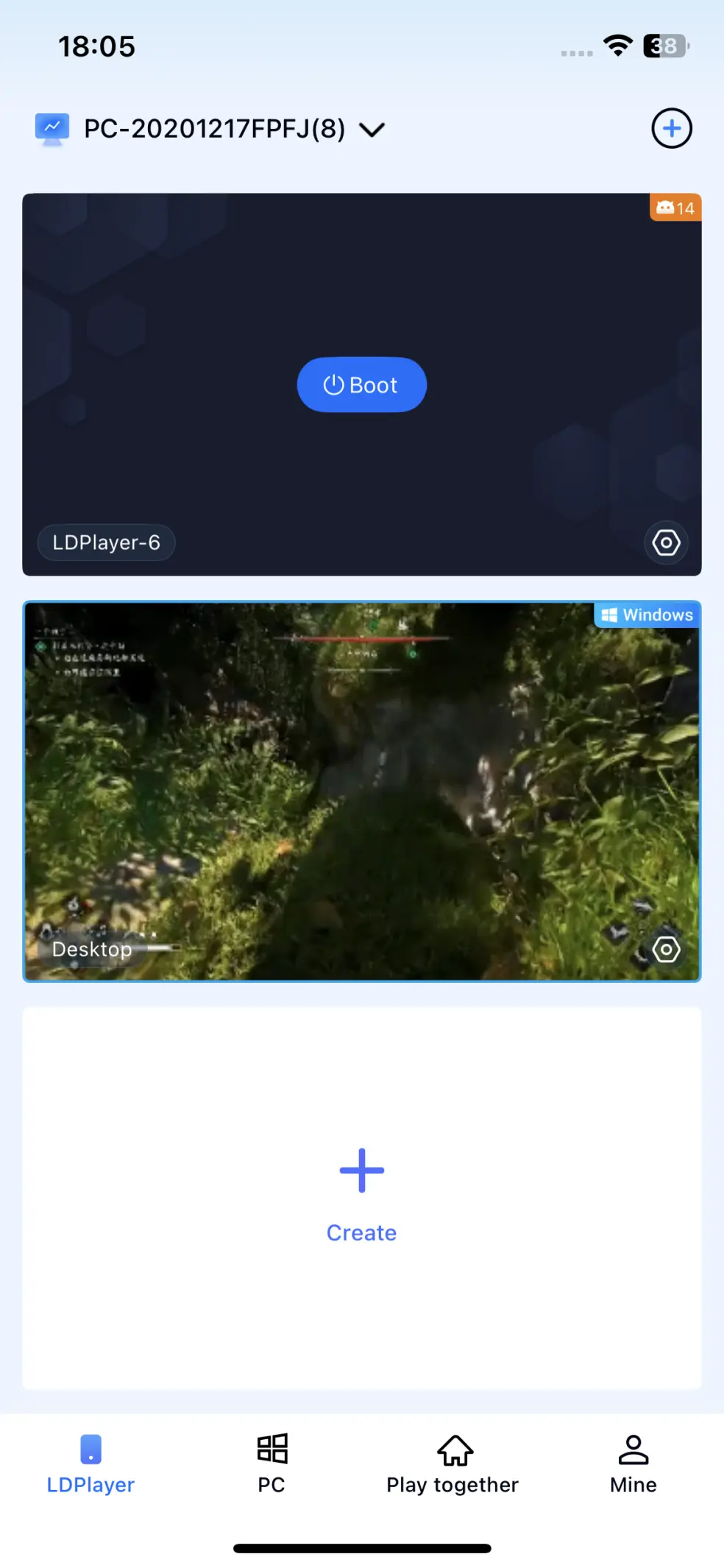
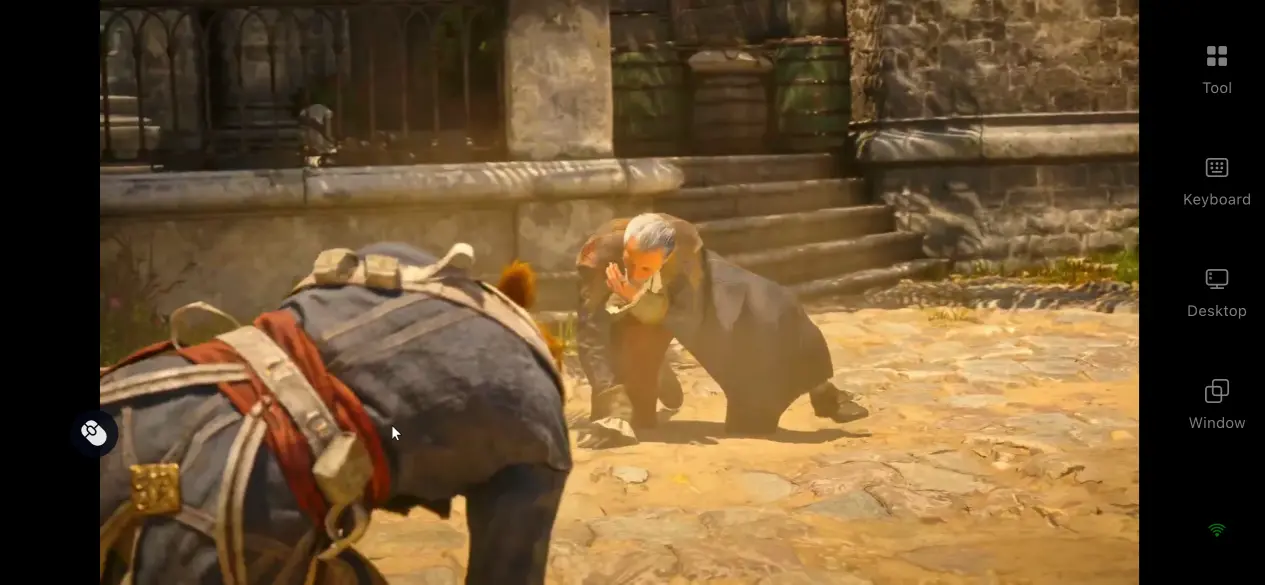
Open OSLink on your phone, select your bound desktop computer from the device list, and tap it to establish a remote desktop connection. Once the connection succeeds, your phone screen will display a real-time mirror of your PC desktop. Simply tap the game window with your touchscreen to start playing.
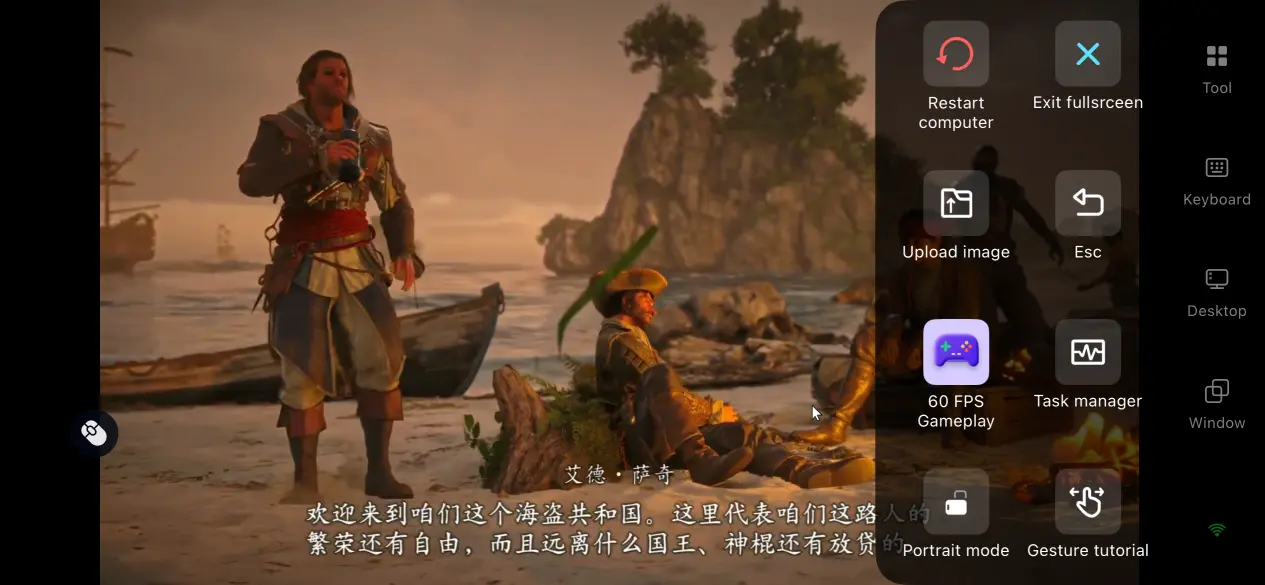
First-time users can locate the “60 FPS PC Game Mode” on OSLink’s right sidebar and activate it. This mode adjusts streaming parameters exclusively for action games and greatly improves your overall gaming experience.
4. Core Benefits of Mobile Remote Gameplay
Break Location Restrictions and Make Good Use of Spare Time
No longer limited to a fixed PC setup, you can quickly log into the game while waiting for transit, on business trips or during short breaks. You can complete quick tasks including ship refitting, treasure hunting around sunken wrecks, and side assassination missions without reserving long continuous periods to sit in front of your computer.
No Occupation of Mobile Local Storage
The full 65GB game resource files are all stored on your PC’s solid-state drive. Your phone only handles screen reception and command transmission, so even low-spec older phones can run smooth streams. You won’t need to clear up mobile storage to reserve space for the game.
5. Built-In Functions of OSLink
60 FPS PC Game Mode
Activate this dedicated game mode with one click via the right sidebar. It automatically optimizes video streaming bitrate and cuts input lag when rotating your camera or steering ships. Precise operations such as stealth takedowns and close-quarters sword fights deliver feedback nearly identical to playing locally on your PC.
Automatic Peripheral Matching
After connecting Xbox, PlayStation or other game controllers, OSLink will instantly recognize the device and map buttons to the game’s native control scheme. Both wired and wireless connections work reliably, and plugging in or disconnecting the controller will not interrupt the streaming signal. The controller analog sticks and trigger buttons offer far finer control over ship steering and speed adjustment than touch screens, making them ideal for long gaming sessions.
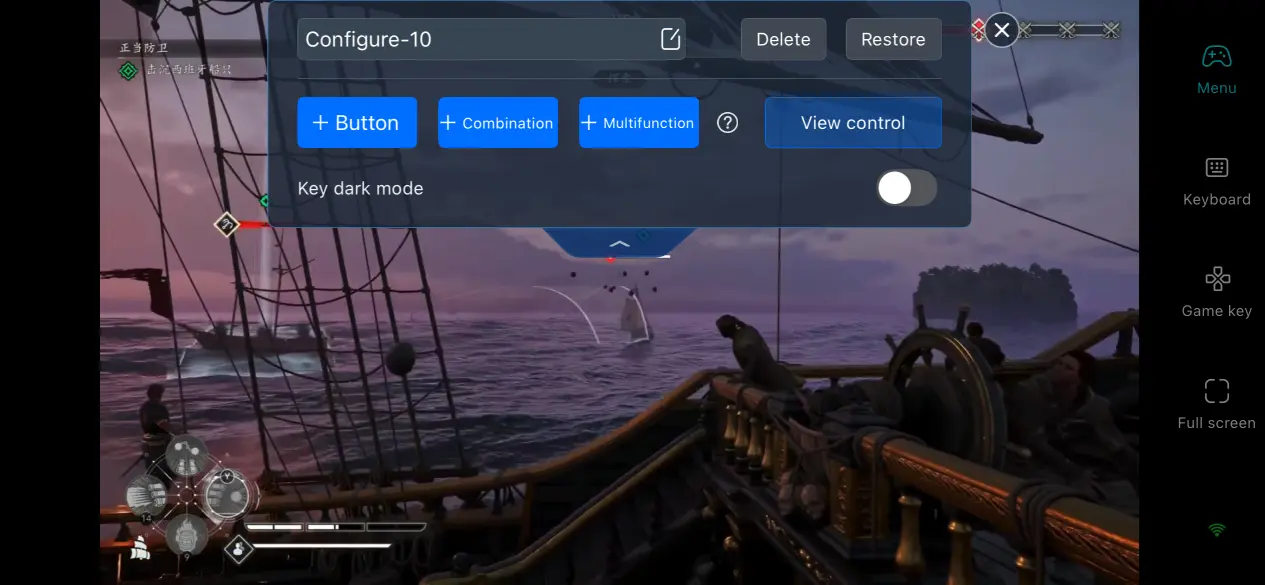
Freely Editable Button Layouts
OSLink supports customizing the size, transparency and placement of virtual buttons, plus saving multiple sets of configuration profiles. For naval battles, you can enlarge “fire cannons” and “steer ship” buttons and move them to screen edges. For land-based assassination sequences, place “hidden blade” and “grass cover” buttons at positions where your thumbs naturally rest. You can quickly switch between different presets for various mission types without readjusting controls every time.
6. Frequently Asked Questions
Q: When will Assassin’s Creed Black Flag Resynced launch?
A: It will be released worldwide simultaneously on July 9, 2026, landing on PC, PlayStation 5 and Xbox Series X|S platforms. Steam preloading has opened starting July 7.
Q: Is remote multi-device access via OSLink safe? Will there be account logout risks?
A: It is fully safe. OSLink adopts an account binding mechanism; all devices must log into the same account to build a connection. As long as you do not share your account password with others, no outsider can remotely operate your computer. All transmission data is fully encrypted to protect your privacy.
Q: Can my phone connect to OSLink on my PC if they are not connected to the same network?
A: Yes, you can. OSLink establishes connections through its account system instead of requiring a local LAN. Simply keep your PC powered on and OSLink running in the background to receive remote access.
Q: How stable is multi-device remote streaming?
A: The connection remains highly stable. OSLink supports 24-hour uninterrupted multi-device streaming. Powered by self-developed transmission technology, input latency can be kept within 30–60ms, and the maximum supported streaming quality reaches 1080p at 60 FPS.
Conclusion
The core charm of Assassin’s Creed Black Flag Resynced lies in stealth assassinations and free ocean sailing, and you shouldn’t have your gaming experience limited by a desktop PC. With remote streaming paired with OSLink’s complete feature set, plus all the detailed steps laid out in this mobile remote streaming guide for Assassin’s Creed Black Flag Resynced, you can collect rare gear, unlock ocean-side quests and manage your fleet anytime you want. This solution solves the frustration of interrupted game progress when you leave home, freeing you from staying indoors and letting you fully soak in the unique charm of this pirate world during your free time.
 Download