English
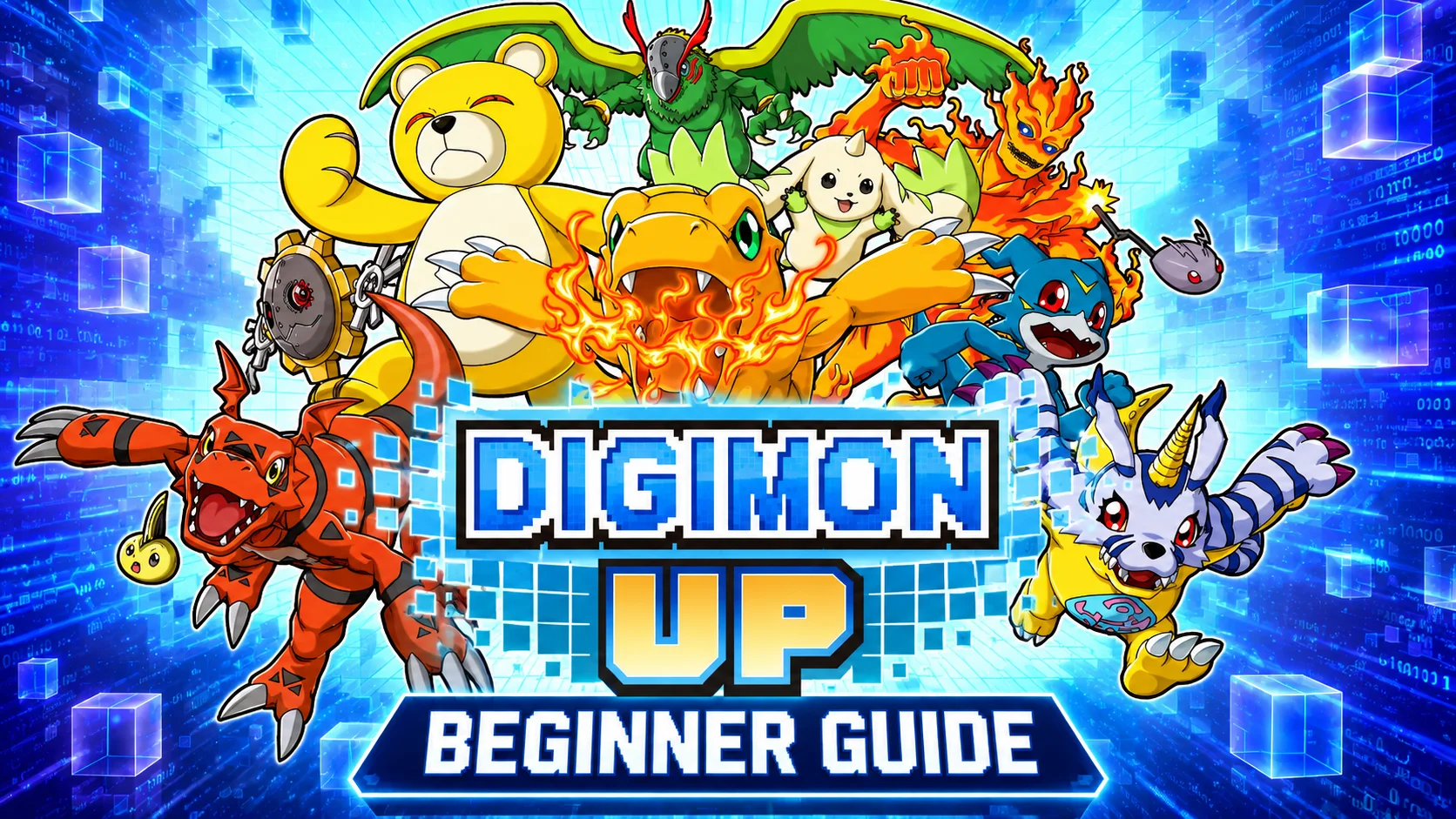
 The new pixel-style monster-raising RPG DIGIMON UP has attracted a large number of players with its egg hatching, training, evolution, and adventure systems set in the Digital World. Since collecting and raising Digimon is the core gameplay, the game places fairly high demands on how you spend your early resources. For new players, the result of the very first summon can have a huge impact on campaign progression and the pace of future development. This guide combines device setup, emulator tools, and a practical reroll strategy based on Digimon tier rankings. It is designed for casual players who want a smoother start while also supporting players who plan to reroll multiple accounts efficiently.
If you want to reduce repetitive manual work, you can pair LDPlayer with OSLink for easier account management. Run several DIGIMON UP instances on your PC and use your phone to remotely monitor and control them. With a multi-instance setup, you can process multiple rerolls at the same time, cutting down the time spent creating and logging out of accounts repeatedly and helping you find a strong starting lineup much faster.
1.Recommended Starter Digimon
S-Tier Early Game Picks
WarGreymon:The strongest Fire-element AoE damage dealer. Its burn effects can cover entire enemy waves, while its signature skill delivers massive single-target burst damage that quickly deletes story bosses. It becomes effective without requiring a long evolution chain, making it one of the best campaign starters.
MetalGarurumon:A powerful Ice-element AoE attacker with freeze and slow effects. It excels in stages filled with fast-moving enemies and counters most Virus-type opponents. When paired with a durable frontliner, it can handle high-difficulty story stages consistently.
ShineGreymon:Its true-damage mechanic is in a class of its own. It can form a burn combo with WarGreymon, stacking multiple burn layers before triggering an explosive damage spike. It performs exceptionally well in elite stages and boss battles.
Kentaurosmon:A high-speed physical attacker with excellent scaling. After evolving, its ultimate skill costs no energy and deals 75% true damage, giving it some of the best one-turn burst potential in the game. It is effective in both PvE and Arena content.
Alphamon:Comes with a passive skill-seal effect that can shut down dangerous enemy abilities and reduce boss burst damage. A single copy can greatly lower survival pressure in difficult stages, and it remains valuable even in long-term progression.

A-Tier Reliable Picks
Seraphimon:Provides a large team-wide attack boost and a one-time revive effect. It fits into almost any offensive lineup and greatly reduces the chance of failing difficult stages early on.
MarineAngemon:Offers continuous team healing and a defense buff for all allies. It is especially useful against stages with repeated damage-over-time effects and is considered a core support for free-to-play players.
Garudamon:Grants a stable team-wide attack buff and has a built-in self-revive passive. It works well in Fire teams and other physical compositions, and it can contribute without requiring heavy investment.
Sakuyamon:Removes all debuffs from allies and dispels enemy shields. It becomes nearly irreplaceable in boss fights that rely on crowd control or damage-reduction mechanics.
B-Tier Early Game Options
Ikkakumon:A high-HP frontliner available at the Champion stage. Its strong base defense makes it a low-cost way to improve team durability, and it becomes much stronger after evolving into Zudomon.
Vikemon:A Water-element control tank whose basic attacks can inflict freeze. It can absorb damage while also limiting enemy actions, making it very effective in multi-wave stages.
Zudomon:Comes with shields and damage reduction, and its passive reflects melee damage back to attackers. It is especially durable against physical boss encounters.
2. Installing LDPlayer and OSLink on PC
Installation Steps
Download the Windows version of LDPlayer from the official website. After installation, close unnecessary background programs and make sure you have enough free disk space.

Next, download the OSLink PC client from the official website. On your first launch, create an account and sign in to bind your device.
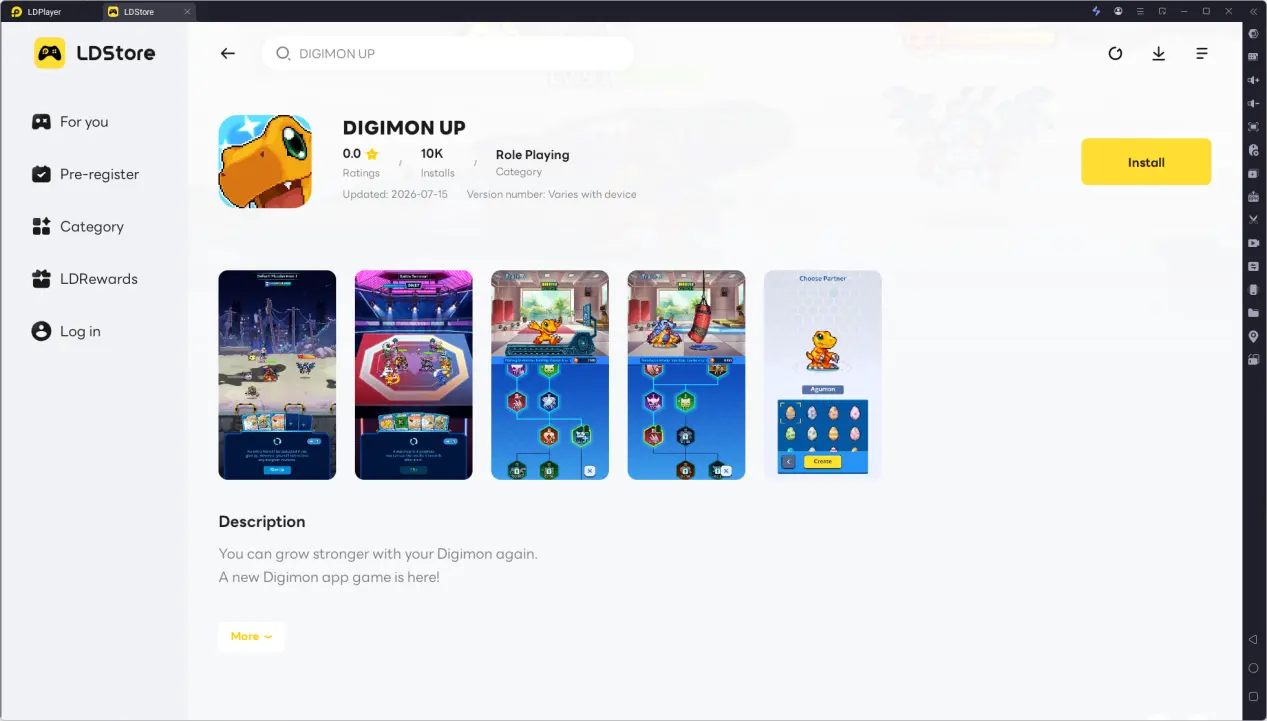
Installing DIGIMON UP
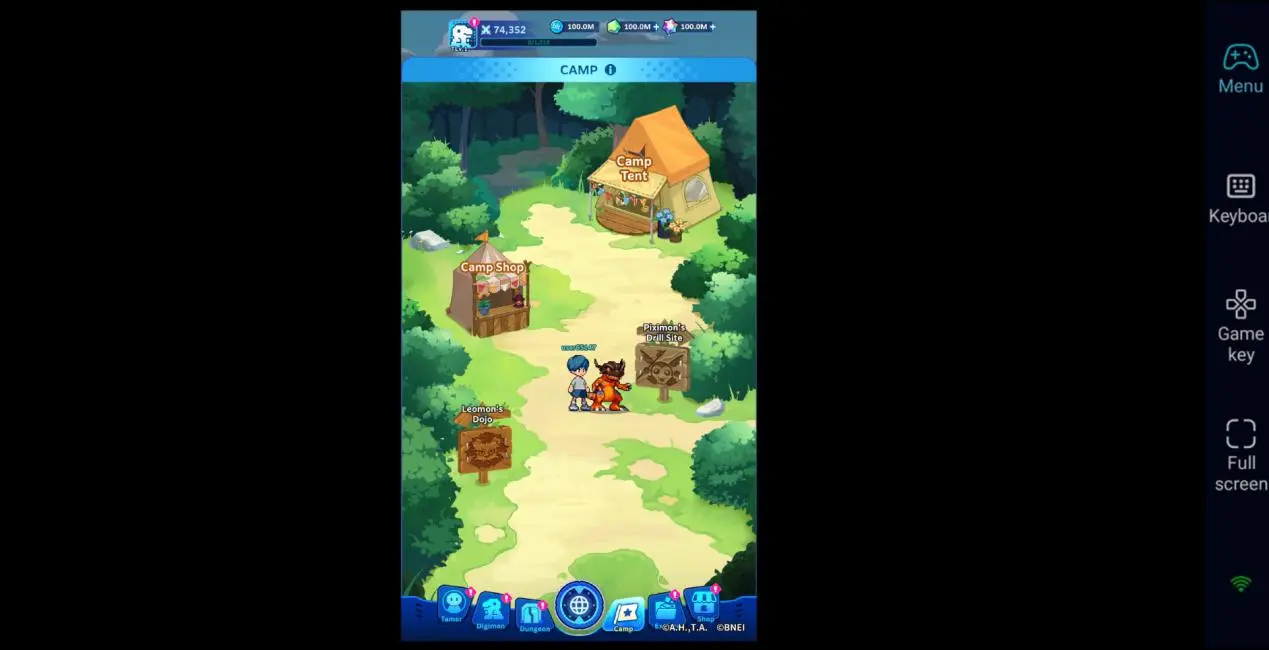
Launch LDPlayer and search for DIGIMON UP in the built-in app center. Download and install the game, wait for all game resources to finish unpacking, and then log in once to confirm that summons and story stages load correctly before configuring multiple instances.
3. Installing OSLink on Mobile
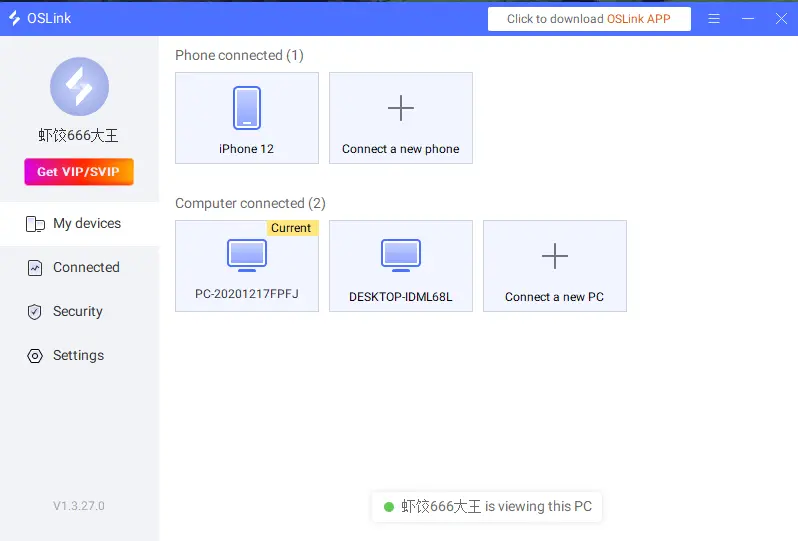
Android users can install OSLink directly from their app store. iPhone users can download from the App Store.
Make sure both your phone and PC are signed in with the same OSLink account. The app will automatically detect online PC devices, so no additional pairing process is required.
4. Linking PC and Mobile for Remote Play
Open DIGIMON UP in LDPlayer and keep the OSLink client running in the background on your PC.
Open OSLink on your phone, select the PC running LDPlayer from the device list, and tap "Connect". The emulator screen will be mirrored to your phone in real time.
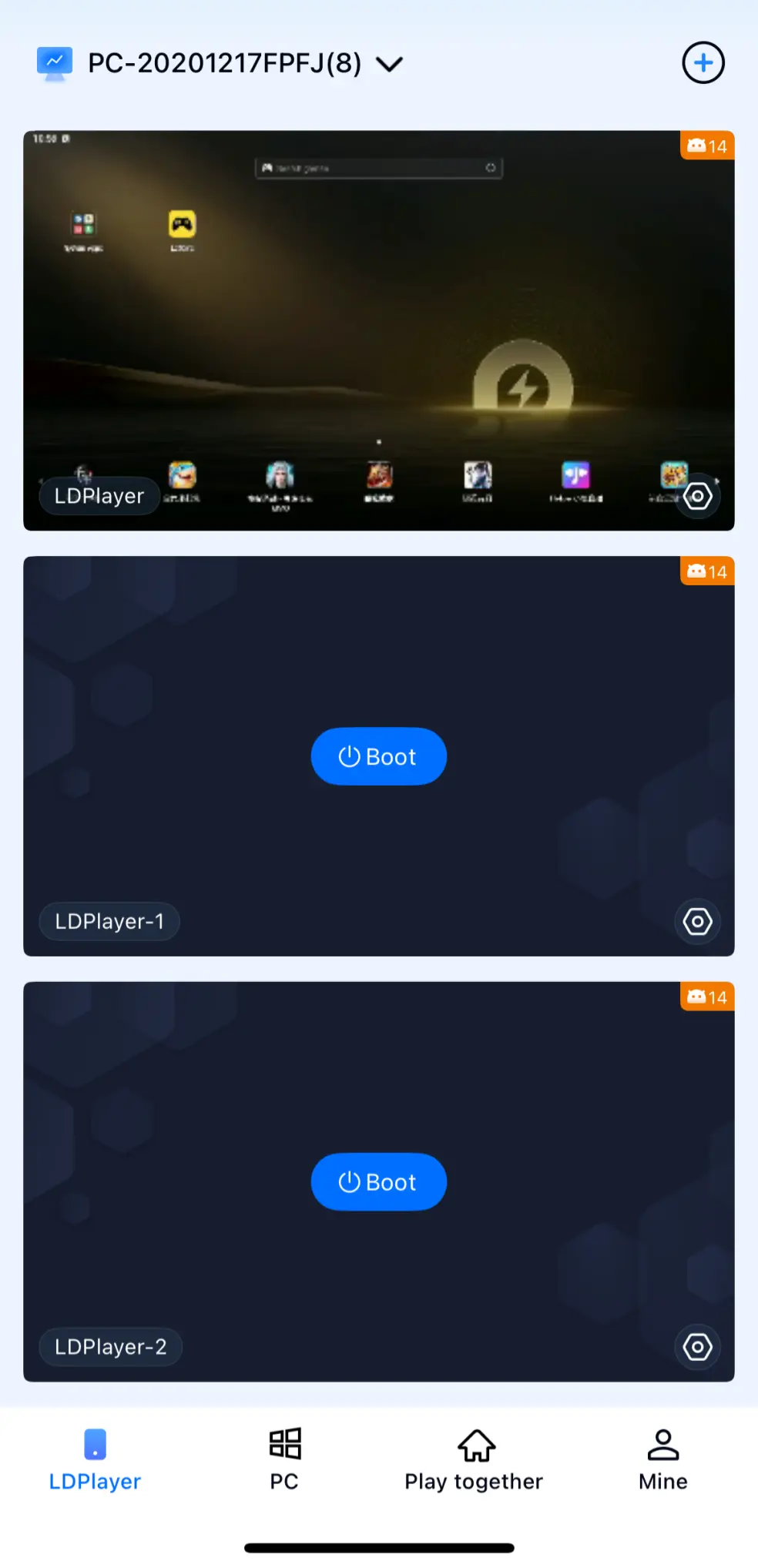
You can freely adjust the screen scaling to fit your phone. Touch controls fully replicate PC actions such as tapping and swiping. OSLink also supports switching between emulator windows individually or selecting all running instances for unified management.
5. OSLink AFK Automation and Multi-Instance Rerolling
Multi-Instance Reroll Tutorial
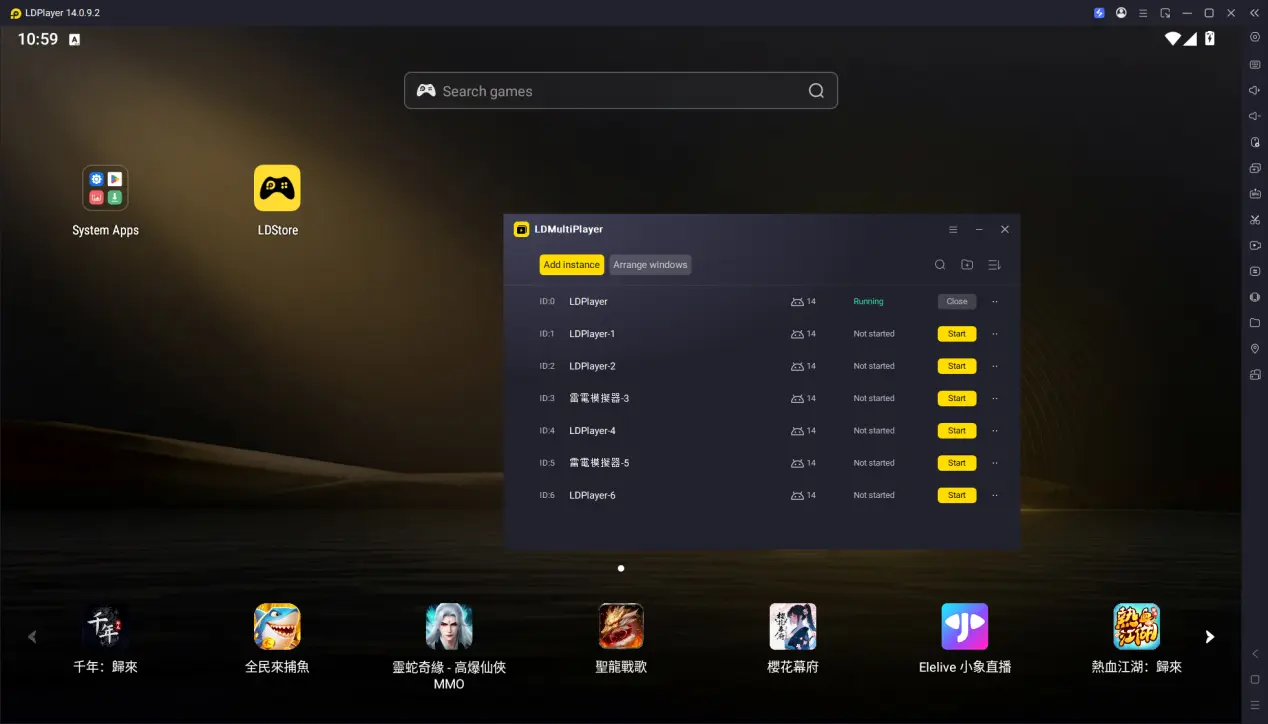
1. Open LDMultiplayer, create the number of emulator instances you need, launch them one by one, and log in with guest accounts. Skip the tutorial on every instance and stop at the summon-ticket collection screen so that all windows remain synchronized.
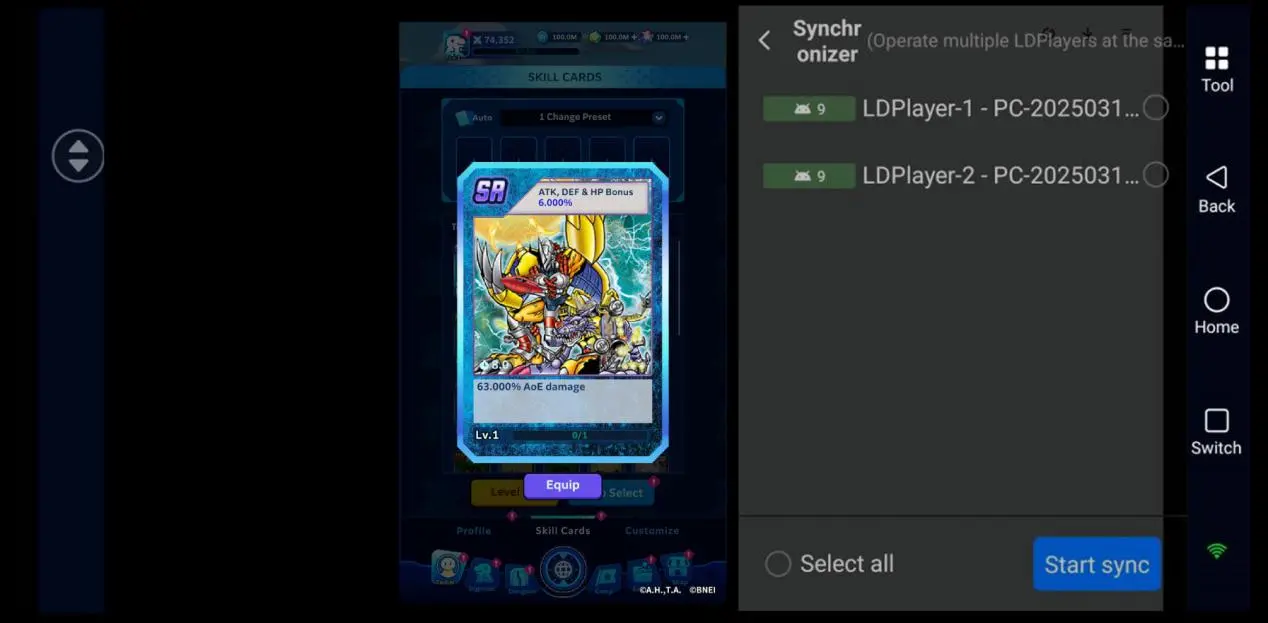
2. Open the emulator page in OSLink, enter the mapping screen, and enable Synchronized Operation from the tool panel on the right. Select all running emulator windows, then use a single tap to claim summon rewards and enter the beginner banner across every instance simultaneously.
3. Once an account pulls your target Digimon, stop rerolling on that instance immediately. Bind it to your personal account and keep that save as your main start. The remaining instances can simply be closed.
AFK Loop Farming
After finishing the reroll process and binding your account, you can use OSLink’s automation feature to repeatedly farm upgrade materials by recording a complete farming routine.
1. Switch OSLink to Auto-Tap Recording Mode and record the full farming process: enter the material stage → choose skills during battle → complete the results screen → start the stage again.
2. Save the script, customize the loop duration and number of repetitions, and start the automation. The script can tolerate loading delays and repeatedly farm materials automatically.
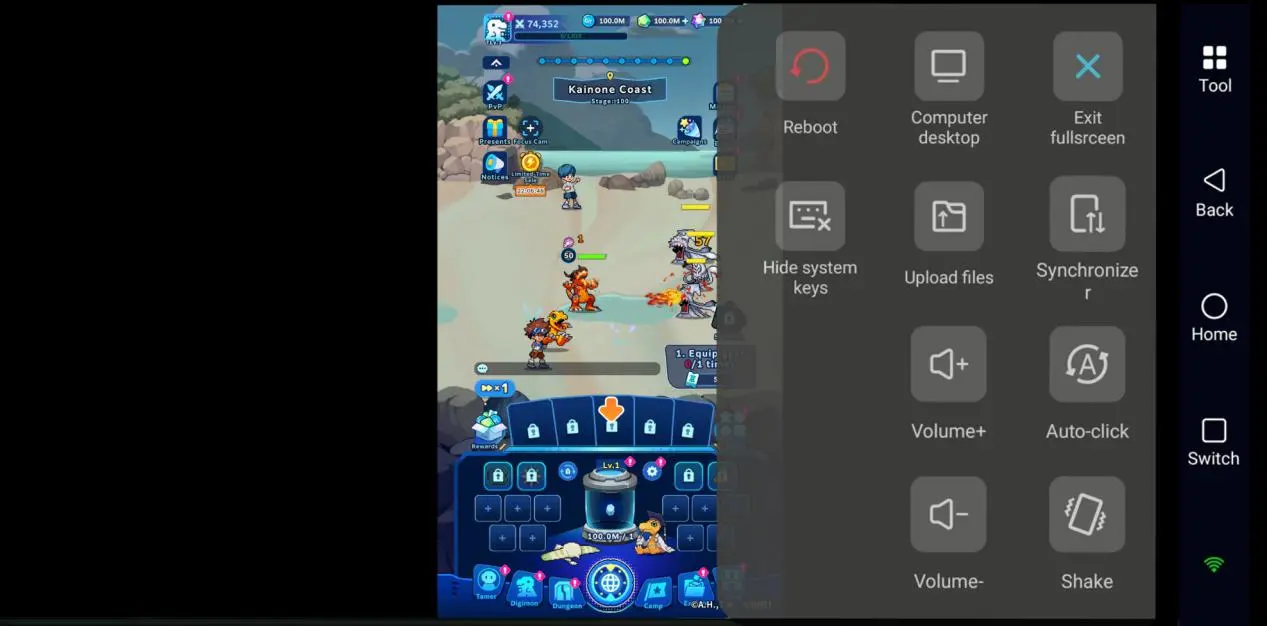
3. While the script is running, keep OSLink active in the background. You can check the farming progress at any time from your phone.
6. Frequently Asked Questions About OSLink
Q: When does DIGIMON UP officially launch?
A: The game launches globally on July 15, 2026, with Android and iOS releasing simultaneously.
Q: Are Android and iOS account data shared?
A: Cross-platform data sharing is not available at the moment. Android and iOS use separate servers, and characters, summon resources, and account progress cannot be transferred between them.
Q: Can iOS devices run multiple game accounts locally?
A: Due to iOS system restrictions, the same app cannot be installed multiple times on one device. However, by remotely controlling PC emulators through OSLink, you can still reroll multiple accounts simultaneously.
Conclusion
A strong start in DIGIMON UP is not determined by luck alone. The right starter Digimon can make campaign progression, resource farming, and long-term development much smoother. For players with limited time, prioritizing WarGreymon or MetalGarurumon as the core of your first team is highly recommended. Combined with OSLink’s multi-instance and AFK features, you can screen reroll accounts much more efficiently and use spare moments throughout the day to monitor summon progress remotely, giving you more time to enjoy the game’s Digimon raising and card-battle systems.
 Download