Español
Español 
2026-03-06
If you are in the "Play Together" room and have shared LD Player and your computer with your friends, but sometimes you want to know which of your devices have been operated by whom. This article tells you how to check the operation details of your device.
1. If a device is added to the room, there will be a [Share] label in the upper left corner of the LD Player list in the app. This label means that the device is in the room and may be operated by others.

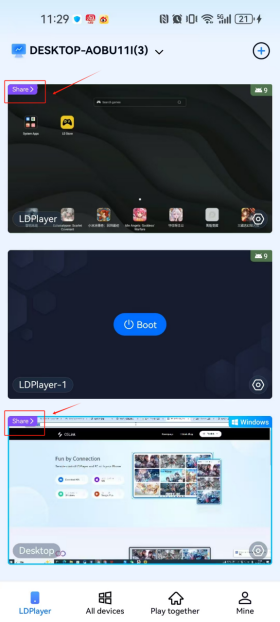
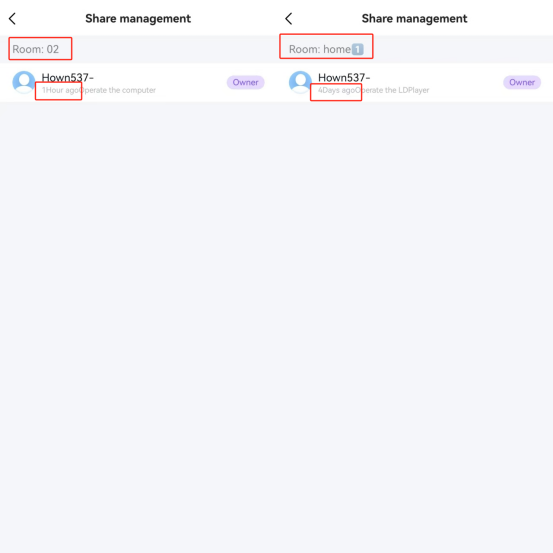
2. Click the [Share] tab to enter the sharing management page. You can check which rooms the device is in and who has operated it and when.