
Downloads Contact Us
Español
繁體中文
English
한국어
日本語
ไทย
Tiếng Việt
Português
Español
Русский
Español
Remote Control From Your Mobile LDPlayer
Free, stable 24/7 multi-instance operation — run multiple games/apps at the same time
Comenzar
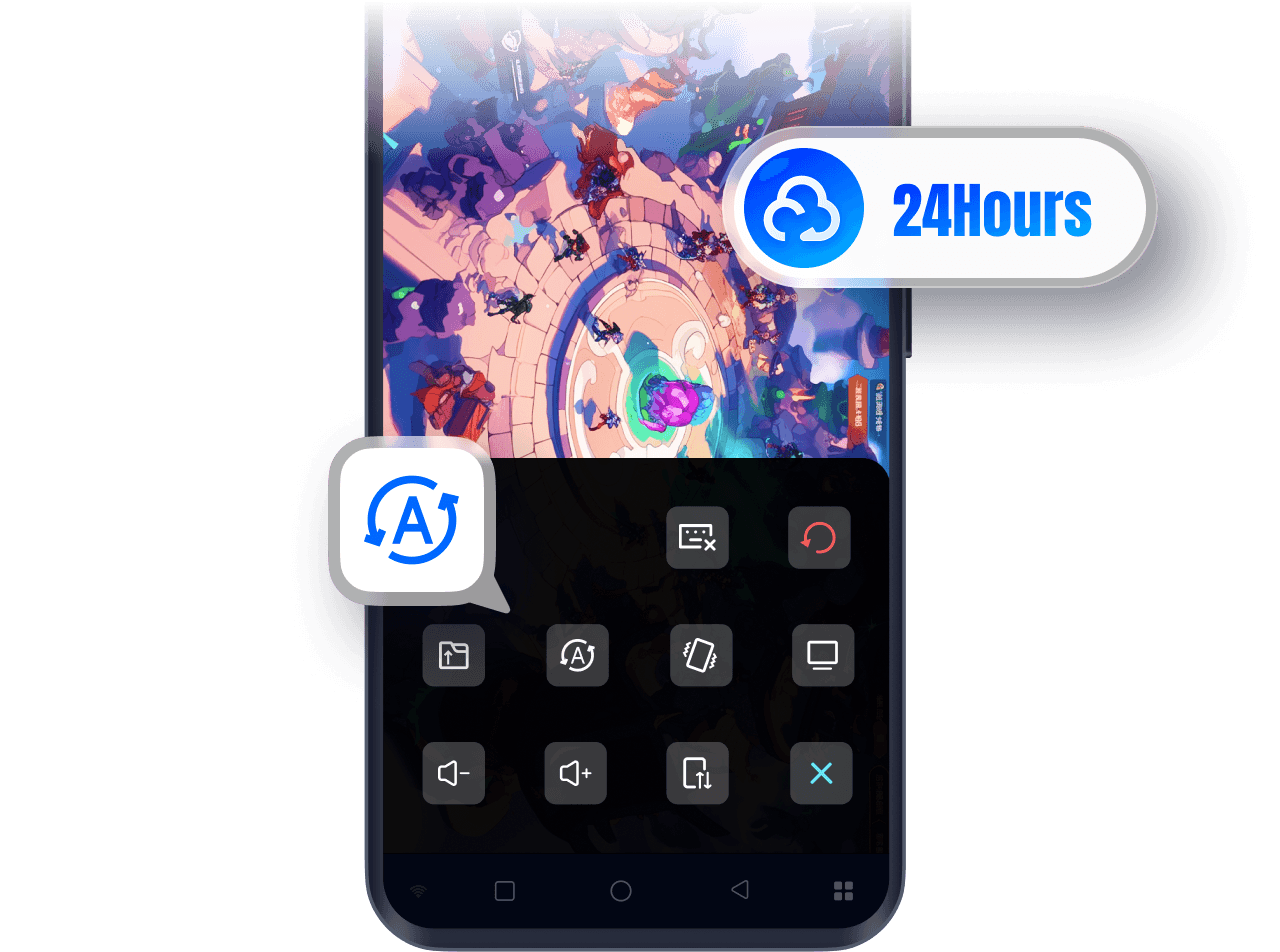
Always-on cloud hosting with zero disconnects
With the OSLink remote control feature for LDPlayer, simply launch LDPlayer on your PC and set up auto-battle or AFK tasks in your games. OSLink supports cloud hosting, allowing your games to keep running even when your phone screen is off or disconnected from the internet — enabling efficient 24/7 leveling and resource farming.
Free multi-instance — easily manage multiple accounts
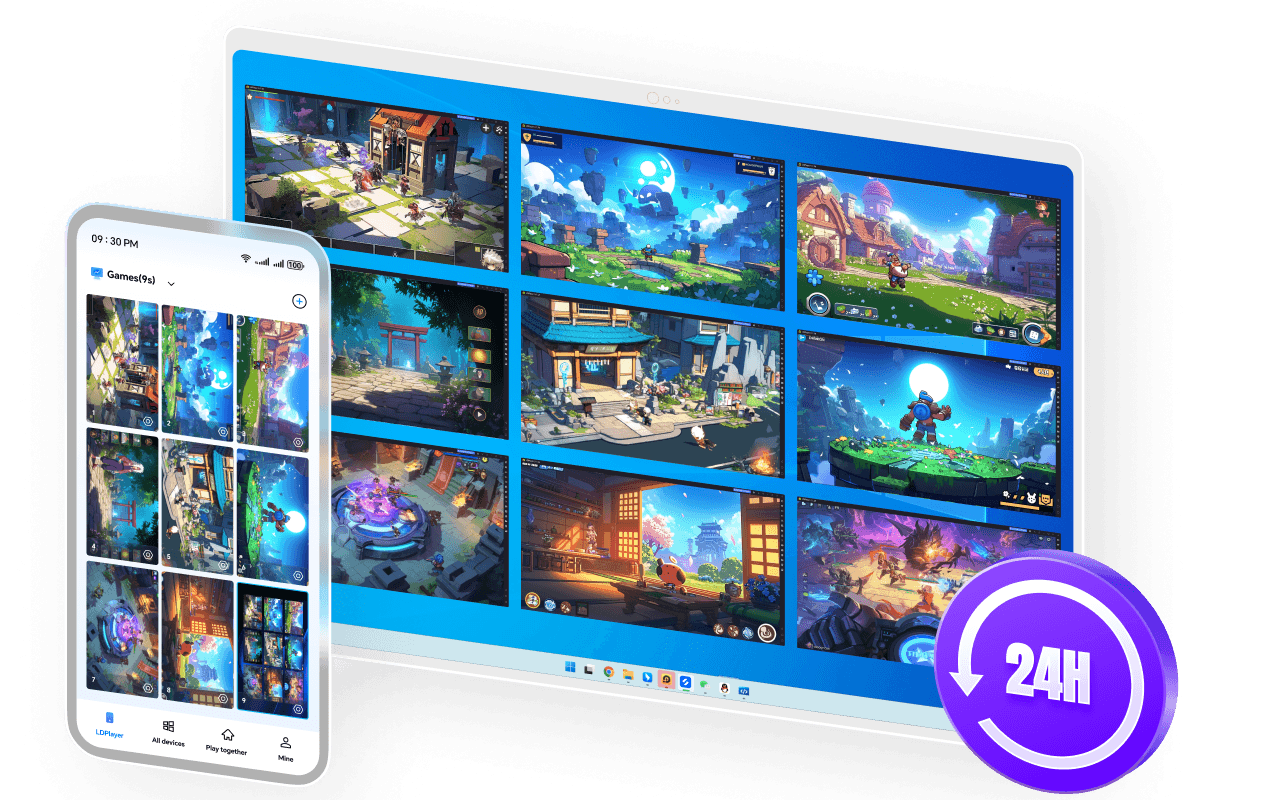
OSLink supports multi-instance operation, letting you run multiple game/app accounts on one PC. Depending on your PC’s performance, you can open two, five or even more accounts at the same time to quickly level up, grow alt accounts, and accumulate resources.
Monitor your hosting status anytime
OSLink offers multi-device sync, so no matter where you are, you can check your AFK progress from your phone and ensure all accounts are running smoothly.
New gameplay: share your screen and play with friends
Turn one phone into many — invite friends to team up, rotate daily tasks, and enjoy effortless account progression together.
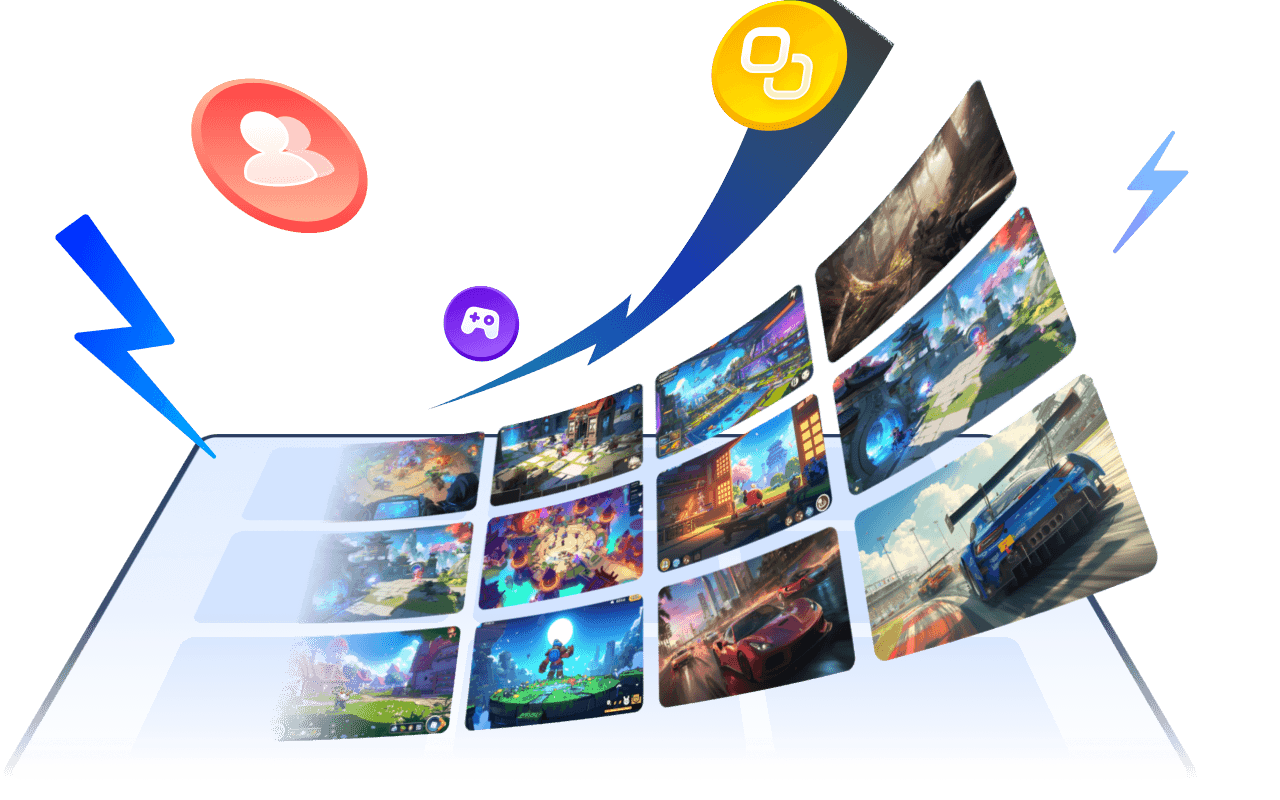
Disfruta de diferentes juegos móviles y de PC
Disfruta de millones de juegos en cualquier momento y en cualquier lugar
Show More

Ventajas de usar OSLink Remote

Una herramienta profesional de control remoto por streaming: más simple, más eficiente.

Últimas noticias
Ver todo