English
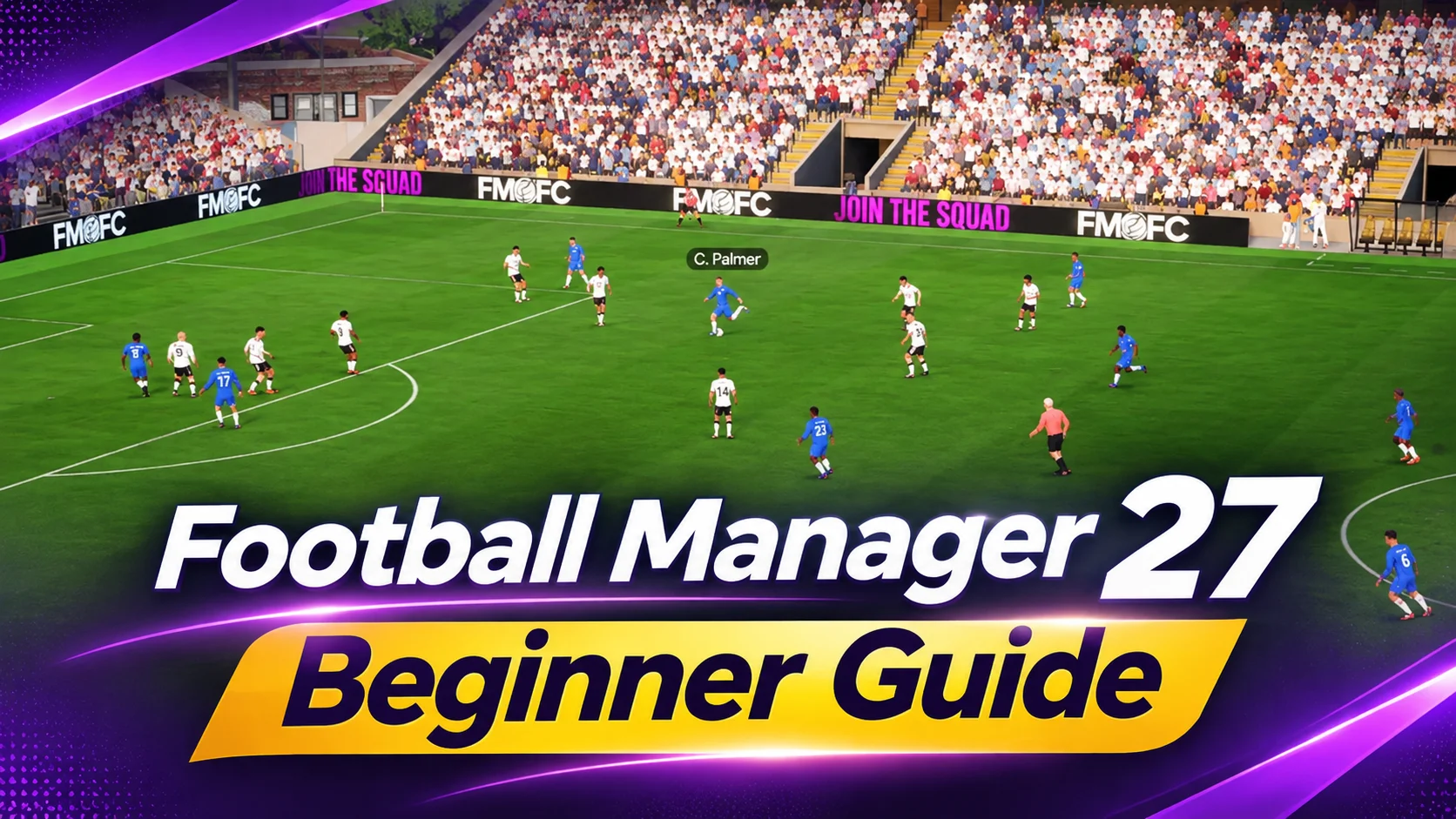
Football Manager 27 (FM27) puts you in charge of a club’s squad, training, tactics, and match-day decisions. The new Tactical Effectiveness feature shows how well players fit into your tactical plan, while Tactical Tweaks let you make adjustments from the touchline. Cup Draws and Transfer Deadline Day add decisions that can arrive between fixtures. Keeping up with every screen is difficult when you are away from your PC.
OSLink lets you remotely control your Windows PC from your phone while FM27 runs on the computer. You can check the squad, handle club business, and move through a game week away from your desk. The steps below cover Steam access, device pairing, touch controls, and external input.
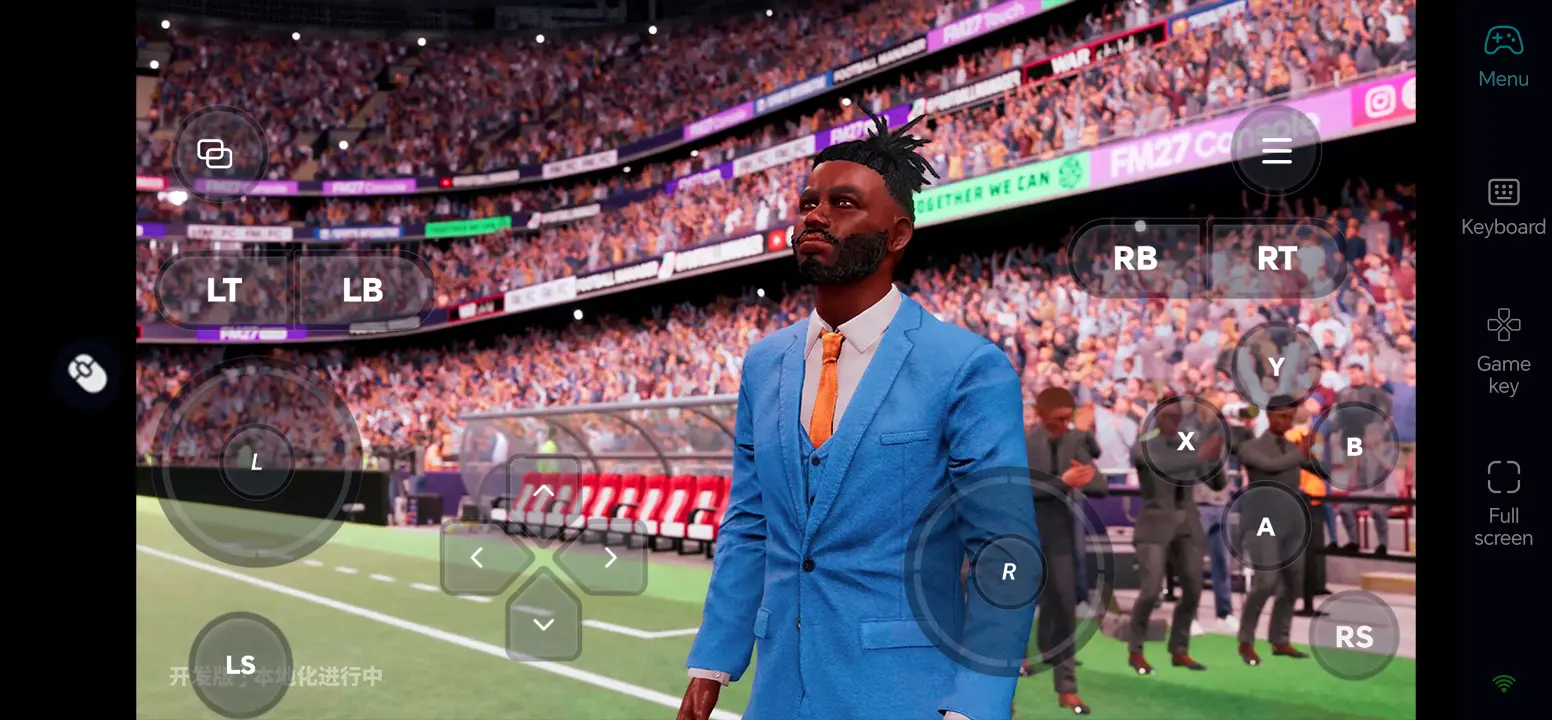
Play Football Manager 27 Remotely on Mobile
Step 1: Install OSLink and Connect Your Devices
1. Install OSLink on Your PC
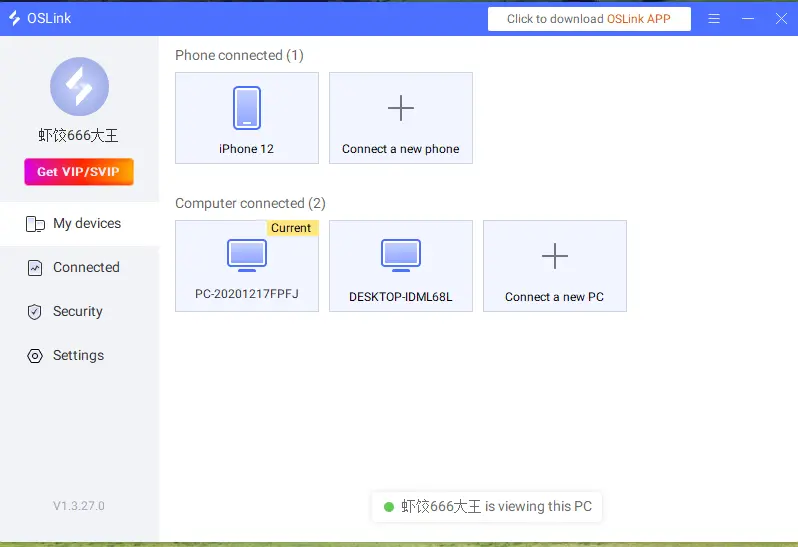
Download the OSLink Windows client on the PC that runs the game and sign in. Keep the host PC powered on, signed in, and connected to a stable network during remote play.
2. Install OSLink on Your Phone
Install OSLink from Google Play on Android or the App Store on iPhone. Sign in with the same account, then select the online PC in the device list.
Step 2: Optimize Remote Controls
1. Launch the Game on the Host PC
On your host PC, launch the version of FM27 available through your Steam account. Open the club home screen and adjust graphics if needed so the interface remains readable.
2. Connect and Test Both Devices
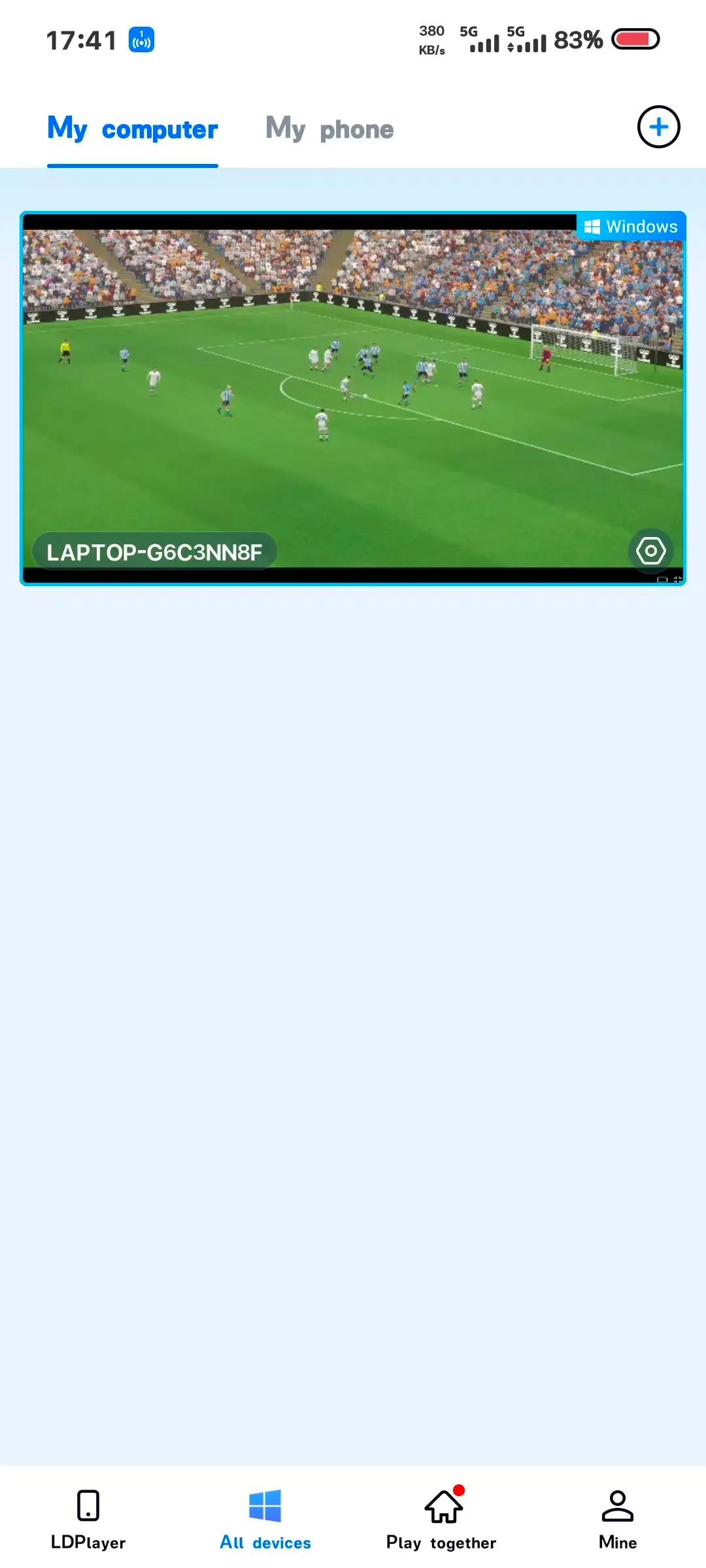
On the phone, open the remote desktop. Test the schedule, player selection, tactics screen, data scrolling, and confirmation buttons before starting a match.
3. Turn On 60 FPS PC Gaming Mode
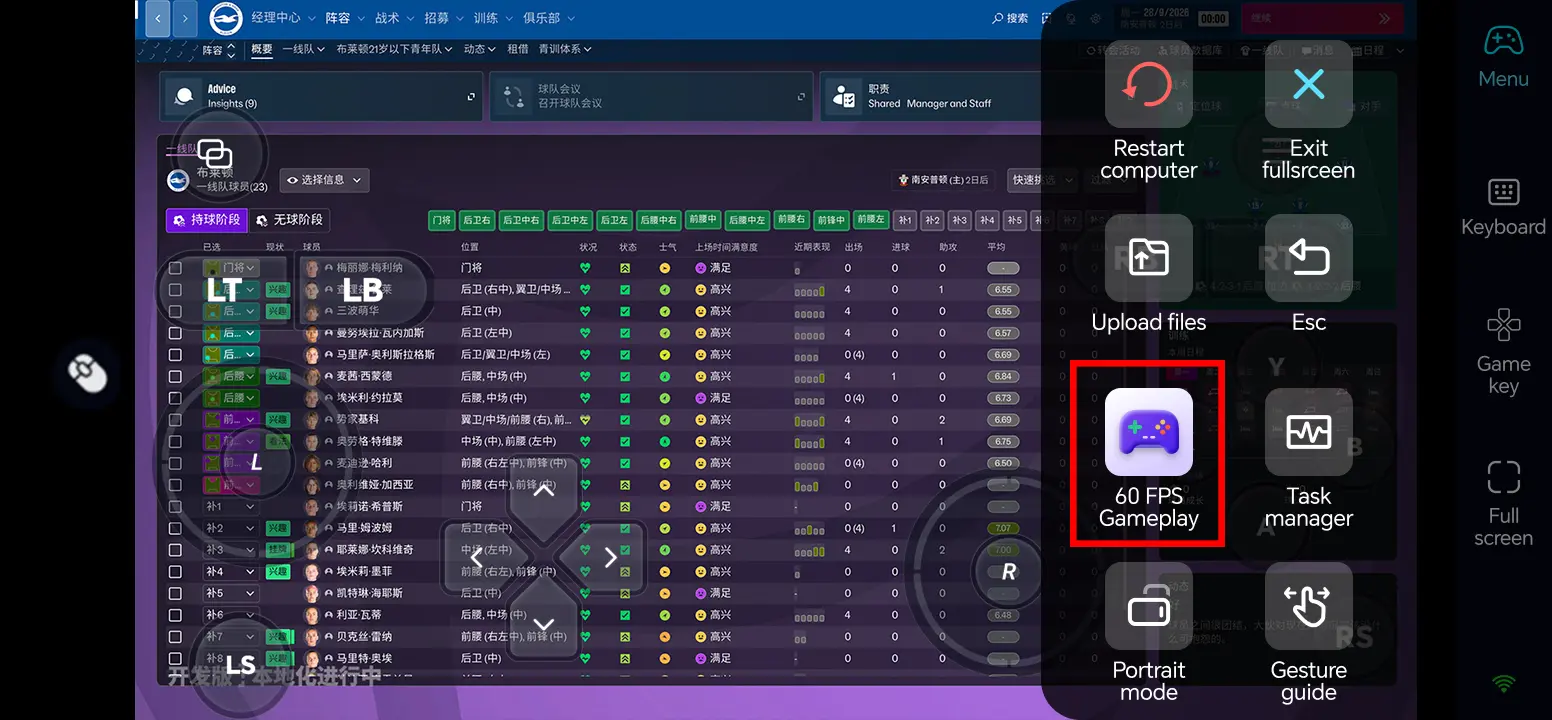
In the full-screen remote desktop, use the top-right toolbar and select Tools > Play PC games at 60 frames. If the picture is unstable, lower the game resolution or streaming quality and retest.
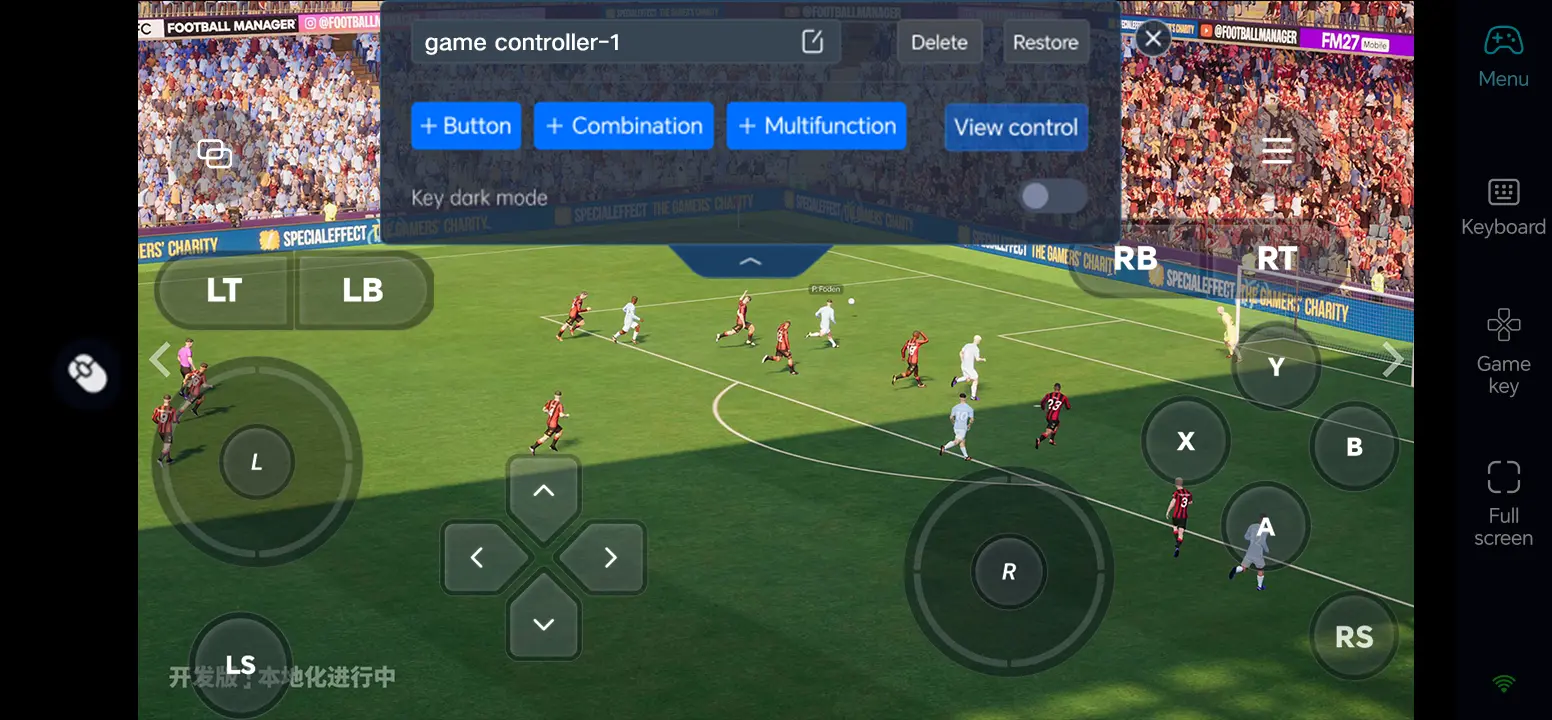
4. Customize Touch Controls
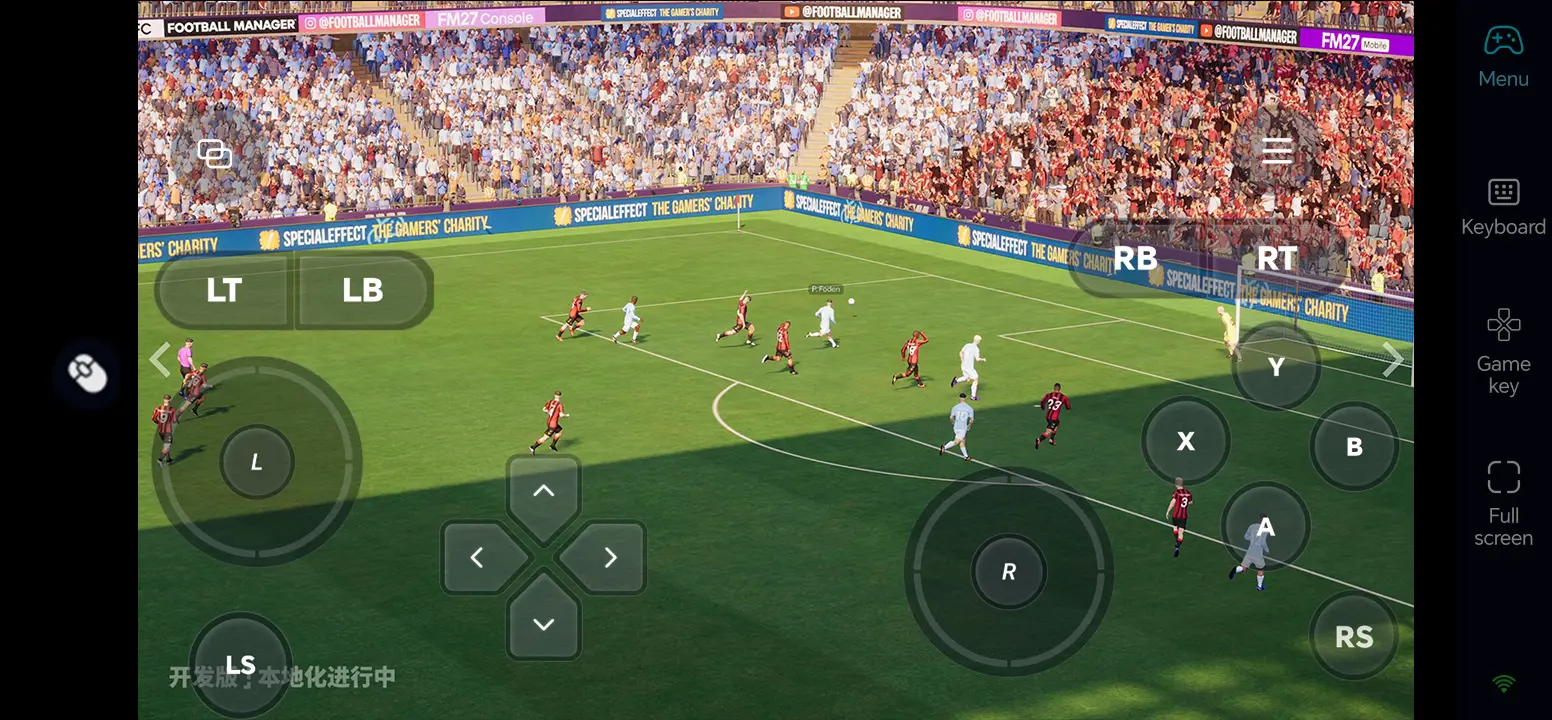
Open Game Button and its edit control. Arrange tap, drag, scroll, back, and pause or continue actions so they do not cover player lists or data panels. Save the layout and test a tactical adjustment.
5. Connect an External Input Device
For longer sessions or precise tactics-board adjustments, connect a compatible keyboard and mouse to your phone. You can also test a Bluetooth controller; actual input support varies by device and game.
Three OSLink Benefits for Football Manager 27
1. Handle club work between sessions
Check the schedule, training, and transfer decisions without sitting at your PC.
2. Keep player data visible
Position touch controls away from player lists and tactical panels so important information remains visible.
3. Use a keyboard and mouse for fine changes
Drag players on the tactics board, compare data, and move between screens with familiar input.
Frequently Asked Questions
Q1: What is the release date of Football Manager 27?
The release date of Football Manager 27 is November 10, 2026.
Q2: Can I play Football Manager 27 directly on Android?
Steam does not list a native Android version of Football Manager 27. You can run the PC game on your own Windows computer and control it from Android with OSLink.
Q3: Can I play Football Manager 27 directly on iOS?
Steam does not list a native iOS version of Football Manager 27. You can access the Windows game running on your own PC from an iPhone with OSLink.
Q4: What PC specifications does Football Manager 27 require?
According to Steam, the minimum Windows requirements include Windows 10 or 11, a CPU supporting SSE4.2 and SSSE3, 6 GB of RAM, GTX 960/R9 380 or Intel HD 530-class graphics, DirectX 11, and 20 GB of available storage. Recommended desktop hardware: Windows 11, i5-9600 or Ryzen 5 2600, 12 GB RAM, and RTX 2060 or RX 5600 XT. Steam lists separate laptop specifications.
Q5: Is the FM27 tactics board difficult to use on a phone?
Place tap, drag, and scroll controls where you can reach them without covering the formation. An external keyboard and mouse can help with precise player movement; test your layout outside a live match.
Conclusion
Check Steam access and test FM27 locally, then connect your phone and PC with OSLink. Set up taps, scrolling, and dragging to manage your club and make match-day decisions away from your desk.
 Download