English
 As the follow-up to the HD remake in the Trails series, Trails in the Sky 2nd Chapter has drawn plenty of attention from longtime fans with its detailed character writing, rich side events, and signature turn-based combat system.However, the game is officially available only on consoles and PC, with no native Android or iOS version. So is there a safe and convenient way to bring this turn-based adventure to your phone? Below, we'll walk through the complete mobile remote-streaming setup, from getting the game and installing the required apps on both devices to getting everything running and fine-tuning the experience. If you're interested, just follow this guide to get everything set up.
If you're looking for an easy-to-use remote play tool with smooth performance, OSLink can meet your needs. With OSLink, you can play Trails in the Sky 2nd Chapter without making any changes to the game itself. Once everything is set up, you can pick up your Liberl adventure right from your phone. The app is optimized for RPGs, so whether you're dealing with turn-based battles or exploring maps and towns, controls remain responsive and quick. For everyday players, it's a practical way to enjoy the game on a mobile device.
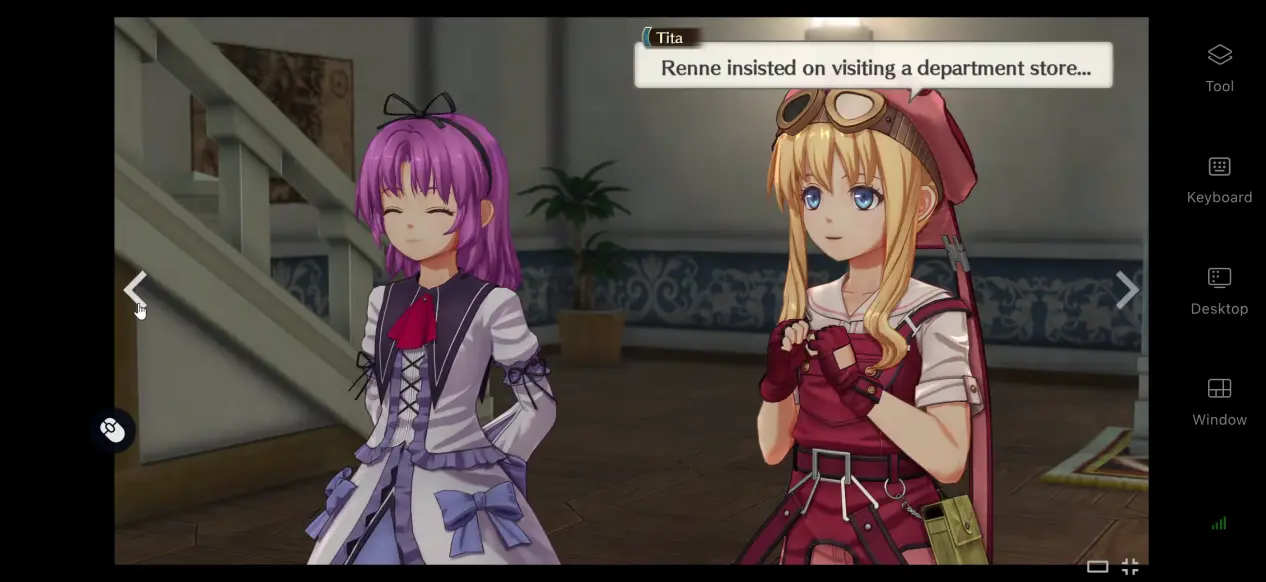
1. How to Play Trails in the Sky 2nd Chapter
Getting the Game
The PC version of Trails in the Sky 2nd Chapter is available on the Steam store. Search for the full game title in the Steam client, purchase it, and then download and install it from your game library. Steam also supports cloud saves, so when you sign in to the same account on another PC, you can access your previous save progress without having to back up your local save files manually.
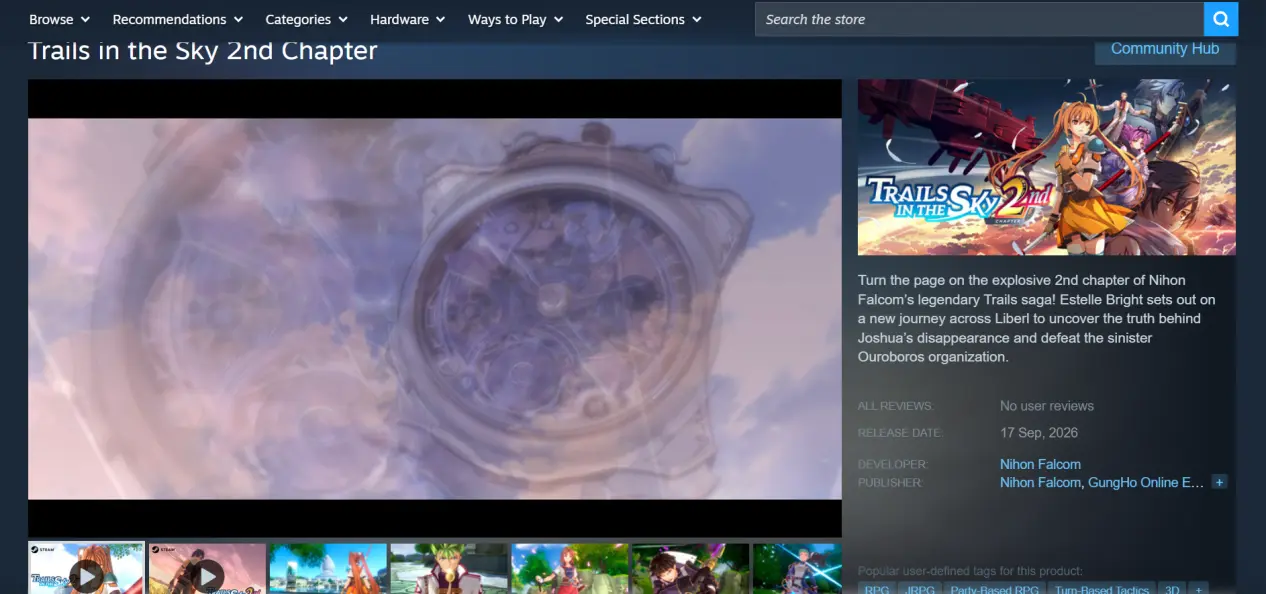
After installation, it's recommended that you launch the game once and make sure it reaches the main menu normally. Check that there are no crashes, screen tearing, or other issues when loading the story or entering battles. Once you've confirmed that the game runs properly on your PC, you can move on to the streaming setup.
2. Installing OSLink on Your PC and Phone
PC Setup
Open a browser and search for OSLink, then visit the official OSLink website and download the installer for Windows. Once installation is complete, launch the software, create an account, and sign in.
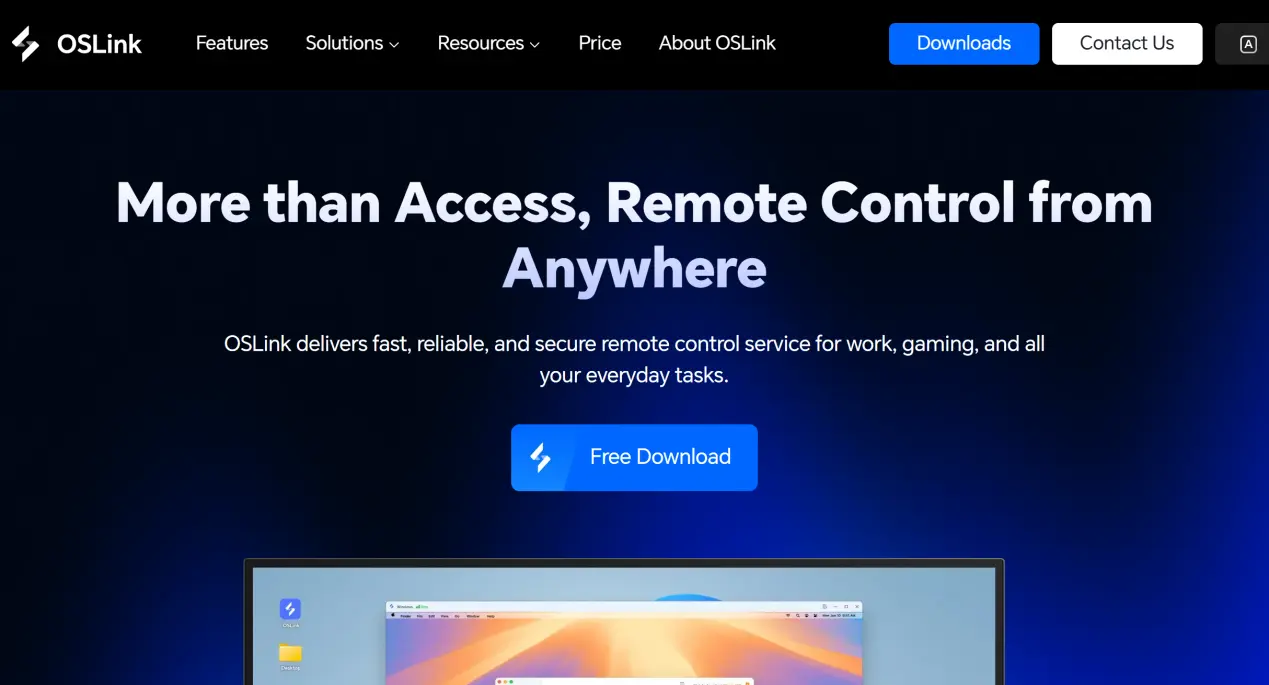
The app needs to keep running in the background, so it's recommended that you disable automatic sleep and turn off the network adapter's power-saving settings. This helps prevent the connection from dropping while the PC is idle and ensures that your phone can connect whenever needed.
Mobile Setup
Android users can install the app through the Google Play Store or by downloading the installation package.
iOS users can open the App Store and search for the corresponding client to download it.
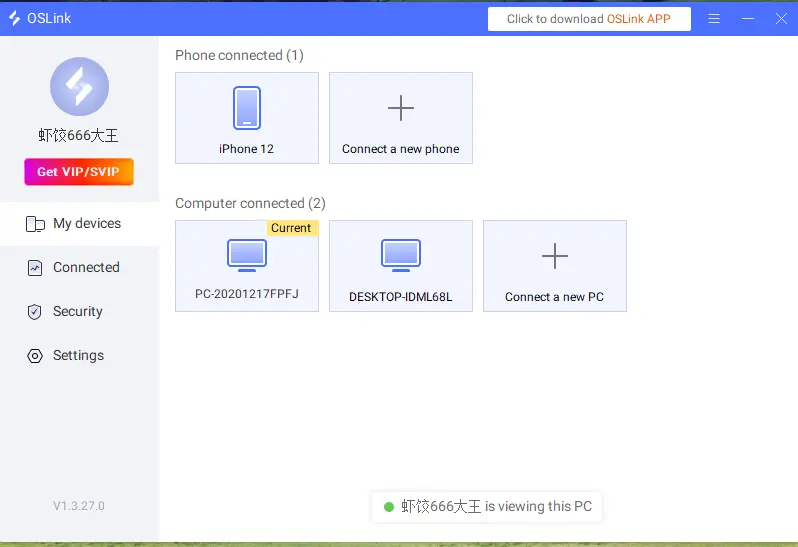
You must sign in to the same OSLink account on both your phone and PC. OSLink can detect PCs signed in to the same account on the local network and can also pair devices automatically when you're connecting over the internet. There's no need to enter a device ID manually.
3. How to Run Trails in the Sky 2nd Chapter on Your Phone with OSLink
Step 1: Open the Steam client on your PC and launch Trails in the Sky 2nd Chapter. Leave the game on the main menu and keep the game window running in the foreground. Do not minimize it to the background.
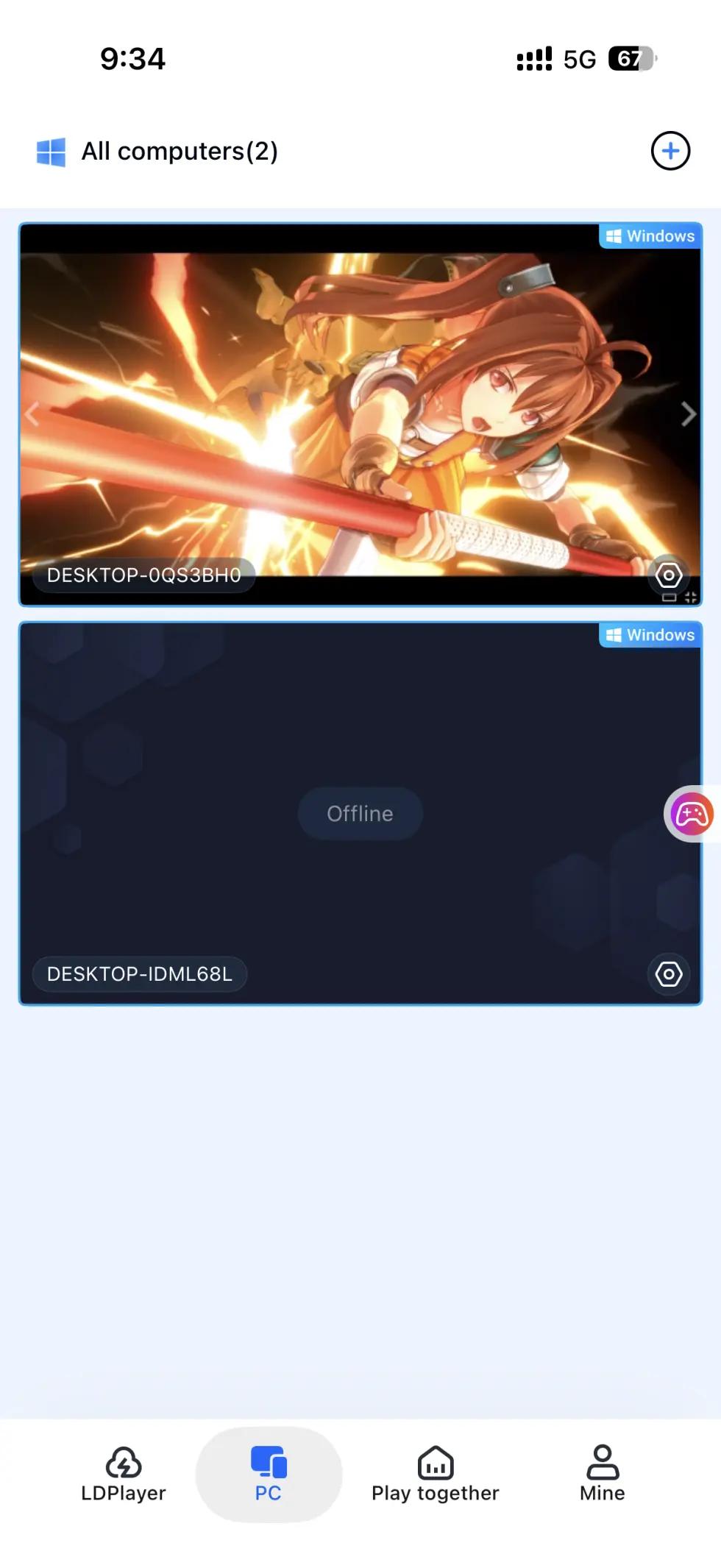
Step 2: Open OSLink on your phone. The device list will show PCs that are online under the same account. Tap the corresponding PC to establish the streaming connection.
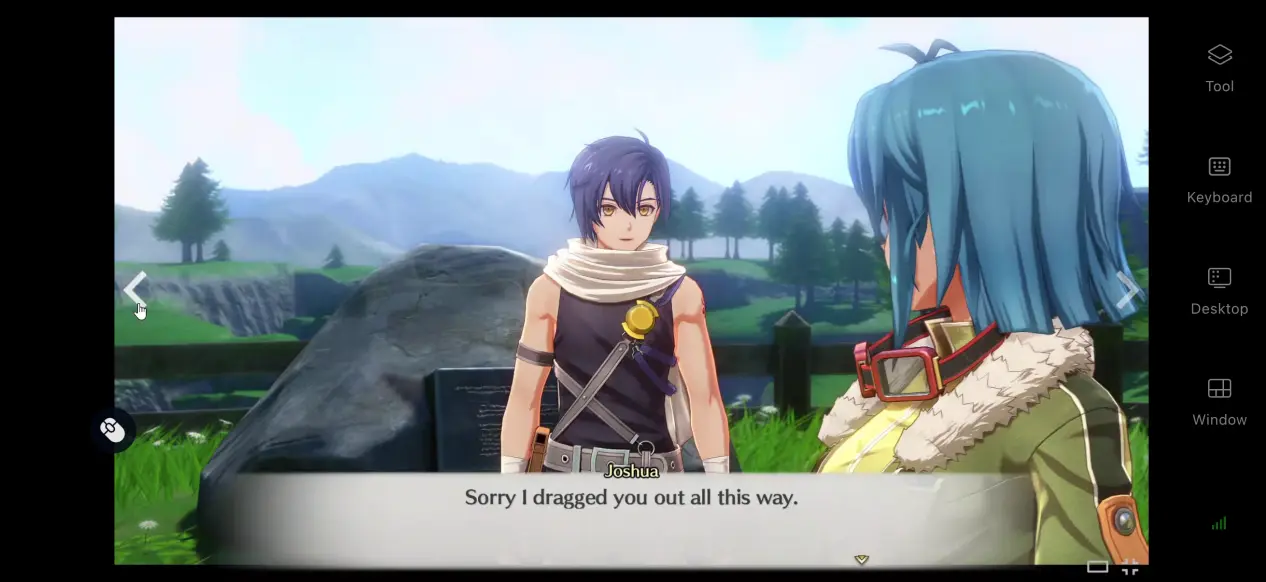
Step 3: Once the screen is successfully streamed to your phone, open the side toolbar and switch to Game Mode. Load the default virtual button layout for RPGs. After finishing the setup, you can control the game directly from your phone, progress through the main story, take on side quests, and fight turn-based battles.
4. Benefits of Playing Trails in the Sky 2nd Chapter on Your Phone
Pick Up Your Adventure in Your Free Time
As long as your PC stays powered on and connected to the internet, your phone can connect through Wi-Fi or mobile data. Whether you're commuting or waiting around, you can continue exploring Liberl from your existing save, take care of side quests, and play without being tied to your PC.
Minimal Storage Use on Your Phone
The game files and save data remain stored on your PC's hard drive, while your phone only handles receiving the game stream and sending back your inputs. Even phones with older hardware or limited storage can still be used for remote play, so there's no need to clear out your phone's internal storage just for the game.
Support for Different Controllers and Peripherals
OSLink supports most wired and Bluetooth controllers available on the market. Once a controller is connected, the system automatically adapts the game input layout. Movement, skill activation, and menu navigation can all be handled with a controller, reducing accidental inputs caused by touchscreen controls.
5. How to Optimize Your OSLink Gaming Experience
Customize Your Controls
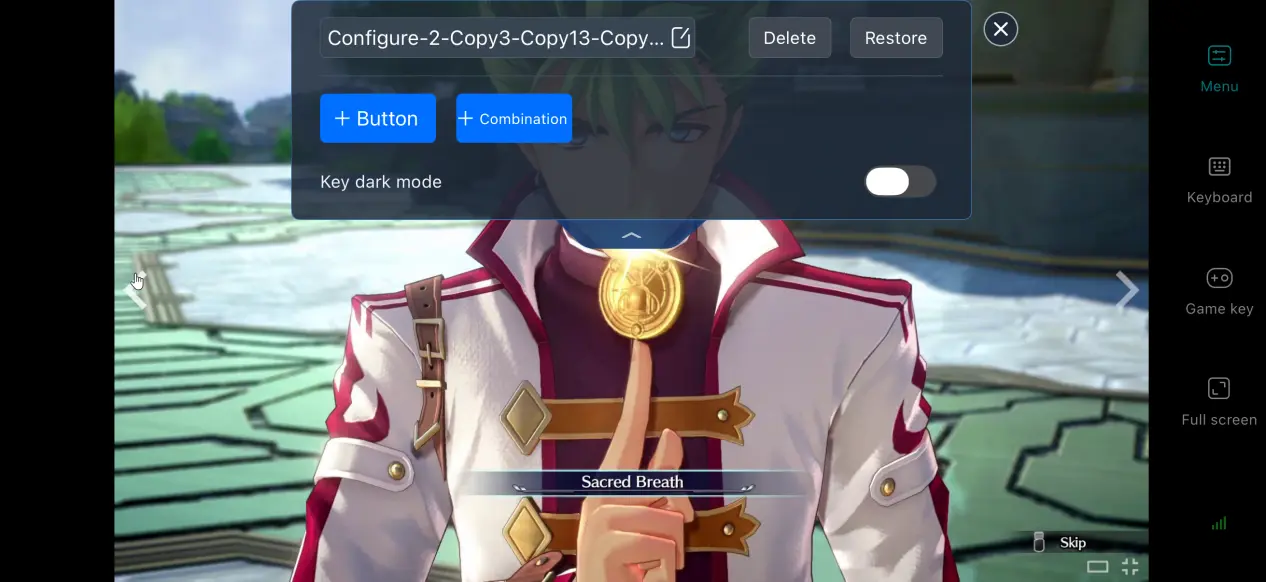
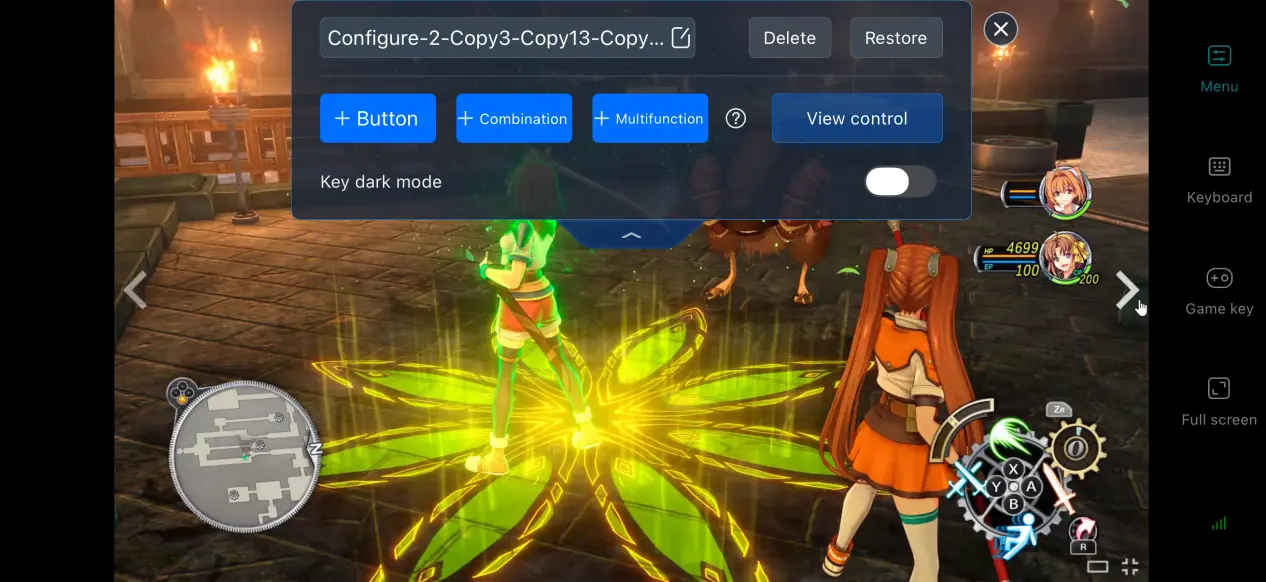
OSLink lets you add or remove virtual touch buttons and freely adjust their size, transparency, and position. For Trails in the Sky 2nd Chapter, you can place frequently used controls such as equipment switching, skill activation, and party switching within easy reach. You can also save multiple control layouts and switch between them as needed when exploring towns or fighting battles.
Keep Your Streaming History
The app keeps a record of previously connected devices, so you don't have to search for your PC every time. Simply select your computer from the connection history to start streaming, skipping the repeated pairing process. If an unfamiliar device connection is detected, you can immediately block it to help protect your account.
High-Performance Game Mode
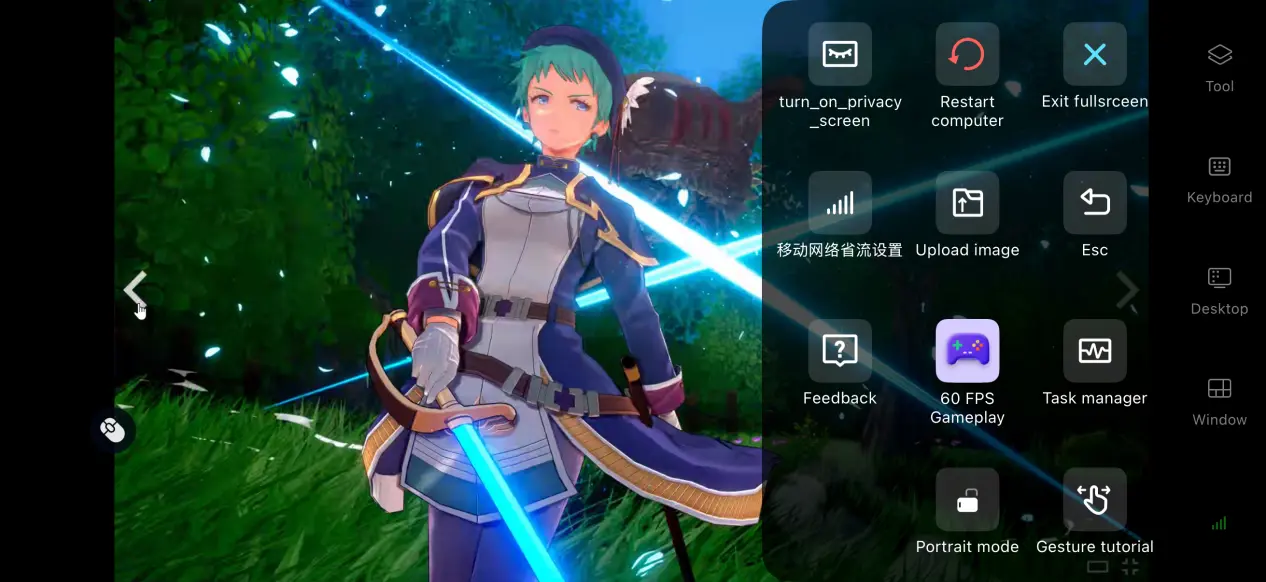
After enabling the 60 FPS PC Game Mode, the app adjusts its encoding settings to improve performance during large-area transitions and battles with multiple characters. This helps reduce motion blur and improves input response, making story transitions and combat feel smoother.
Adjust the Display for Mobile Screens
You can manually adjust the streaming bitrate. When your network connection is strong, increasing the bitrate helps preserve visual details in game environments. When the connection is unstable, lowering the bitrate can help keep the stream smooth. The app also supports automatic network detection and can dynamically adjust the output quality to balance image clarity and connection stability.
6. Frequently Asked Questions About Trails in the Sky 2nd Chapter
Q: What's the Trails in the Sky 2nd Chapter release time?
A: The Trails in the Sky 2nd Chapter release date is September 17, 2026. The PC version will be available on Steam, with console versions launching on PS5, Switch, and Switch 2 at the same time. There is no native mobile version.
Q: What are the PC system requirements for Trails in the Sky 2nd Chapter?
A: Minimum requirements: Windows 10/11, AMD Ryzen 5 1600 processor, 8 GB RAM, GTX 1050 graphics card, and around 18 GB of available SSD storage. Recommended requirements: Windows 10/11, a processor of equivalent or higher specifications, 16 GB RAM, and a graphics card more powerful than the GTX 1050. It's recommended to keep all game resources on an SSD for the best performance.
Q: Can I play the Trails in the Sky 2nd Chapter on Android or iOS?
A: There is no native Android or iOS version officially available. You can play the game by remotely streaming the PC version through OSLink. The game itself cannot be directly downloaded and installed on a mobile device.
Summary
Trails in the Sky 2nd Chapter is the HD remake follow-up in the Trails series, centered around Estelle's journey as she searches for answers. It brings the story of the Liberl Kingdom and its turn-based combat to life, but currently only offers PC and console versions rather than a native mobile app. For fans who want to step away from their computer screen and enjoy the game wherever they are, OSLink remote streaming provides a practical way to do so. The setup uses your PC for all the rendering and processing while your phone serves as the display and input device, with no need to modify the game files. This lets you make use of your spare moments to continue your adventure.
 Download