English
 REANIMAL is a brand-new horror adventure from the creators of Little Nightmares, delivering a darker, heavier, and far more suffocating experience than ever before. You play as two sisters bound to each other by survival, returning to a twisted island that was once called “home.” Trapped in a place that feels like a living nightmare, you must search for a missing friend and fight your way through overwhelming despair to escape a world that has become a waking hell.
Want to keep the nightmare going even when you leave your desk? With OSLink, you can instantly mirror your PC screen to your phone or tablet and continue your game anywhere, without breaking the flow of your escape. In the following steps, we’ll show you how to set up OSLink in minutes—and how to fine-tune the display and controls for Reanimal’s shadow-drenched visuals and precision gameplay, so you can fully experience its crushing tension and icy atmosphere on mobile just as intensely as on your PC.
Quick Setup Tutorial for Playing REANIMAL on Mobile
Step 1: Download OSLink and Connect Devices
PC Side:
Visit the OSLink official website to download the software and complete the installation.

Mobile Side:
Download the OSLink App from the App Store or Google Play; the official website also offers APK downloads.
Log in with the same account as on the PC side to automatically connect.

Step 2: Control Optimization
1. Launch the Game
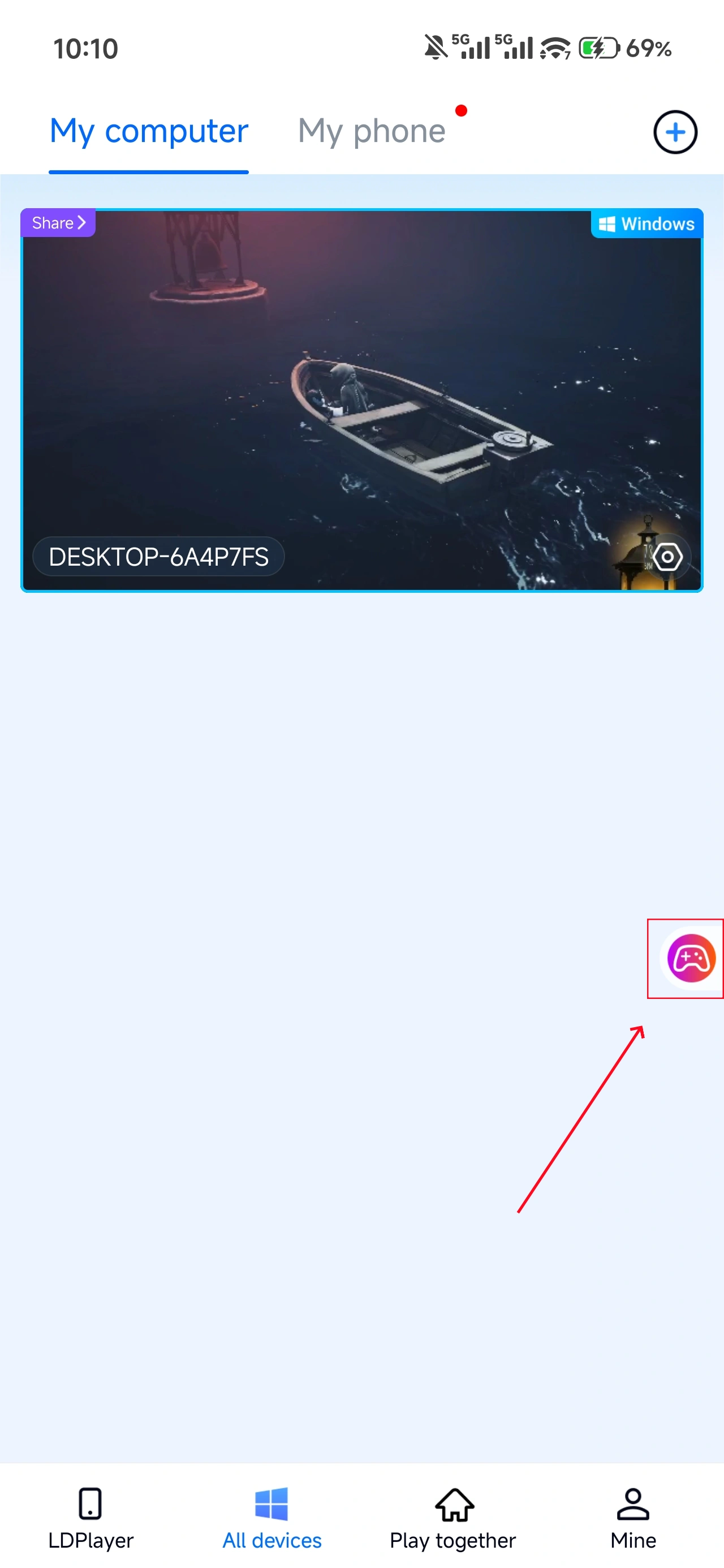
Open REANIMAL on your PC, and the mobile side can connect directly; if REANIMAL hasn't been launched on the PC yet, click the game icon on the mobile side for quick startup.
2. Control Mode
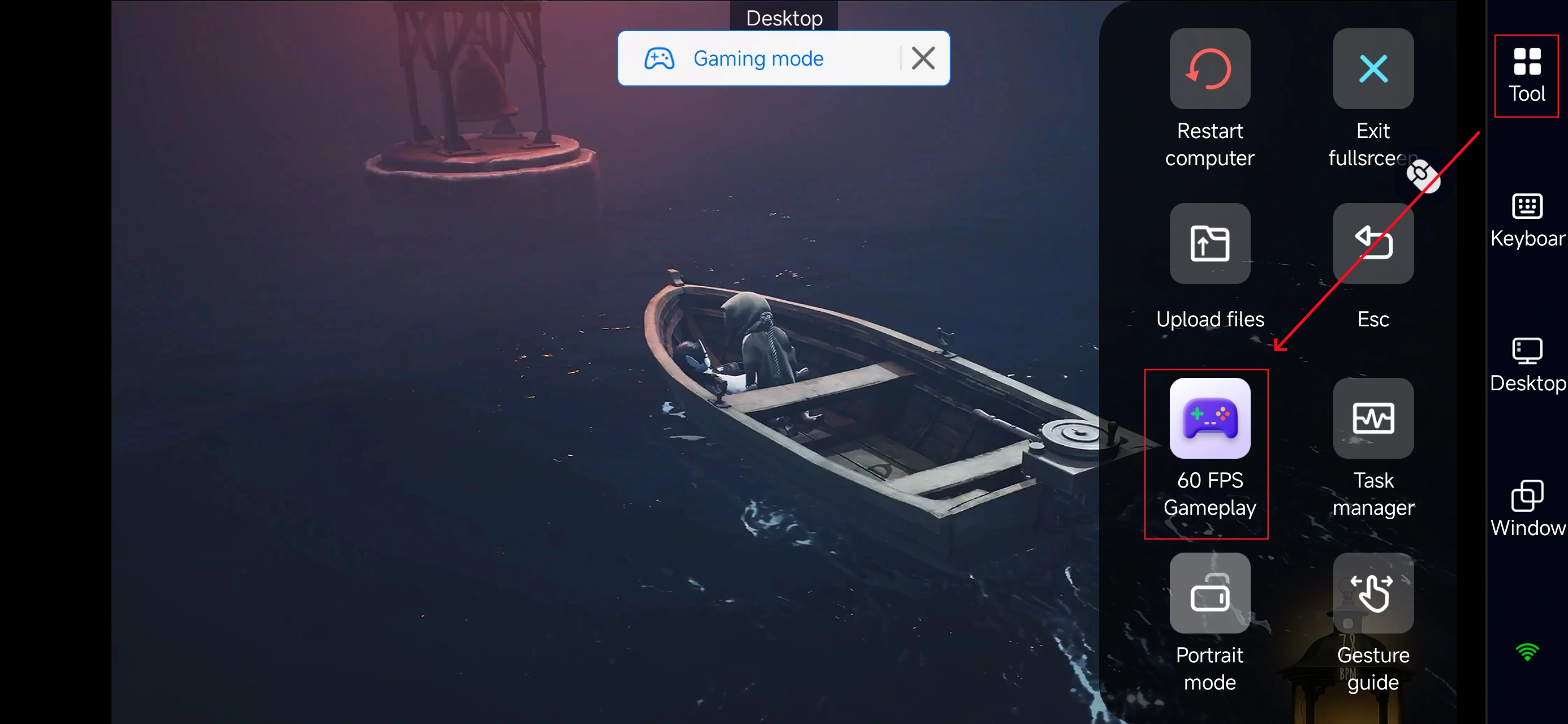
Click the toolbar on the right side of the mobile app, enter "60 FPS Gameplay," and choose key mode or link a controller based on your gaming preferences.
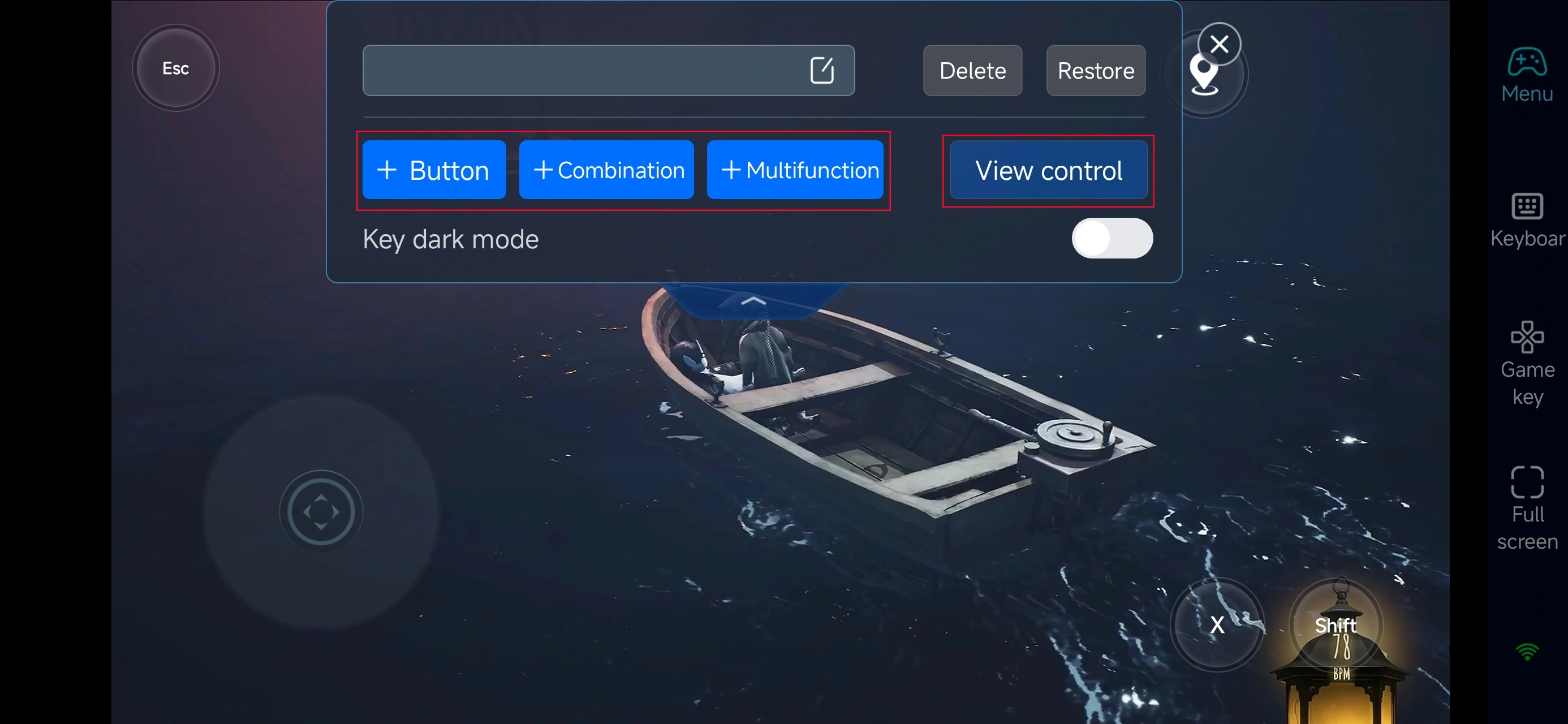
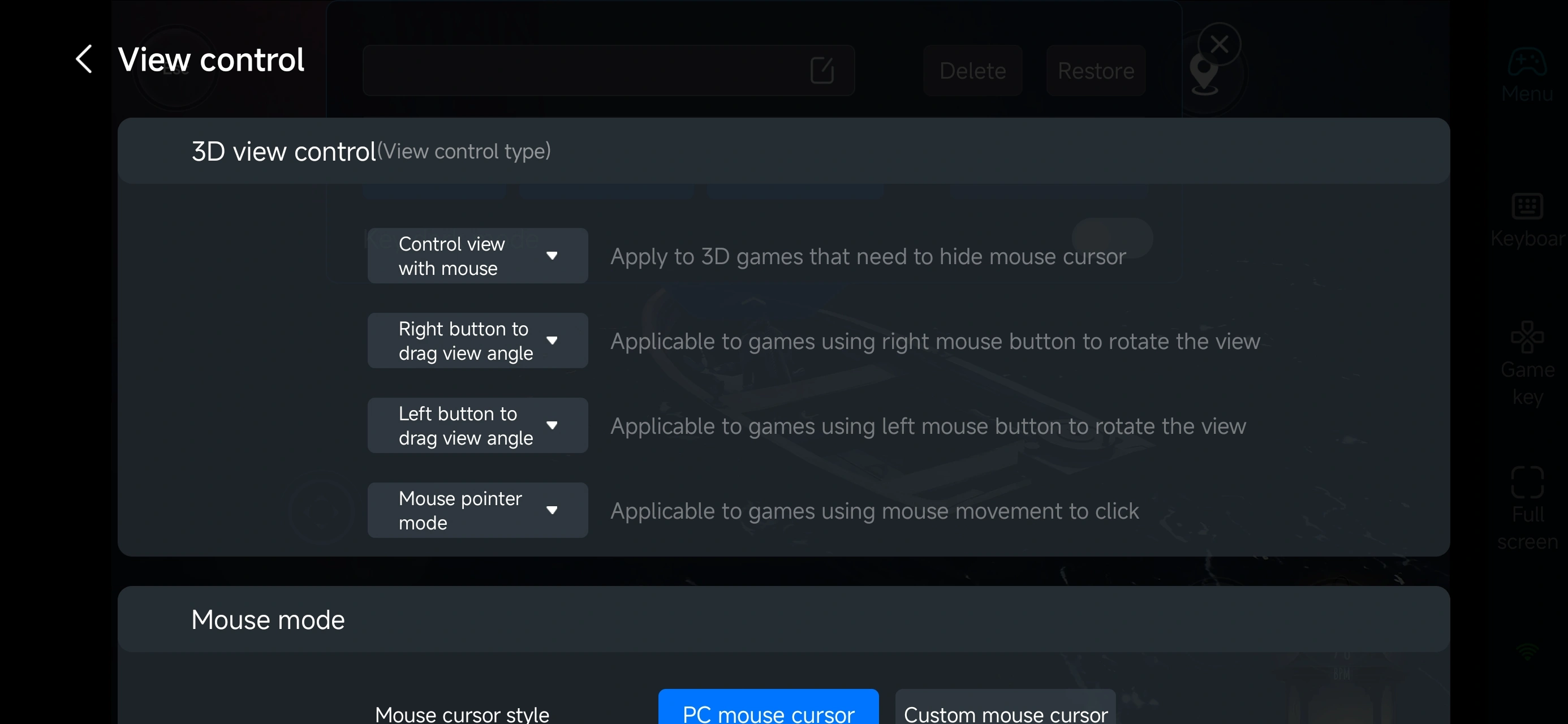
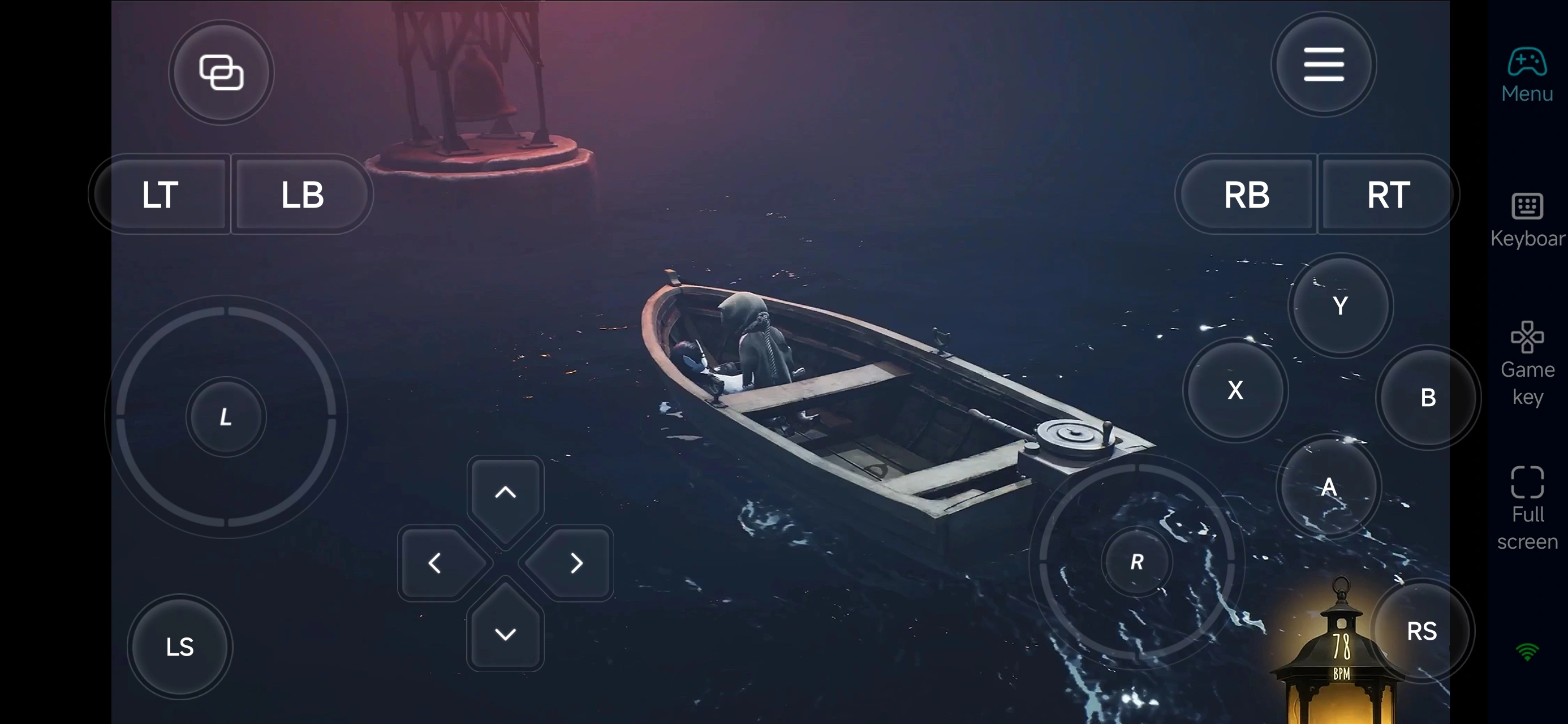
After enabling Gaming mode, open the Game Key panel on the right side of your phone screen and pick a layout that fits REANIMAL. You can then reposition the buttons for movement, interaction, item pickup, and camera switching to match your own play style—making tense escapes and careful exploration across the island feel far more natural and responsive on a touchscreen.
OSLink also offers a fully customizable virtual control overlay. You can add new buttons, tweak existing layouts, and adjust each button’s size and transparency. This lets you keep the screen clear while improving precision and stability when searching for clues or slipping past danger on mobile—so gameplay stays smooth and reliable even in the game’s most stressful moments.
4.Connect external devices
Beyond customizable buttons, OSLink supports a variety of external devices such as Bluetooth controllers and mobile gamepads clipped to your phone. This compatibility frees you from touchscreen limitations and offers a wider range of control options.
Step 3: Pick up your nightmare anytime
Once everything is set up, your phone or tablet becomes a mobile control hub for REANIMAL. Simply launch OSLink and connect to your PC at home to jump straight back in—whether you’re pushing the story forward, combing through forgotten areas, or tracking down crucial clues. Your progress is always right where you left it, no matter where you are.
Why play REANIMAL with OSLink?
1. Face the fear anywhere, anytime
Sneak through pitch-black corridors on your commute, escape a sudden chase on your phone, then switch seamlessly back to your PC when you get home. Low-latency streaming keeps hiding, sprinting, quick turns, and interactions feeling sharp and responsive—so you can react instantly when horror strikes without warning.
2. PC-level visuals in your pocket
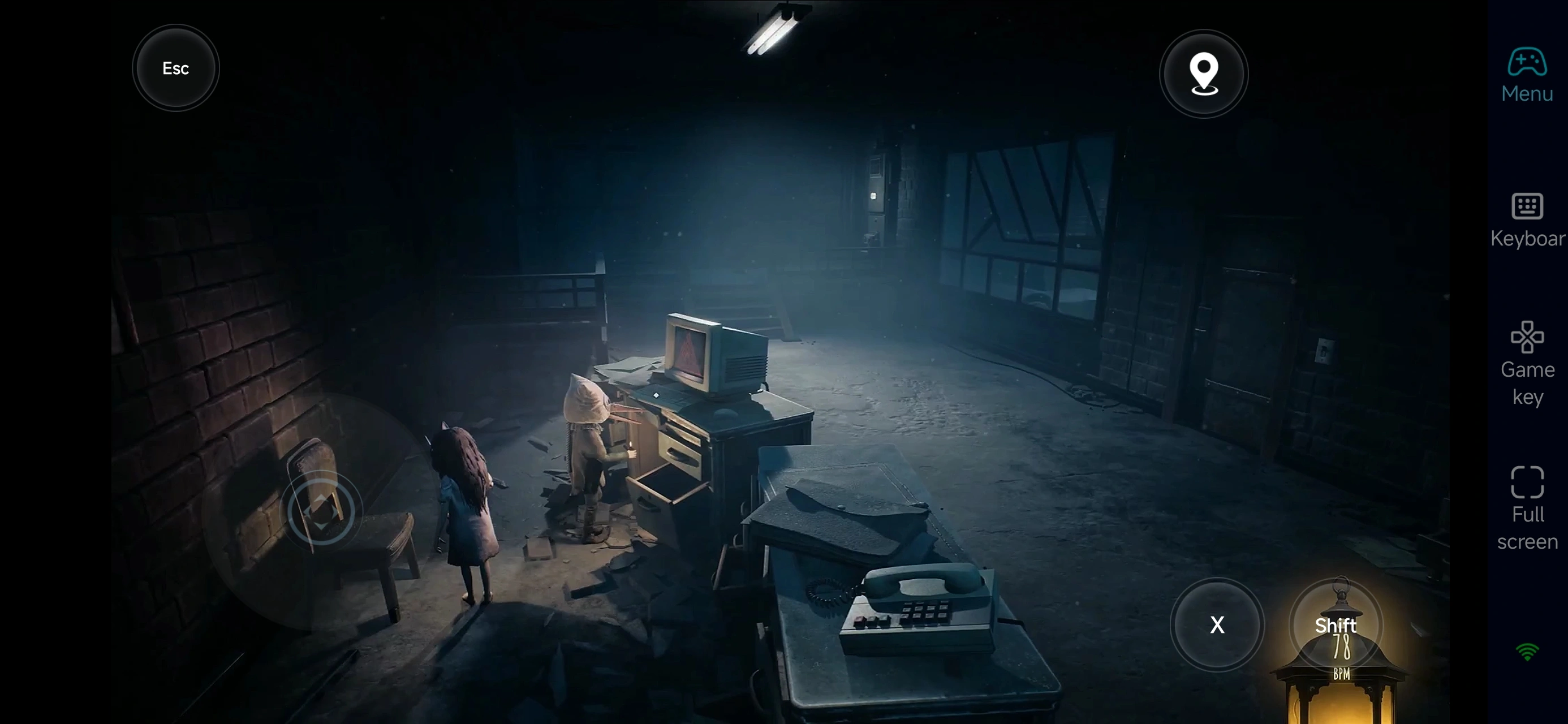
Enjoy smooth 60-FPS gameplay that fully showcases the game’s warped environments, moody lighting, and chilling details—right down to every heart-pounding moment during high-speed pursuits.
Customizable on-screen controls also let you fine-tune stealth movement, item use, camera control, and puzzle interactions, delivering the same precision you expect from a PC setup.
3. Seamless play across devices
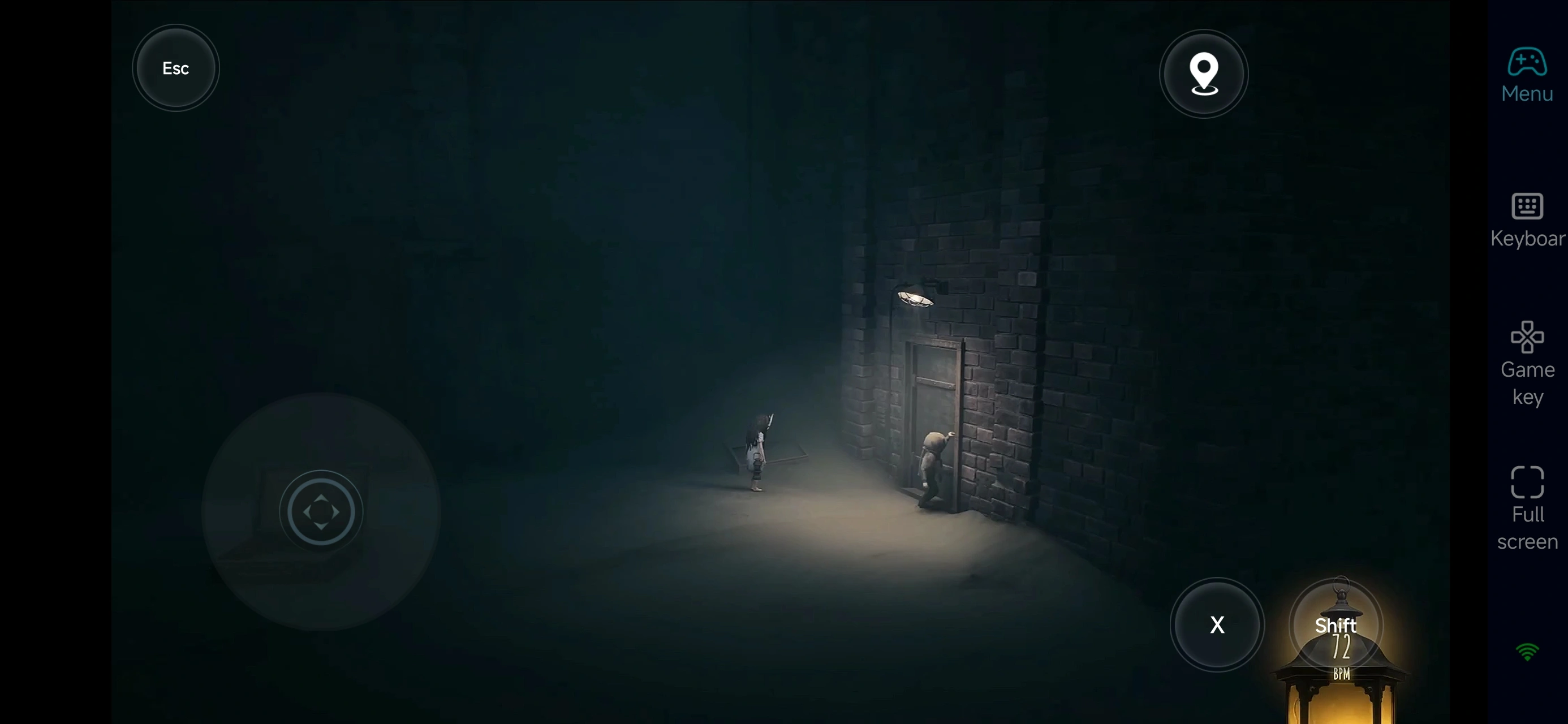
Both phones and tablets can remotely control your PC, with progress synced in real time. Whether you’re uncovering new leads, trying to save your friend, escaping a living nightmare, or carefully studying unsettling environmental clues, you can continue this suffocating journey whenever and wherever you want.
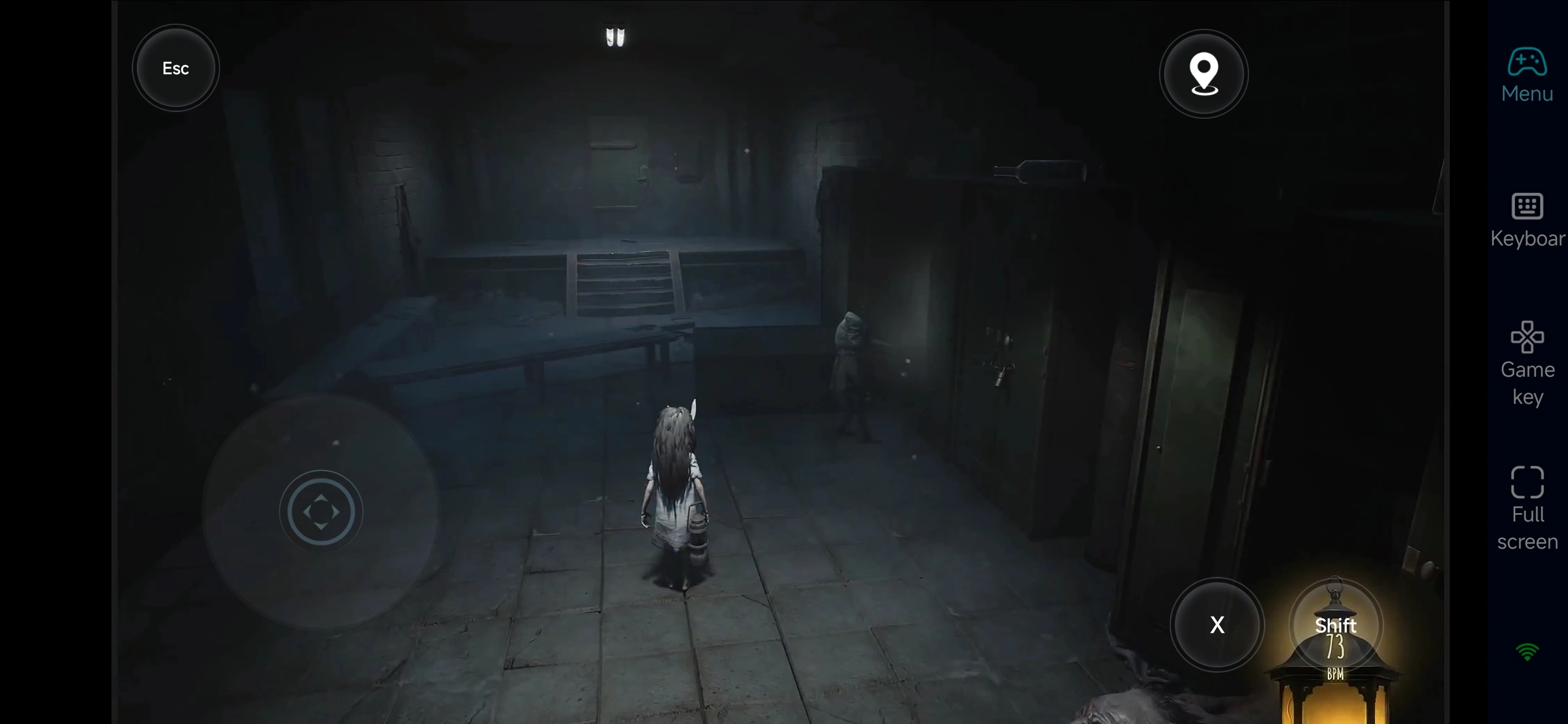
With OSLink, your mobile device becomes an extension of Reanimal’s terror. Once connected, you can keep advancing the story, building survival experience, and pushing deeper into the darkness—turning spare moments into intense, high-stakes gameplay and carrying the island’s endless nightmare with you wherever you go.
 Download