English
 Featuring high-flying web-swinging across New York City and fluid close-quarters combat, the game requires hours of street crime cleanup, landmark collection, and suit unlocks. As a PC-only title, players lose access to all exploration progress without their computers. OSLink solves this limitation: as long as your PC stays powered on, you can remotely connect via mobile to tackle side quests and collectibles at any time.
Step 1: Download OSLink & Pair Devices
1. PC Client
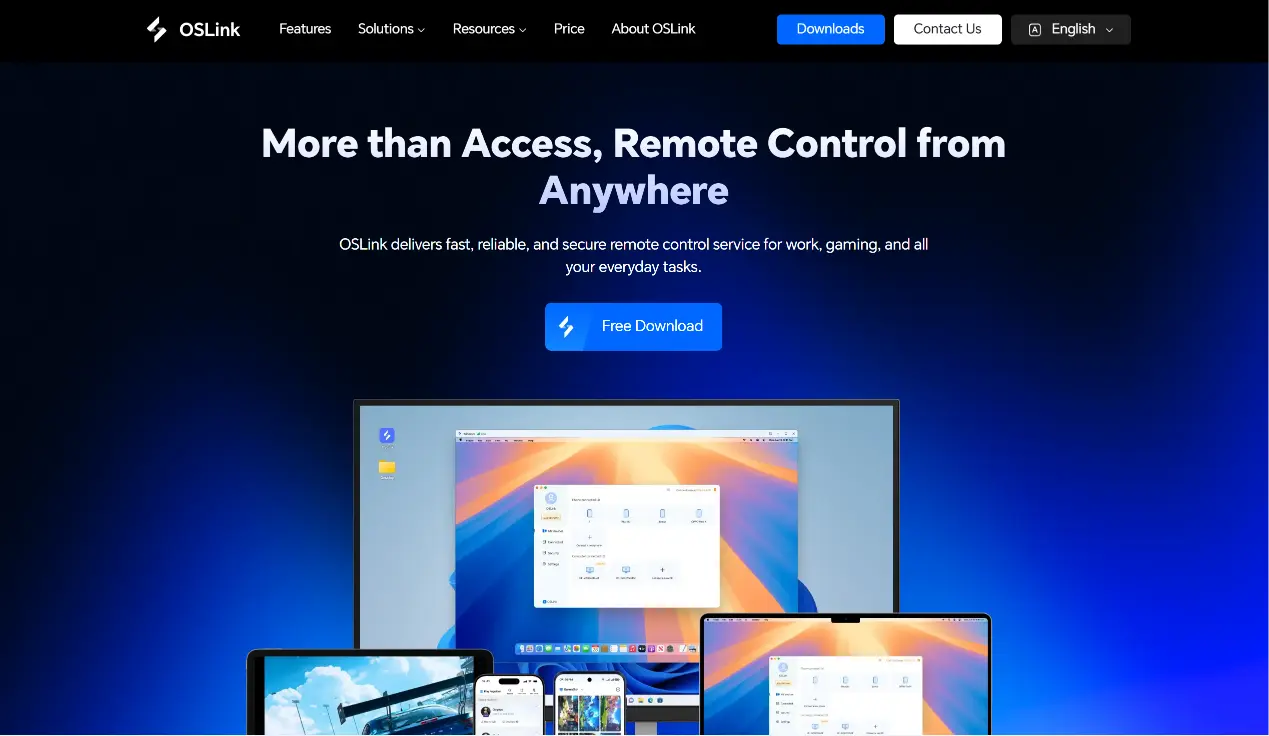
Download and install the PC client from the official OSLink website (https://www.oslink.io) and log into your account. Disable automatic system sleep to avoid unexpected remote disconnections.
2. Mobile Client
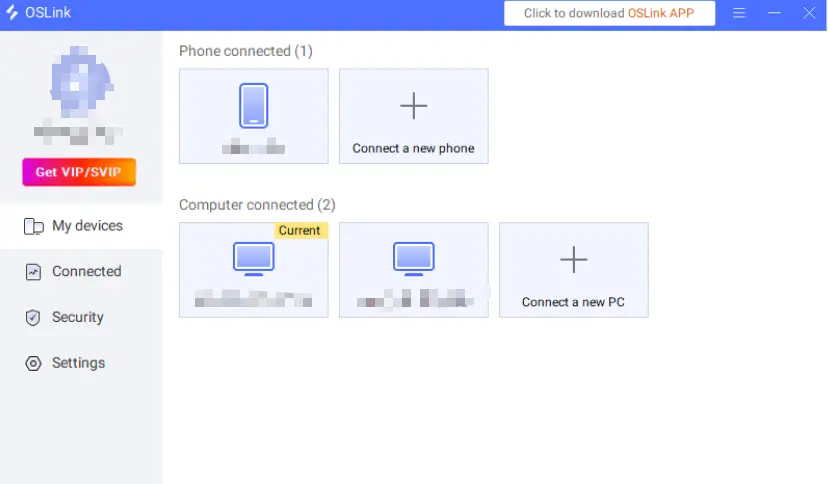
Download the OSLink mobile app from the App Store or Google Play; installation packages are also available on the official website. Log in using the same account as your PC for automatic device pairing and remote connection setup.
Step 2: Optimize Control Settings
1. Launch the Game
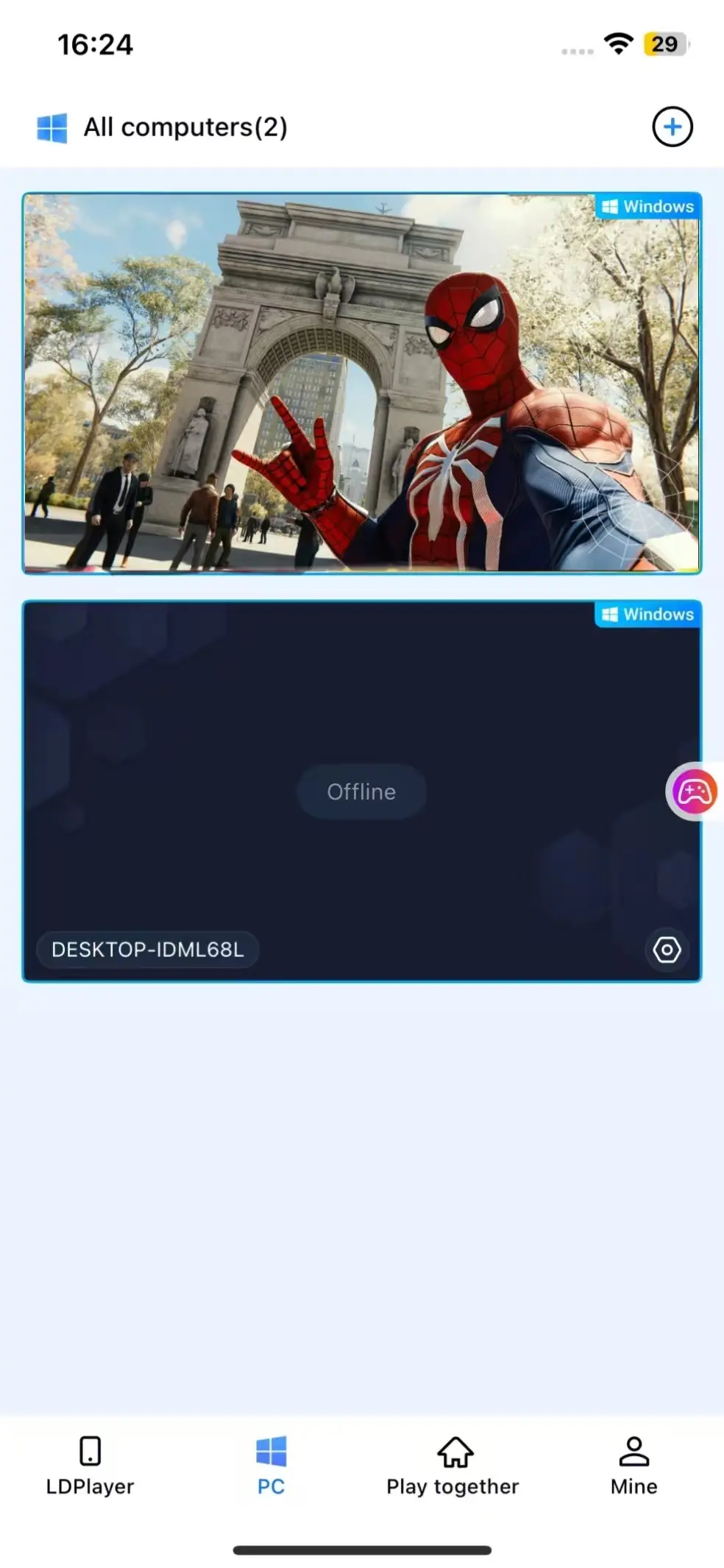
You may boot Marvel’s Spider-Man Remastered on your PC in advance. If the game is closed, tap the game shortcut button within the mobile OSLink interface to launch it remotely with one click.
2. Activate 60fps PC Gaming Mode
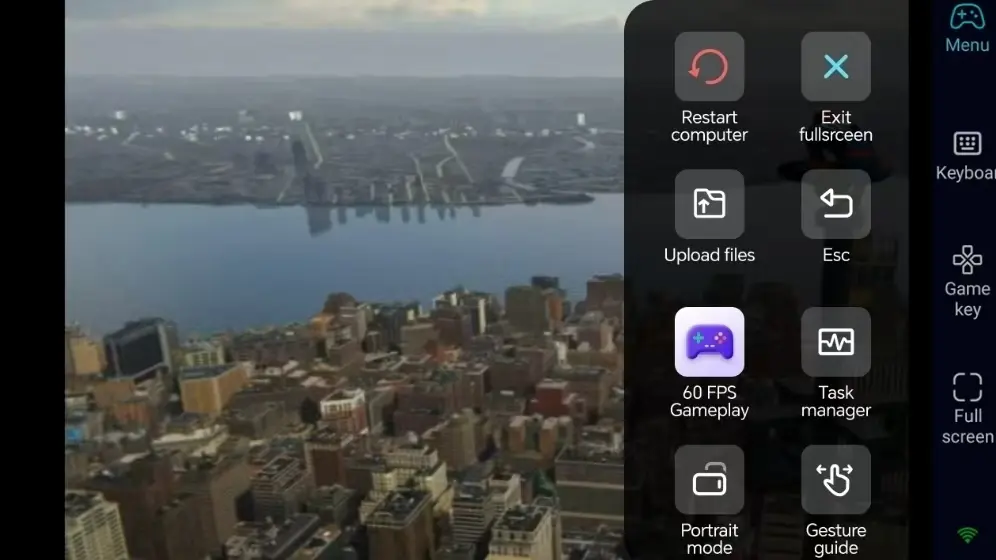
After successful screen streaming, open the dedicated "60fps PC Gaming Mode" via the right sidebar toolbar. You can use virtual touch buttons or pair a Bluetooth gamepad for gameplay.
3. Customize Web-Swing Controls
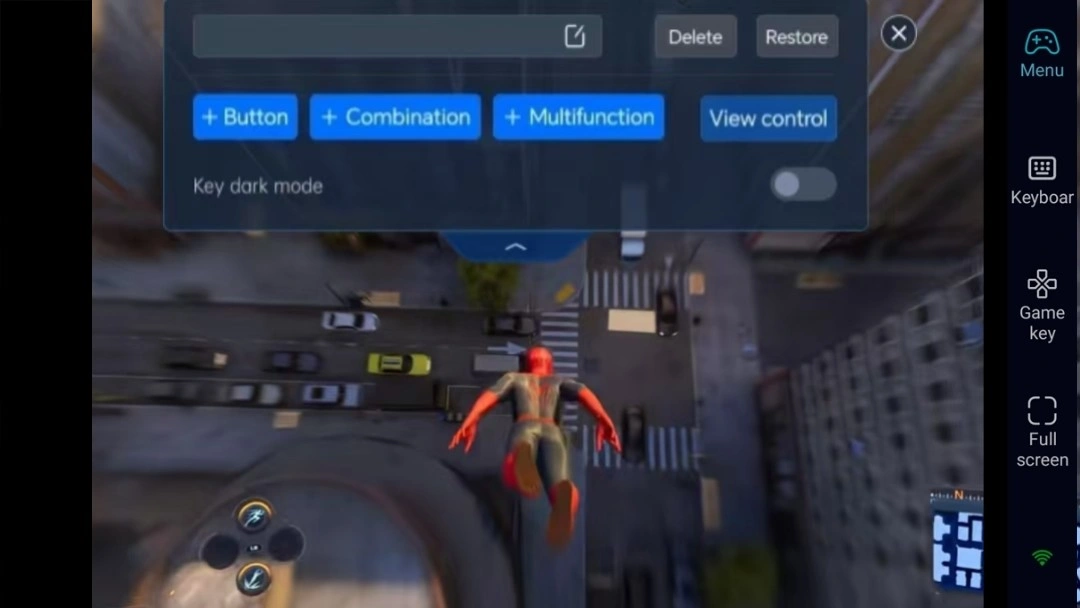
Adjust button positions for web swinging, melee attacks, dodging, photography, and suit switching based on open-world combat demands. Modify button size and transparency, paired with 3D camera controls for smoother high-altitude traversal and ground combat.
4. Pair External Gamepads
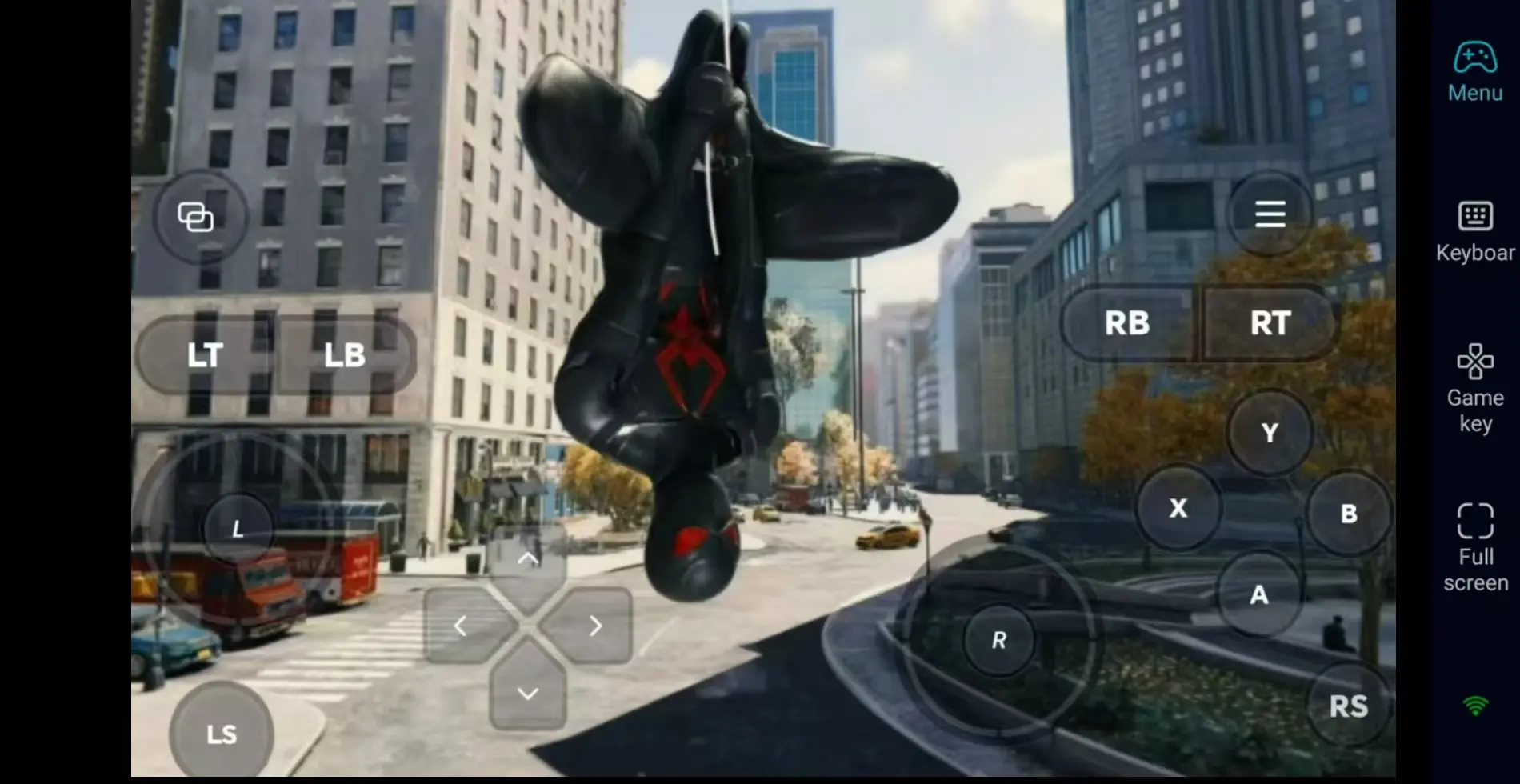
OSLink supports Bluetooth controllers. Connecting a gamepad restores the smooth control experience of PC gameplay, ideal for long-distance map traversal and crime missions.
Step 3: Explore the City Anytime to Accumulate Collectible Progress
Once all settings are configured, smartphones and tablets act as remote controllers. With your PC powered on, connect via OSLink during spare time to complete daily street missions and hidden item collections. You can also stay logged in to continue unlocking suits.
Why Choose OSLink for Marvel’s Spider-Man Remastered?
Play Anywhere and Swing Through New York City
Clear street crimes remotely during downtime away from home, then seamlessly resume main story progression on your desktop once back. Local network streaming delivers low latency, meeting the fast response requirements of web swinging and combo combat.
60fps Streaming to Restore New York’s Detailed Visuals
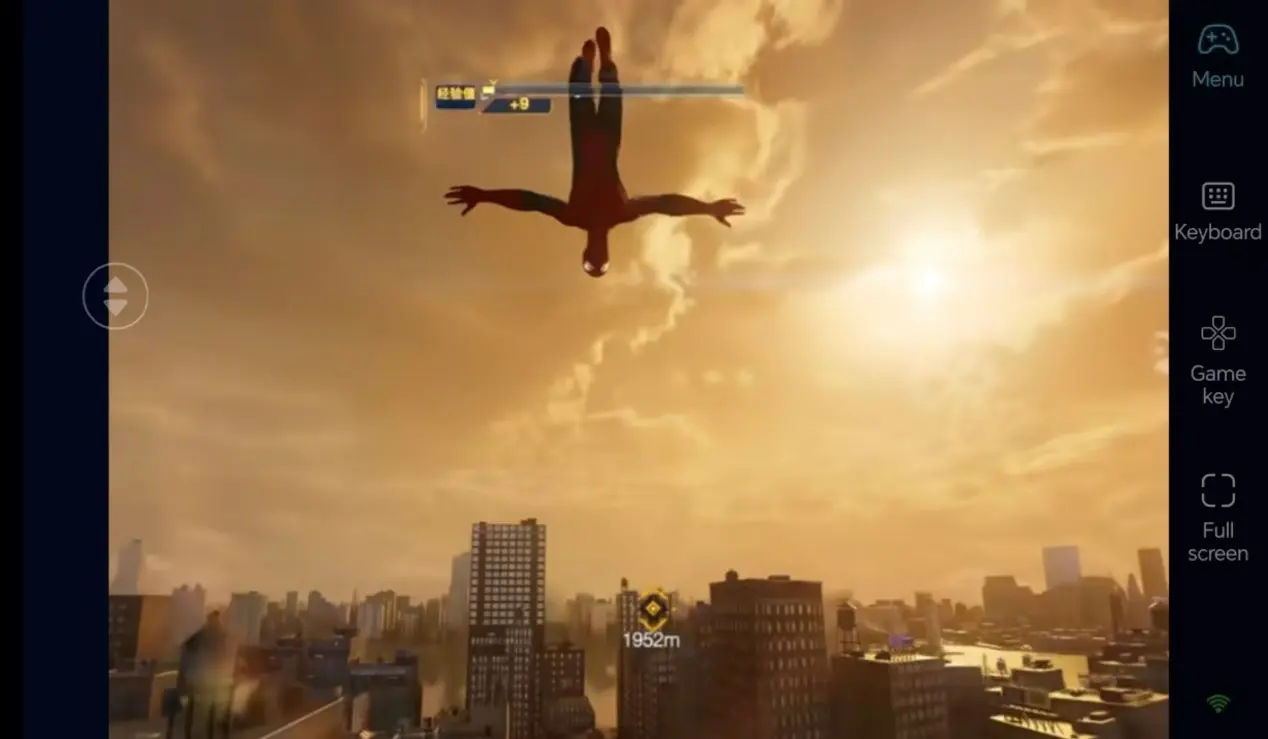
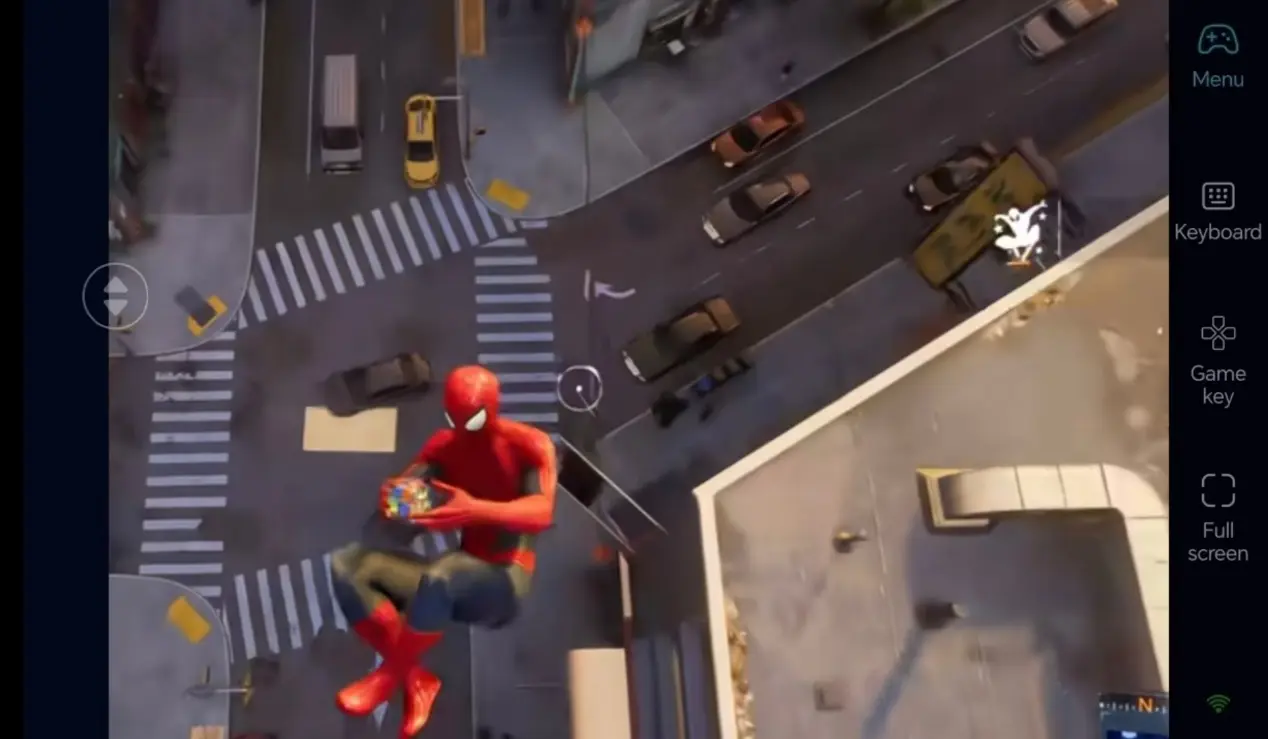
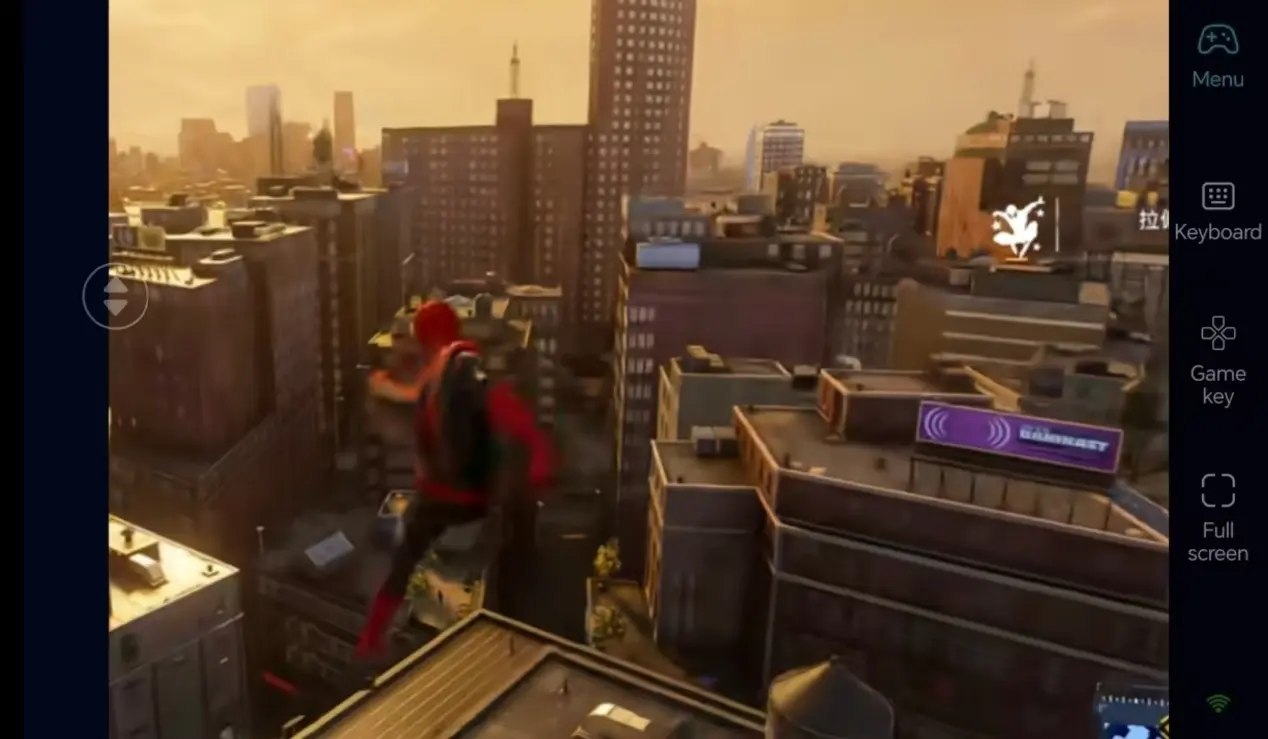
Stable 60fps streaming fully renders city lighting and intricate suit textures. Custom virtual buttons enable precise high-speed aerial turning and melee combos for immersive web-slinging gameplay.
·
Seamless Progress Sync with Local PC Saves
All game save files are stored locally on your computer, creating full progress parity between remote mobile play and direct PC sessions. Every new suit unlock and hidden side mission completion carries over between sessions.
FAQ – Frequently Asked Questions
Q: Does OSLink support both Android and iOS mobile devices for remote control?
A: Yes. OSLink offers full cross-platform compatibility for Android and iOS. Simply log into the same account to establish stable remote PC connections on either operating system.
Q: Can remote play via OSLink trigger account bans or corrupt game save files?
A: No. OSLink only handles screen streaming and remote input; it never modifies game files or in-game data. Saves remain stored locally on your PC, ensuring complete security against corruption or account penalties.
Q: Can I play Marvel’s Spider-Man Remastered on iOS and Android?
A: There is no native mobile build for iOS or Android. However, you can use OSLink to remotely connect to your PC and play the game on both iOS and Android devices.
summary
If you hate pausing your city exploration and story progress while out, OSLink remote streaming is the perfect solution. Keep your PC powered on, connect remotely from your phone to launch Marvel’s Spider-Man Remastered, and chip away at street missions during free moments to keep your adventure progressing.
 Download