English
  Blog Game Guide Mobile Guide to Playing MARVEL Tōkon: Fighting Souls – Jump into Battle with One Tap
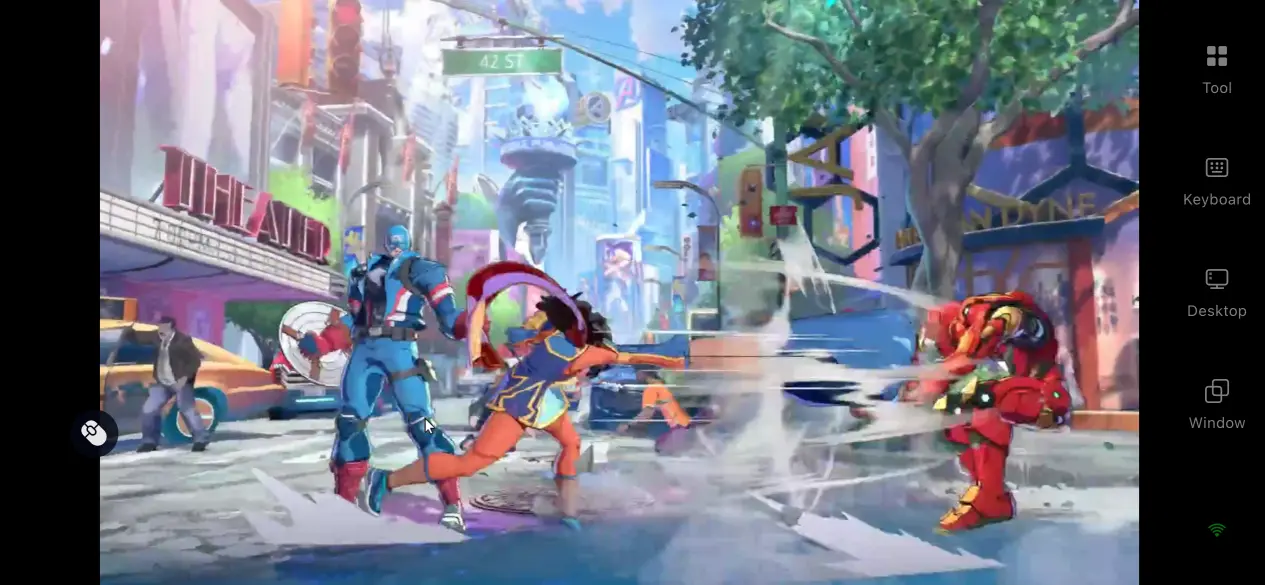
 Built on ArcSystem's refined fighting game framework and featuring a massive lineup of iconic Marvel heroes, MARVEL Tōkon: Fighting Souls has quickly caught the attention of both casual players and competitive fighting game fans. At launch, however, the game is available only on PC and does not include a native mobile version, meaning its fast-paced 4v4 team battles are normally limited to desktop play. If you're looking for a lightweight way to enjoy the game on your phone, the guide below walks you through the entire remote play process, including game installation, software setup, connection steps, and answers to common questions. No complicated configuration or specialized hardware is required, making it easy to jump into Marvel battles whenever you have a few free minutes.
If you're searching for a streaming solution designed with fighting games in mind, OSLink is a dependable option. Its streaming engine is optimized for fast-response gameplay, pairing devices in just one step. As long as your PC stays powered on and connected to the internet, you can launch a remote session from your phone and head straight into battle.
1. Where to Get the Official Version of MARVEL Tōkon: Fighting Souls
Official PC Platforms
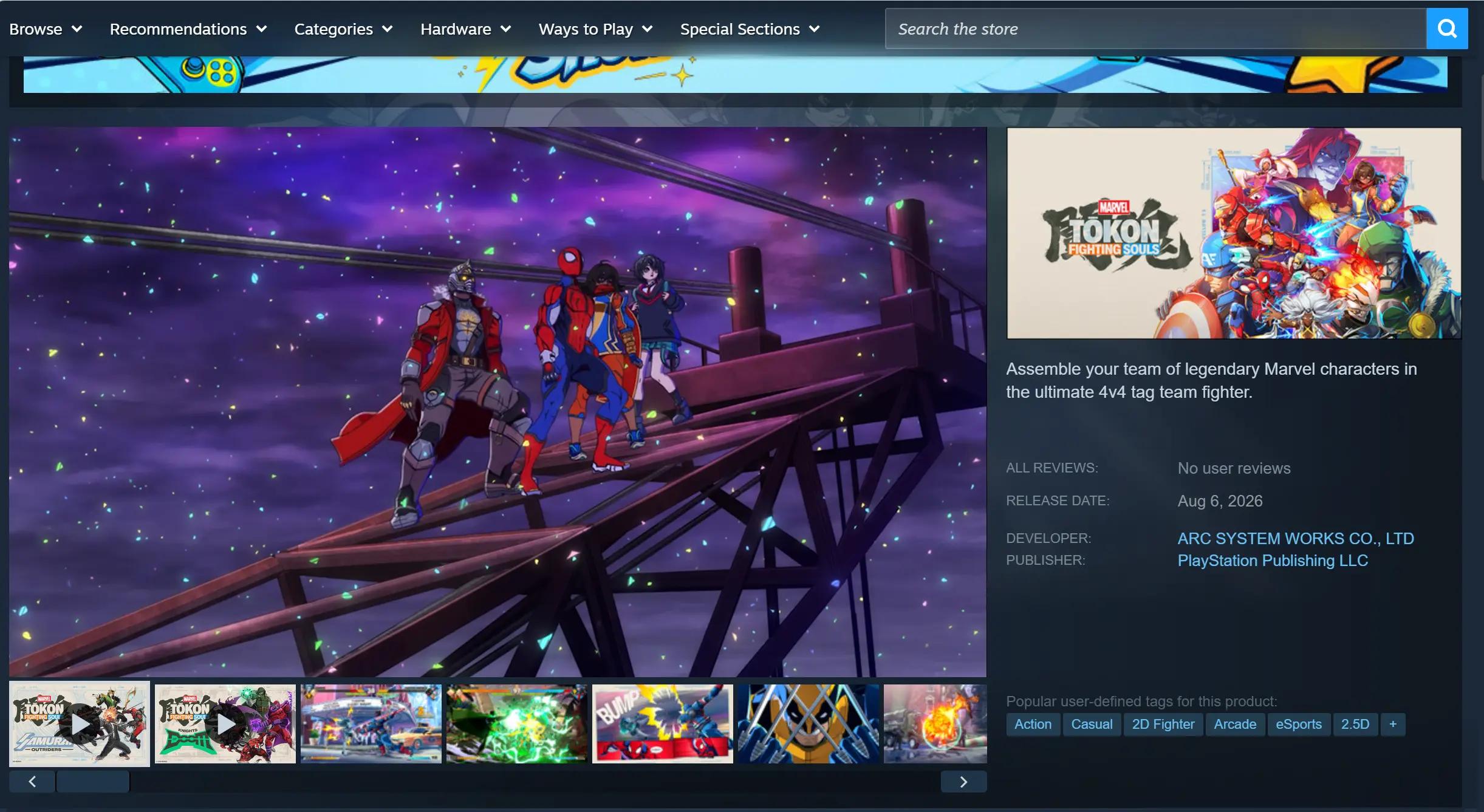
The PC version of MARVEL Tokon: Fighting Souls is officially distributed only through Steam and the Epic Games Store. No third-party installation packages are provided. Steam is generally the recommended choice thanks to faster content updates and more reliable online matchmaking.
2. Installing OSLink on PC and Mobile
Installing the Windows Client
Visit the official OSLink website and download the installer for Windows. Launch the installer, follow the on-screen instructions to complete the required permission settings, create your account, and sign in. Once setup is finished, simply leave the client running in the background.
Installing the Mobile Client
Android users can download OSLink directly from Google Play, or install the APK from the official website. iPhone and iPad users can install it by searching for OSLink in the App Store.
Sign in with the exact same account on both your PC and mobile device. On the same local network, OSLink automatically detects your online computer. When using mobile data or another external network, device pairing is completed automatically without entering a device ID manually.
3. Launching MARVEL Tōkon: Fighting Souls with OSLink
Open either Steam or the Epic Games Launcher on your PC and launch MARVEL Tōkon: Fighting Souls. Stay at the game's main menu, keep the game window active, and do not minimize it or allow the system to enter sleep mode.
Unlock your phone and open the OSLink app. Your online computer linked to the same account will appear in the device list on the home screen. Tap the device name to begin streaming.
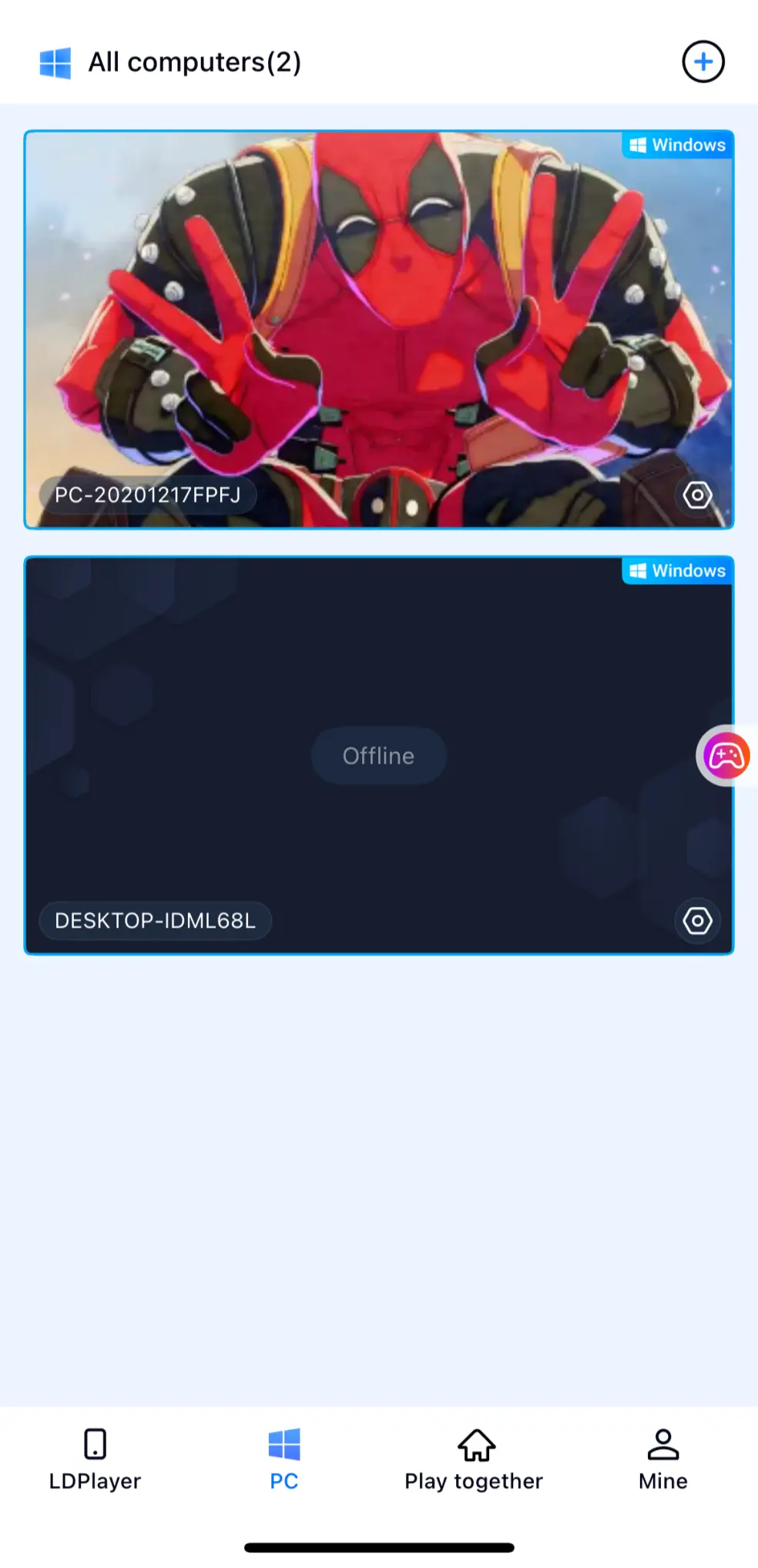
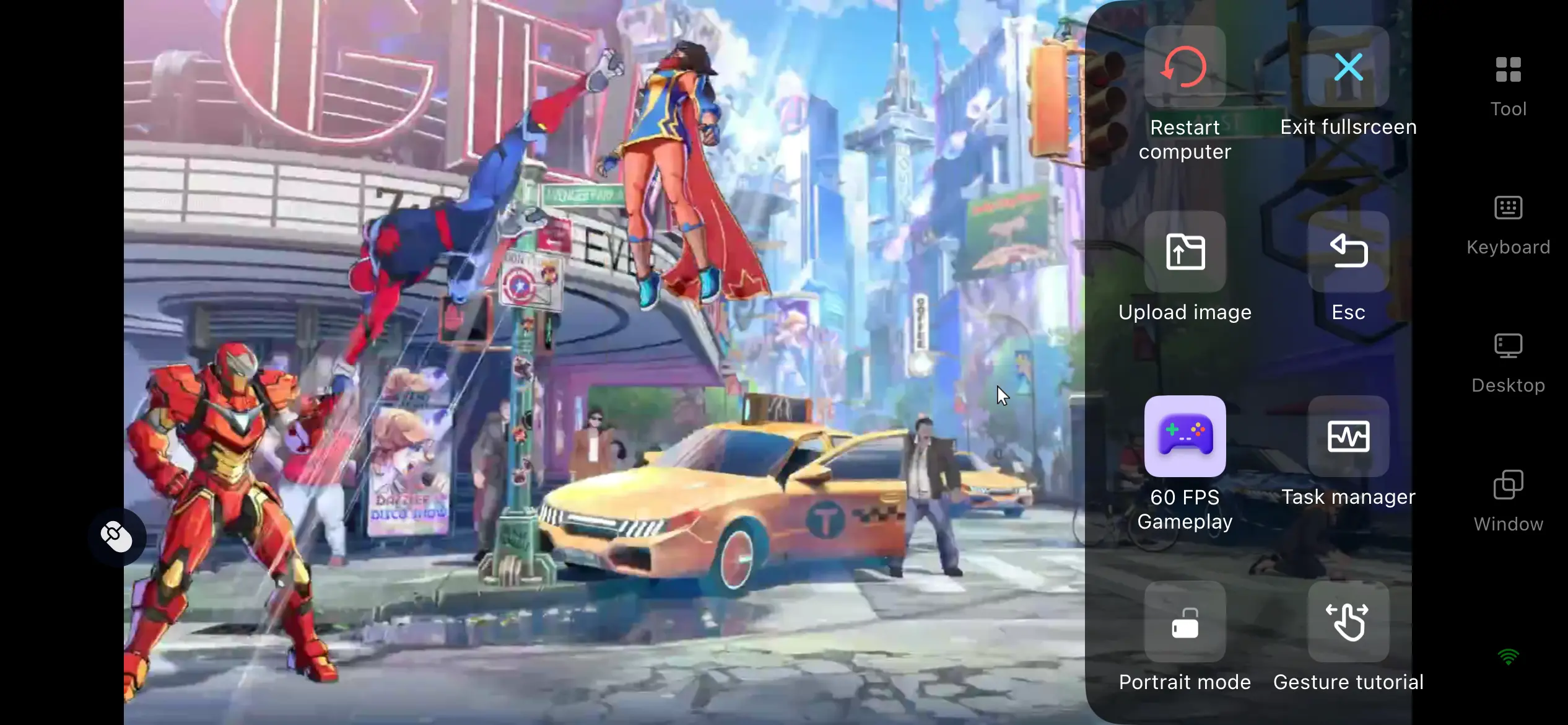
Once the connection is established, your PC display will appear on your phone. For the best fighting game experience, enable the dedicated 60 FPS Fighting Mode from the streaming sidebar and switch to full-screen display to better match your phone's aspect ratio.
4. Why Play MARVEL Tōkon: Fighting Souls on Your Phone?
As long as your PC remains powered on and connected to the internet, you can connect from your phone over mobile data or public Wi-Fi whenever you want. Whether you're commuting, waiting for an appointment, or simply have a few spare minutes, it's easy to queue for ranked matches, practice combos, or improve your heroes without being tied to your desk. Instead of waiting until you're back home, you can keep making progress whenever time allows.
Broad Controller Support
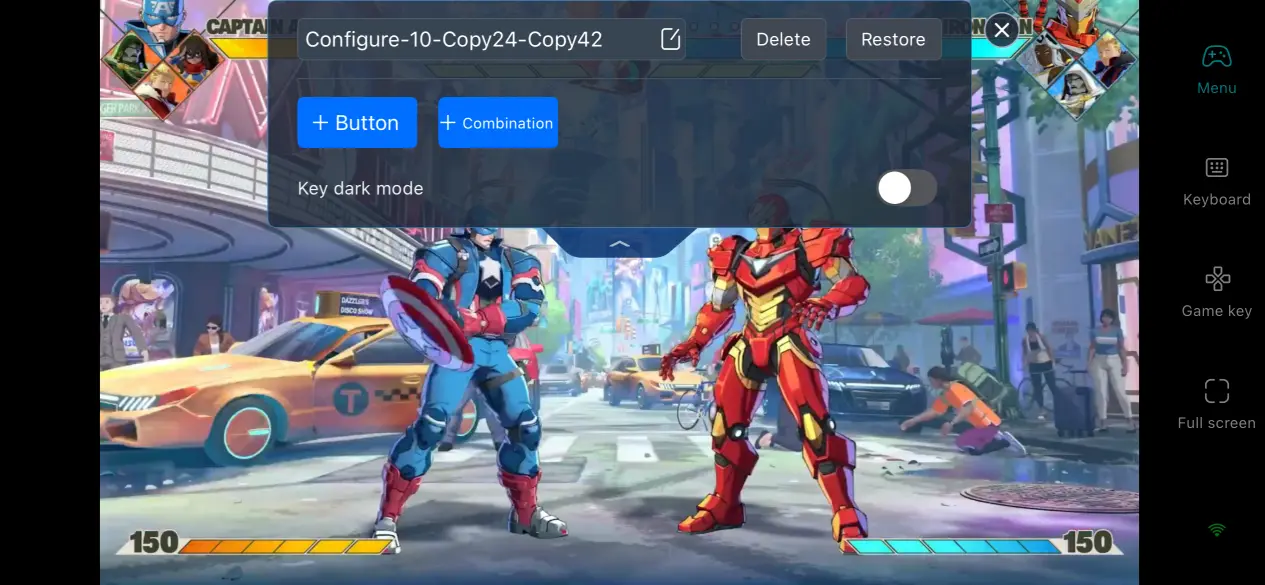
OSLink works with wired controllers, Bluetooth gamepads, as well as keyboard and mouse peripherals. Once connected, the controls are automatically mapped for fighting games, allowing combo strings, quick character swaps, and assist inputs to register with extremely low latency. Compared with relying entirely on touchscreen controls, gameplay feels far more responsive and closely matches the experience of playing directly on your PC.
Minimal Storage Usage
The game's 27 GB installation, hero skins, and save data all remain stored on your computer. Your phone only streams the video feed while sending control inputs, so even older devices or phones with limited storage can run the game smoothly. Since no local installation is required, you won't have to worry about large downloads taking up valuable storage space.
5. Why Choose OSLink for MARVEL Tōkon: Fighting Souls?
60 FPS Low-Latency Streaming
OSLink is optimized specifically for fighting games that demand rapid combo execution and instant assist reactions. Its streaming technology significantly reduces motion blur during fast camera movement and large-scale on-screen action while shortening the delay between your inputs and what appears on screen. Even during high-speed combo exchanges and intense competitive matches, controls remain responsive enough for ranked play.
One-Tap Combo Macro Recording
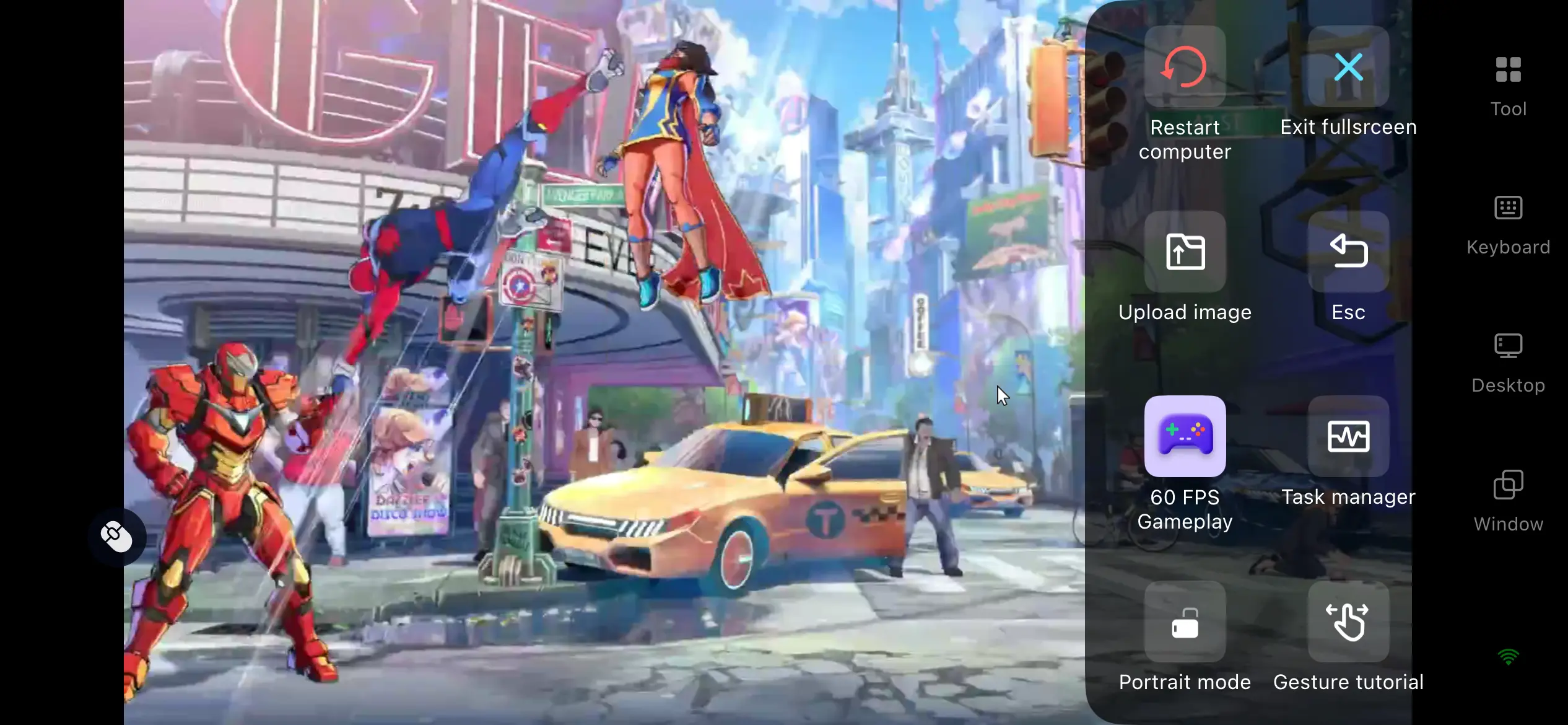
OSLink includes a dedicated macro recording system designed for fighting games, making long and complex combo sequences much easier to reproduce. After manually performing a complete combo once, simply record it and save the entire input sequence. The combo can then be assigned to a single virtual button on your screen. During battle, tapping that button automatically repeats the recorded sequence, reducing input mistakes that are more common with touchscreen controls.
Adaptive Bitrate Adjustment
You can manually configure the streaming bitrate according to your network conditions. On a stable local network, increasing the bitrate preserves visual effects, hero animations, and environmental detail at higher quality. When using a mobile network with fluctuating speeds, lowering the bitrate helps reduce frame drops, stuttering, and blurry video. You can also enable automatic network detection, allowing OSLink to adjust streaming quality dynamically based on your real-time connection.
Highly Customizable Virtual Controls
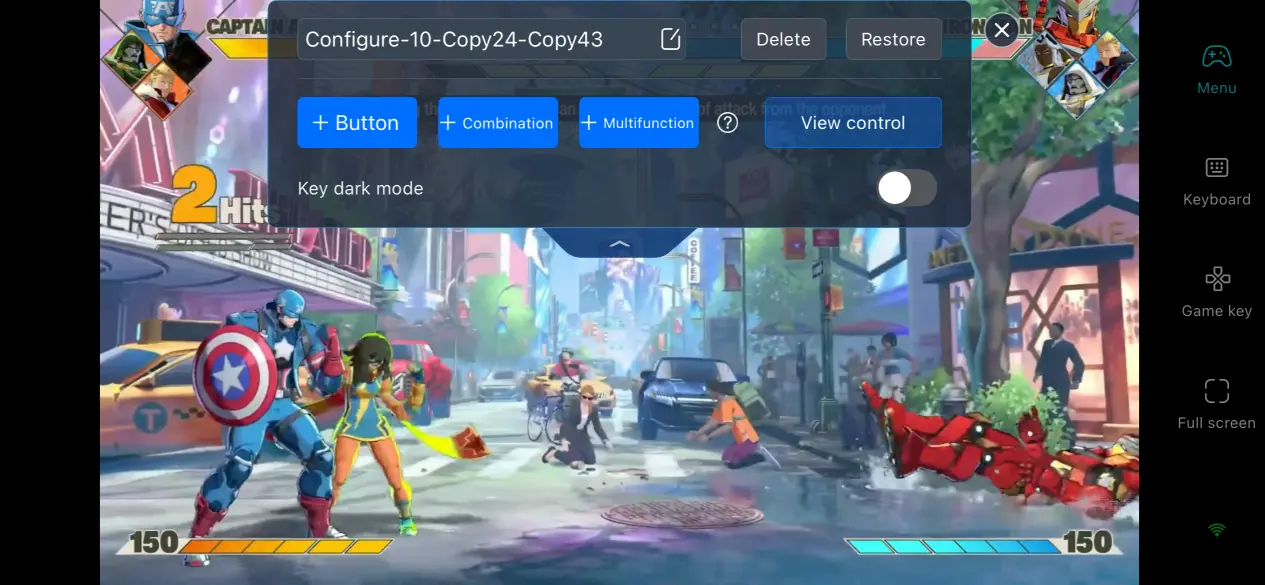
OSLink lets players freely adjust the size, transparency, and screen position of every virtual button, including light attacks, heavy attacks, character switching, assists, and ultimate abilities. Multiple control layouts can also be saved for different situations, allowing you to switch instantly between a practice setup and a competitive 4v4 layout without rebuilding your controls each time.
6. Frequently Asked Questions About Remote Play
Q: When does MARVEL Tōkon: Fighting Souls officially launch?
A: The game launches worldwide on August 6, 2026. The PC version will be released simultaneously on Steam and the Epic Games Store, while the console version will be available on PlayStation 5. There are currently no plans for a Nintendo Switch release. At launch, players can choose from the Standard Edition, Digital Deluxe Edition, and Ultimate Collector's Edition. There are no hidden exclusive gameplay rewards tied to pre-orders or launch-day purchases, and all base heroes and battle stages are fully unlocked from day one.
Q: What are the minimum PC system requirements for MARVEL Tōkon: Fighting Souls?
A:
Minimum Requirements:
64-bit Windows 11
Intel Core i5-8400 or AMD Ryzen 5 1600X
16 GB RAM
NVIDIA GeForce RTX 2060 6 GB or AMD Radeon RX 6600 XT
27 GB of available SSD storage
Recommended Specifications:
Windows 11
Intel Core i7-8700 or AMD Ryzen 5 3600X
16 GB dual-channel memory
NVIDIA GeForce RTX 3070 or AMD Radeon RX 7600 XT
Installing the game on a traditional mechanical hard drive may lead to noticeably longer loading times and reduced overall performance, so an SSD is strongly recommended.
Q: Can Android devices use OSLink for remote play?
A: Yes. Every Android device is fully compatible with OSLink's complete streaming feature set, and account data is shared seamlessly with the iOS version. Multiple Android phones or tablets signed in with the same account can connect to the same PC running MARVEL Tōkon: Fighting Souls whenever needed. Match progress, hero proficiency, and cosmetic collections are all stored locally on your computer, so switching to another Android device will not affect your game progress.
Conclusion
With OSLink, you can enjoy MARVEL Tōkon: Fighting Souls on your phone wherever you are, making it easy to practice combos, climb the ranked ladder, or jump into 4v4 hero battles whenever you have a little free time. Combined with customizable virtual controls and broad controller compatibility, the experience closely recreates native PC gameplay, letting you enjoy fast-paced Marvel team battles with greater flexibility and convenience.
 Download