English
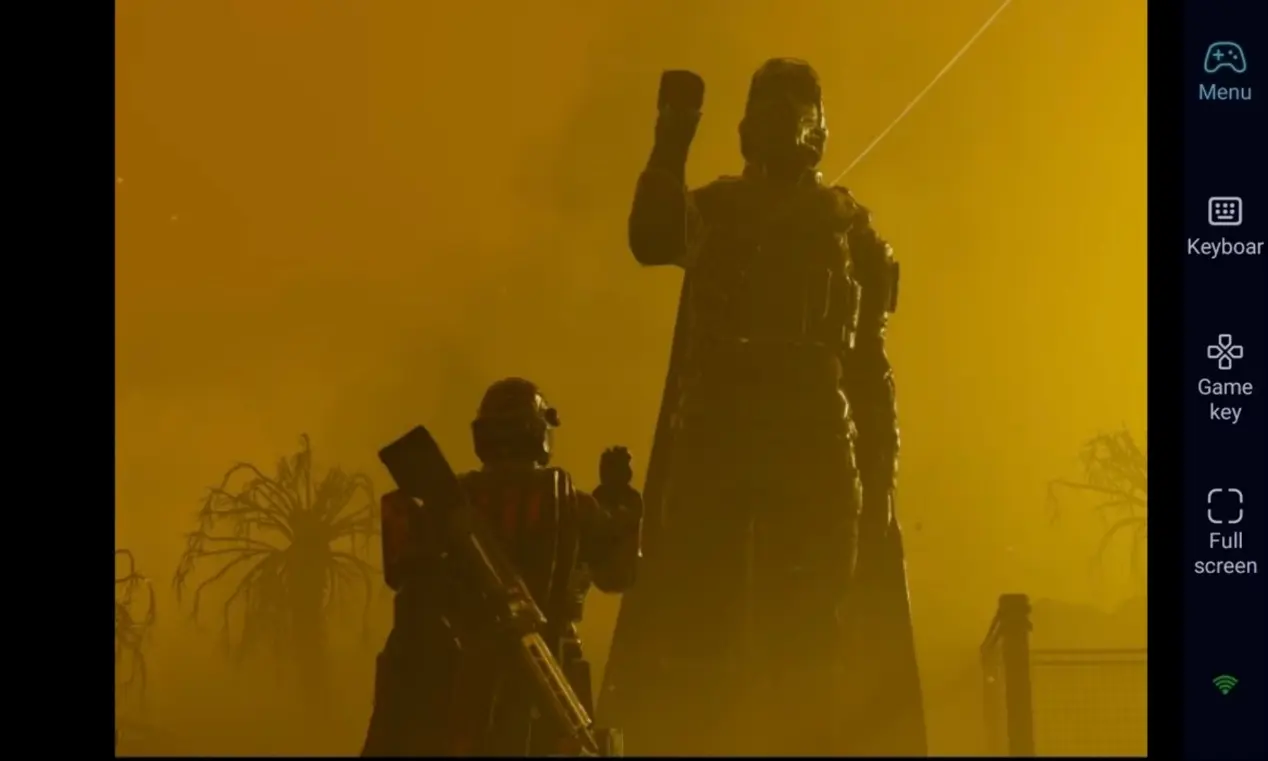
 In Helldivers 2, becoming an elite super citizen demands solid team-work and precise shooting mechanics. With OSLink, you can connect to your PC remotely from your phone. Launch Helldivers 2 on Steam and enjoy its immersive gameplay on-the-go.
Helldivers 2 is a high-intensity cooperative third-person shooter. The battlefield is constantly changing, requiring quick weapon swaps and stratagem calls. It is only available on PC and consoles, with no native mobile build. OSLink solves this limitation. Keep your PC powered on, connect remotely via OSLink from your phone, and jump into combat with your squad anytime.
Step 1: Download OSLink & Pair Devices 1. PC Client
1. PC Client
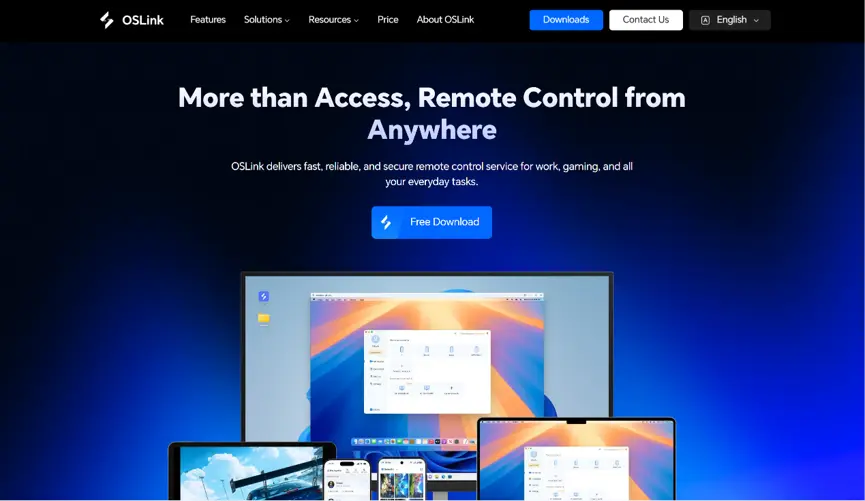
Head to the official OSLink website to download and install the desktop client. We recommend a wired ethernet connection or high-speed Wi-Fi to minimize input lag.
2. Mobile Client
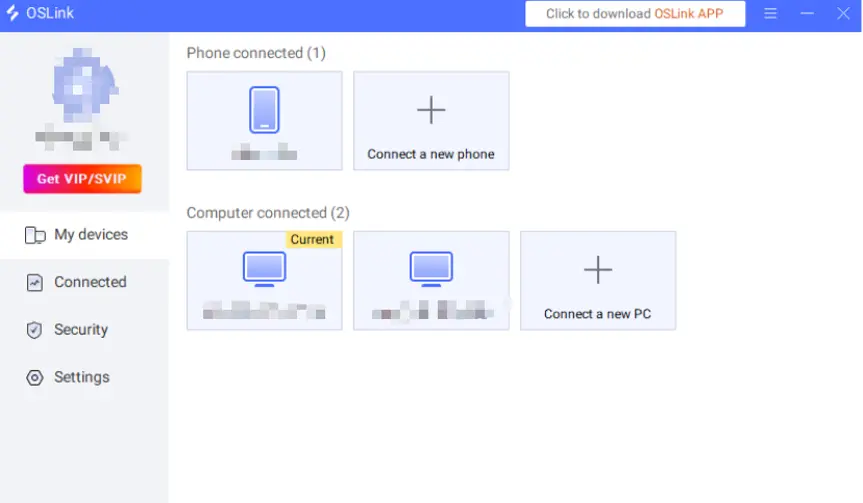
Download the OSLink app from the Apple App Store or Google Play Store; the official website also offers the standalone APK file. Log into the exact same account used on your PC, and your devices will automatically pair.
Step 2: Optimize Controls & Customize Keybinds
1. Launch the game
You may start Helldivers 2 on your PC beforehand. If the game is not running, tap the game shortcut inside the OSLink mobile app to launch it remotely with one tap, no need to get back to your desktop.
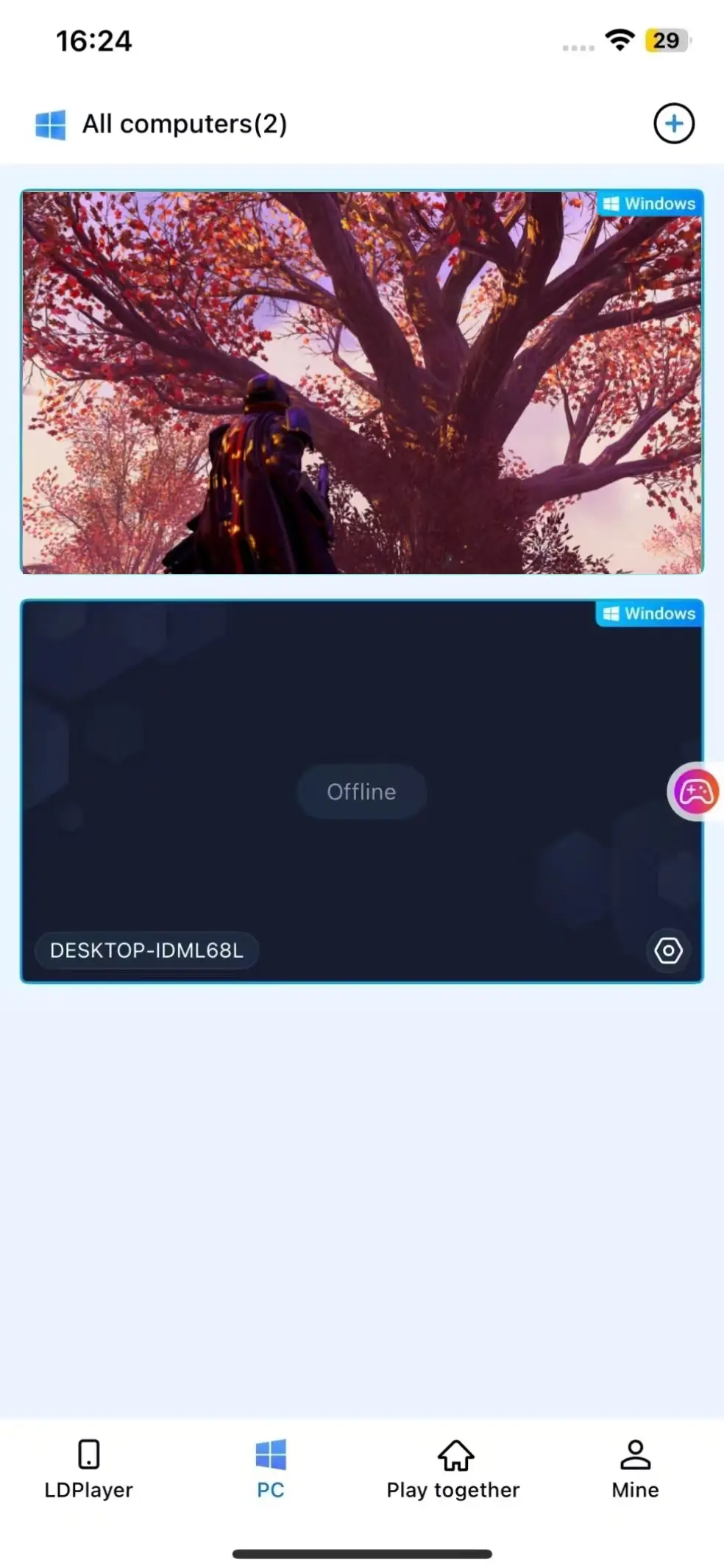
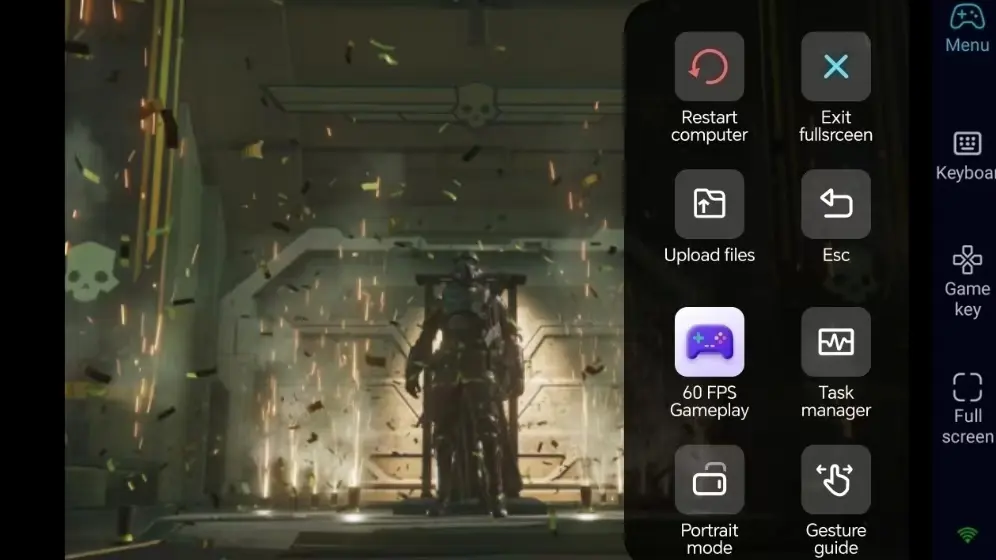
2. Enable 60-FPS PC Game Mode
Once your PC screen is streamed to your phone, open the side toolbar and turn on 60-FPS PC Game Mode. This mode delivers smooth, low-latency streaming, critical for shooters. It eliminates screen tearing while you aim and turn quickly.
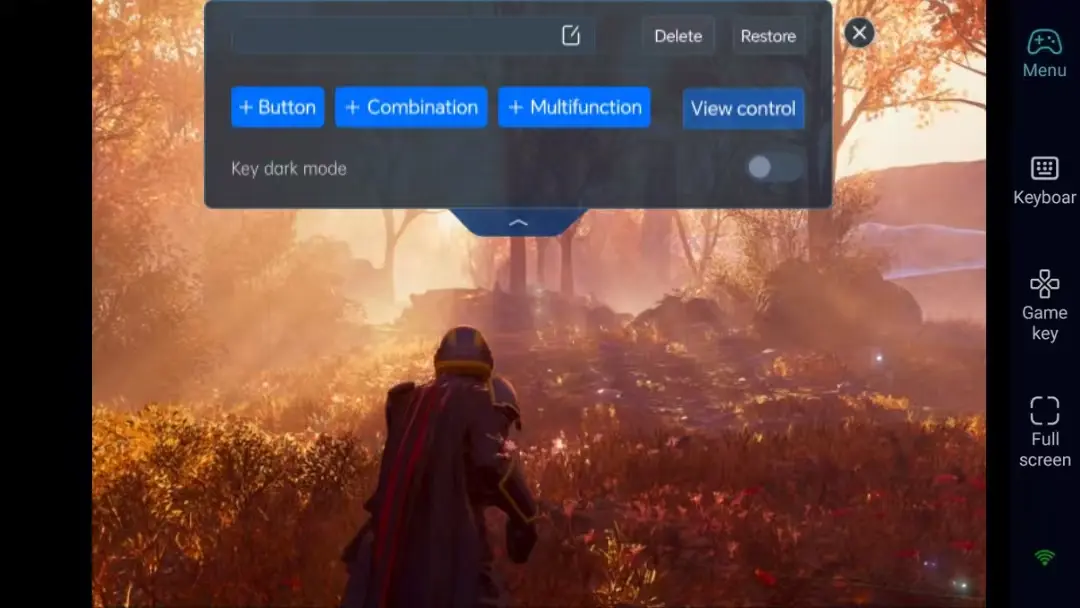
3. Custom Virtual Shooting Controls
OSLink supports highly customizable virtual controls. Head to settings and adjust the position and transparency of buttons for movement, jump, sprint, aim, fire, camera switch and inventory according to your preference. Drag buttons to avoid blocking your view and get accurate shots.
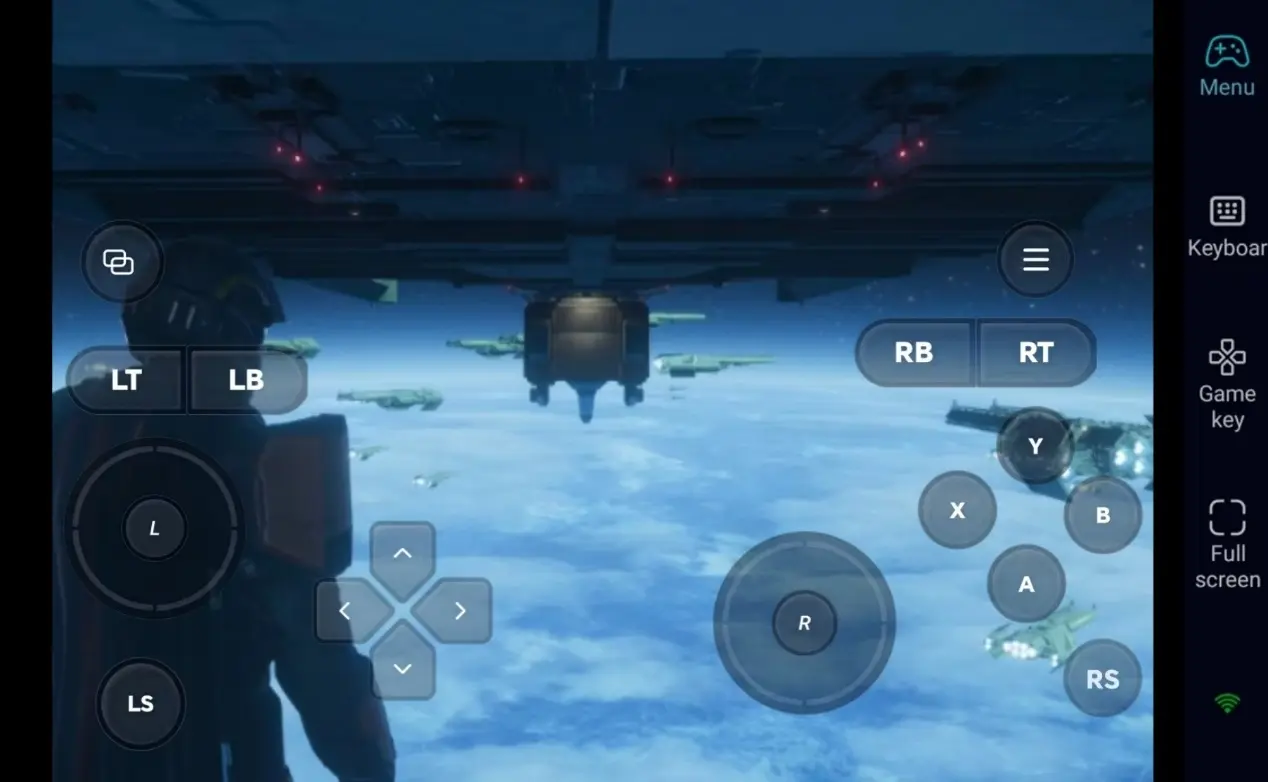
4. Pair with Bluetooth Gamepad
OSLink fully supports Bluetooth controllers. Connect your gamepad to your phone, and inputs will automatically be mapped to physical controller buttons. This replicates the console style experience for tough shooting missions and precise aiming.
Step 3: Deploy to the Frontline for Galactic Missions
Once setup is finished, your phone or tablet acts as your portable Helldivers 2 terminal. Keep your PC powered on, connect remotely over OSLink, and jump into matches during short breaks. Call stratagems and finish objectives wherever you are.
Why Choose OSLink for Helldivers 2?
1. Play Without Location Limits
Launch the game remotely when you are away from home and fight alongside teammates. Resume your session seamlessly when you get back to your PC. Low-latency streaming helps low latency for fast-paced shooter gameplay.
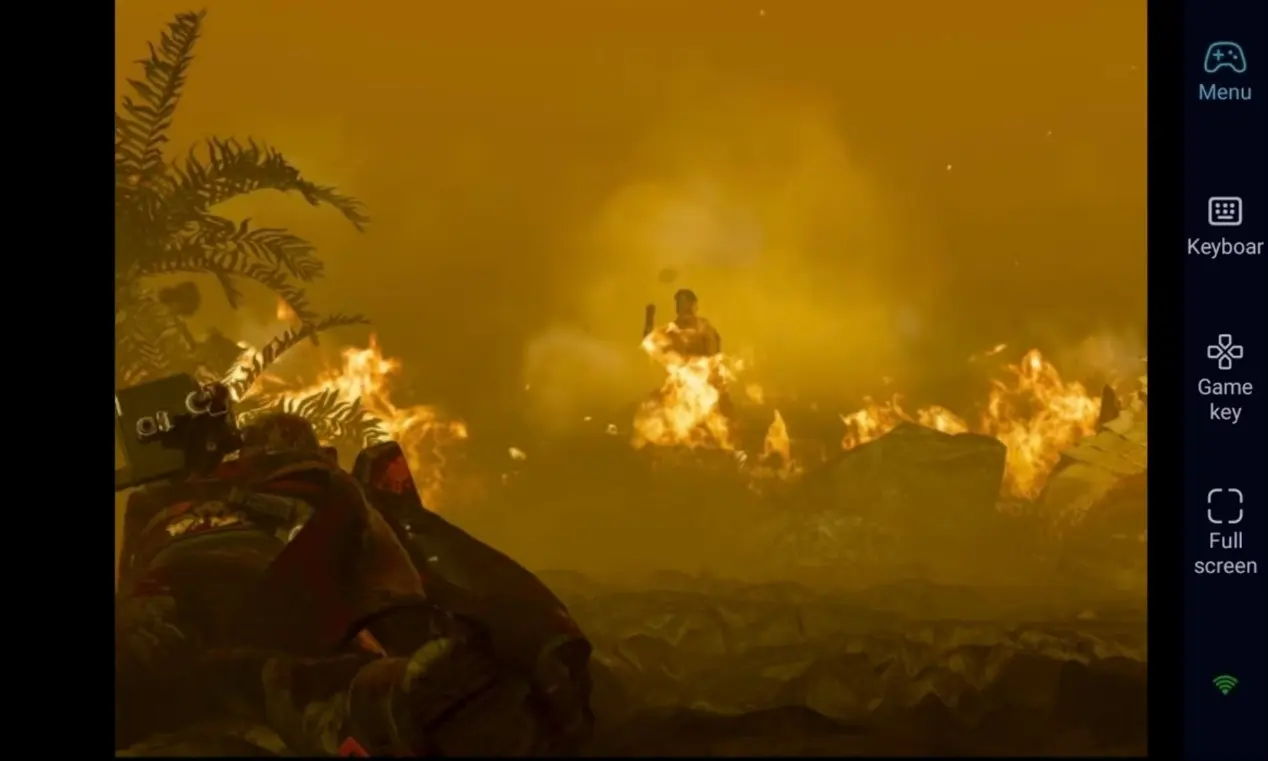
2. Smooth 60-FPS Streaming for 3D Battlefields
Stable 60-fps streaming preserves Helldivers 2’s visuals and large-scale combat details. Custom virtual buttons make aiming and movement fluid for intense survival combat.
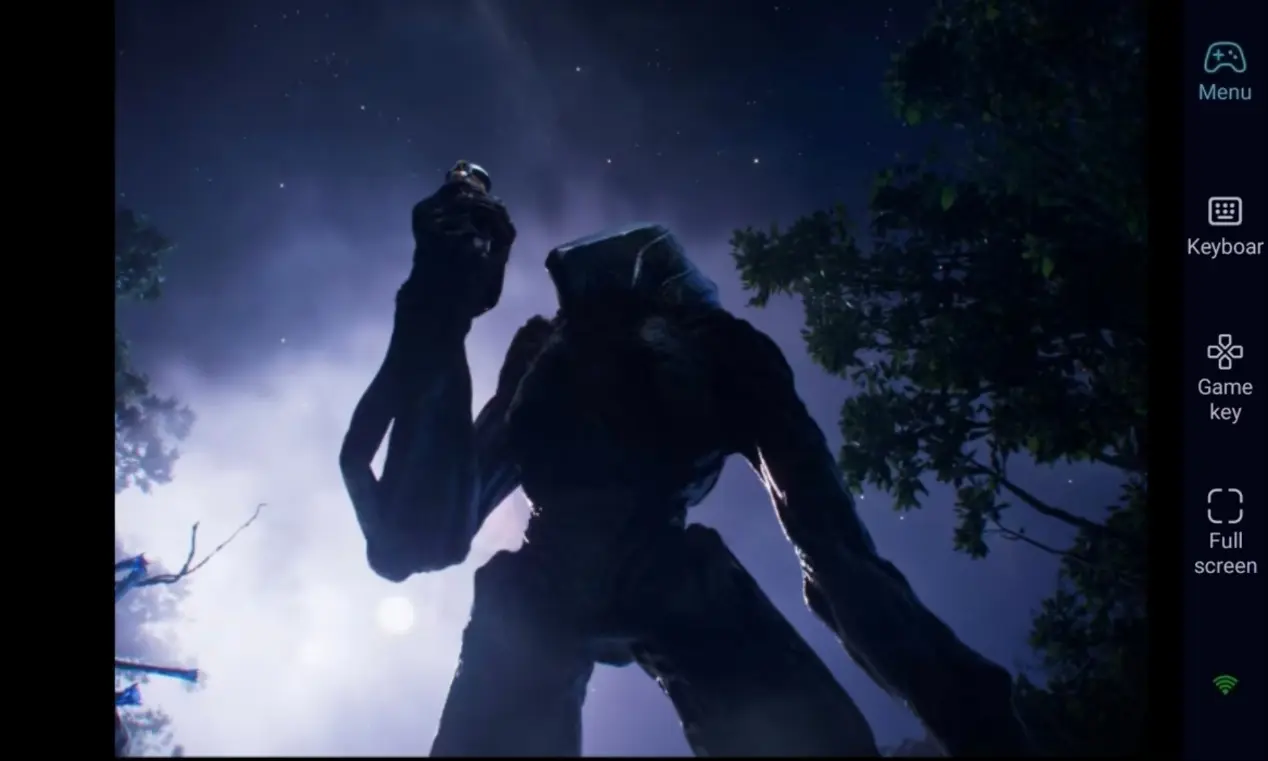
3. Seamless Progress with Local PC Saves
All save files stay on your PC. Remote mobile play shares exactly the same progress as playing directly on PC. Unlock gear, upgrade weapons and finish daily assignments without interruption.
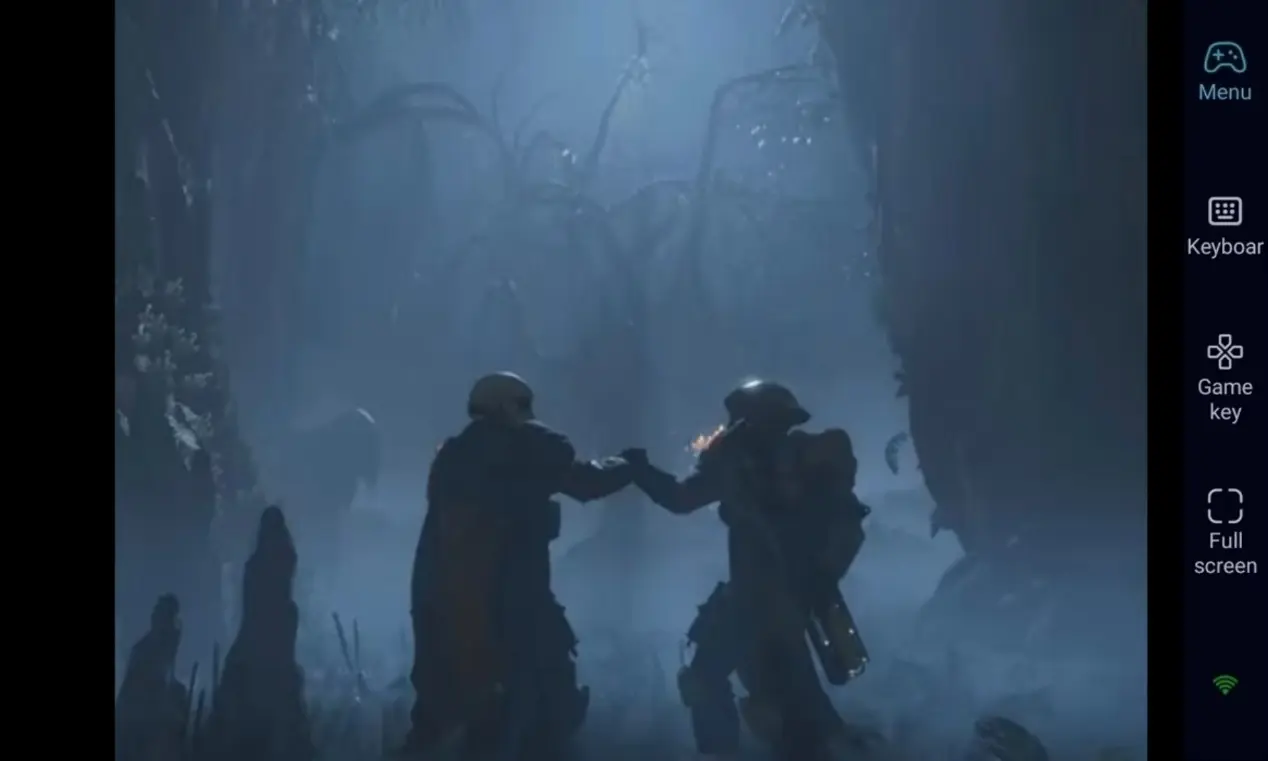
Want to keep playing Helldivers 2 even when you are away from your desk? OSLink remote streaming is your ideal solution. Keep your PC powered up, connect remotely from mobile and dive into missions. Set your preferred virtual controls and defend Super Earth in your spare time.
FAQ
Q1: When was Helldivers 2 released?
A1: Helldivers 2 was officially released on February 8, 2024, for PC via Steam and PlayStation 5. It has no official native mobile version.
Q2: Is remote mobile play clunky for shooting?
A2: Not at all. OSLink lets you create custom virtual buttons for movement, shooting, aiming, reloading and stratagem inputs. Bluetooth gamepad support is also available for precise high-intensity combat.
Q3: Can I install and run Helldivers 2 directly on iOS or Android?
A3: Helldivers 2 is available on PC and consoles. There is no native mobile app. With OSLink remote streaming, iOS and Android phones can connect to your PC to play the game remotely and complete galactic defense missions.
Conclusion
Enjoy Helldivers 2 without being tied to your desktop. OSLink combines your PC’s performance with mobile portability. Follow the setup steps above, and you can keep playing and fighting anywhere, as a free elite super citizen of the galaxy.
 Download