English
 At the launch of MAJO, a powerful starting Witch drastically speeds up main story progression and dungeon clears. This guide will fully unpack all limited launch banner rules based on official announcements, and list the most valuable Witch units to pull at launch. Additionally, we will walk you through using OSLink with LDPlayer to run synchronized multi-instance rerolls, letting you secure your top-tier Witch on launch day!
On launch day of MAJO, unlocking Chapter 4 from the prologue’s Hero Dream story segment takes a significant amount of time. For players who want to test multiple Witch pulls by rerolling fresh accounts, replaying the opening story loop wastes hours of time. We highly recommend OSLink’s multi-instance sync feature: run multiple LDPlayer game windows simultaneously on your PC, and control all instances at once remotely via your mobile phone to complete prologue unlocks and limited banner pulls in one batch, drastically cutting down reroll time. Full step-by-step instructions are covered below.
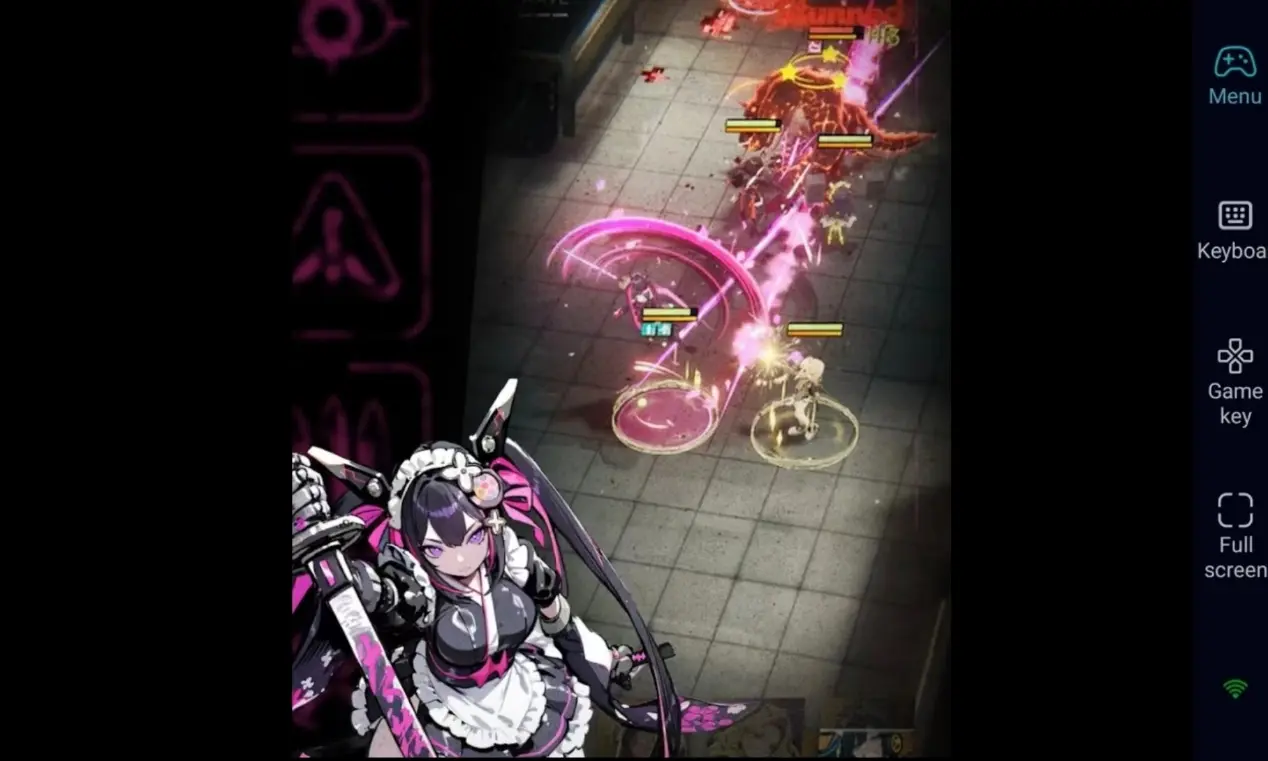
I.Banner Breakdown: Launch Events & Gacha Mechanics
Per official launch day announcements, the core gacha content you need to prioritize is listed below:
1. Origin Contact – Jenny Limited Banner
Event Duration: August 12, 2026 ~ August 19, 2026
Banner Mechanics: This is the core launch limited gacha event. During the event period, SSR Witch Jenny receives a rate-up during the event.
New Player Strategy: As this is a launch-exclusive rate-up banner, target all your initial reroll pulls here to obtain Jenny as your core early game carry.
2. Thousand Contact Login Event
Event Duration: August 12, 2026, runs for 21 consecutive days
Event Mechanics: This event timeline is calculated from the first login date of each account. Complete exclusive daily event missions to earn Witch Covenant: Thousand Contact items, which unlock 10 additional free gacha pulls.
New Player Strategy: This is your primary source of free pulls in the early game. Make sure to finish all daily missions to stack free pulls and hit the pity guarantee on the Origin Contact limited banner.
II. Reroll Tier List: Top Powerful Launch Witches to Prioritize
Based on the official Witch roster release, Witches are split into distinct element types and combat roles. Below are the highest-priority units to aim for during your launch rerolls:
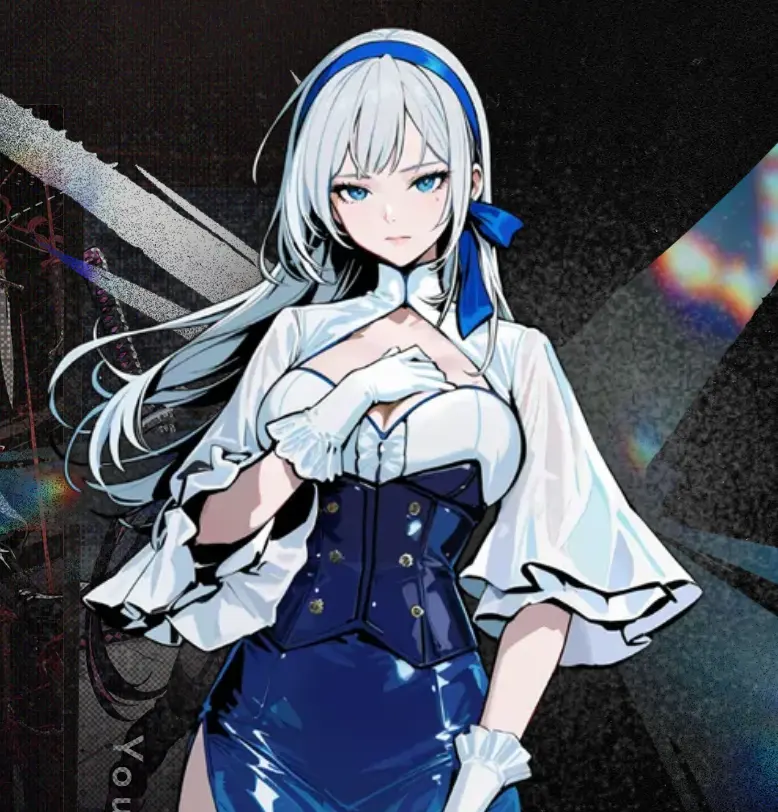
Shihime
Role: Burst Damage
Race: Human
Weapon: Writing Slate
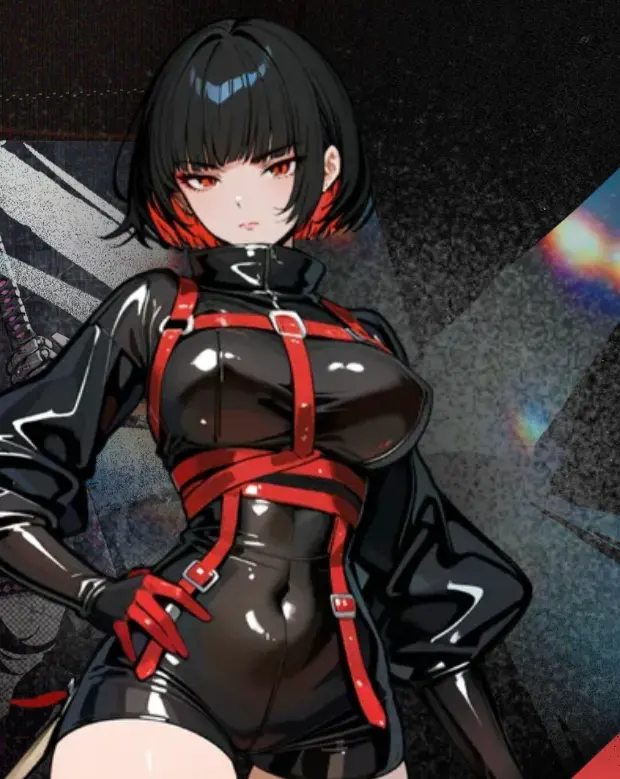
Shiko
Role: Frontline Breaker
Race: Human
Weapon: Encirclement Edge
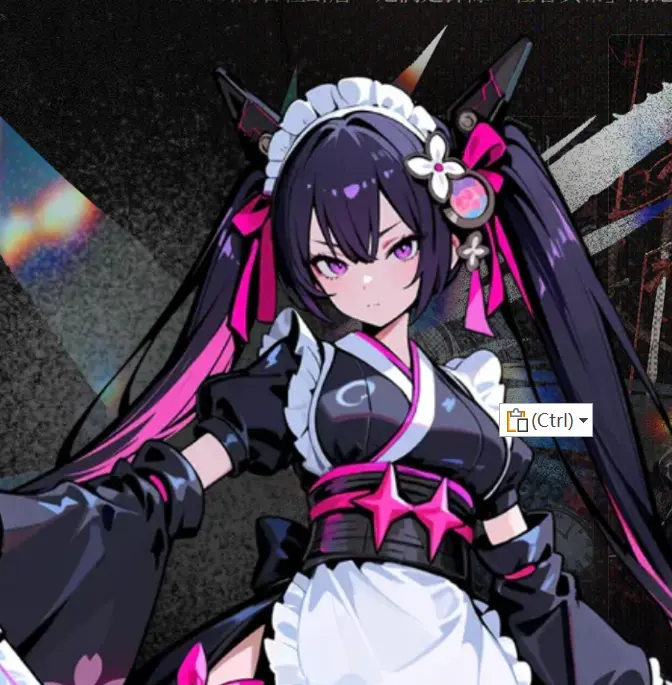
Yumome
Role: Burst Damage
Race: Automaton
Weapon: Katana – Obi
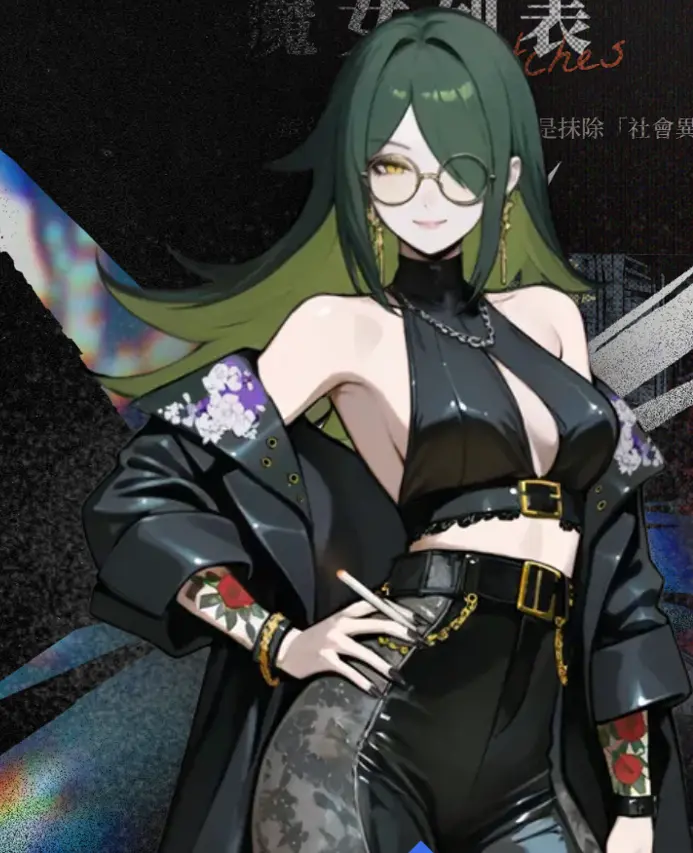
Koman
Role: Defender
Race: Human
Weapon: Long Smoking Pipe
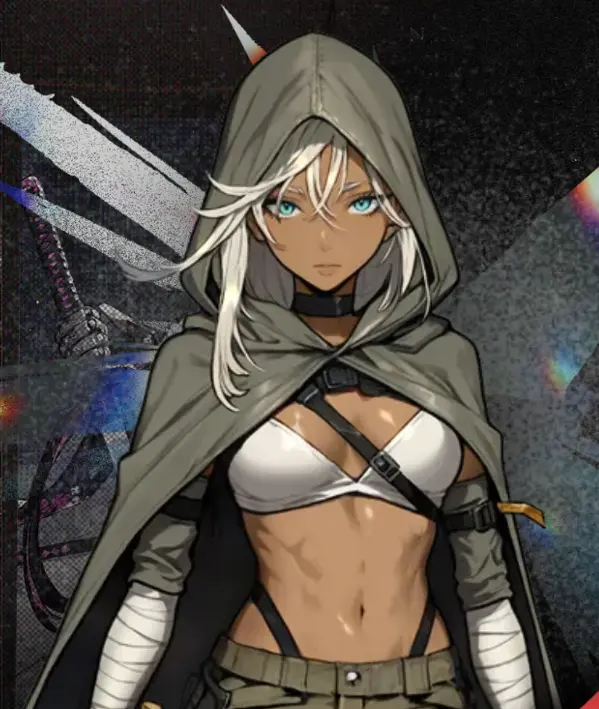
Ried
Role: Frontline Breaker
Race: Human
Weapon: Twin Blades – Destiny
III.Software Installation & Synchronized Multi-Instance Reroll Walkthrough
PC Side Setup
Visit the official LDPlayer website to download the Windows installation package. After installation, allocate CPU and RAM resources based on your PC hardware specs. If you plan to run multiple emulator windows, enable the Multi-Instance Manager function in advance.
Navigate to the official OSLink website to download the PC client installer. Complete installation, register, and log into your account. Keep the program running in the background, and adjust your Windows settings to prevent OSLink from being automatically closed in the background to maintain a stable remote connection.
Mobile Side Setup
1. Launch LDPlayer, open the in-built app store, search for MAJO, and install the game.
2.Inside LDPlayer, open Multi-Instance Manager → Create New Instance → Clone Instance. Create 3 to 5 identical emulator windows at once, and log into each window with separate guest accounts.
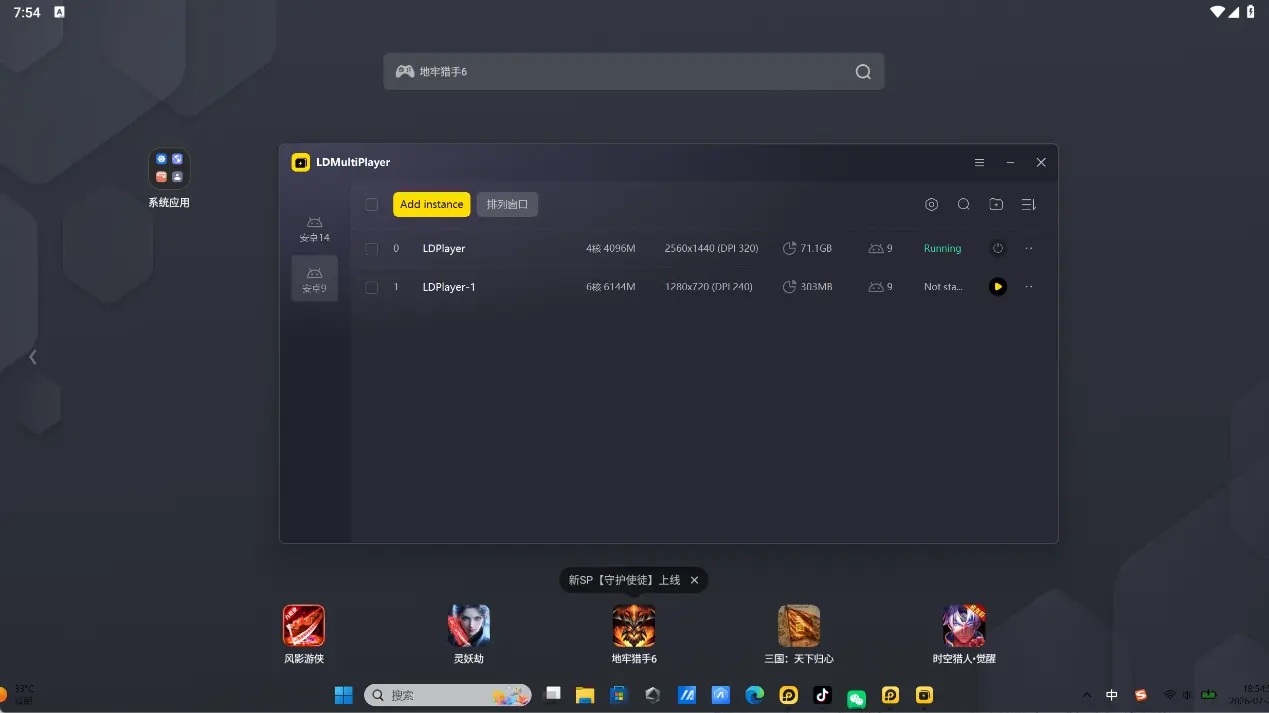
3.After launching all game windows within LDPlayer, pair your PC with your mobile device via the OSLink mobile app. Log into the same OSLink account for device pairing.
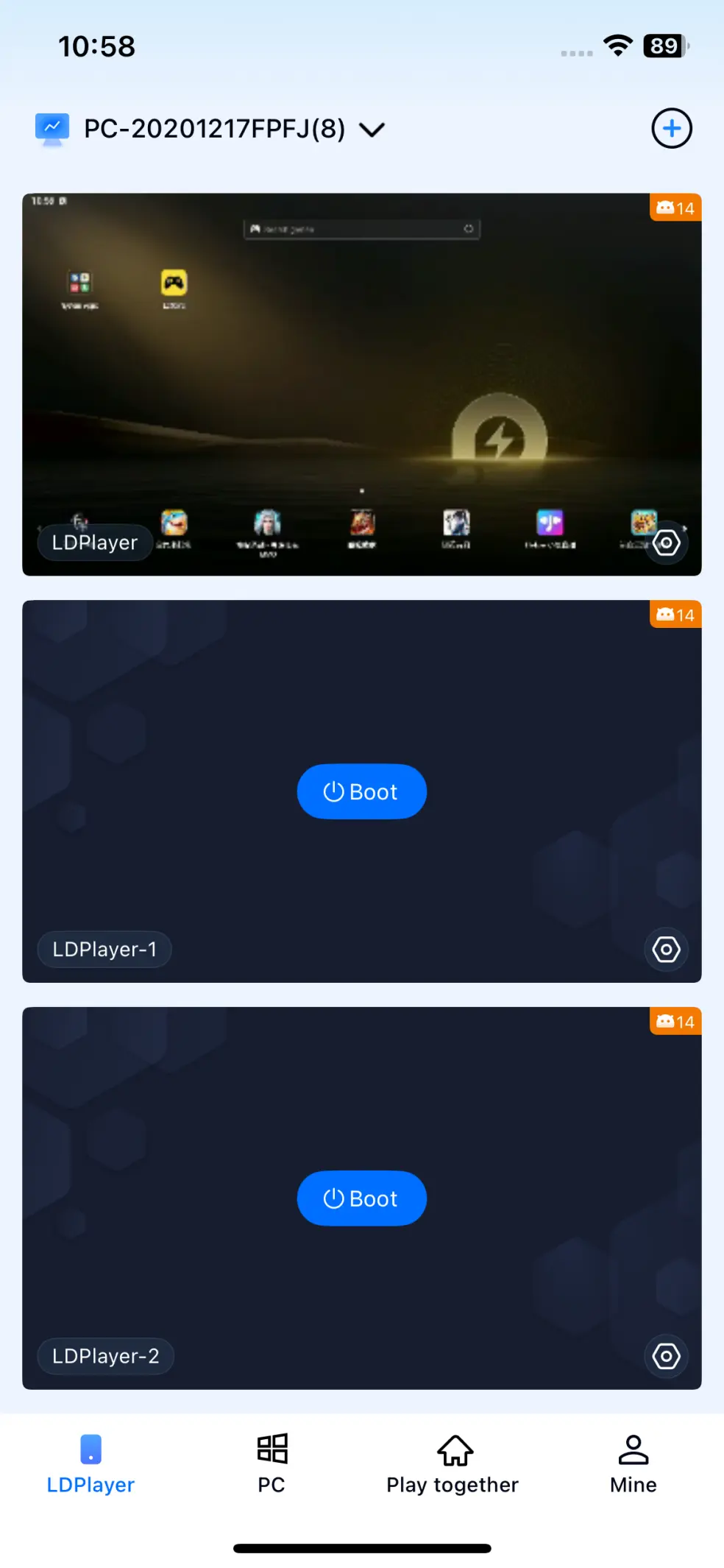
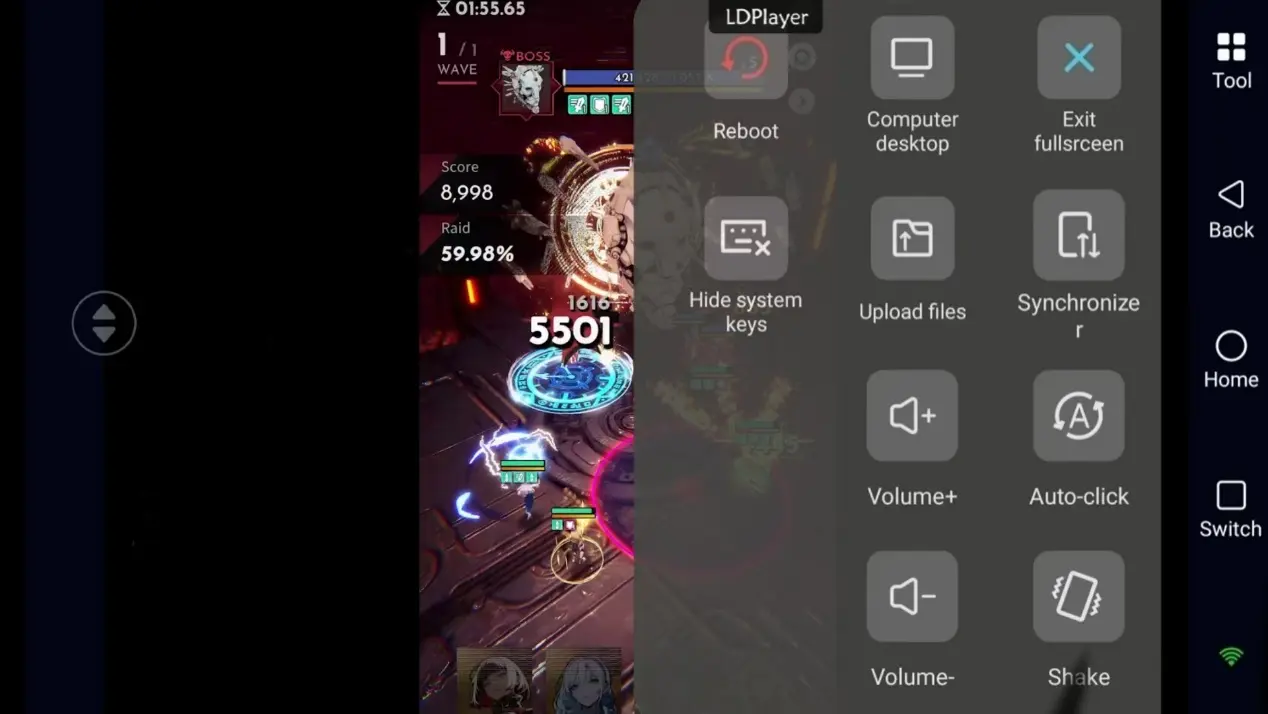
4.Critical Step: Open the Synchronized Operation tool inside OSLink. Select all the emulator instances you want to synchronize, then tap Start Sync to progress through the story and perform gacha pulls across all instances at once.
The launch limited Origin Contact banner cannot be re-run once the event expires! If you aim to assemble your ideal Witch team right at launch, we strongly recommend combining OSLink with LDPlayer for synchronized multi-instance rerolls. This workflow eliminates hours of repetitive manual gameplay, letting you lock in your top-tier starting Witch faster to tackle all upcoming game content with ease.
Conclusion
This guide fully breaks down all MAJO launch limited events and the core Origin Contact banner gacha mechanics, alongside a complete workflow pairing LDPlayer and OSLink for multi-instance synchronized rerolls. Follow all steps outlined above, and you can remotely control dozens of game accounts simultaneously from your phone to complete batch rerolls, cutting your time investment to a minimum and embarking on your journey as an Observer with your perfect starting lineup.
 Download