English
 If you want to keep playing Slay the Spire 2 even when you’re away from your PC, OSLink offers a simple and convenient solution. With OSLink, you can stream your home computer directly to your phone or tablet and remotely control the game from anywhere. This means you can continue climbing the Spire, plan your deck path, fight elite enemies, or experiment with new builds without sitting in front of your computer.
Because Slay the Spire 2 is a turn-based card strategy game that doesn’t require fast reactions or precise real-time controls, it works especially well for remote play on mobile devices. Whether you're commuting, waiting in line, or taking a short break, you can easily jump into a few battles and keep progressing through your run.
Quick Setup Tutorial for Playing Slay the Spire 2 on Mobile
Step 1: Download OSLink and Connect Devices
PC Side:
Visit the OSLink official website to download the software and complete the installation.

Mobile Side:
Download the OSLink App from the App Store or Google Play; the official website also offers APK downloads.
Log in with the same account as on the PC side to automatically connect.

Step 2: Control Optimization
1. Launch the Game
Open Slay the Spire 2 on your PC, and the mobile side can connect directly; if Slay the Spire 2 hasn't been launched on the PC yet, click the game icon on the mobile side for quick startup.
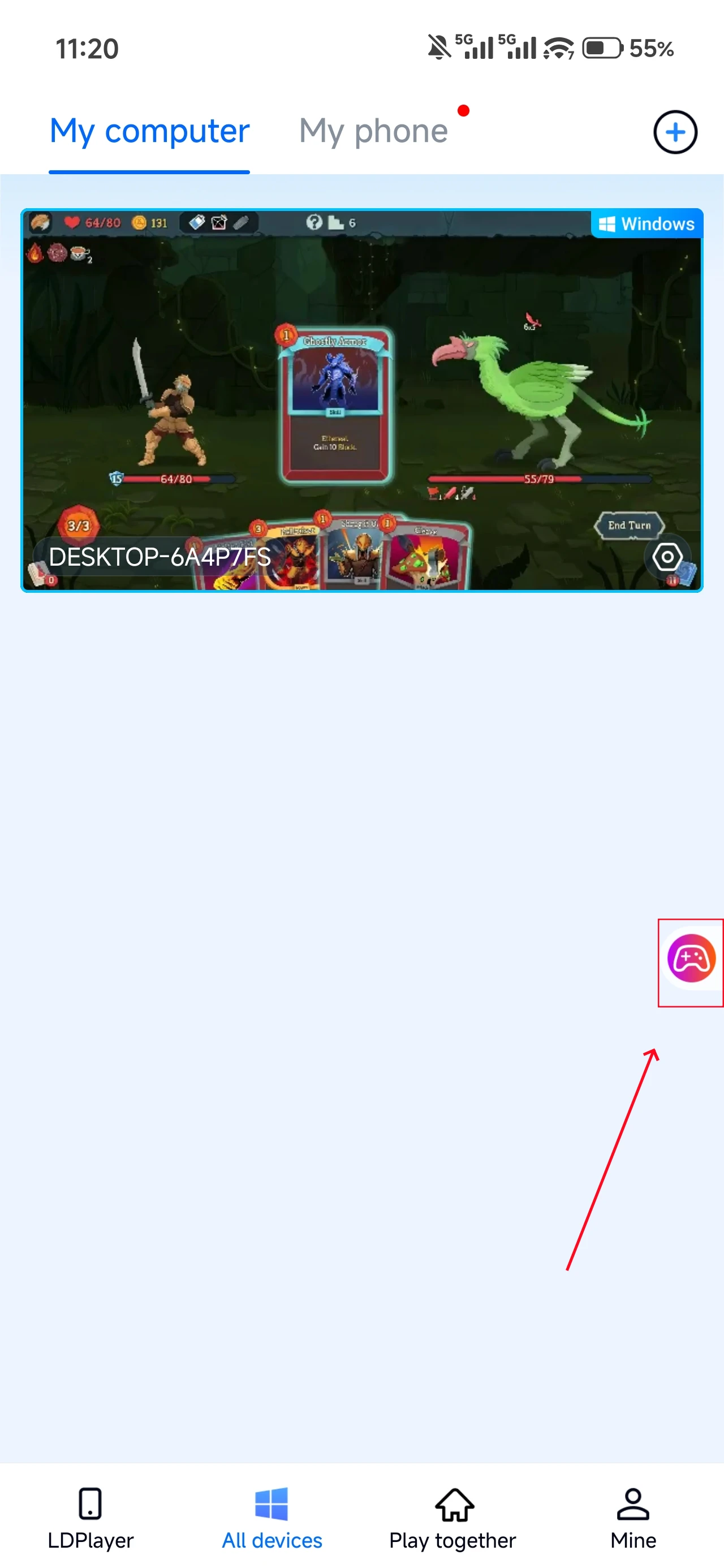
2. Control Mode
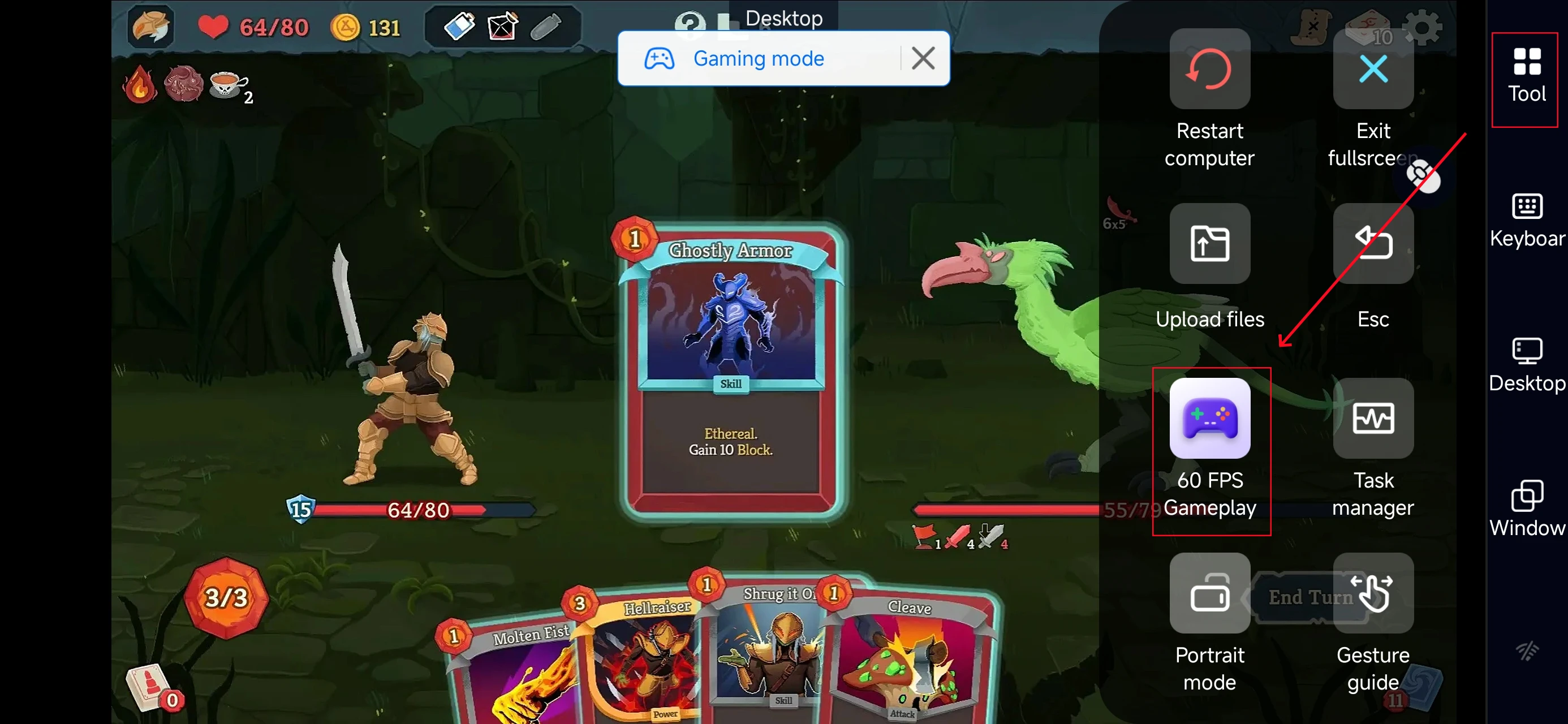
Click the toolbar on the right side of the mobile app, enter "60 FPS Gameplay," and choose key mode or link a controller based on your gaming preferences.
3. Customize key bindings
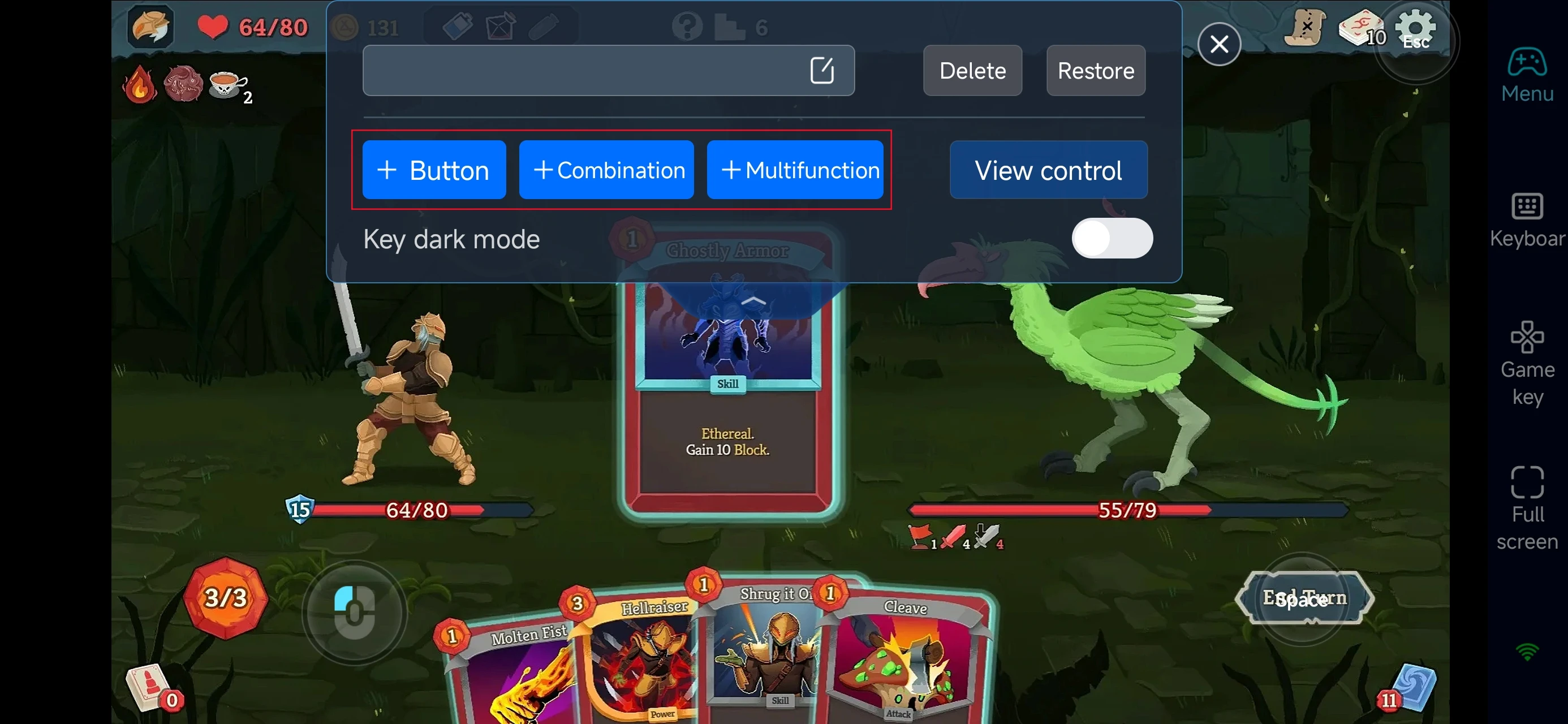
After enabling PC gaming mode, open the Game Buttons menu on the right side of your screen to configure controls specifically for Slay the Spire 2.
Since the game mainly relies on dragging and selecting cards, you can customize shortcuts for actions such as:
-
Selecting and playing cards
-
Ending your turn
-
Viewing the map path
-
Checking relic information
-
Managing your deck
With a few simple adjustments, playing remotely on your phone can feel just as smooth as playing directly on PC.
4.Connect external devices
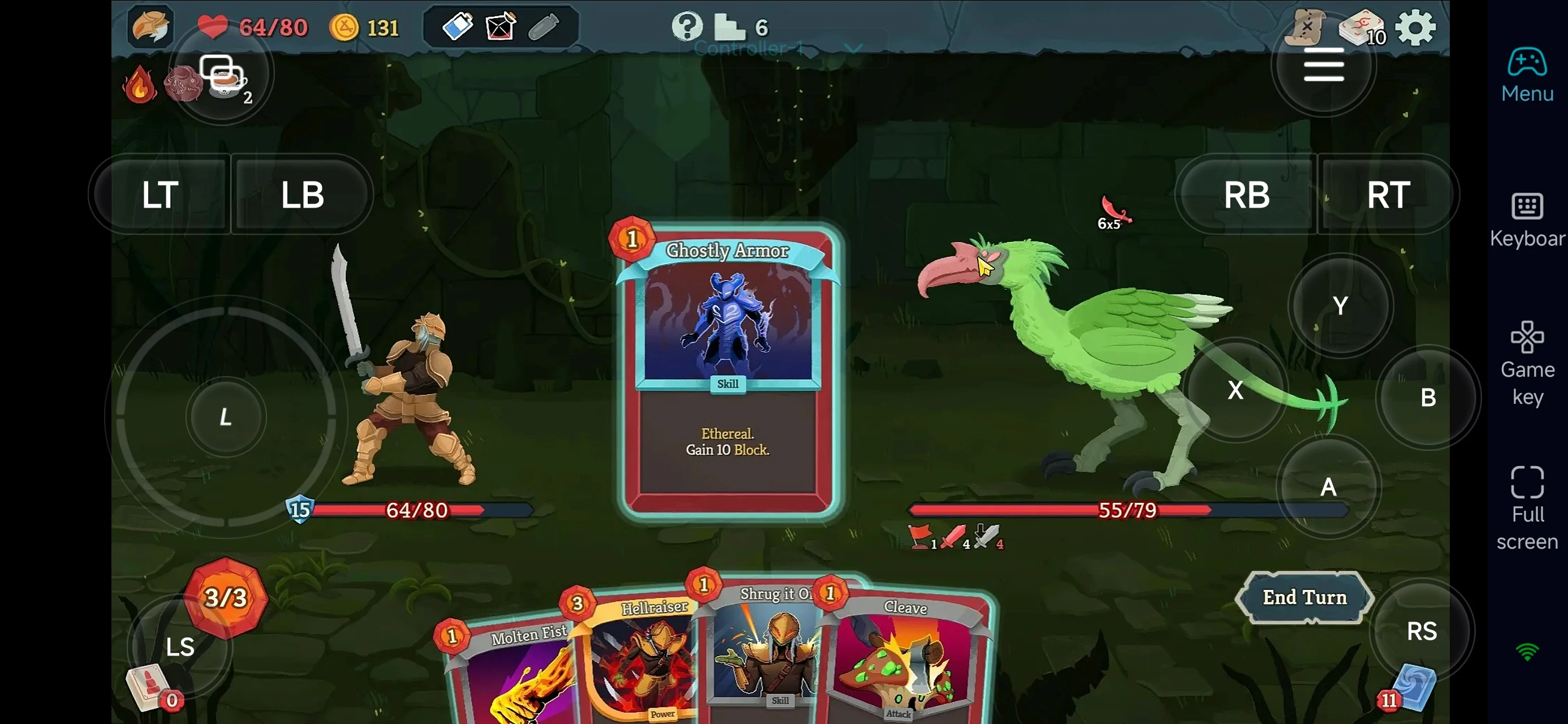
Beyond customizable buttons, OSLink supports a variety of external devices such as Bluetooth controllers and mobile gamepads clipped to your phone. This compatibility frees you from touchscreen limitations and offers a wider range of control options.
Step 3: Continue Your Spire Run Anytime
Once everything is set up, your phone or tablet essentially becomes a portable terminal for playing Slay the Spire 2.
Simply open OSLink to connect to your home PC and you can instantly resume your run—whether that means continuing battles, selecting your next map route, or adjusting your deck and relic combinations.
Why Play Slay the Spire 2 with OSLink?
1. Play Anytime, Anywhere
With OSLink, you can remotely access your PC version of Slay the Spire 2 from your phone.
Whether you’re commuting, traveling, or simply away from your desk, you can keep progressing through your run—fighting enemies, collecting relics, and choosing new routes without interrupting your climb.
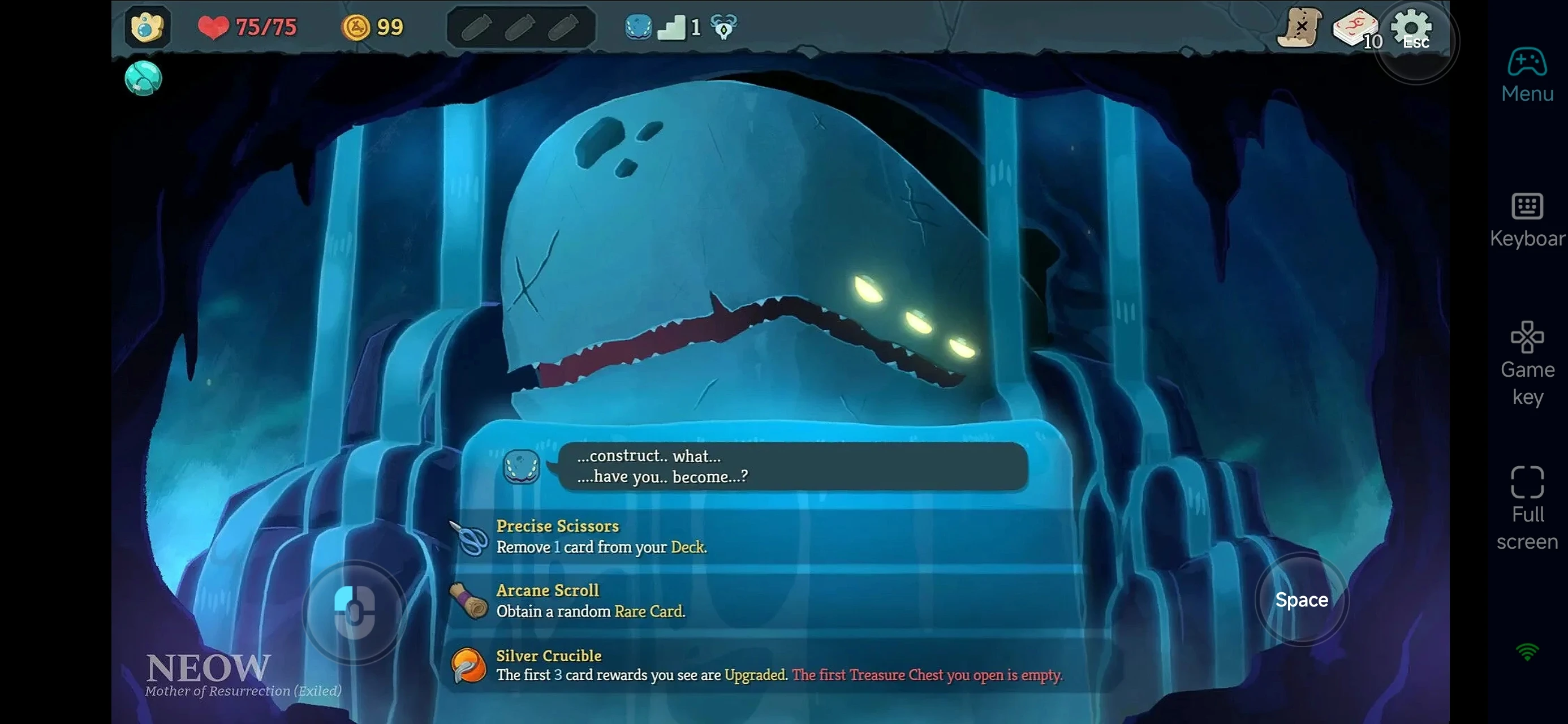
2. Turn-Based Gameplay Works Great for Remote Play
Unlike fast-paced action games that demand precise timing and constant inputs, Slay the Spire 2 uses a turn-based combat system. This slower pace makes it very comfortable to play through remote streaming, since you can take your time thinking through each move.
Because of this design, remote play feels smooth and practical—even on a phone or tablet—making it easy to continue your run whenever you have a few spare minutes.
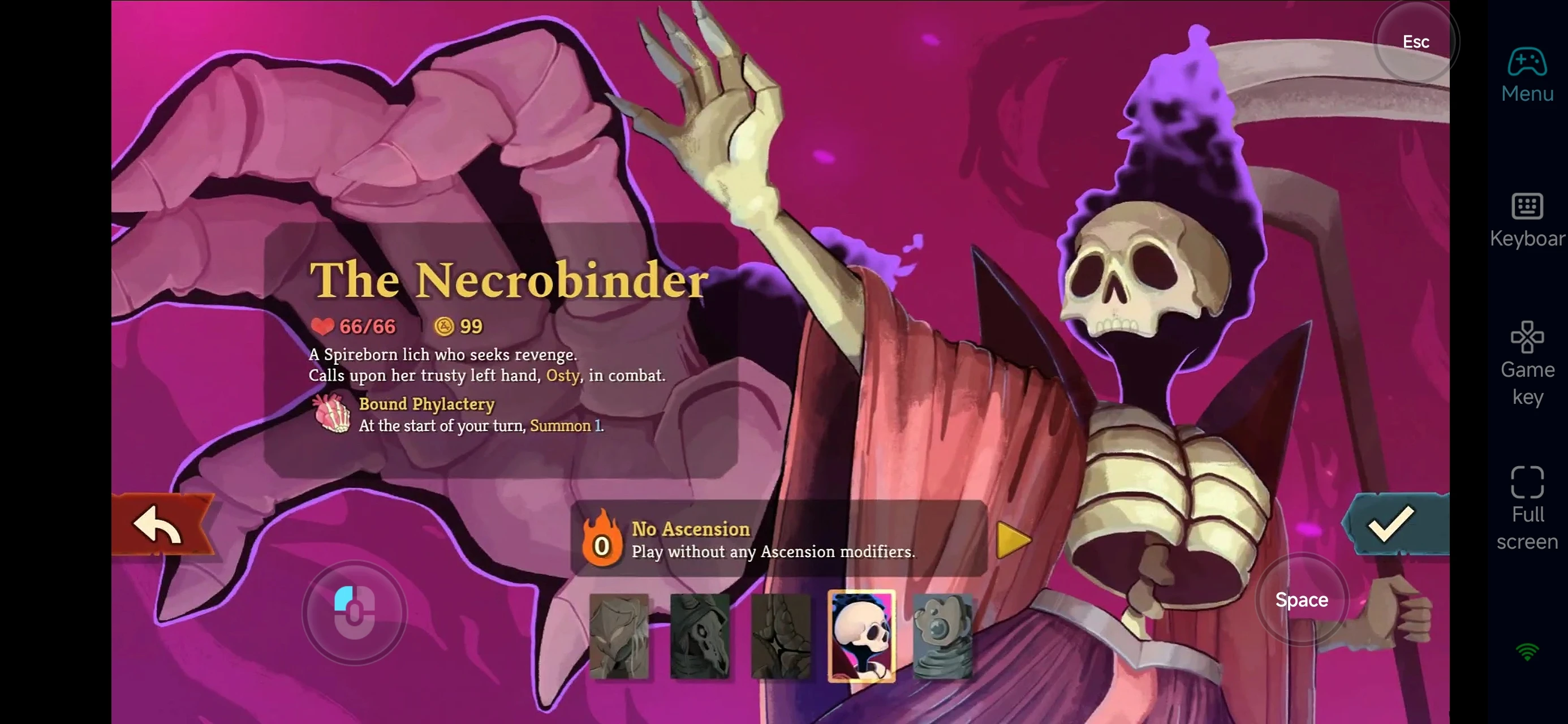
3. Use Spare Time to Improve Your Strategy
In Slay the Spire 2, deck building and route planning are often more important than individual battles.
Using OSLink, you can take advantage of short breaks to:
-
Adjust your deck composition
-
Review relic synergies
-
Plan future map routes
-
Experiment with new build strategies
Then when you return to your PC, you can focus fully on elite fights and key encounters.
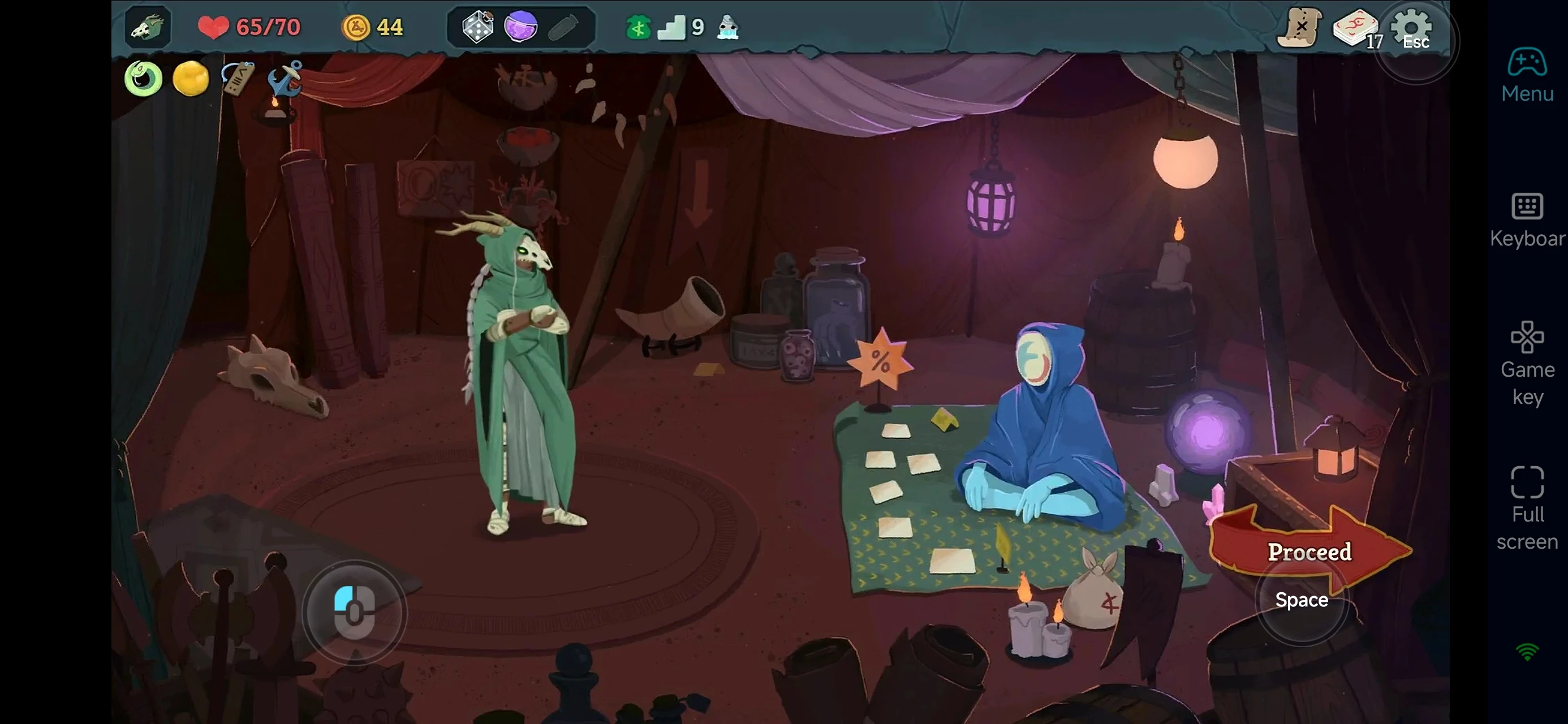
With OSLink, your mobile device becomes an extension of your Slay the Spire 2 gaming setup. By remotely connecting to your PC, you can keep climbing the Spire, refining your deck, and planning your strategy anytime and anywhere—turning spare moments into steady progress toward higher floors.
 Download