English
 DEATH STRANDING 2: ON THE BEACH builds on the foundation of the original game, expanding its world, story, and core systems. You once again step into the role of Sam, navigating dangerous terrain and otherworldly threats while reconnecting a fractured world. Compared to the first game, the sequel offers a larger open world, more interactive elements, and deeper combat and traversal mechanics.
If you don’t want to be tied to your PC, OSLink is a practical solution. It lets you stream your PC screen directly to your phone or tablet, so you can keep playing wherever you are—whether you're commuting, traveling, or just away from your desk.
Table of Contents
Quick Setup Tutorial for Playing DEATH STRANDING 2: ON THE BEACH on Mobile
Step 1: Download OSLink and Connect Devices
PC Side:
Visit the OSLink official website to download the software and complete the installation.

Mobile Side:
Download the OSLink App from the App Store or Google Play; the official website also offers APK downloads.
Log in with the same account as on the PC side to automatically connect.

Step 2: Control Optimization
1. Launch the Game
Open DEATH STRANDING 2: ON THE BEACH on your PC, and the mobile side can connect directly; if DEATH STRANDING 2: ON THE BEACH hasn't been launched on the PC yet, click the game icon on the mobile side for quick startup.
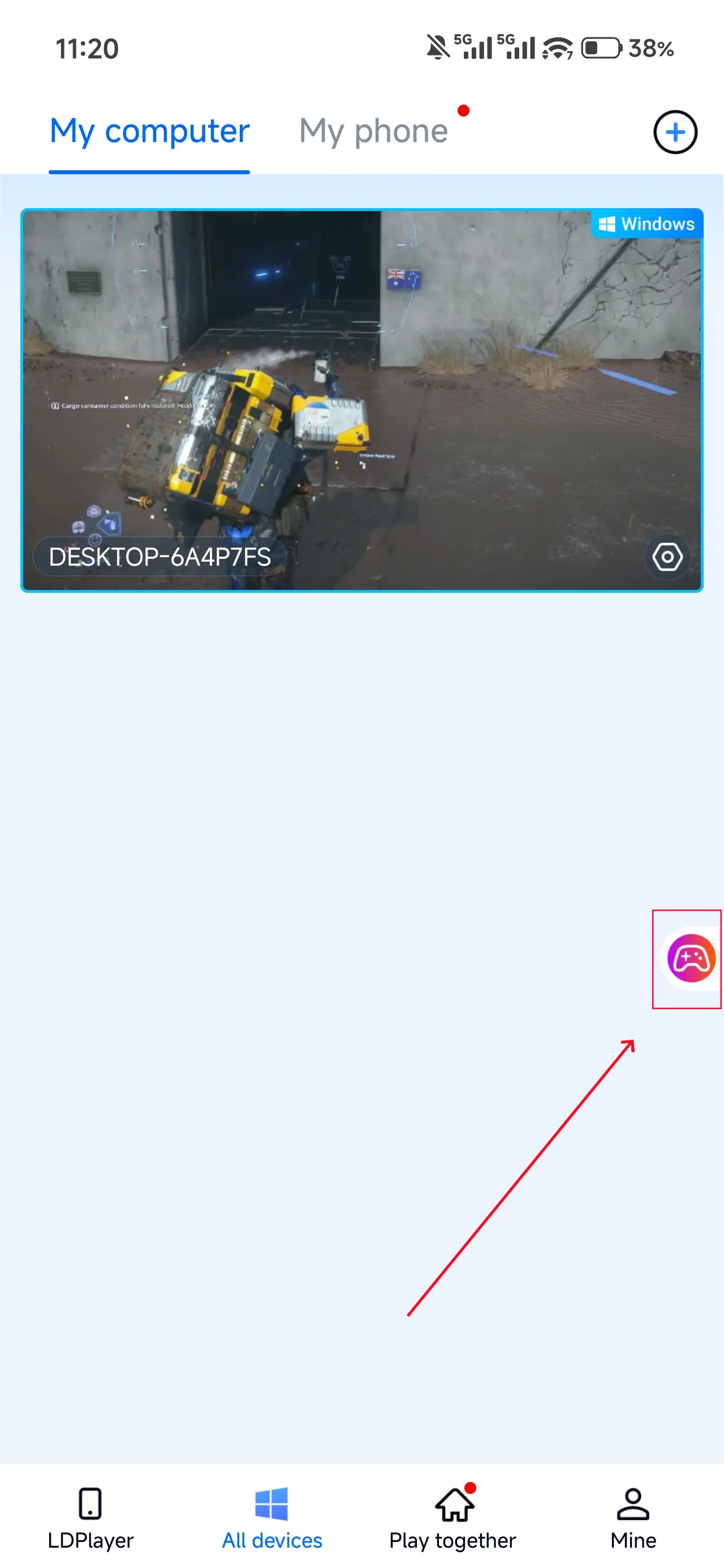
2. Control Mode
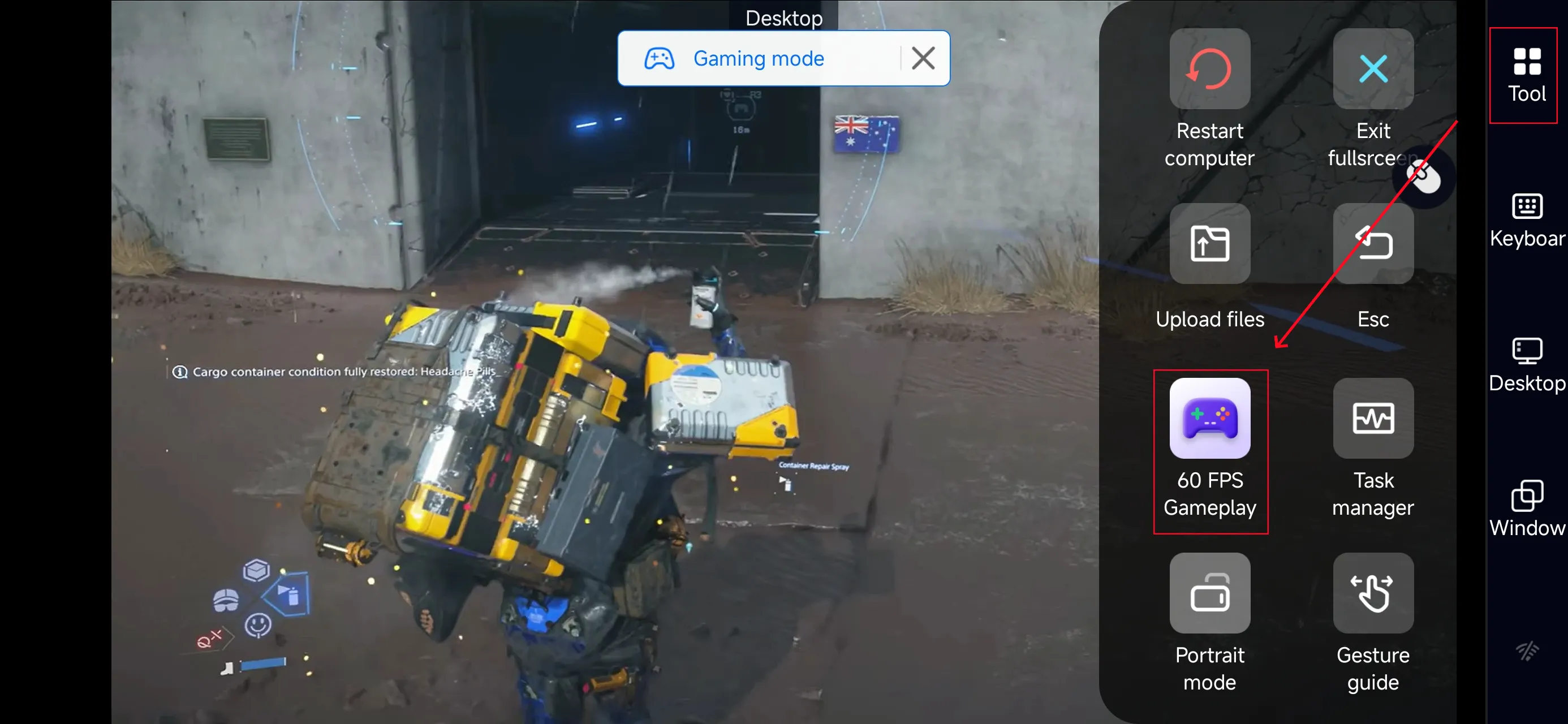
Click the toolbar on the right side of the mobile app, enter "60 FPS Gameplay," and choose key mode or link a controller based on your gaming preferences.
3. Customize key bindings
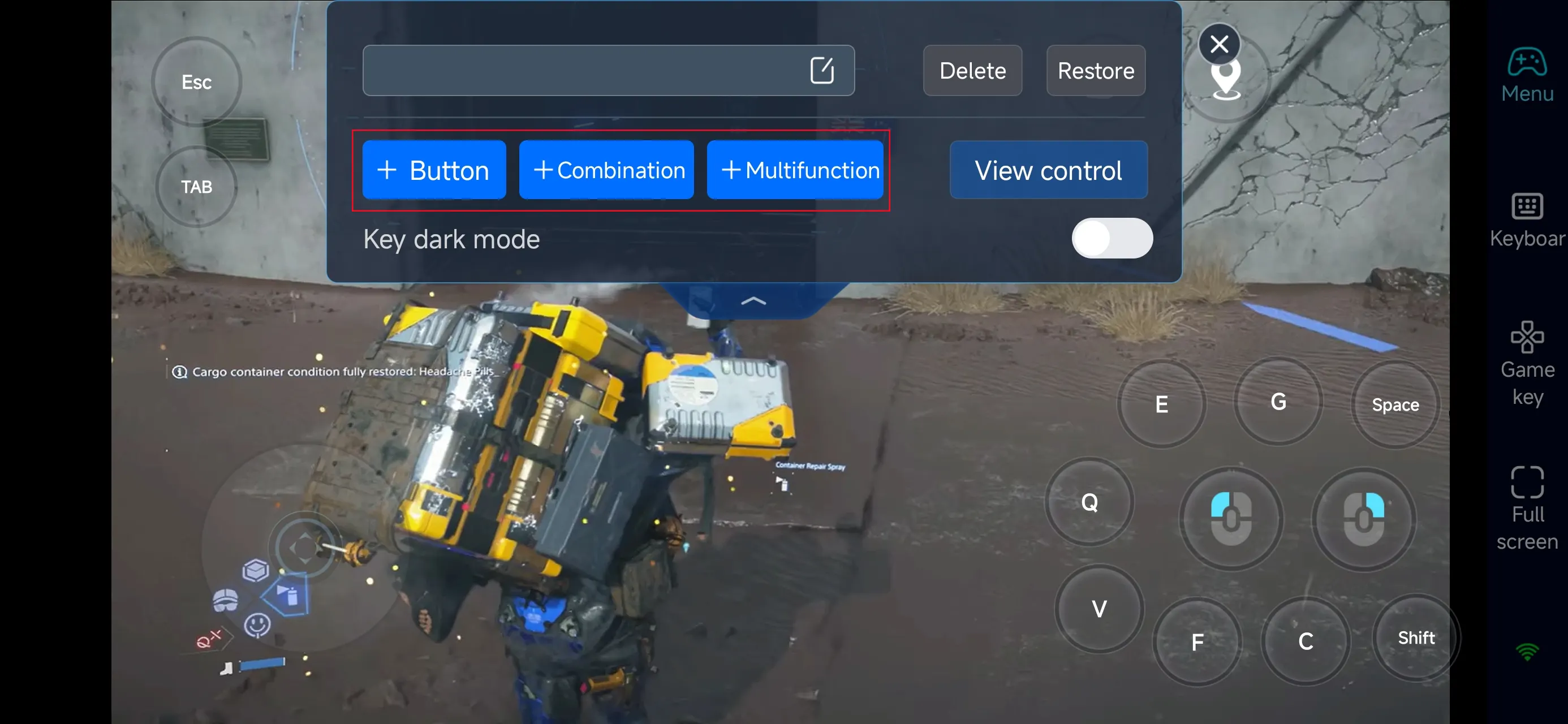
Once in PC mode, you can customize the on-screen controls. Since the game focuses on traversal, balance management, resource handling, and combat, it’s recommended to adjust movement, balance controls, interaction, equipment usage, and combat buttons to suit your playstyle.
With proper setup, you can smoothly handle long-distance deliveries, rough terrain, and unexpected encounters—even on mobile.
4.Connect external devices
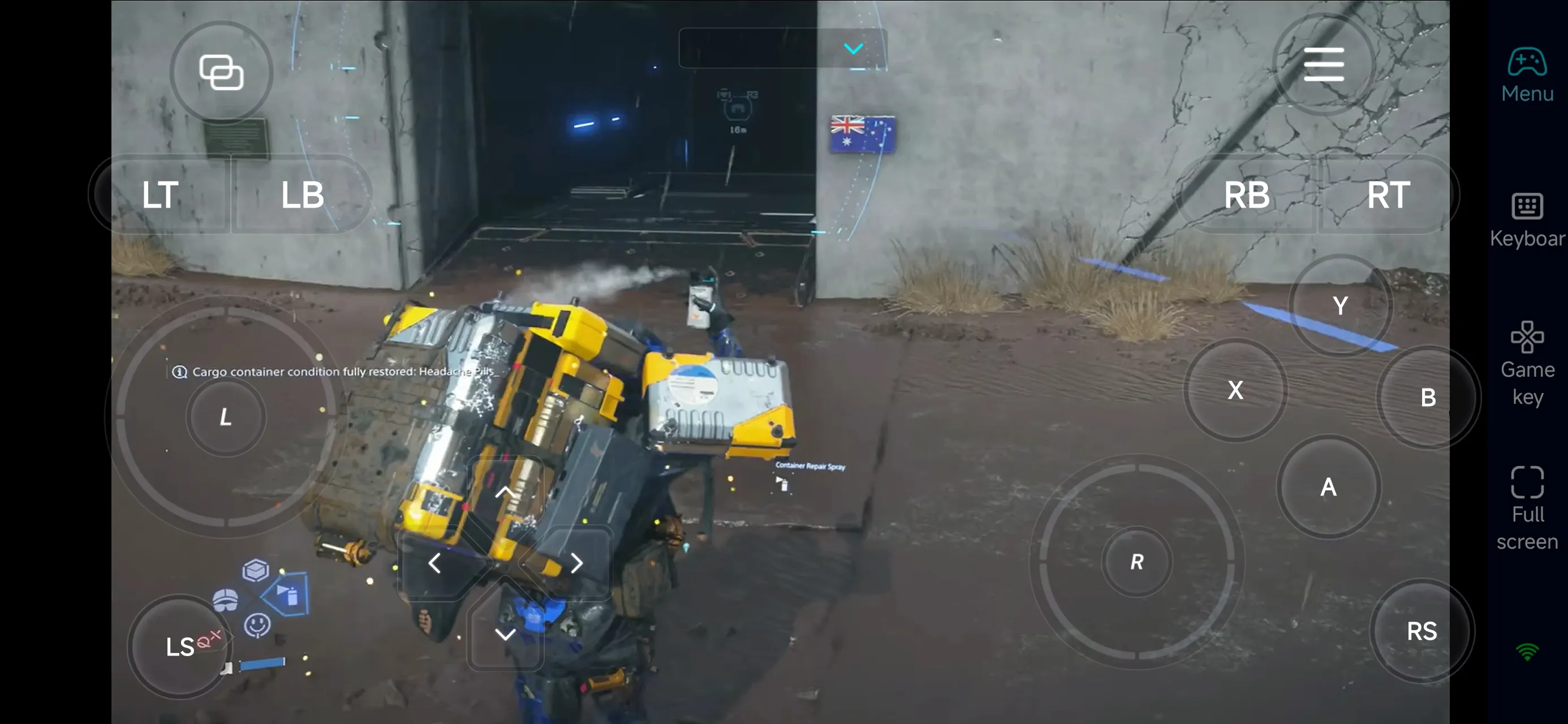
Beyond customizable buttons, OSLink supports a variety of external devices such as Bluetooth controllers and mobile gamepads clipped to your phone. This compatibility frees you from touchscreen limitations and offers a wider range of control options.
Step 3: Continue Your Journey Anytime
Once everything is set up, your phone or tablet becomes a portable way to play DEATH STRANDING 2: ON THE BEACH. Just open OSLink to connect to your PC and continue delivering cargo, exploring new routes, building connections, or dealing with threats—anytime, anywhere.
Why Use OSLink for DEATH STRANDING 2: ON THE BEACH ?
1. Play Anywhere, Anytime
OSLink lets you remotely control the PC version of DEATH STRANDING 2: ON THE BEACH. Whether you're commuting or away from home, you can keep progressing without interruption.
2. Smooth Controls for Traversal and Combat
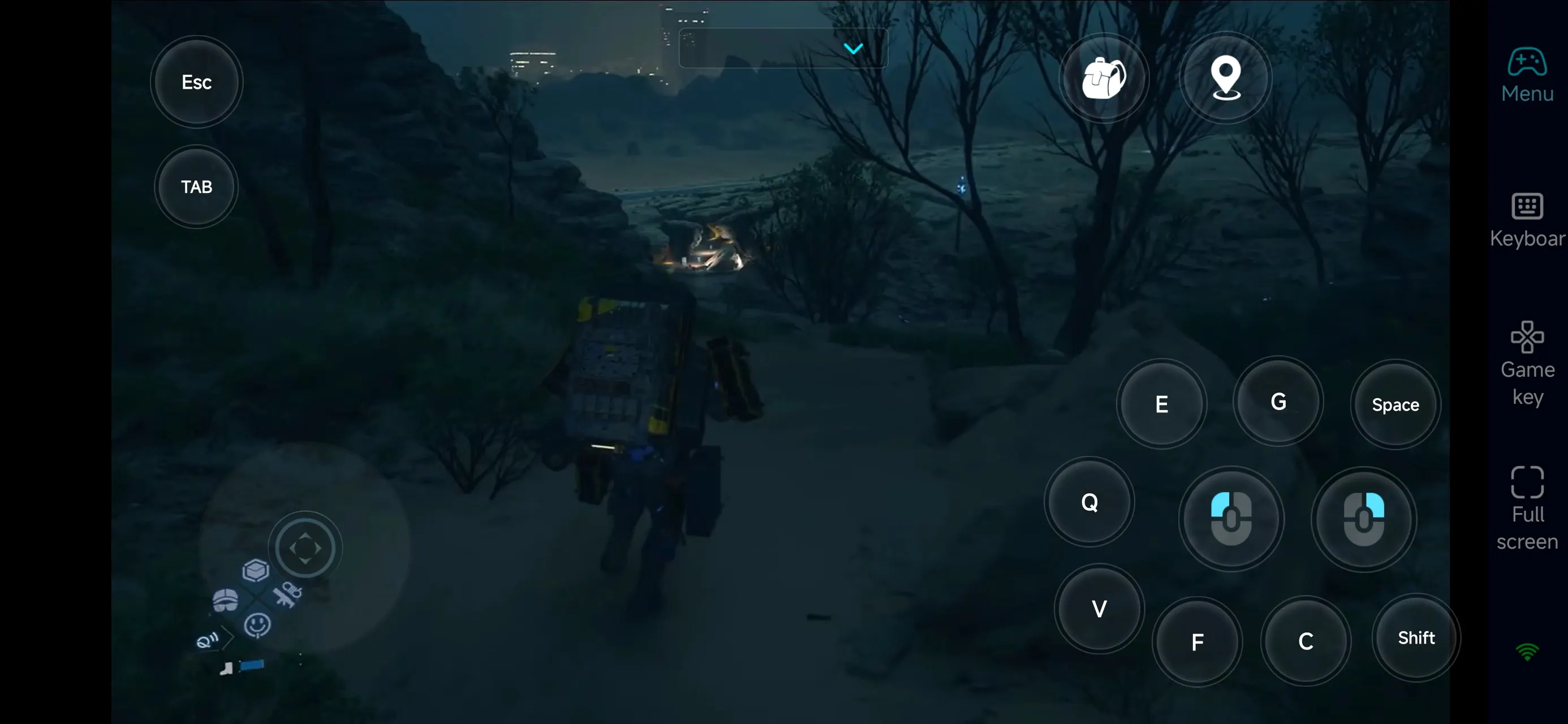
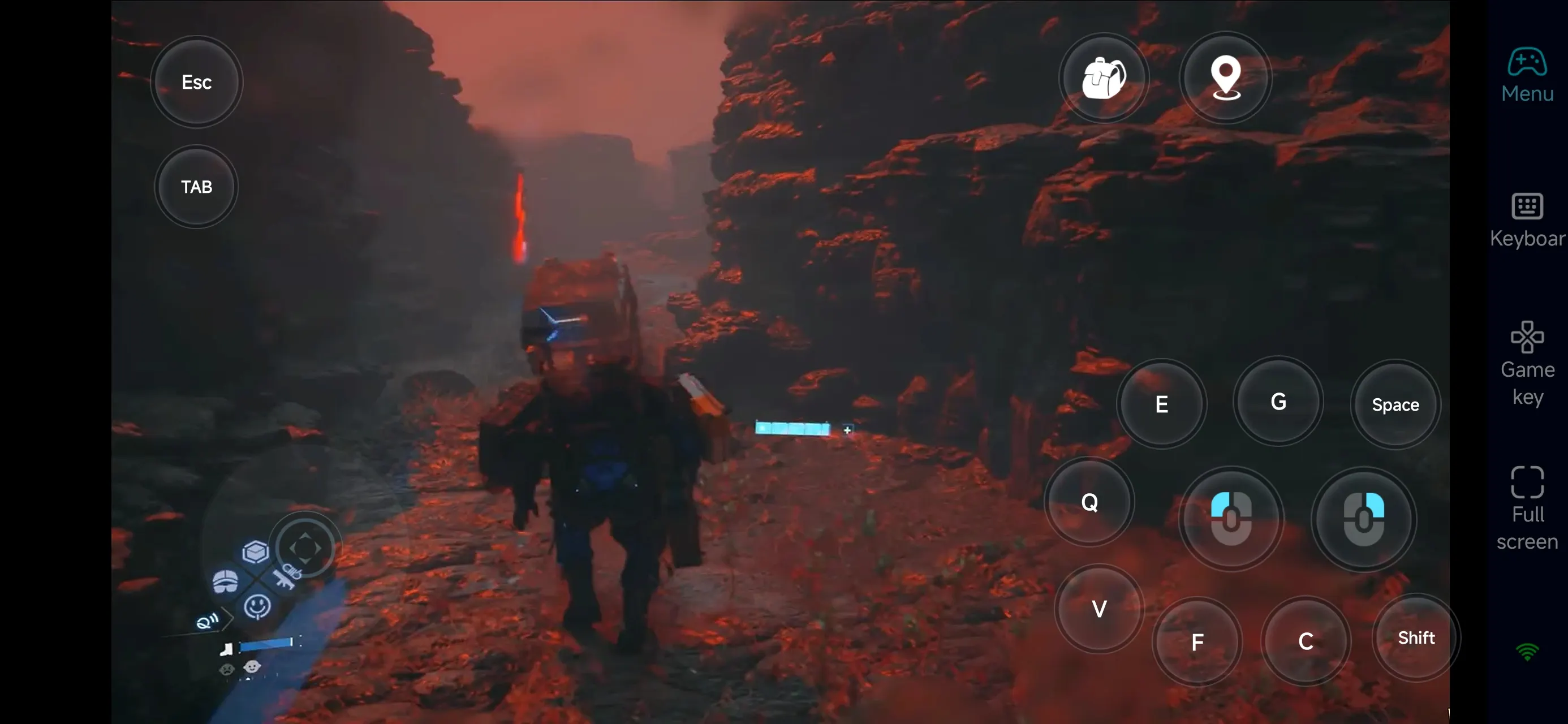
The game emphasizes movement, terrain navigation, and resource management, along with stealth and combat. With OSLink’s customizable controls, you can comfortably handle:
-
Long-distance travel and terrain challenges
-
Cargo balance and equipment management
-
Story interactions and mission progression
-
Combat and emergency encounters
3. Make Use of Short Play Sessions
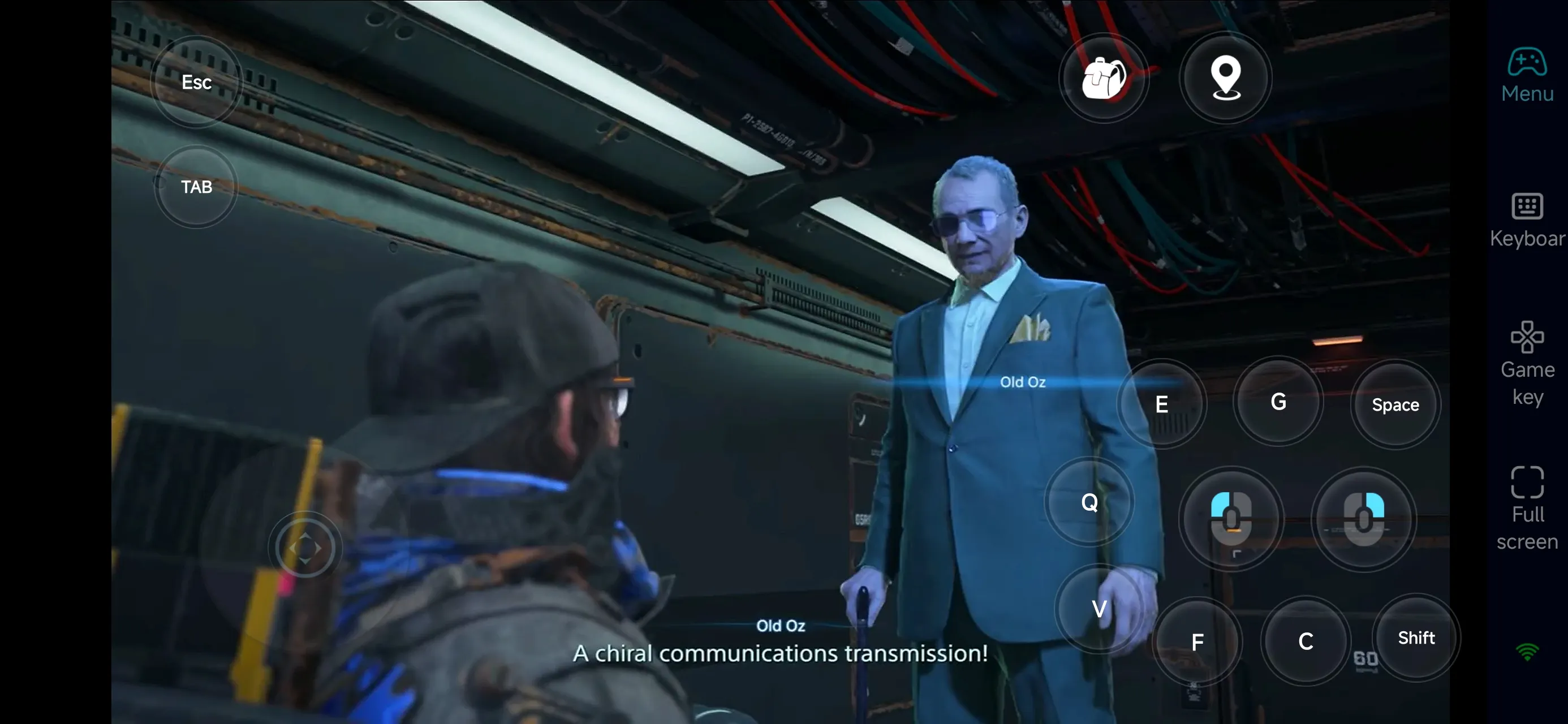
The game often requires steady progression over time. With OSLink, you can use short sessions to:
-
Complete deliveries and side missions
-
Explore new areas
-
Manage gear and loadouts
-
Plan your next route
This helps you stay efficient and focus on key moments when you're back on PC.
FAQ
Q: When was DEATH STRANDING 2: ON THE BEACH released?
A: The game launched on PC on March 19, 2026.
Q: What are the PC requirements?
A: Minimum specs include:
-
OS: Windows 10/11 (Version 1909 or newer)
-
CPU: Intel Core i3-10100 / AMD Ryzen 3 3100
-
RAM: 16 GB
-
GPU: GTX 1660 / RX 5500 XT 8GB
-
Storage: 150 GB (SSD required)
Q: Can I play DEATH STRANDING 2: ON THE BEACH on Android?
A: There’s no official Android version, but you can use OSLink to remotely play the PC version on your phone.
Q: Can I play DEATH STRANDING 2: ON THE BEACH on iOS?
A: No official iOS version yet. However, OSLink allows you to stream and control the game on iOS devices.
Conclusion
With OSLink, your phone or tablet becomes an extension of your DEATH STRANDING 2: ON THE BEACH experience. After a simple setup, you can continue deliveries, explore new areas, and progress the story anytime. No matter where you are, your journey never has to stop.
 Download